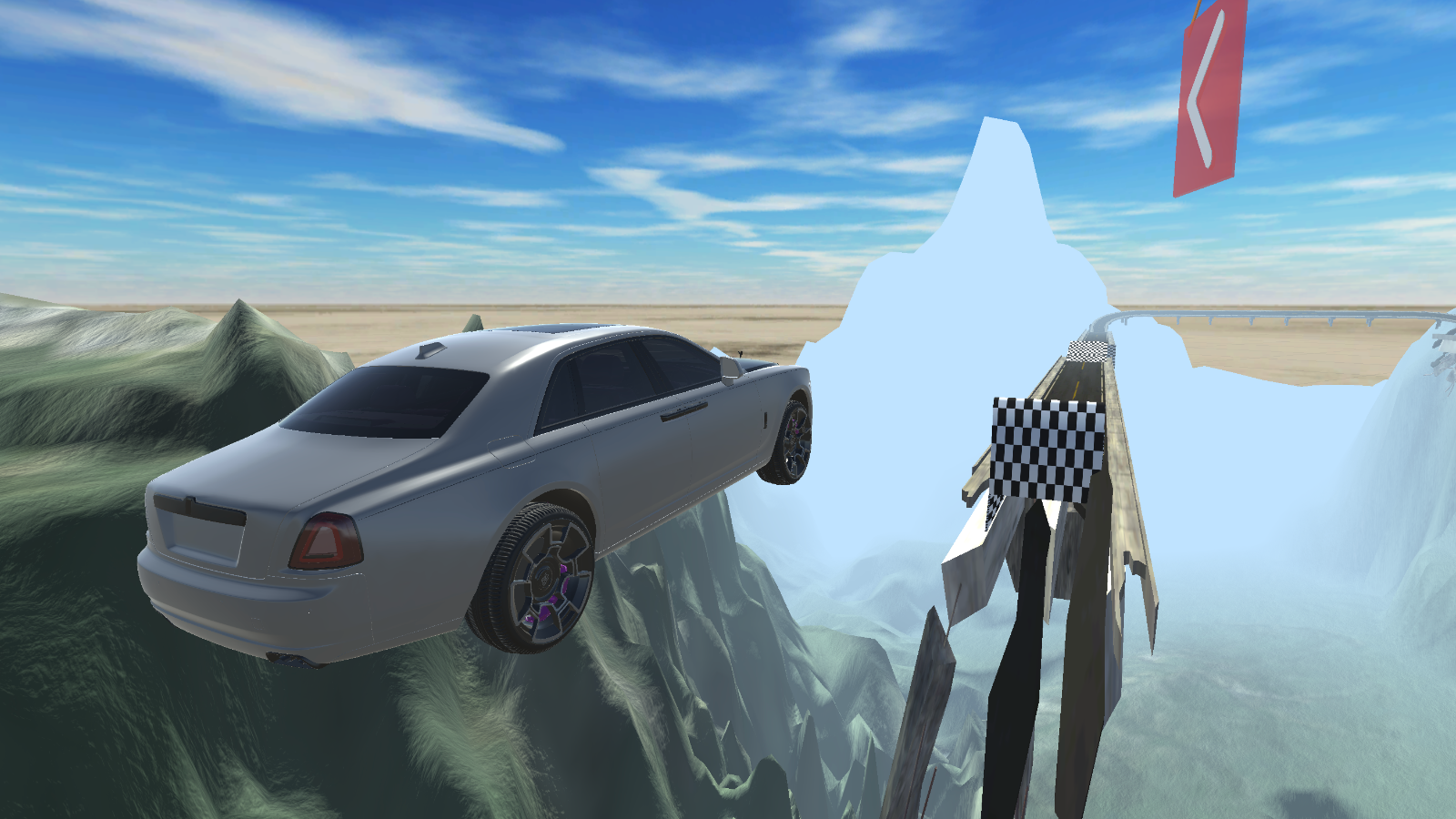
About game
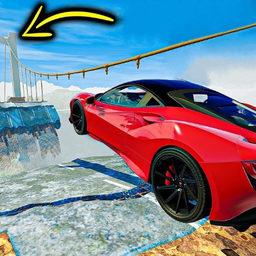
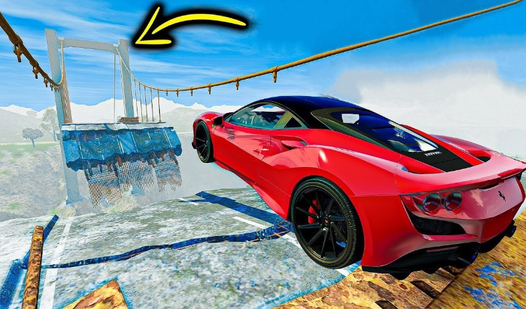
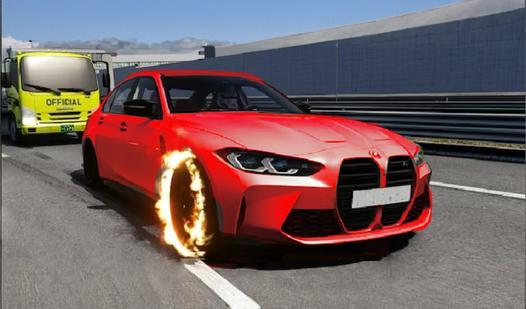
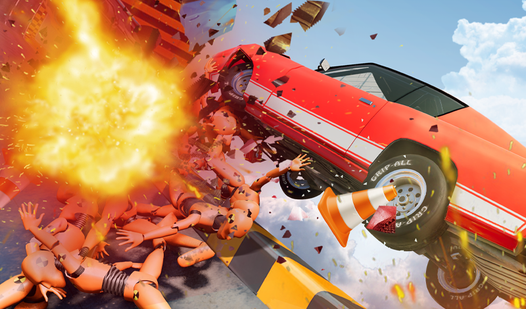
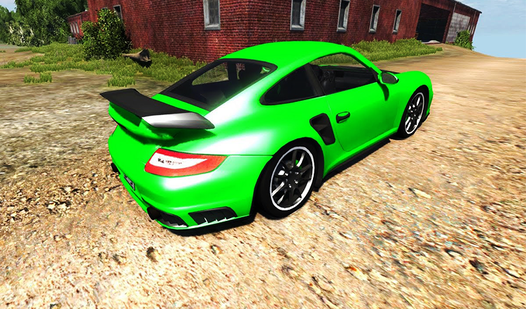
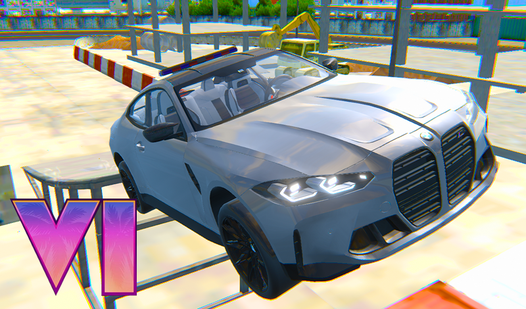
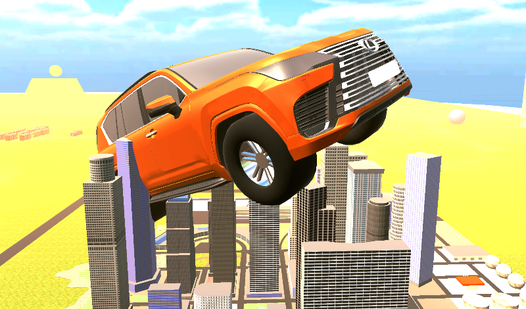
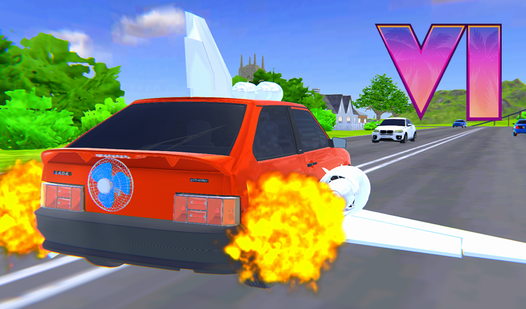
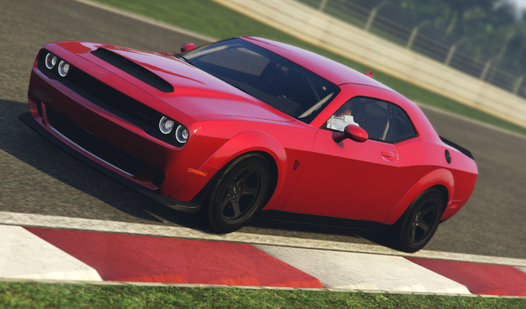
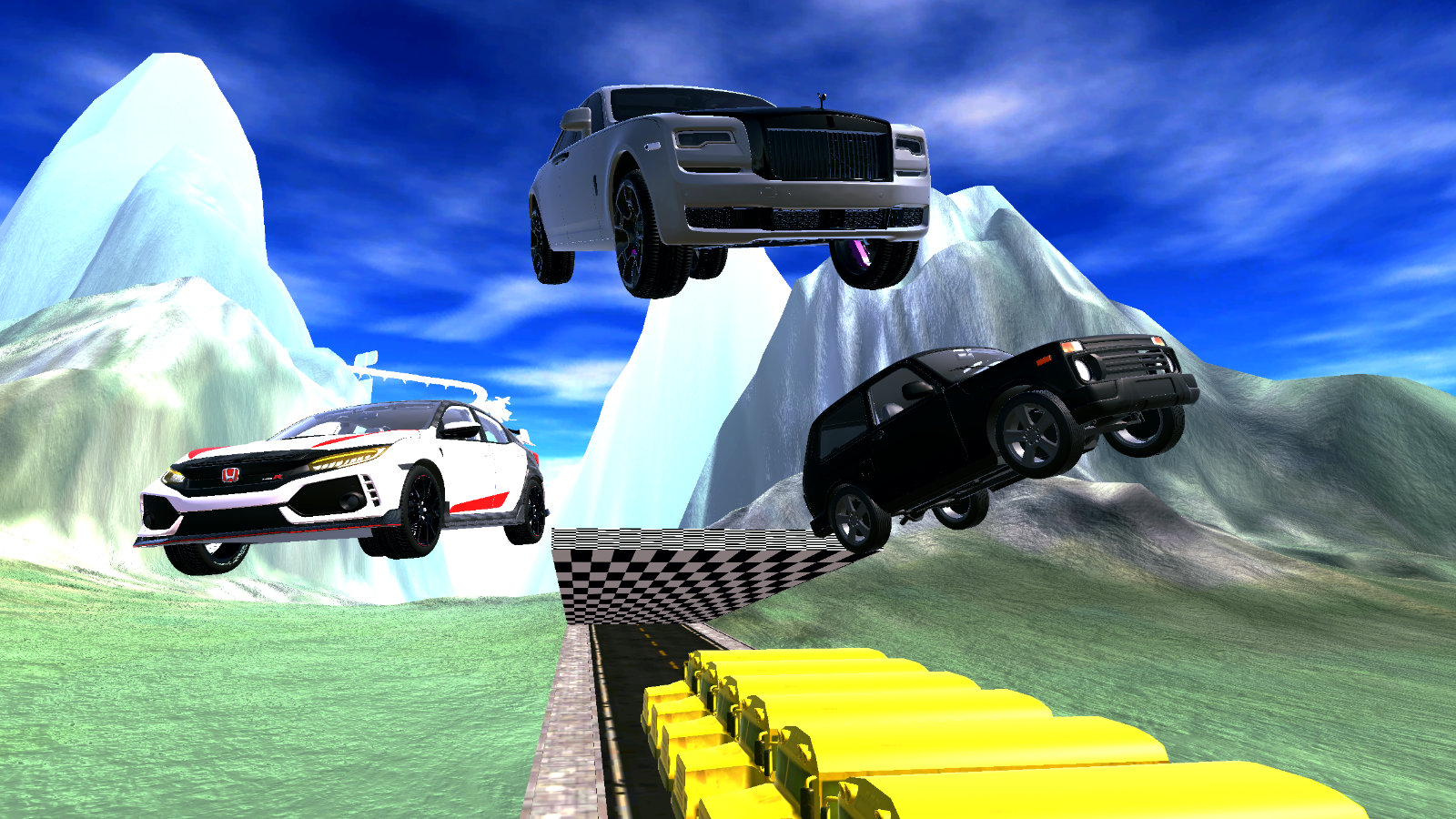
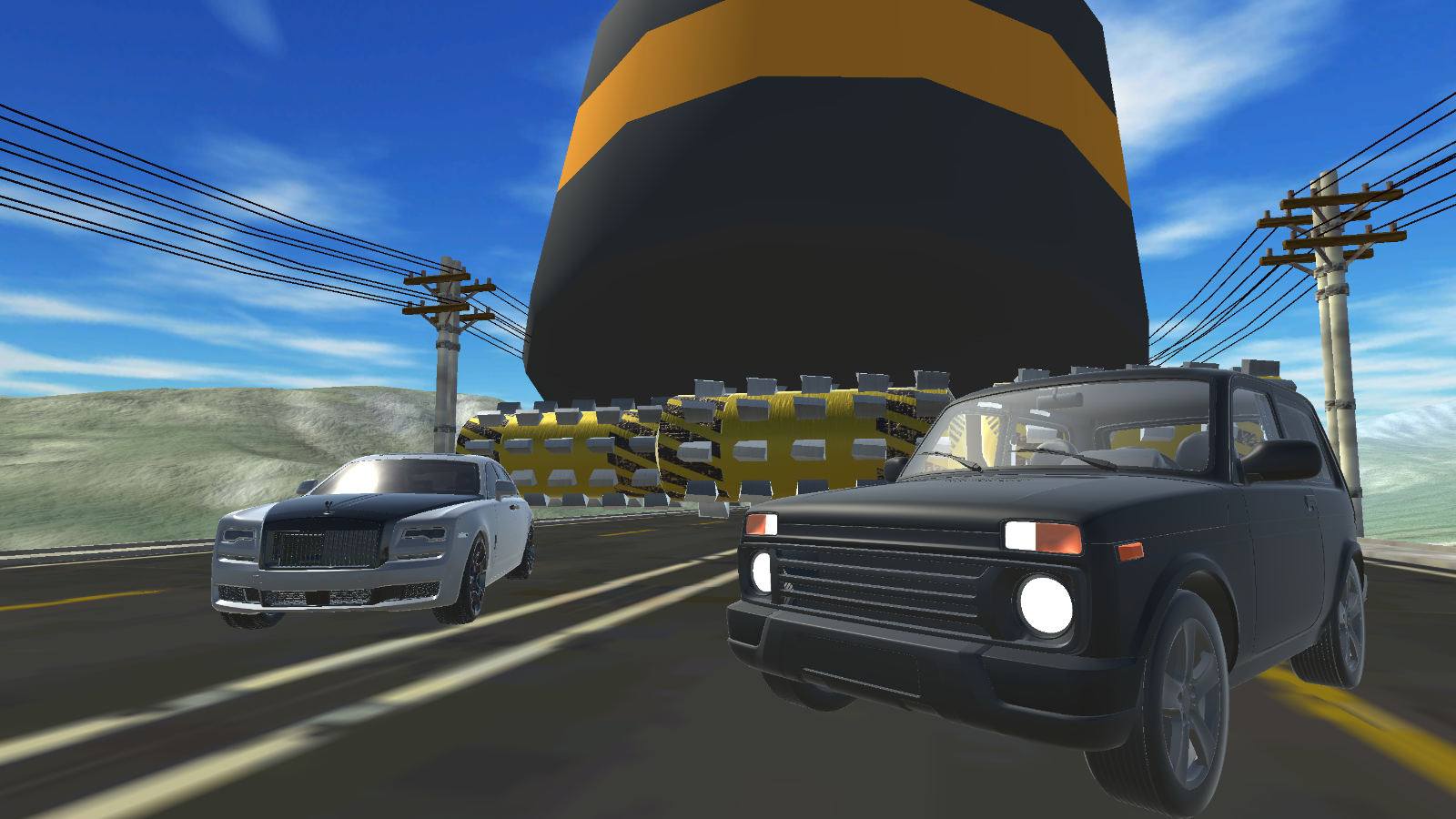
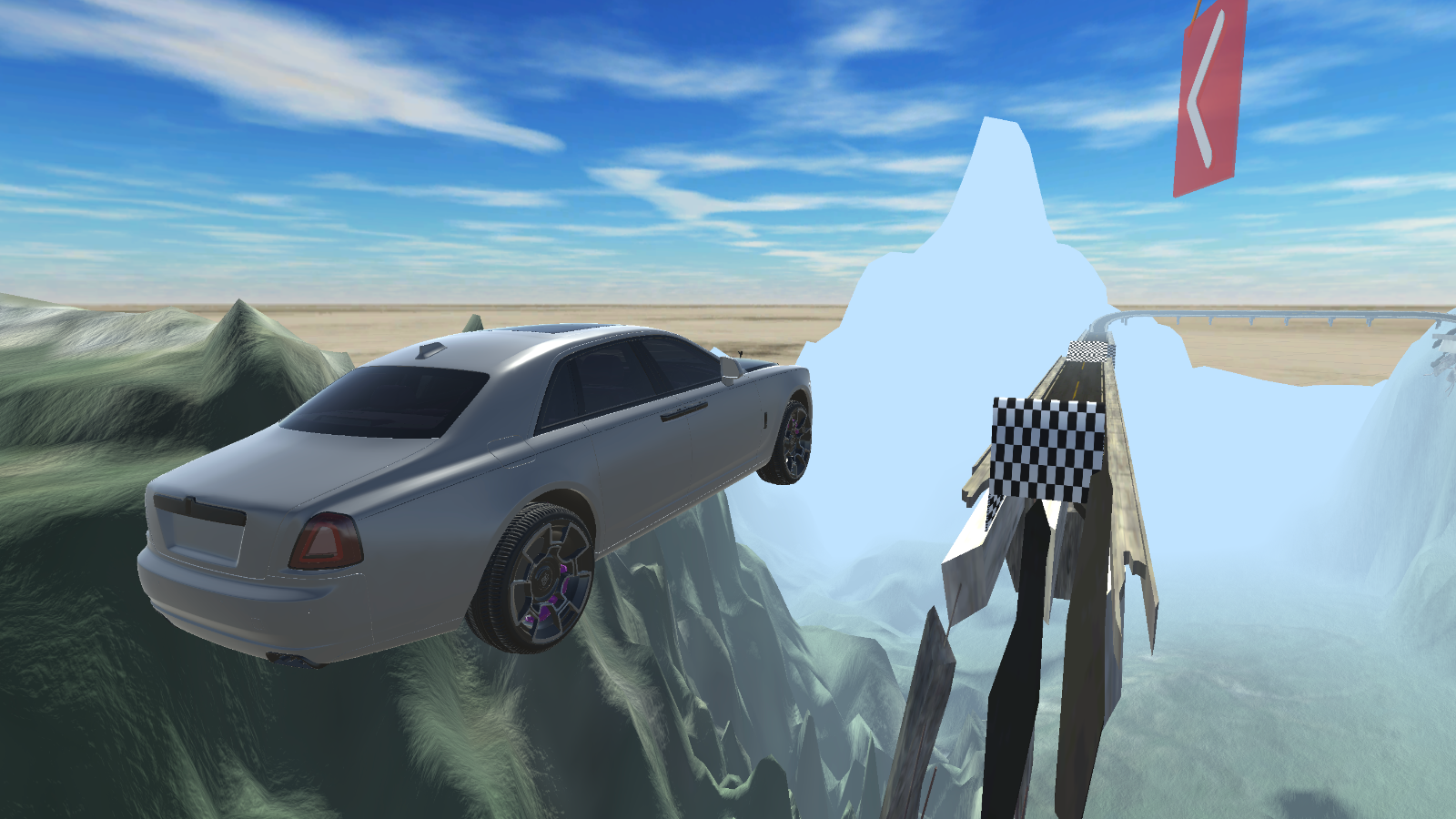
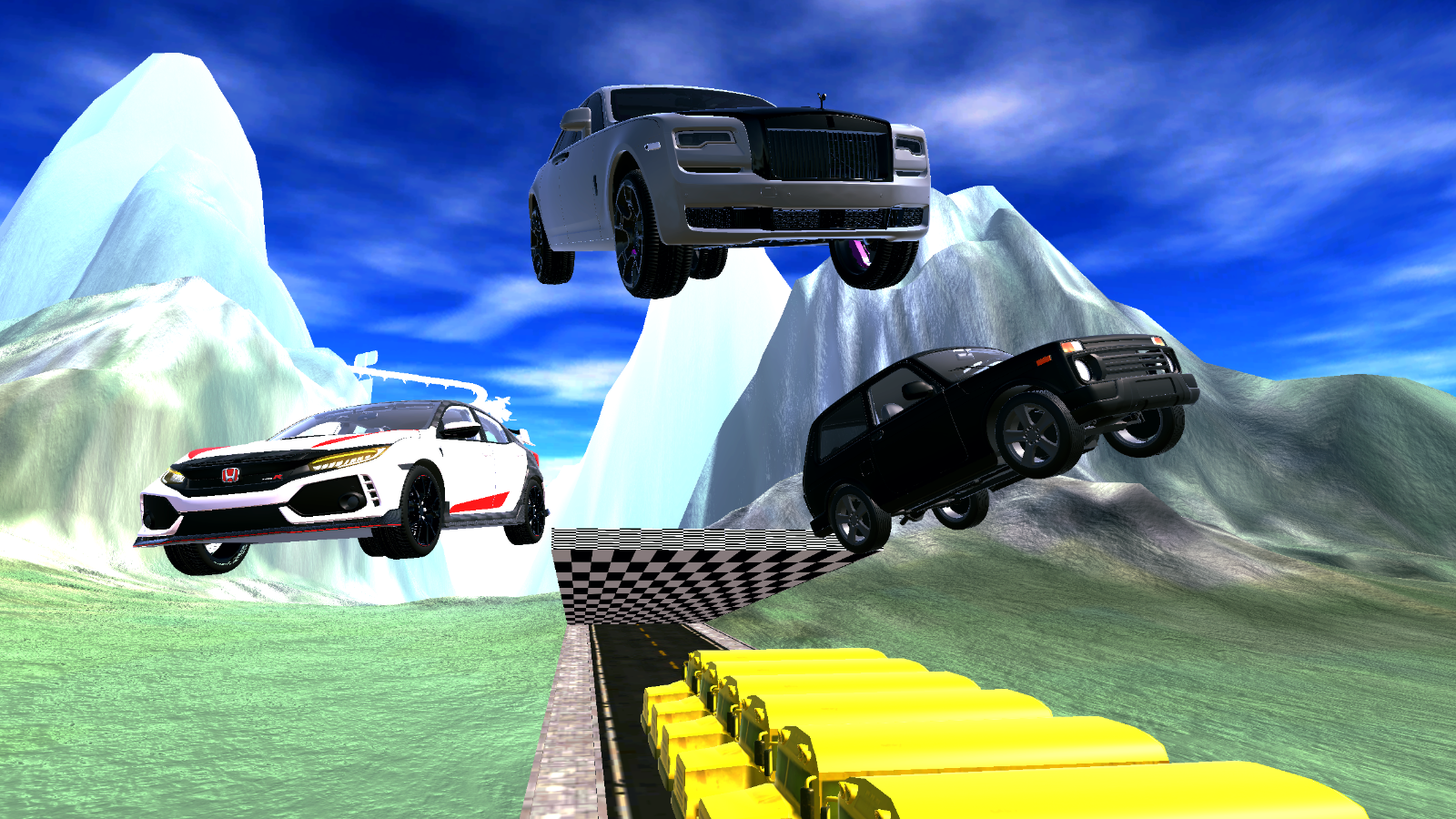
Adrenaline junkies who live for high-stakes stunts will find their new obsession in BoomNG Drive: Risky Jump. This simulation captures the thrill of extreme vehicle testing as you launch cars off massive ramps to see how much damage they can handle. You must carefully pick up speed before hitting the edge to maximize your distance and airtime. Once in the air, the physics engine takes over, creating spectacular car crash moments that feel incredibly realistic. Mastering the trajectory requires precise steering and knowing exactly when to deploy the brakes. The progression system allows you to unlock everything from basic off-roaders to high-end luxury vehicles, each with unique handling characteristics. With five distinct game modes to explore, you will never run out of ways to push your suspension to the absolute limit. You can play BoomNG Drive: Risky Jump for free right now in your browser without any downloads or registration required.
How to play
Control (Computer 💻):
- AWDS - Driving.
- Space - Handbrake.
- Pressed left mouse button
- Camera control.
- Mouse wheel - Zoom in \ Zoom out the camera.
- Pause icon - Game menu.
- Camera icon - Change camera view.
Control (Mobile device
📱 - Game interface.
Features
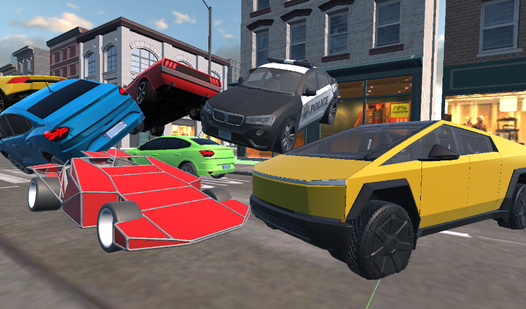
- Extreme Physics: The engine simulates realistic vehicle deformation and suspension stress upon impact.
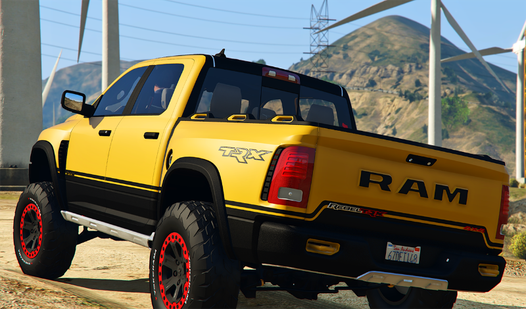
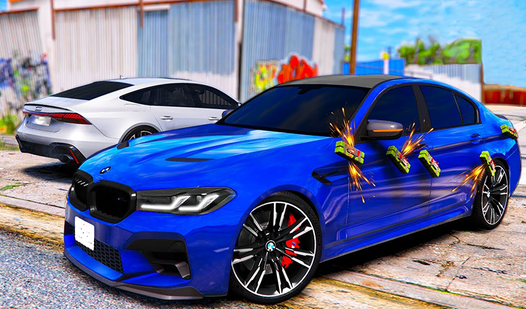
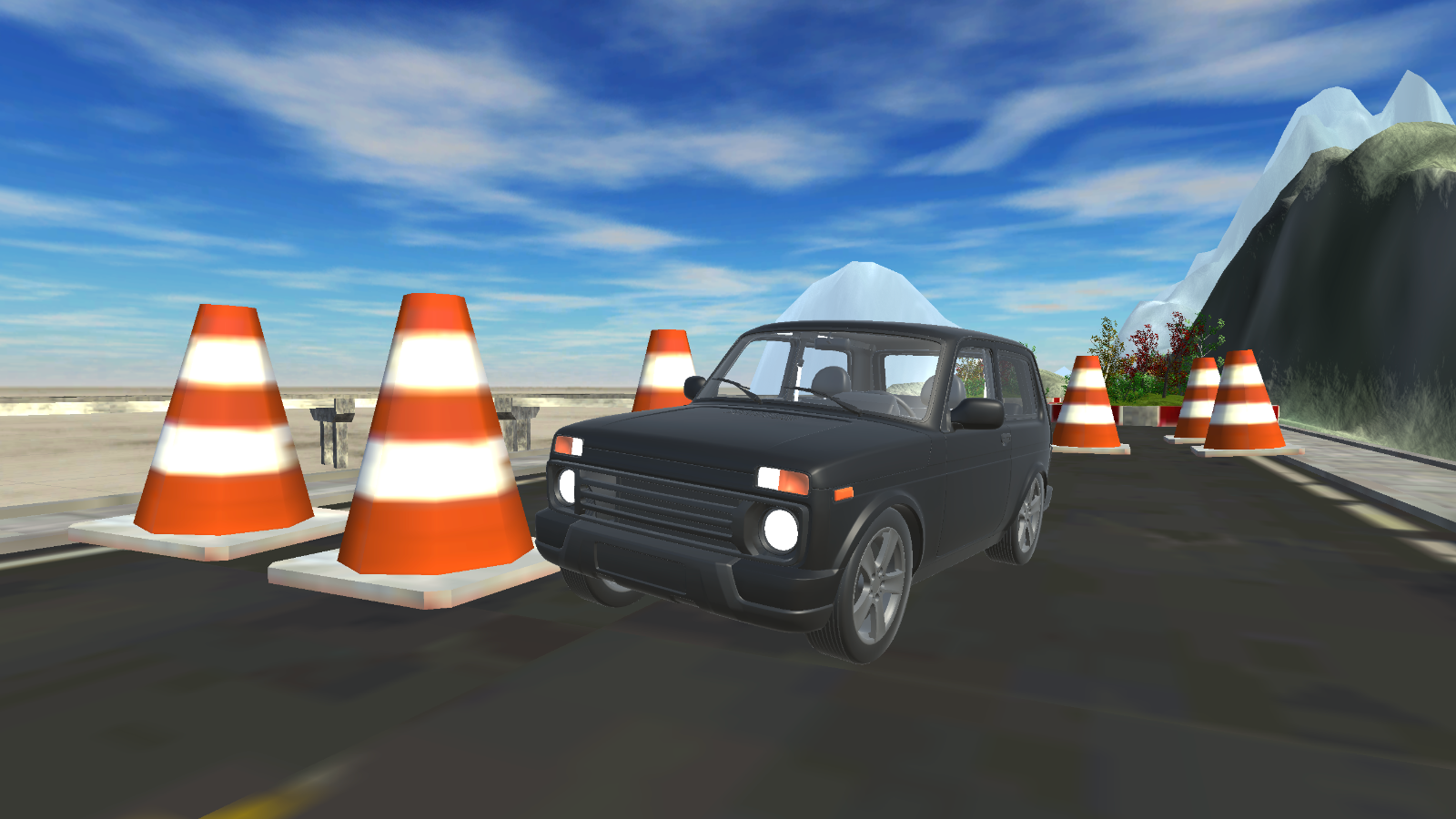
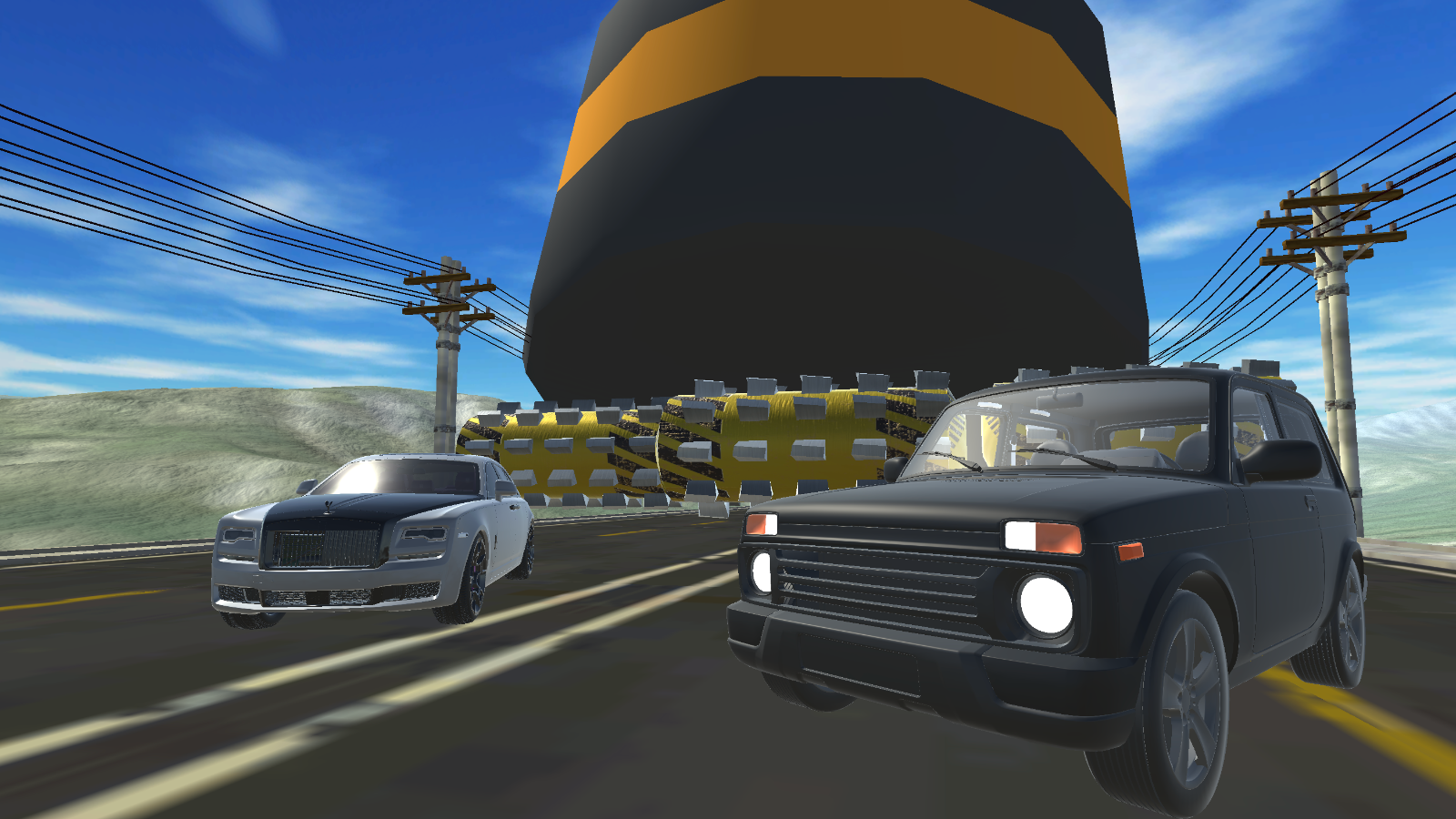
- Diverse Garage: Players can choose from a wide variety of vehicles including classic off-roaders and high-performance sport cars.
- Dynamic Camera: Use the scroll wheel to adjust your view for a cinematic look at your best jumps.
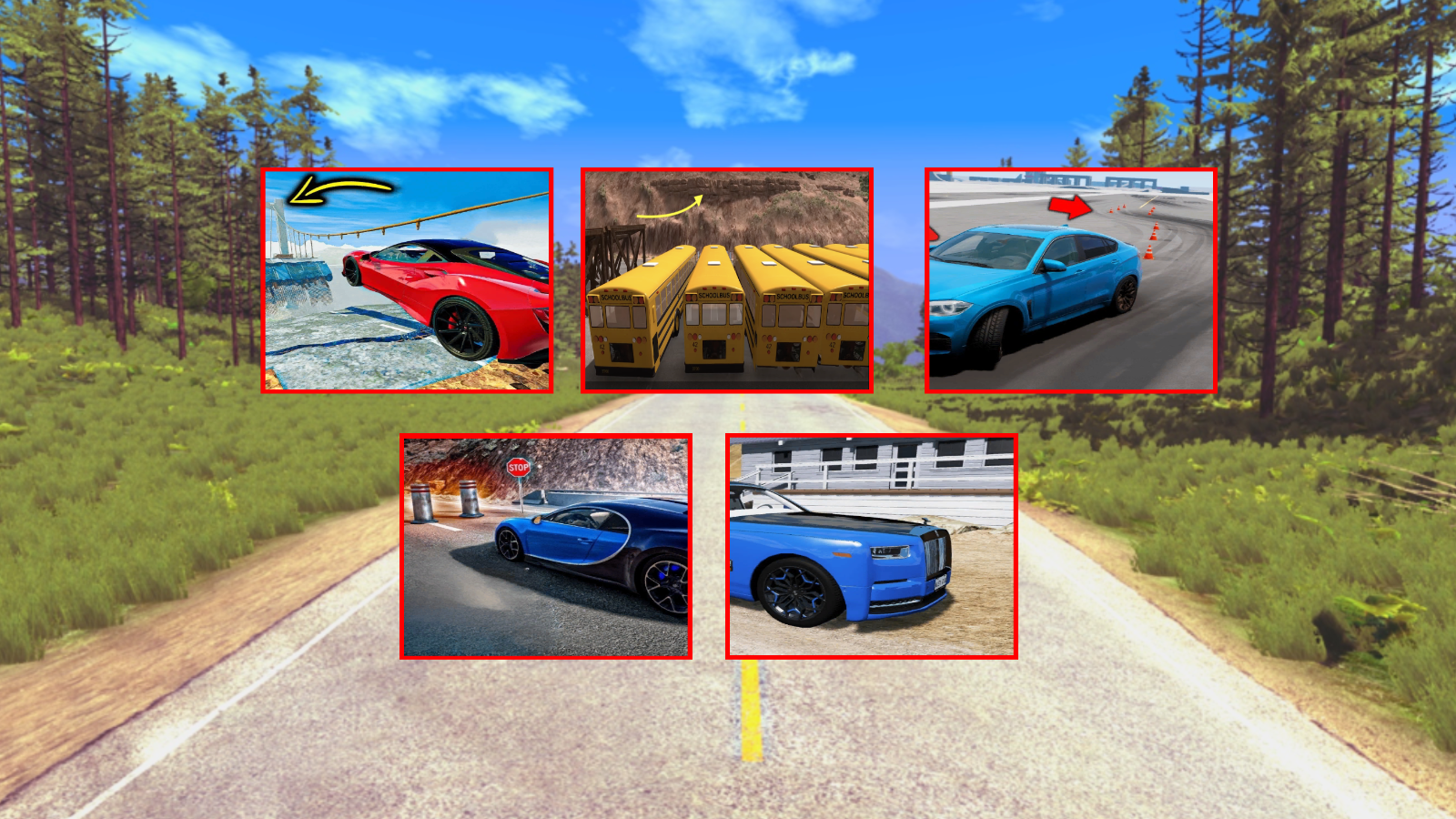
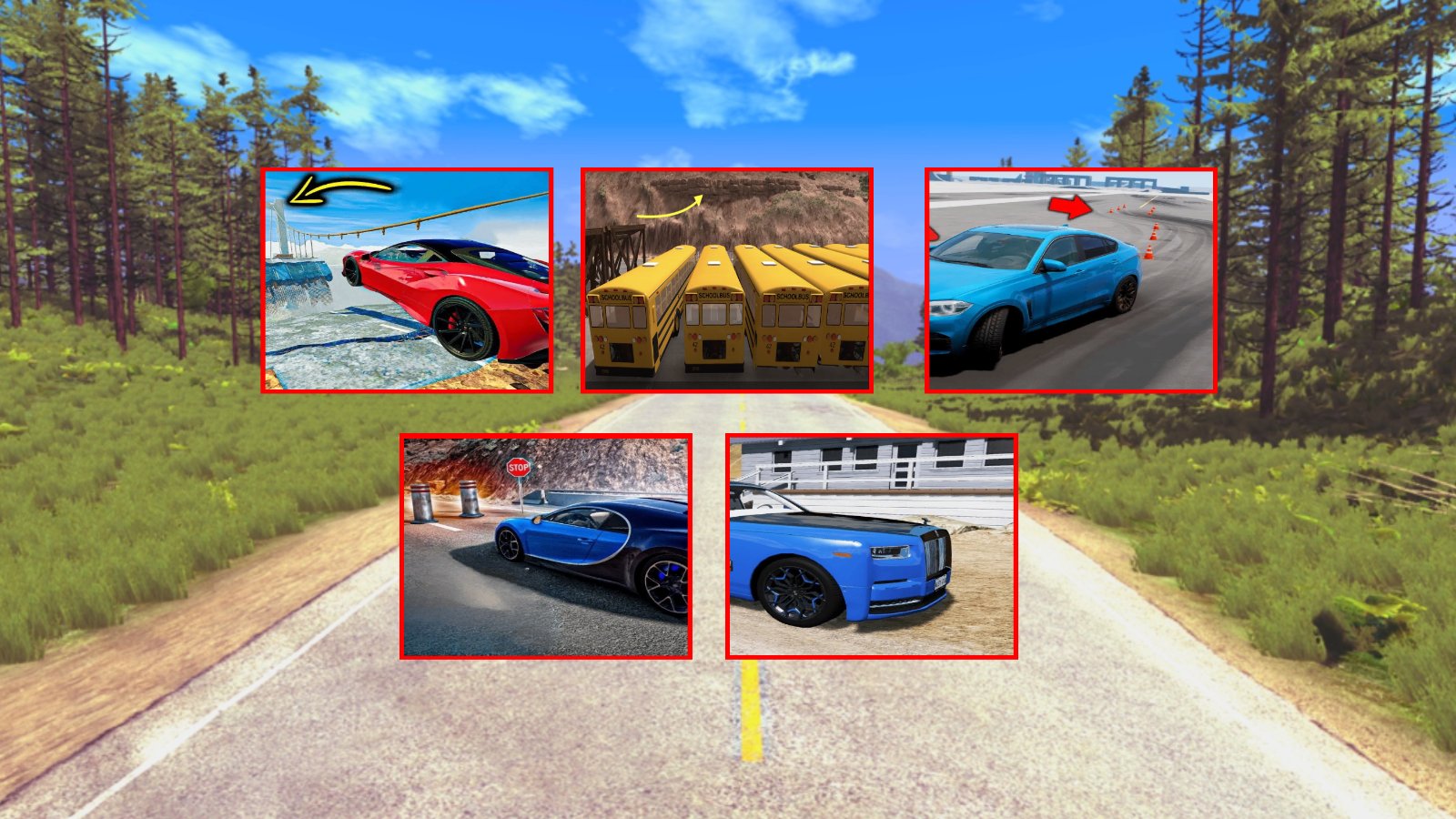
- Five Unique Modes: Test your skills across different environments and specialized challenge sets.
- Handbrake Mechanics: Use the spacebar to drift or align your car perfectly before hitting the launch ramp.
Who is it for
Car simulation fans and stunt drivers who crave high-quality physics destruction will love testing their skills here. It appeals to gamers who enjoy arcade-style driving challenges mixed with realistic crash mechanics and those looking for a quick, high-octane session without needing to install complex software.
Controls
Drive
Use WASD keys on PC or the on-screen interface on mobile devices.
Handbrake
Press the Space bar to engage the handbrake.
Camera Look
Hold the left mouse button and move mouse or swipe on mobile screen.
Zoom
Use the mouse wheel to zoom in or out of the action.
Change View
Tap the camera icon on the game interface.
FAQ
Is BoomNG Drive: Risky Jump available for free?
›
Yes, you can access the full version of BoomNG Drive: Risky Jump directly in your web browser without paying any fees.
Do I need to install anything to play BoomNG Drive: Risky Jump?
›
No, BoomNG Drive: Risky Jump runs entirely in your browser so you do not need to download or install any files.
Can I change the camera angle in BoomNG Drive: Risky Jump?
›
Absolutely, you can use the camera icon on the screen or your mouse wheel to adjust the view while playing BoomNG Drive: Risky Jump.