About game
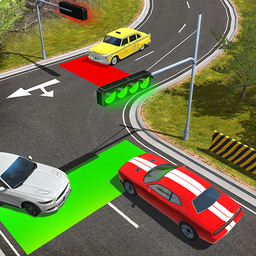
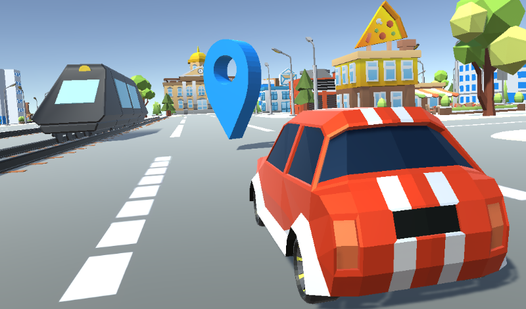
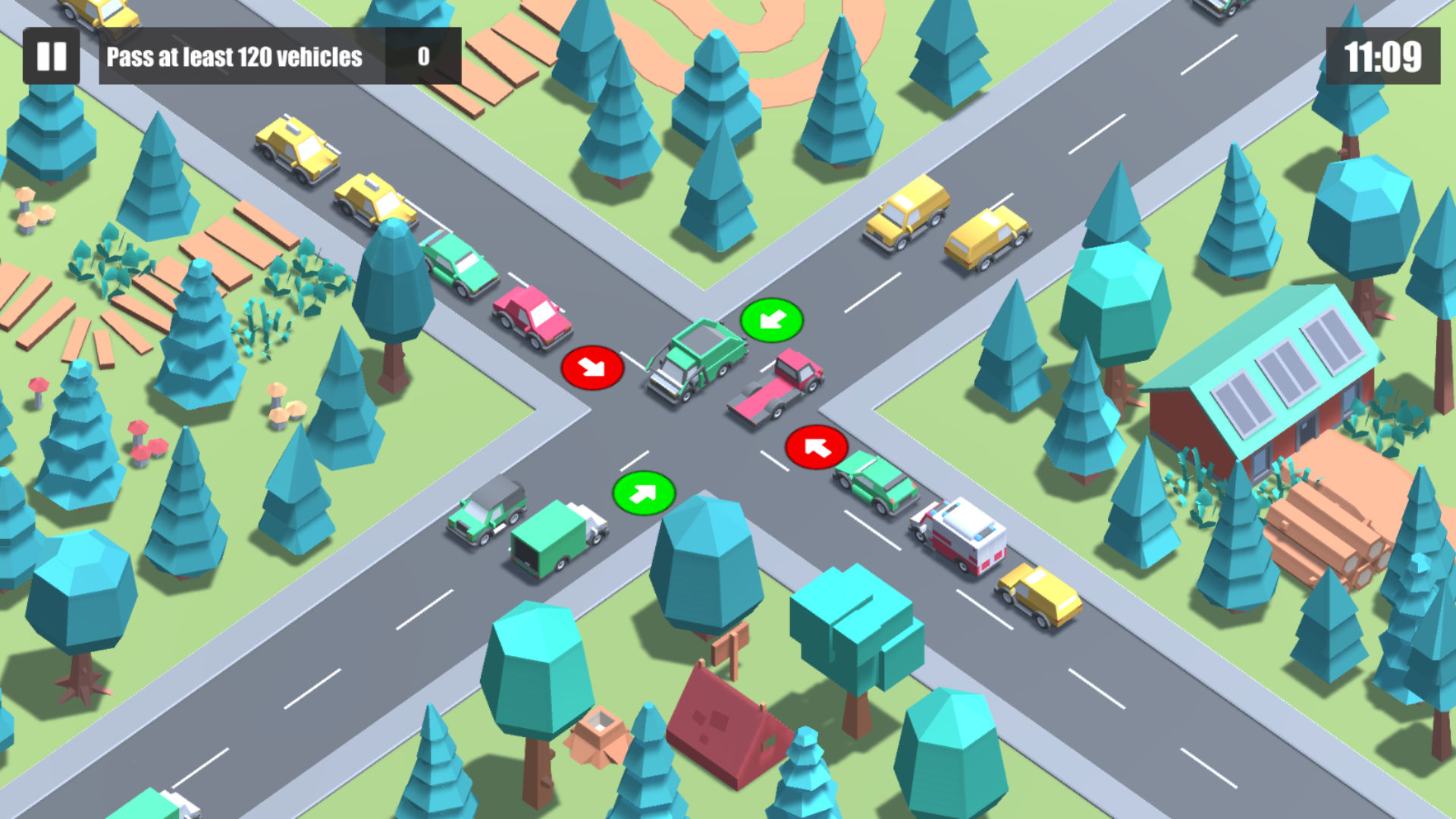
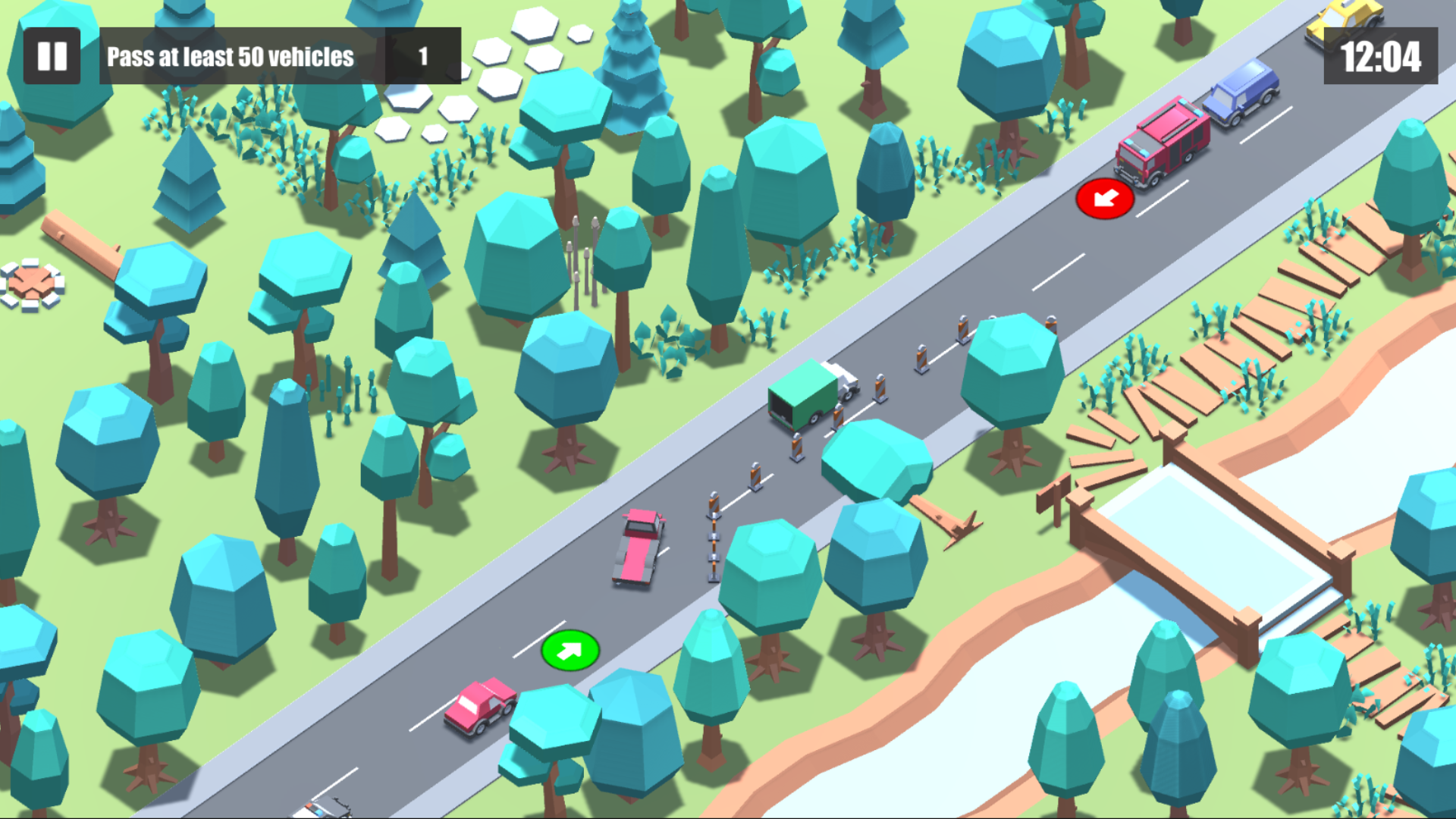
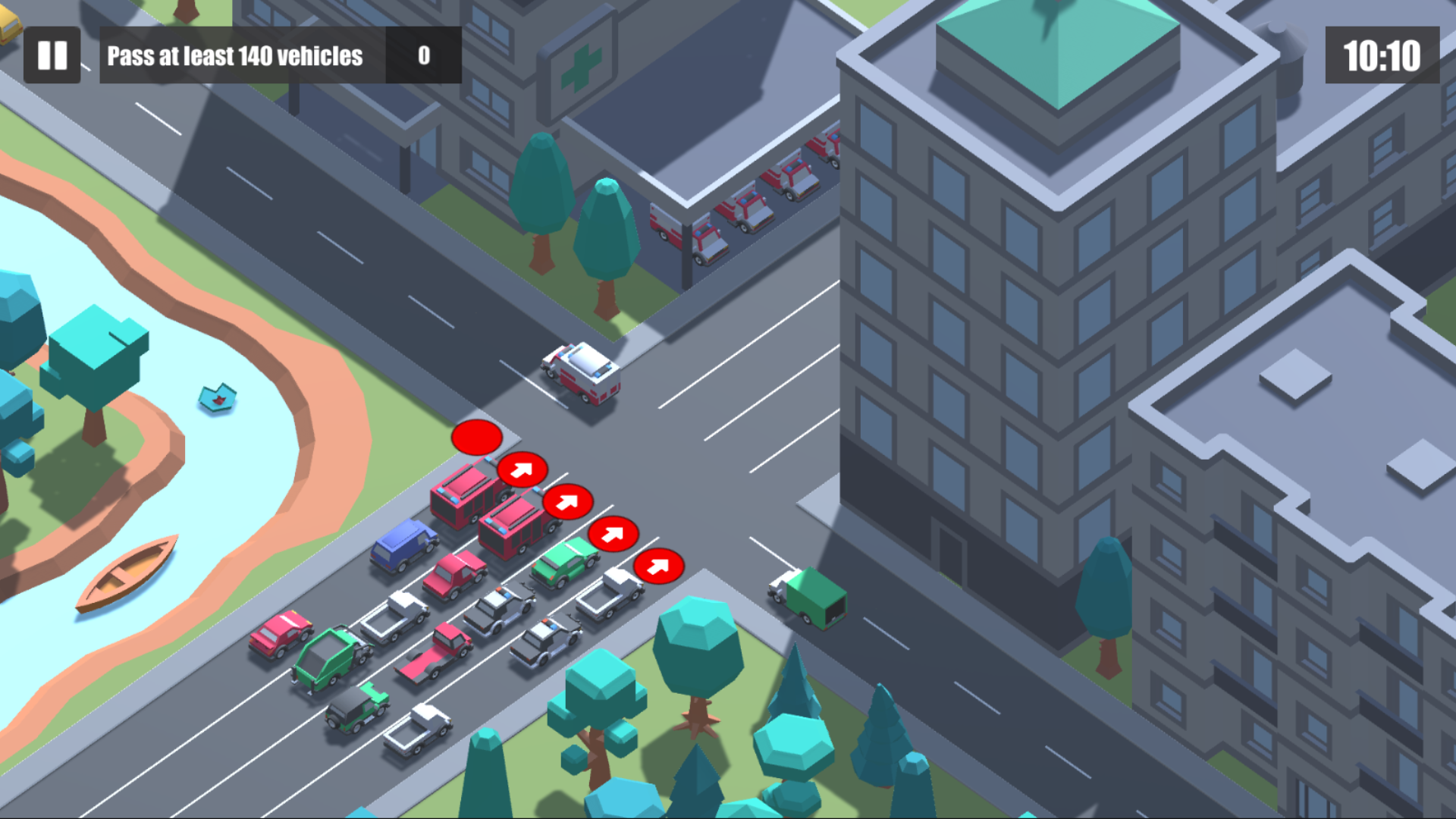
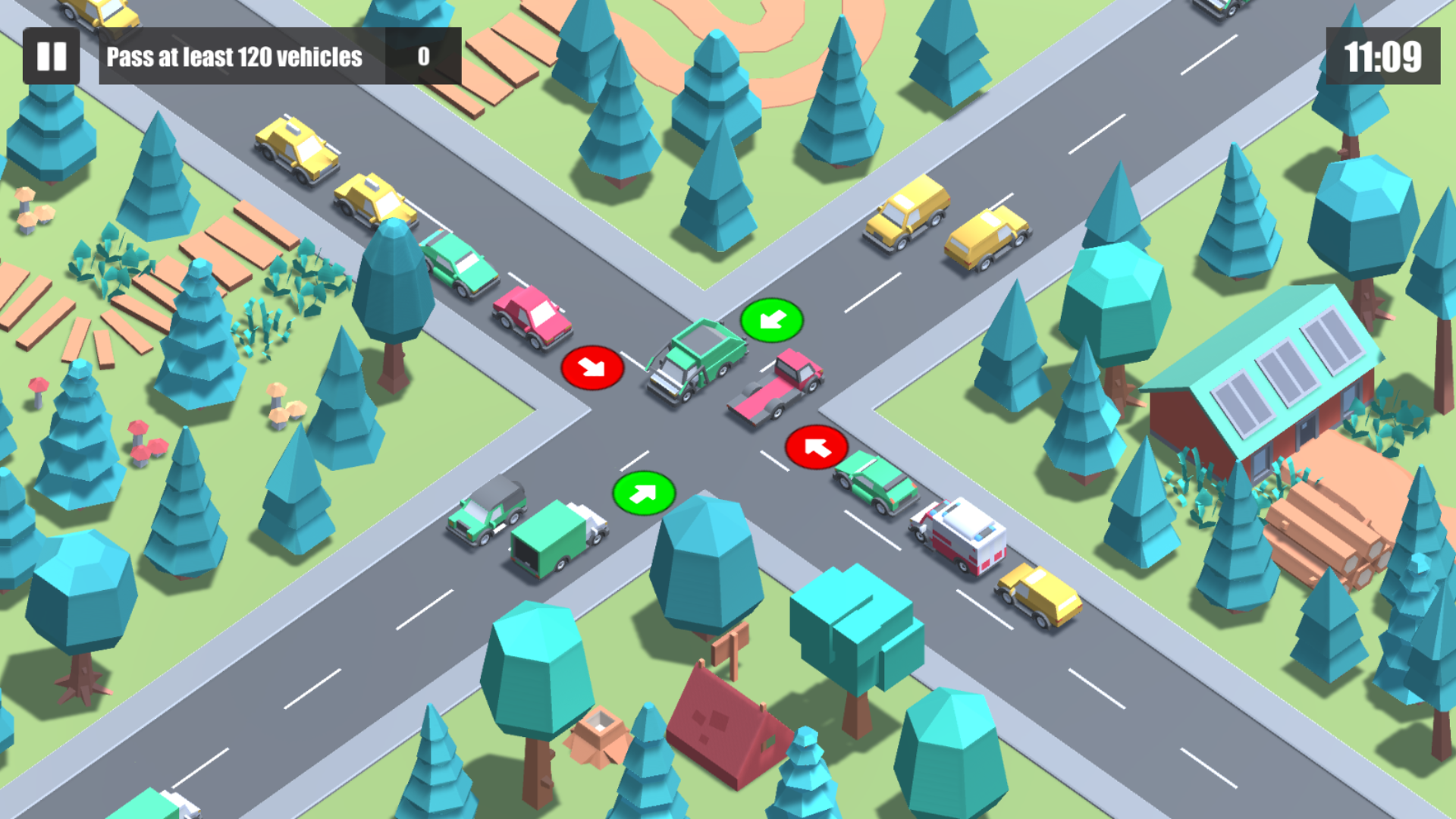
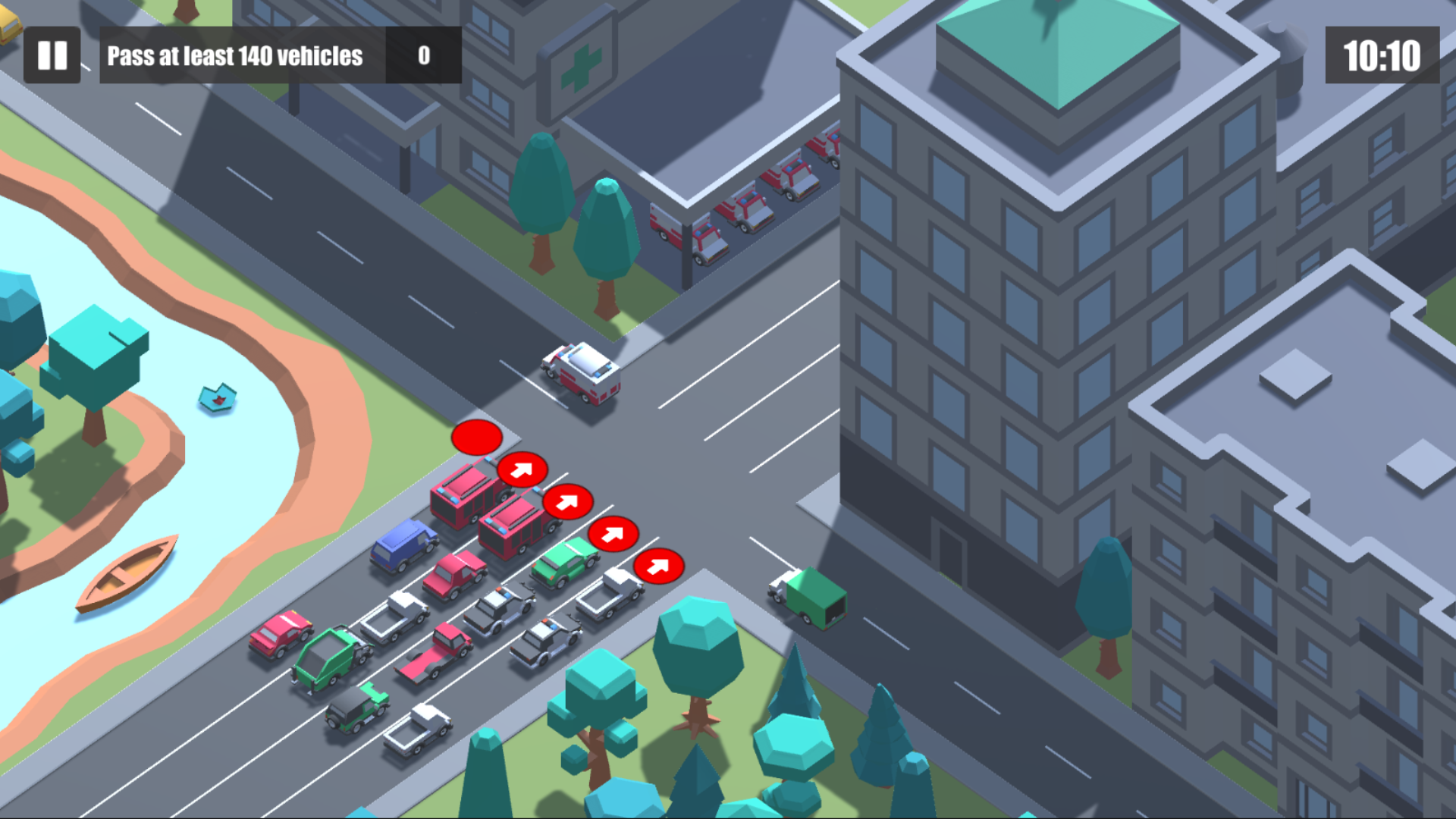
Staring at the clock and waiting for your next break to start can feel like an eternity when you have nothing to do. Solving the chaos of a busy intersection in Traffic Light turns those idle minutes into a high-stakes challenge of reflexes and timing. You take full control as the central traffic authority, manually switching signals to manage the constant flow of vehicles. Each intersection tests your ability to prevent a massive prohka while keeping the flow of a car crash free. If you let the vehicles wait too long, impatient drivers will ignore your signals and trigger a dangerous mess. Successfully managing the dorozhnoe dvizhenie requires a sharp eye and quick decisions to keep everything moving smoothly. Master the rhythm of each crossing to achieve higher scores and prove you are the best at regulating the streets. Play Traffic Light directly in your browser now with no download required to start your shift today.
How to play
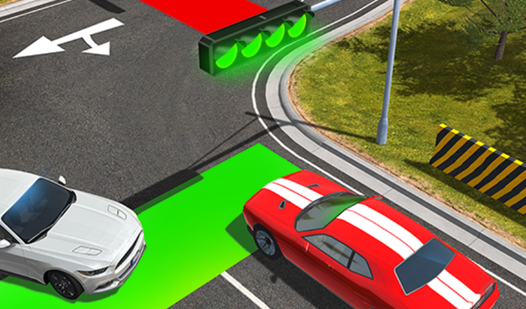
- Tap on the traffic light to switch the light;
- Avoid car collisions;
- Do not keep drivers waiting for a long time, otherwise they will go to a red light.
Features
- Dynamic traffic flow: Vehicles react in real-time to your signal changes and will attempt to bypass obstacles.
- Escalating difficulty: As you progress through new levels the volume of cars increases significantly.
- Impatient driver AI: If the red light stays active for too long cars will force their way through the intersection.
- Responsive touch interface: The game is optimized for both desktop mouse clicks and mobile touchscreen taps.
- Score multiplier system: Successfully clearing waves of traffic without incidents grants bonus points.
Who is it for
Casual players and fans of simulation games who enjoy fast-paced reflex challenges. People who appreciate quick, bite-sized gaming sessions during work or school breaks will find this satisfying. It is also suitable for gamers who enjoy strategic management tasks but want something that does not require a deep time investment.
Controls
Switch signal
Tap the traffic light or click it with your mouse to change the color.
Manage traffic
Swipe or drag to view different sides of the intersection if necessary.
FAQ
How do I stop a car crash in Traffic Light?
›
You must carefully time your clicks to switch the lights before vehicles reach the intersection. Keeping the traffic flow moving prevents cars from colliding with each other.
Why do cars ignore the red light in Traffic Light?
›
Drivers will get frustrated if they wait at a red light for too long. If you do not change the signal promptly they will proceed regardless of the stop sign.
Is it possible to play Traffic Light on my phone?
›
Yes, Traffic Light is fully compatible with mobile browsers. You can play it on your smartphone or tablet using simple touch controls.