About game
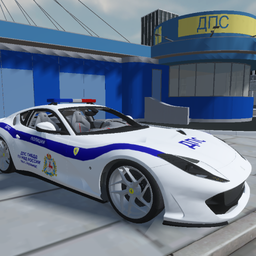
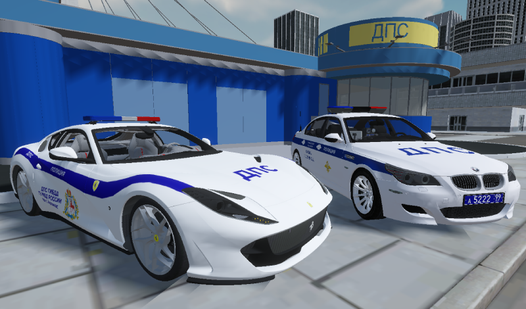
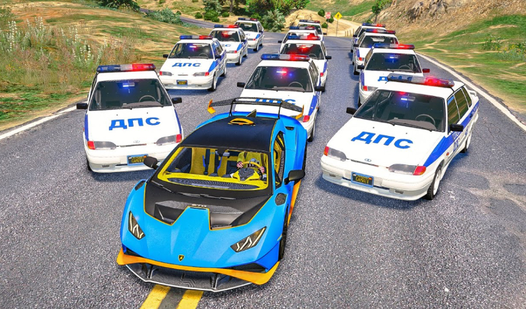
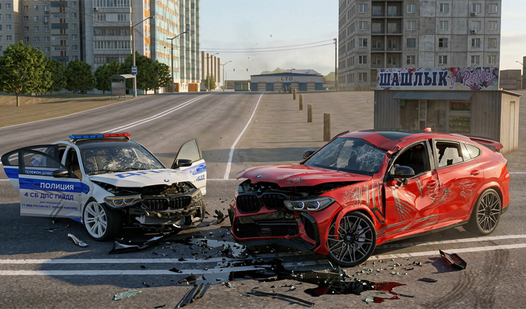
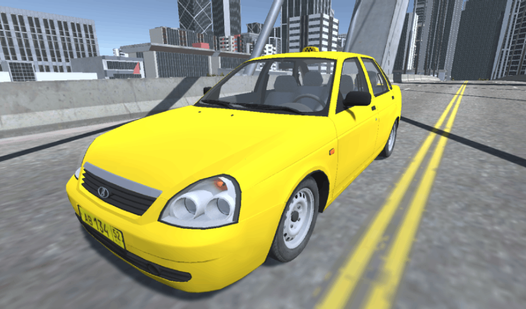
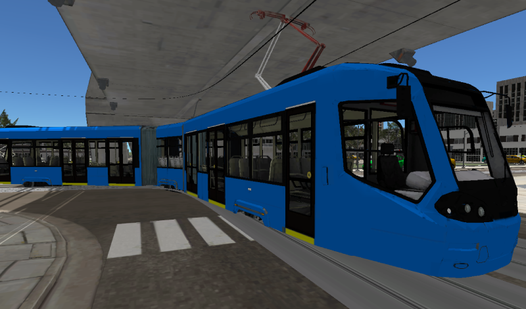
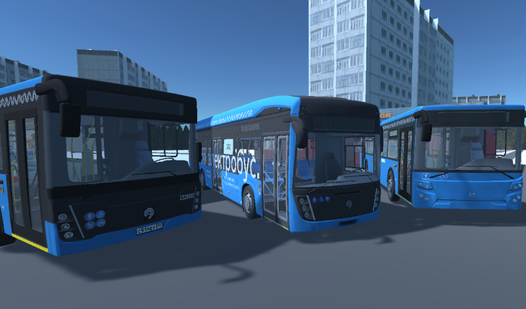
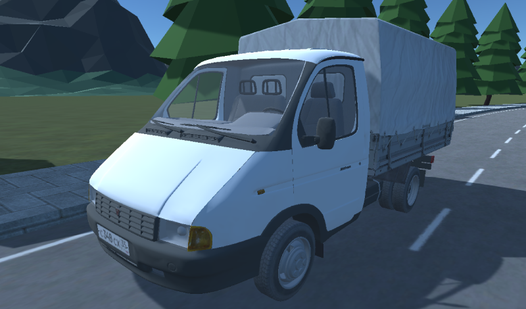
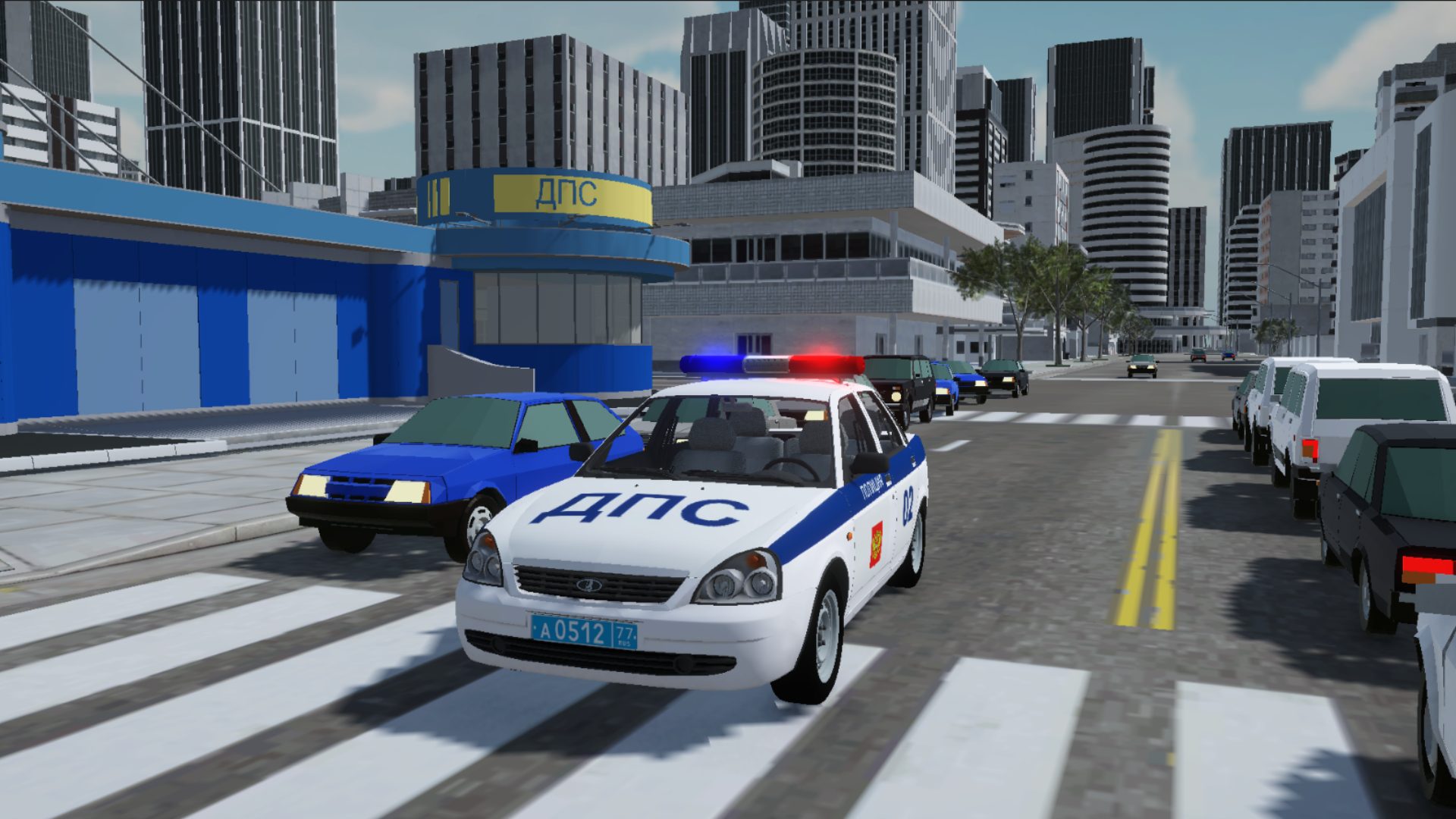
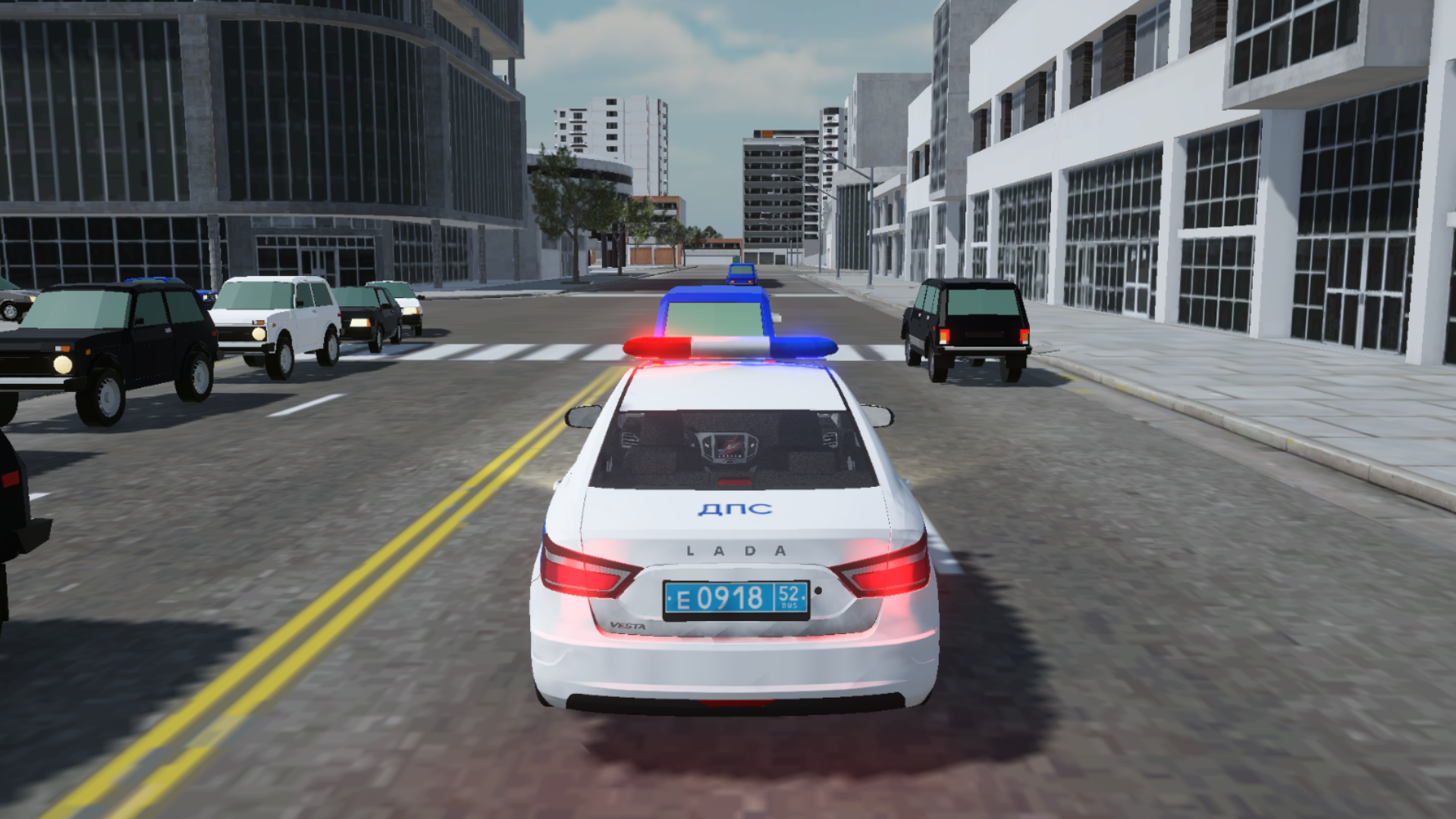
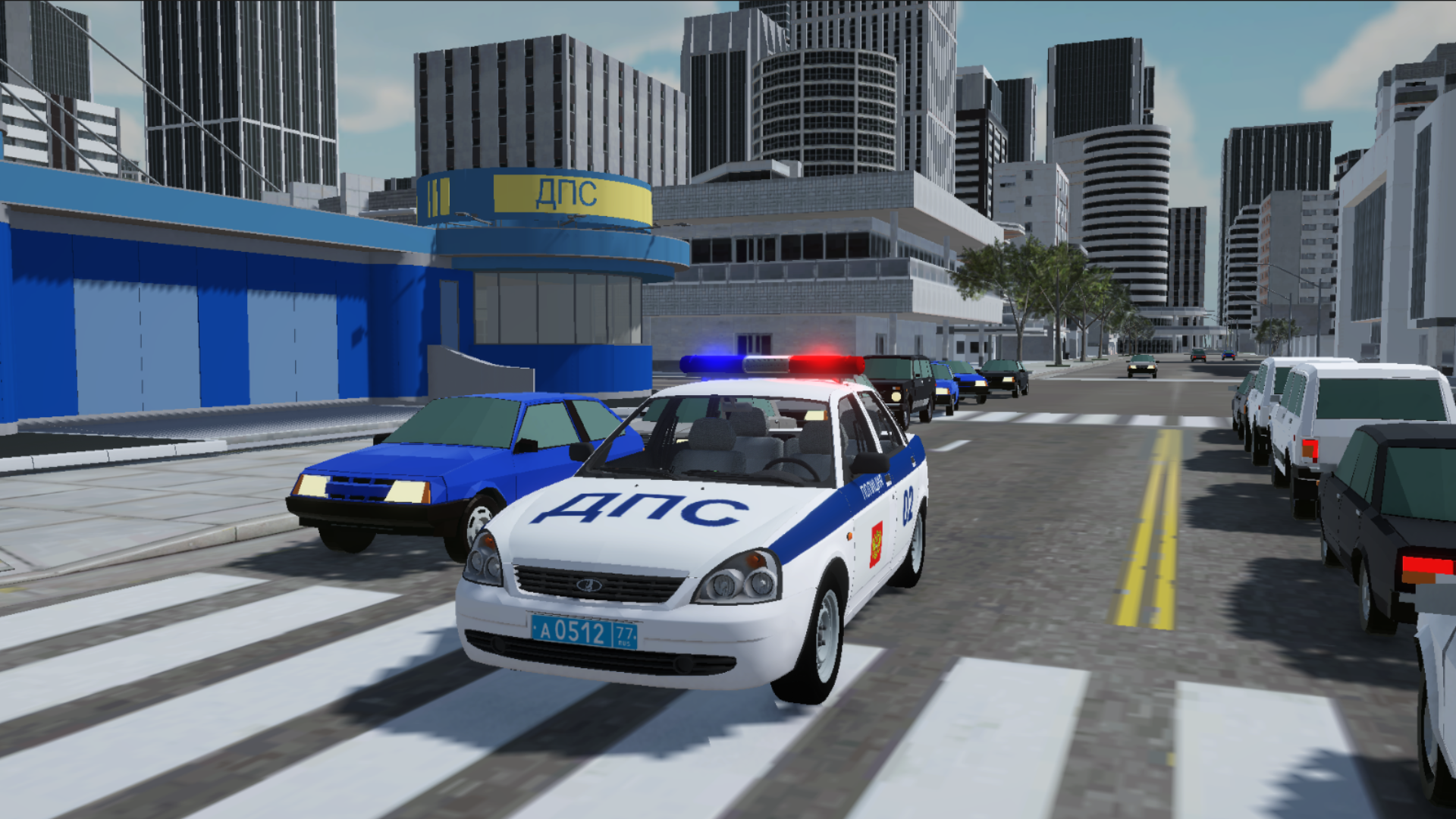
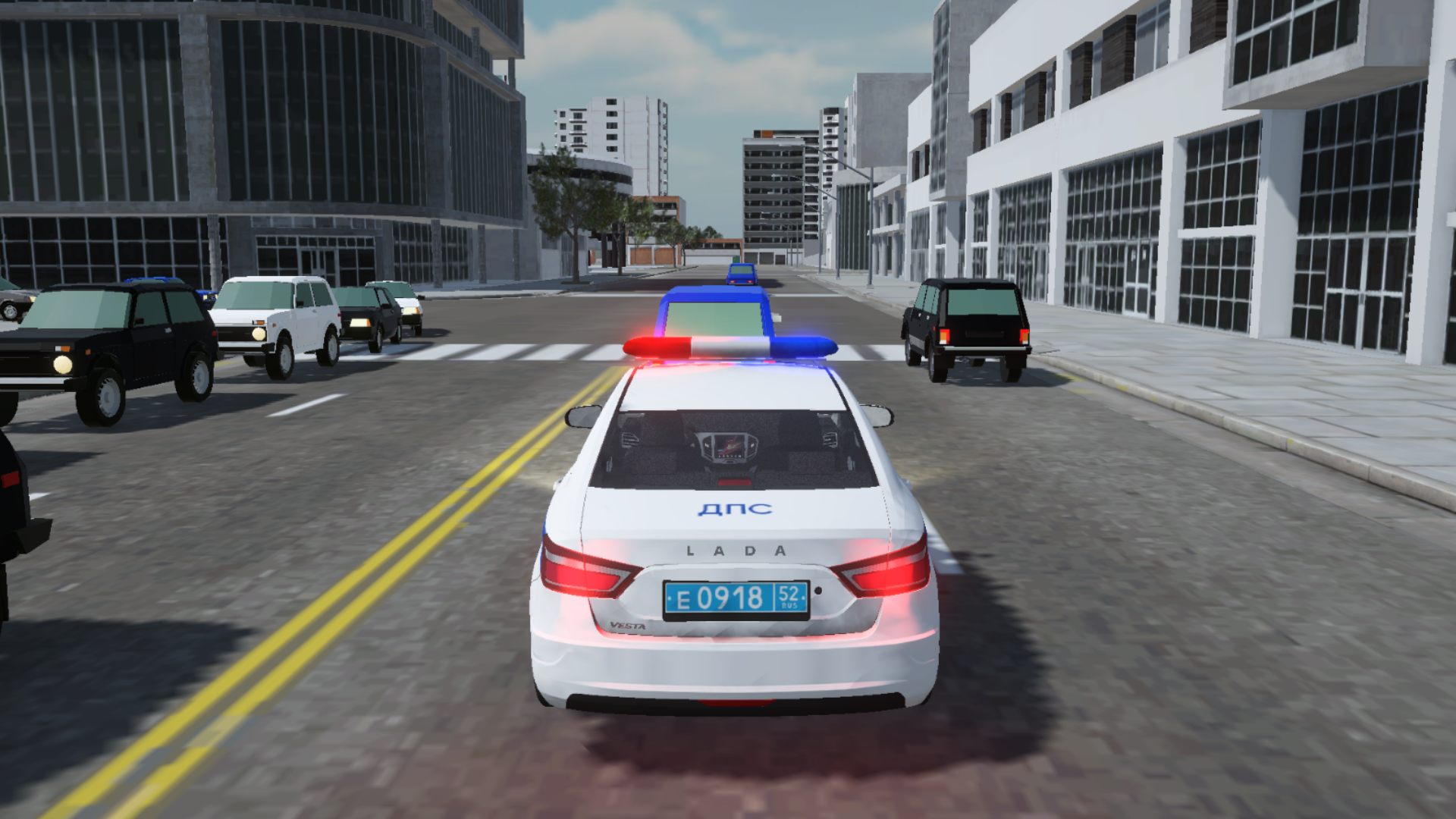
Patrol busy city streets behind the wheel of a high-speed cruiser as you enforce the law and keep the roads safe. Police Simulator puts you in the driver seat where you must identify traffic violations and chase down offenders to uphold justice. You will respond to emergency calls, register accidents, and meticulously check driver documentation to ensure every citizen follows the rules. Choose between iconic vehicles like the VAZ 2170, Lada Vesta, or Skoda Octavia to start your shift in this intense dps simulation. Execute high-speed police pursuits through urban traffic, master your siren usage, and manage your vehicle lights to clear a path during critical missions. Every successful stop increases your rank as a dedicated officer maintaining order in a sprawling 3d environment. This endless driving experience offers realistic mechanics that make every highway stop feel authentic and rewarding. Experience the thrill of a realistic police chase directly in your browser without any registration or downloads required.
How to play
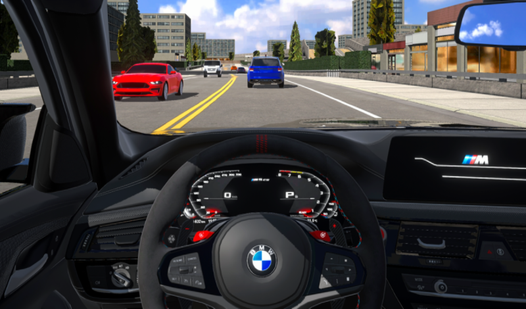
• Patrol the city
• Take calls: Press the green button when a call arrives or press Enter
• Catch up with the intruders
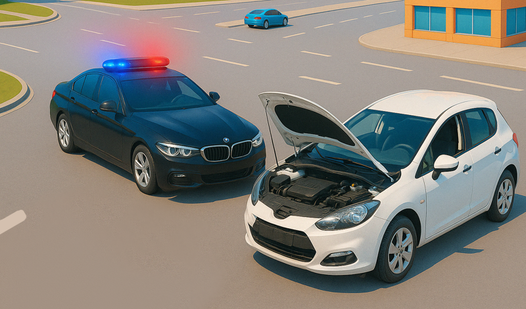
• Register an accident
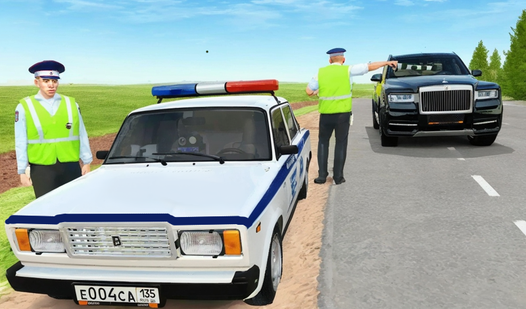
• Check your documents: turn on the siren and signal the car in front of you
PC control:
[~] - Show/hide hints
[TAB] - Pause
[W][A][S][D] - Car control
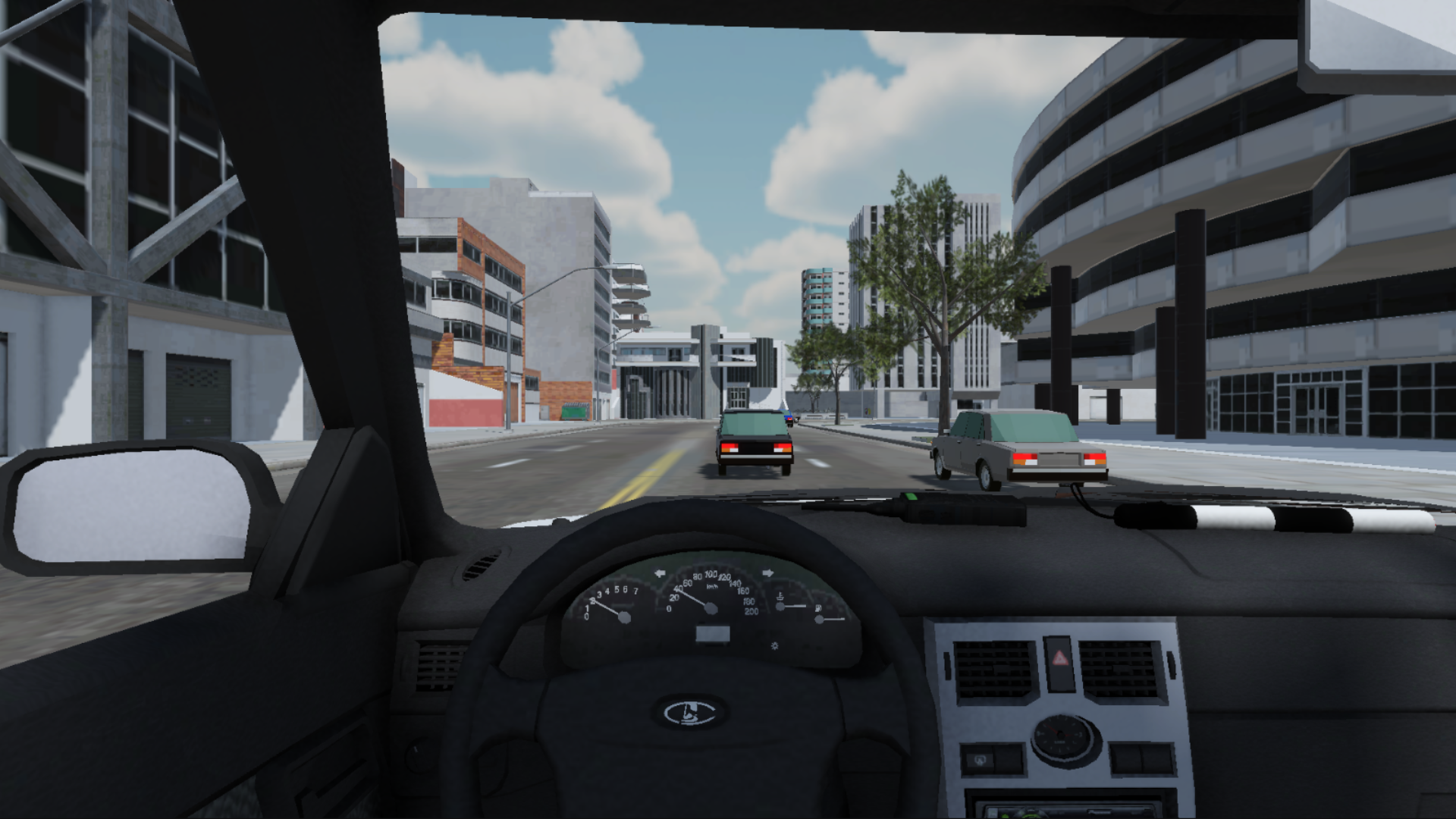
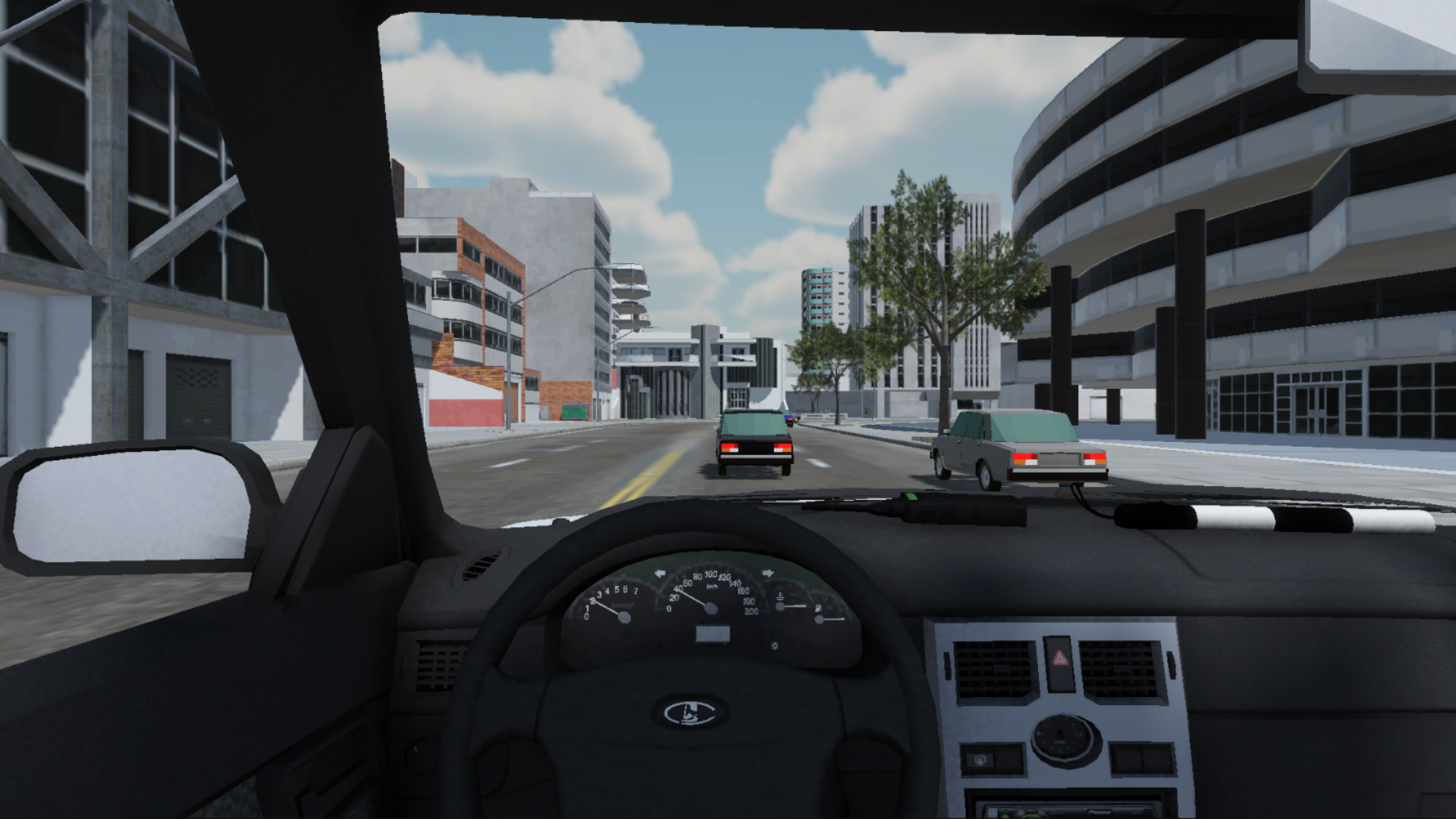
[C] - Change camera
[L] - Headlights
[Q][E][Z] - Turn Signals
[H] - Signal
[J] - Siren
[ENTER] - Accept the call/register accident
Management on mobile devices:
Pedals from the bottom right - Gas/Brake;
Arrows from bottom left to Left/To the right;
The buttons under the map Control the lights, turn signals, siren and horn.
Features
- Diverse Vehicle Roster: Select from three distinct patrol cars including the VAZ 2170, Lada Vesta, and Skoda Octavia, each with unique handling characteristics.
- Dynamic Emergency System: Receive real-time mission alerts that require you to react quickly, navigate traffic, and reach accident sites before time runs out.
- Comprehensive Traffic Enforcement: Utilize integrated siren and signaling systems to pull over suspicious drivers and conduct thorough document inspections.
- Tactical Driving Controls: Master advanced driving mechanics like turn signals and headlight toggling to navigate the city like a professional officer.
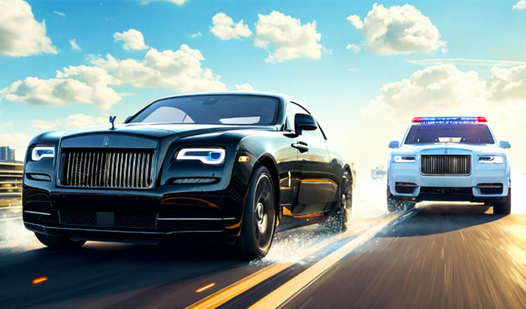
- High Stakes Chases: Engage in thrilling pursuit sequences across city streets to catch violators attempting to escape justice after causing accidents.
Who is it for
Fans of driving simulators and action-packed pursuit games will enjoy the constant engagement of this title. It is specifically designed for gamers who appreciate realistic vehicle handling mechanics, police-themed missions, and open-ended urban exploration without the need for complex installations or long loading times in their daily gaming routine.
Controls
Driving
Use WASD on PC or the on-screen pedals and steering arrows on mobile devices.
Siren and Lights
Press J for siren, L for headlights, or use the dedicated buttons under the map on mobile.
Accept Calls
Press the Enter key on your keyboard or interact with the on-screen prompt when an alert appears.
Camera Adjustment
Press C on your keyboard to cycle through different viewing angles while patrolling.
FAQ
How do I start a mission in Police Simulator?
›
Simply wait for an emergency call to appear on your screen and press the Enter key or the on-screen button to accept it.
Can I play Police Simulator on my phone?
›
Yes, the game is fully optimized for mobile browsers and features intuitive touch-screen controls for steering and law enforcement actions.
Does Police Simulator require an installation?
›
No, you can play this game directly in your web browser without downloading any files or registering an account.