Loading...
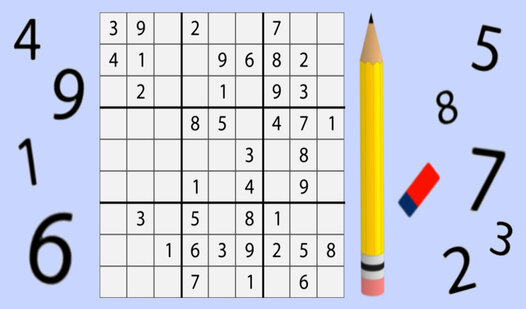
Logic enthusiasts will find their focus tested in Sudoku: Classic Square as you tackle the grid. You need to place digits from one to nine into every row, column, and block without any duplicates. Every empty cell demands your full attention to ensure the math adds up across the board. Selecting the right difficulty keeps your brain active while you hunt for the missing pieces. Use the note tool to jot down potential candidates when the path forward seems unclear. Hints wait to assist you if you find yourself hitting a wall during a tricky round. Keeping your streak alive feels satisfying after you successfully clear a complex board. Sudoku: Classic Square delivers a clean experience right in your browser without any annoying downloads.
1. Select the difficulty level.
Click on the cell and enter a number from 1 to 9.
The numbers should not be repeated in each row, column, and 3x3 block.
Use "Notes" for intermediate options.
If you get stuck, use the hint.
Fill in all the cells correctly to complete the puzzle.
Puzzle fans who enjoy testing their logic skills will appreciate the challenge here. Casual thinkers looking for a quick brain exercise during a break will find the interface clear and helpful. Anyone who likes working with digits and wants a relaxing way to spend a few quiet moments.
Click the menu button on the main screen and choose your preferred difficulty setting to load a new board.
Yes, the game automatically saves your current grid so you can close the browser and return to your puzzle later.
You can utilize the hint button to reveal the correct digit for any empty cell on the board.