Game Title
Loading...
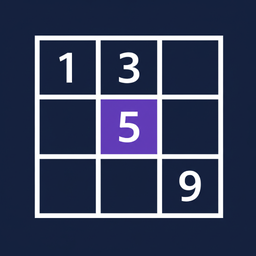
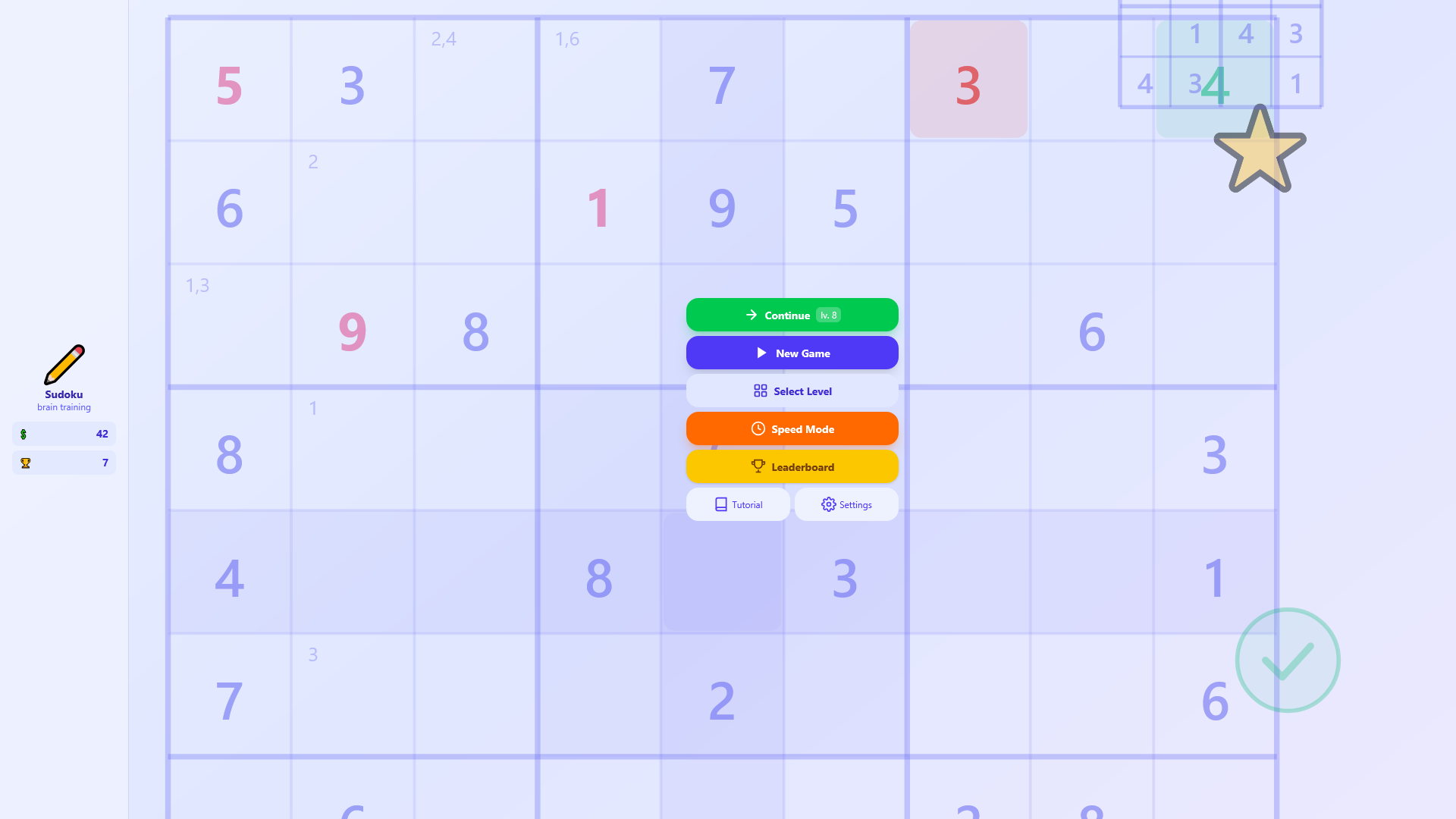
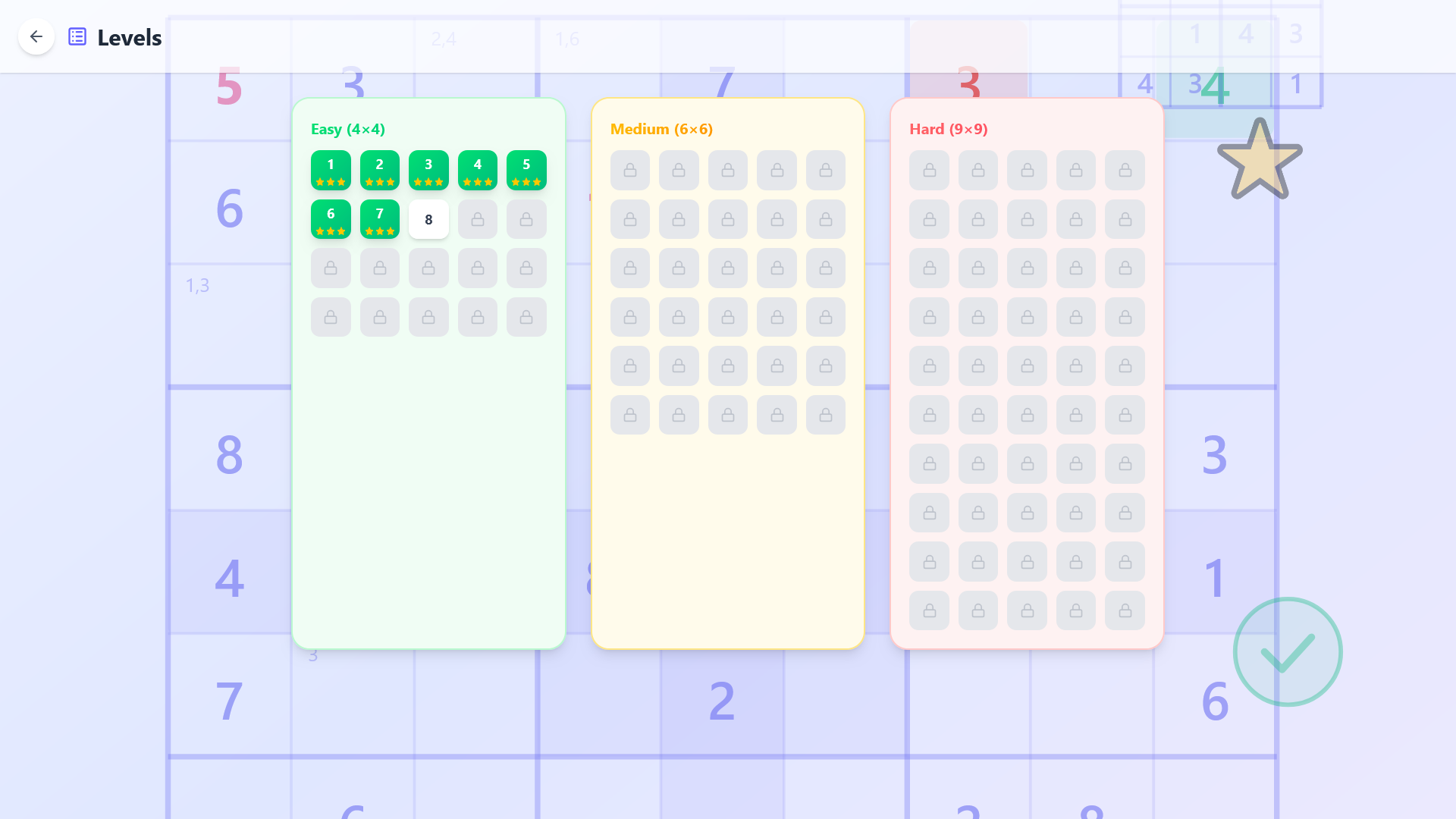
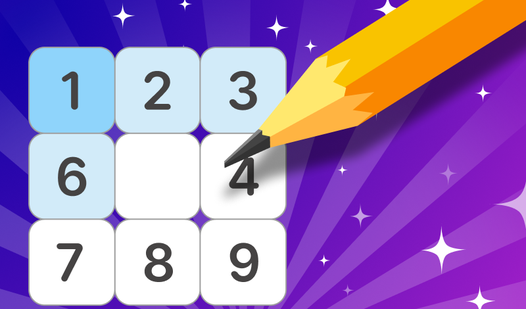
Logic games sharpen your mind more effectively than almost any other hobby. Sudoku: Brain Training brings this classic challenge to your browser through a clean interface that keeps you focused on the numbers. You start by filling grids where every row, column, and block must contain digits from one to nine without repeats. Beginner levels offer smaller grids to help you grasp the patterns before tackling the complex boards. Speed Mode keeps your sessions intense by adding a ticking clock to your solving process. Earning coins lets you purchase useful hints when a specific puzzle proves particularly stubborn. Switching between light and dark themes ensures your eyes stay comfortable during long sessions. Sudoku: Brain Training is available to play instantly in your favorite browser with no download required.
If you're new to Sudoku, don't worry — the rules are very simple:
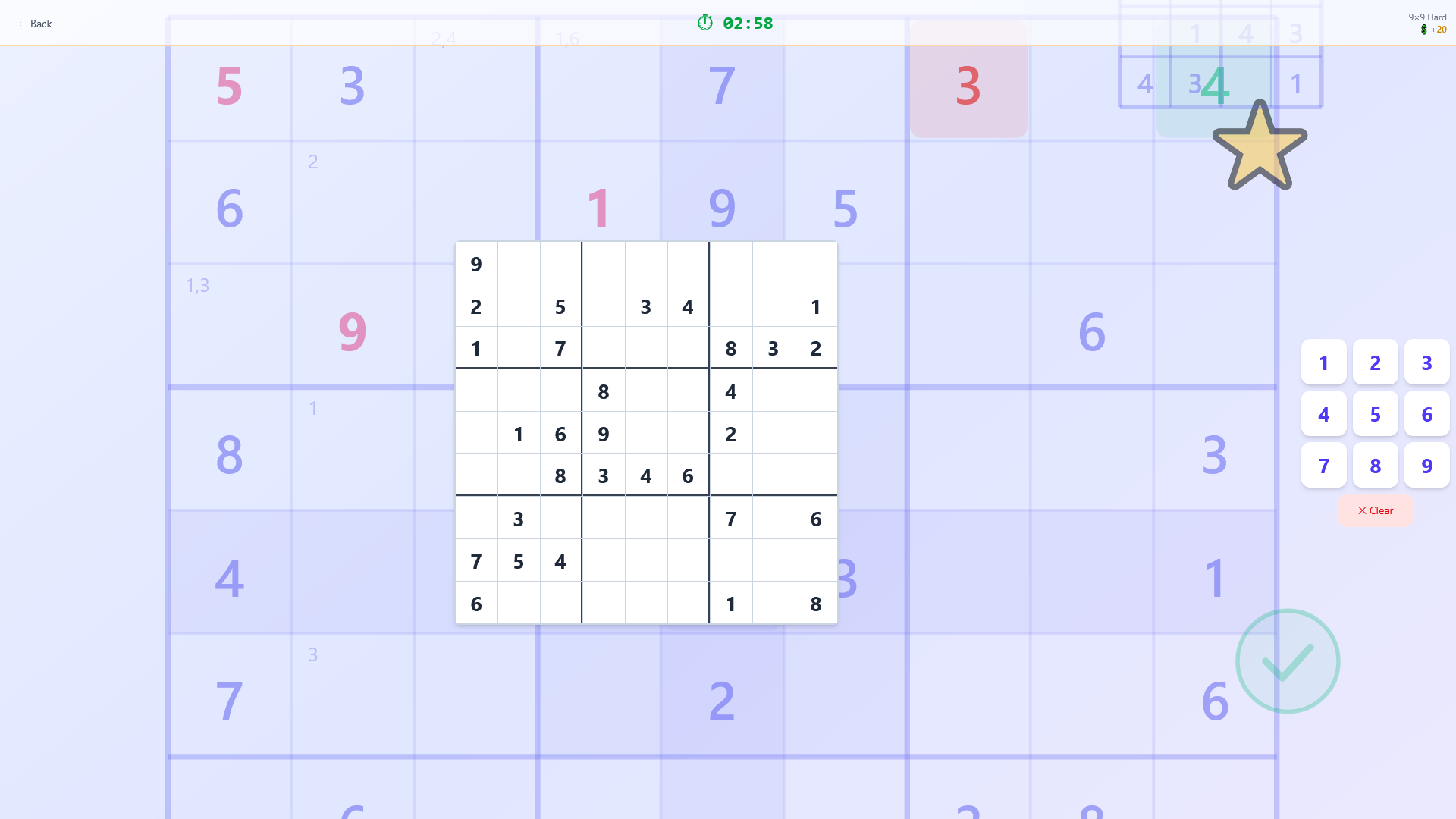
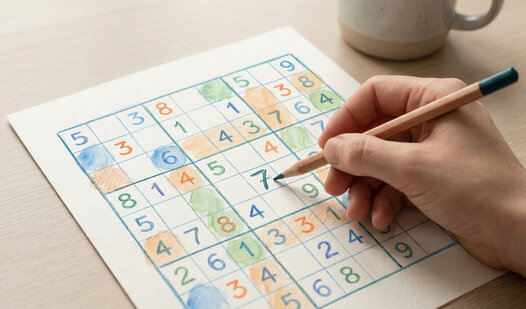
Goal of the game: fill the entire game board (a 9×9 grid) with numbers from 1 to 9 so that in each row, each column, and each 3×3 block, every number appears only once.
Controls:
Tap on an empty cell — it will be highlighted.
Then tap on one of the numbers at the bottom of the screen to enter it into the cell.
If you make a mistake, tap on the cell with the wrong number, then tap the "Erase" button (or choose a different number to replace it).
Hints:
If you're stuck, use a hint. Hints can be bought with in-game coins, which you earn by completing levels, or obtained by watching an ad.
The "Check Errors" function is also available: it highlights incorrect numbers without solving the puzzle for you.
Start with the first level and gradually increase the difficulty. Good luck!
Logic enthusiasts who crave daily mental stimulation and puzzle lovers looking for a clean, browser-based experience. Fans of numbered grids find a perfect casual companion here, while those seeking a competitive edge can test their speed against global leaderboards and push their cognitive limits every single day.
You win by filling every empty cell in the grid so that each row, column, and three by three square contains all digits from one to nine exactly once.
Yes, you can spend coins earned from completing levels to reveal cells or check your board for errors.