About game
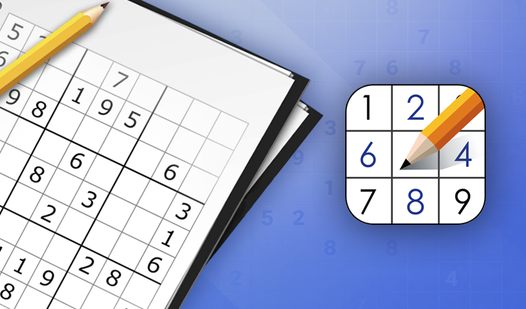
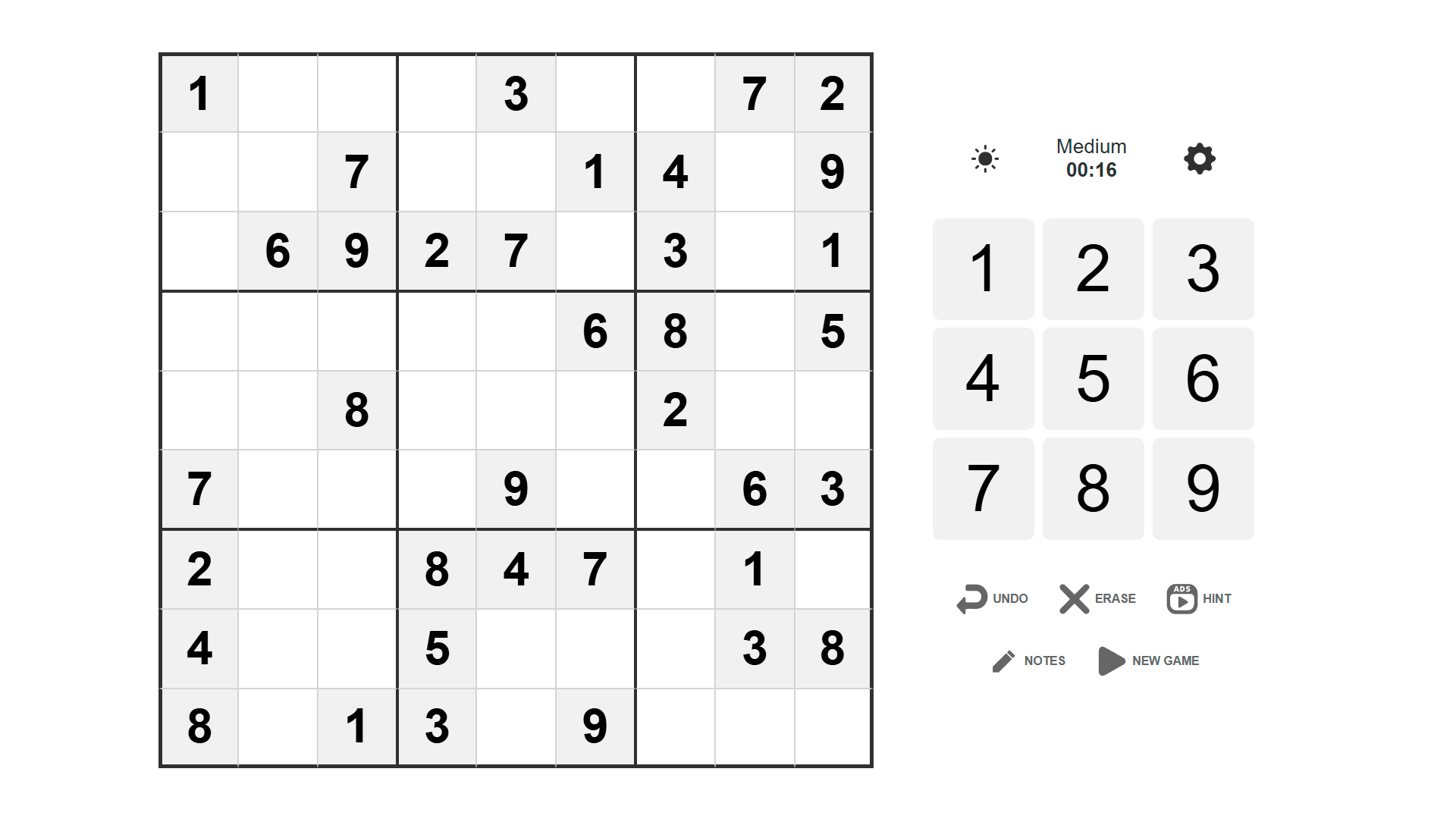
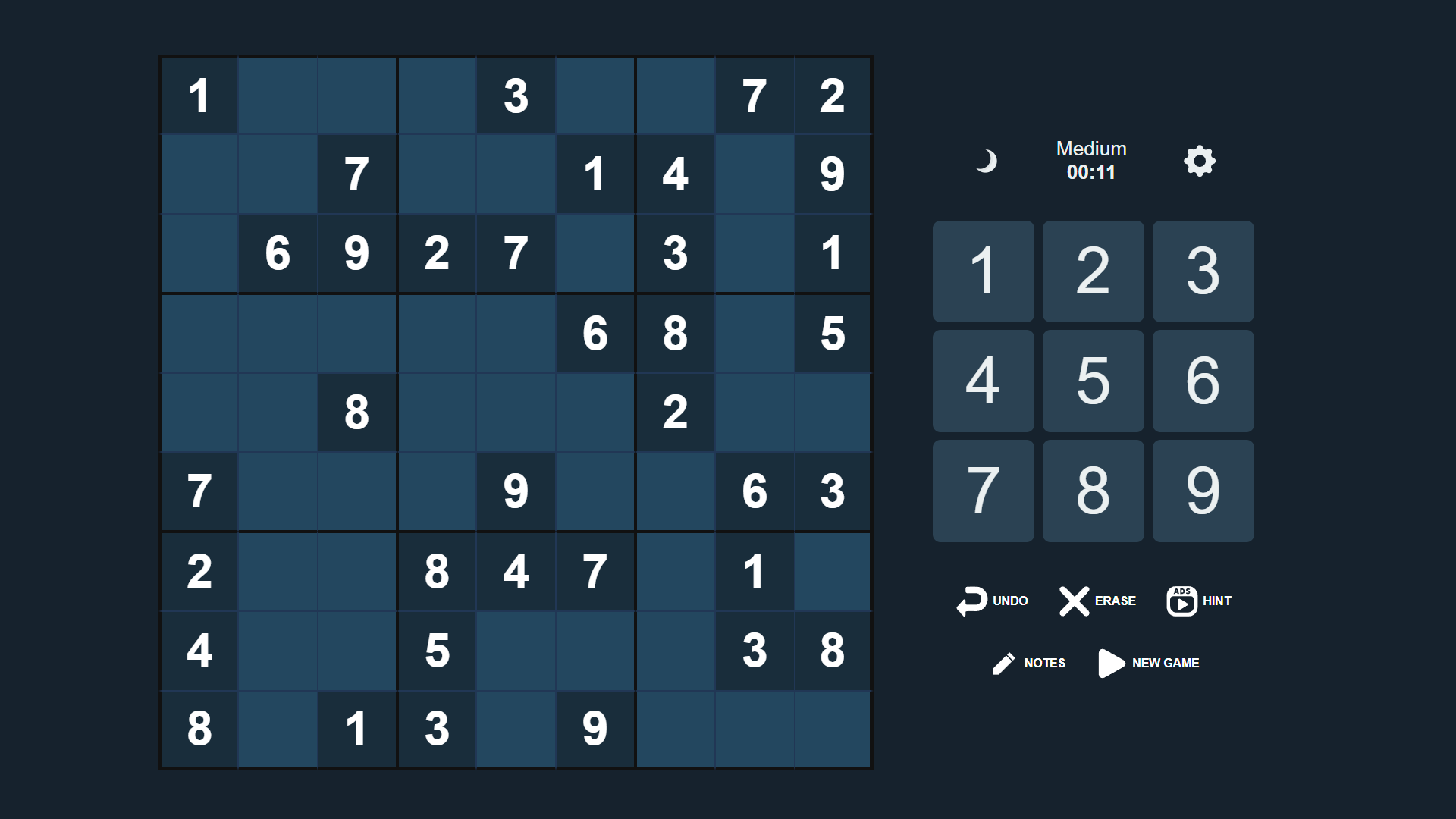
Staring at a blank screen while your brain feels like mush is the ultimate afternoon slump. Classic Sudoku is the perfect mental palate cleanser to sharpen your focus during a quick break. You simply fill the 9x9 grid so that every row, column, and 3x3 square contains the numbers one through nine without any repeats. The logic behind this classic sudoku remains as satisfying today as it was in print puzzles. If you hit a tough spot, handy hint buttons and undo features keep the flow going without frustration. You can track your progress against the leaderboard to see how your logical speed stacks up against other players. Every session serves as a fantastic brain training exercise that clears the noise from your head. This digital version of the world famous game is available to play for free in your browser with no download required.
How to play
Game Objective
The goal of the game is to fill the 9×9 grid with numbers so that:
Each row contains no repeating digits.
Each column contains no repeating digits.
Each 3×3 subgrid contains no repeating digits.
Controls
For PC:
Enter numbers using the keyboard and move around the grid with the arrow keys.
For Smartphones:
Responsive touch controls with large, easy-to-use buttons.
Gameplay Features
To clear a cell, select it and press the “ERASE” button.
Press “UNDO” to revert your last move.
If you get stuck, press the “HINT” button. After watching a short ad, the game will place the correct number in one of the empty cells (either random or the one you selected).
Victory Conditions
The game is won when the entire grid is filled correctly, with no mistakes and no empty cells.
You will earn points based on the selected difficulty and the time taken. Your total score will be saved and submitted to the leaderboard.
Features
- Difficulty levels: Choose from multiple settings that scale the challenge from beginner friendly to expert logic grids.
- Smart tracking: The interface automatically highlights rows and columns to prevent accidental duplicate entries.
- Score tracking: Earn points based on your speed and difficulty level to climb the global leaderboard.
- Error management: Utilize the erase and undo buttons to experiment with number placements safely.
- Flexible input: Switch seamlessly between keyboard shortcuts for rapid typing and touch gestures for mobile play.
Who is it for
Logic puzzle enthusiasts and casual gamers seeking a quick mental workout. Office workers needing a short brain break, students looking to improve concentration, and anyone who enjoys classic tabletop challenges will find this browser-based experience perfectly suited for their daily routine on both desktops and mobile devices.
Controls
Select cell
Click on desktop or tap the cell on your mobile screen.
Enter number
Use keyboard number keys or tap the on-screen number pad.
Navigate grid
Use arrow keys on PC or swipe to move between cells on mobile.
Clear cell
Press the Erase button after selecting the target tile.
FAQ
Is Classic Sudoku free to play on browsers?
›
Yes, Classic Sudoku is completely free to play directly in your web browser with no registration or downloads needed.
Can I play Classic Sudoku on my smartphone?
›
Absolutely, Classic Sudoku features a responsive design with large, easy-to-use buttons optimized for touch screens.
What should I do if I get stuck in Classic Sudoku?
›
If you get stuck, use the hint button to reveal the correct number for a cell after viewing a short ad.