About game
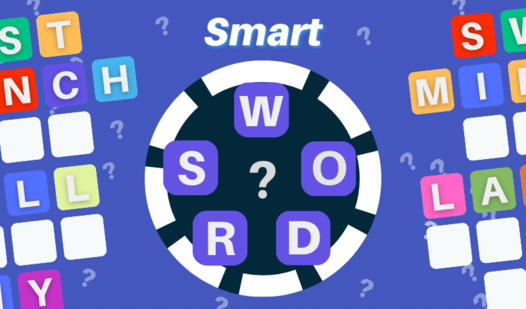
Connecting letters to form complex crossword structures is the core challenge that makes Star Words so addictive. You receive seven unique chips each turn, forcing you to think strategically about where to place your nouns to maximize your score. The game requires you to intersect new tiles with existing words on the board, creating a sprawling web of vocabulary. If you find yourself stuck, you can swap your tiles, provided there are enough chips left in the bag to keep the match going. Beyond the classic board competition, the new puzzle mode tasks you with gathering stars and utilizing power-ups to clear difficult level requirements. This engaging take on the classic word game genre offers daily challenges that keep your skills sharp and your brain active. Whether you are looking for a relaxing solo session or a competitive party experience, this title provides endless linguistic fun. You can play Star Words for free directly in your browser with no download required.
How to play
At the beginning of the level, the starting word and 7 chips are given to each player.
On your turn, you can either compose a single word or exchange chips. Chips cannot be exchanged if there are less than 7 chips left in the bag.
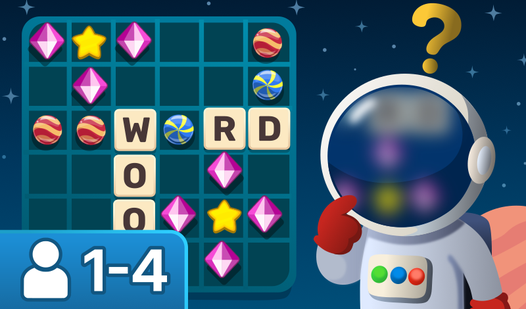
Each new word must intersect with the words already laid out on the field, using common chips.
The game uses over 120 chips, including all the letters of the alphabet and 2 pacifiers.
The game ends when the chips in the bag run out or after three consecutive turn passes.
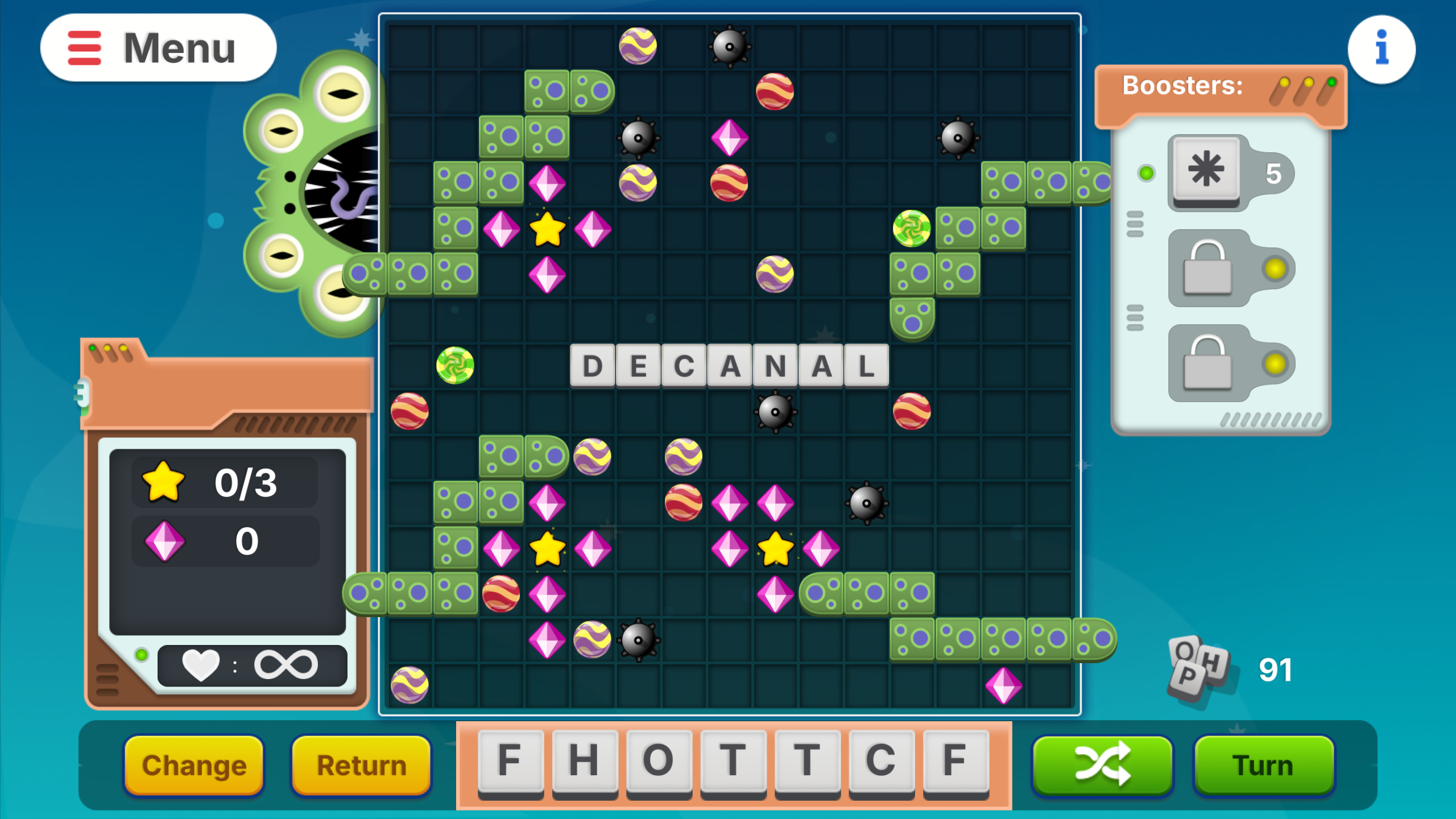
In puzzle mode:
- Form words
- Collect stars
- Use boosters and power-ups
- Solve level challenges
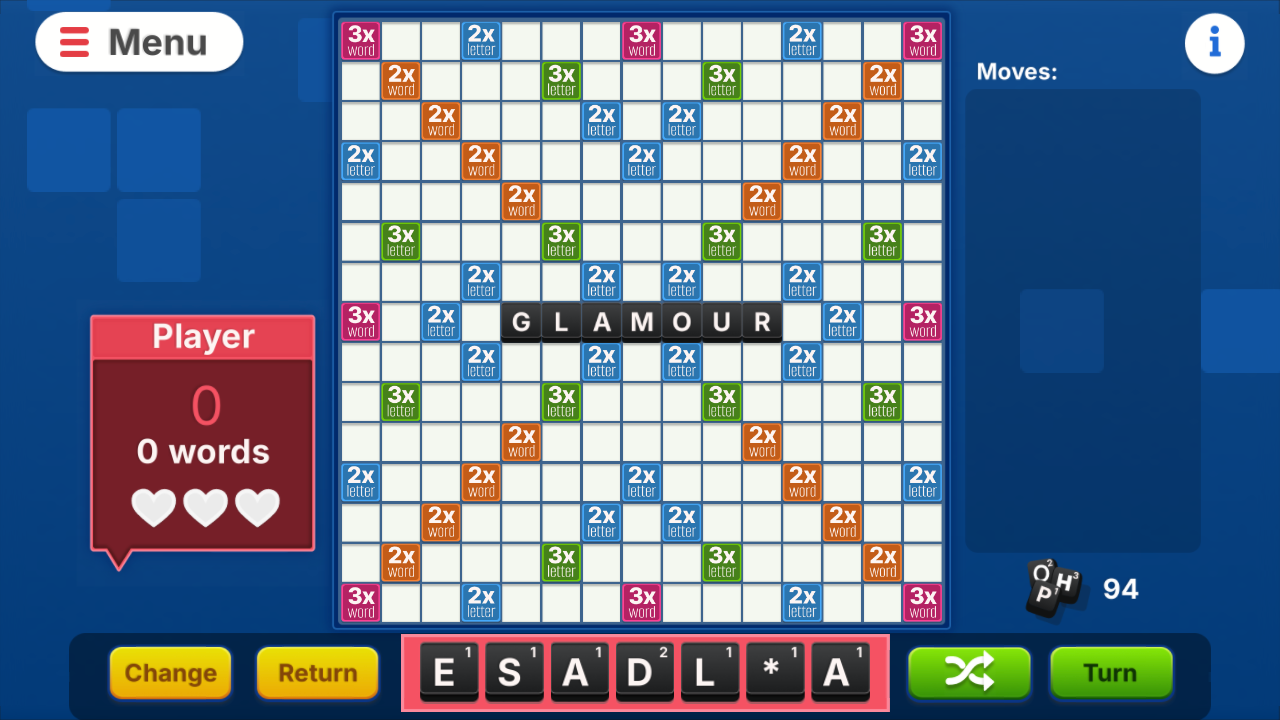
Classic Mode:
- Compose the words
- Collect points
For playing together:
- Start Star Words on PC or Smart TV.
- Enter the connection code on your phone
- Or scan the QR code from the screen to connect to the game immediately.
Features
- Strategic intersection mechanics: Each word must connect to existing tiles on the grid, rewarding players for finding the most efficient board placements.
- Specialized tiles: Use the two included pacifier chips as wildcards to substitute for any letter when you are just one character away from a high-scoring word.
- Interactive multiplayer: Connect your smartphone as a controller to your PC or Smart TV to compete with friends on a single shared screen.
- Dynamic progression: Complete daily tasks and level-based challenges to earn rewards and keep your competitive stats climbing.
- Flexible word rules: The engine supports both singular and plural noun forms, ensuring you can always find a way to fit your letters into the puzzle.
Who is it for
Word puzzle enthusiasts and fans of classic board games will find this title highly engaging. It is an excellent choice for families looking for cooperative party entertainment or friends wanting a mental challenge. If you enjoy competitive vocabulary building, this experience offers the perfect blend of strategy and social fun.
Controls
Select letters
Tap on the chips in your rack to choose them for your word.
Place tiles
Drag and drop your chosen letters onto the game board grid.
Submit move
Tap the button on your smartphone screen to confirm your word placement.
Swap chips
Swipe your selected tiles to the exchange area during your turn.
FAQ
How do I play Star Words with my friends on a TV?
›
You can start Star Words on your smart TV or PC and then connect your phone by entering the unique code or scanning the QR code displayed on the screen.
Can I play Star Words by myself?
›
Yes, the game features a dedicated single-player mode where you can face off against computer opponents or solve puzzles at your own pace.
What happens if I cannot form a word in Star Words?
›
If you are unable to make a move, you can choose to exchange your chips or pass your turn, but be careful as three consecutive passes will end the game.