About game
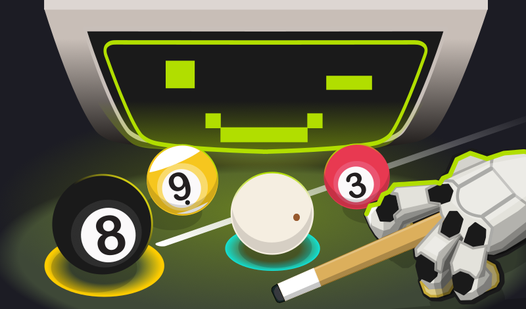
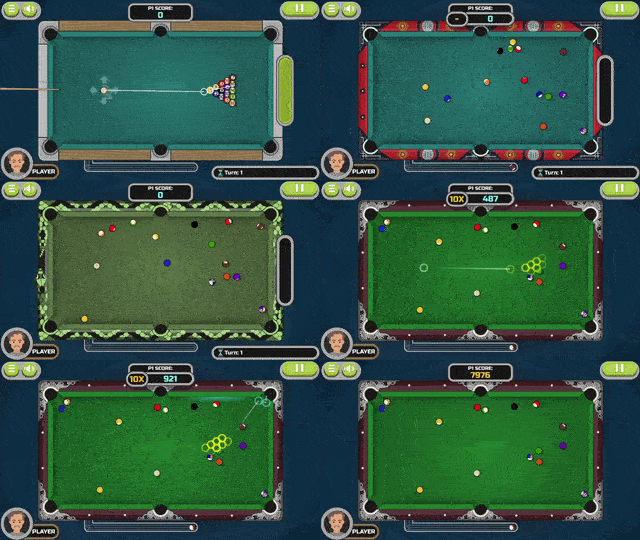
Staring at a blank screen while your brain feels like mush is the ultimate afternoon slump. Billiard vs Computer acts as the perfect mental reset button, offering a sharp challenge against a surprisingly cunning AI opponent. You will navigate the classic 8 ball pool tables, carefully lining up shots to sink your stripes or solids. If you prefer a faster pace, switch over to the 9 ball pool mode where precision is the only thing standing between you and victory. The physics engine feels authentic, making every bank shot and spin feel incredibly satisfying as you outmaneuver the simulation. With helpful aiming assists and a smooth interface, you can focus entirely on perfecting your cue technique. Whether you want to climb the global leaderboard or just dominate the AI, this experience keeps your competitive spirit burning. Hop onto FreeJoy.games to play this premium billiard experience directly in your browser without any downloads required.
How to play
Controls:
Mouse: click the mouse button drag and release to hit the ball.
Keyboard: arrows, space, "P" - pause in the game.
Phone: use the phone screen
Gamepad.
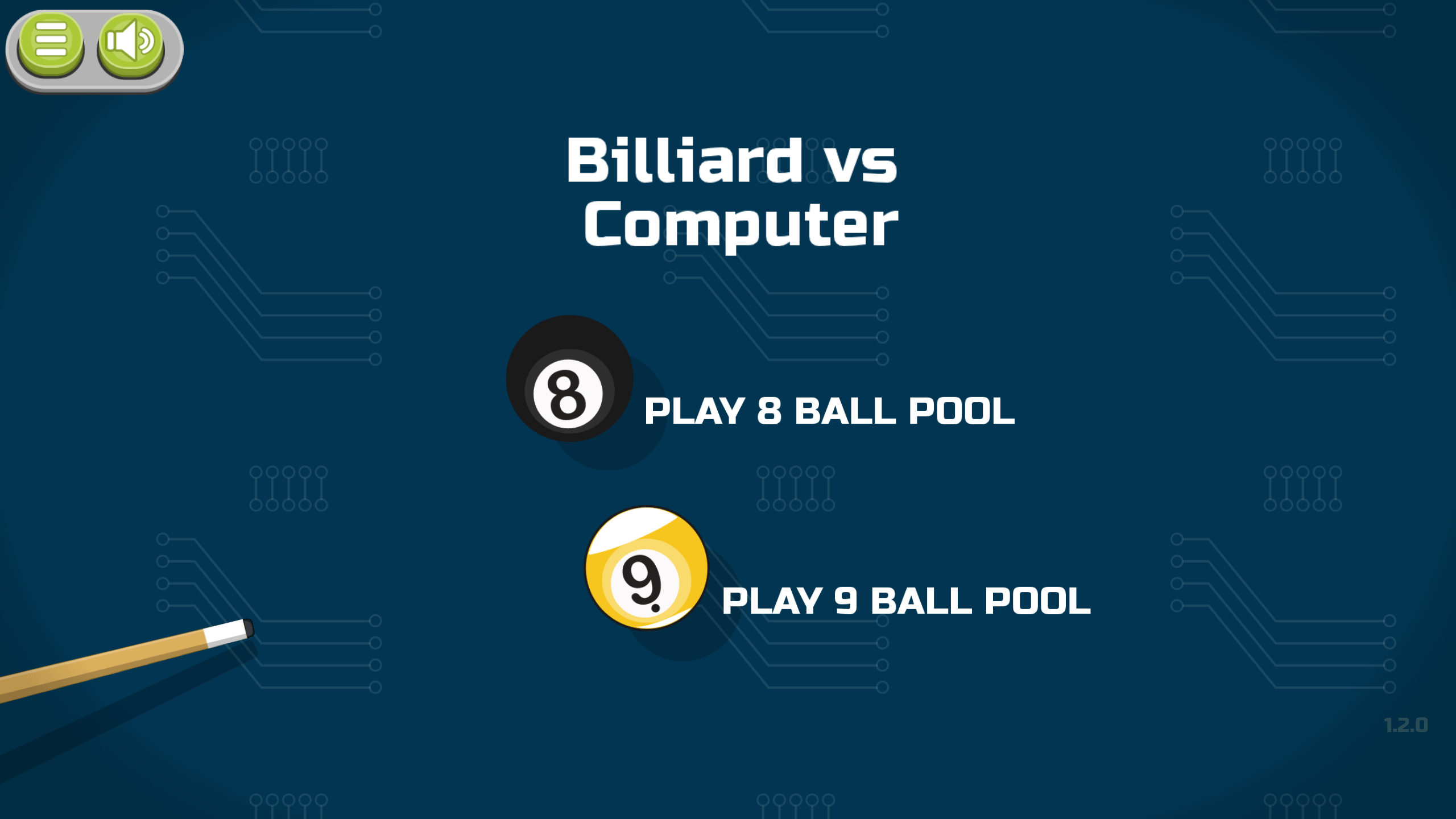
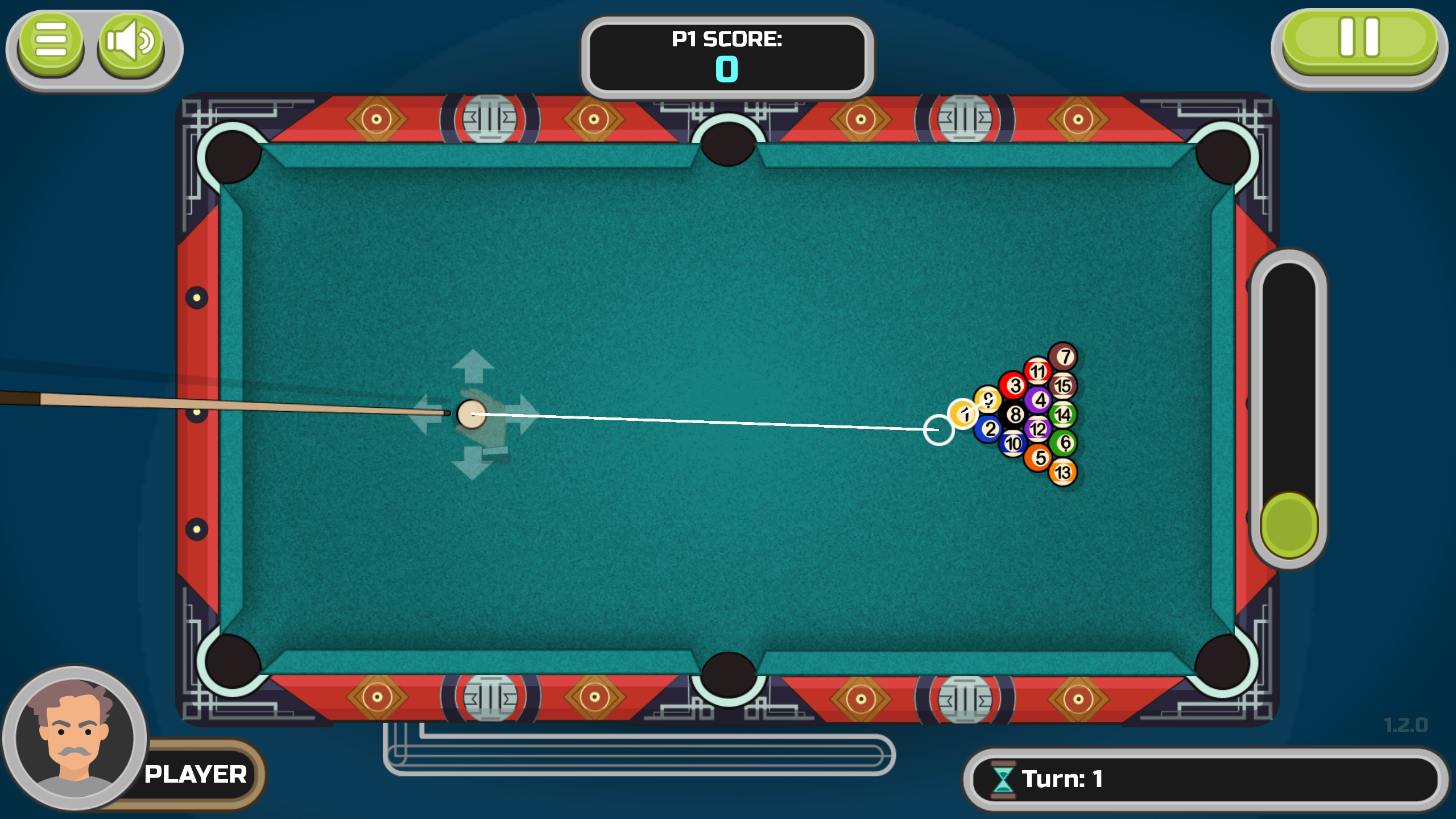
8 ball pool:
- The goal of the game is to put all your balls, either striped or colored, into the pocket.
- The type of your balls is selected on the next move after breaking the pyramid - the type of ball that you or opponent pocked will be yours.
- If you have successfully pocked all your balls, you need to put a black eight in the pocket that you choose.
- If you pocked an eight before you pocked all the other balls, you will instantly lose the game.
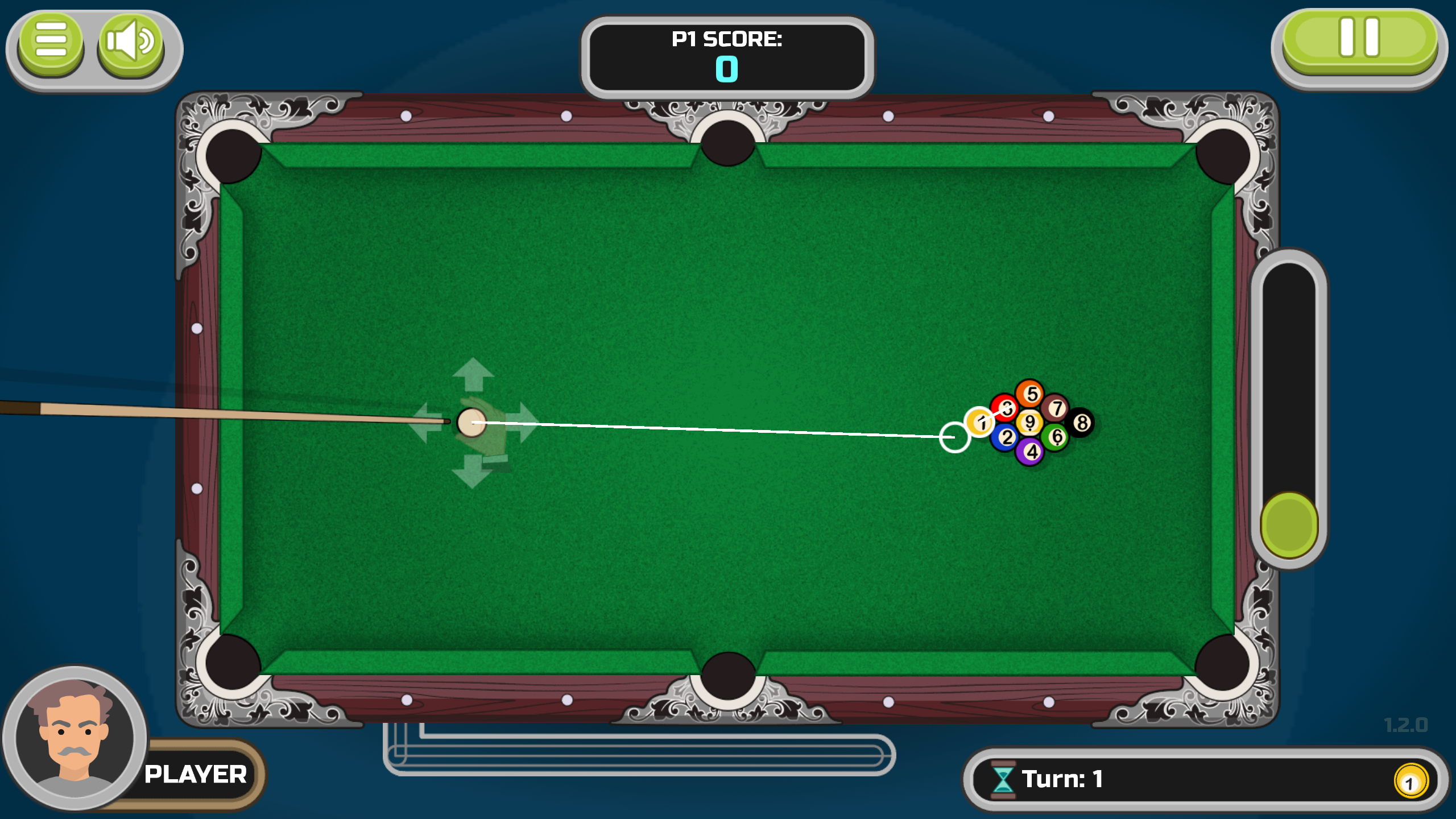
9 ball pool:
- The goal of the game is to put nine different balls on the table in the pocket.
- For each turn, the white cue ball must hit the ball with the lowest number.
- It is not necessary to put the balls in the pocket in order, you can make difficult shots and hit other balls using the ball with the smallest number.
- Whoever pocked the ninth ball wins the round.
Features
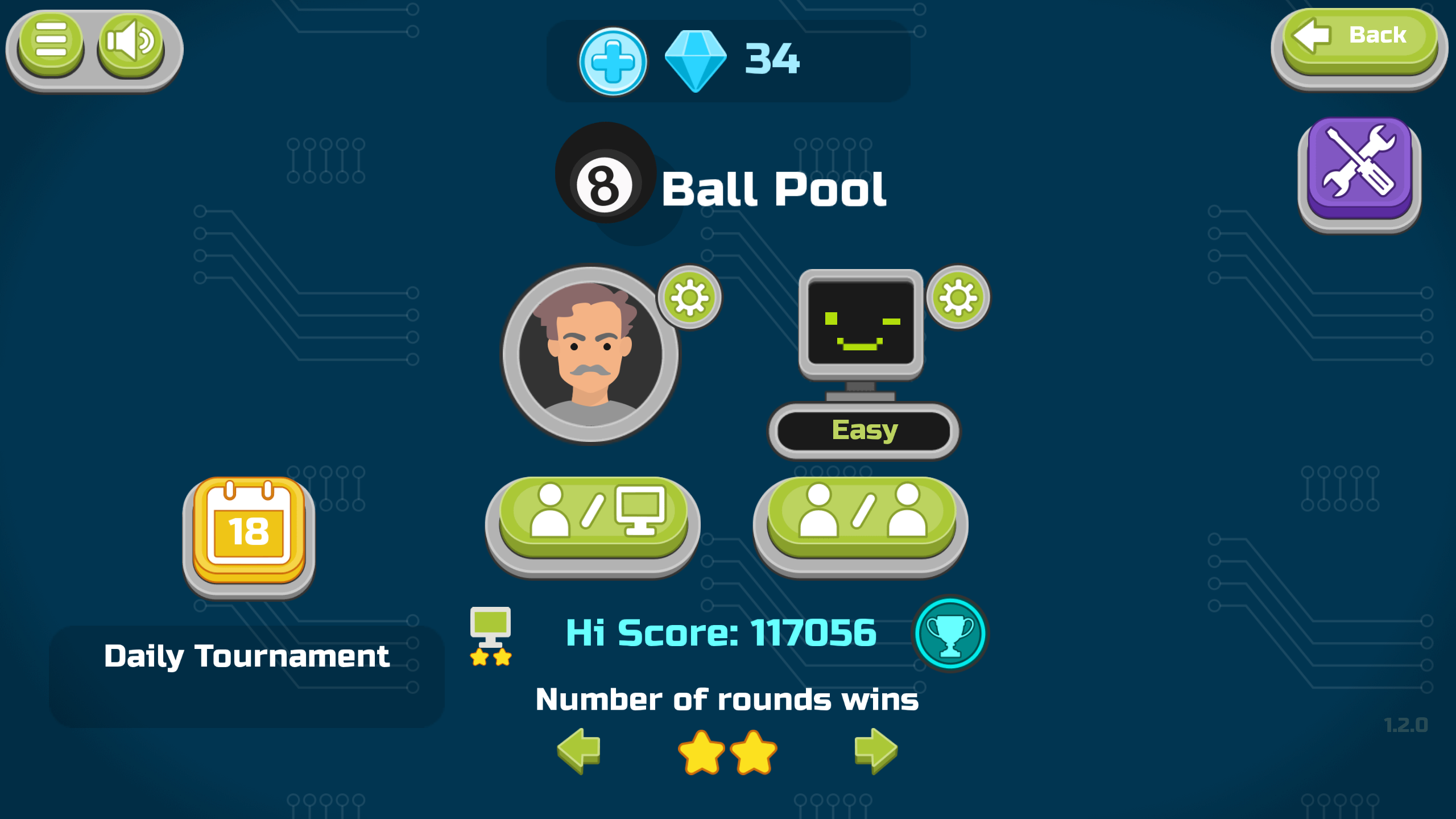
- Smart AI Opponents: Challenge a computer player programmed with advanced logic that adapts to your skill level.
- Local Multiplayer: Share a single screen to compete head-to-head against a friend in your living room.
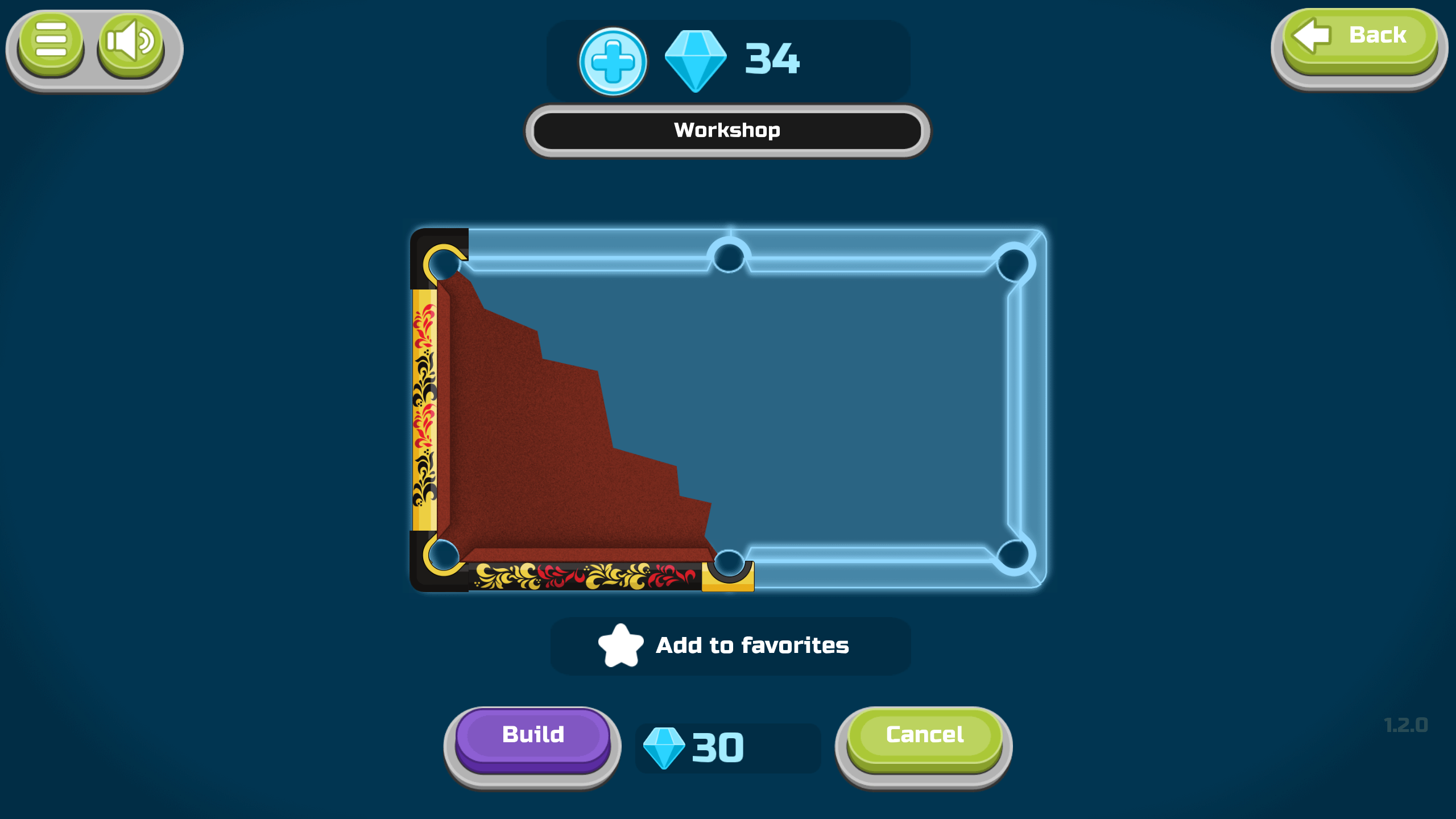
- Dynamic Workshop: Unlock and customize your gameplay experience by earning points to purchase new table designs.
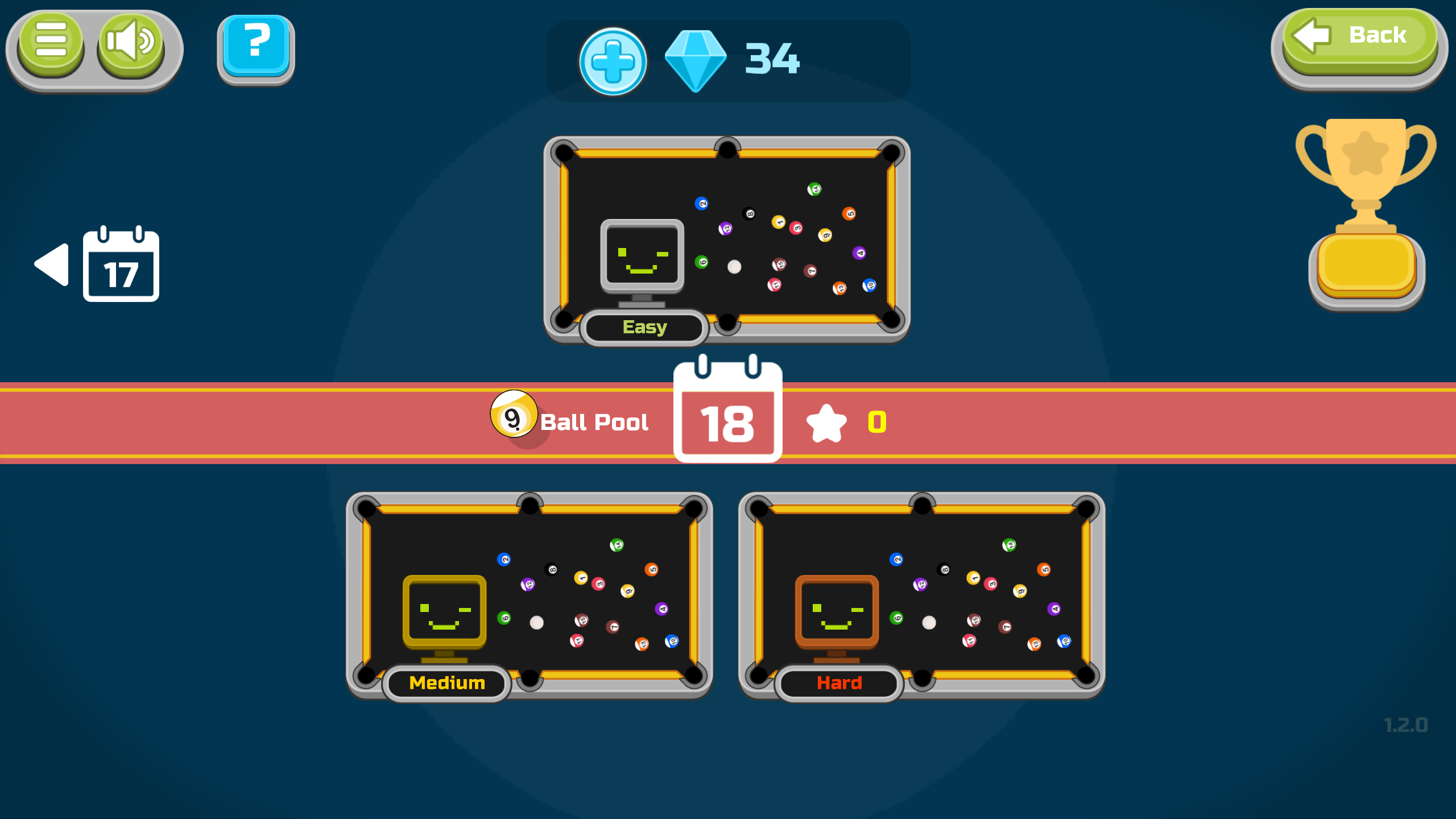
- Daily Tournament Circuit: Test your consistency by participating in recurring events designed to crown the best players.
- Global Leaderboard: Track your performance against thousands of other users worldwide and cement your legacy.
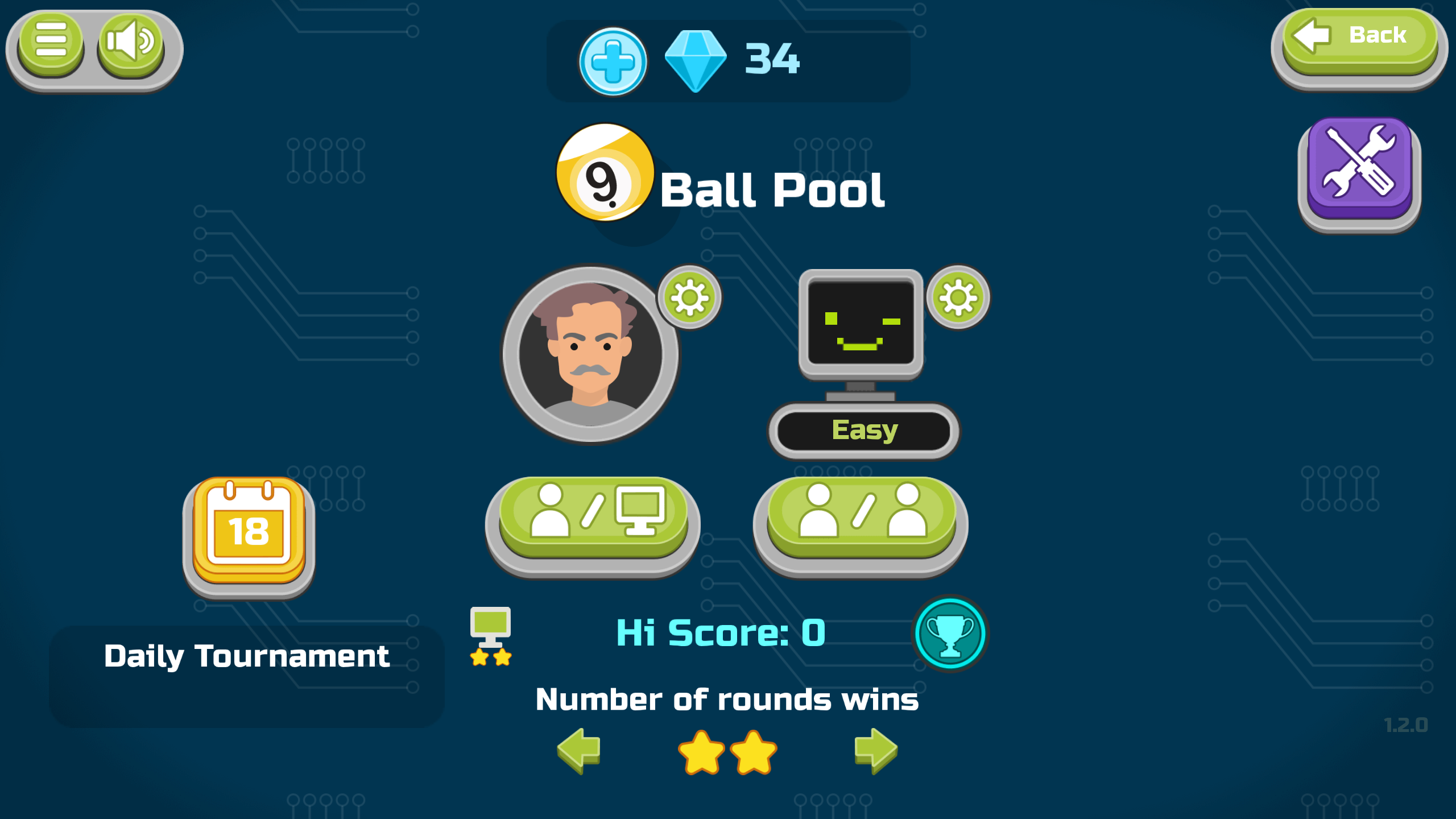
- Flexible Game Modes: Switch seamlessly between 8 ball pool and 9 ball pool rules to keep the gameplay fresh.
Who is it for
Competitive strategy fans who enjoy precise physics games and casual players looking for a quick mental workout. Enthusiasts of classic cue sports will appreciate the authentic simulation, while those seeking social interaction can utilize the local two-player mode to challenge friends or family on a single device.
Controls
Aim and Shoot
Drag and release with mouse or swipe on mobile screen
Table Navigation
Use keyboard arrows for precise adjustment
Pause Game
Press P on your keyboard
Input Trigger
Use spacebar or tap the screen to execute the shot
FAQ
How do I win in Billiard vs Computer?
›
In 8 ball pool, clear your assigned ball set and sink the black eight ball last to win Billiard vs Computer.
Can I play Billiard vs Computer with a friend?
›
Yes, Billiard vs Computer supports a local multiplayer mode that lets you play against another person on the same screen.
Is it possible to play Billiard vs Computer on mobile?
›
Absolutely, the game is fully optimized for mobile browsers so you can enjoy Billiard vs Computer on your phone or tablet.