About game
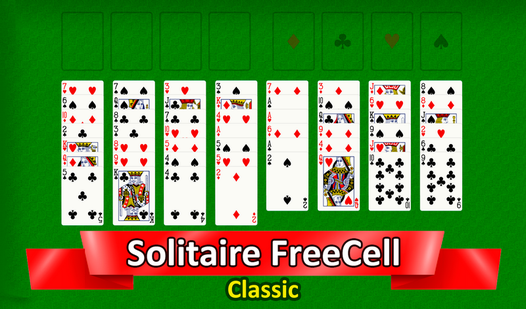
Arrange a full deck of cards into perfectly ordered sequences to master Solitaire FreeCell Classic. You move cards across columns using four empty slots as temporary storage to clear the board efficiently. Each move requires careful planning to ensure you do not block your progress with the wrong card placement. The challenge lies in managing your free cells strategically while building sequences by suit from Ace to King in the home piles. This card game puts your logical thinking to the test as you navigate complex layouts where every decision impacts the final outcome. Enthusiasts of the classic пасьянс will appreciate the clean interface and the satisfying flow of stacking cards. Whether you want to sharpen your mind or pass time with a brain-teasing puzzle, this experience offers endless replayability. You can play this addictive карточный пасьянс directly in your browser without any downloads or registration required.
How to play
A standard deck of cards (52 cards) is used.
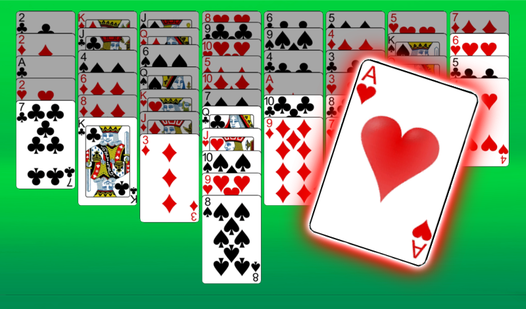
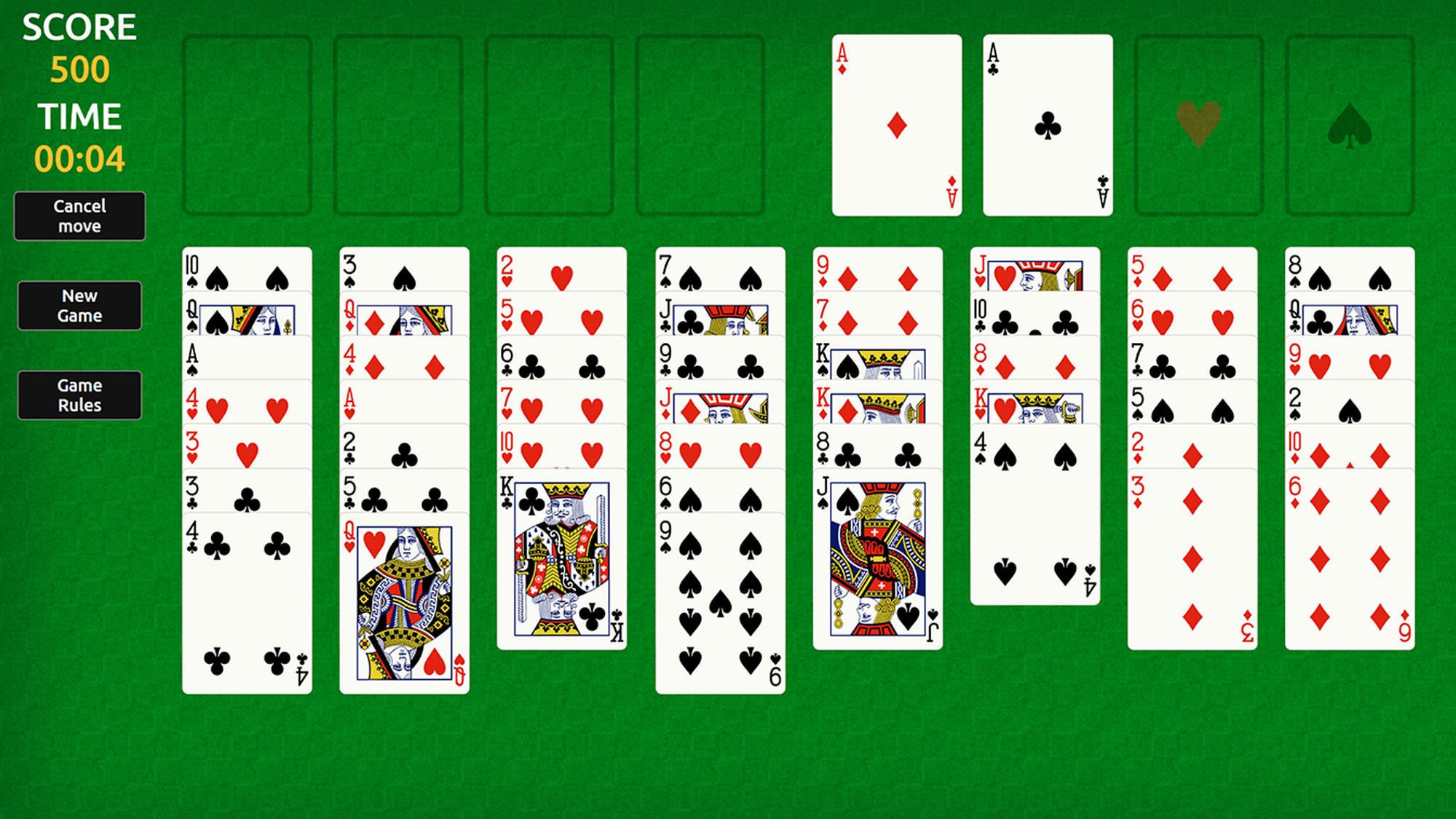
The entire deck is laid out in 8 columns, face up. Thus, there will be four columns of 7 cards each and four more - 6 cards each.
There are also 4 cells called “home” and 4 “free” cells. At the beginning of the game they are all empty.
It is allowed to move one card from a column or a free cell:
- in any other column to the next highest card of a different color (for example, a black jack - only to a red queen).
- either to a free cell if it is empty (thus, each of the free cells can store only one card);
- either in an empty column - without restrictions;
- either to the “house” - cards of the same suit, starting with Ace and ending with King.
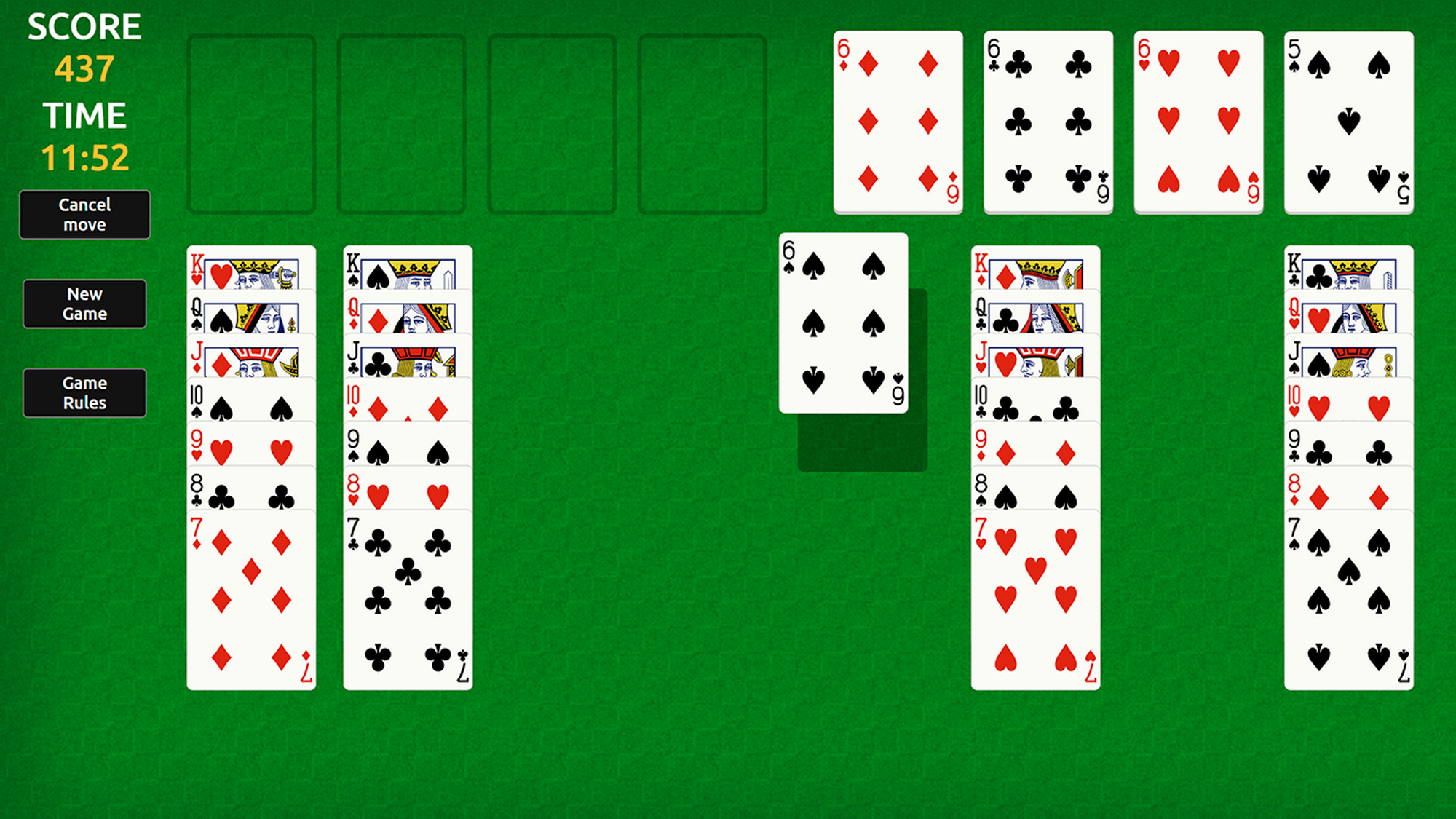
The game of solitaire is completed if you manage to move the entire deck to the “house”.
If you need to move a stack of cards, you can do this only one at a time, using empty columns and free cells.
Features
- Strategic Storage: Utilize the four empty cells wisely to hold cards that block your path to building sequences.
- Auto-Complete Option: Save time at the end of a match by using the smart auto-move function once all cards are revealed.
- Undo Function: Correct accidental moves or rethink a bad decision with the unlimited undo button.
- Statistics Tracking: Monitor your winning percentages and total games played to track your improvement over time.
- Clean Layout: Enjoy a classic visual style that prioritizes readability and smooth drag-and-drop mechanics.
Who is it for
Card game veterans and puzzle enthusiasts who enjoy testing their logic skills against challenging layouts. Players seeking a relaxing yet mentally stimulating browser pastime will find this version of Solitaire FreeCell Classic highly rewarding. It serves as a perfect brain teaser for those who appreciate traditional solitaire mechanics.
Controls
Select card
Tap on a card or click it with your mouse to highlight it.
Move card
Drag and drop the card to a new column or empty cell, or tap a destination to move it automatically.
Undo move
Tap the undo icon in the menu bar to revert your last action.
FAQ
Is Solitaire FreeCell Classic completely free to play?
›
Yes, you can enjoy Solitaire FreeCell Classic for free directly in your web browser with no registration or downloads needed.
Can I win every game of Solitaire FreeCell Classic?
›
While most deals are solvable, Solitaire FreeCell Classic includes a tiny percentage of combinations that are mathematically impossible to complete.
How do I move multiple cards in Solitaire FreeCell Classic?
›
You can only move a stack of cards if you have enough empty columns or free cells to facilitate the movement of individual pieces.