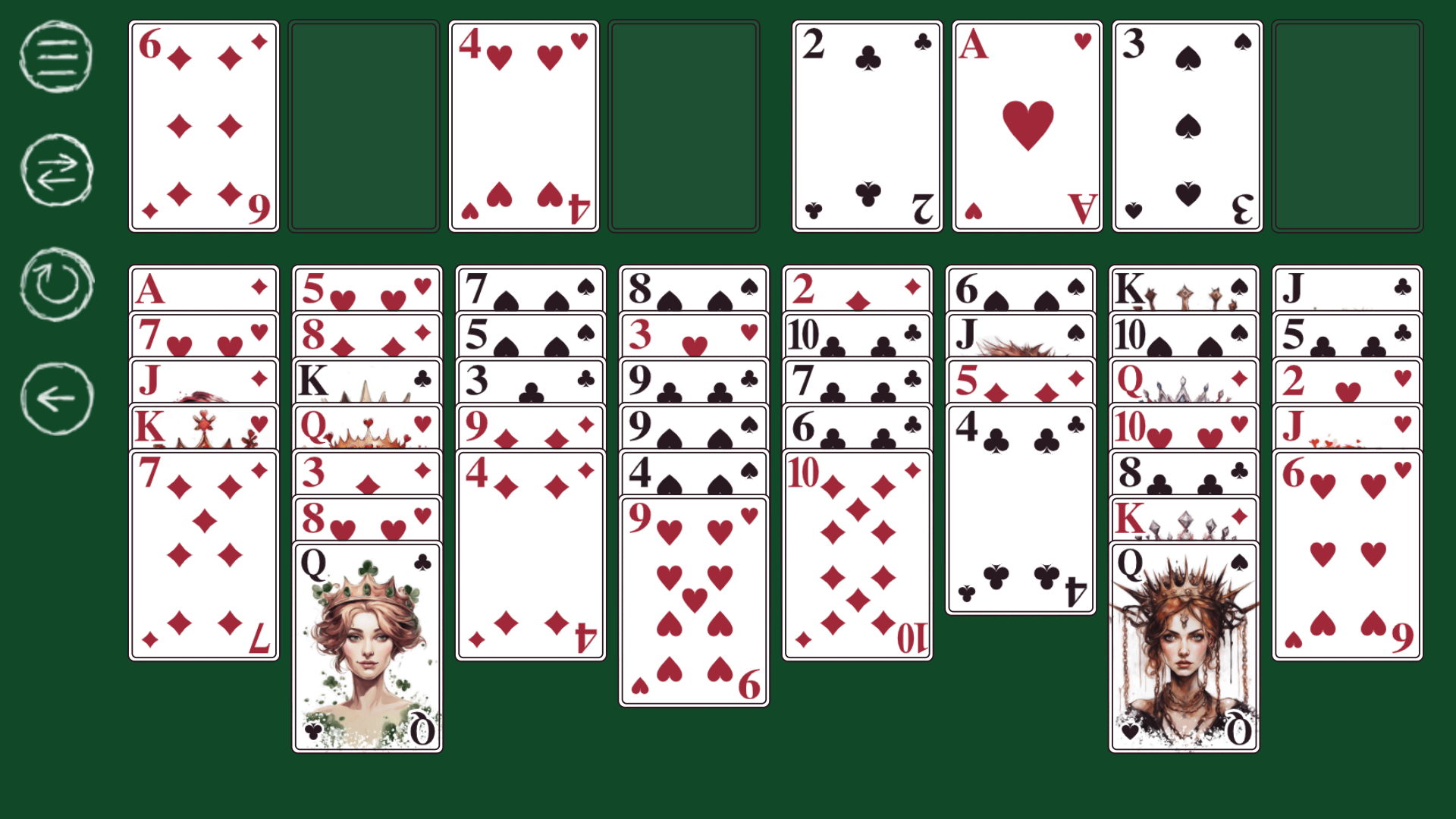
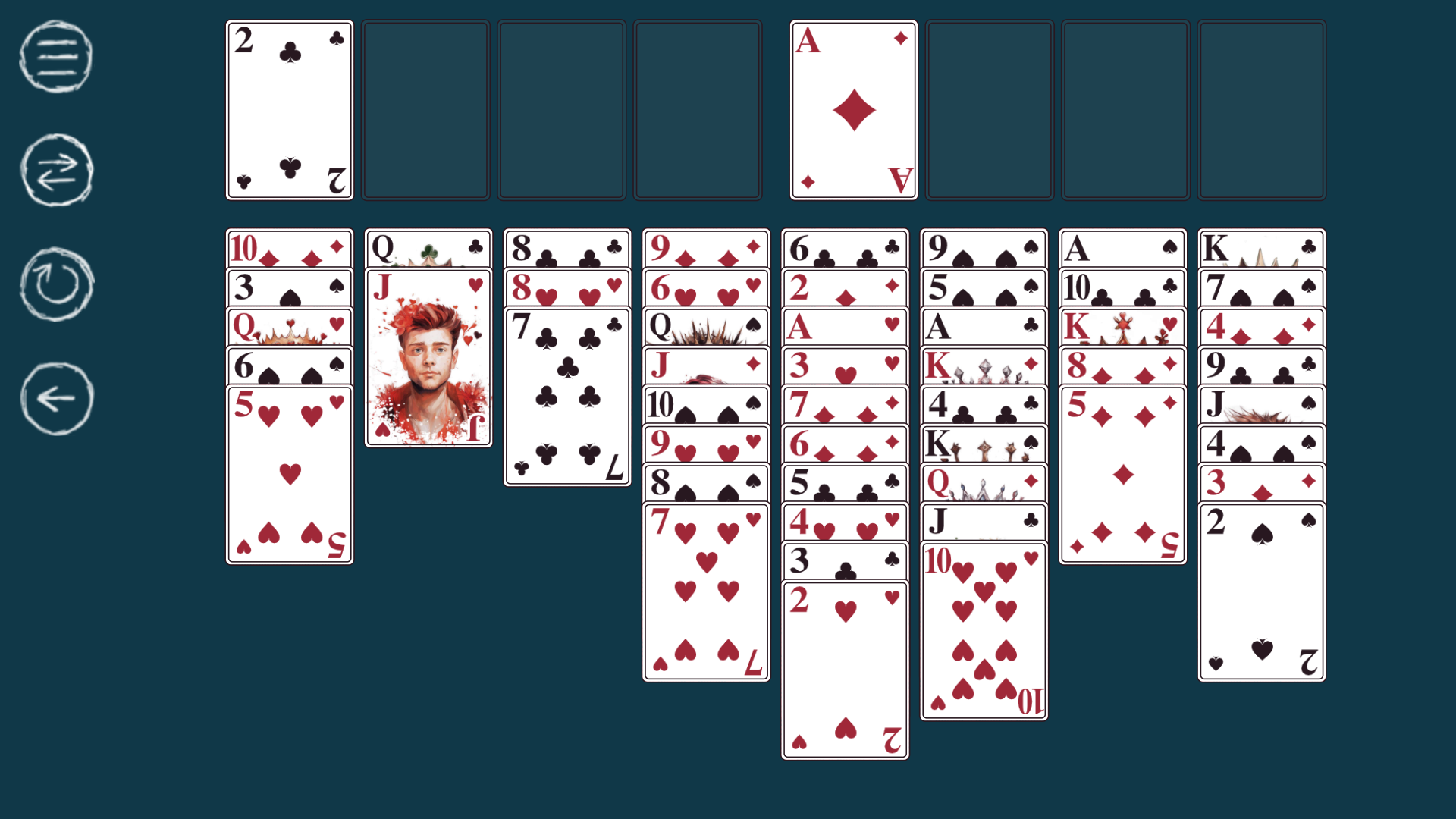
About game
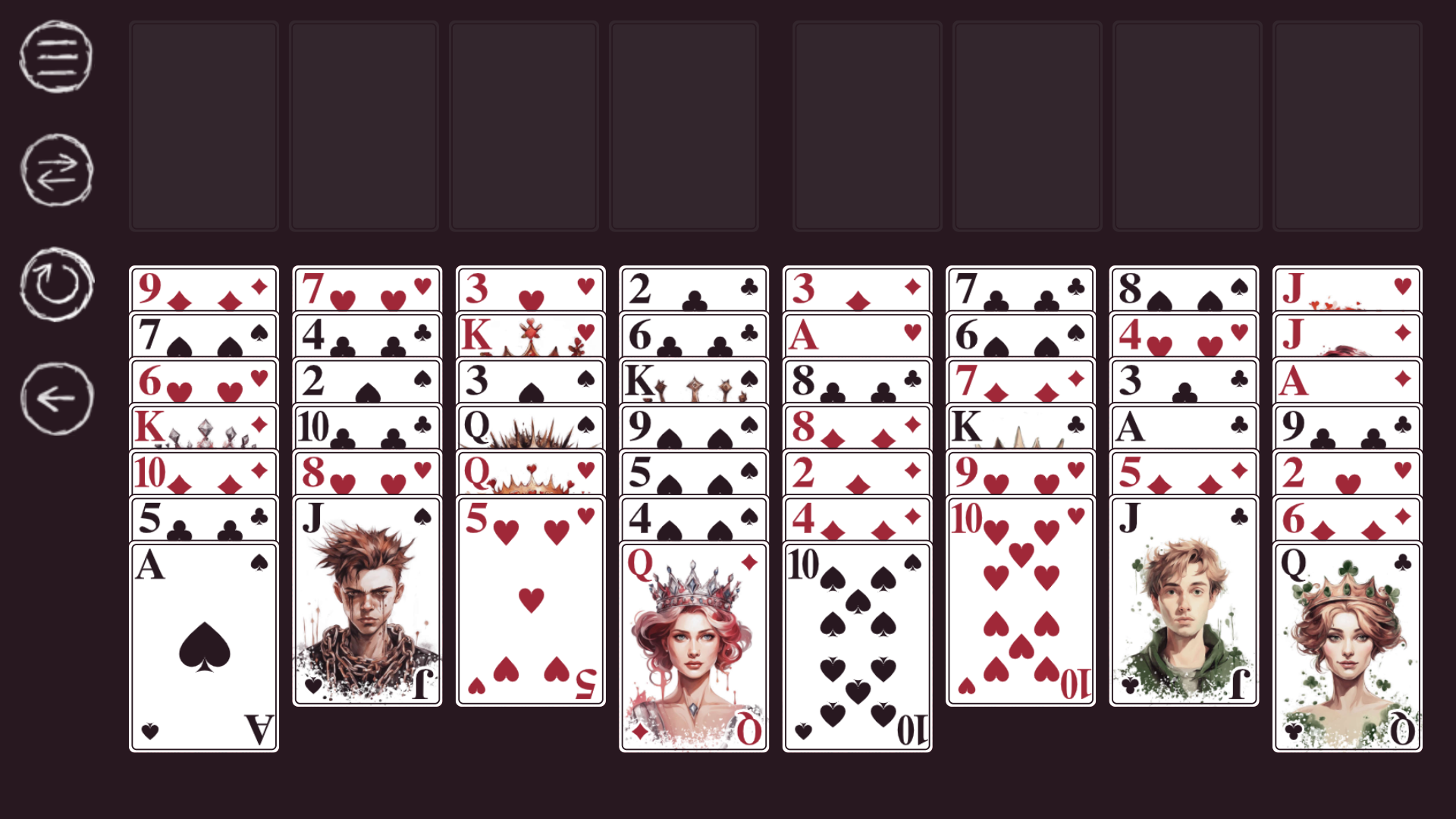
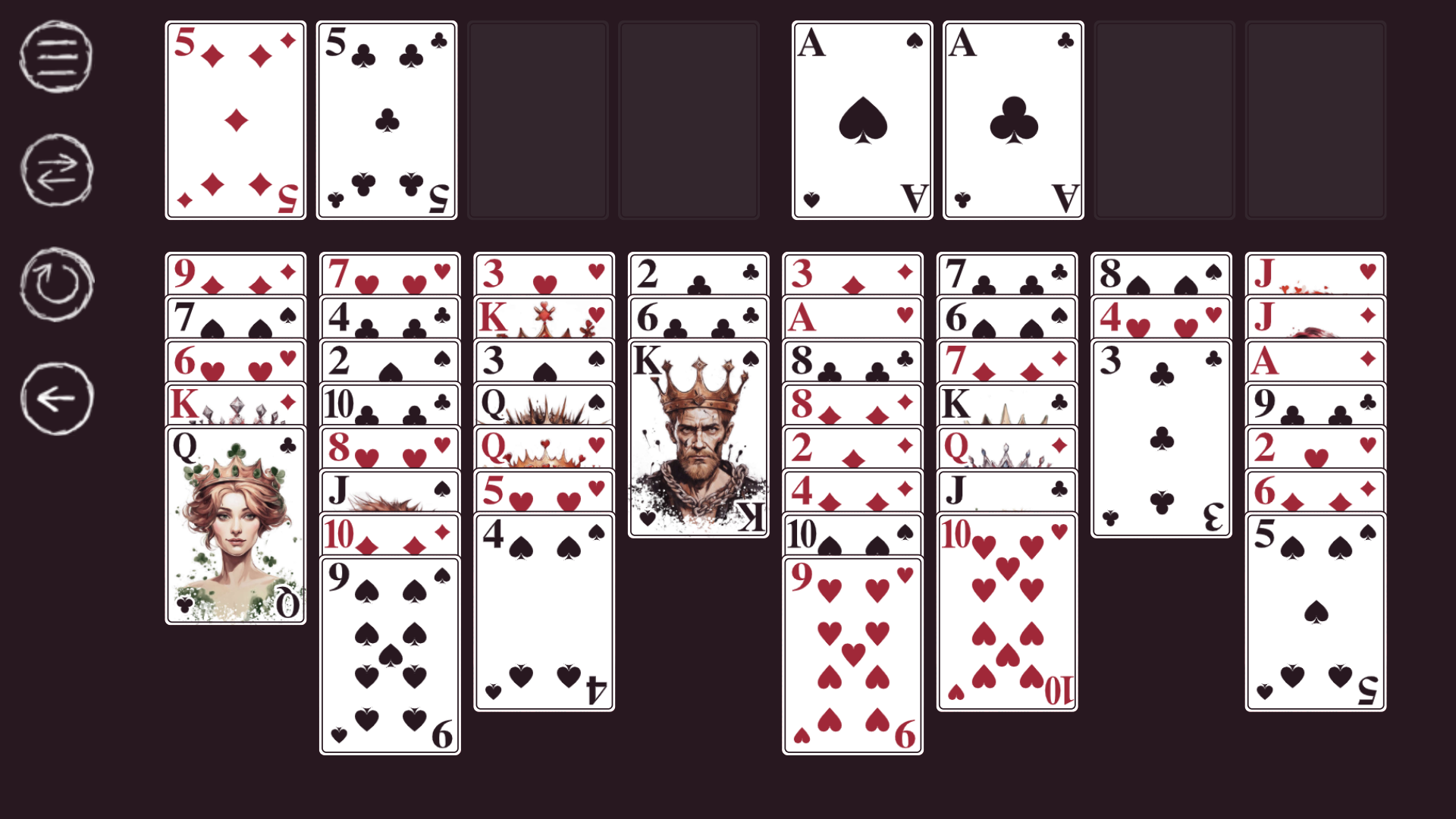
Arrange every card by suit from Ace to King in this classic test of mental agility. Epic Solitaire FreeCell demands careful planning as you organize the deck in descending order using alternating colors to clear the board. Each move requires calculating if you have enough reserve space to successfully shift your stacks. Players can easily send cards to their destination with a quick click or tap, making the interface feel responsive and intuitive. Customize your visual experience by switching between dark, green, or blue background colors to suit your mood. A unique joker image greets you after every successful round, providing a fun reward for your strategic success. If you make a mistake, the simple undo feature allows you to backtrack and refine your approach instantly. Play this engaging solitaire challenge right in your browser without any downloads or registration requirements.
How to play
Purpose of the game:
Place all cards onto four bases.
Rules of the game:
Cards on the playing field are collected in descending order with alternating colors. Groups of cards can only be moved when there are a sufficient number of free reserve cells. You can put any card or group of cards into an empty cell of the playing field.
The cards in the bases are collected by suit (from Ace to King).
Cards from the reserve can be transferred to the playing field or to the base.
Features
- Customizable aesthetics: Choose between three distinct background colors to keep your gaming environment comfortable during long sessions.
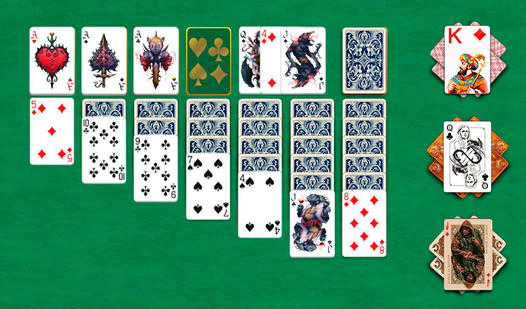
- Visual variety: Each card suit features a unique and stylish design that makes organizing the board visually satisfying.
- Smart movement: Clicking a card automatically calculates the best available position to save you time during gameplay.
- Joker rewards: Celebrate your victory after every win with a randomized, high-quality joker illustration.
- Move correction: Take advantage of the unlimited undo functionality to experiment with different strategies without penalty.
Who is it for
Strategy enthusiasts and fans of classic card games will gravitate toward this title. The logical depth appeals to players who enjoy sharpening their focus and memory. Casual card gamers looking for a relaxing yet stimulating mental exercise will find this version of free cell perfectly suited for quick browser breaks.
Controls
Select card
Tap or click on a card to highlight it.
Move card
Tap or click the destination cell to automatically move the card.
Undo move
Tap the undo icon in the game menu to revert your last action.
New game
Tap the refresh icon to reset the board and start a fresh deal.
FAQ
How do I win at Epic Solitaire FreeCell?
›
The goal is to move all cards to the four foundation piles by sorting them by suit from Ace to King.
Can I move multiple cards at once in Epic Solitaire FreeCell?
›
Yes, you can move a sequence of cards provided there are enough empty reserve cells to facilitate the move.
Does Epic Solitaire FreeCell work on mobile devices?
›
Absolutely, you can play directly in your mobile browser with full touch support for all card movements.