About game
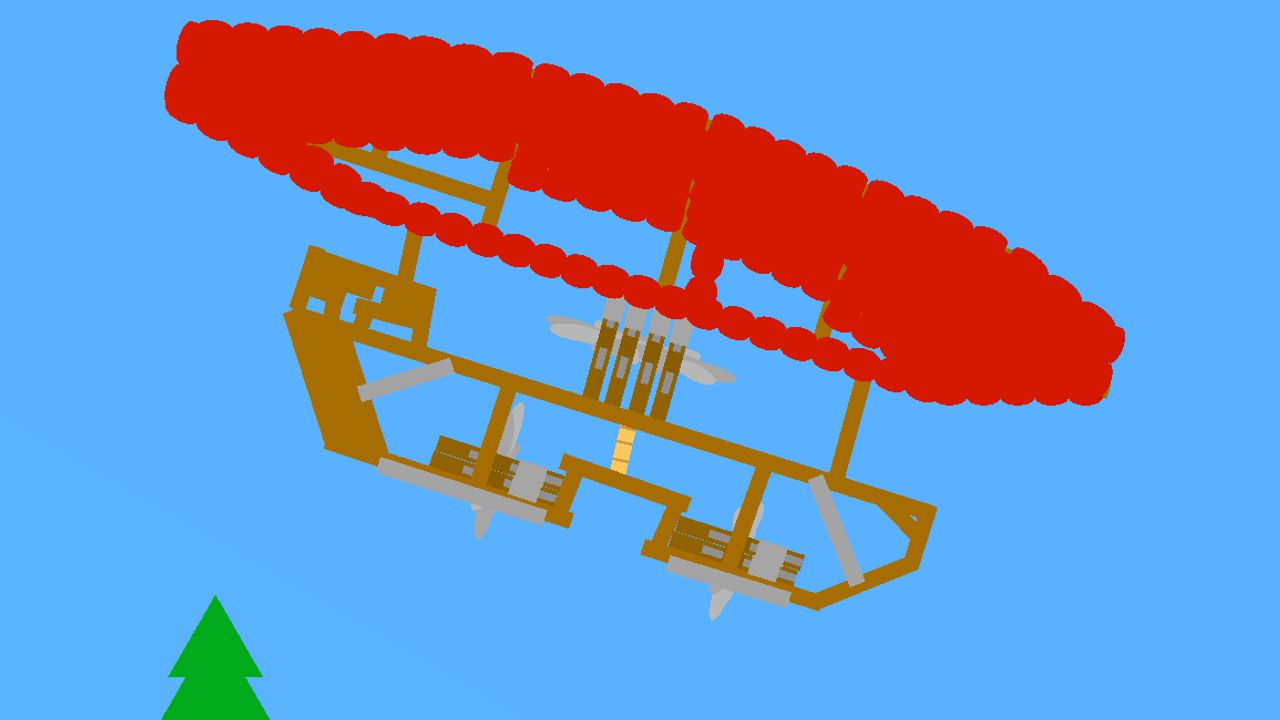
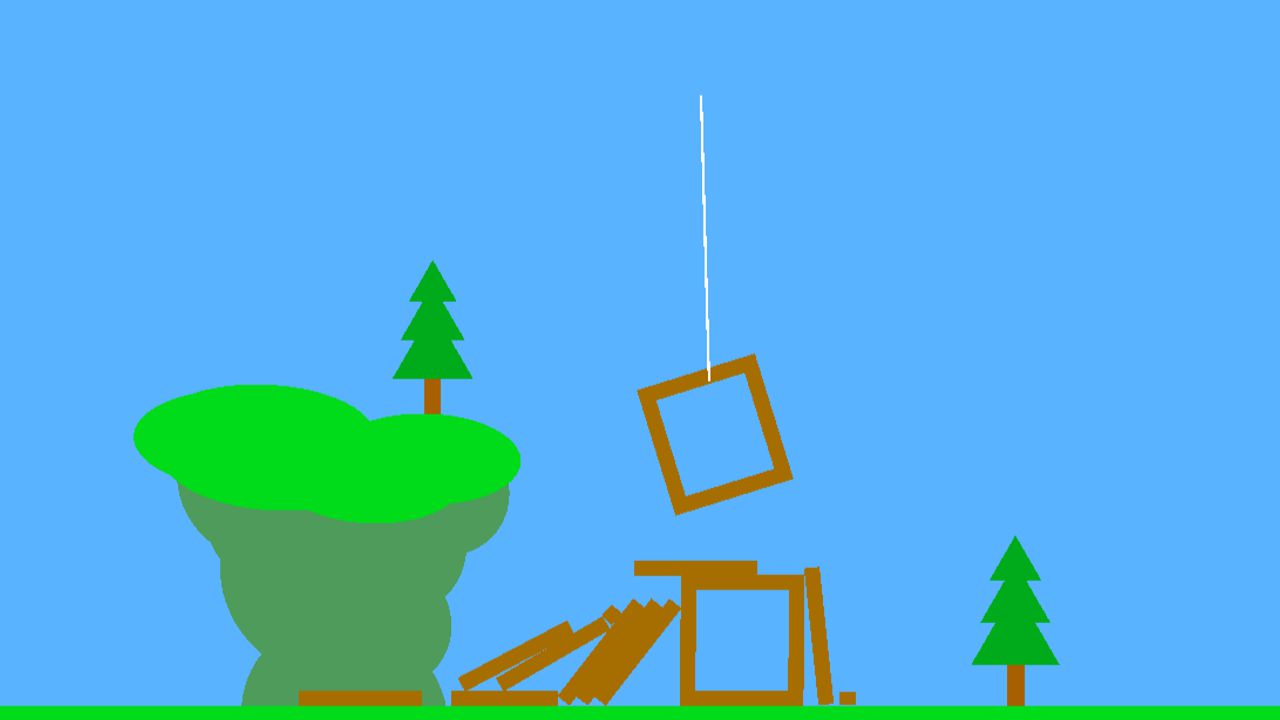
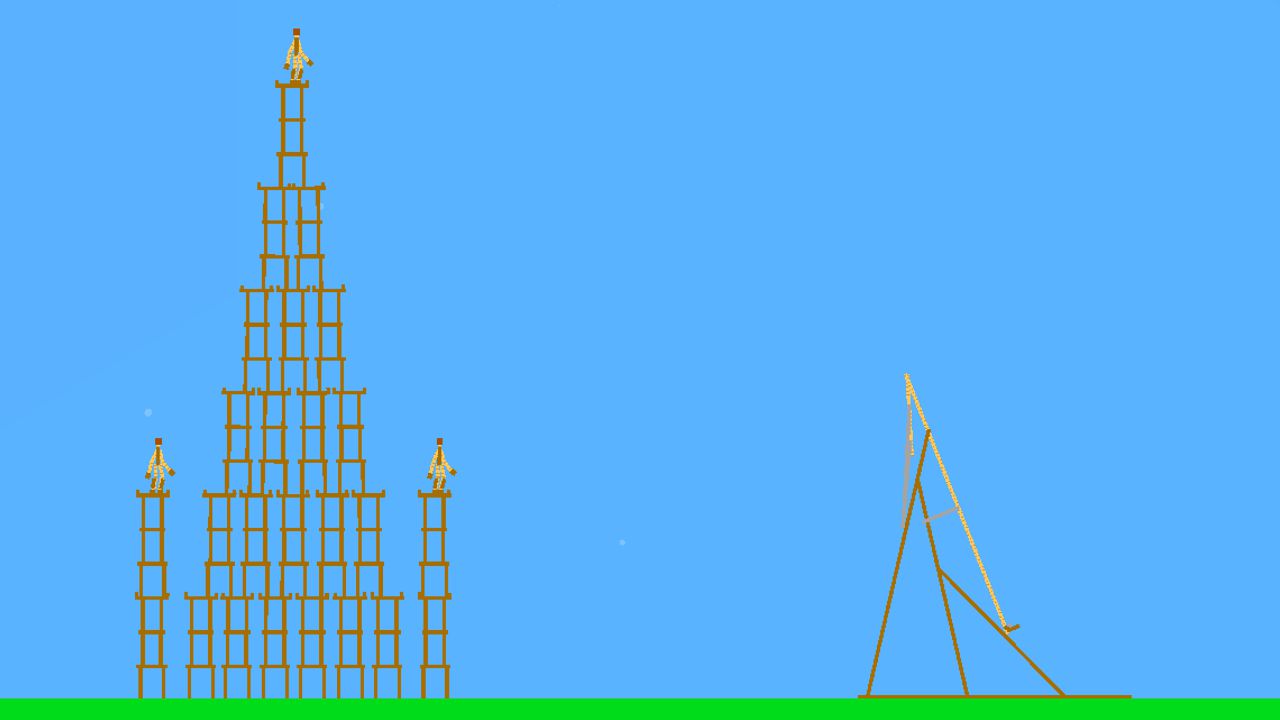
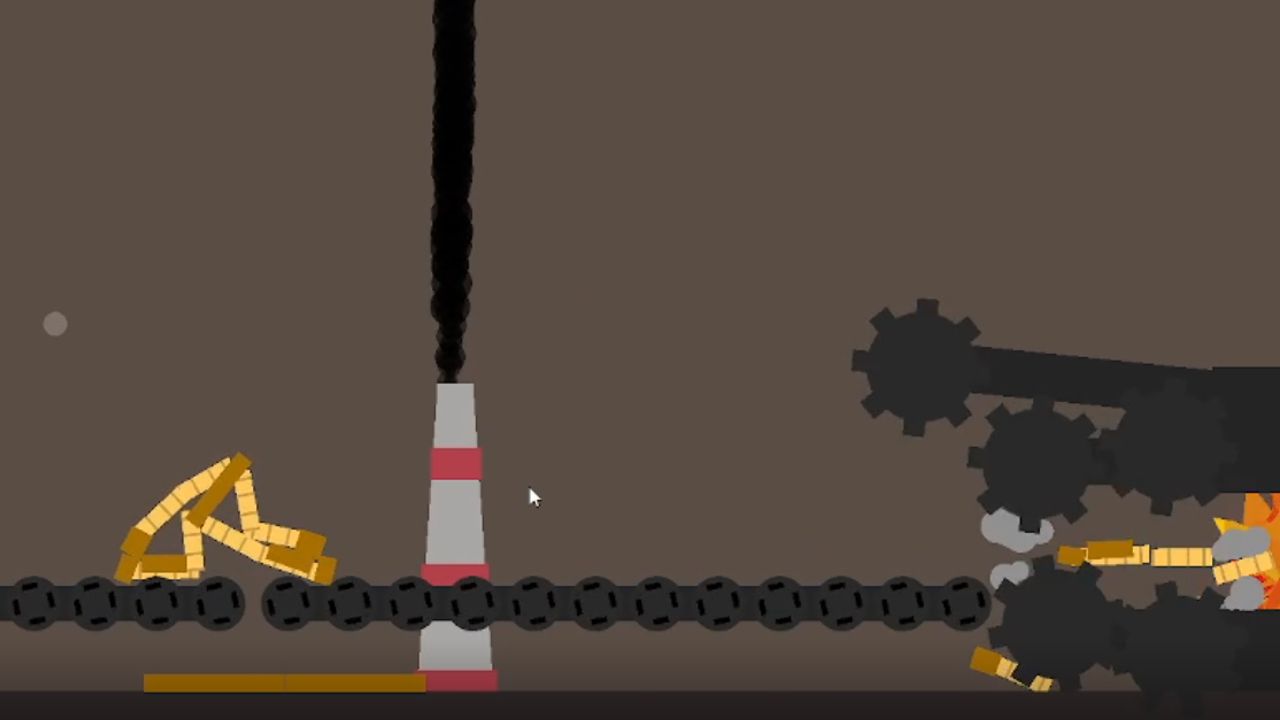
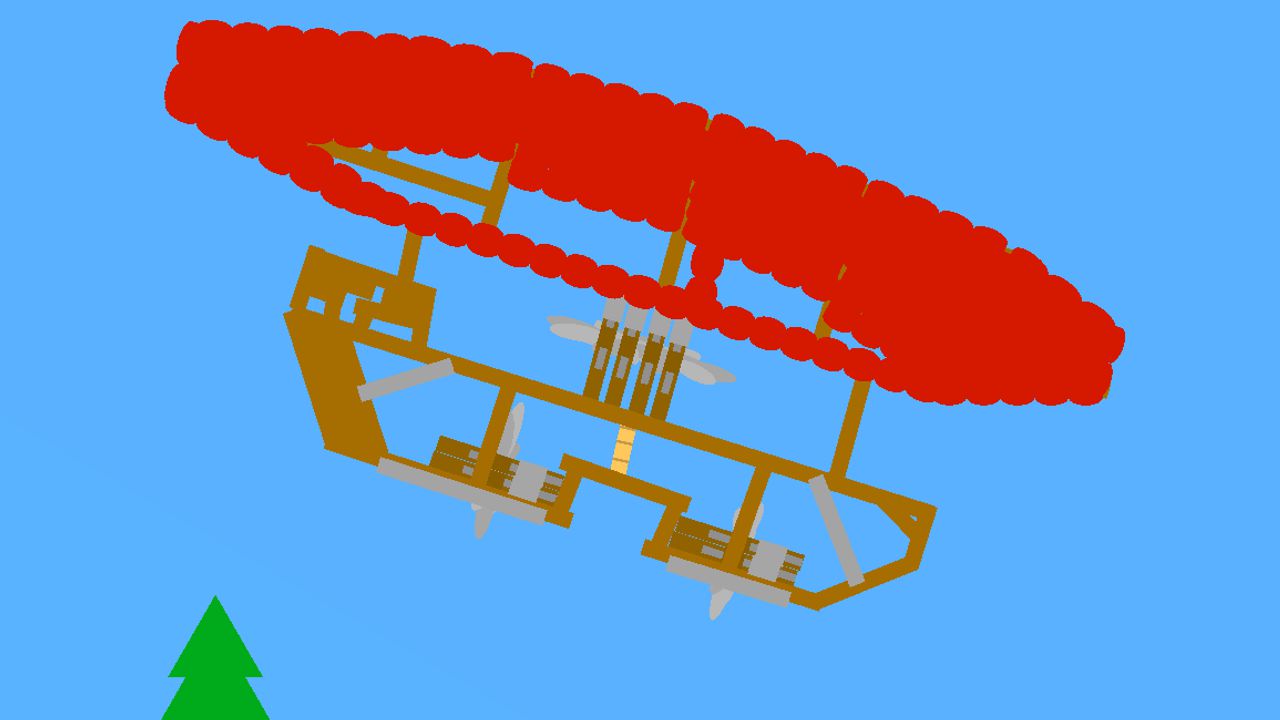
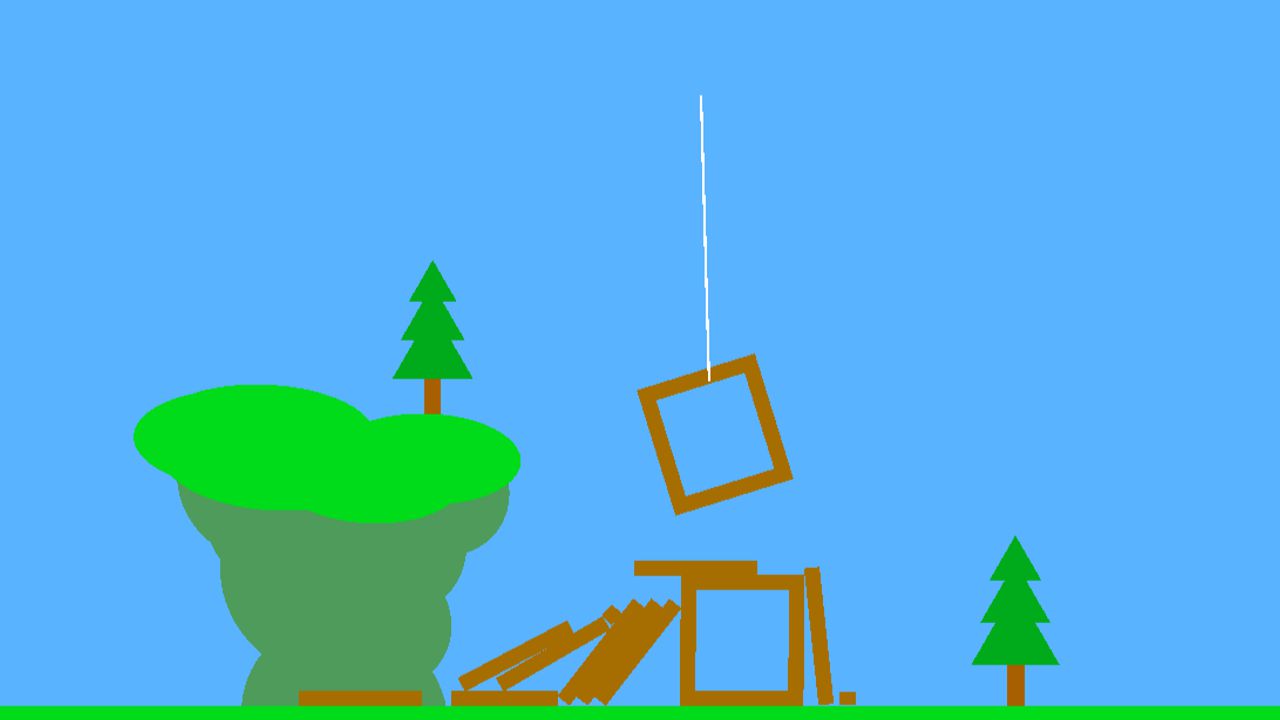
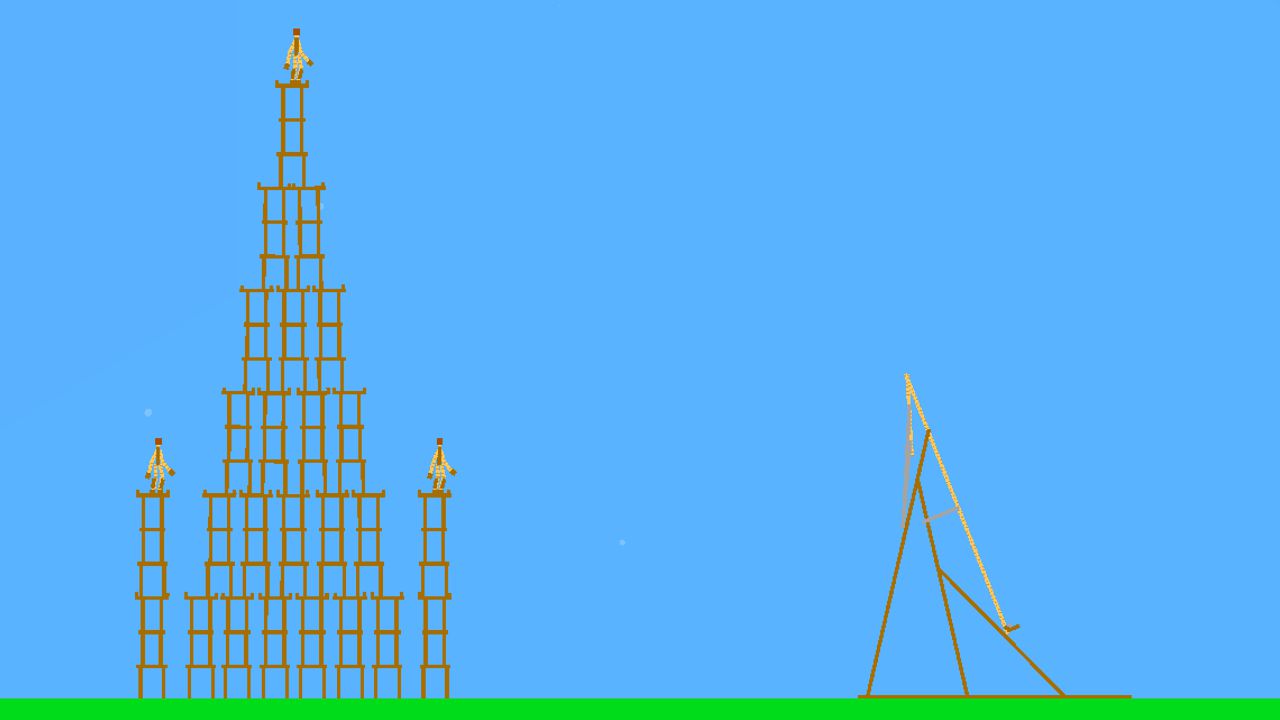
True creativity thrives when you have the power to break all the rules of physics in a digital space. SandBox Simulator offers a blank canvas where you can build complex contraptions or watch everything crumble in glorious chaos. You begin by selecting materials from a vast library to construct your unique environment or mechanical marvels. Using the edit tool, you can fine-tune motor power and control keys to bring your static objects to life with precision. Experimentation is the heart of the experience as you manipulate gravity and test the limits of your custom scenarios. The intuitive interface ensures that building your dream melon sandbox world is accessible even for beginners who want to jump straight into the action. Whether you are aiming to build a functional machine or simply want to create destruction, the freedom provided here is unmatched. You can play SandBox Simulator for free directly in your browser without any downloads required.
How to play
You can hold the left mouse button while placing to extend the item or charge the throw with the throwing stone/wheel.
Drag tool: Click on the item and then move the mouse to drag it (works when the item is not following the block)
Edit tool used to change the settings of the motors, such as their control keys and their power. You can select multiple motors at once.
Holding the right mouse button allows you to remove things much faster
WASD or ARROW keys to move the camera;
LEFT MOUSE BUTTON to place items;
MIDDLE MOUSE BUTTON to set the follow camera to the block
RIGHT MOUSE BUTTON to remove items;
SCROLL to zoom in and out;
LEFT SHIFT to move the camera faster;
K to reset the camera position.
Features
- Advanced Physics Engine: Every object reacts realistically to forces like gravity, friction, and kinetic impact.
- Motor Customization: Fine-tune the speed and rotation of mechanical parts to build complex moving vehicles or traps.
- Material Diversity: Choose from a wide array of elements that possess different density and durability properties.
- Dynamic Camera Controls: Use the follow camera feature to track specific blocks and observe your creations from any angle.
- Rapid Deletion System: Clean up your workspace efficiently by using the right-click erase function to clear out failed experiments.
Who is it for
Creative minds and fans of logic-based building games will find endless enjoyment here. Players who love experimenting with physics engines or designing intricate Rube Goldberg machines will appreciate the depth. It is a fantastic choice for those seeking a stress-free environment to build, destroy, and iterate endlessly.
Controls
Place items
Left mouse button
Remove items
Right mouse button
Move camera
WASD or Arrow keys
Zoom view
Mouse scroll wheel
Mobile interaction
Tap to place, drag to move, and pinch to zoom
FAQ
Is SandBox Simulator free to play?
›
Yes, you can access the full version of SandBox Simulator for free directly in your web browser.
Do I need to install anything to run SandBox Simulator?
›
No, SandBox Simulator is a browser-based game that requires no downloads or registration to start playing.
Can I save my progress in SandBox Simulator?
›
The game is designed for instant play sessions, allowing you to build and experiment to your heart's content without needing a formal save file.