About game
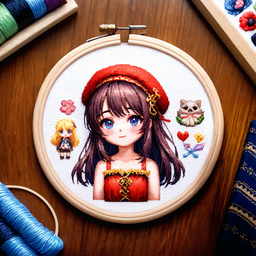
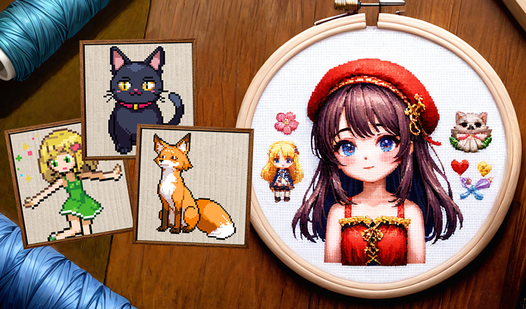
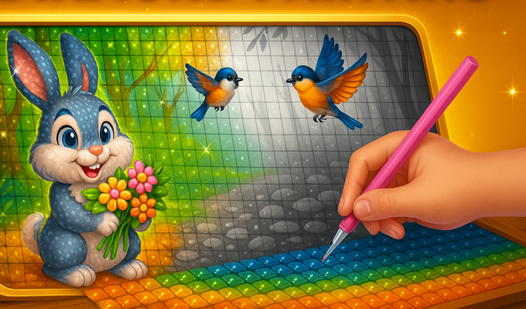
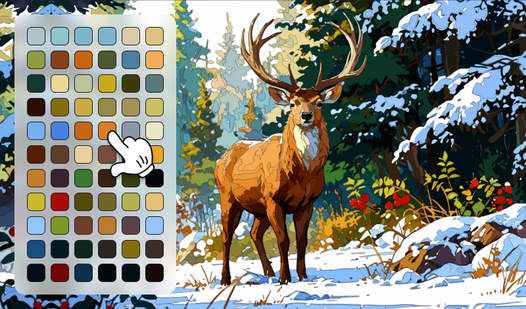
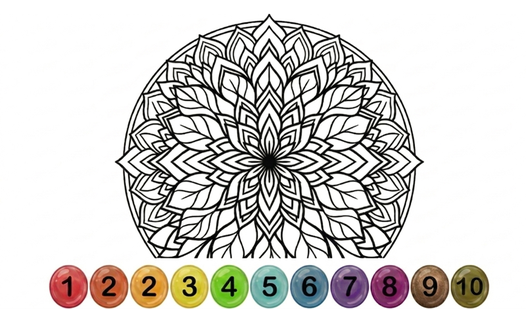
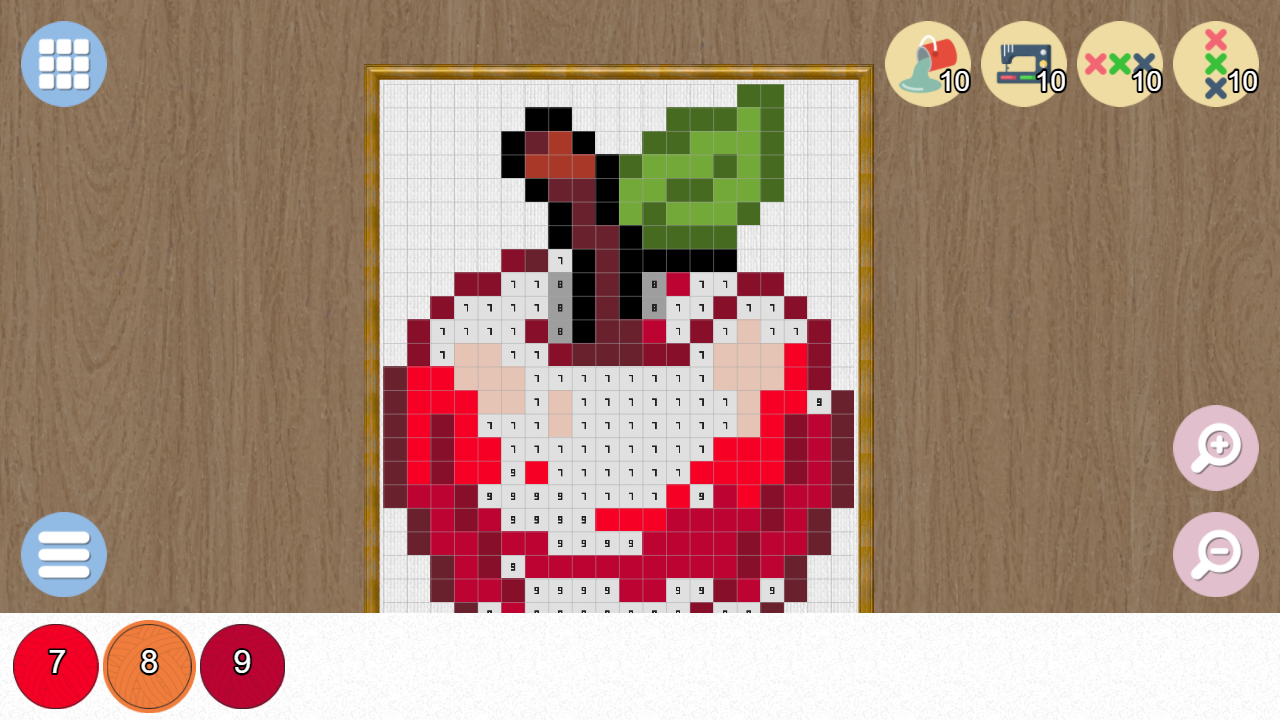
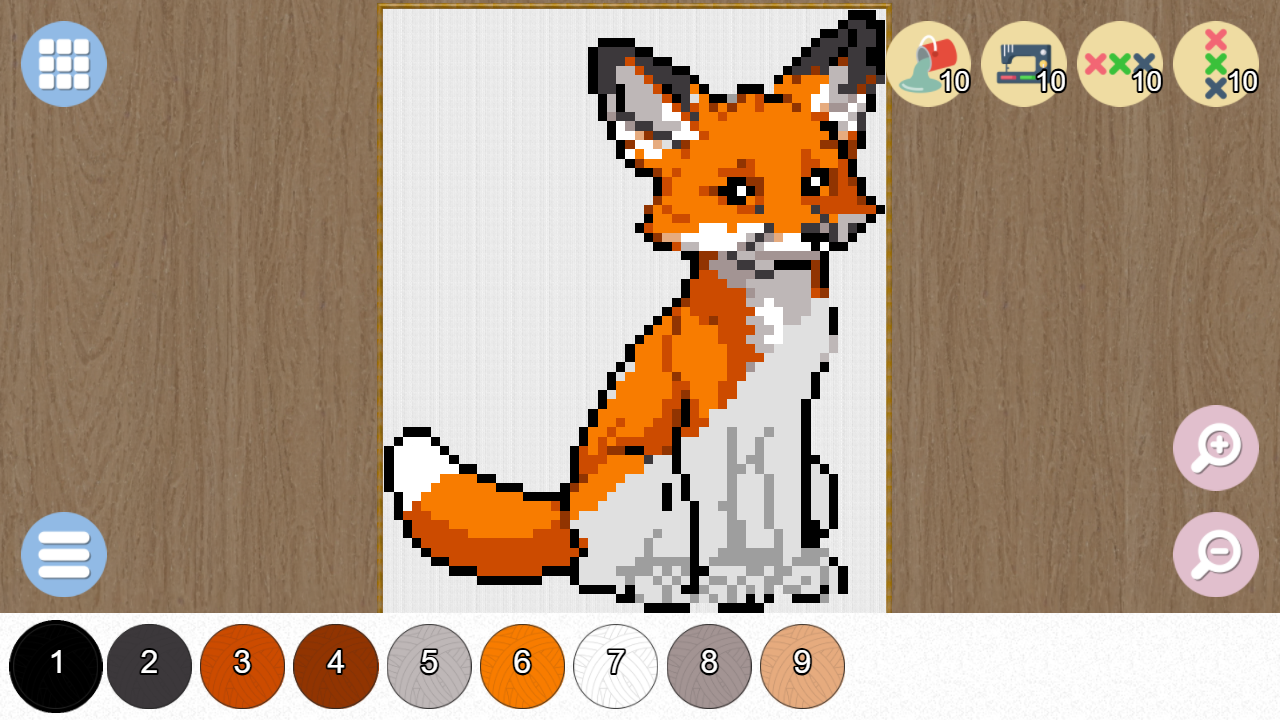
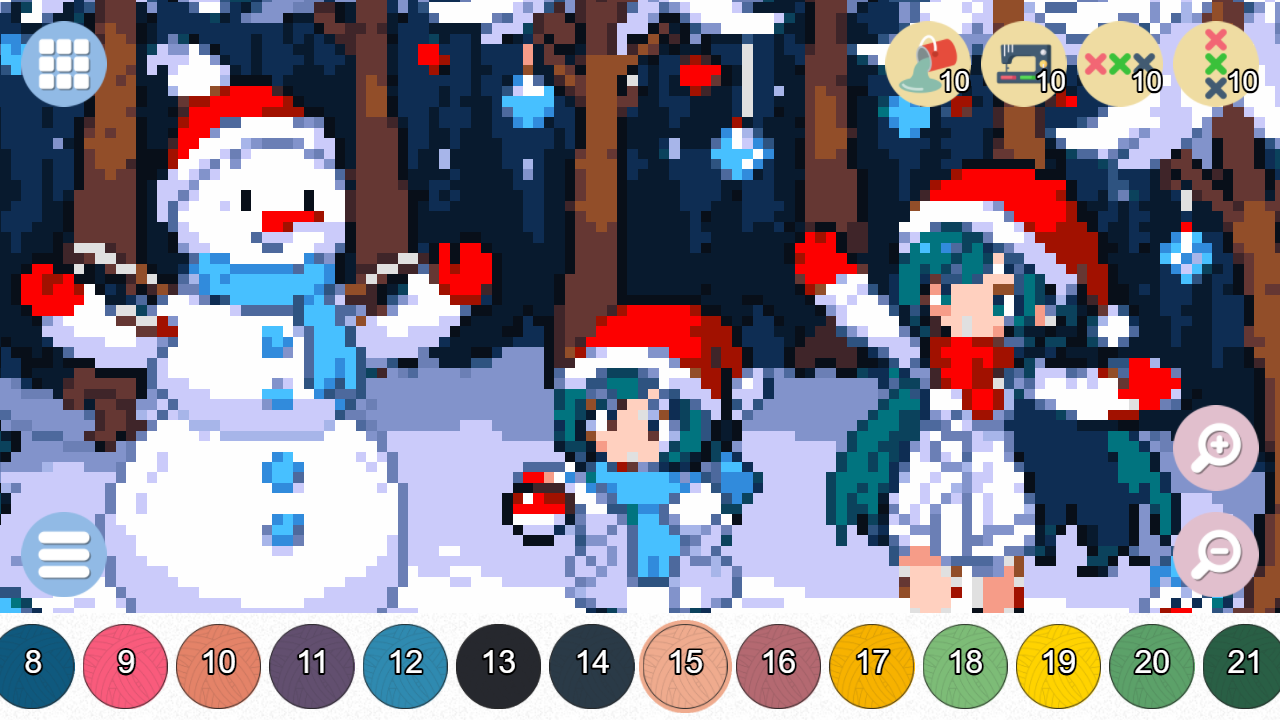
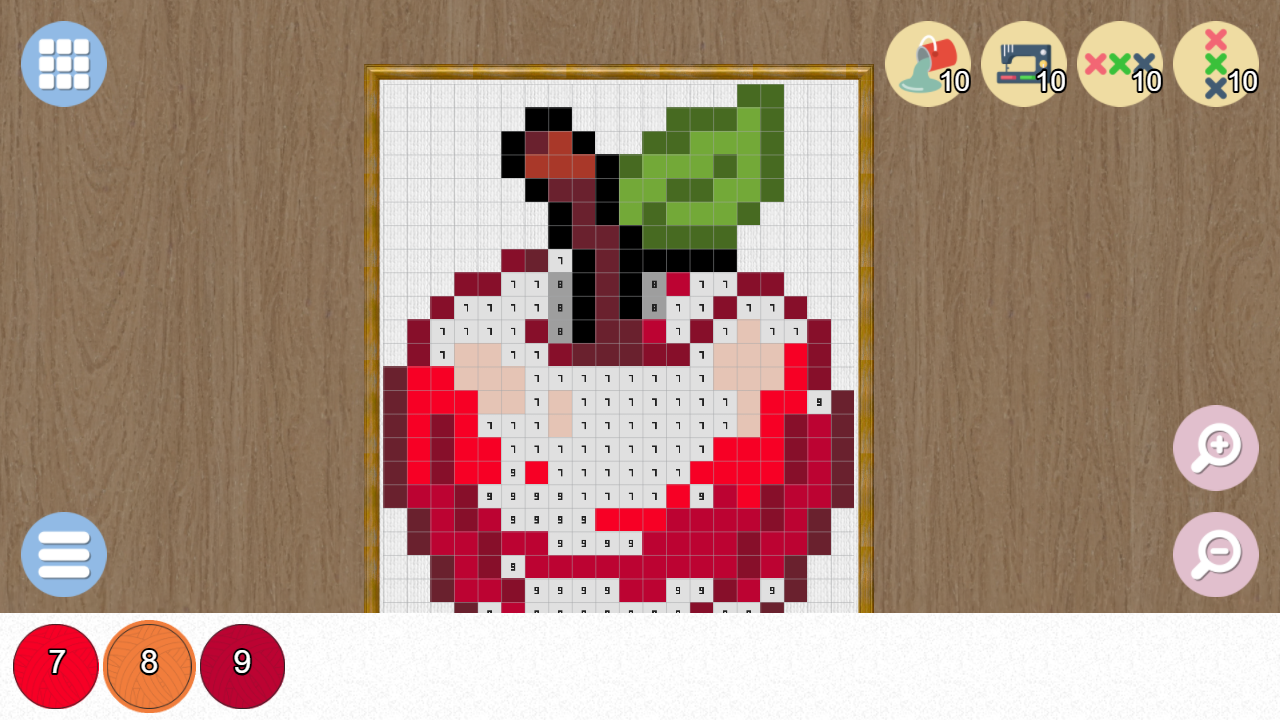
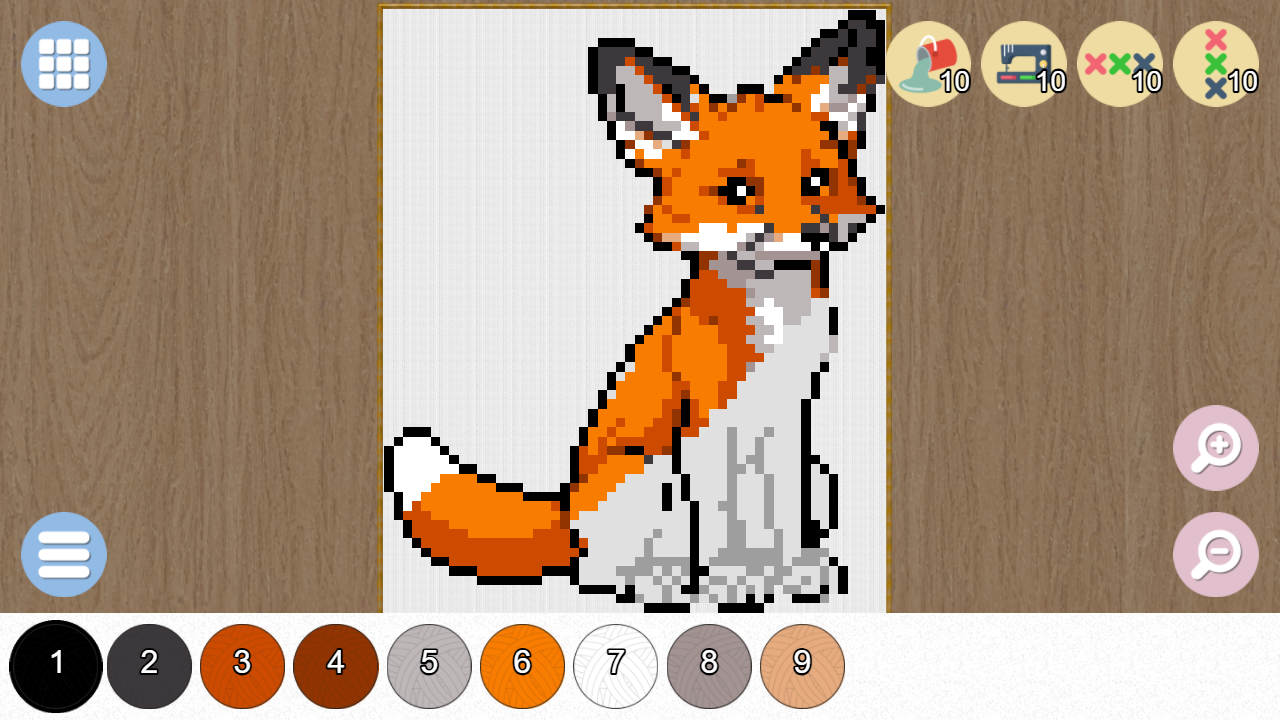
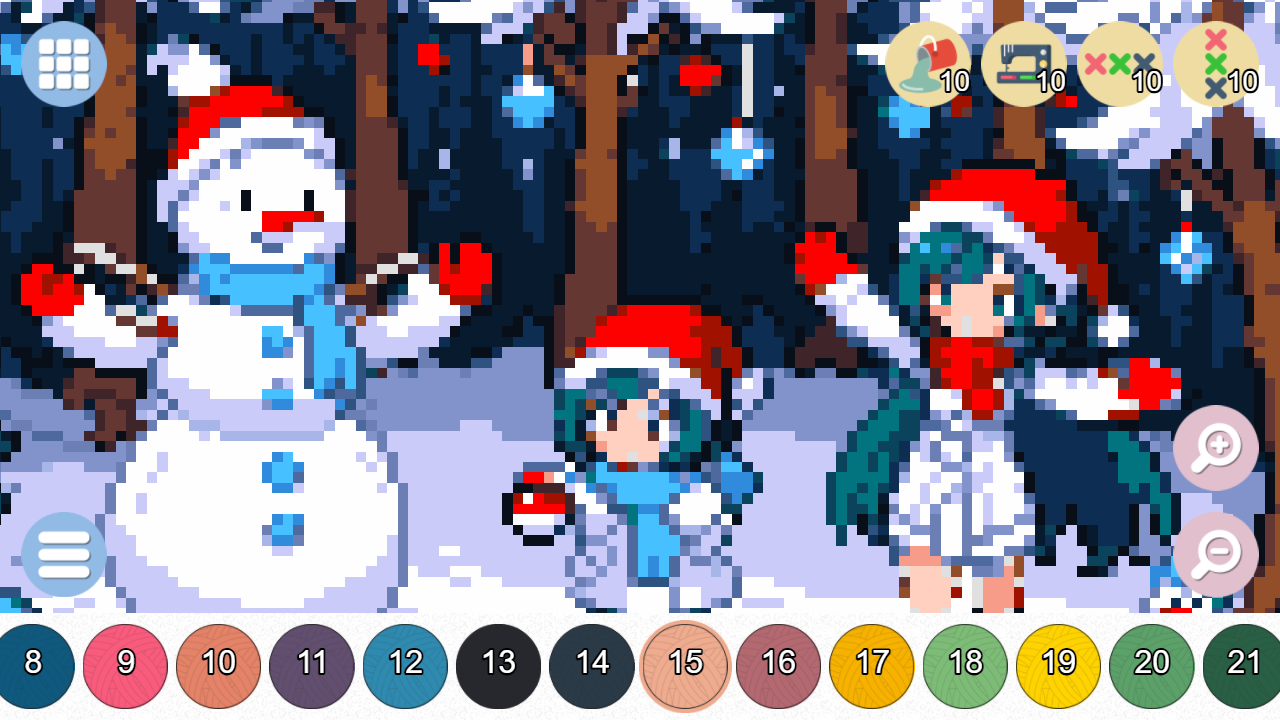
Staring at a blank screen during a short break can feel tedious, but Pixels: Coloring-embroidery by numbers turns that free time into a relaxing creative escape. This addictive pixel art experience lets you transform tiny grids into vibrant masterpieces with just a few rhythmic clicks. You simply select a color from the palette and tap the corresponding numbers to fill the canvas piece by piece. The process feels like a digital embroidery session, making it the ultimate antistress activity for unwinding after a long day. As you progress, you earn coins that unlock new challenging templates, ranging from cute animals to grand landscapes. The double-click mechanic helps you locate specific zones instantly, ensuring your creative flow remains uninterrupted. With hundreds of unique designs available, this relaxing craft provides endless hours of digital fun for all ages. Experience this soothing pixel art game for free directly in your browser without any downloads required.
How to play
On the computer with a mouse.
On the phone - with gestures.
Use bonuses to speed up. Get coins for coloring to open other pictures.
To quickly find the desired cell, double-click on the selected color.
Features
- Progressive rewards: Earn in-game coins for every completed masterpiece to unlock premium image categories.
- Smart navigation: Utilize the double-click shortcut to snap the camera directly to any uncolored cells of your active color.
- Speed boosters: Activate special power-ups to fill large sections of the grid automatically when you need to finish quickly.
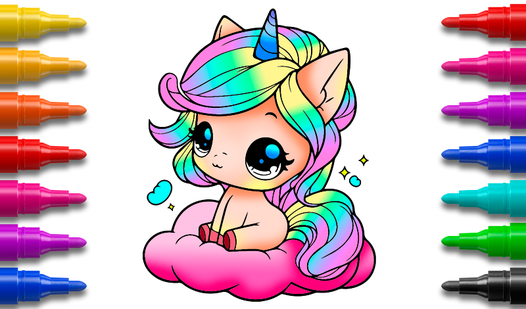
- Diverse gallery: Choose from an extensive library featuring food, nature, cars, and fantasy creatures to match your current mood.
- Relaxing atmosphere: Enjoy a calm, stress-free environment perfect for winding down during your daily routine.
Who is it for
Creative minds and relaxation seekers will find this title perfect for decompressing. It appeals to fans of coloring books and embroidery who enjoy precise, mindful tasks. The simple interface makes it accessible for children and adults alike, serving as a peaceful digital outlet for artistic expression during short breaks.
Controls
Select color
Left-click on a color from the palette or tap a color on your mobile screen.
Fill pixel
Click a numbered cell with the mouse or tap a cell on your touchscreen.
Locate cells
Double-click or double-tap a color to highlight all matching numbered pixels.
Move view
Click and drag the mouse or swipe across the screen to pan around the image.
FAQ
How do I unlock more images in Pixels: Coloring-embroidery by numbers?
›
You earn coins by completing current artworks, which can then be spent to unlock new templates in the gallery.
Is Pixels: Coloring-embroidery by numbers suitable for younger children?
›
Yes, the game features simple mechanics and no complex reading, making it a great creative tool for kids.
Can I play Pixels: Coloring-embroidery by numbers on my mobile device?
›
Absolutely, the game is fully optimized for mobile browsers and responds smoothly to touch gestures.