About game
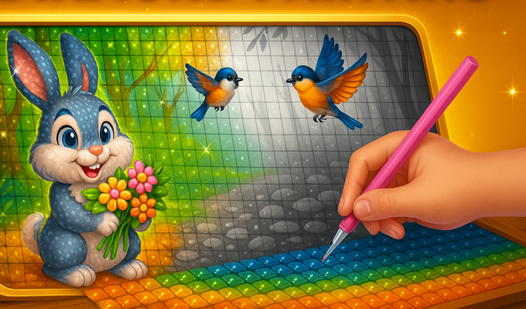
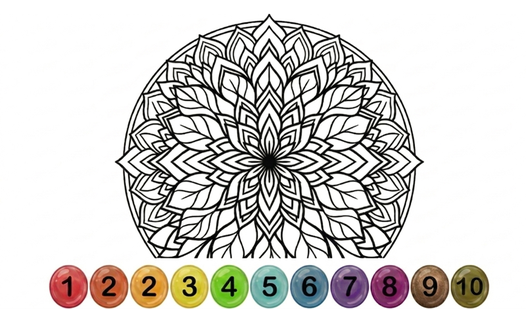
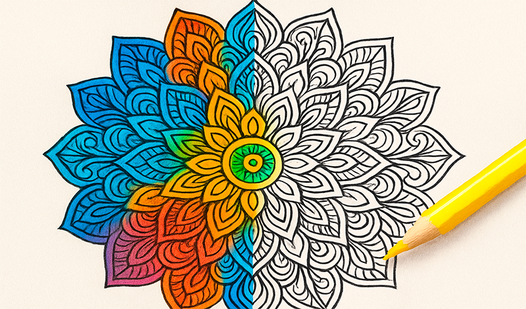
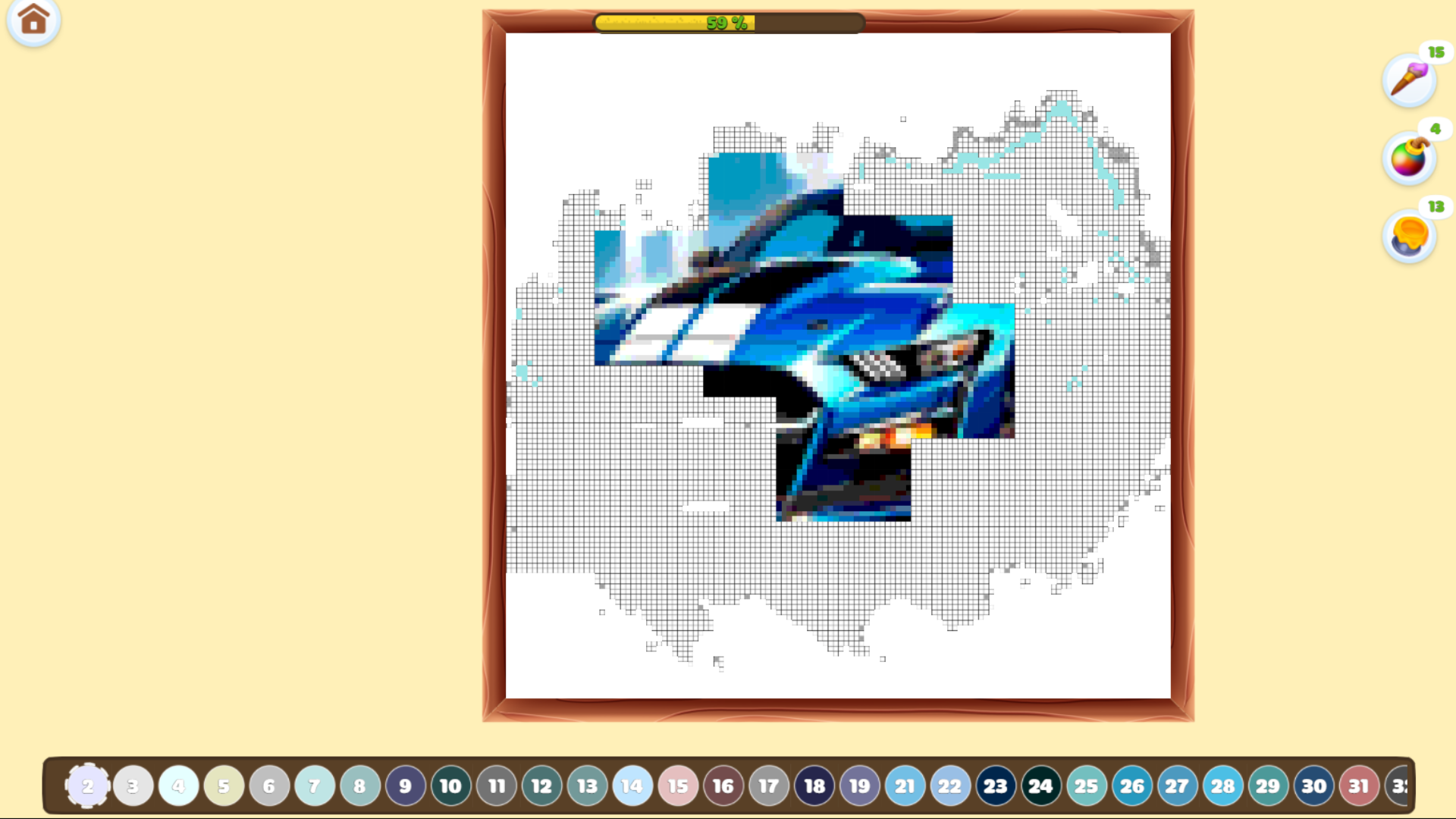
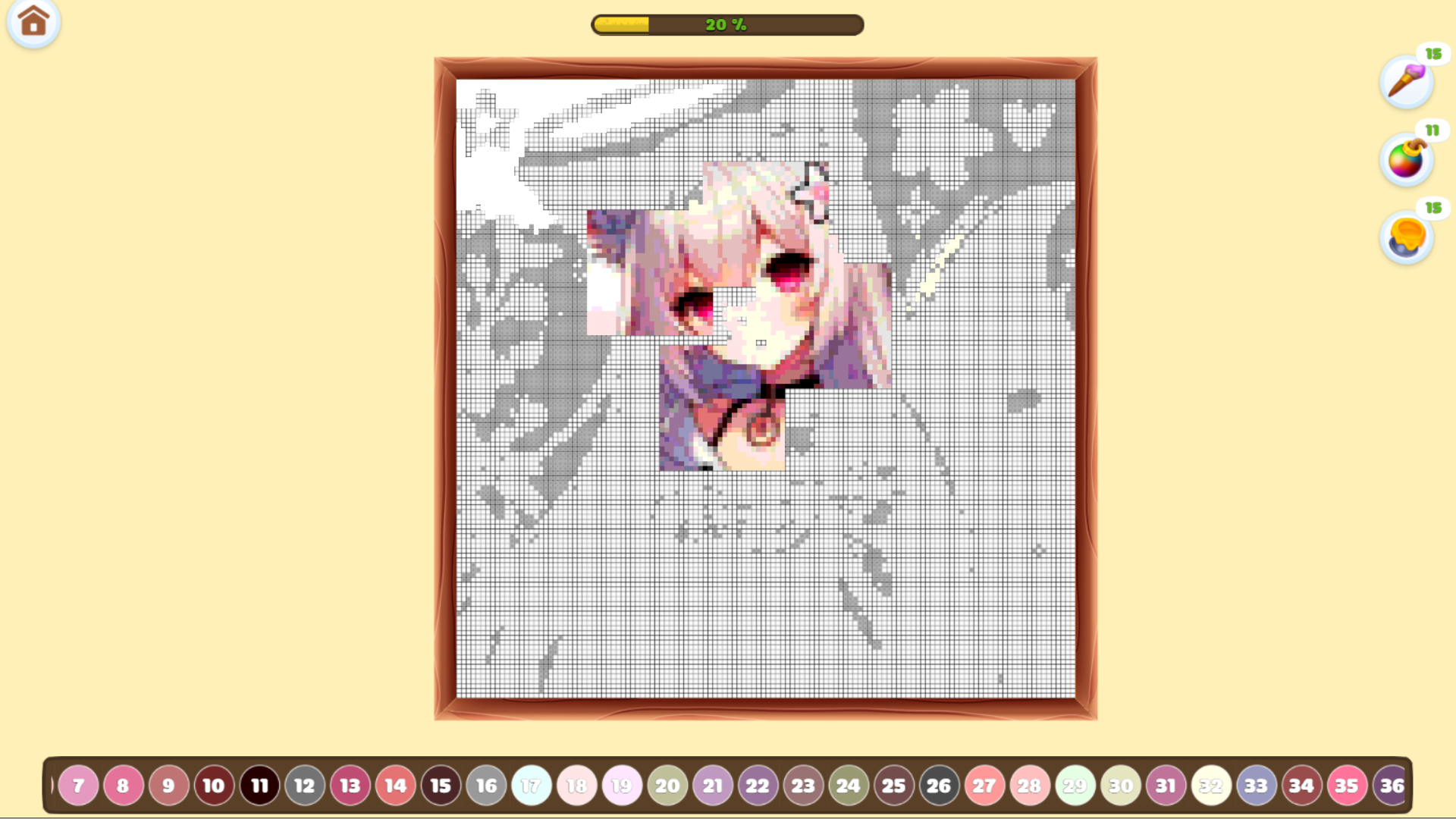
Staring at the clock waiting for your shift to end or just need a mental reset after a chaotic morning? Drawing: Diamond Mosaic offers the perfect escape into a world of endless sparkle and creative satisfaction. You simply pick an image, select a color from the palette, and start filling in the numbered grid to create stunning, glittery masterpieces. This digital mosaic experience captures the meditative flow of real diamond painting without the messy cleanup or lost beads. Each tap brings a new shimmer to your screen, transforming basic outlines into high-quality, dazzling art pieces. The interface is incredibly intuitive, allowing you to zoom in on tiny details or drag across sections to fill them in seconds. With fresh content added regularly, you will never run out of beautiful patterns to bring to life. You can play Drawing: Diamond Mosaic right now directly in your browser with no download or registration required.
How to play
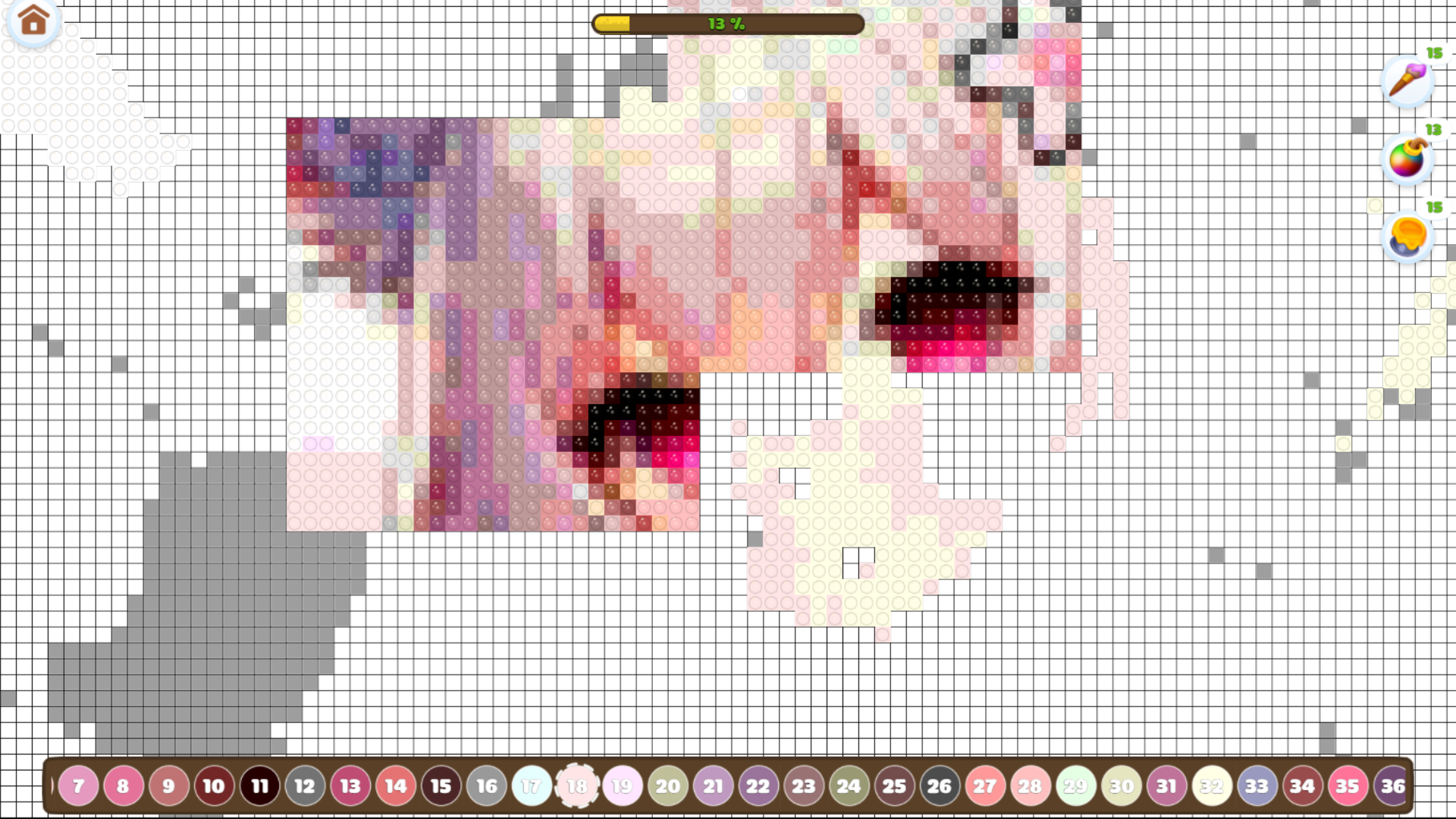
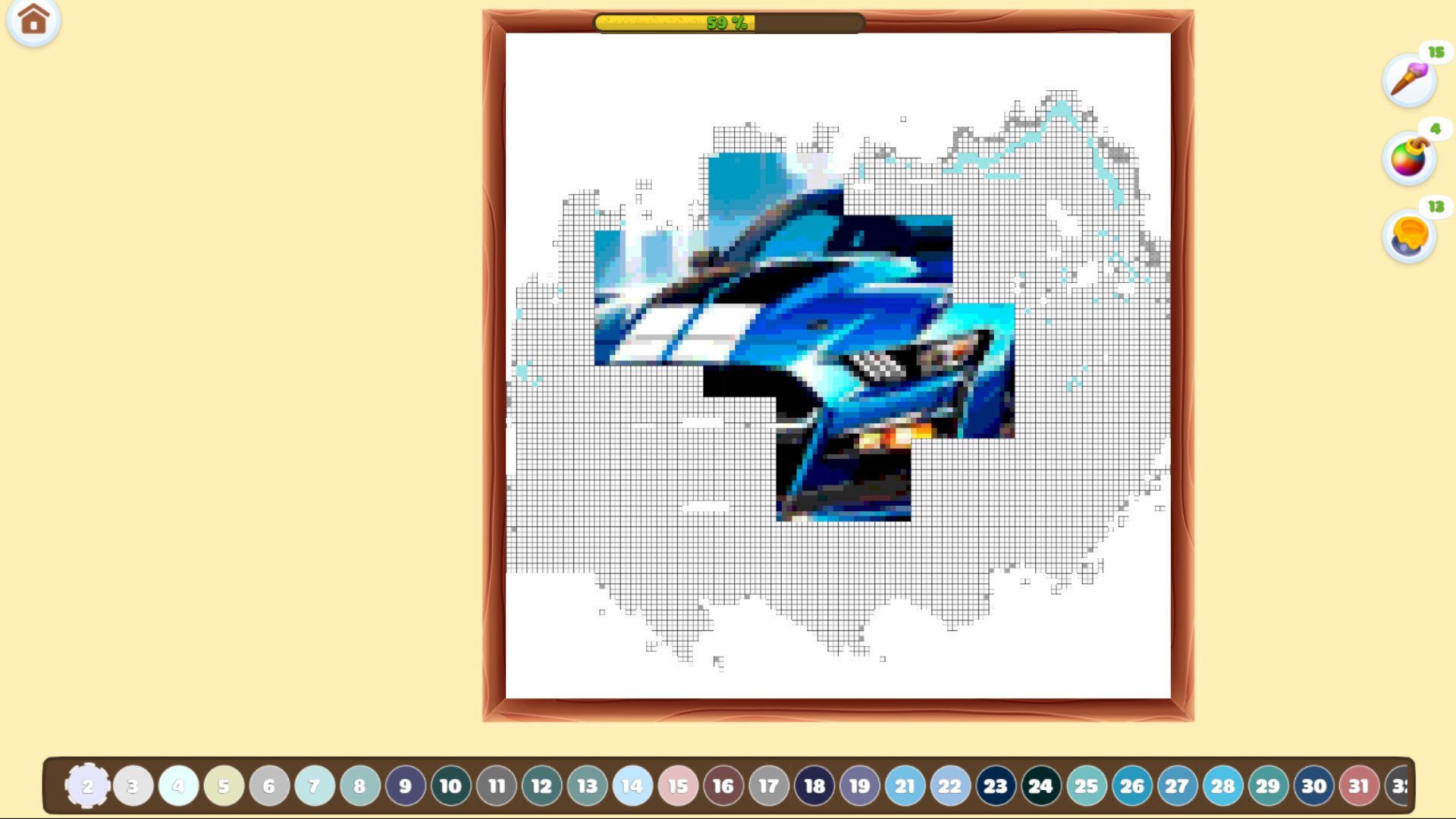
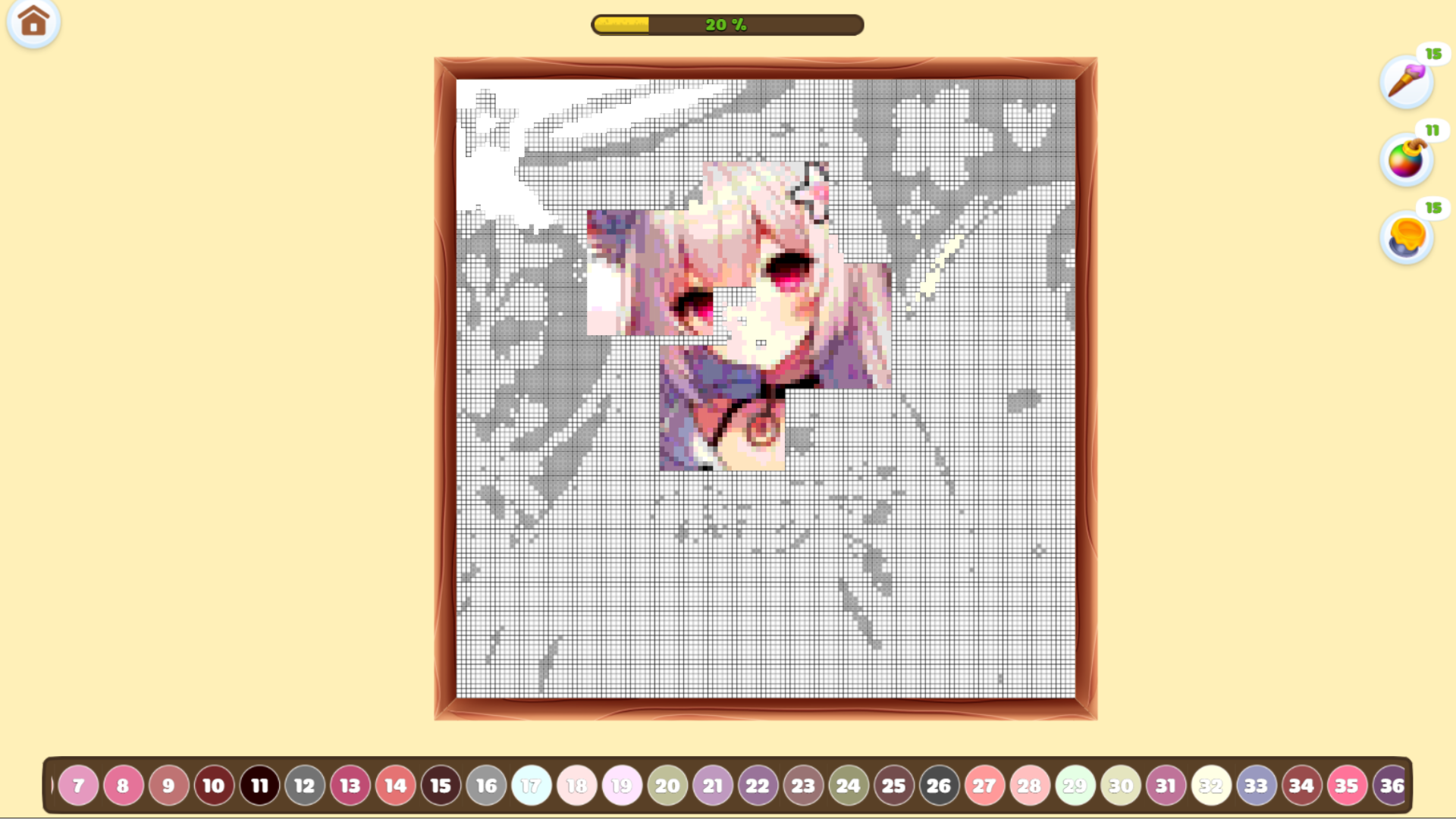
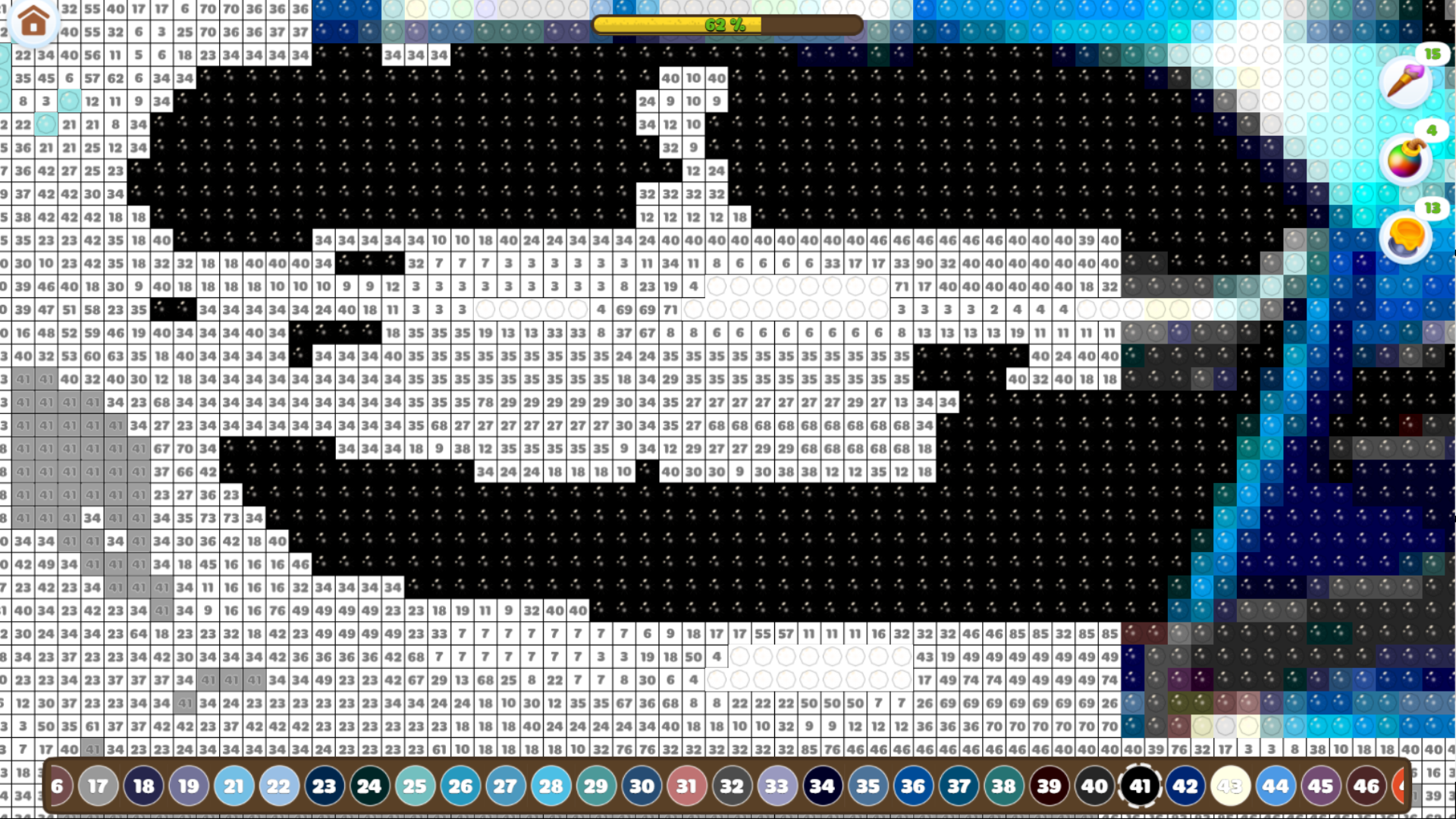
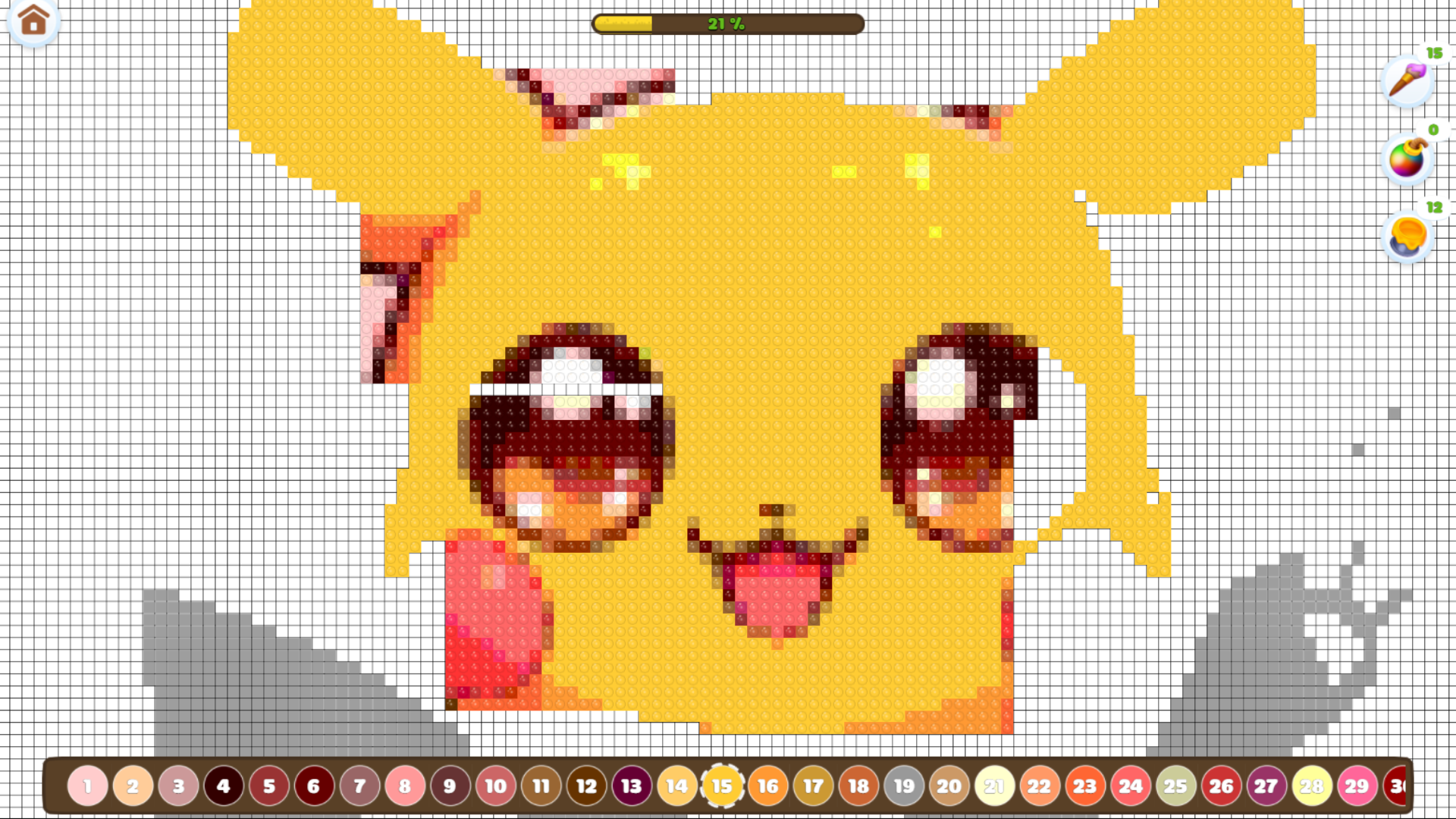
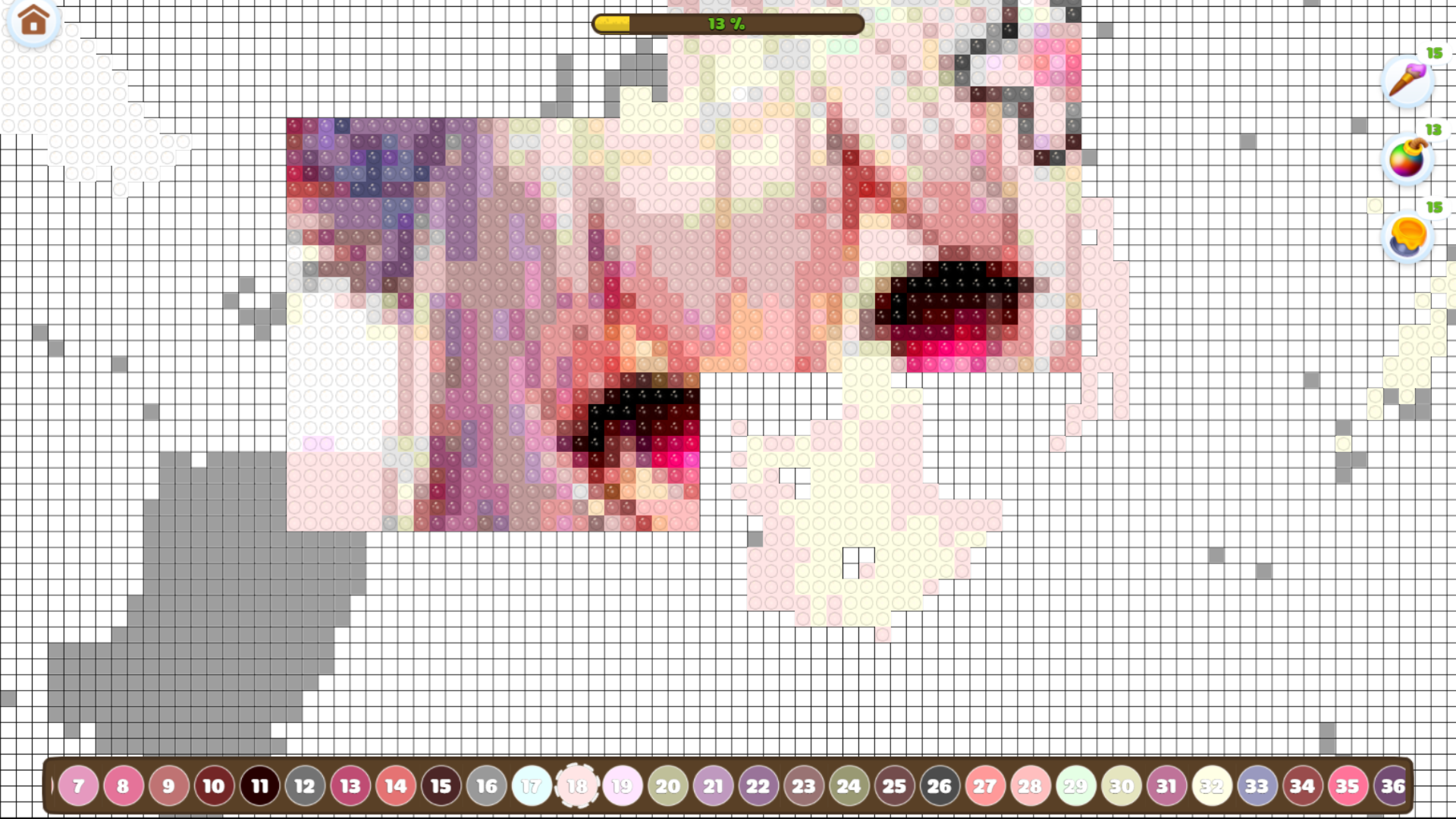
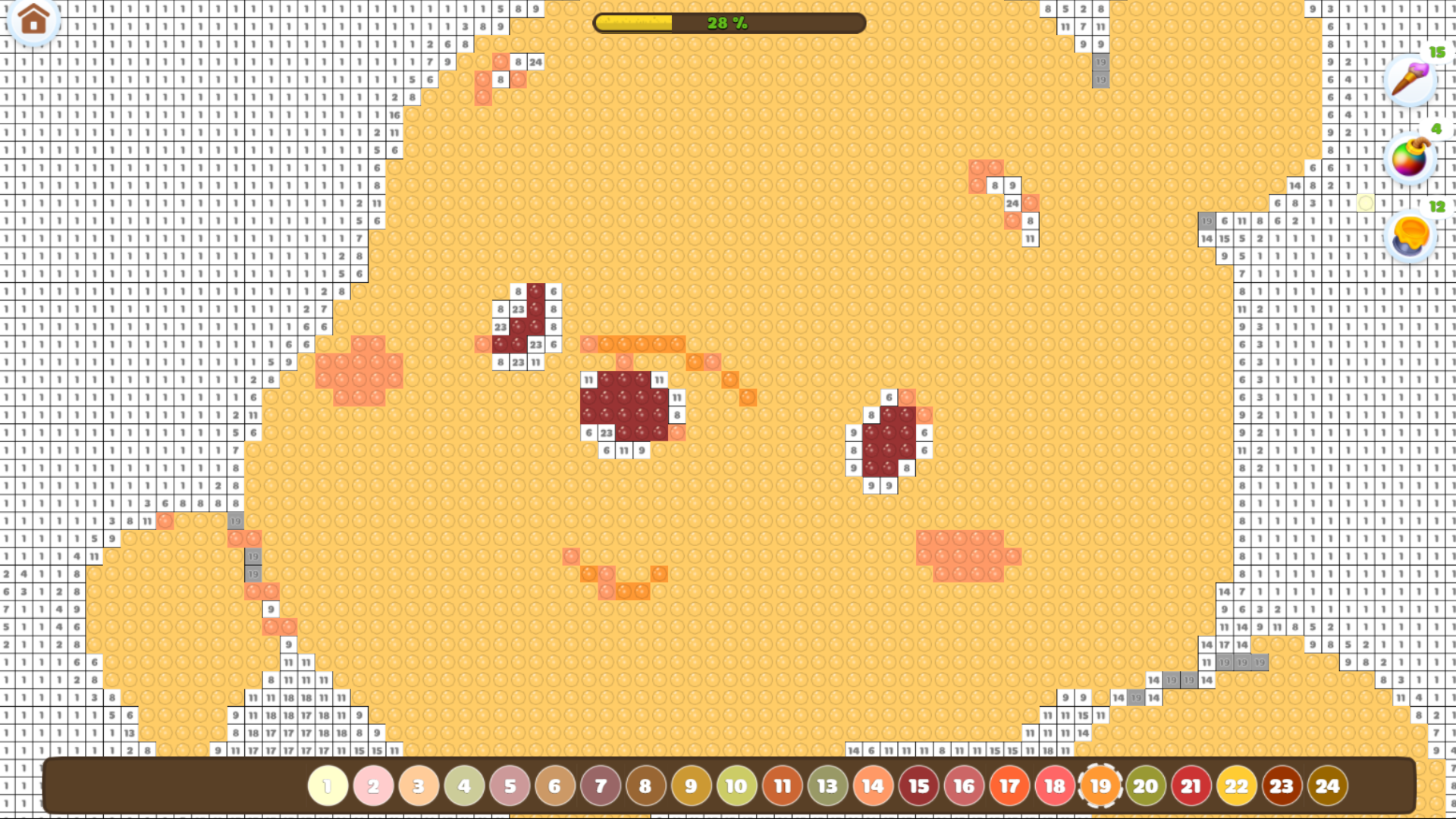
On the main screen, select a picture to start coloring.
On the coloring page, you can move the picture by holding the left mouse button on PC or by dragging with your finger on a touchscreen.
To zoom in or out, use the mouse scroll wheel on PC or pinch with two fingers on a touchscreen.
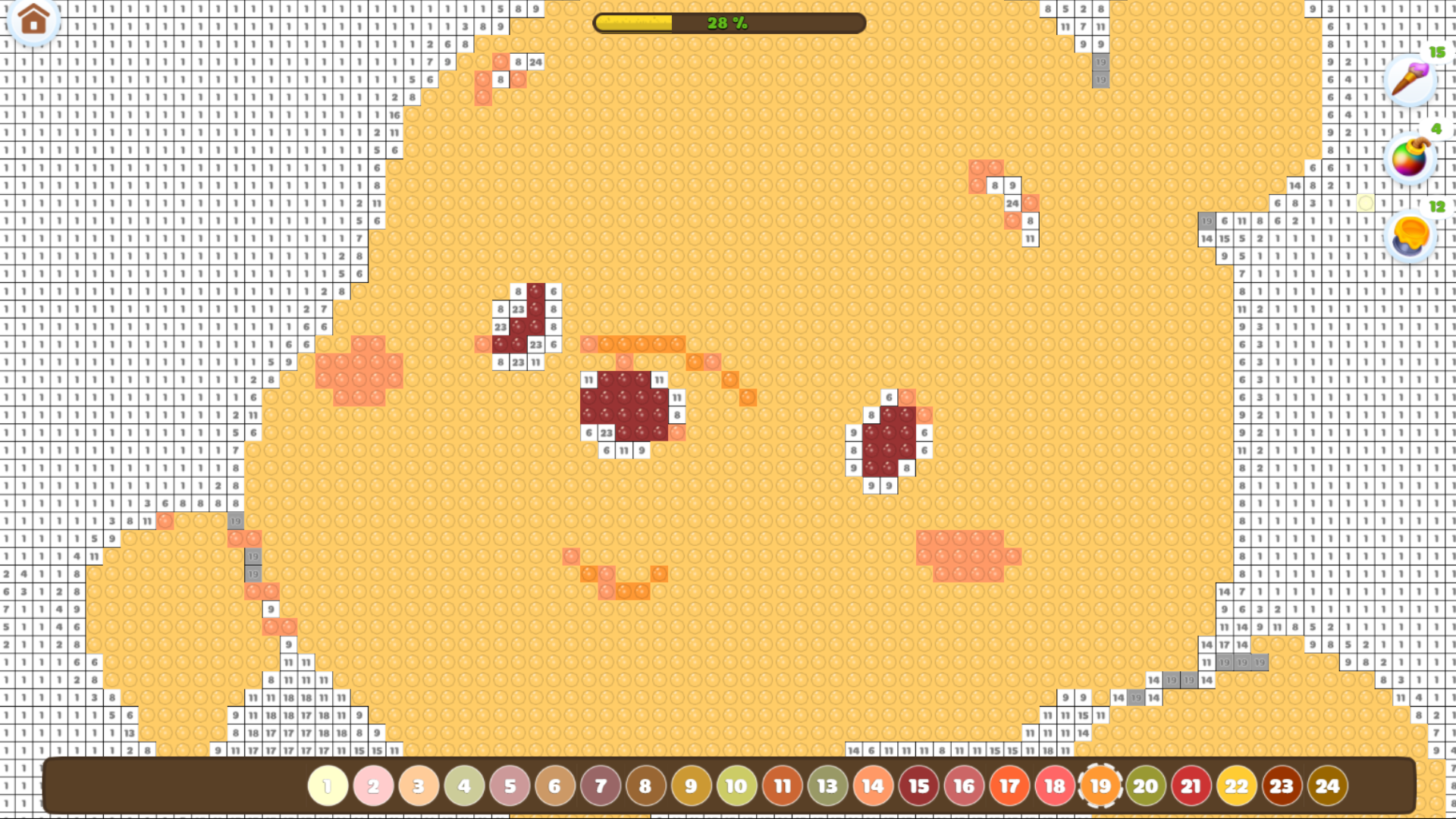
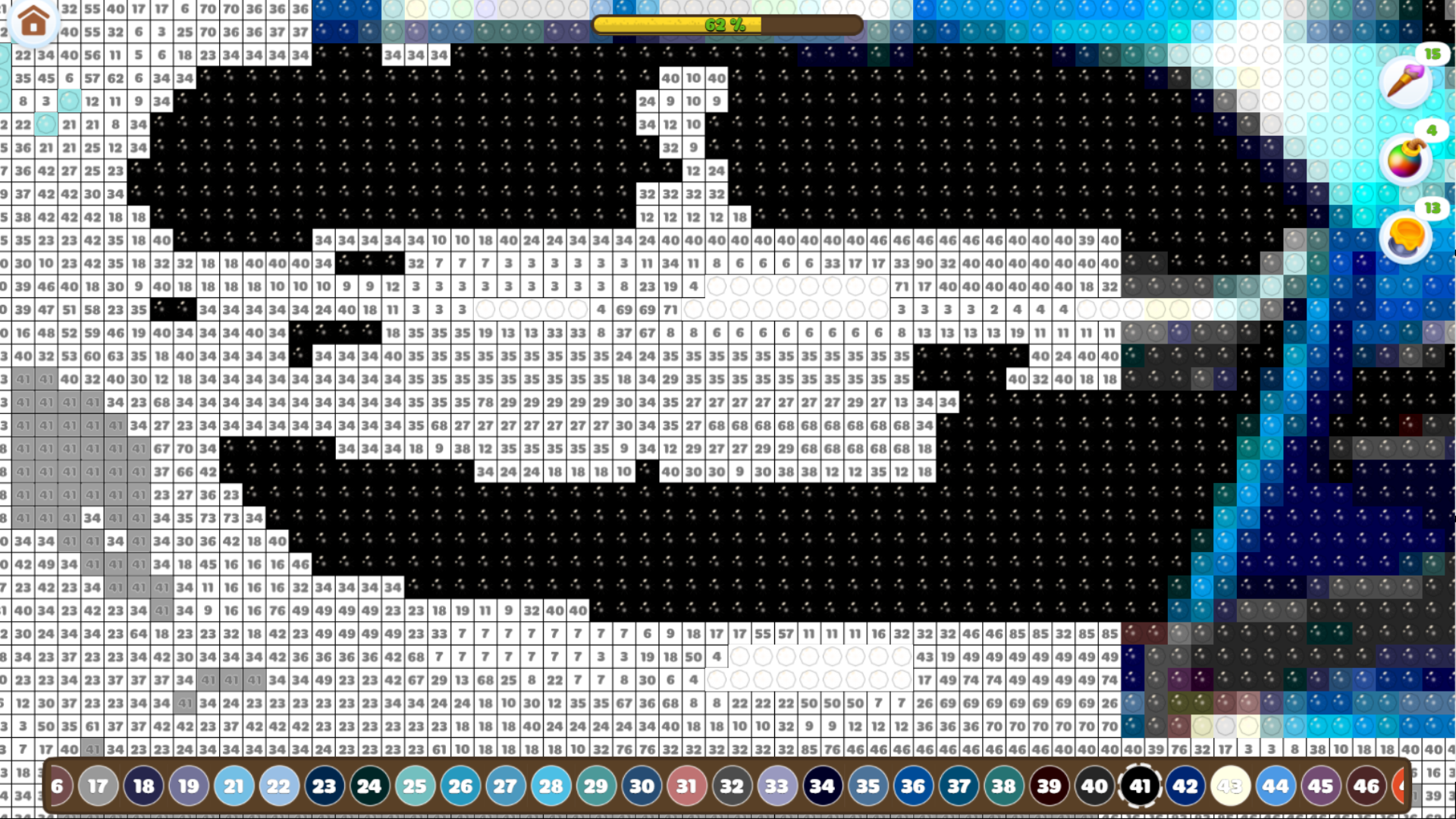
To color a square, simply click on it. You can also color multiple squares by dragging the cursor while holding the left mouse button.
For convenience, the cubes that need to be filled are highlighted in gray.
At the bottom of the screen, you’ll find the color palette — choose any color you'd like to use for coloring.
Features
- Smart Fill Tool: Enable multi-cell coloring by dragging your cursor to cover larger sections quickly.
- Visual Cues: The game highlights active areas in gray to ensure you never lose track of your progress.
- Dynamic Gallery: Access a constantly updated library of artworks ranging from simple patterns to complex scenes.
- Shimmer Engine: Experience realistic sparkle effects that react to your touch and bring completed sections to life.
- Progress Tracking: Save your unfinished projects automatically so you can return and continue your mosaic whenever you like.
Who is it for
Casual players who enjoy relaxing, meditative tasks will find this digital art escape deeply satisfying. It is perfect for anyone seeking a low-pressure creative outlet during short breaks, as well as fans of color-by-number apps who want to enjoy high-quality mosaic visuals without any physical clutter.
Controls
Select and Color
Click or tap on any numbered square to place a diamond.
Move Canvas
Hold the left mouse button or drag with one finger to pan across the image.
Zoom View
Use the mouse scroll wheel or pinch your screen with two fingers to adjust magnification.
Fill Multiple
Hold the mouse button or drag your finger across the screen to color multiple cells at once.
FAQ
Is Drawing: Diamond Mosaic free to play online?
›
Yes, you can enjoy Drawing: Diamond Mosaic entirely for free directly in your web browser with no download needed.
Can I play Drawing: Diamond Mosaic on my mobile device?
›
Absolutely, Drawing: Diamond Mosaic is fully optimized for touchscreens, allowing you to tap and drag to create your art on the go.
How often is new content added to Drawing: Diamond Mosaic?
›
The game library receives frequent updates, ensuring that Drawing: Diamond Mosaic always has fresh, beautiful pictures for you to color.