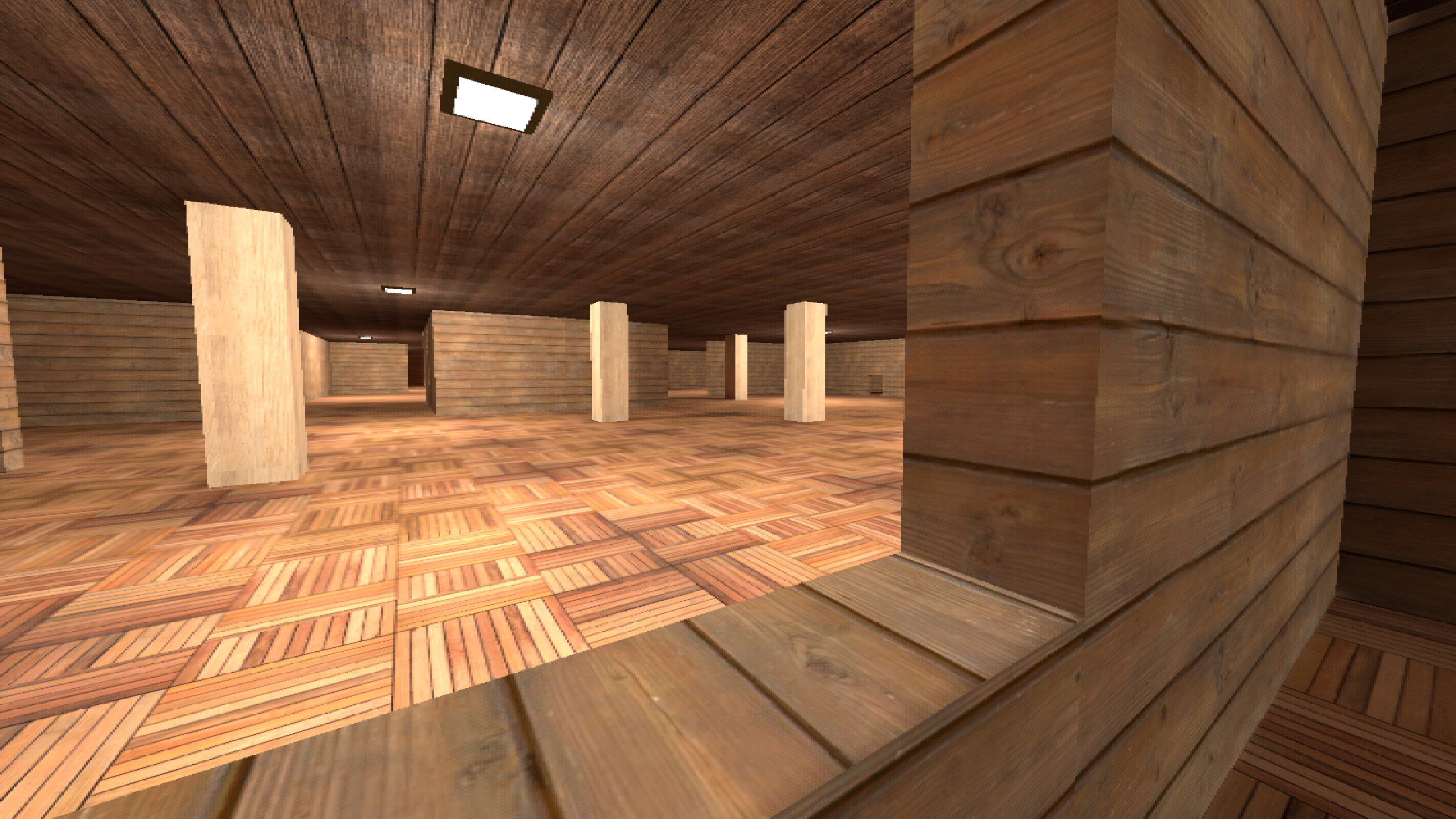
About game
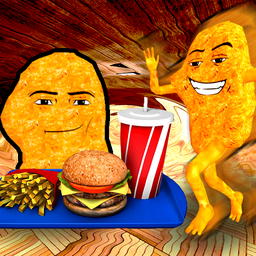
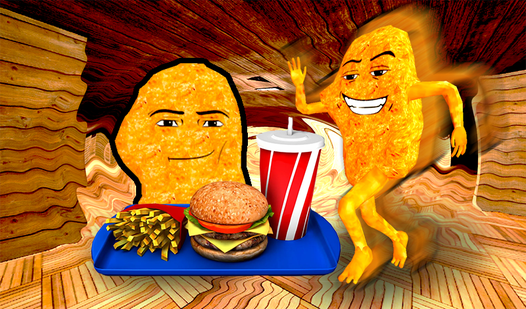
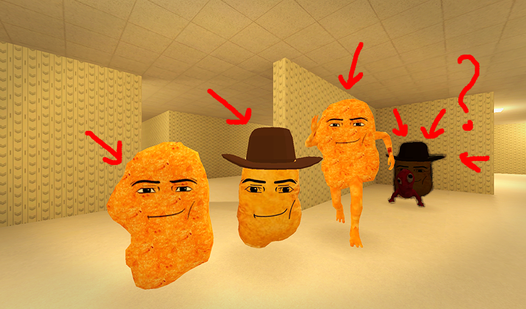
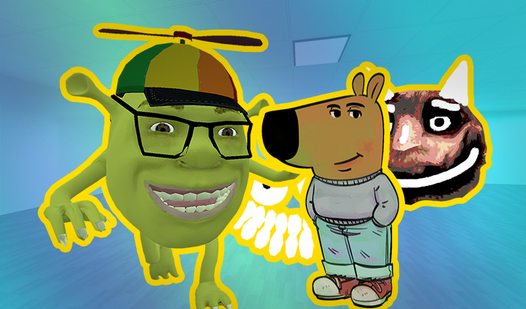
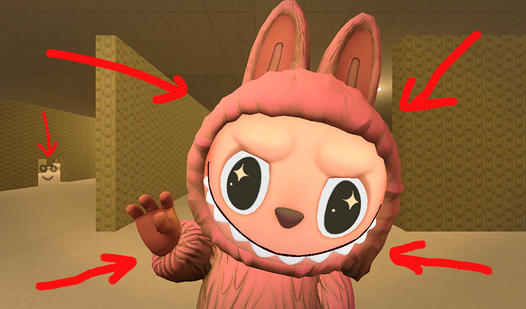
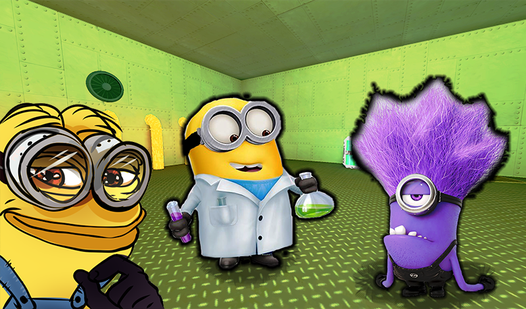
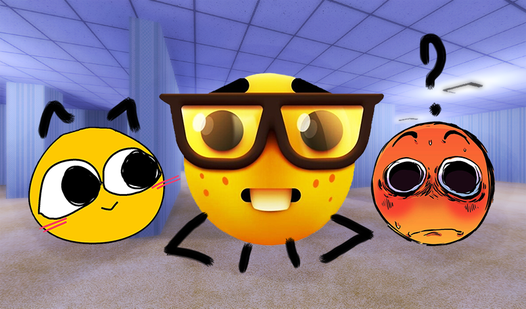
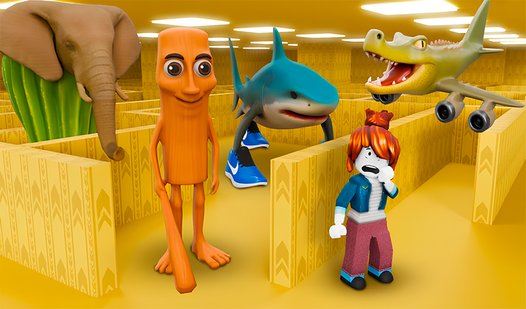
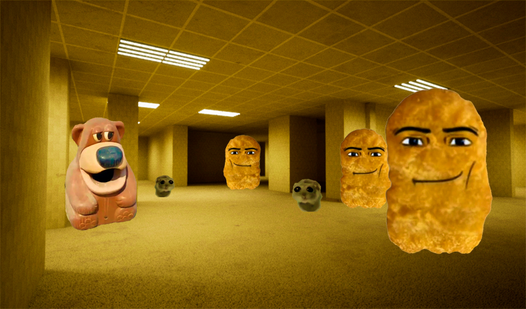
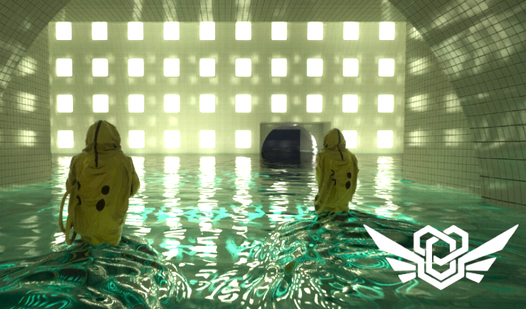
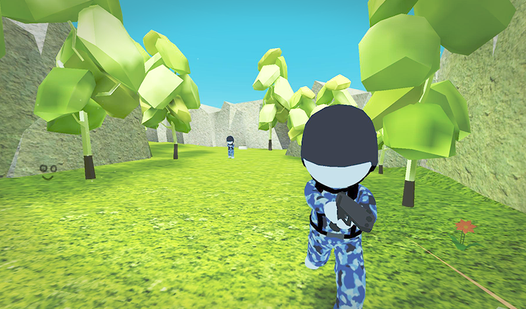
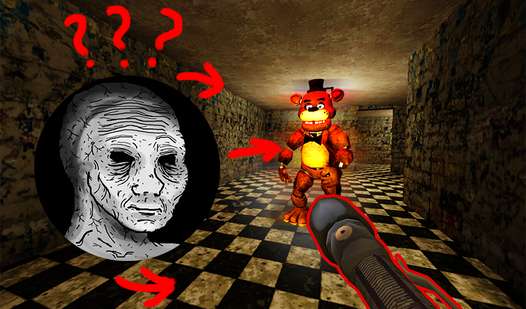
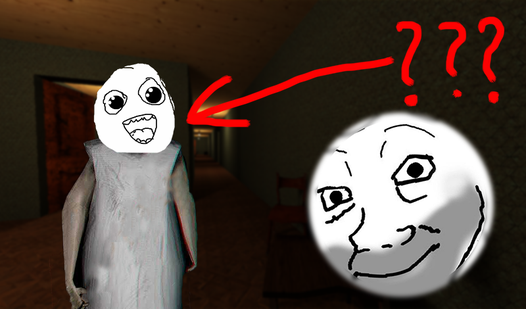
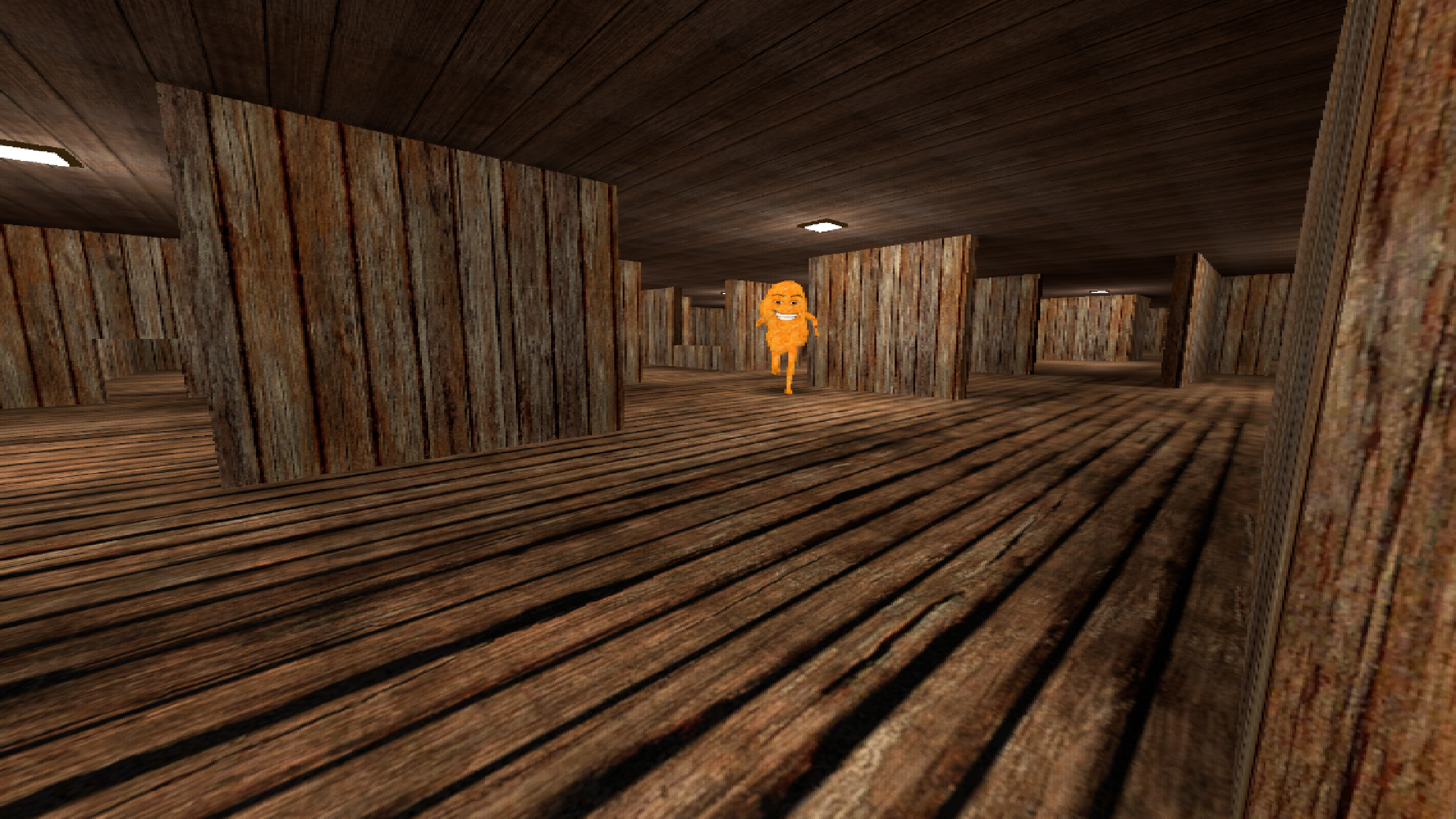
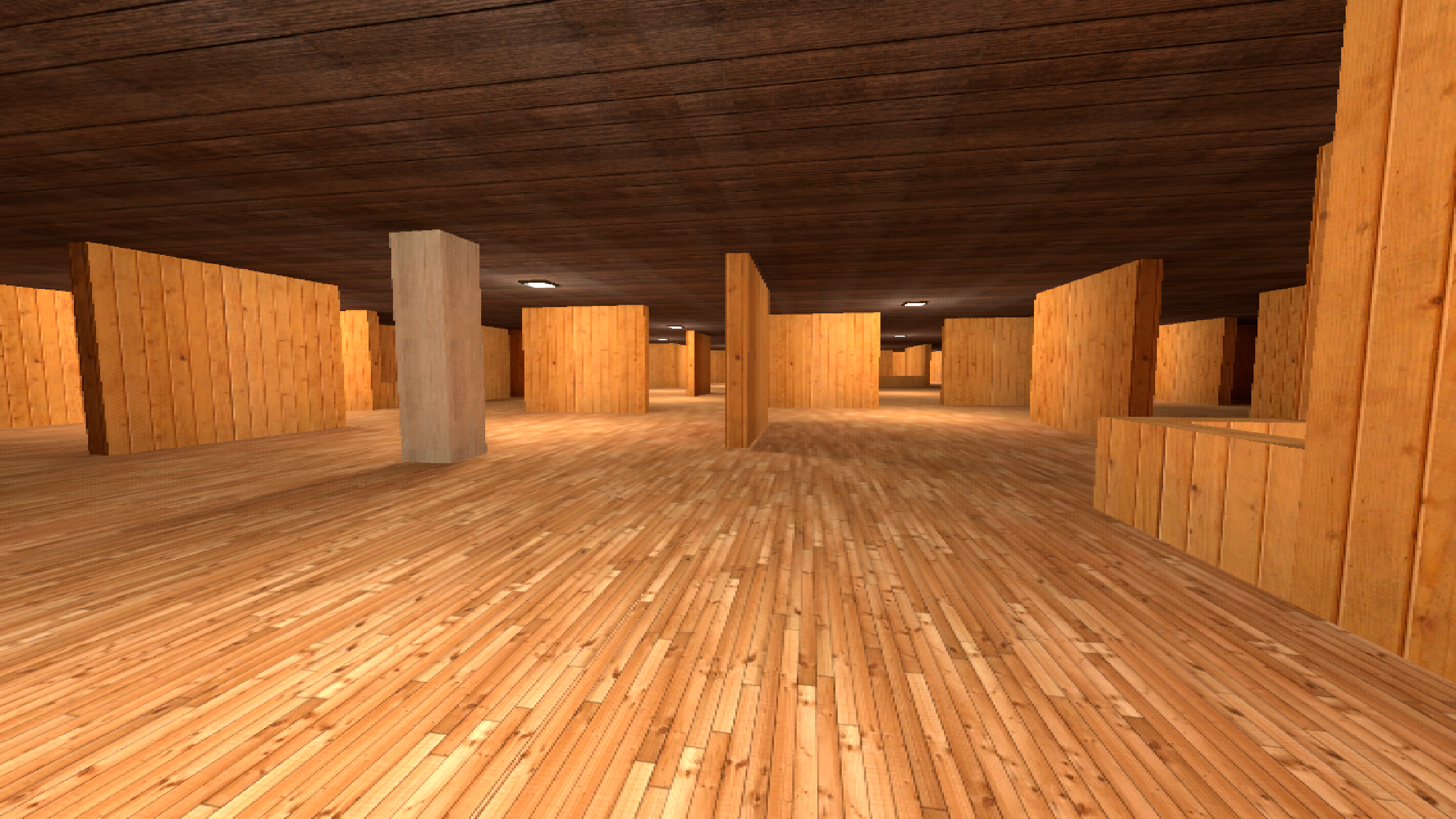
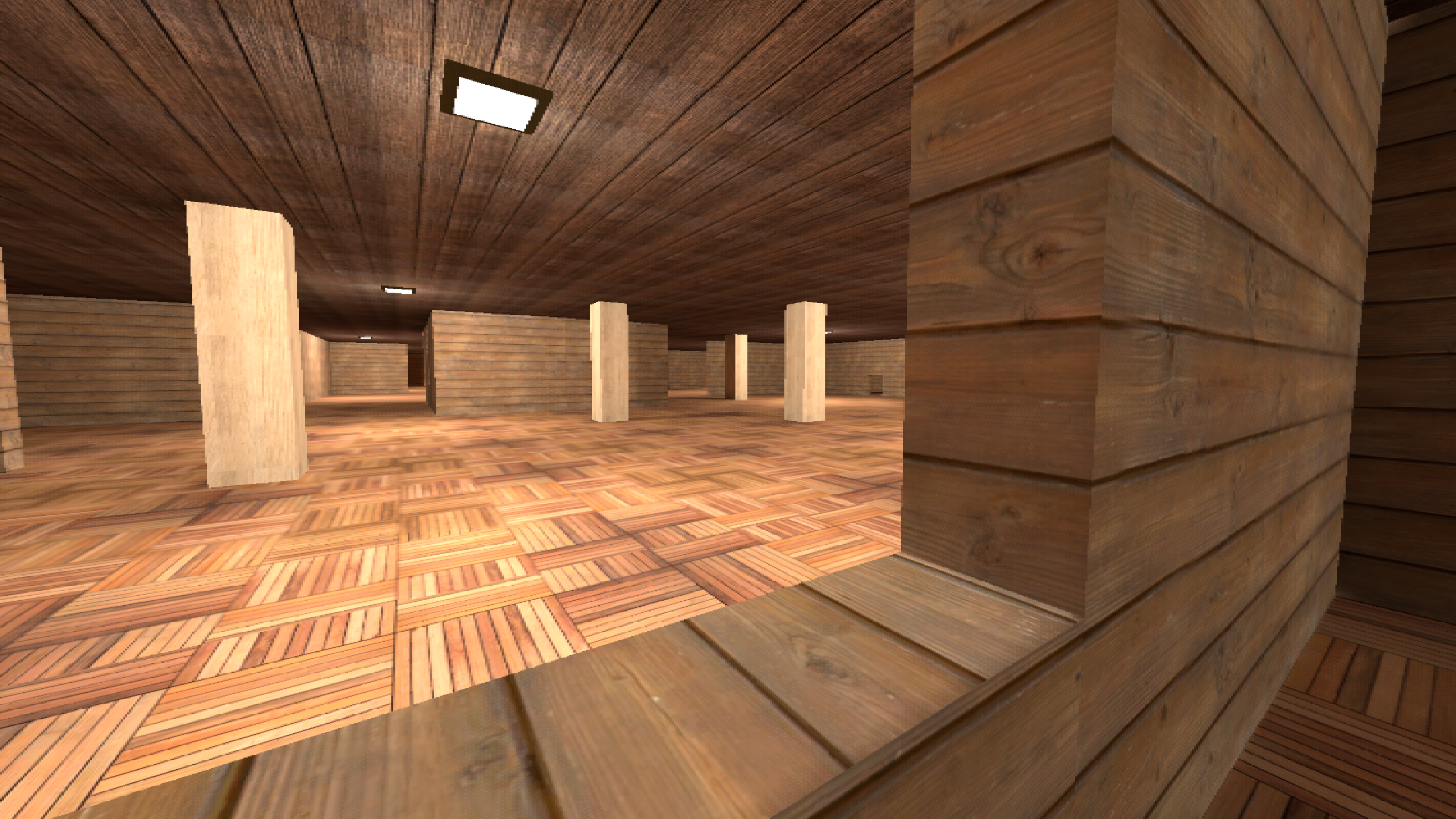
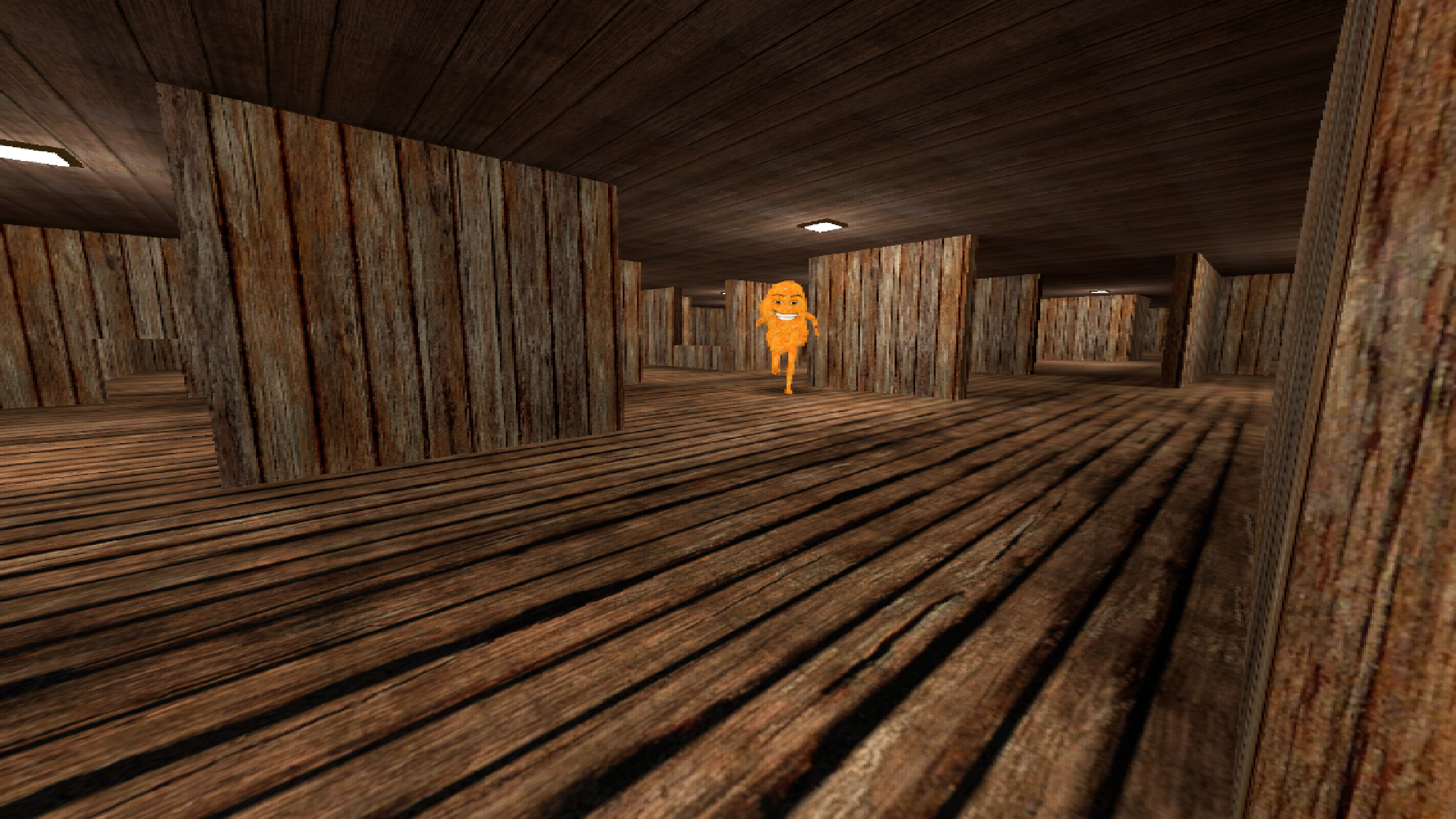
The most terrifying meme encounters often happen when you are just trying to find a snack in the strange silence of the backrooms. Omega Nugget: Grab something to eat turns this simple task into a high-stakes survival mission where a giant sentient nugget stalks your every move. You must navigate complex environments while managing your stamina to sprint away from your golden pursuer. Hiding behind corners and crouching to stay silent is essential if you want to avoid being caught by the relentless Omega Nugget. Each level introduces a fresh visual skin for your enemy, forcing you to adapt your evasion tactics constantly. The tension builds as you hunt for food items hidden throughout the map, knowing that any wrong turn could lead to a jump scare. You will need sharp reflexes and nerves of steel to outrun the apex predator of this bizarre landscape. Experience this intense survival arcade challenge for free right in your browser without any downloads required.
How to play
Computer controls:
WASD - Move
C (hold) - Crouch
Left Shift (press) - Toggle Run/Walk
Space - Jump
Tab - Pause
Mouse movement - Rotate camera
You can also play with the touchpad on your laptop, but I recommend increasing mouse sensitivity in game settings.
Mobile device controls:
Left part of the screen - walking control
Right part of the screen - camera control
Features
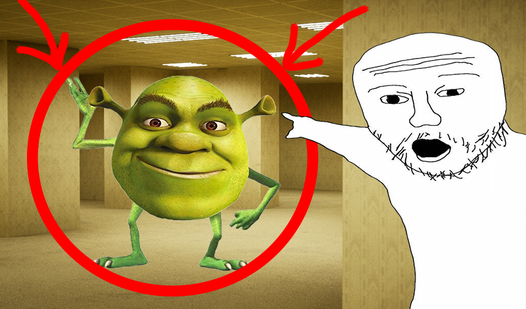
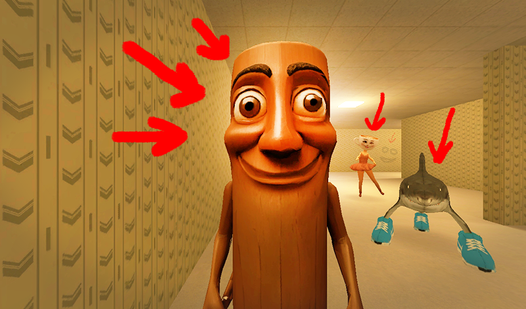
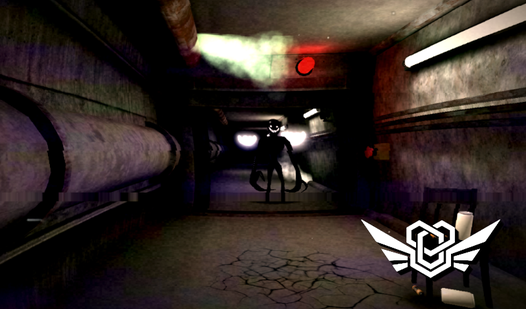
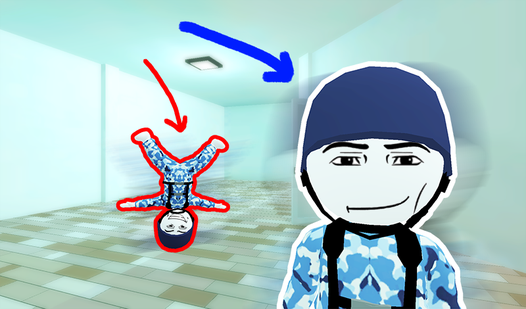
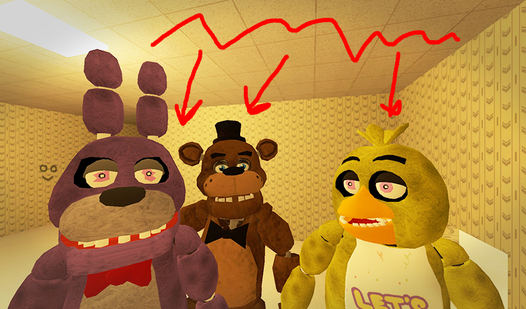
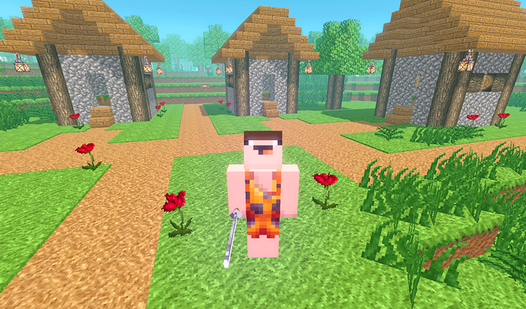
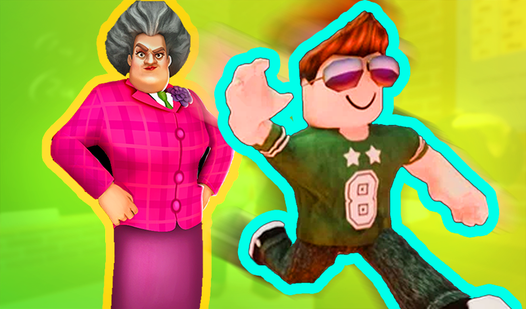
- Dynamic Enemy Skins: Each of the four levels introduces a unique visual variation of the protagonist to keep the horror fresh.
- Stamina Management: Balancing your walk and run speeds is critical to conserving energy for narrow escapes.
- Stealth Mechanics: Tactical crouching allows you to slip past danger zones without alerting the antagonist to your position.
- Immersive First-Person View: The perspective puts you directly in the shoes of the survivor for maximum heart-pounding intensity.
Who is it for
Fans of meme-inspired horror games and arcade survival enthusiasts will love this fast-paced experience. If you enjoy tense hide and seek mechanics set in surreal environments, this challenge is built for you. It appeals to casual gamers seeking quick, high-quality thrills directly in their mobile or desktop browser.
Controls
Movement
Use WASD on keyboard or the left side of your mobile screen to navigate the map.
Camera Control
Move your mouse or drag the right side of the mobile screen to look around.
Jump and Crouch
Press Space to jump over obstacles and hold C to crouch for stealth.
Toggle Sprint
Press Left Shift on your keyboard to switch between walking and running.
FAQ
Can I play Omega Nugget: Grab something to eat on my phone?
›
Yes, Omega Nugget: Grab something to eat is fully optimized for mobile browsers with intuitive touch controls.
How many levels are in Omega Nugget: Grab something to eat?
›
There are four distinct levels in Omega Nugget: Grab something to eat, each featuring a unique skin for the enemy.
Do I need to install anything to run Omega Nugget: Grab something to eat?
›
No, Omega Nugget: Grab something to eat runs directly in your browser without any downloads or plugins.