About game
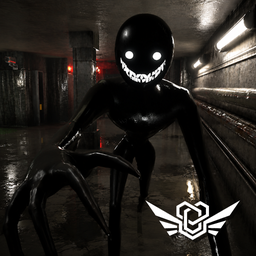
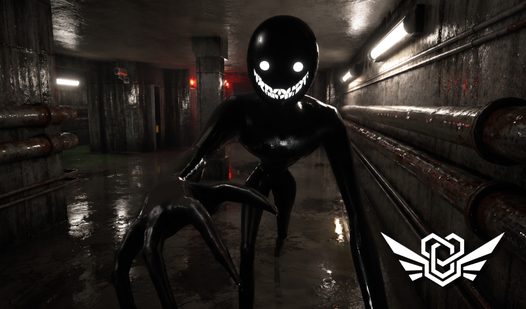
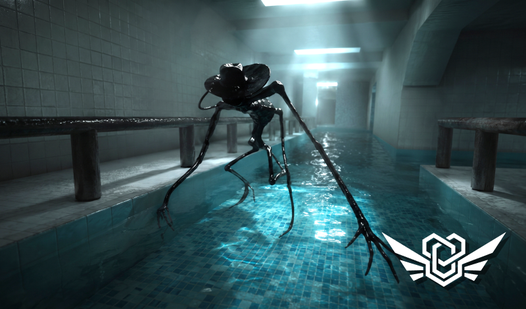
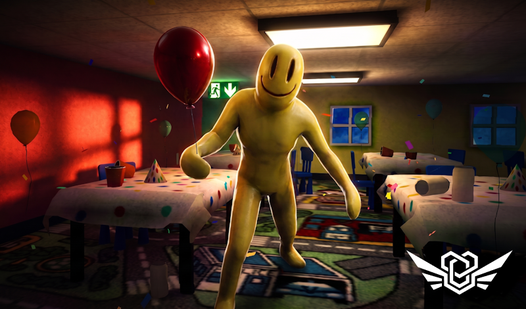
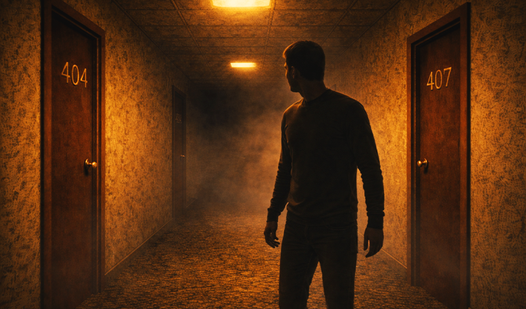
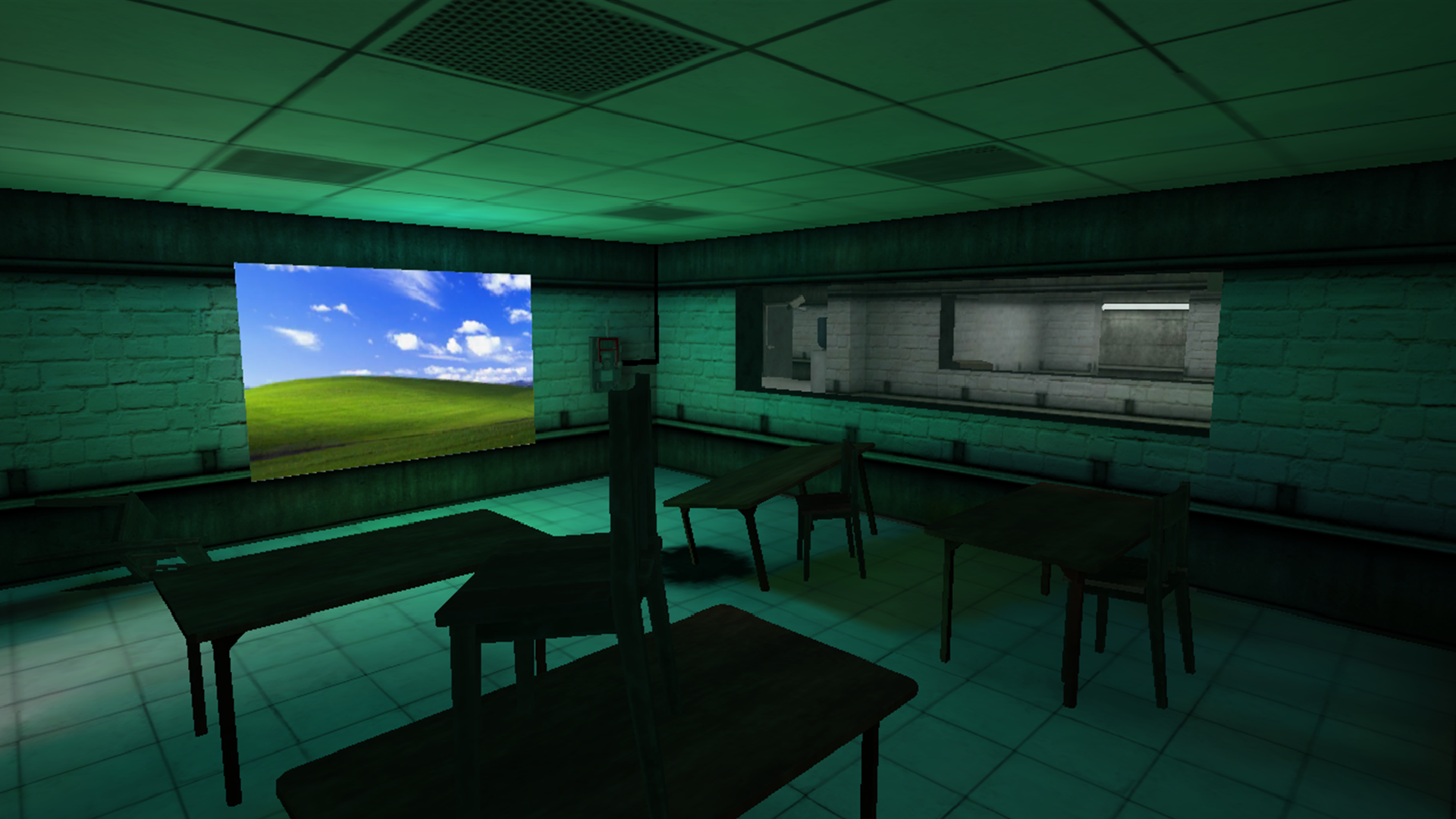
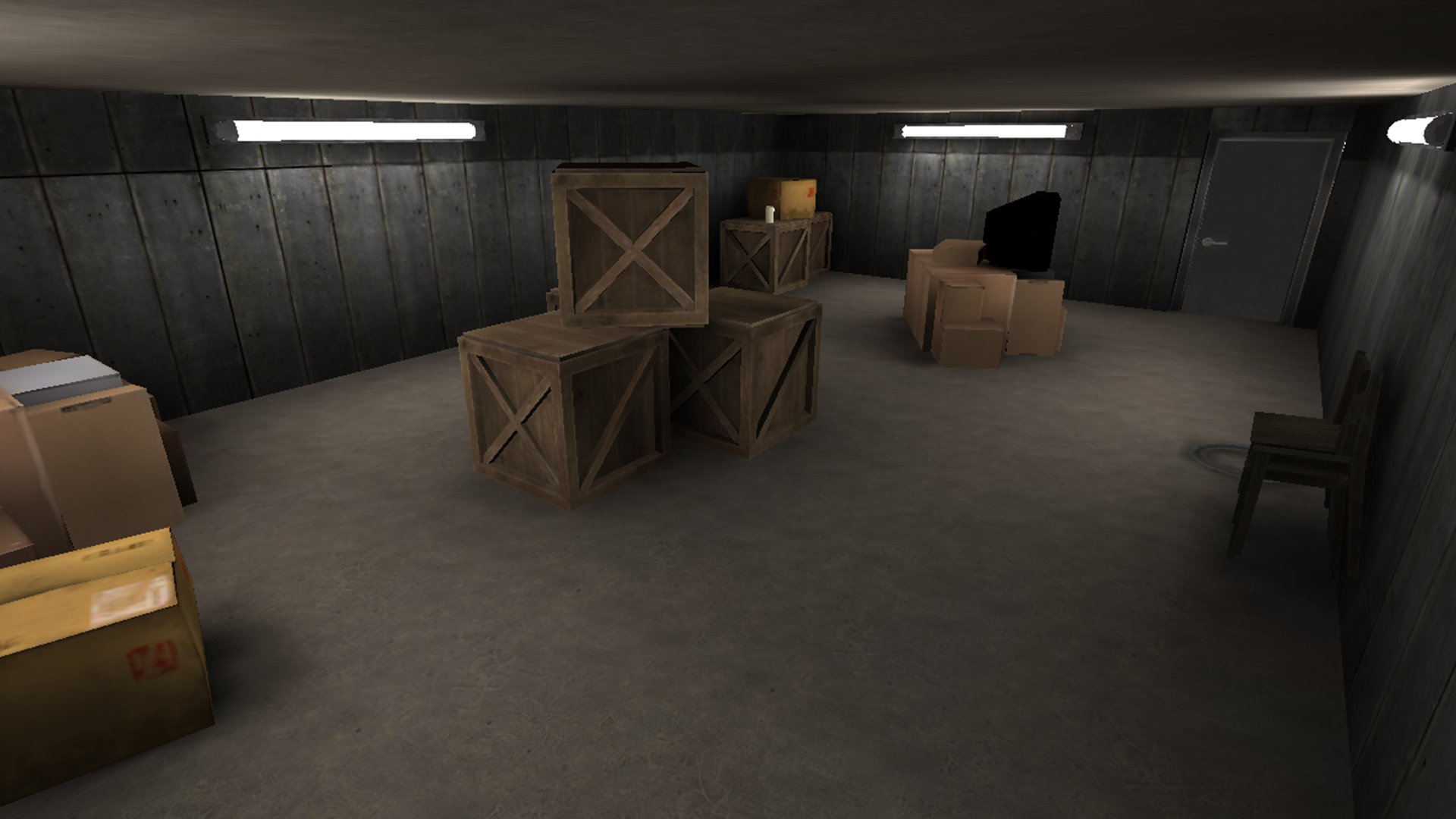
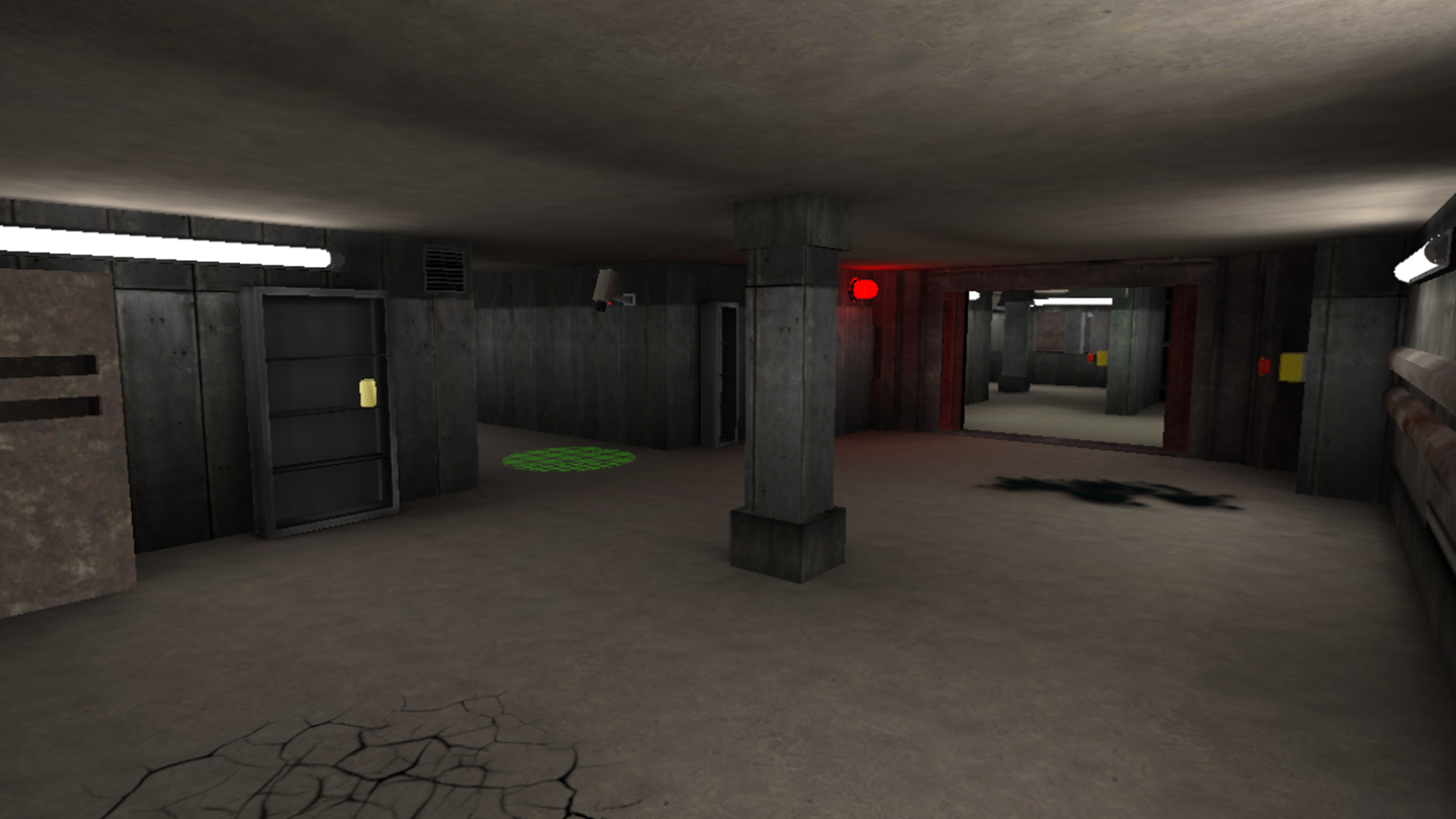
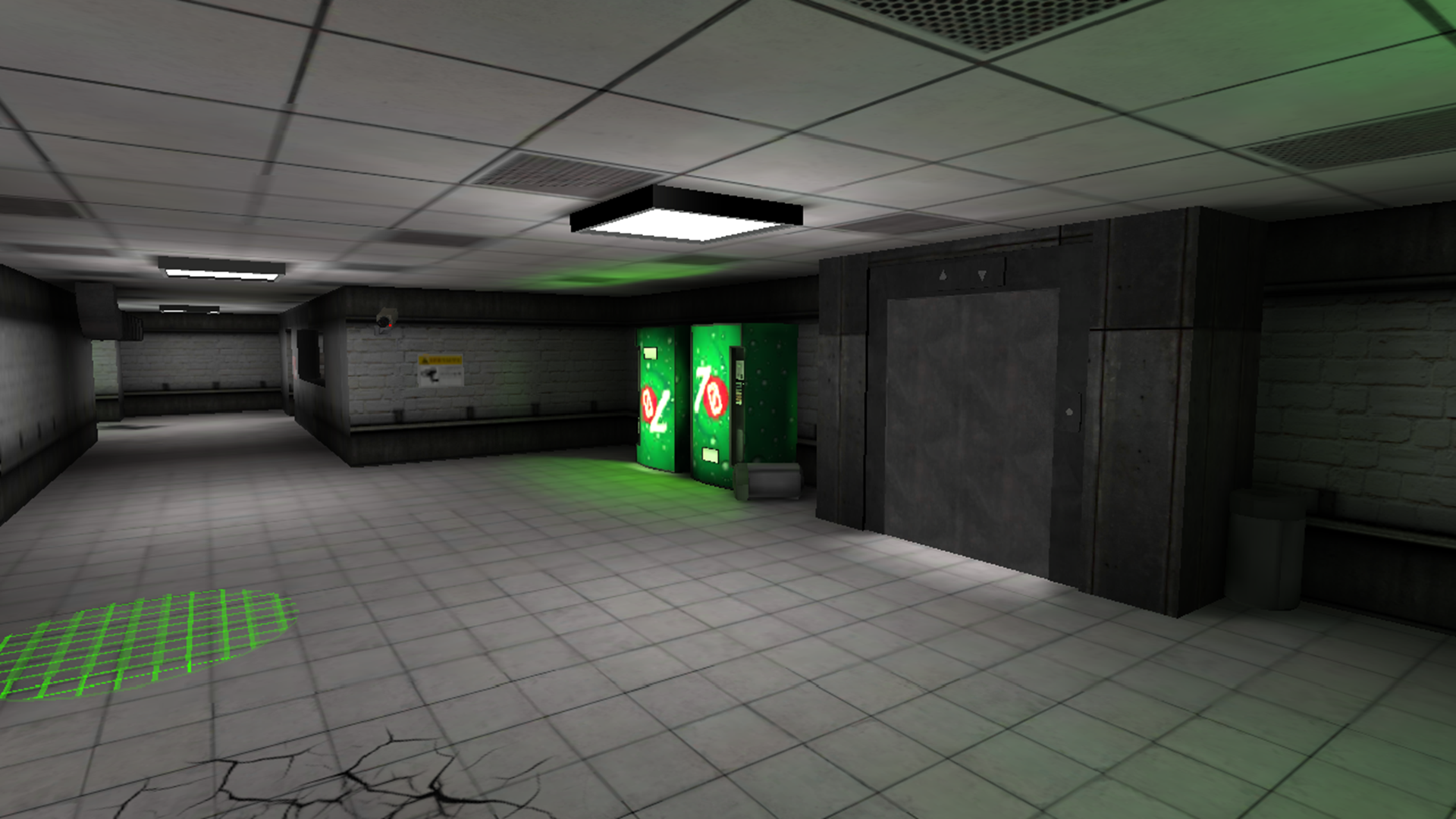
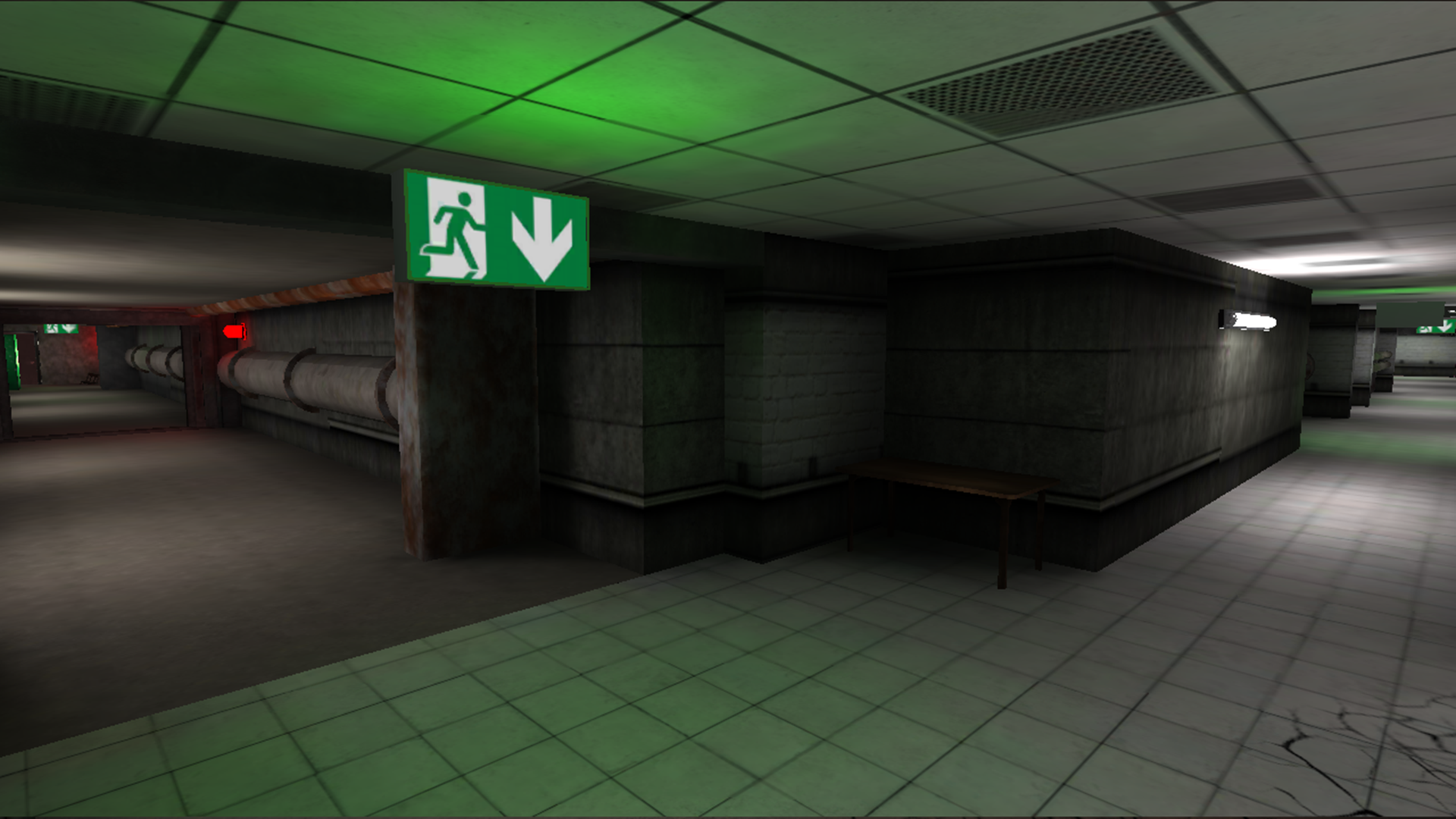
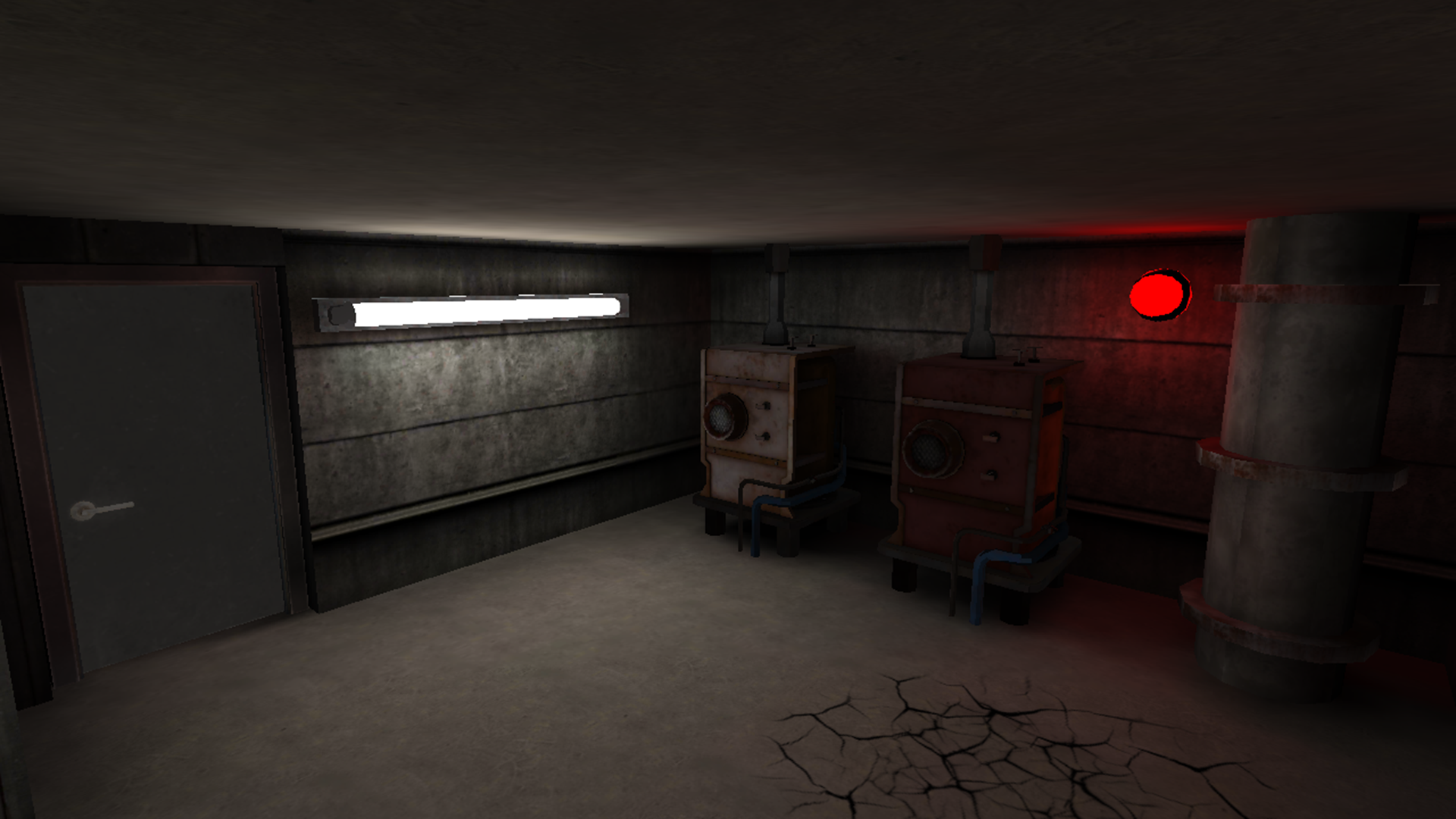
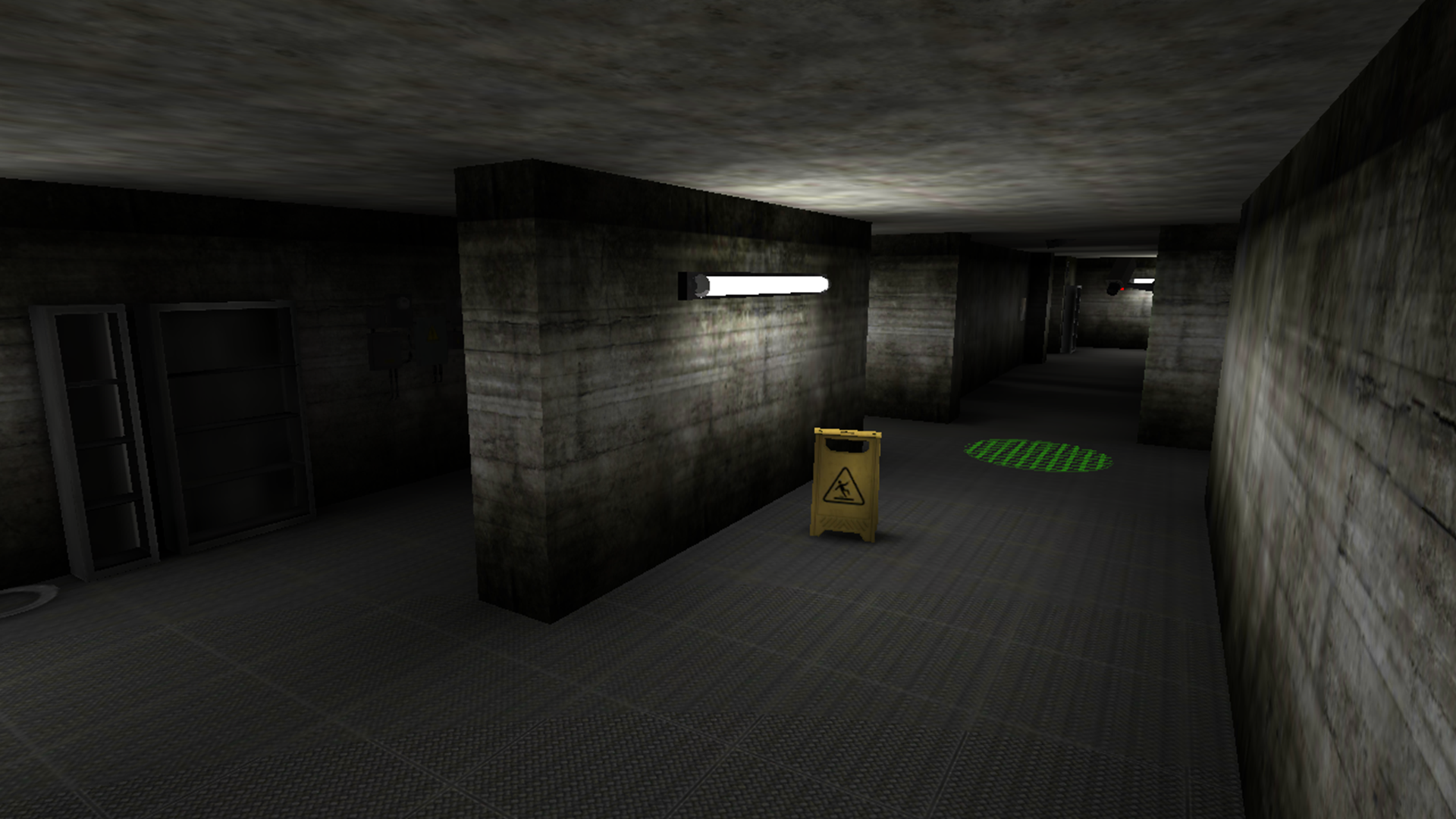
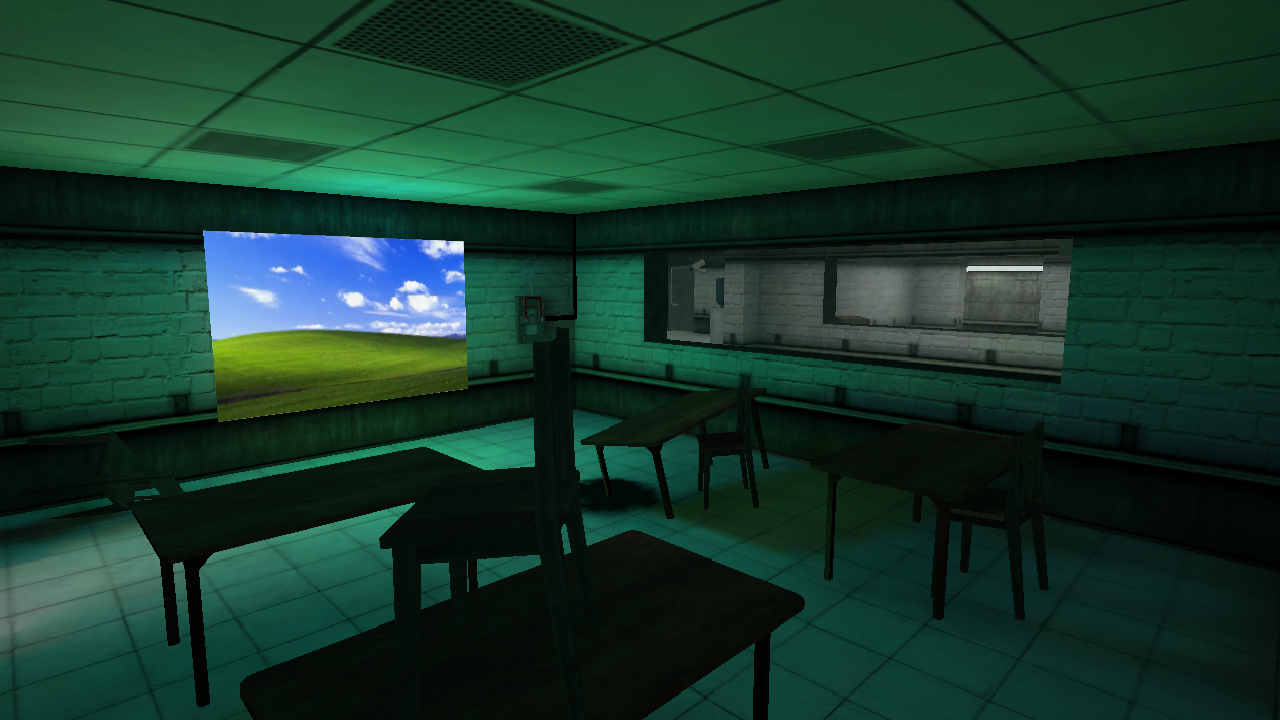
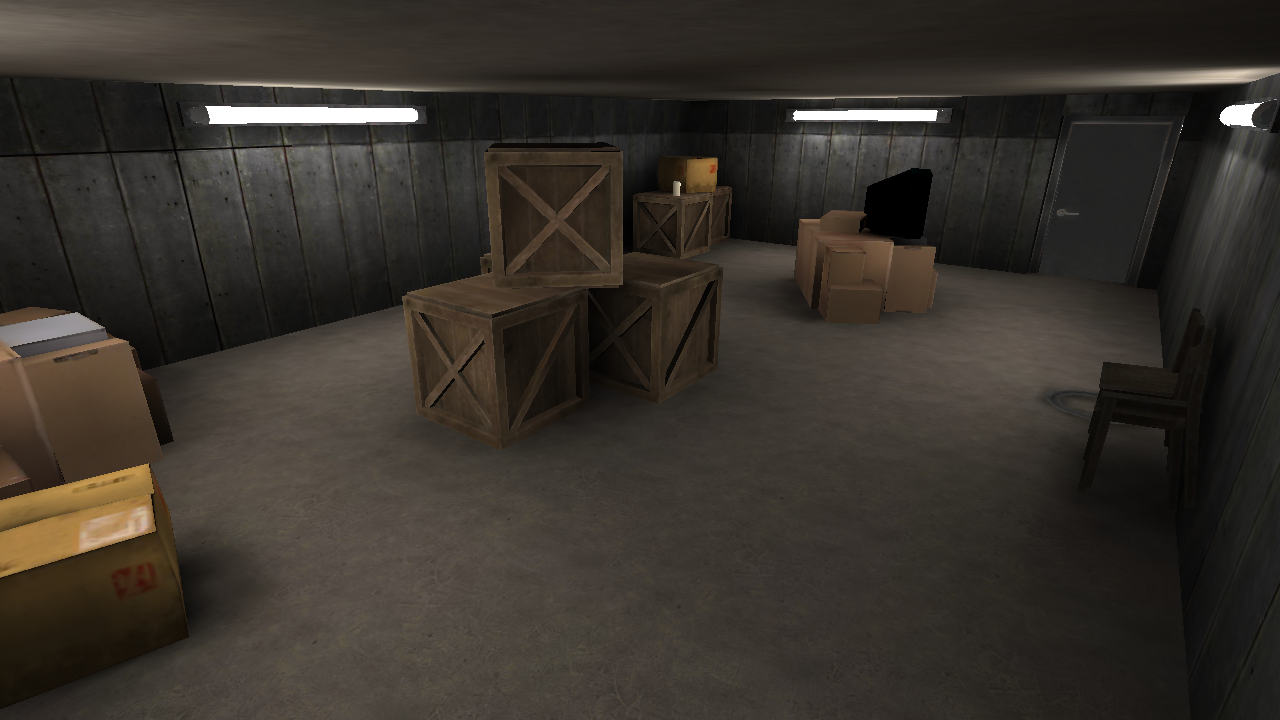
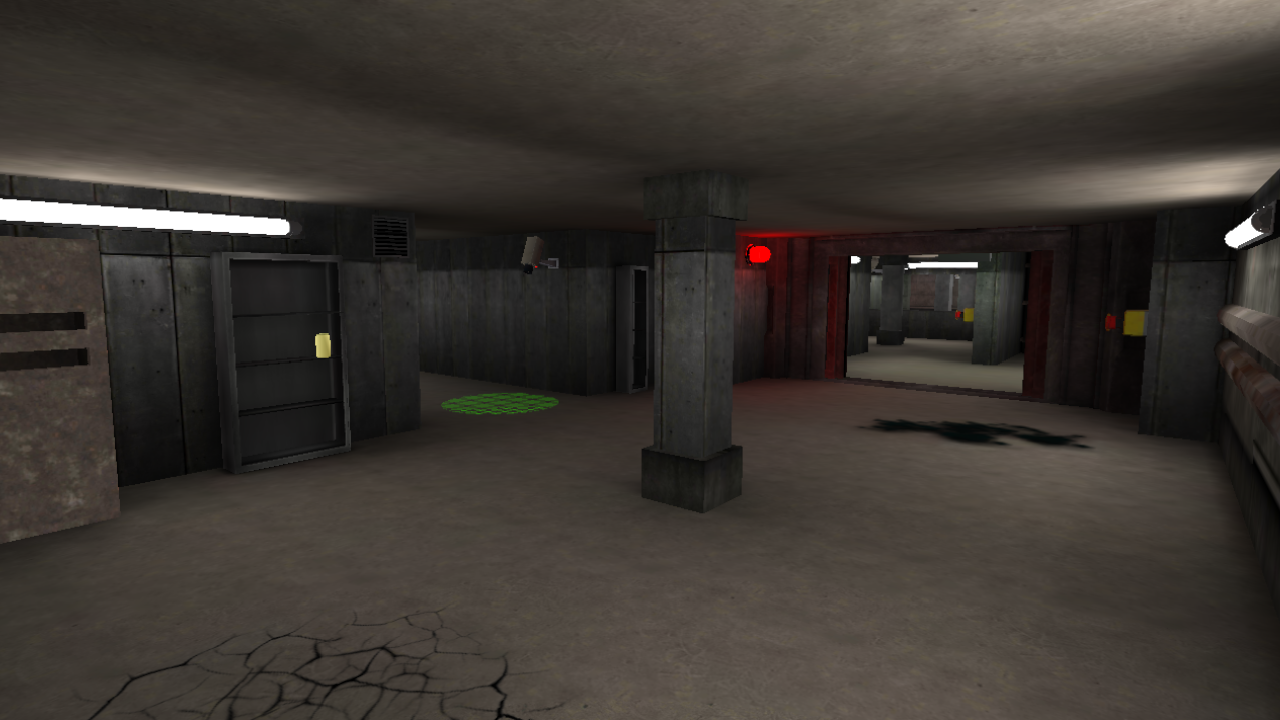
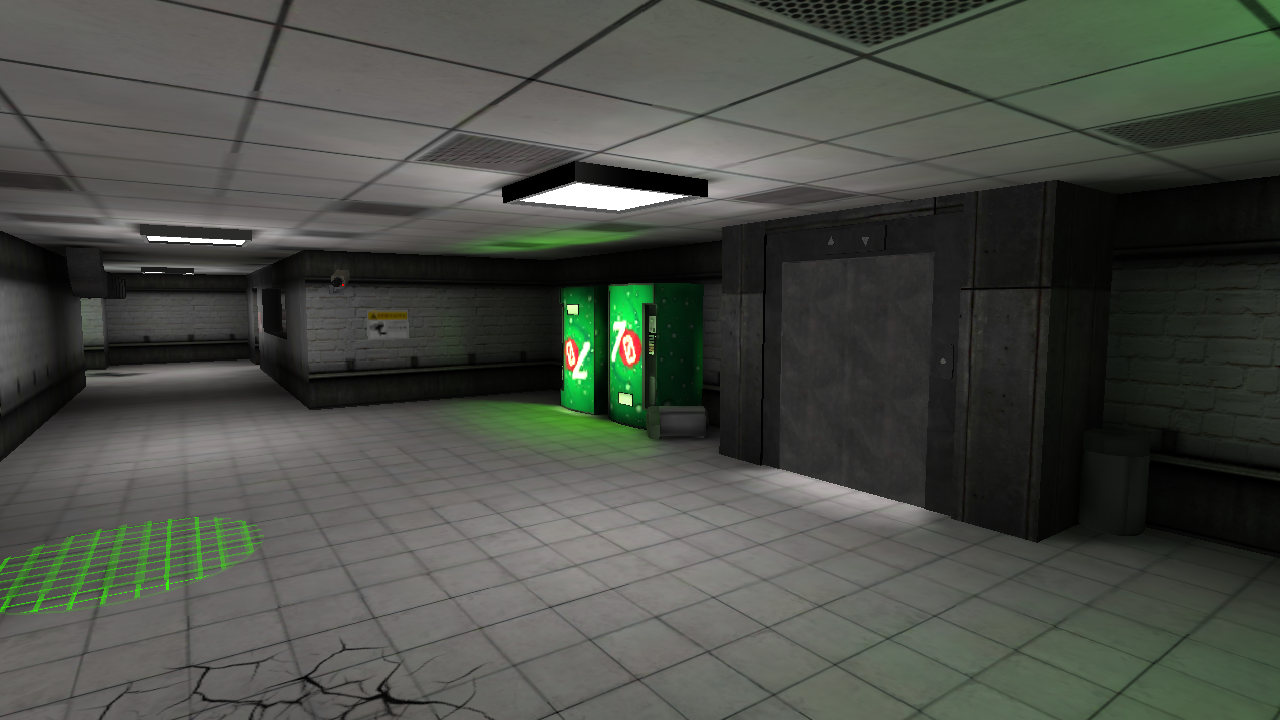
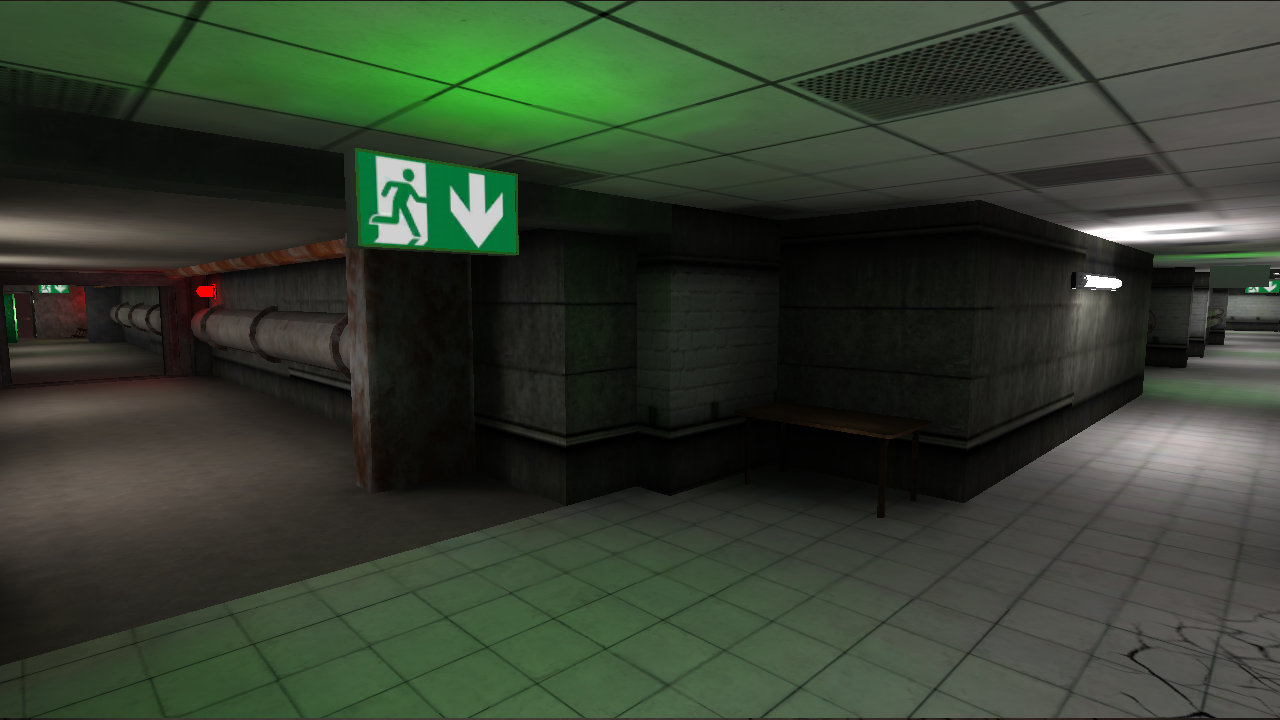
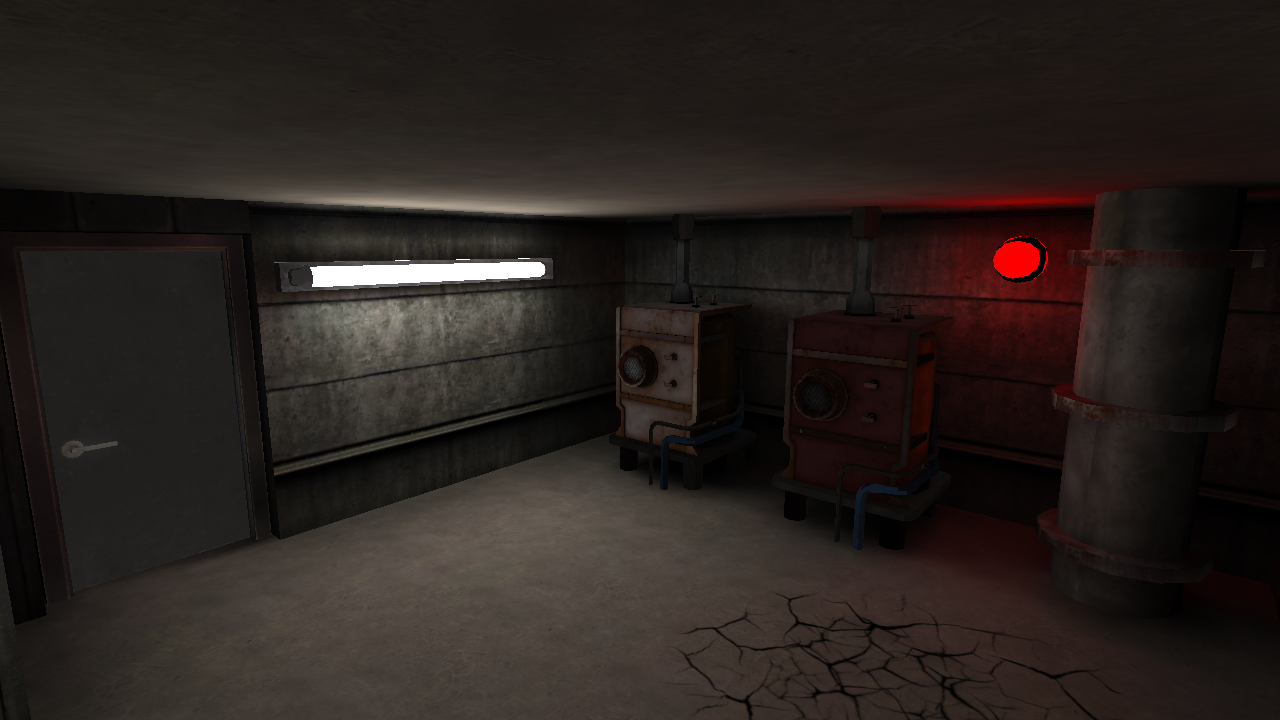
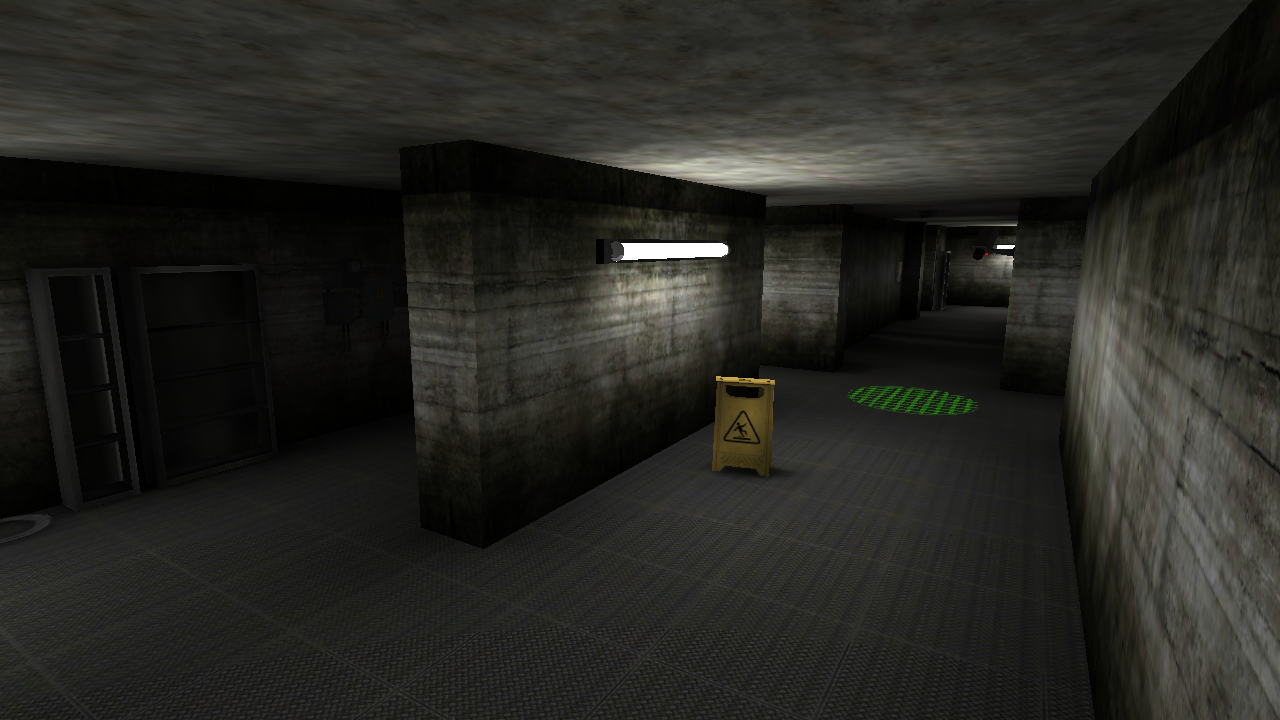
Staring at the wall while your coffee goes cold is the ultimate sign that you need a major adrenaline rush. Exit the Backrooms: Level 2 provides the perfect escape by dropping you into a claustrophobic industrial maze where every flickering light signals danger. You must navigate through narrow corridors to find and activate levers while keeping a sharp eye on the environment. Stealth is your only friend as you dodge the Swarm of Smiling or outsmart the Statue that freezes in your gaze. If things get too intense, use your portable entity scanner or hide inside lockers to avoid being caught by the lurking threats. This horror experience delivers a terrifying atmosphere enhanced by authentic VHS camera effects that keep you on edge. With multiple modes like Hardcore and Classic, you can tailor the challenge to your skill level. Jump into this immersive backrooms nightmare for free directly in your browser without any downloads required.
How to play
* PC controls:
1) W, A, S, D - movement;
2) Shift - run;
3) Mouse - camera control;
4) E / LMB - interact with objects;
5) X - entity scanner;
6) Q - drink almond water;
7) Tab / Escape - pause menu / unlock cursor.
* Phone / tablet controls:
1) Joystick on the left - walk. To run - pull up;
2) Right side of the screen - camera rotation;
3) Interaction buttons, scanner, almond water and pause on the screen.
Good luck! You'll need it.
Features
- Entity Scanner: Use your handheld device to detect nearby threats through walls before they catch you off guard.
- Almond Water: Consume this vital resource to restore your stamina or recover from close encounters with entities.
- Dynamic Lockers: Hide inside storage units to wait out patrolling monsters when detection becomes inevitable.
- Hermetic Gates: Strategically lock heavy doors behind you to create temporary safe zones in the maze.
- Adaptive Difficulty: Select from four distinct game modes including Practice for beginners and Hardcore for true horror veterans.
Who is it for
Horror fans who enjoy high-stakes survival and tense stealth mechanics. Players who appreciate atmospheric gaming will love the authentic VHS visuals and sound design. It is perfect for those seeking a challenging maze-based escape that tests nerves and reflexes on both desktop and mobile devices.
Controls
Movement
WASD keys on PC or the left-side virtual joystick on mobile devices.
Run
Hold Shift on PC or pull the movement joystick up on mobile.
Interact
Press E or Left Mouse Button on PC, or use the on-screen action buttons for mobile.
Use Items
Press X for the scanner and Q to drink almond water, or use the corresponding mobile icons.
FAQ
How do I survive the Statue in Exit the Backrooms: Level 2?
›
The Statue is incredibly fast but freezes completely when you look directly at it. Keep it in your field of vision while you move to safety.
Can I play Exit the Backrooms: Level 2 on my phone?
›
Yes, the game is fully optimized for mobile devices with touch controls for movement and interaction. No app installation is required to start playing.
What is the goal of Exit the Backrooms: Level 2?
›
Your primary objective is to explore the level, locate all the hidden levers to unlock the exit, and escape before the entities catch you.