About game
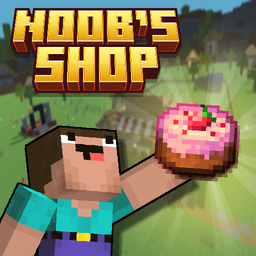
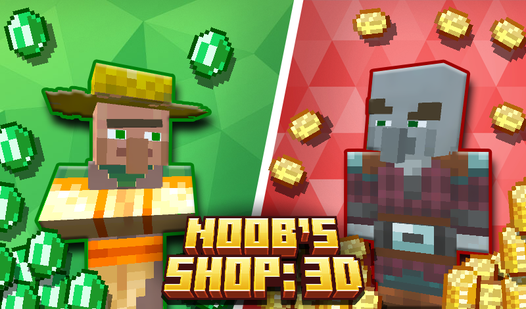
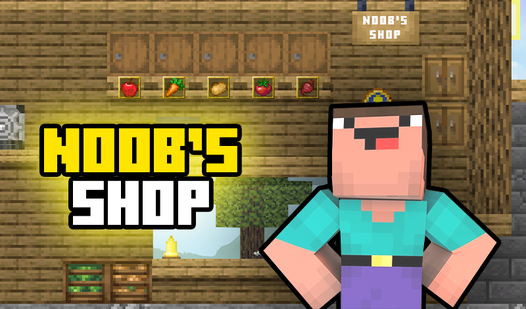
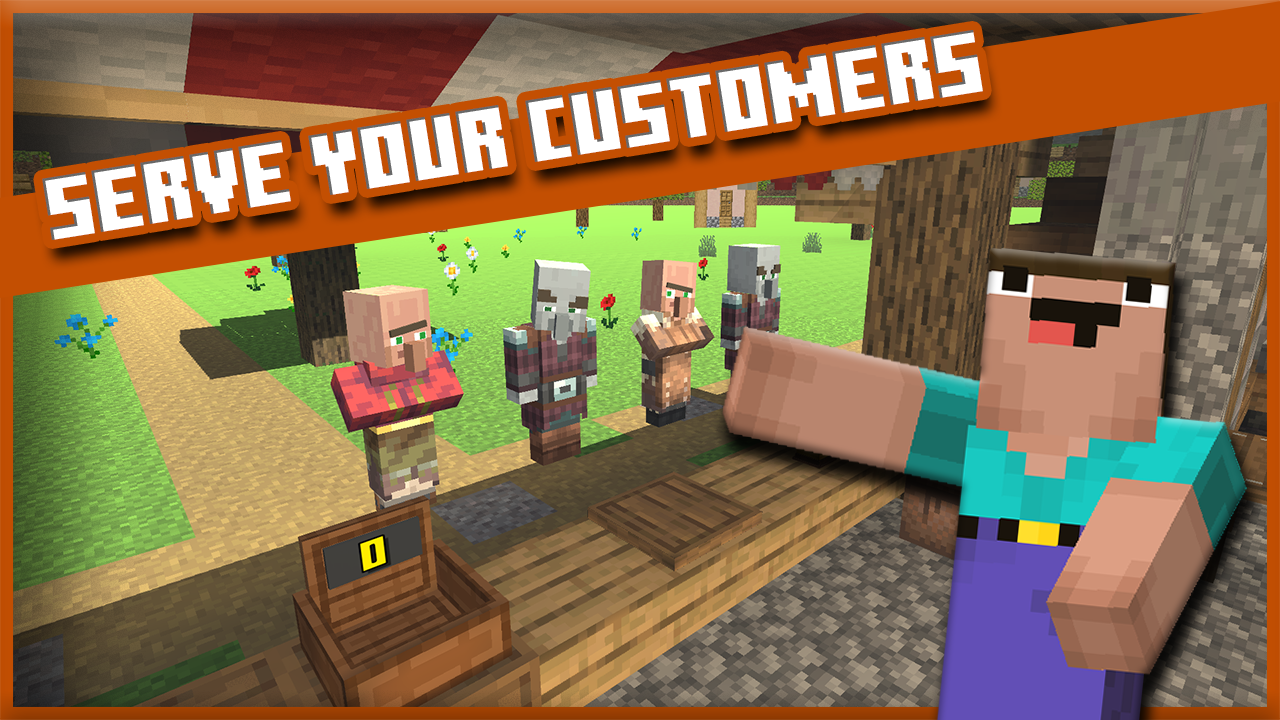
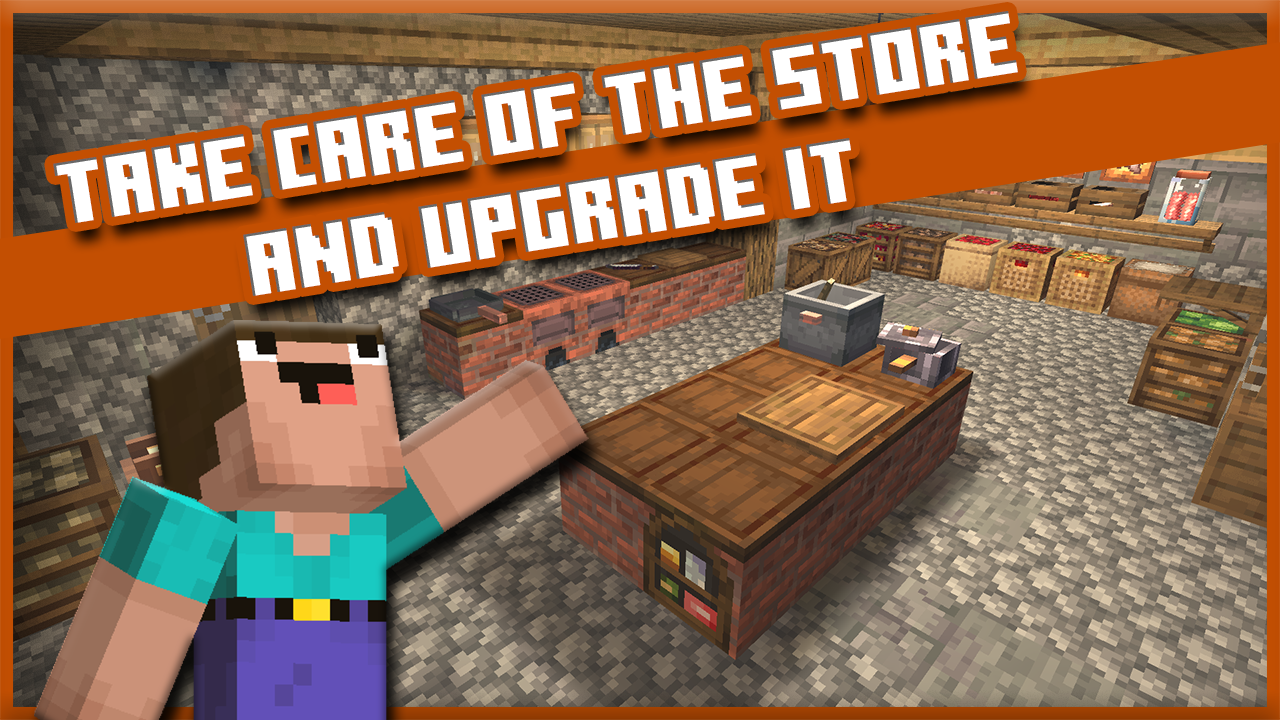
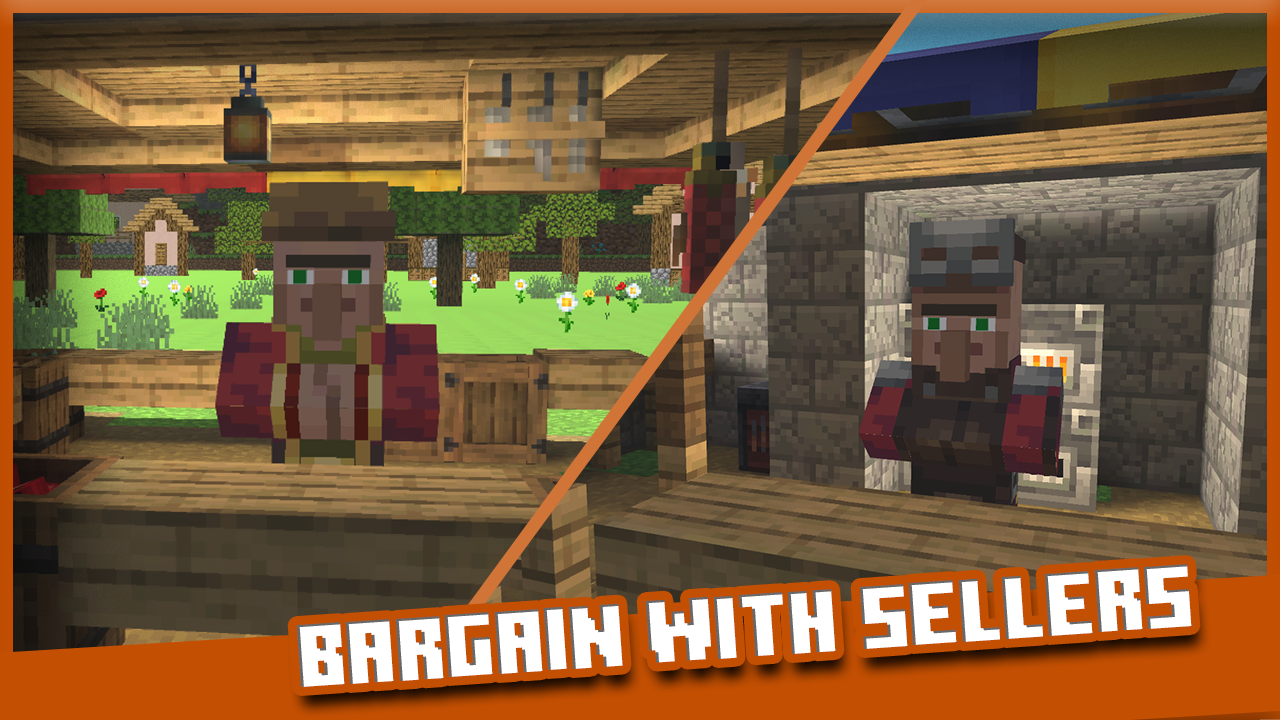
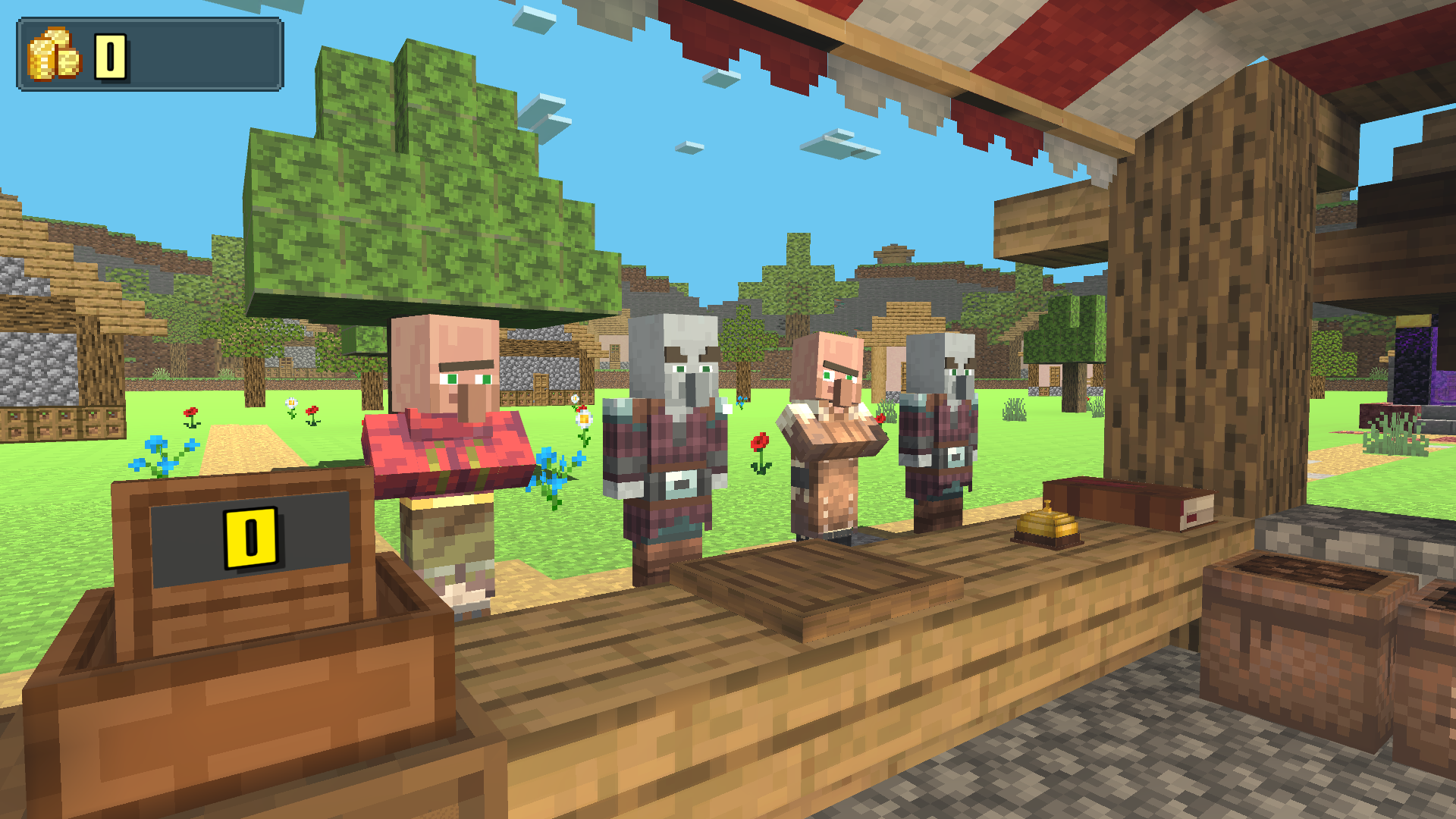
Managing a bustling business is the primary challenge in Noob's Shop: 3D as you take over for the owner during his sudden departure. You will hustle to fulfill incoming customer orders while mastering the art of the bargain to keep your shop profitable. Maintaining your reputation requires quick thinking and even faster reflexes when juggling multiple requests at your counter. As you earn coins, you can upgrade your store layout to serve visitors with greater efficiency and speed. The progression system keeps the stakes high since every transaction counts toward your overall success. You will encounter a variety of unique visitors throughout your shift, each looking for specific items or delicious dishes. This web-based management simulation brings a fun experience similar to the blocky world of minecraft to your browser. You can jump into this addictive challenge for free right now without any downloads required.
How to play
WASD keys - move
C key - squat
The E key is to pick up
Right and left mouse buttons for interacting with objects.
Features
- Customer Interaction: Engage in dynamic dialogue to negotiate prices and avoid losing potential profit.
- Store Customization: Invest your hard-earned currency into new equipment to boost your daily productivity.
- Dynamic Inventory: Unlock an expanding catalog of items and food recipes to satisfy diverse customer demands.
- Reputation System: Balance your service quality to ensure long-term stability and keep the business thriving.
- Save Mechanics: Ensure your progress is secured by completing full days before closing your session.
Who is it for
Simulation enthusiasts and casual gamers who enjoy time-management challenges will love this title. It is perfect for fans of blocky aesthetic games who want to test their multitasking skills. If you appreciate building a small business from the ground up, this browser-based experience offers hours of engaging gameplay.
Controls
Movement
Use WASD keys to walk or swipe on mobile screens to navigate the shop.
Interaction
Use left and right mouse buttons or tap the screen to grab items and talk to customers.
Pick up objects
Press the E key or tap the interaction icon on your mobile device.
Crouch
Press the C key to lower your character height.
FAQ
Can I save my game in Noob's Shop: 3D?
›
Yes, but keep in mind that progress in Noob's Shop: 3D is only saved at the end of each completed day.
Do I need to install anything to play Noob's Shop: 3D?
›
No, Noob's Shop: 3D runs directly in your web browser without requiring any downloads or registration.
Is Noob's Shop: 3D suitable for children?
›
Absolutely, Noob's Shop: 3D features simple mechanics and a friendly art style that is perfect for younger players.