About game
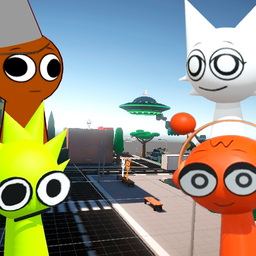
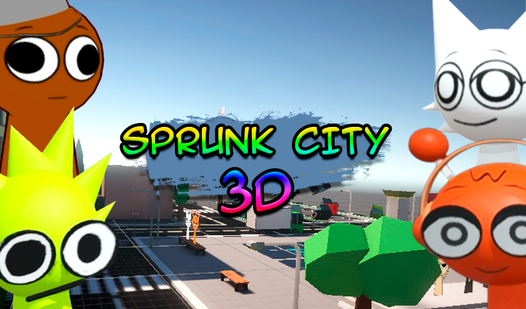
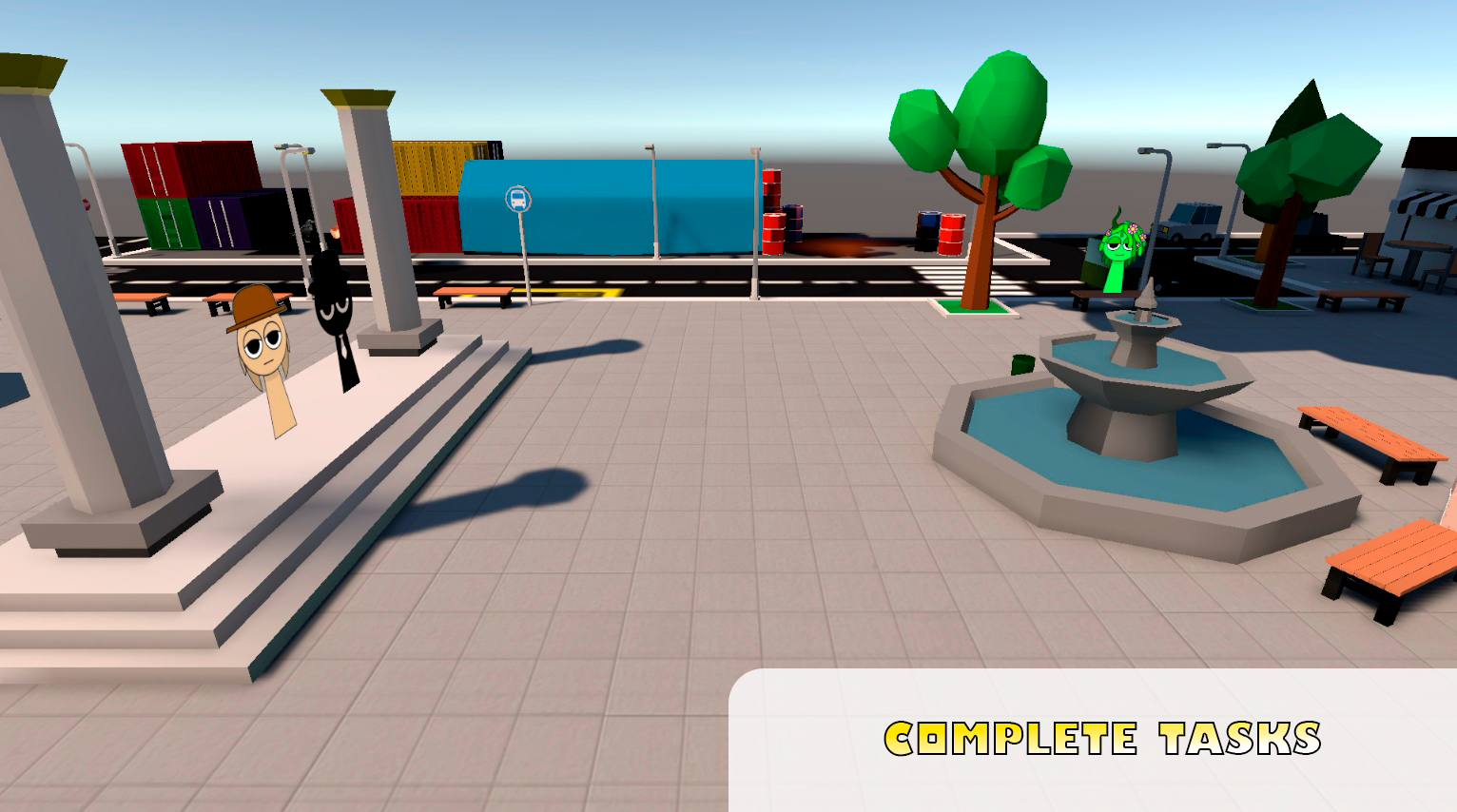
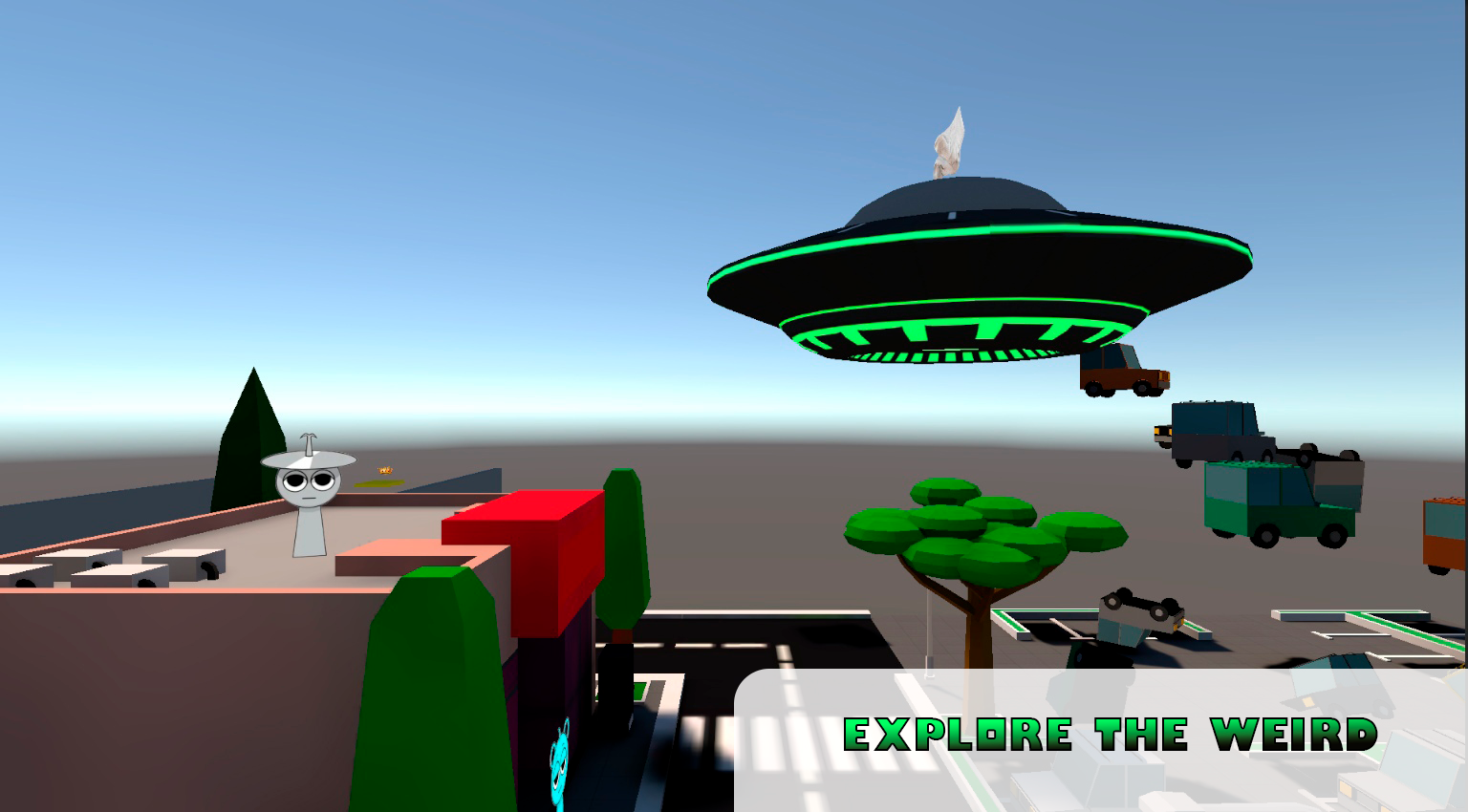
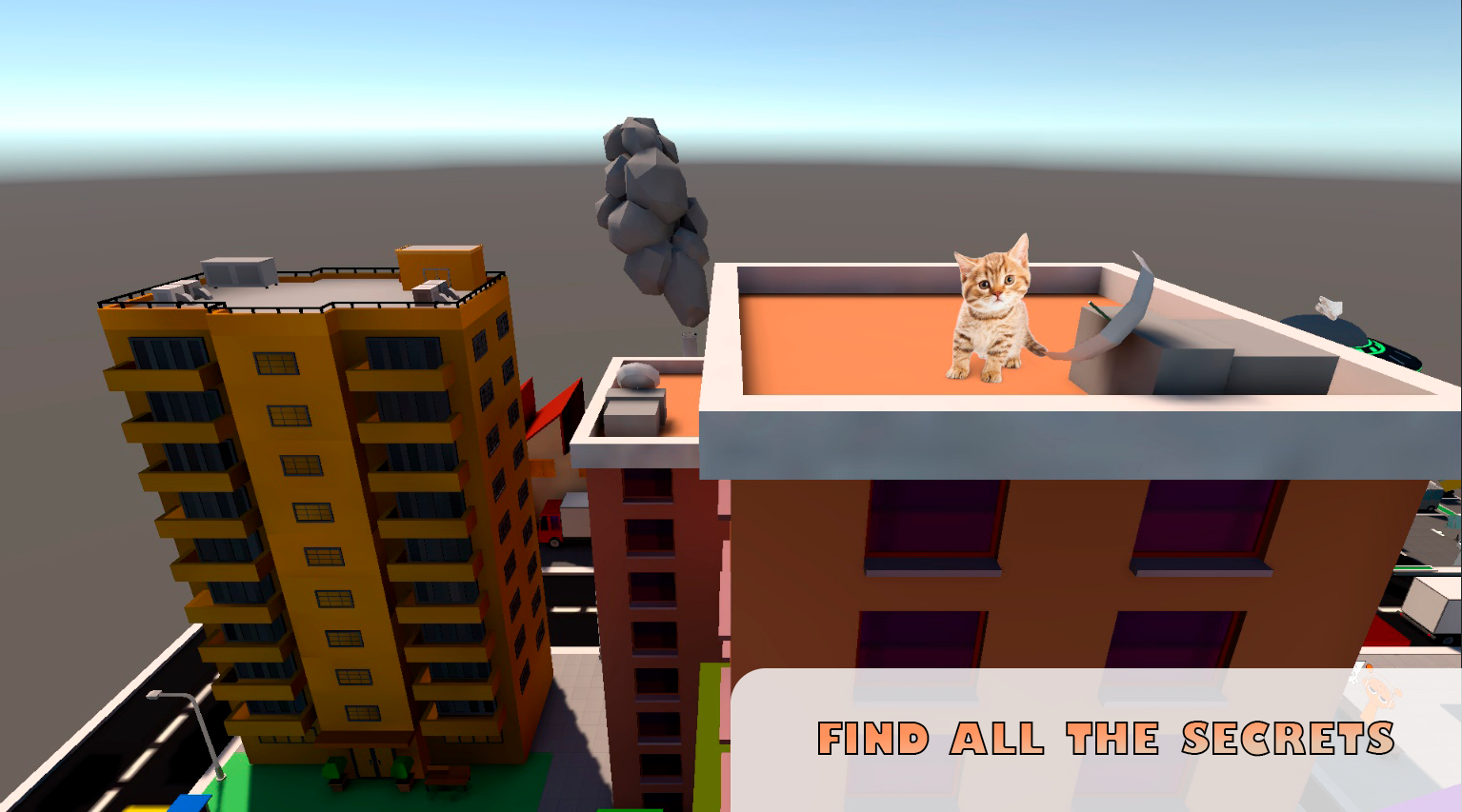
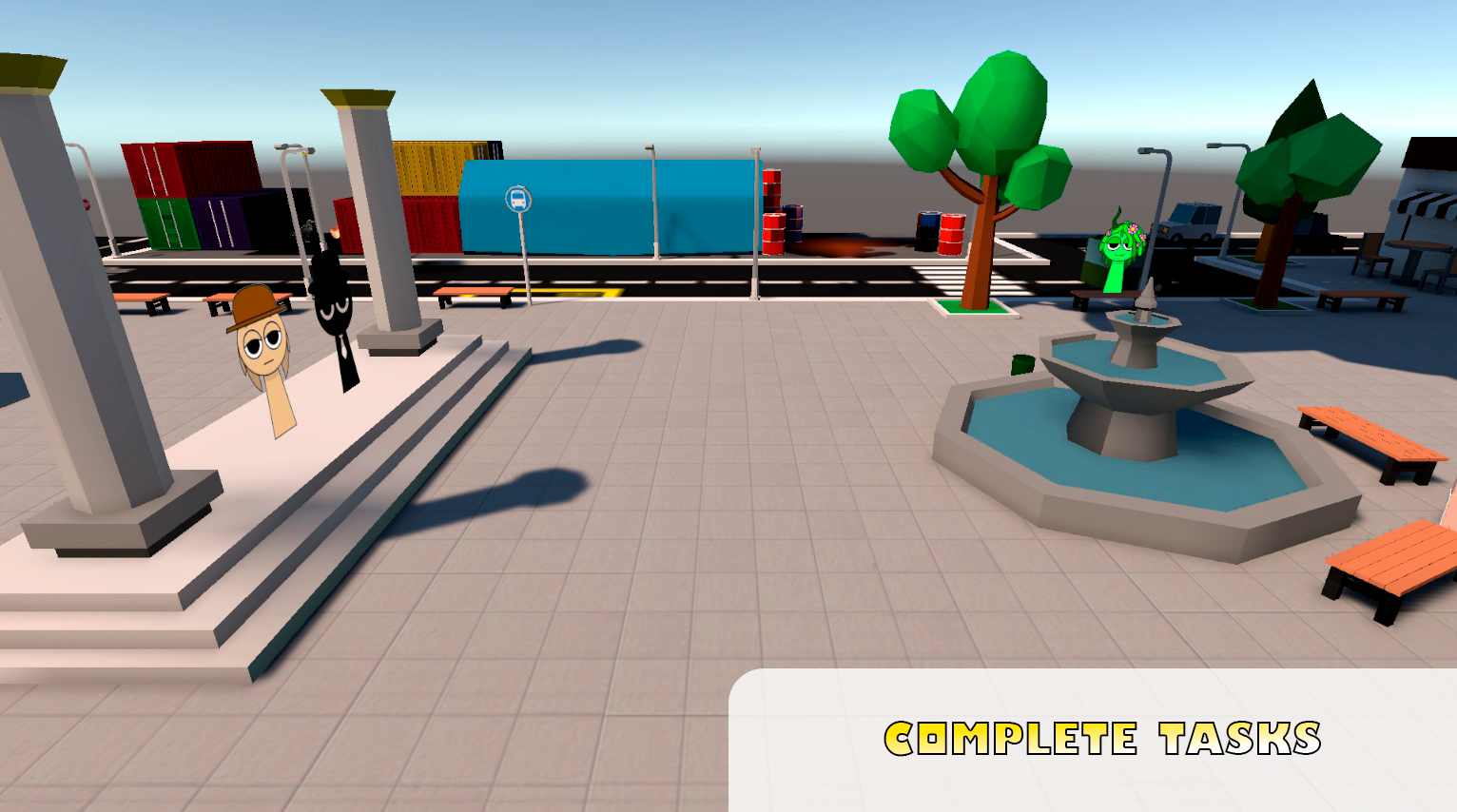
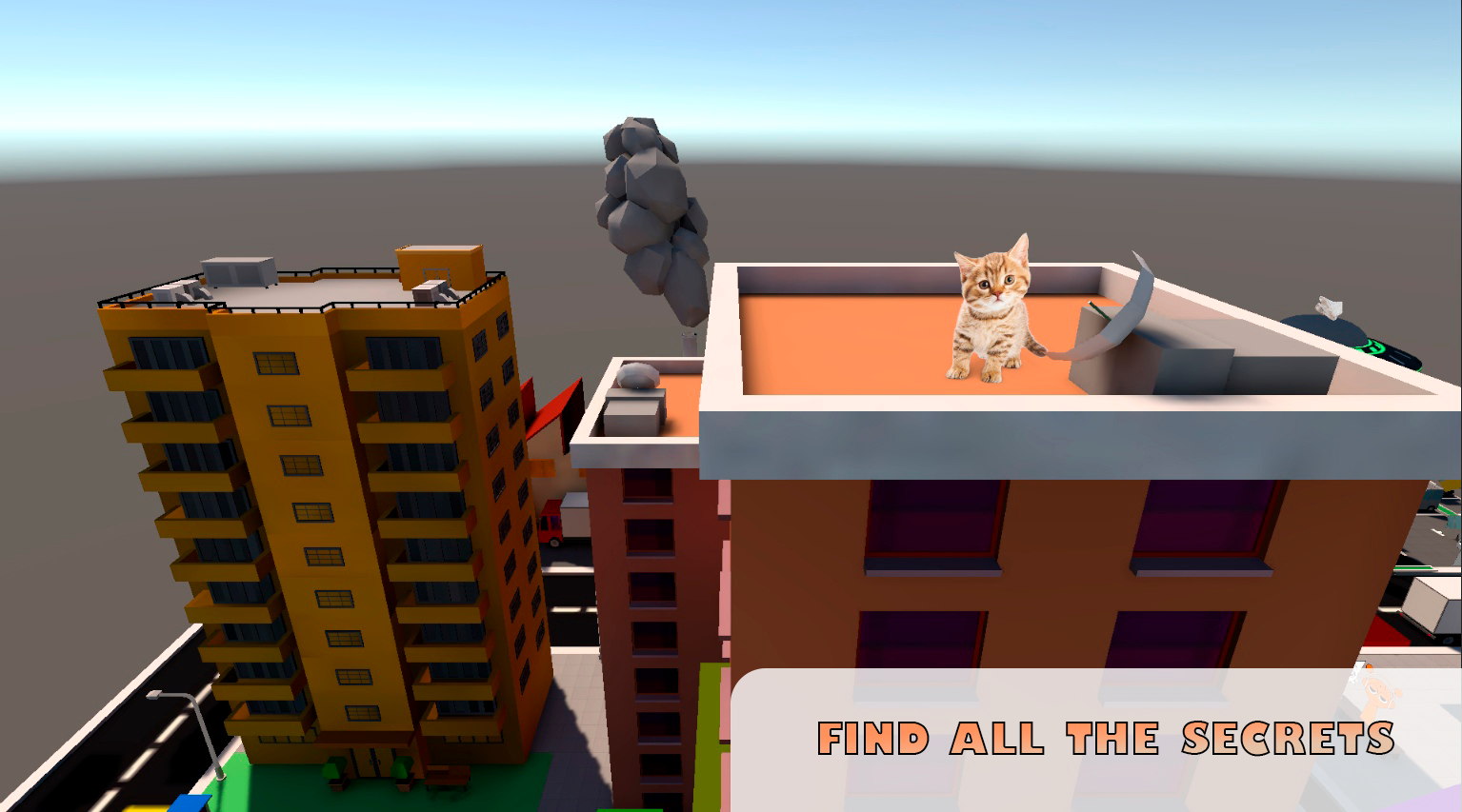
Staring at a blank screen during a lunch break often feels like a chore, but finding a virtual escape can turn your day around instantly. Sprunk City 3D offers the perfect remedy by dropping you straight into a vibrant urban playground packed with secrets. You will wander through expansive streets, interacting with quirky characters and engaging in fun quests that bring the environment to life. The core gameplay revolves around a deep search for morphs hidden in every alleyway and rooftop. As you explore, you collect these unique morphs to customize your experience and unlock new areas of the map. Navigation is smooth and intuitive, allowing you to parkour over obstacles or speed through traffic to reach your next objective. The mix of exploration and discovery makes every session feel like a fresh hunt for hidden gems. This captivating 3D world is waiting for you to jump in right now directly in your browser with no download required.
How to play
PC:
W,A,S,D - movement
Q - activate the help arrow
Space - jump
Shift - acceleration
G - open settings menu
Mobile:
Left joystick - movement
Right joystick - camera movement
Features
- Morph Hunting: Scour every corner of the city map to collect hidden morphs that change your character appearance.
- Quest System: Take on various tasks from local NPCs to earn rewards and progress through the city levels.
- Dynamic Exploration: Utilize parkour mechanics like jumping and sprinting to reach secret rooftops and hidden alcoves.
- Help Indicator: Access a specialized help arrow to guide you toward your next objective if you get lost in the urban sprawl.
- Customizable Settings: Fine-tune your gameplay experience using the dedicated settings menu to optimize visuals and control sensitivity.
Who is it for
Casual players who enjoy open-world exploration and anime-style aesthetics will feel right at home here. Fans of collecting games and urban adventures will love the hunt for rare morphs, while kids and teens looking for a quick, non-violent way to pass the time will appreciate the accessible city design.
Controls
Movement
Use WASD on PC or the left joystick on mobile screens.
Camera Control
Move your mouse on PC or use the right joystick on your mobile device.
Jump and Sprint
Press Spacebar to jump and Shift to accelerate movement speed.
Navigation Help
Tap the Q key on your keyboard to activate the guidance arrow.
FAQ
How do I find all the morphs in Sprunk City 3D?
›
You need to explore every alleyway and rooftop carefully, as Sprunk City 3D hides them in obscure locations that require jumping and sprinting to reach.
Can I play Sprunk City 3D on my phone without downloading an app?
›
Yes, Sprunk City 3D runs directly in your mobile browser, allowing you to start playing instantly without any installation.
What is the goal of Sprunk City 3D?
›
The main goal is to explore the vast city, complete quests for the residents, and collect all the available morphs hidden throughout the environment.