About game
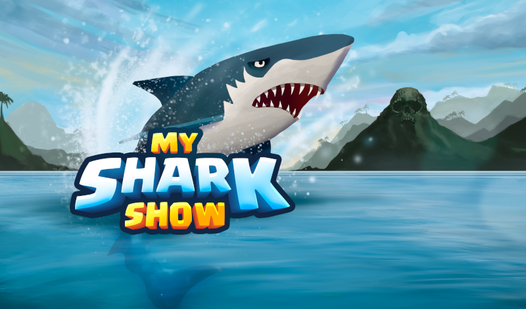
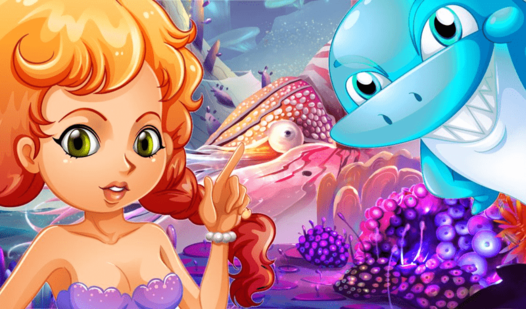
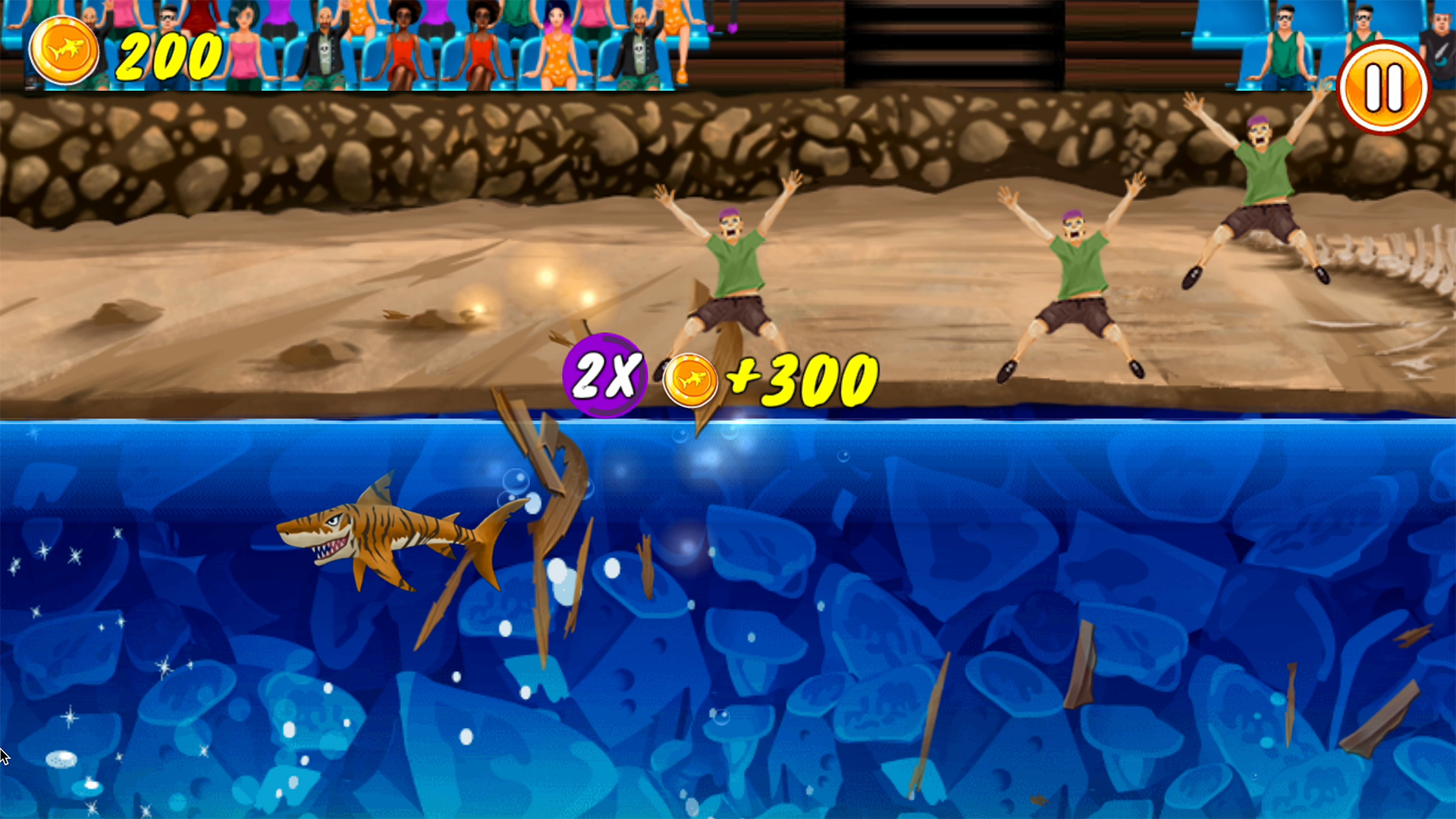
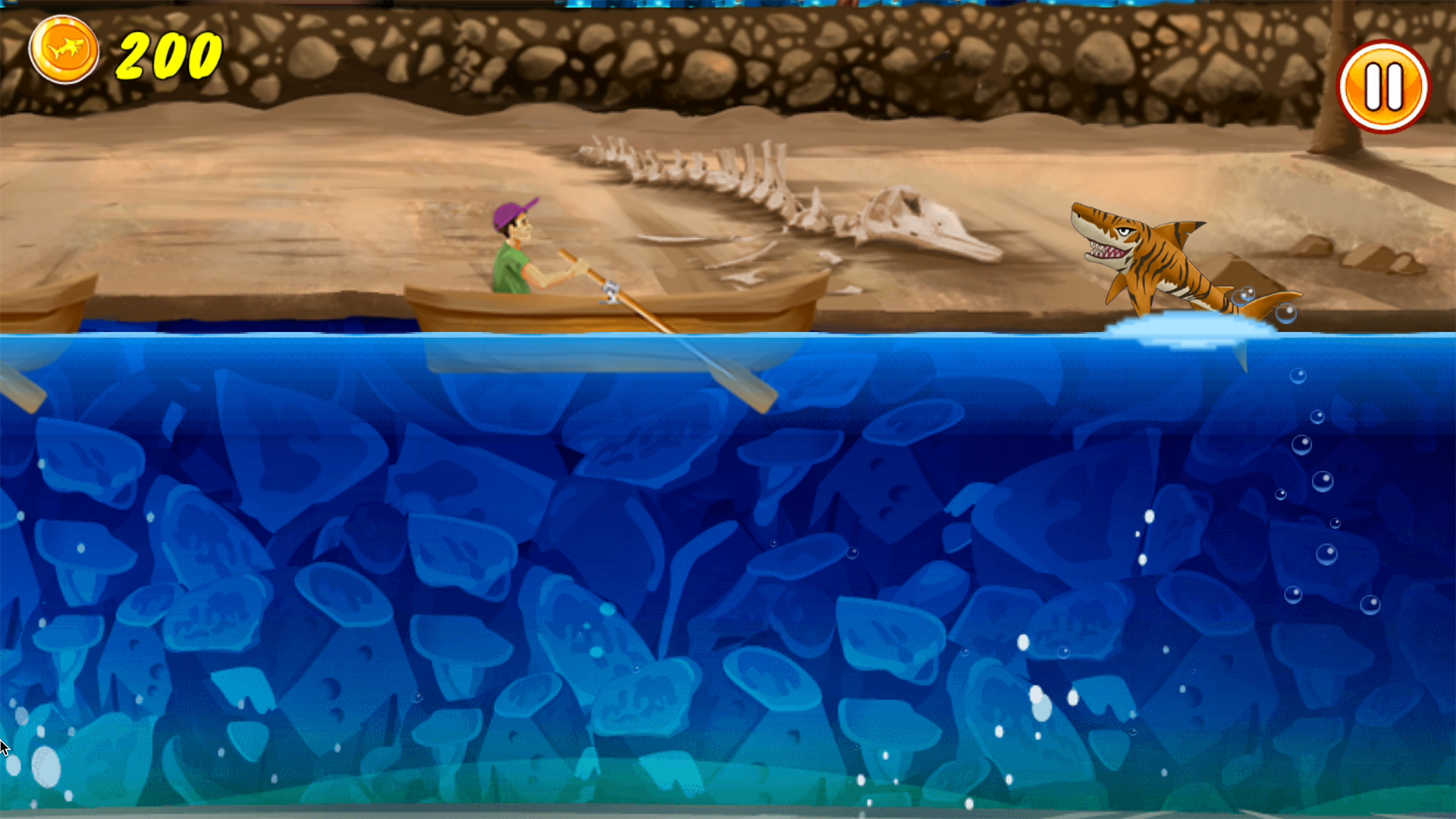
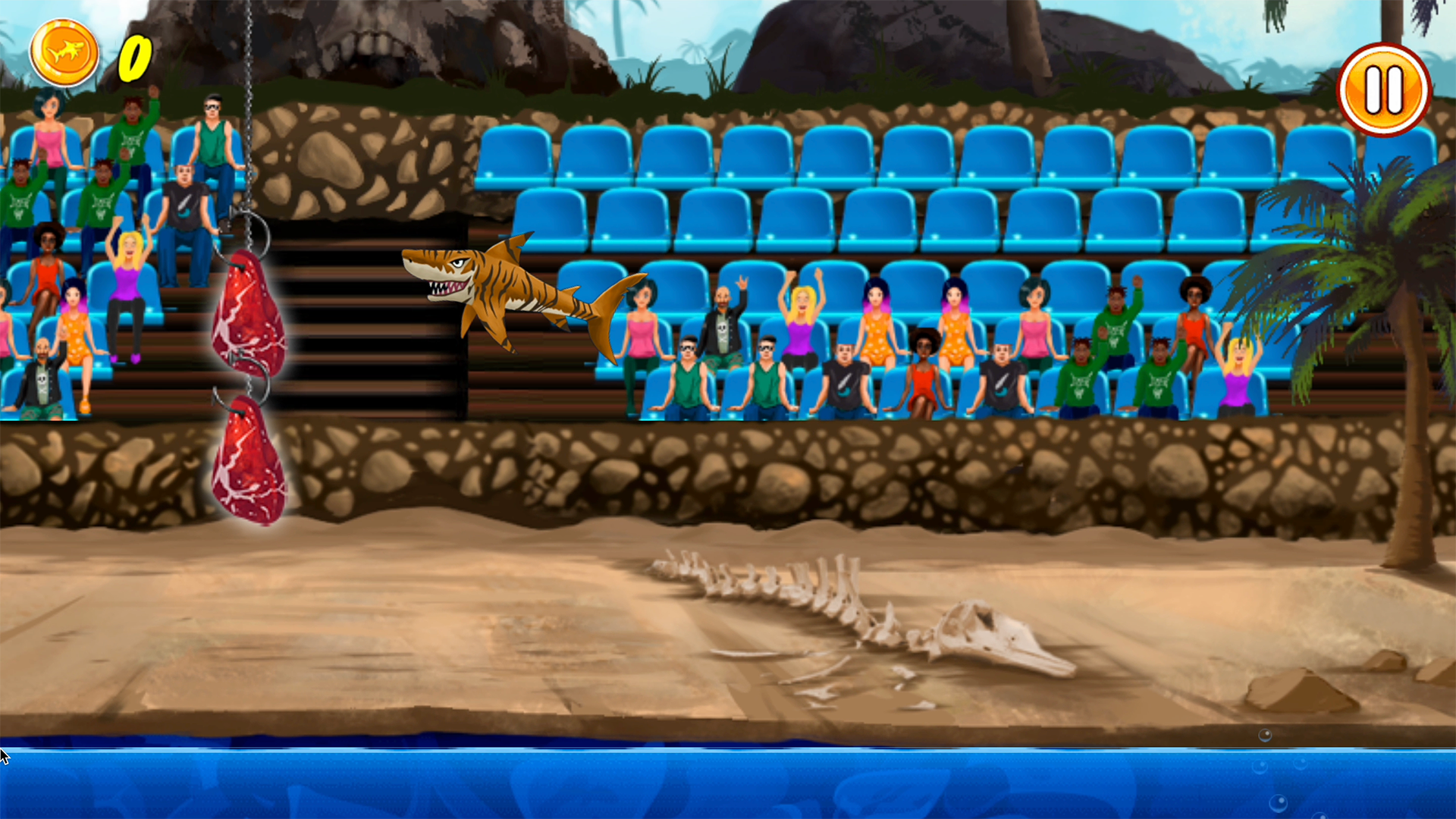
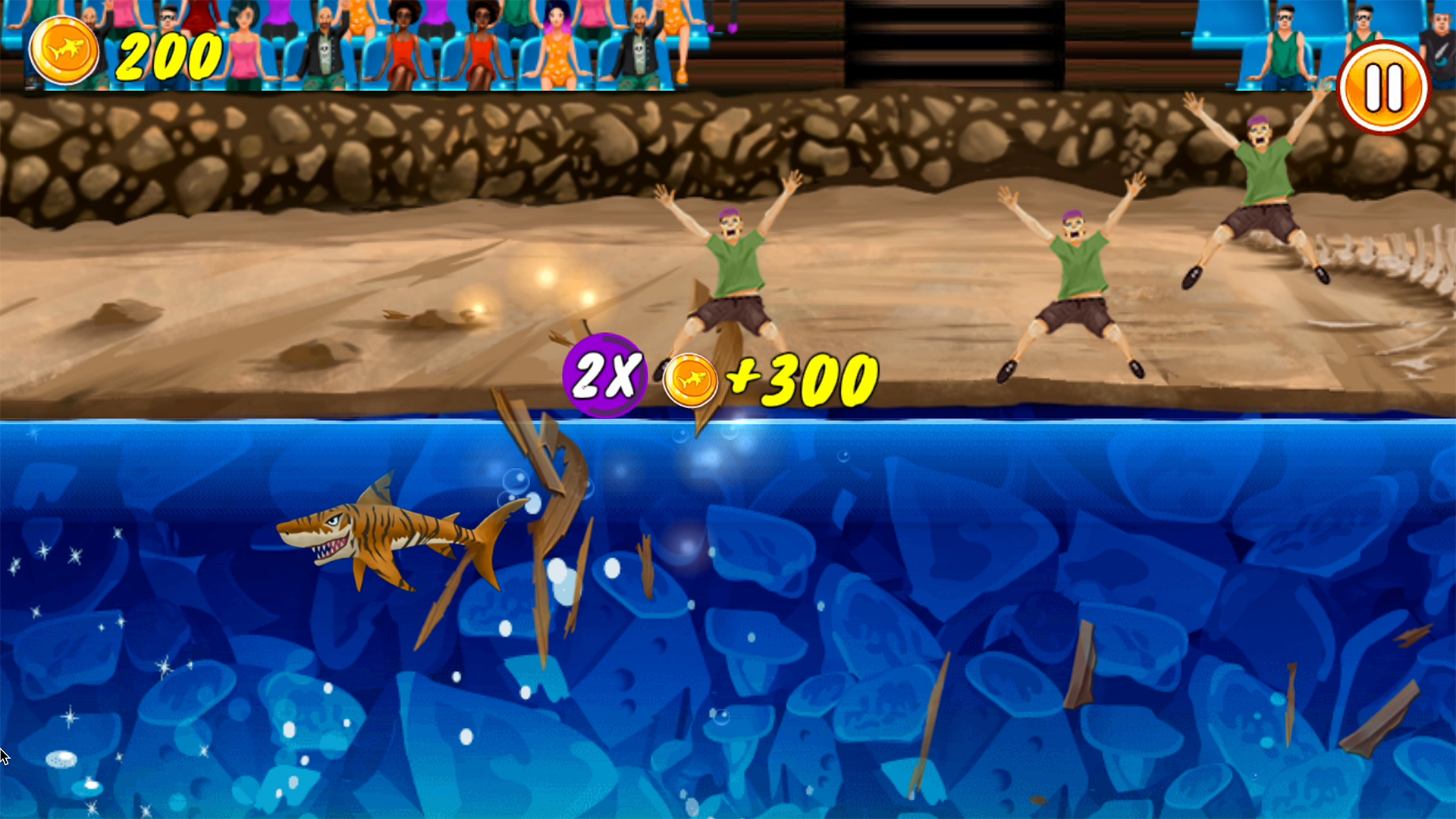
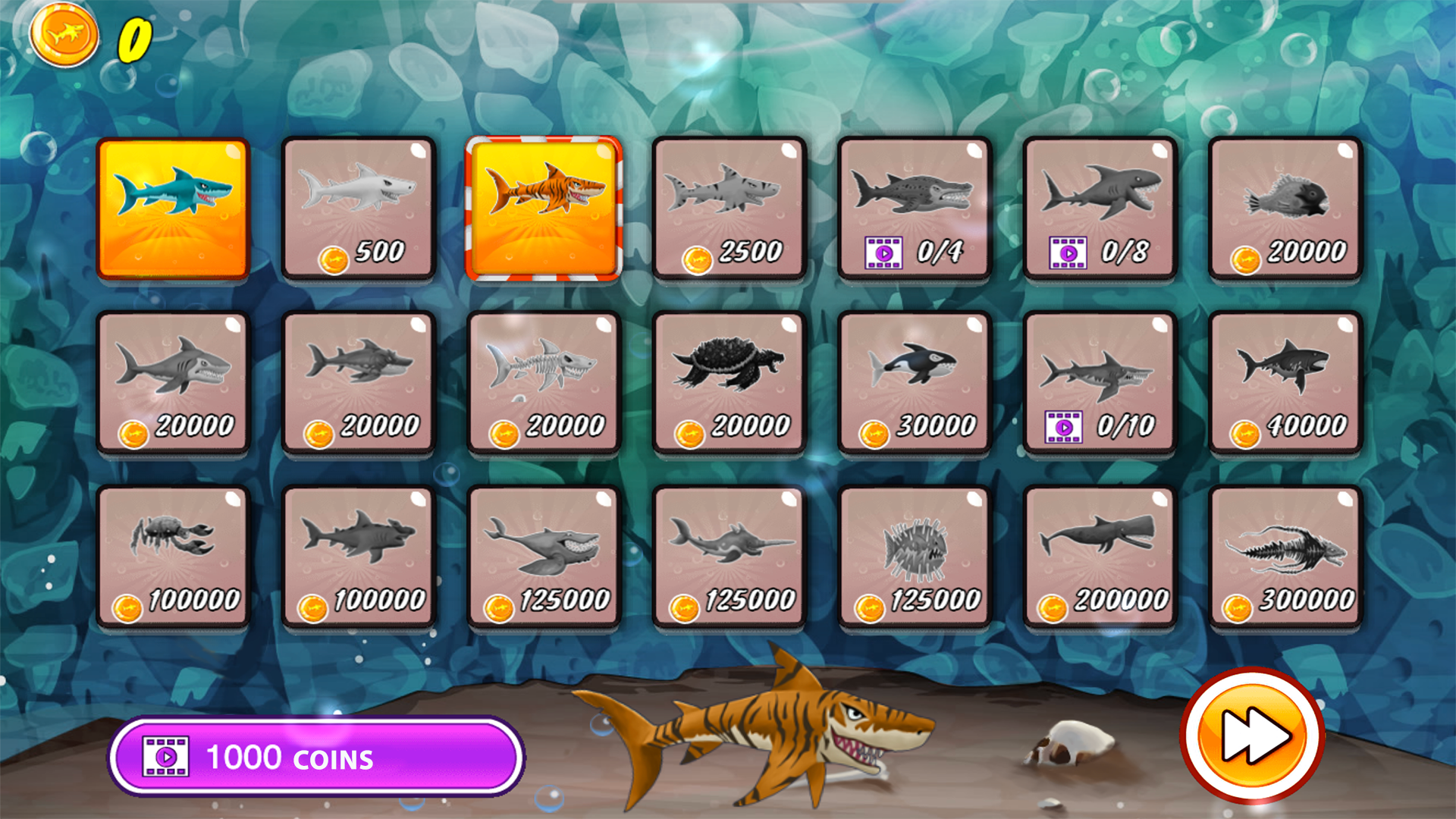
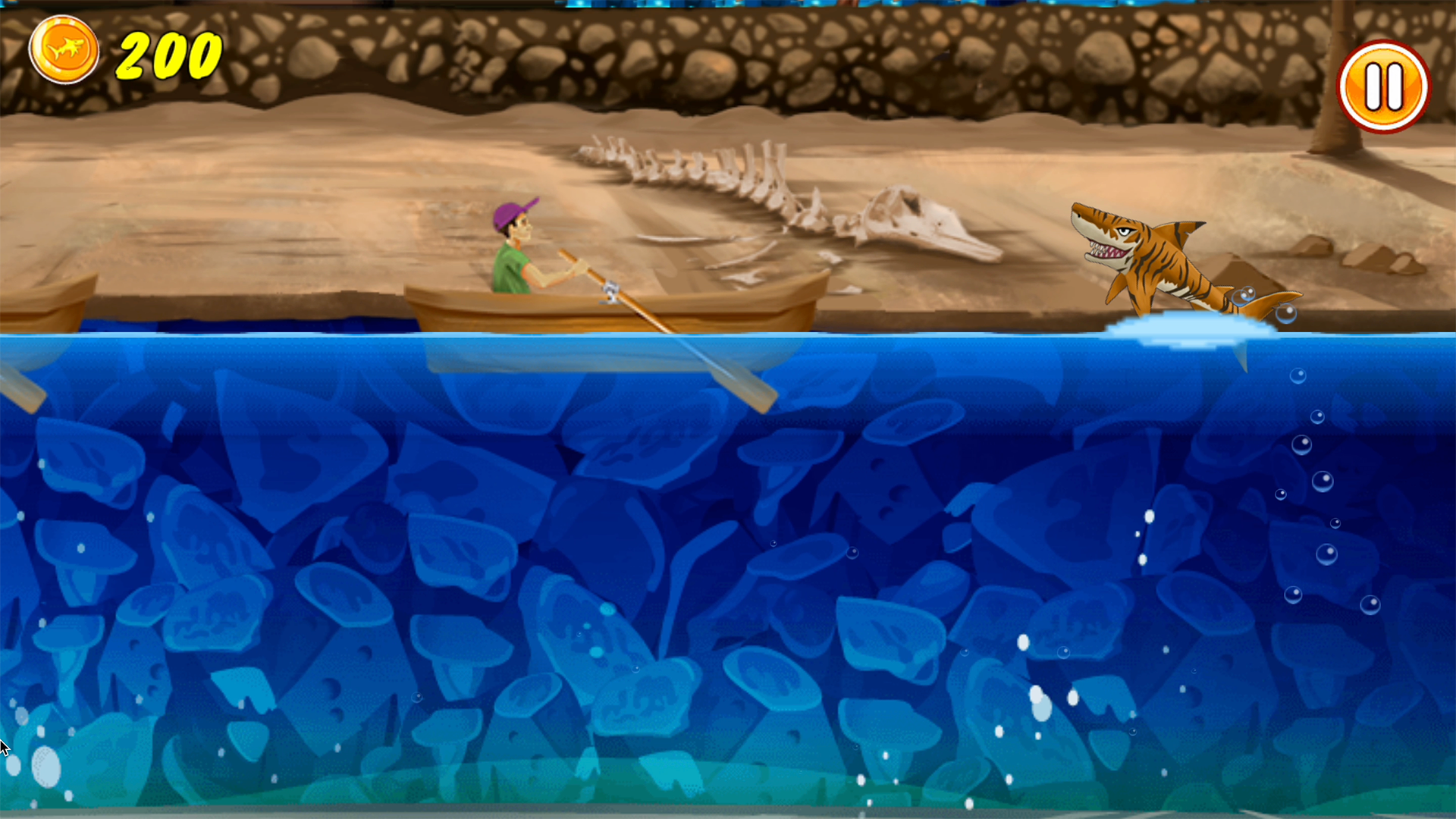
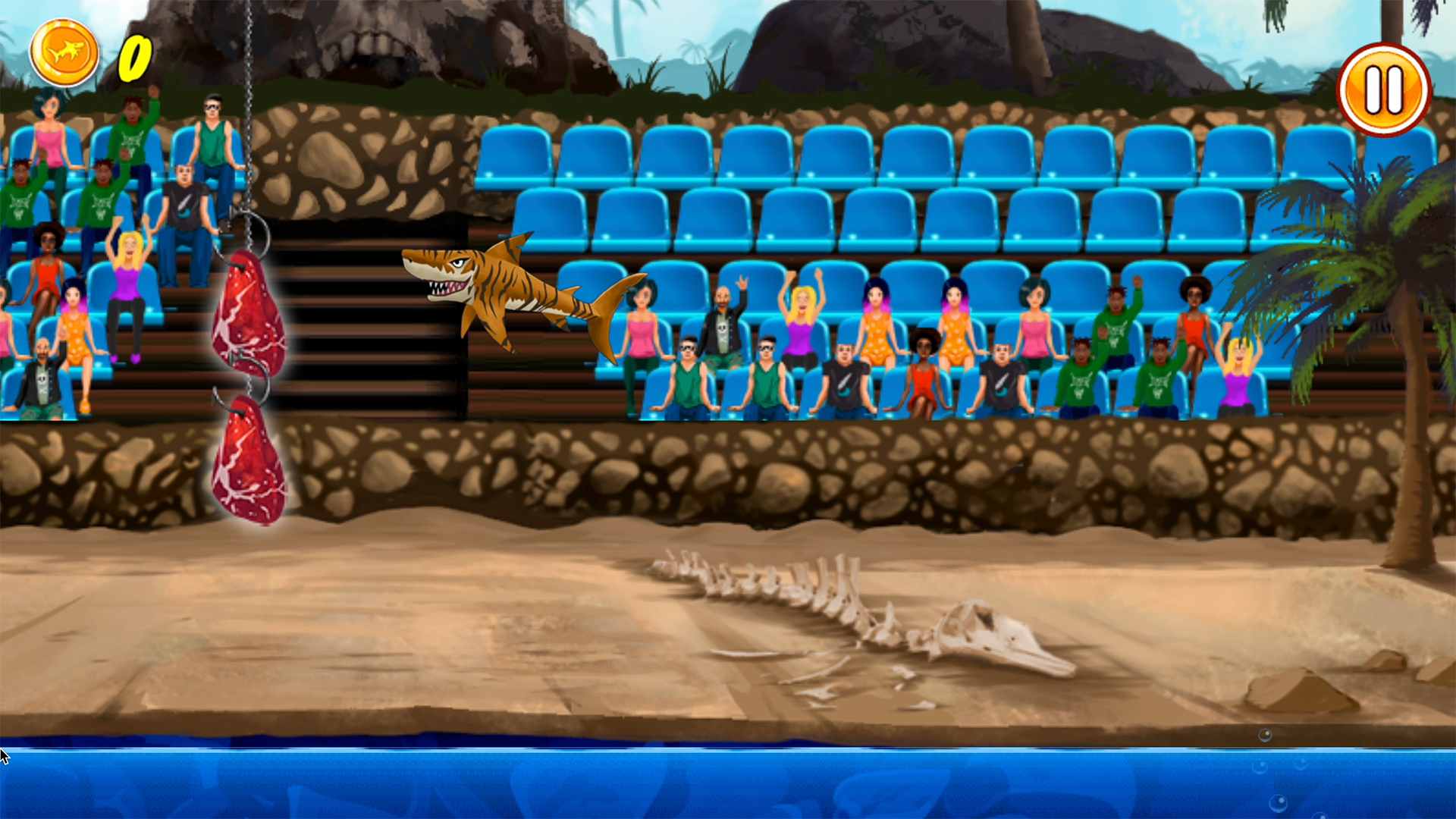
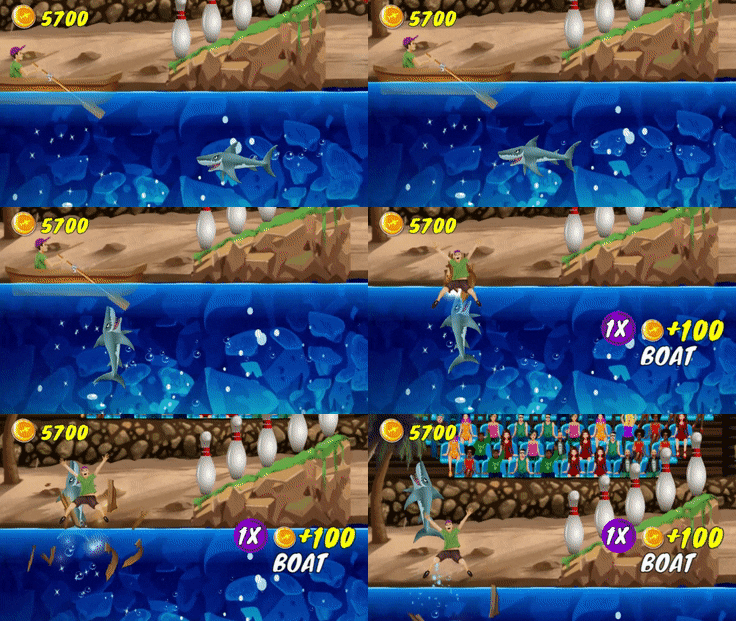
Fans of high-adrenaline arcade titles will find their new obsession in the frantic world of My Shark Show. This intense sequel shifts the focus from friendly dolphins to a hungry shark intent on stealing the spotlight. Players navigate the massive predator through a series of aquatic hoops and obstacles to wow the ticking crowd. You must leap from the water to snatch meat and barrel through fiery rings while keeping the audience cheering for more. Precision is key as you manage your momentum to hit every target without missing a beat. The game rewards your performance with coins that unlock hilarious new skins ranging from different shark species to bizarre sea creatures. Mastering the underwater performance requires quick reflexes and a sharp eye for timing your jumps. Experience the thrill of this aquatic show directly in your browser with no download required.
How to play
Use the arrow keys to move the shark around. On mobile tap and drag the shark across the screen. The better you do, the more people will come to your show!
Features
- Dynamic Crowd System: The intensity of the audience applause directly dictates your success and the flow of the level.
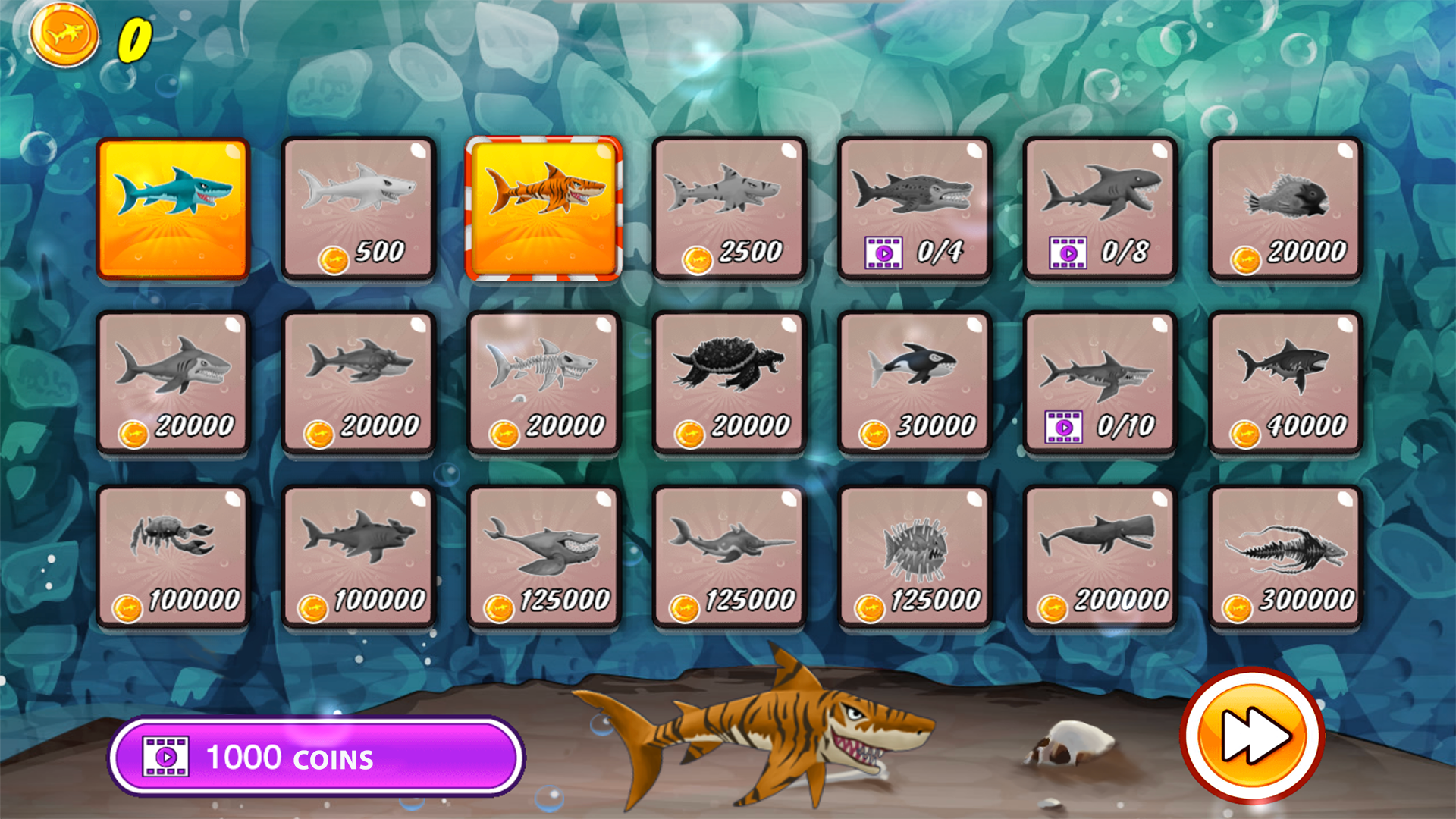
- Customization Shop: Use collected coins to swap your shark for unique skins or unlock alternative sea creatures.
- Precision Jumping Mechanics: Navigate complex patterns of flaming hoops and floating platforms to maximize your final score.
- Resource Management: Snatch floating meat and fish mid-air to maintain your energy and keep the show running smoothly.
- Progression Rewards: Watch short clips to boost your coin collection and speed up your access to premium skins.
Who is it for
Arcade enthusiasts who enjoy fast-paced reflex games will love the challenge of managing a shark in a live performance. Casual gamers looking for quick, high-energy sessions will appreciate the simple yet addictive mechanics that make every attempt to earn coins and unlock new skins feel incredibly rewarding.
Controls
Move Shark
Use arrow keys or tap and drag on the mobile screen.
Jump
Gain momentum by moving through the water and aiming towards the surface.
Navigate
Swipe or use directional keys to steer during aerial stunts.
FAQ
How can I unlock new skins in My Shark Show?
›
You can unlock new skins by collecting coins during your performances and spending them in the in-game shop.
Is My Shark Show playable on mobile devices?
›
Yes, My Shark Show is optimized for mobile browsers and supports intuitive touch controls for easy play.
Can I play My Shark Show without downloading any files?
›
Absolutely, My Shark Show runs directly in your web browser with no registration or installation necessary.