About game
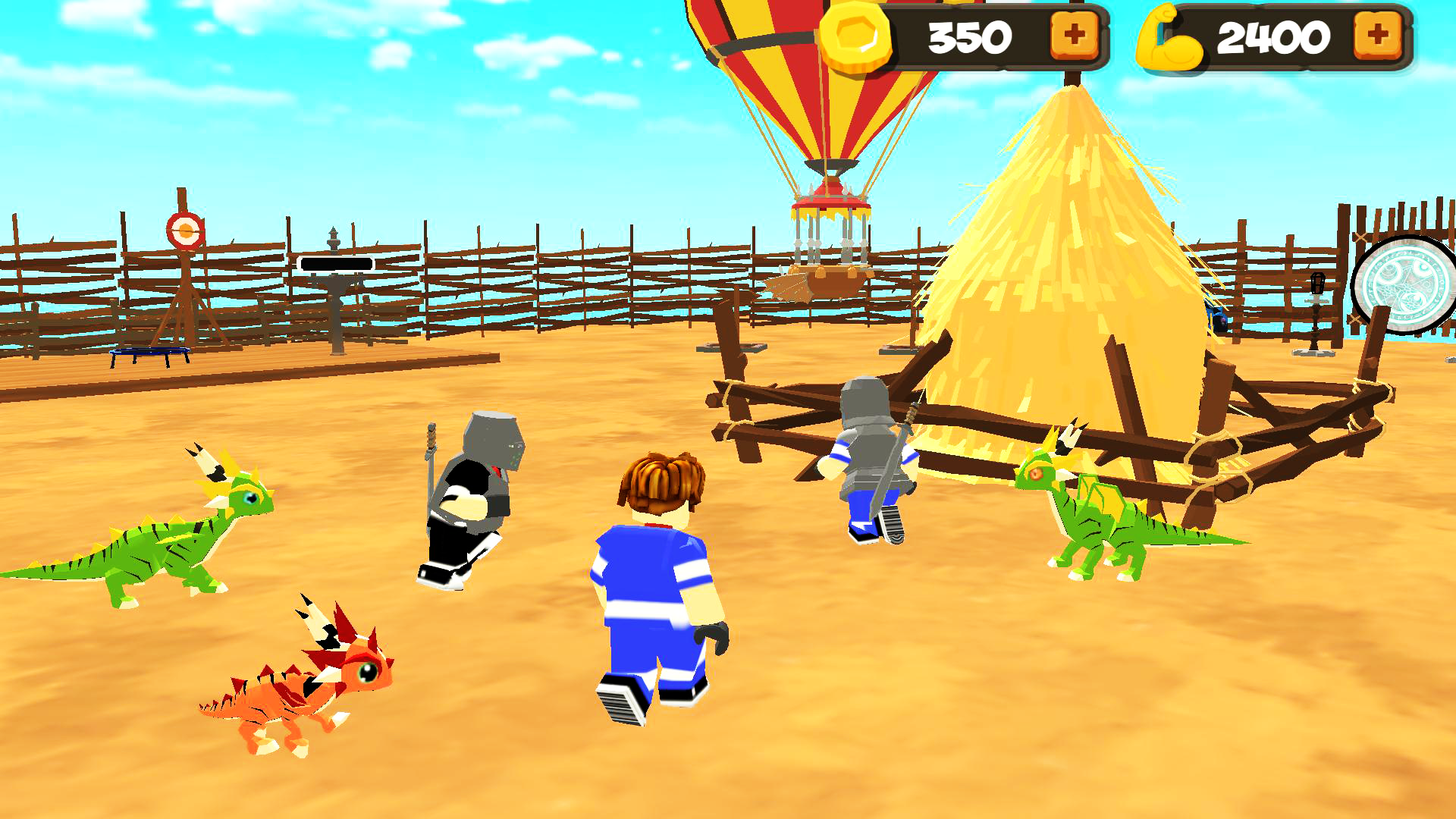
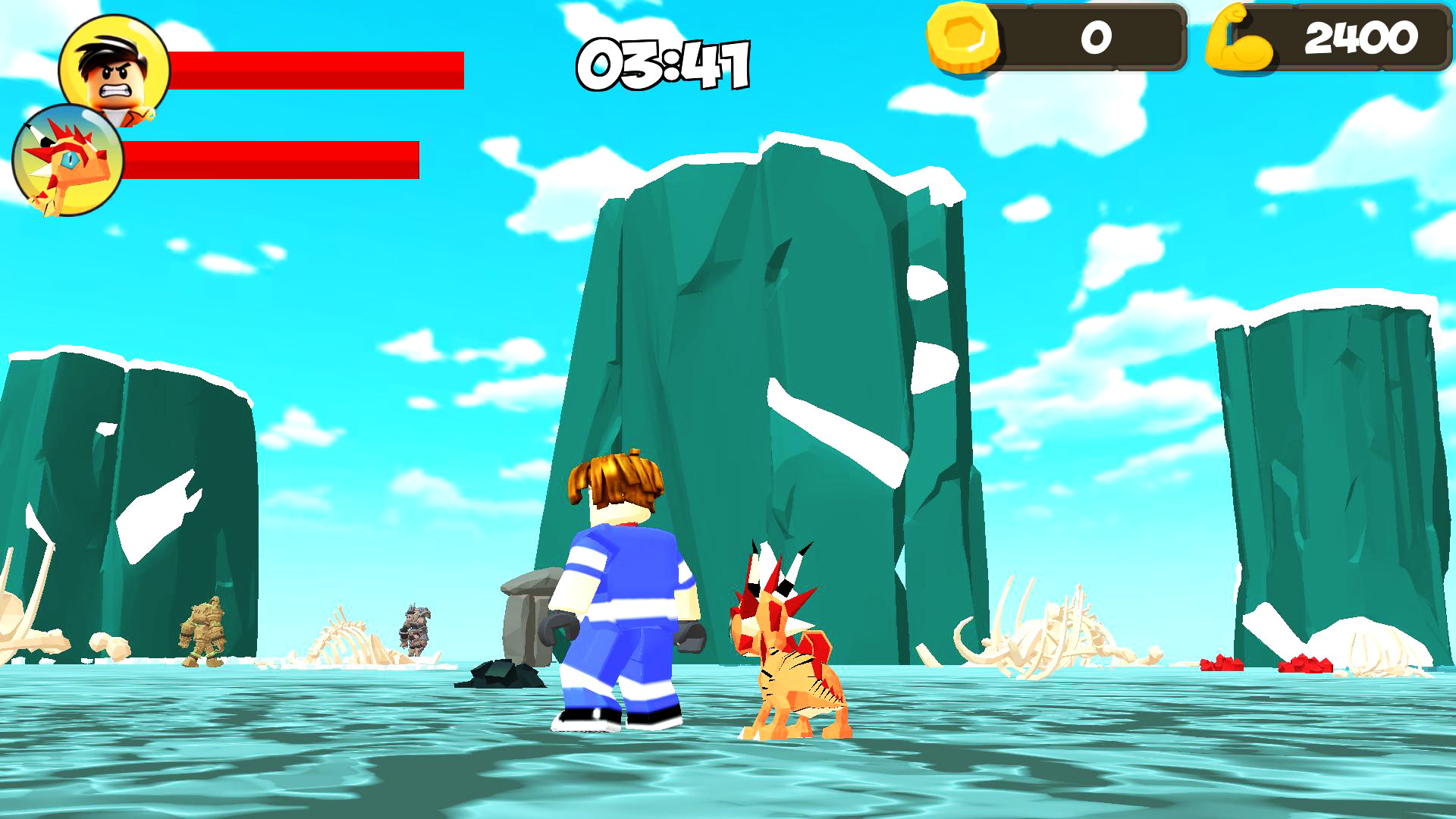
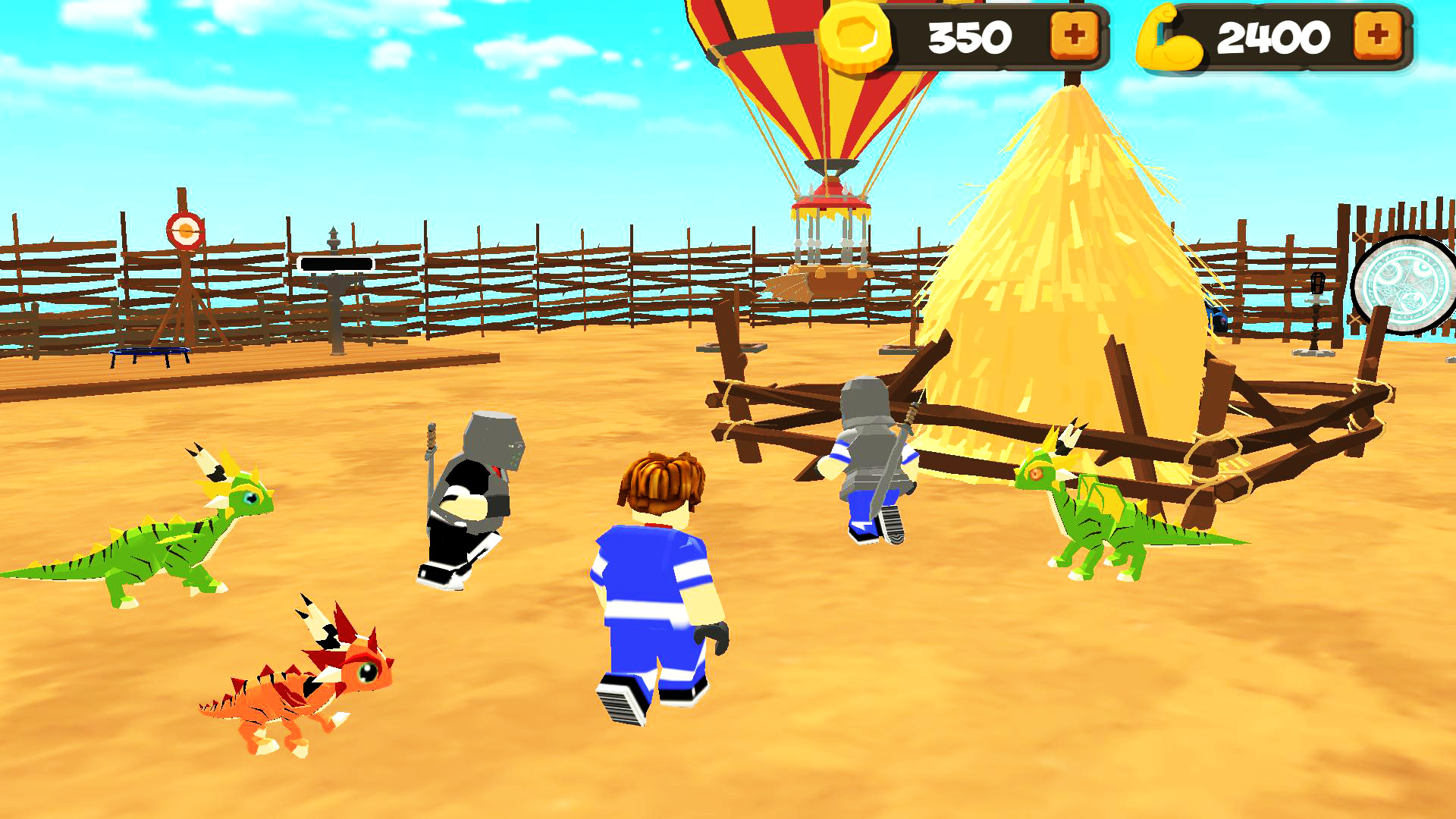
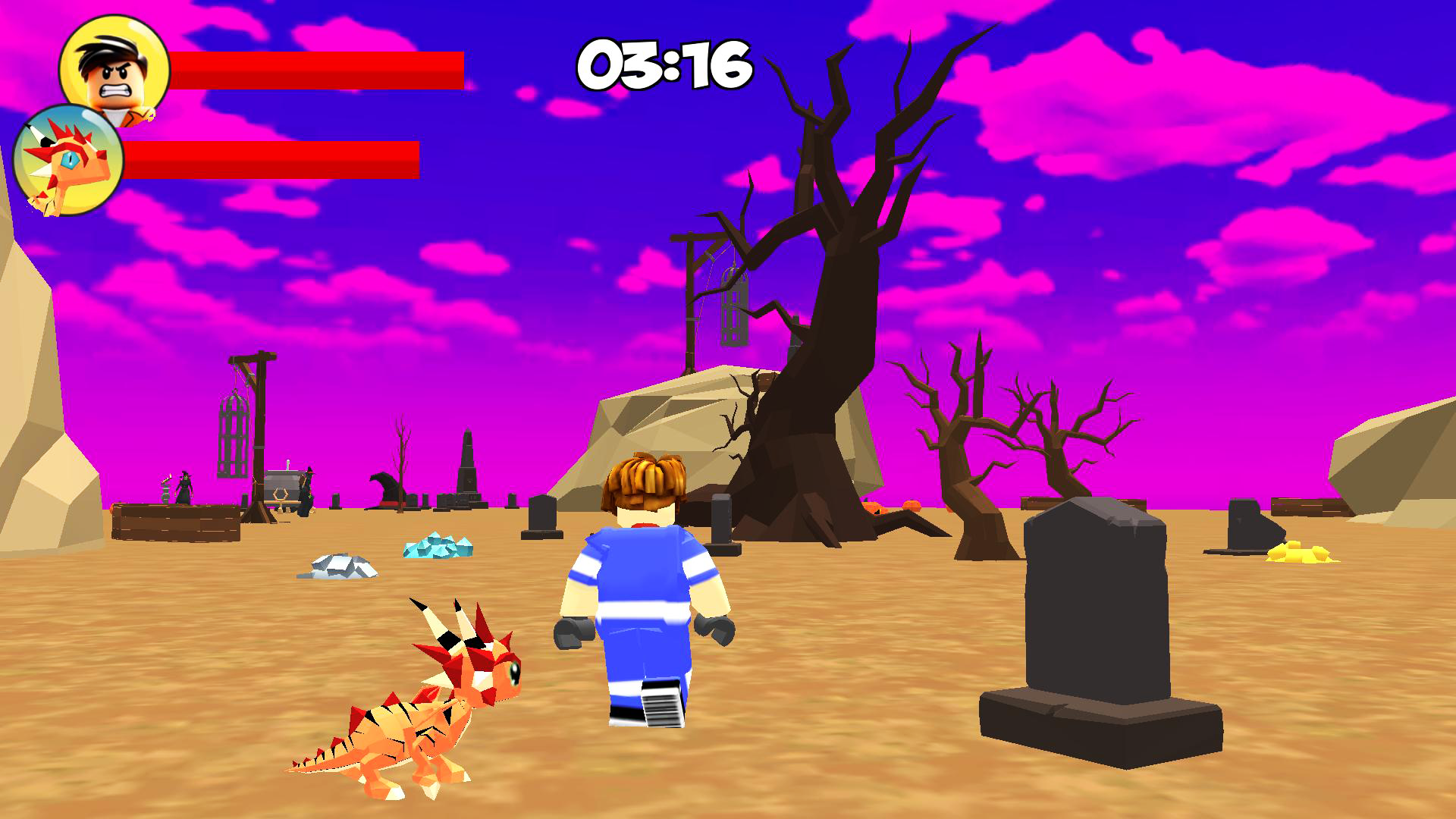
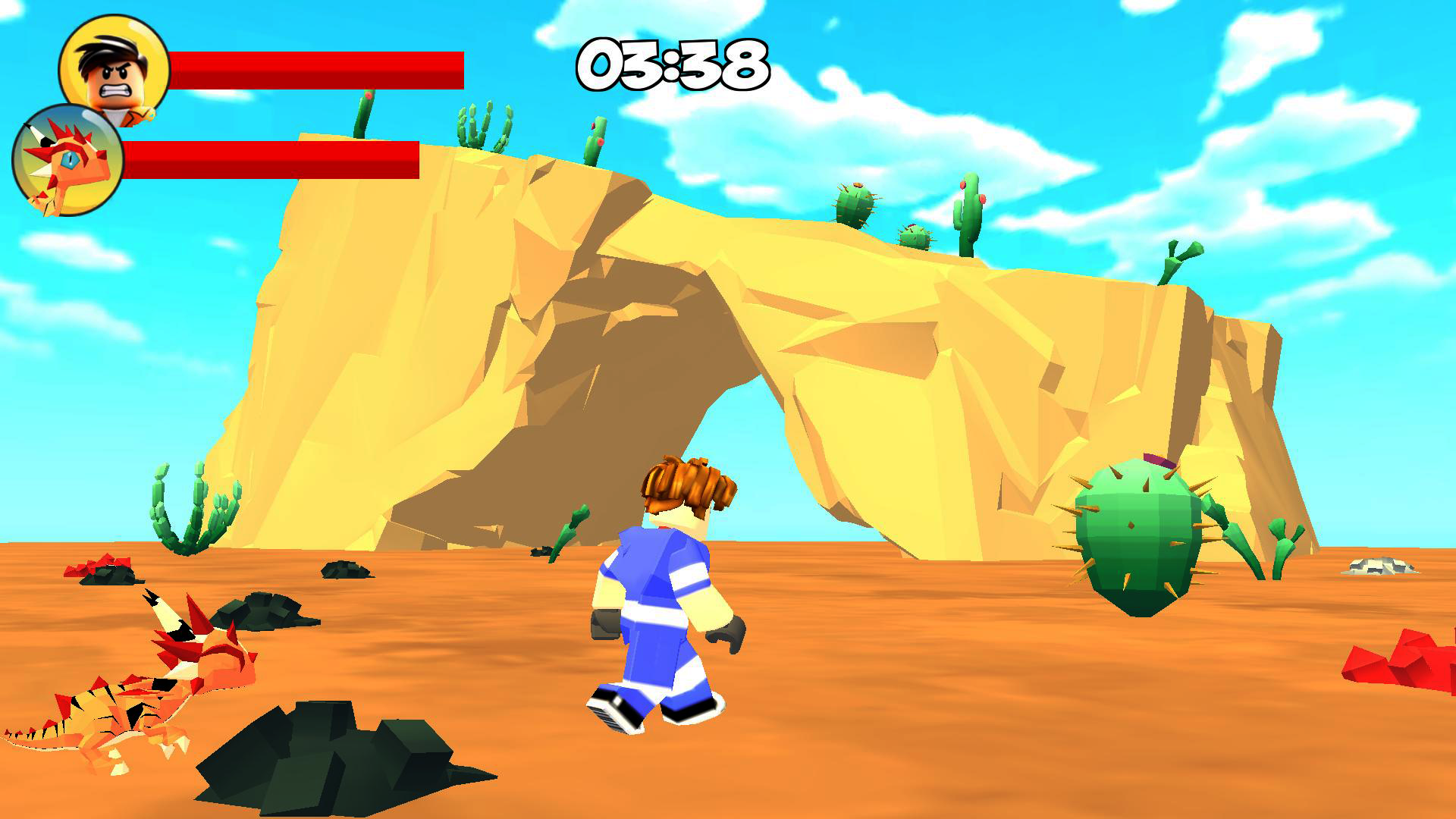
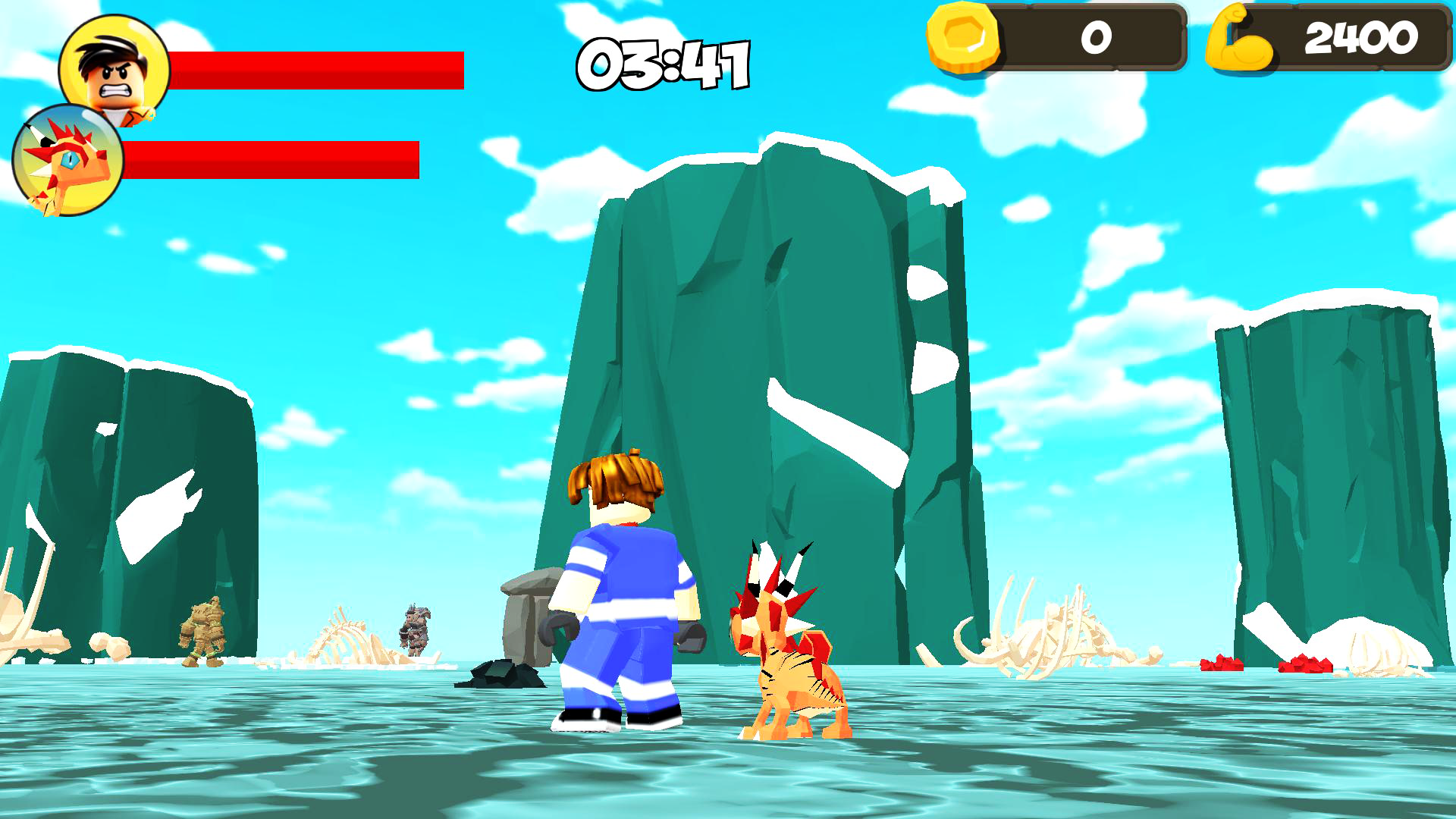
Staring at a blank screen during a lunch break often feels like a chore, but turning that downtime into a training session is much more satisfying. Robby: Lifting Dragon offers the perfect escape by letting you transform from a weakling into a powerhouse alongside your very own companion. You will spend your time hitting the gym and using various exercise machines to boost your strength stats significantly. As you gain muscle, your pet evolves, eventually becoming a massive creature you can actually ride across the map. The loop of lifting, earning currency, and purchasing better equipment keeps the progression feeling fast and rewarding. You must eventually put your training to the test by facing off against challenging bosses scattered throughout the world. This lifting simulator captures that addictive arcade energy that makes you want to climb the global leaderboard. The best part is that you can experience all this progression directly in your browser without any registration or downloads. Jump into Robby: Lifting Dragon now to see how quickly you can build the ultimate fighting beast.
How to play
To play, you need to upgrade your dragon and defeat all the bosses.
The game has a tutorial that will help you with this.
Computers:
• WASD - character control.
• E - call a pet, or send it to search.
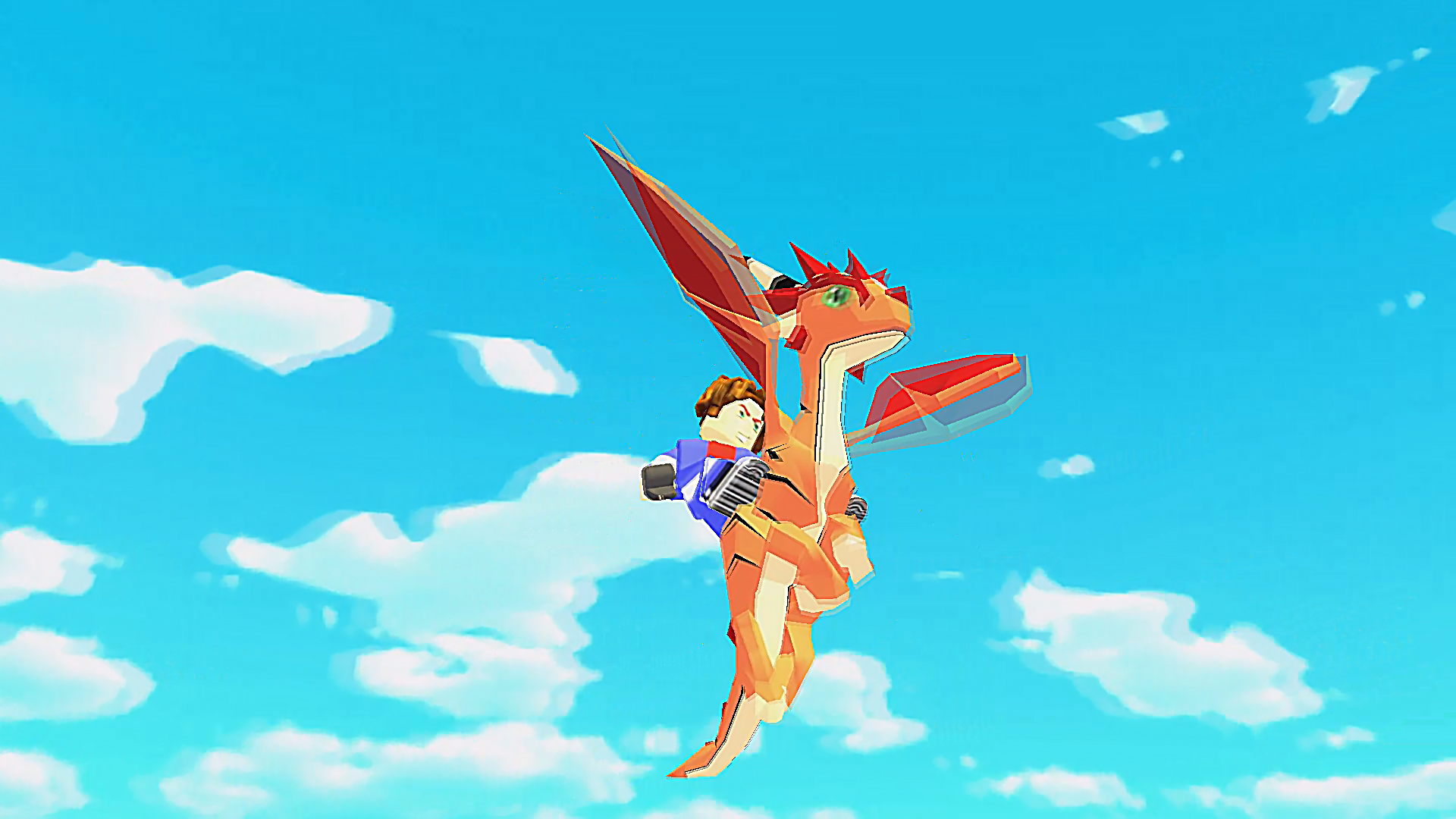
• F - mount the dragon (if it is upgraded), or dismount.
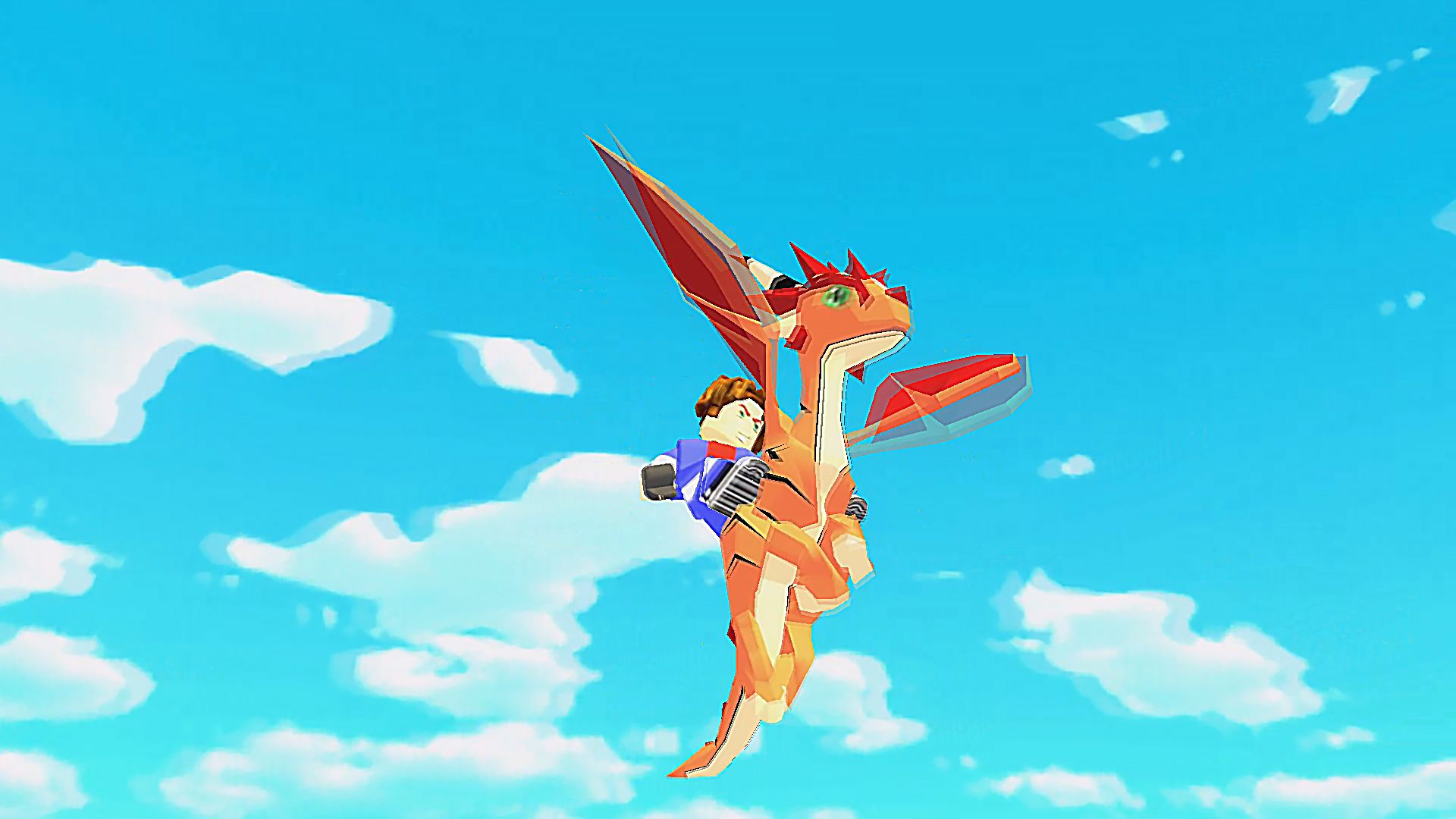
• Q - take off while riding, or land while flying.
• Right mouse button - hold down to control the camera.
• Left mouse button - open chests, beat enemies, swing on exercise machines.
Mobile devices:
• Use the joystick to control the character.
• To rotate the camera, swipe your finger across the screen.
Features
- Dynamic Pet Evolution: Your dragon physically grows and changes appearance as you invest more time in your training routine.
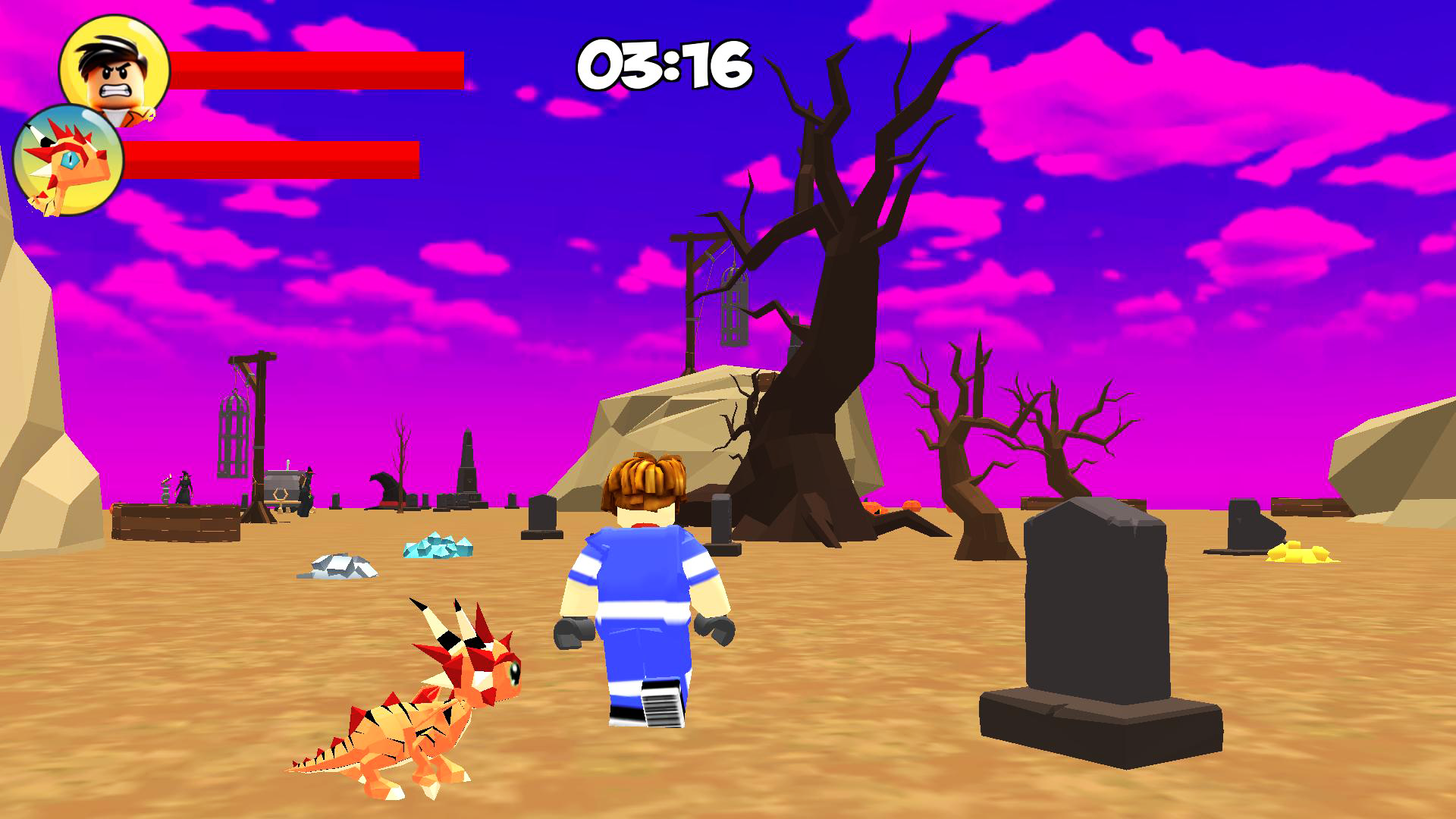
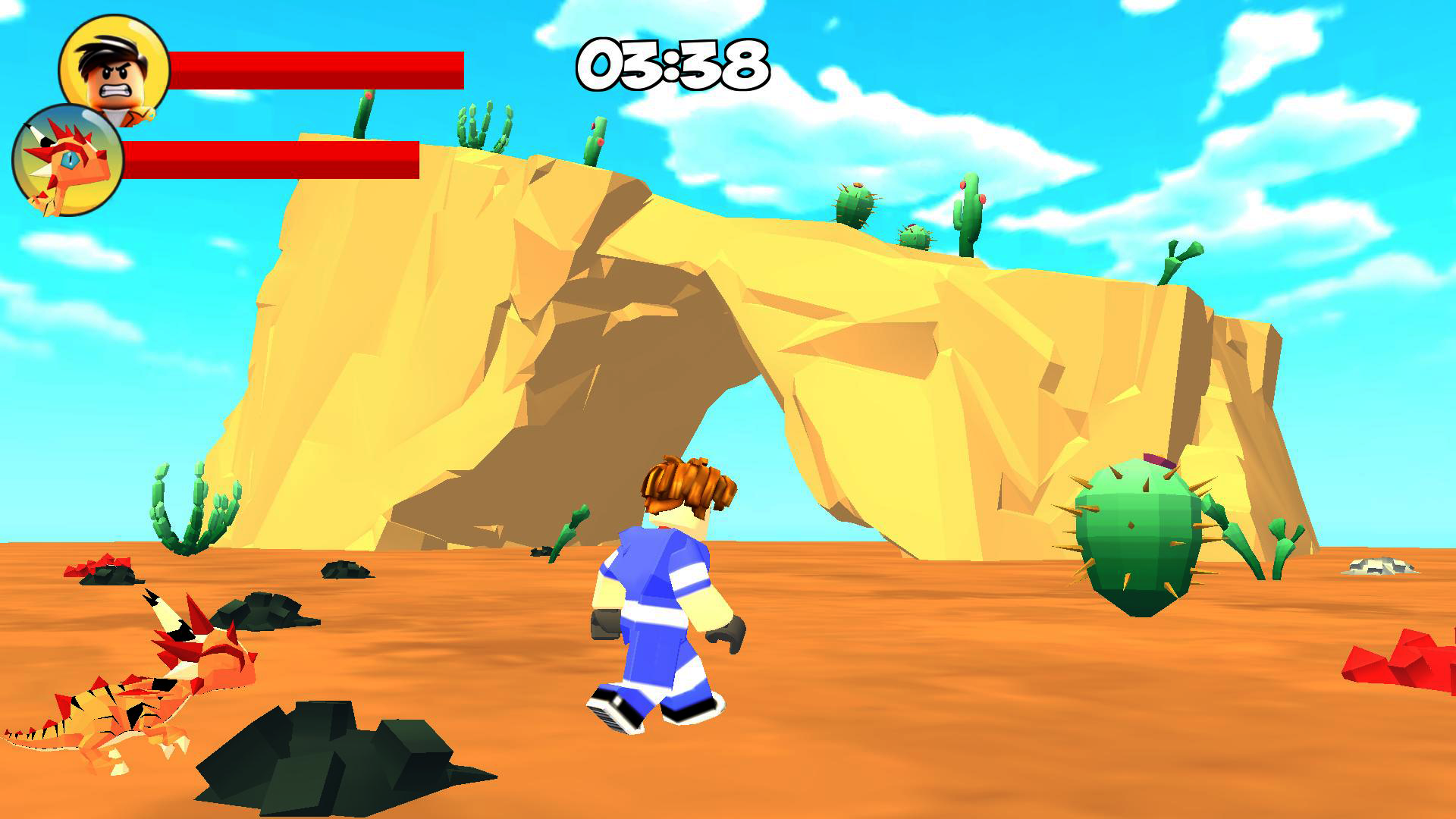
- Boss Combat System: Test your physical stats against increasingly difficult AI enemies that require specific strength levels to defeat.
- Upgrade Shop: Spend your hard-earned points on advanced gym equipment to accelerate your muscle-building rate.
- Aerial Exploration: Once your dragon is sufficiently leveled, you unlock the ability to mount and fly, opening up new areas of the map.
- Interactive Environment: Open various chests scattered throughout the world to discover hidden boosts and currency bonuses.
Who is it for
Casual gamers who enjoy progression-heavy idle games and fans of the popular lifting simulator genre on Roblox. It appeals to those who want a lighthearted, goal-oriented experience that rewards consistent effort and strategic upgrades without requiring a heavy time investment.
Controls
Character Movement
Use WASD keys on PC or the on-screen joystick on mobile devices.
Interaction
Click the left mouse button or tap the screen to activate gym machines and attack enemies.
Dragon Mount
Press F to mount or dismount your dragon once it is fully upgraded.
Camera Control
Hold the right mouse button on desktop or swipe your finger across the mobile screen to rotate your view.
Flight
Press Q while mounted to take off into the sky or land back on the ground.
FAQ
How do I get stronger in Robby: Lifting Dragon?
›
You need to interact with the exercise machines using your mouse or touch input to gain strength points and level up your character.
Can I fly in Robby: Lifting Dragon?
›
Yes, once you have sufficiently upgraded your pet, you can mount it by pressing the F key and take flight with the Q key.
Is Robby: Lifting Dragon free to play?
›
Absolutely, you can play this game directly in your web browser without needing to register or download any files.