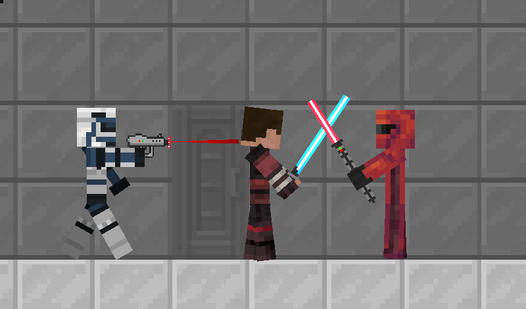
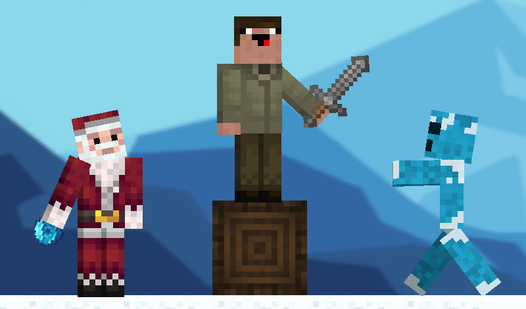
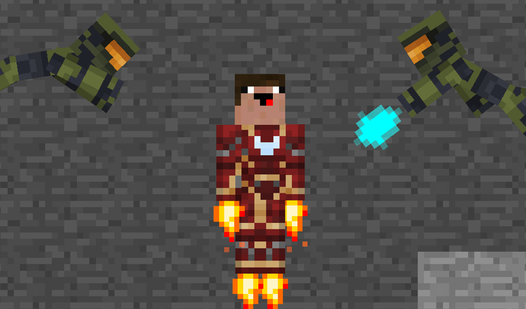
About game
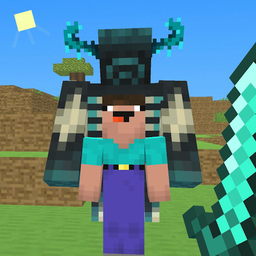
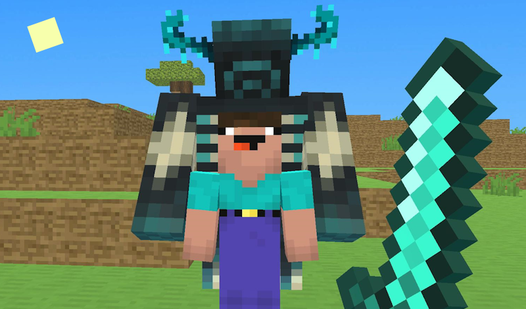
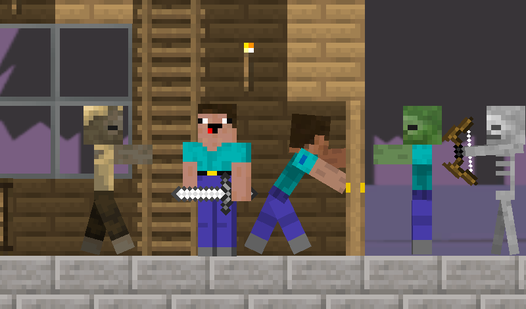
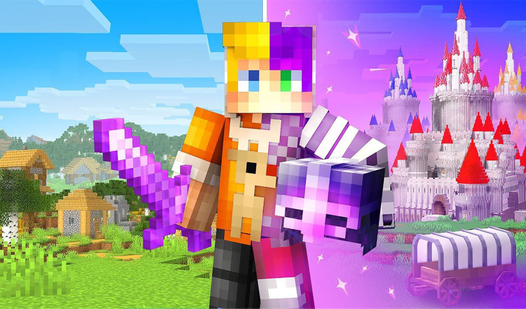
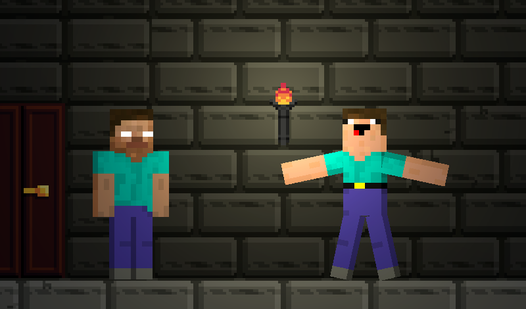
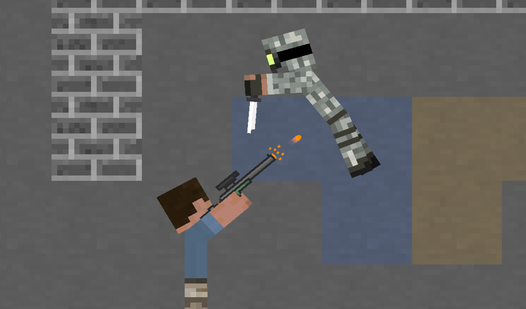
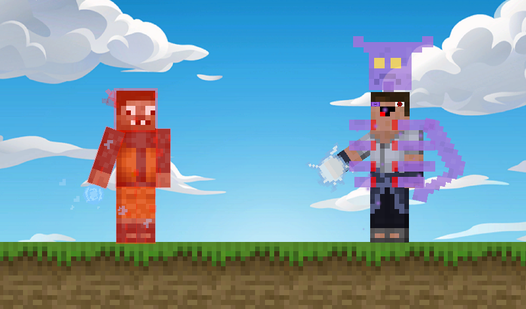
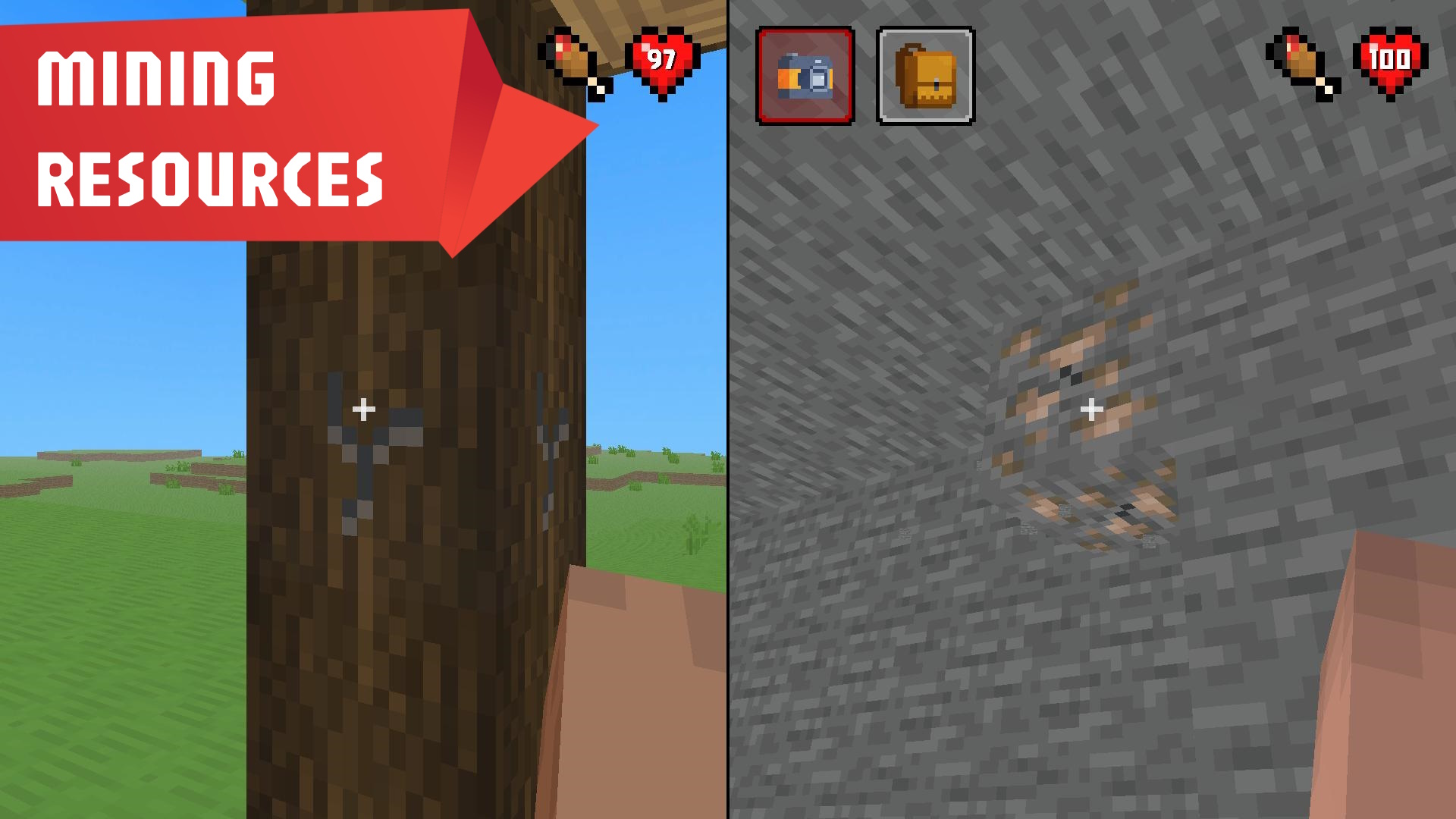
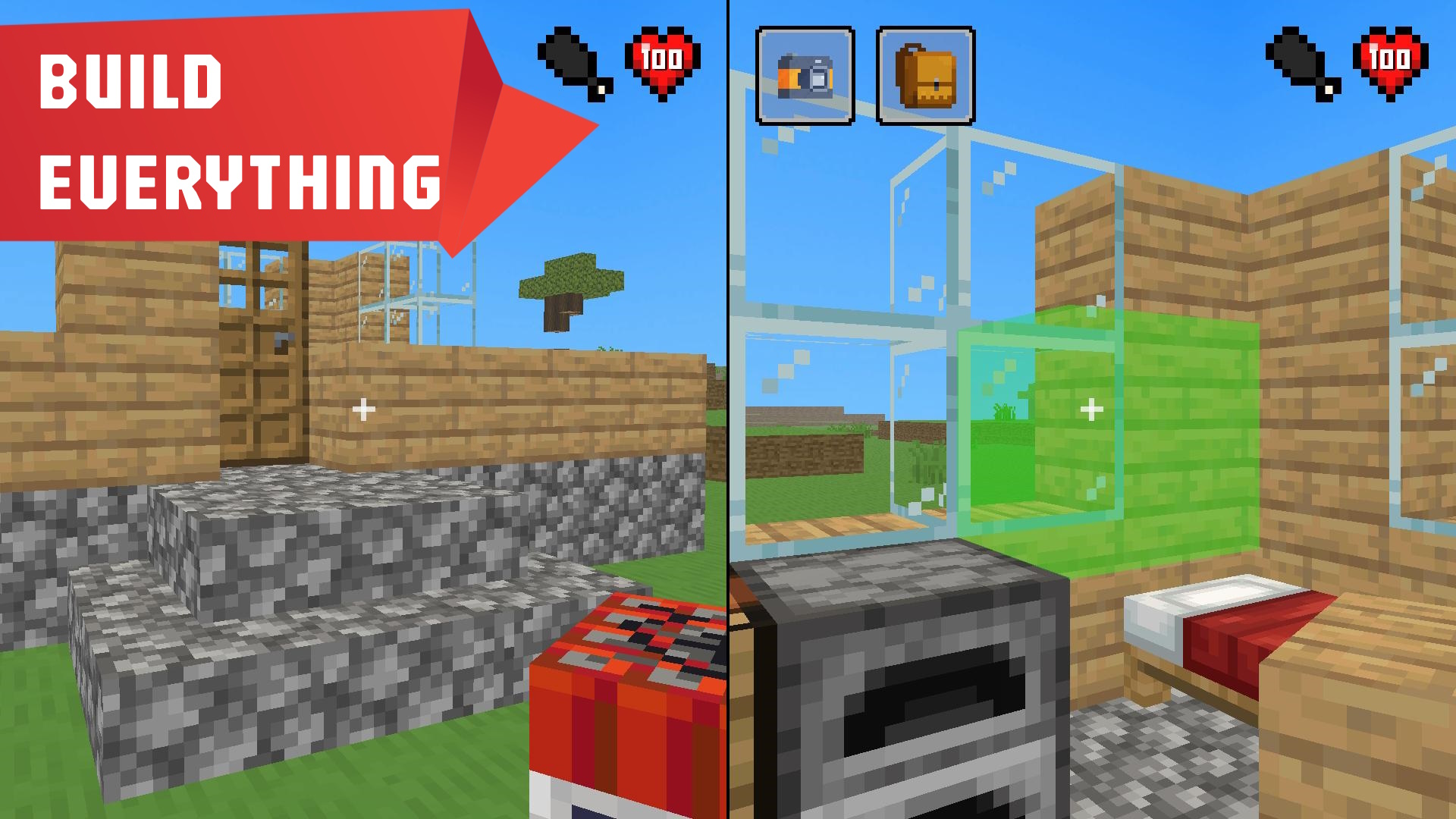
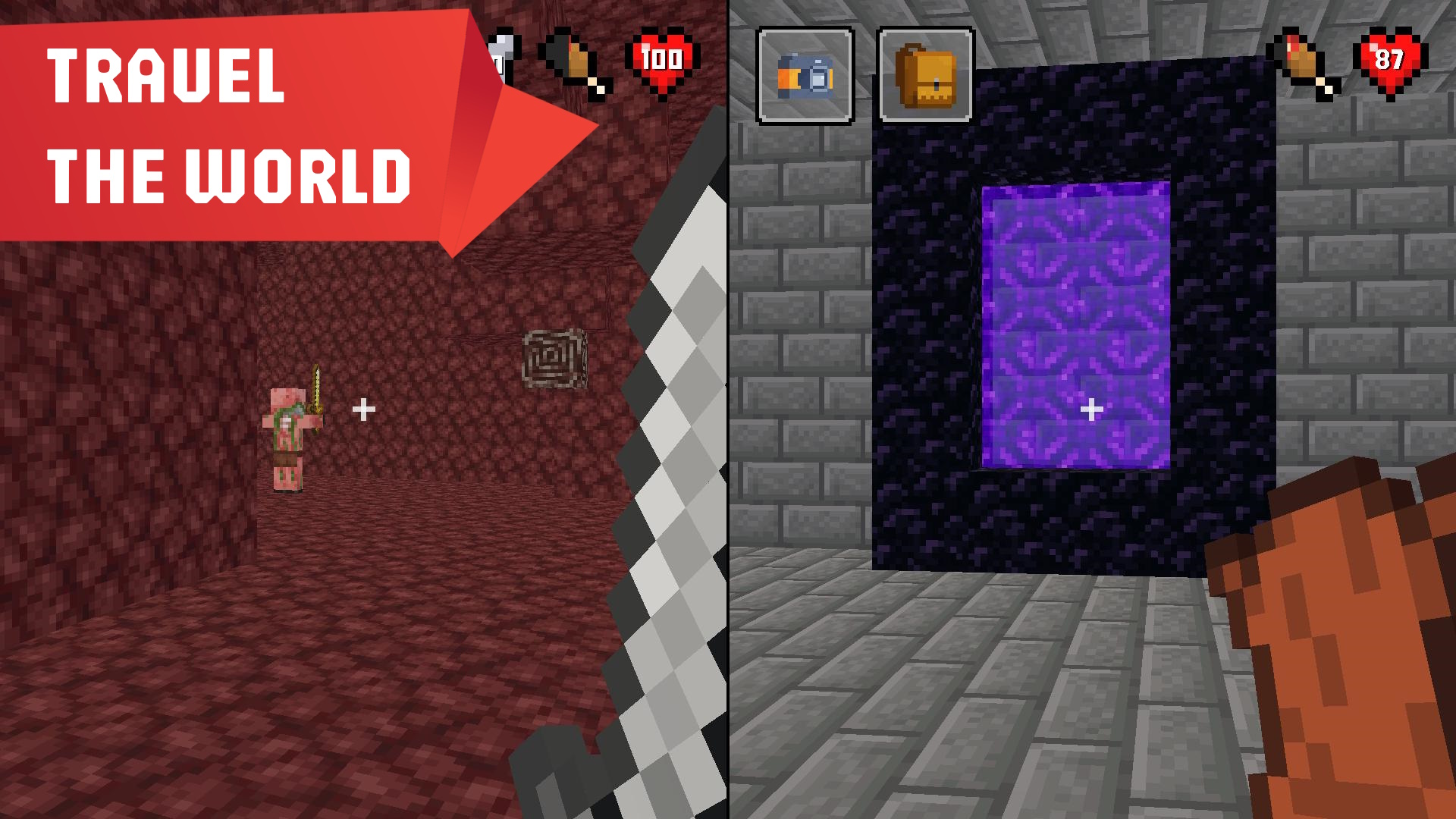
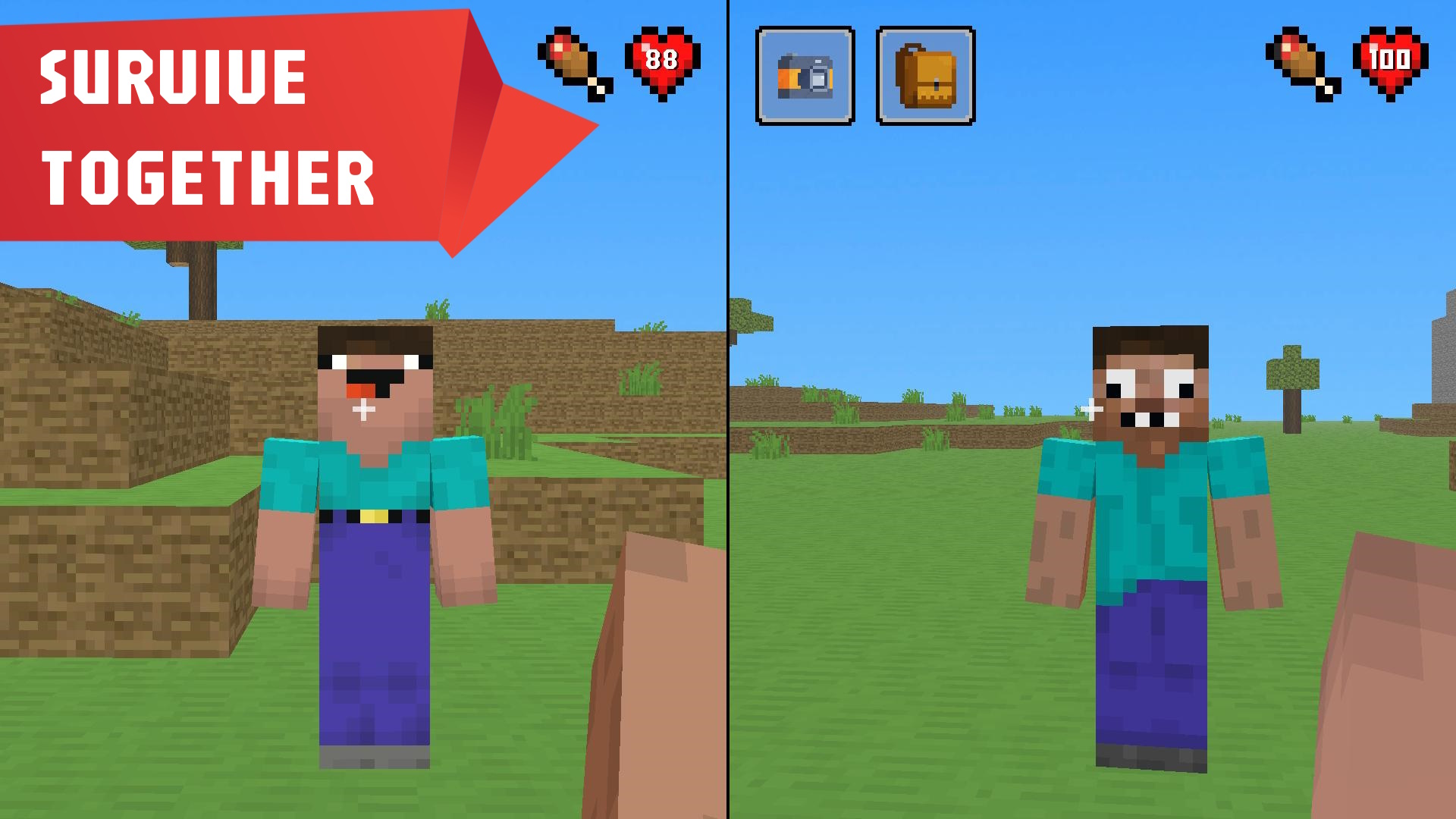
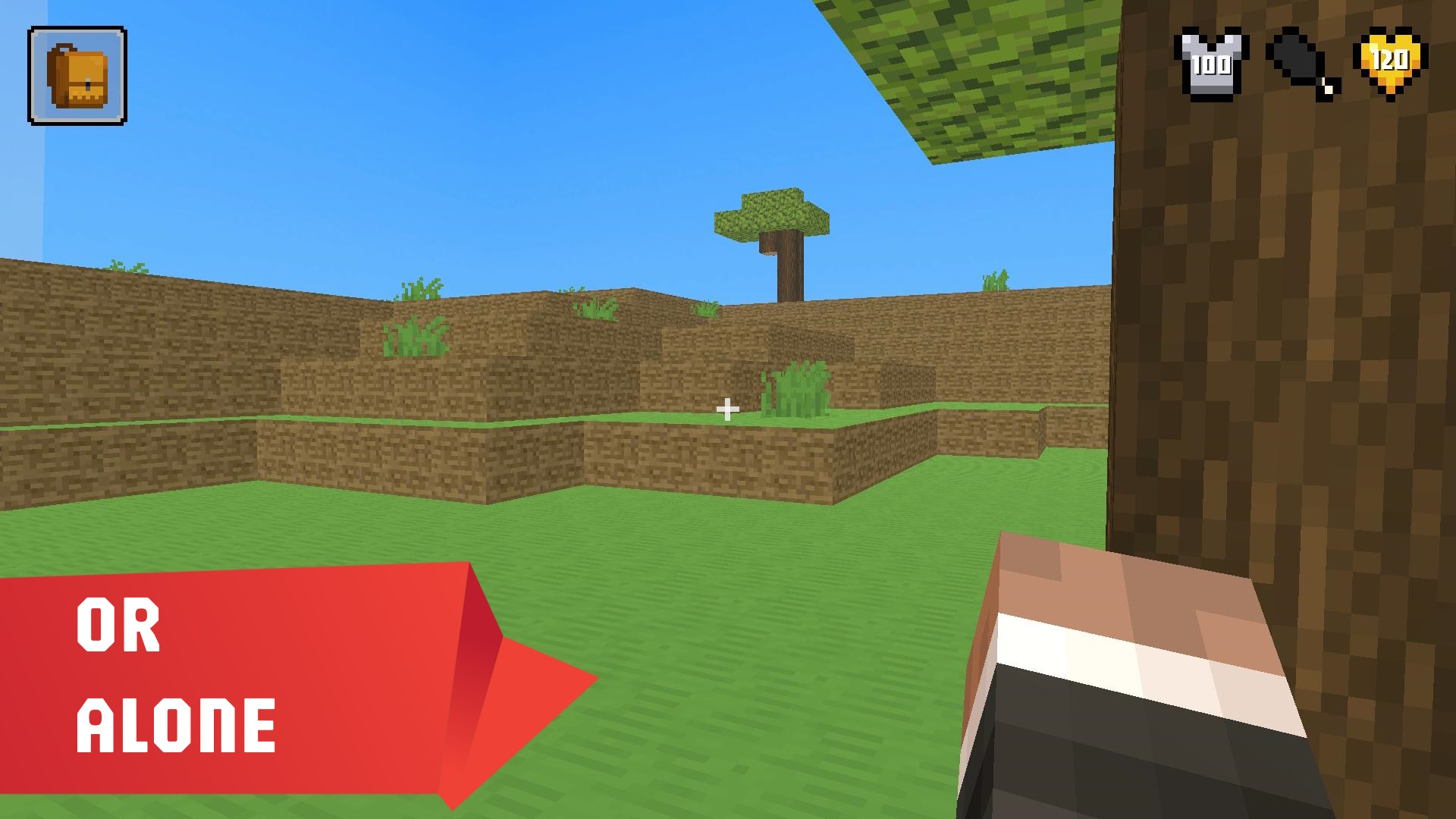
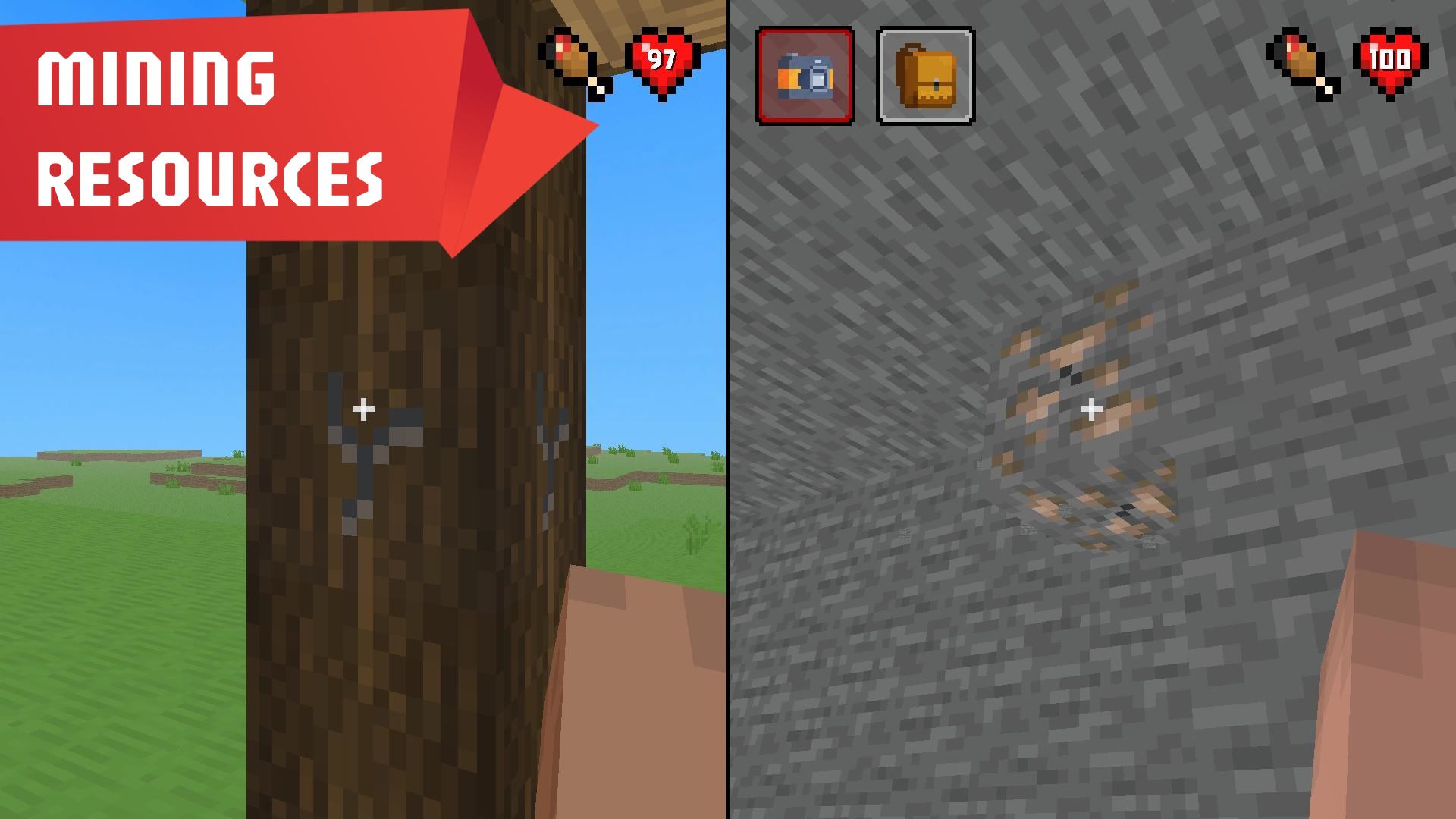
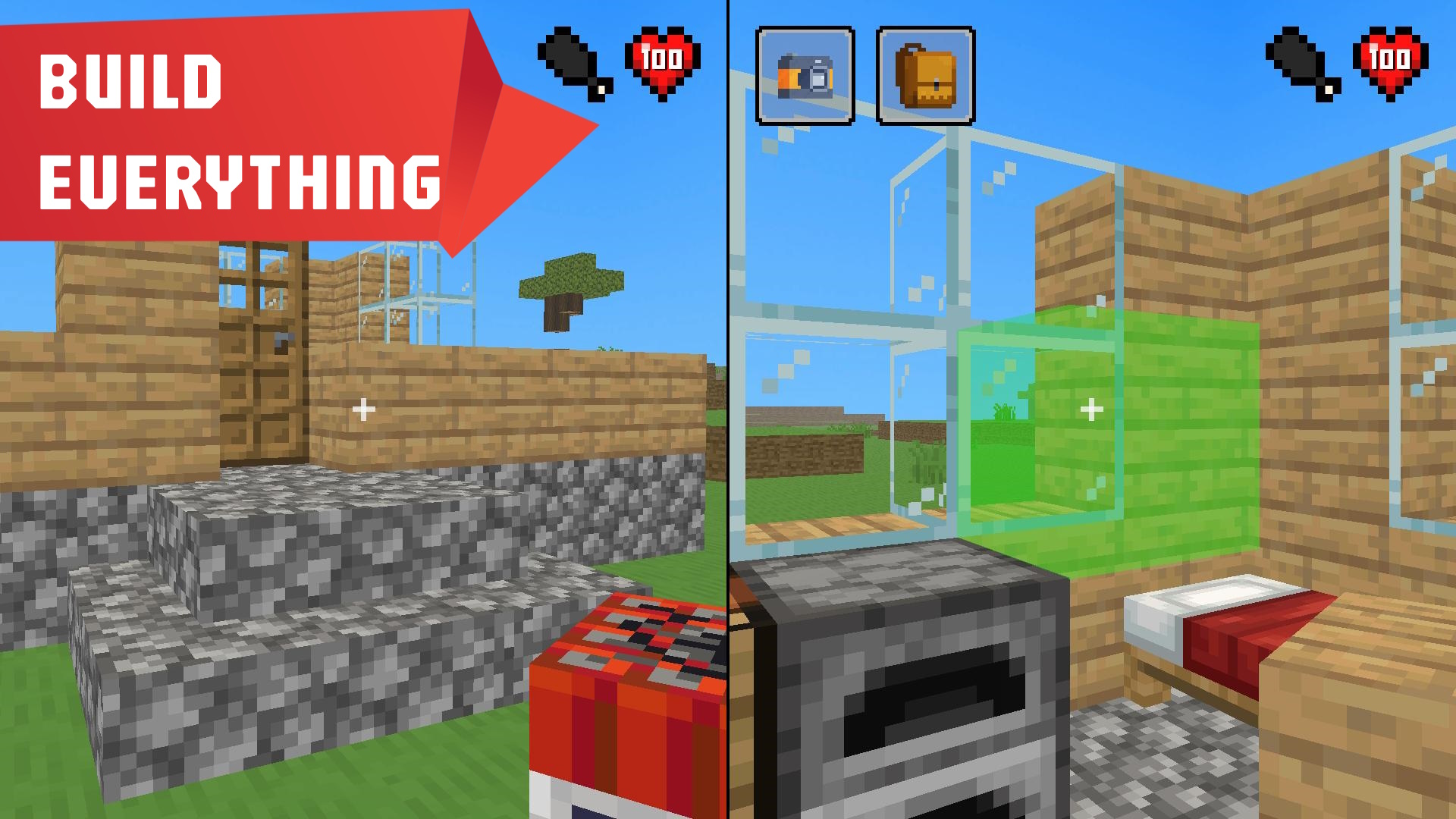
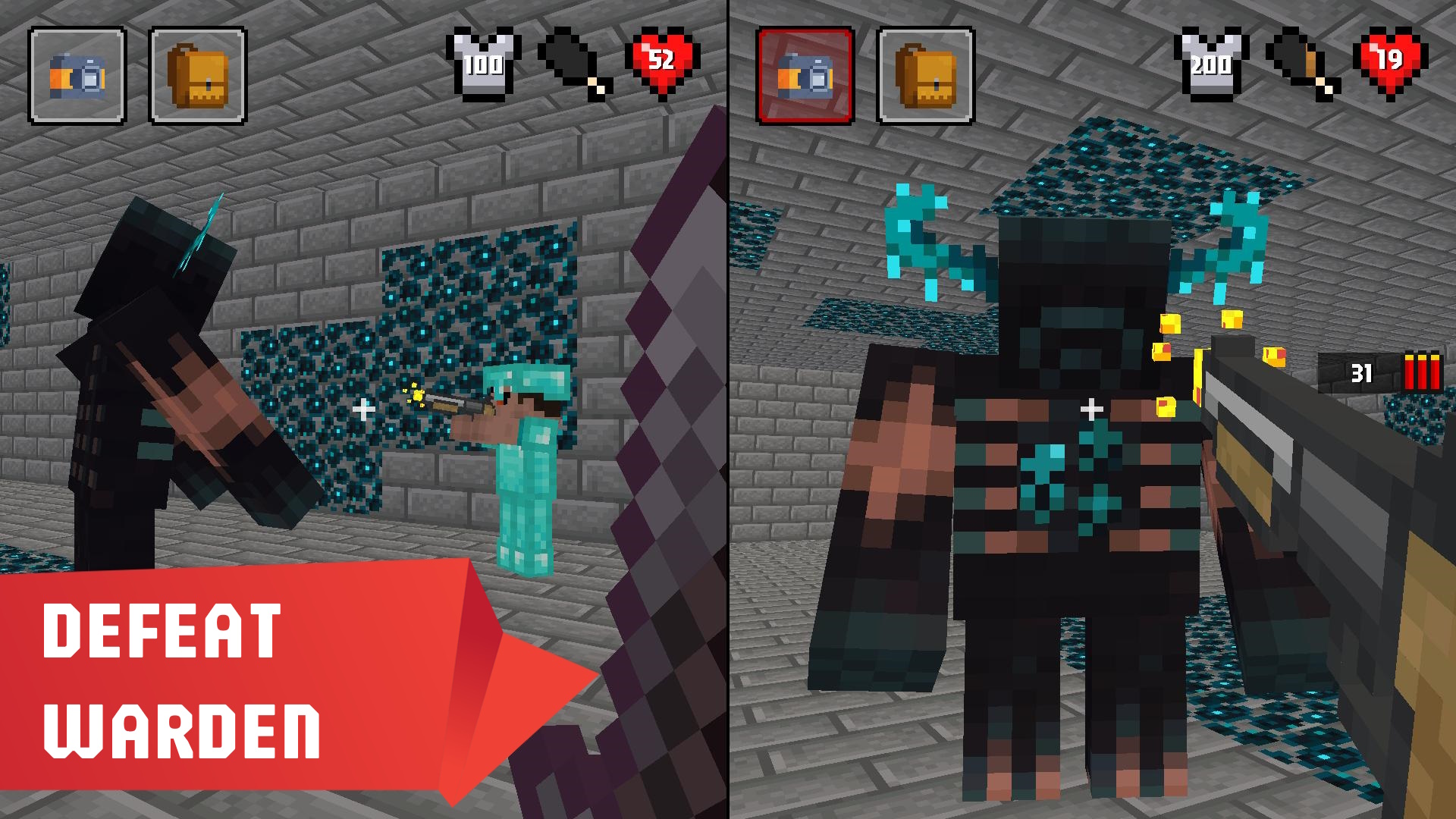
Staring at the clock waiting for your lunch break to end can feel like an eternity when you need a quick gaming fix. Mine Together turns those dull moments into an epic survival adventure that fits right in your browser. Whether you want to gather resources alone or team up with a friend, this sandbox experience offers endless ways to craft powerful tools and armor. You will navigate mysterious dimensions, hunt for food, and prepare your gear to face the legendary Warden in combat. The stakes are high because every defeat means losing your equipment, though your hard-earned resources stay safely in your pocket. Mastering the art of survival requires quick reflexes and smart decision-making as you explore this blocky world. It is the perfect choice for anyone wanting a classic майнкрафт vibe with a fresh multiplayer twist. Experience the thrill of true выживание without wasting time on massive downloads or complex installations.
How to play
Each time you lose, you lose all your equipment except for resources and in-game purchases.
For mobile devices, control using graphic buttons located on the screen.
For Desktop:
Player 1 Controls:
"W" and "S" keys to move
"A" and "D" keys to rotate
"Space" key to jump
"F" key to attack
"E" key to aim
"Q" key to change item
"R" key to open inventory
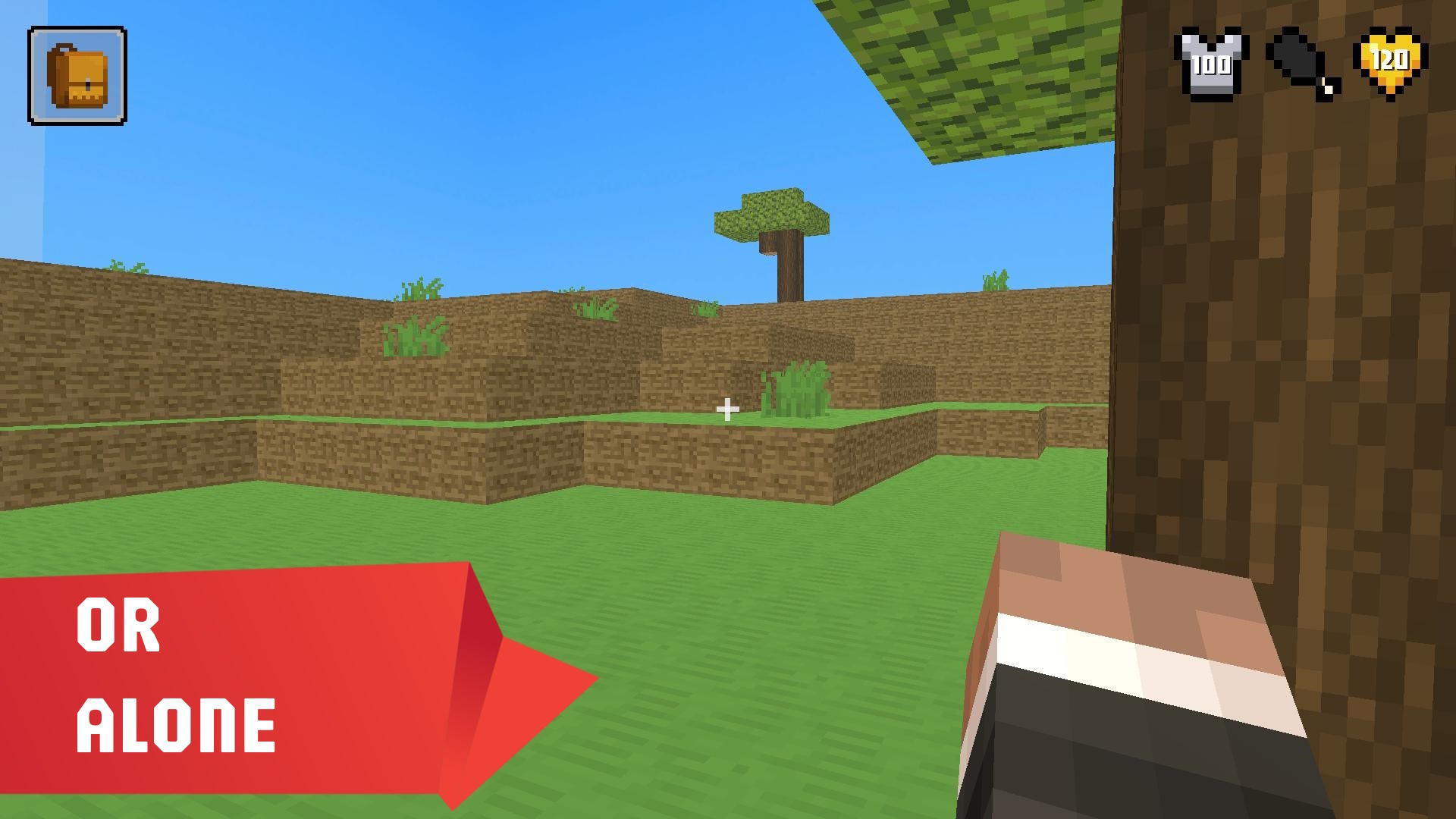
(Or mouse if playing alone)
Player 2 Controls:
"Up" and "Down" arrow keys to move
"Left" and "Right" arrow keys to rotate
"RightControl" key to jump
"KeypadEnter" or "K" key to attack
"KeypadPlus" or "L" key to aim
"KeypadMinus" or "J" key to change item
"P" key to open inventory
Features
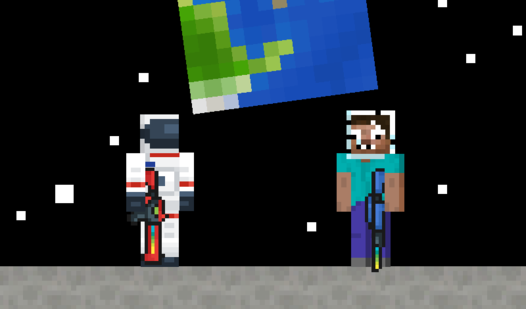
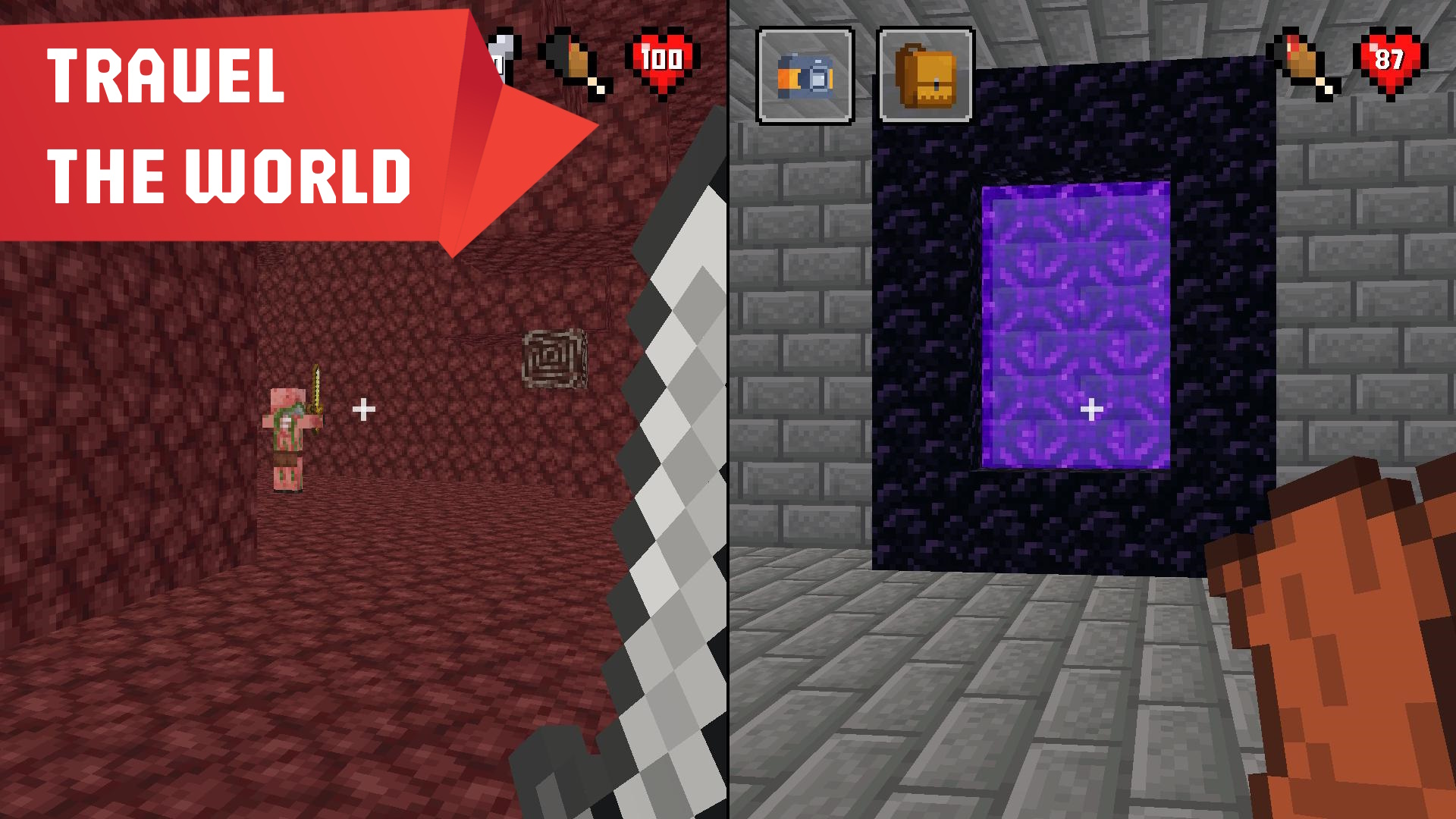
- Dimension hopping: Teleport between unique biomes to find rare materials and hidden dangers.
- High stakes inventory: Manage your gear carefully because dying forces you to respawn without your weapons and armor.
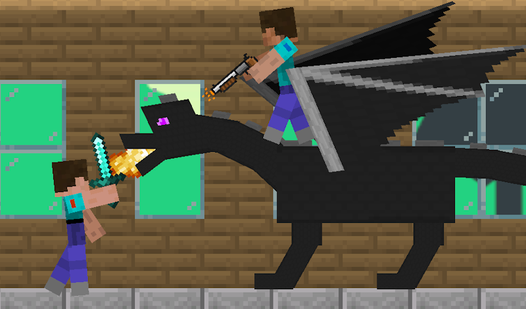
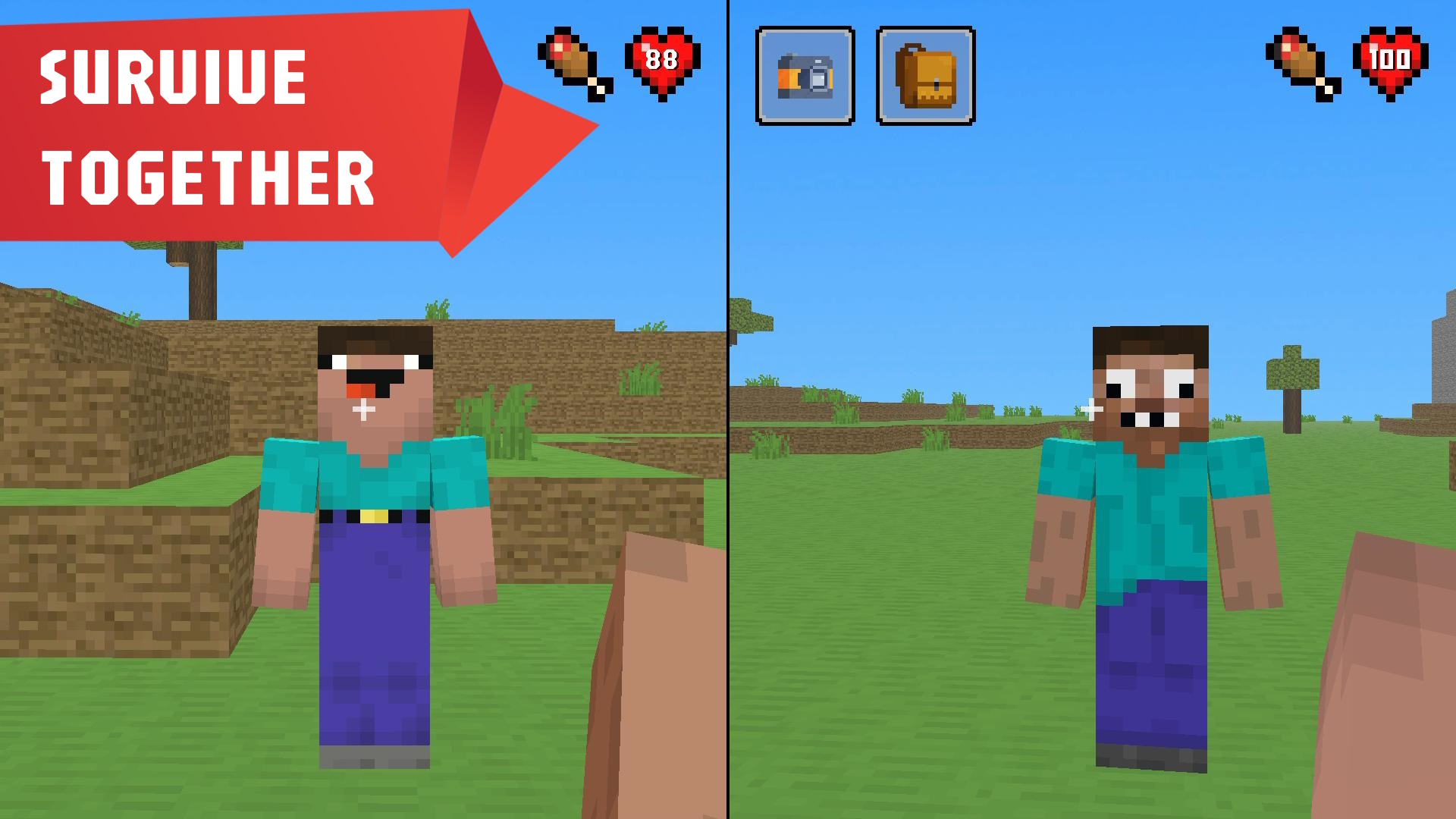
- Co-op support: Share the screen with a friend to tackle difficult mobs and coordinate your building projects.
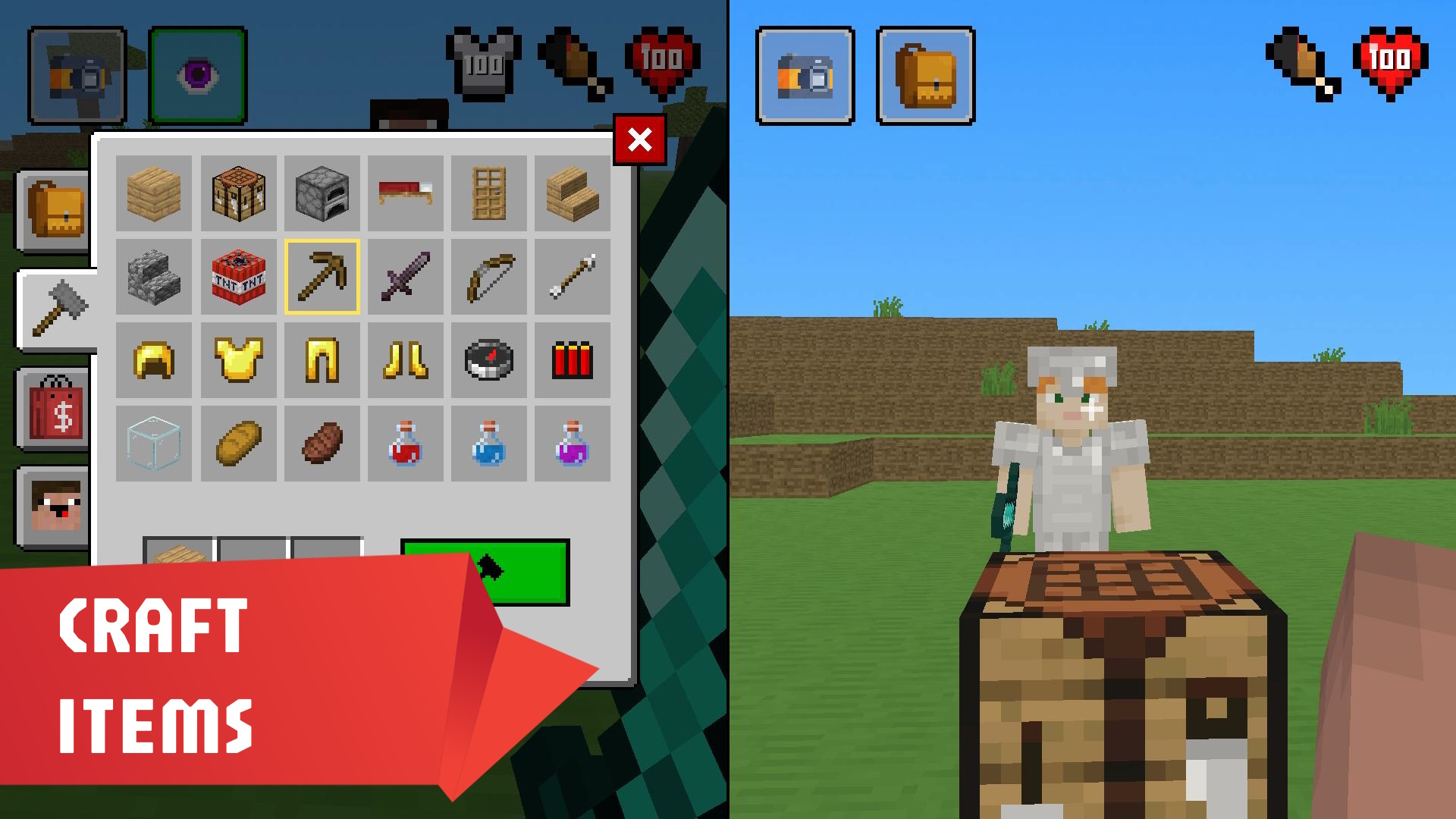
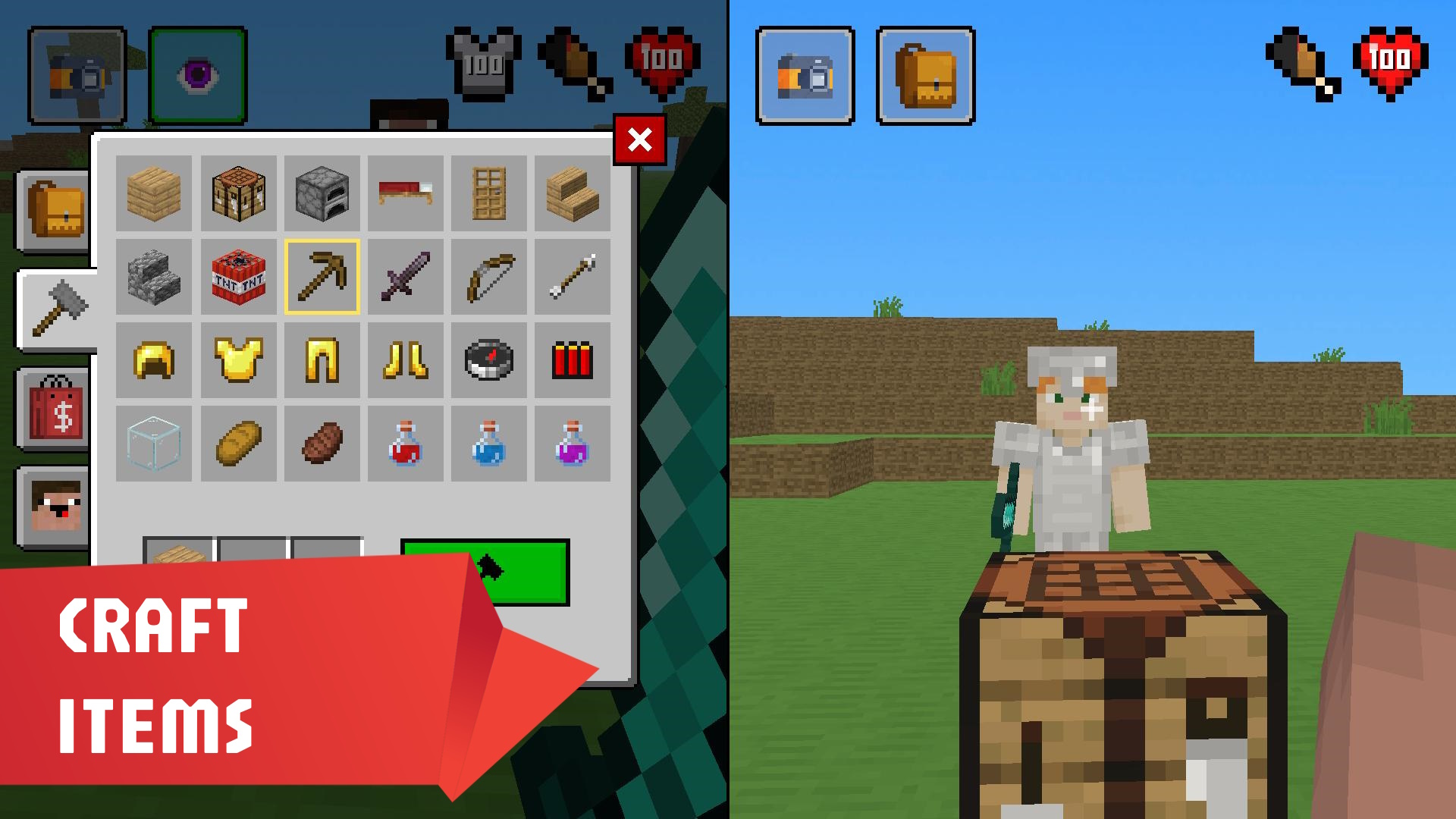
- Dynamic crafting: Combine gathered resources to forge advanced equipment and upgrades for your character.
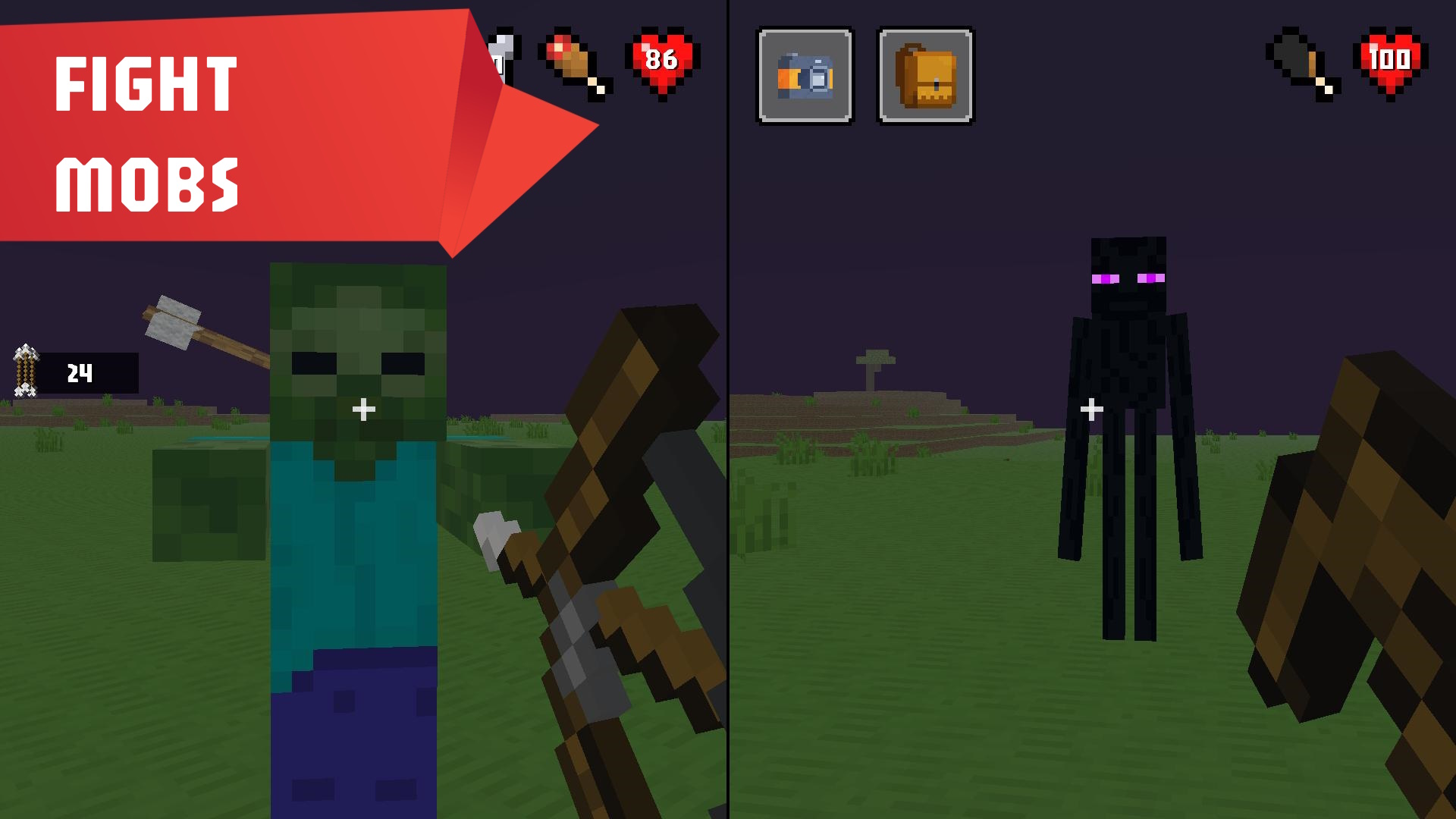
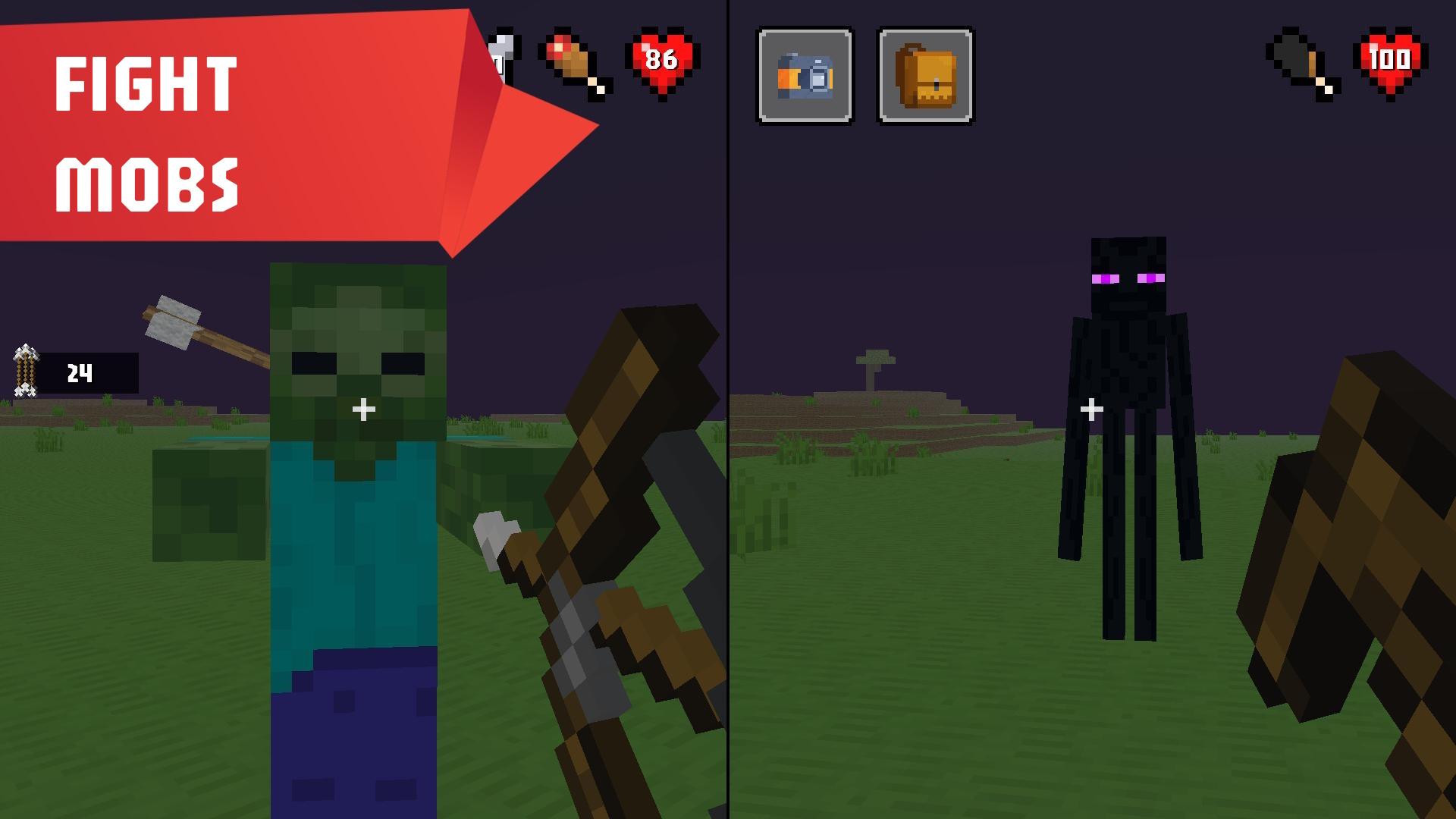
- Boss encounters: Test your combat skills against the fearsome Warden in a challenging final showdown.
Who is it for
Casual players who enjoy block-building sandboxes and co-op adventures will find this highly addictive. It attracts fans of survival games who want to test their skills against mobs without commitment. Those seeking a fast-paced multiplayer experience to play locally with friends will definitely enjoy the competitive and cooperative elements.
Controls
Movement
Use WASD or arrow keys on desktop or graphic buttons on your mobile screen.
Combat
Press F or K to attack mobs and protect your base from incoming threats.
Inventory
Tap R or P to manage your crafted items and resources during your survival run.
Jump
Use Space or RightControl to navigate terrain and avoid dangerous obstacles.
Switch tools
Press Q or J to cycle through your equipped items while exploring.
FAQ
Is Mine Together free to play?
›
Yes, you can access Mine Together directly in your browser without any downloads or hidden fees.
Can I play Mine Together with my friend on the same device?
›
Absolutely, Mine Together supports two-player mode so you and a friend can explore and survive together on one screen.
What happens to my items when I die in Mine Together?
›
If you lose a battle, you will drop your currently equipped gear, but your collected resources and previous purchases remain in your inventory.