About game
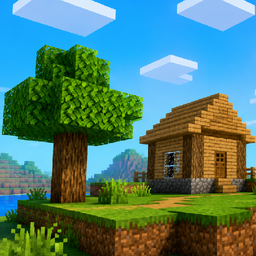
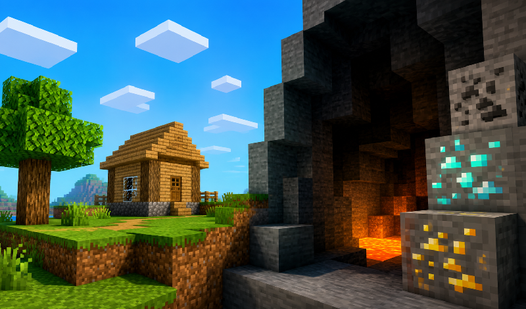
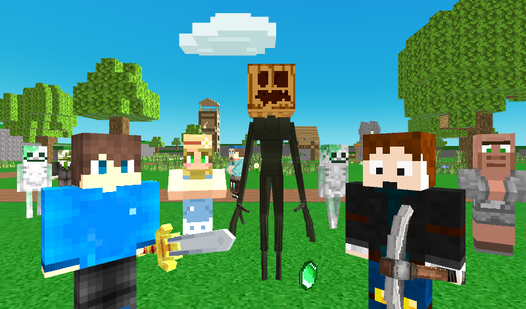
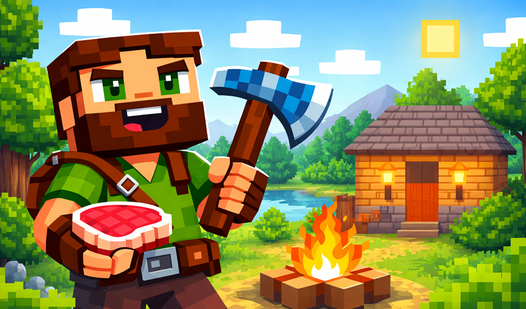
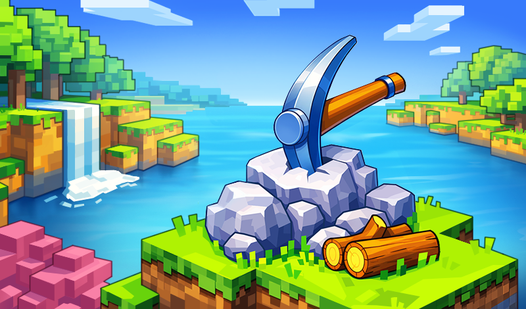
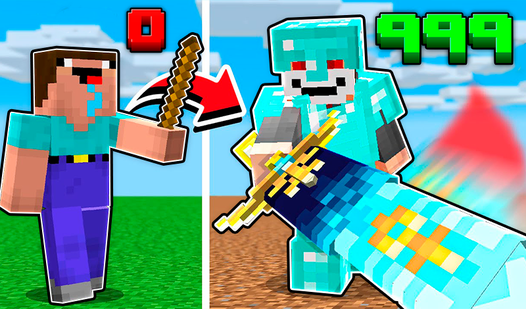
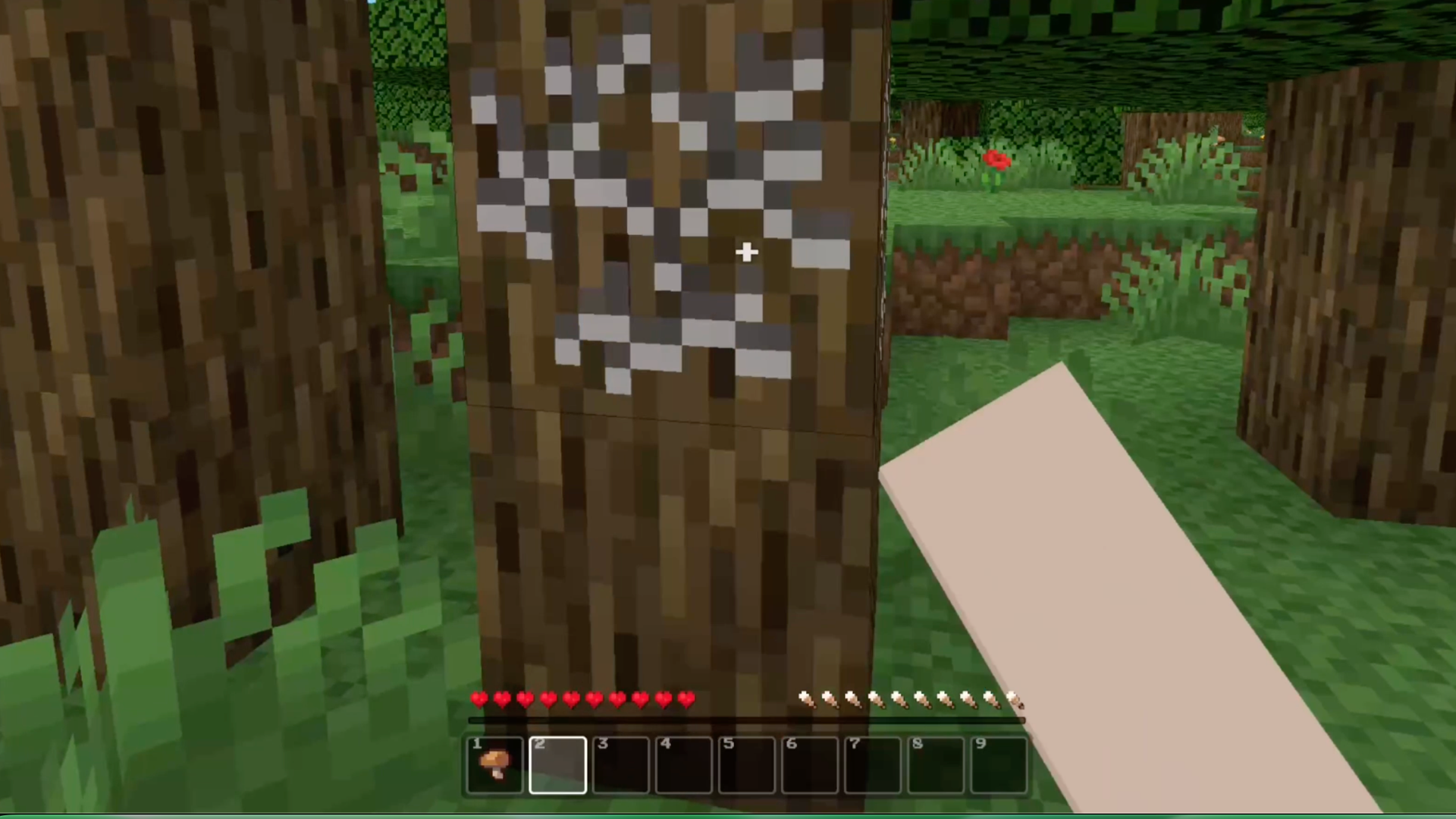
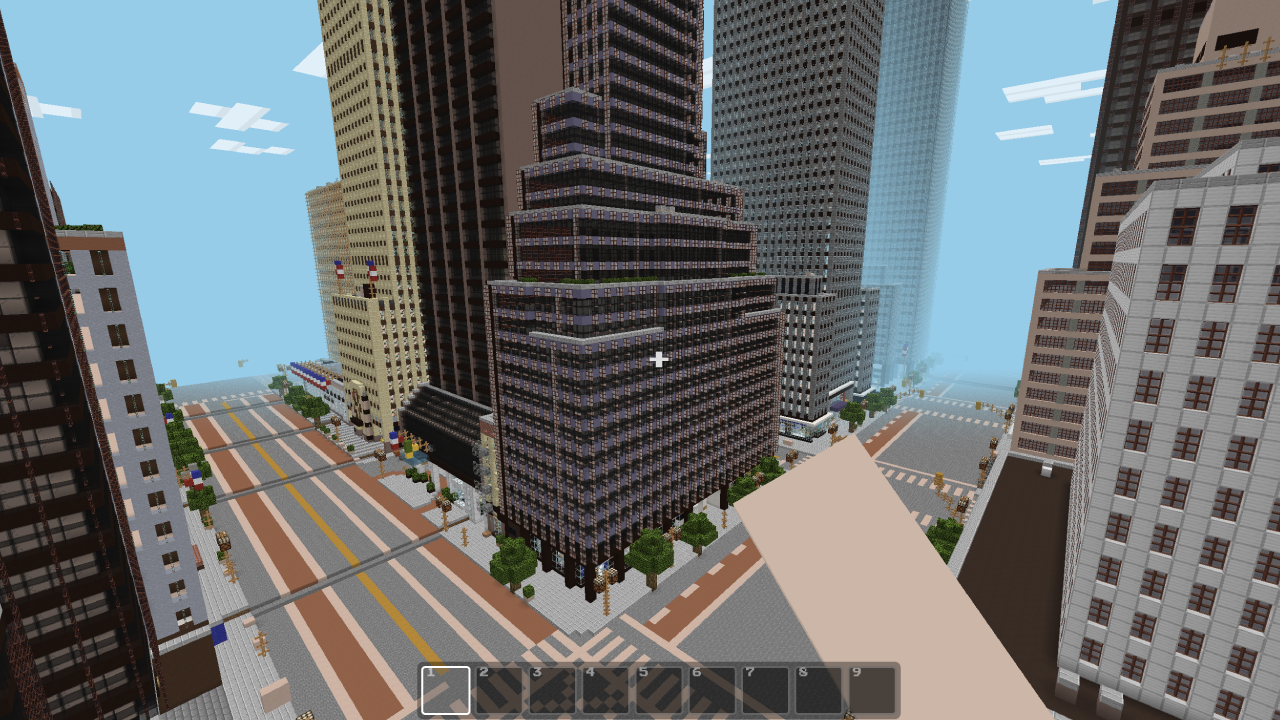
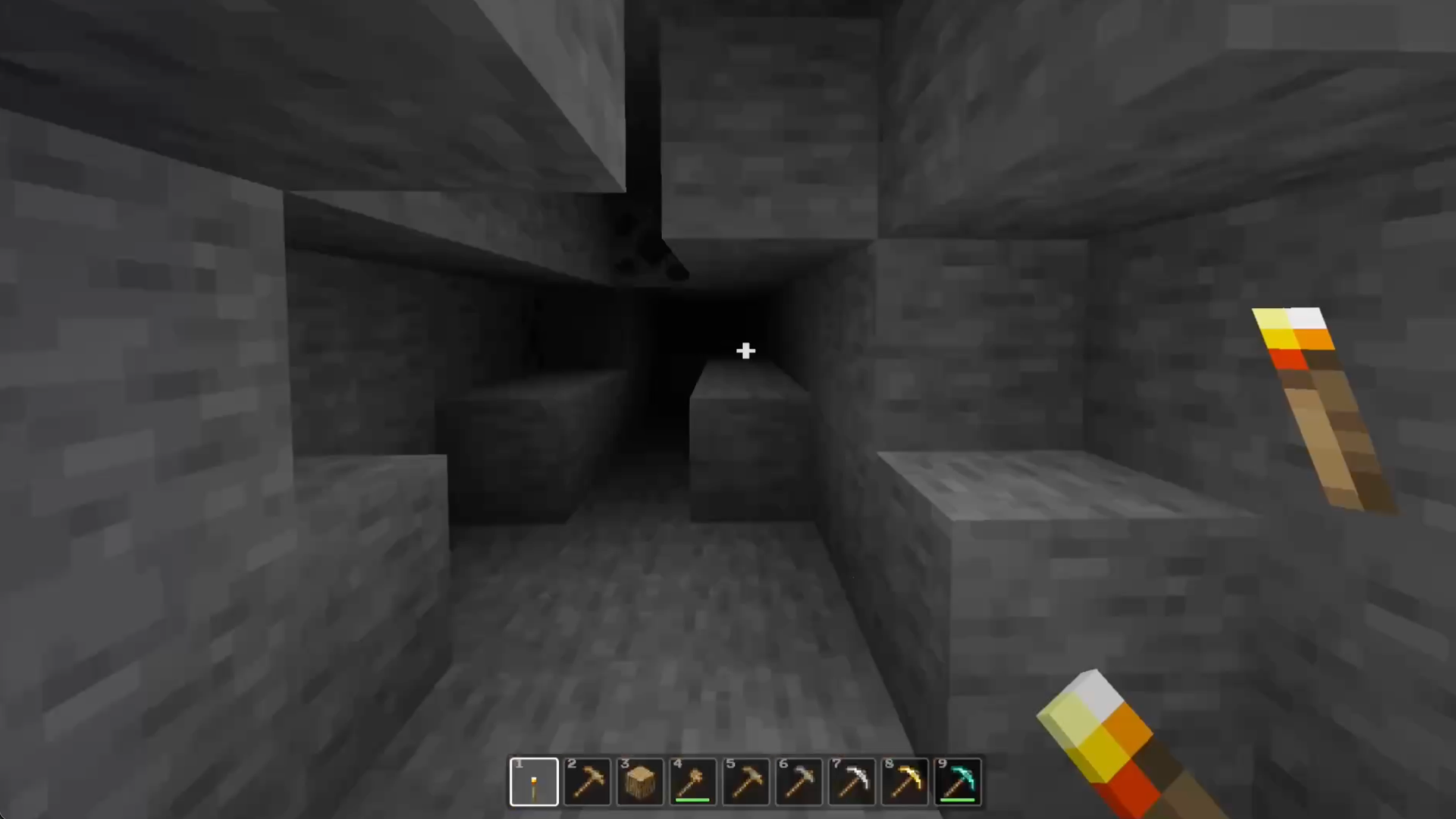
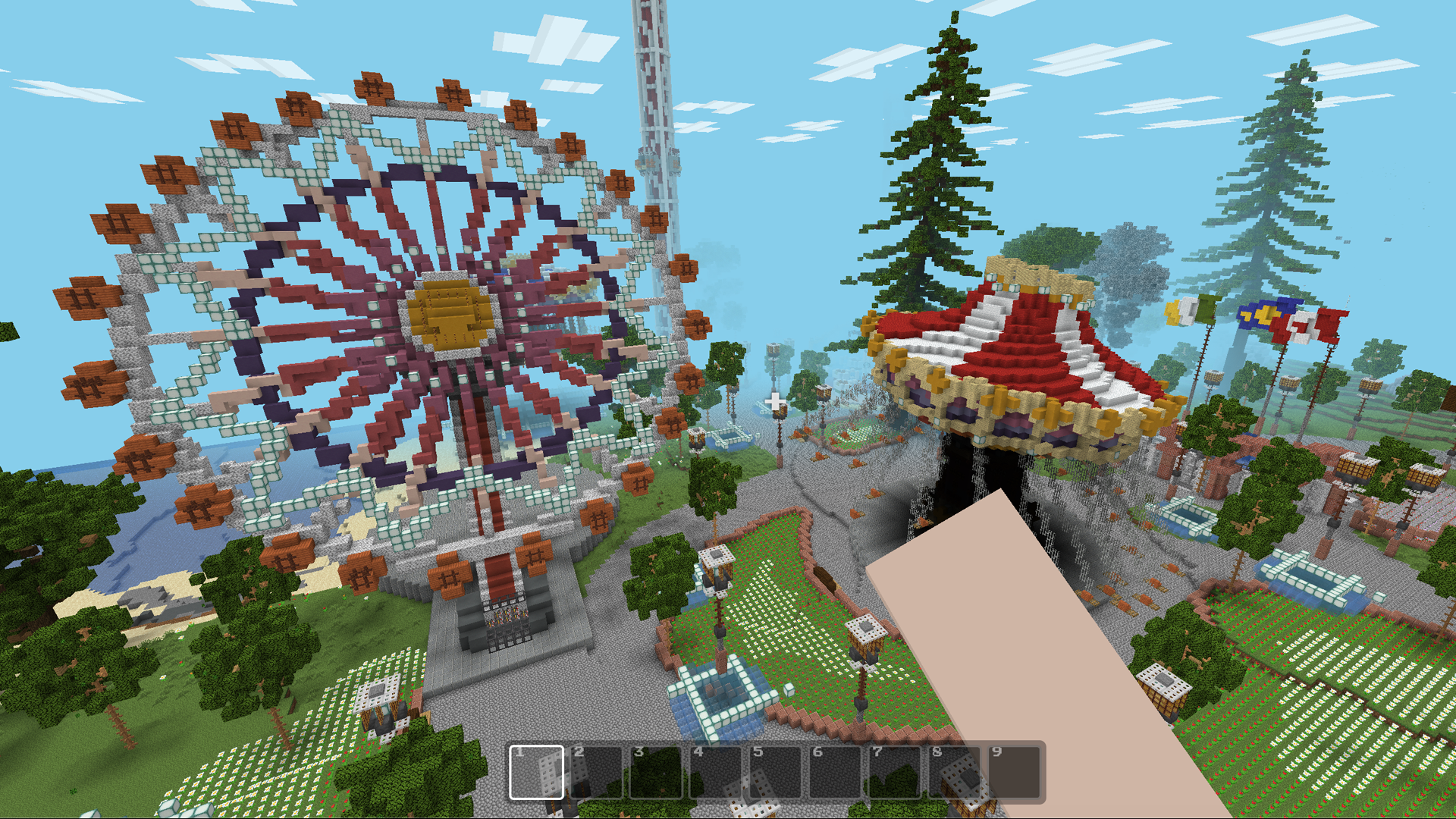
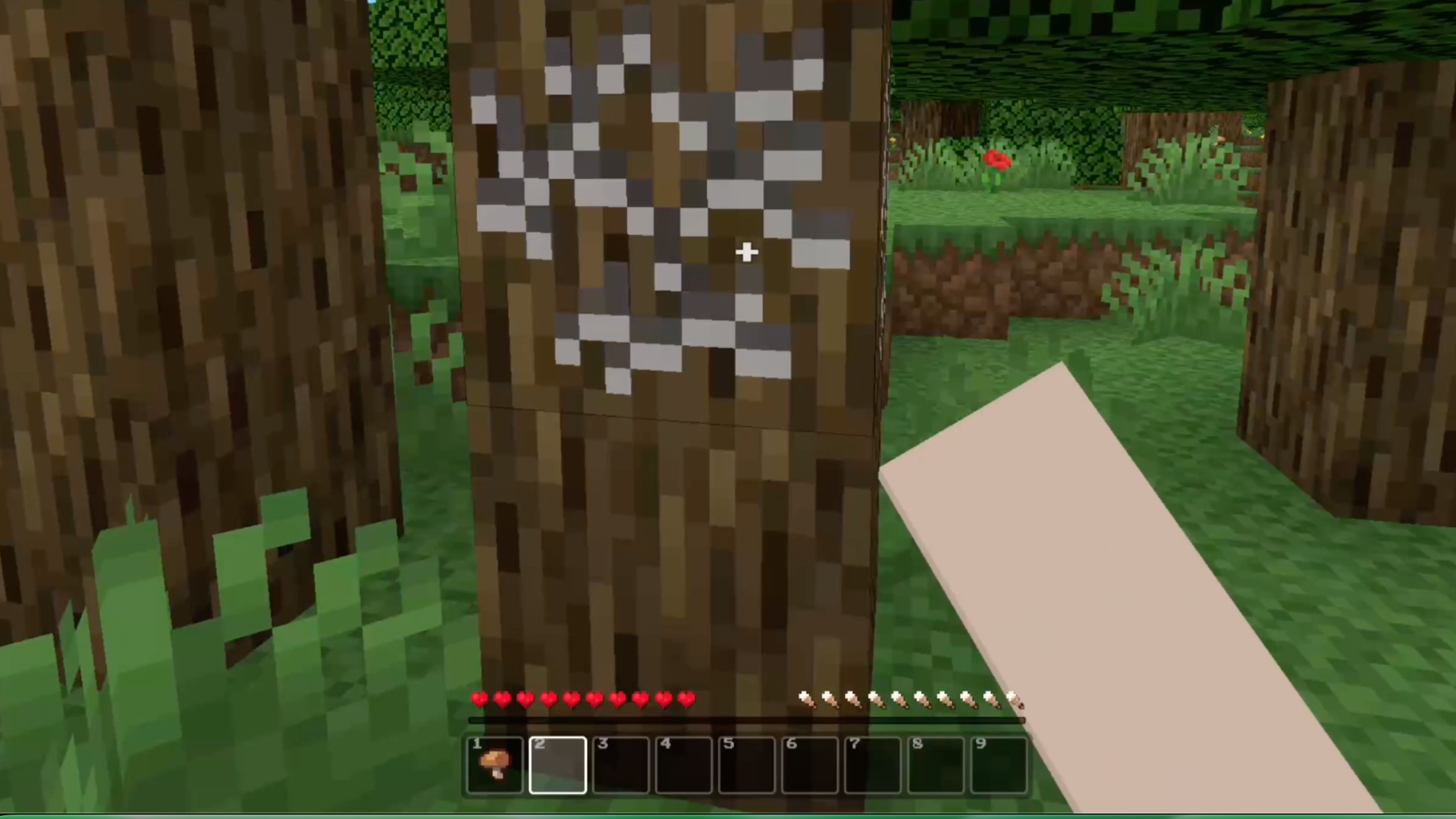
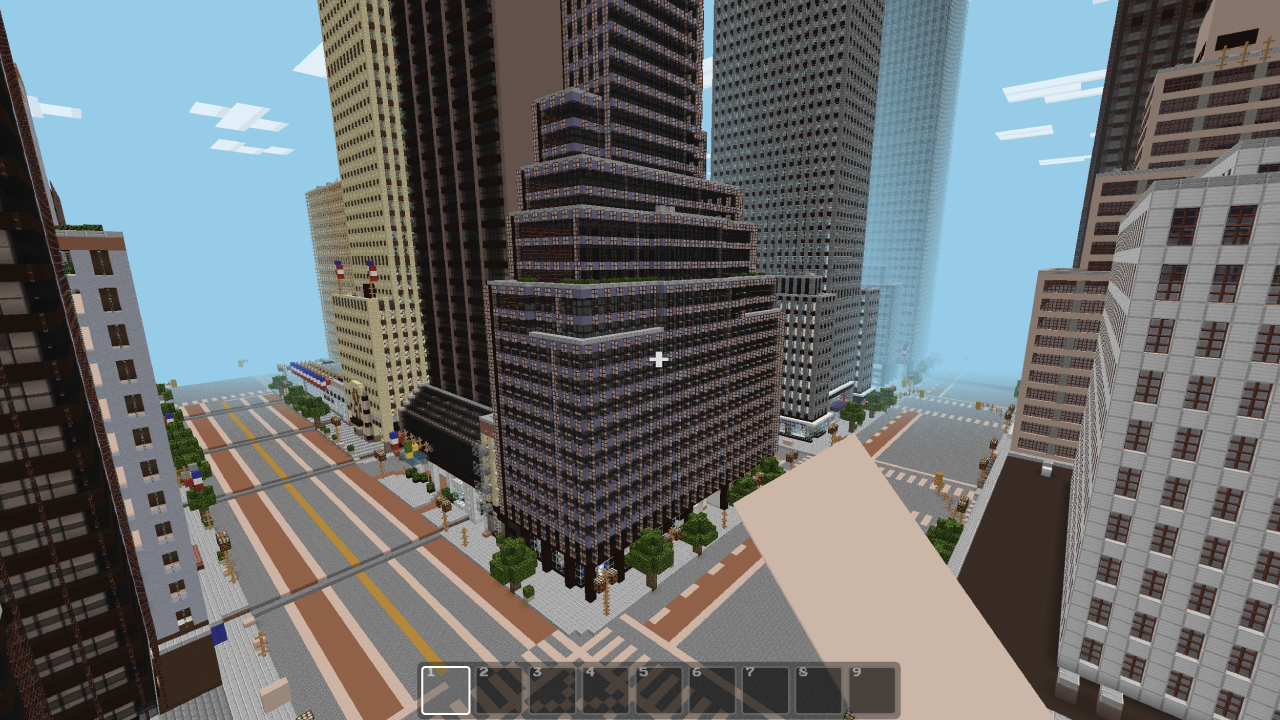
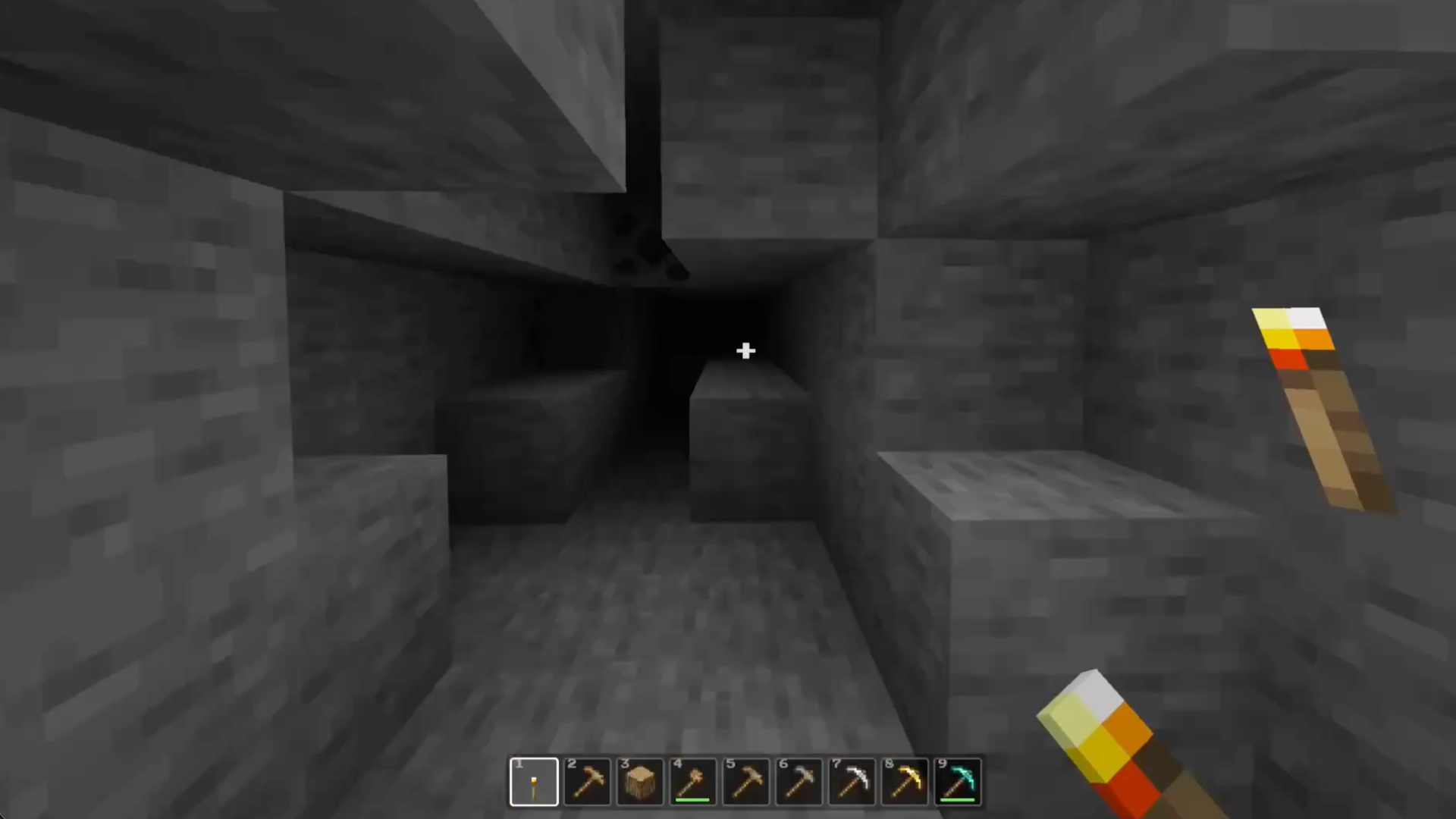
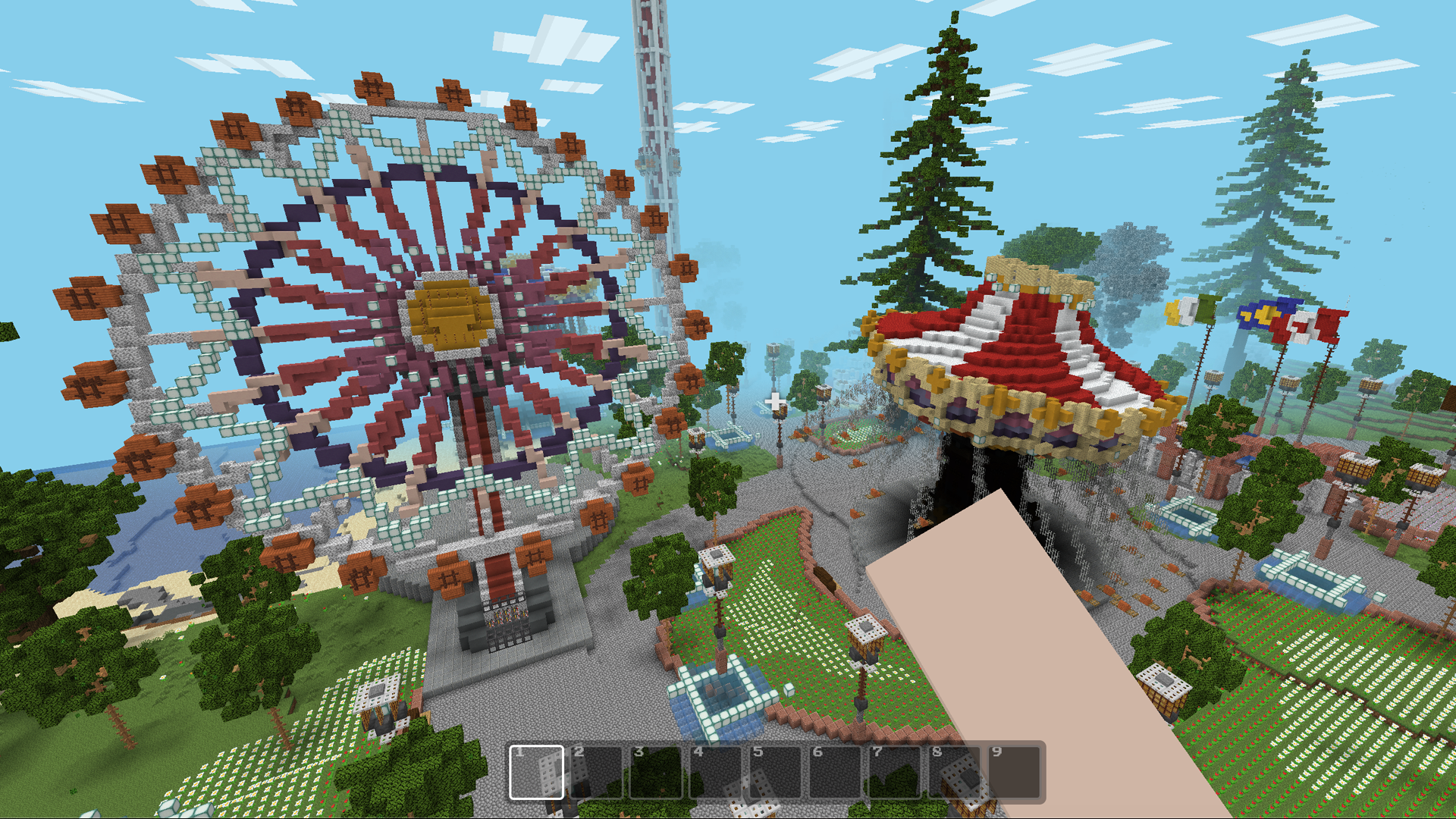
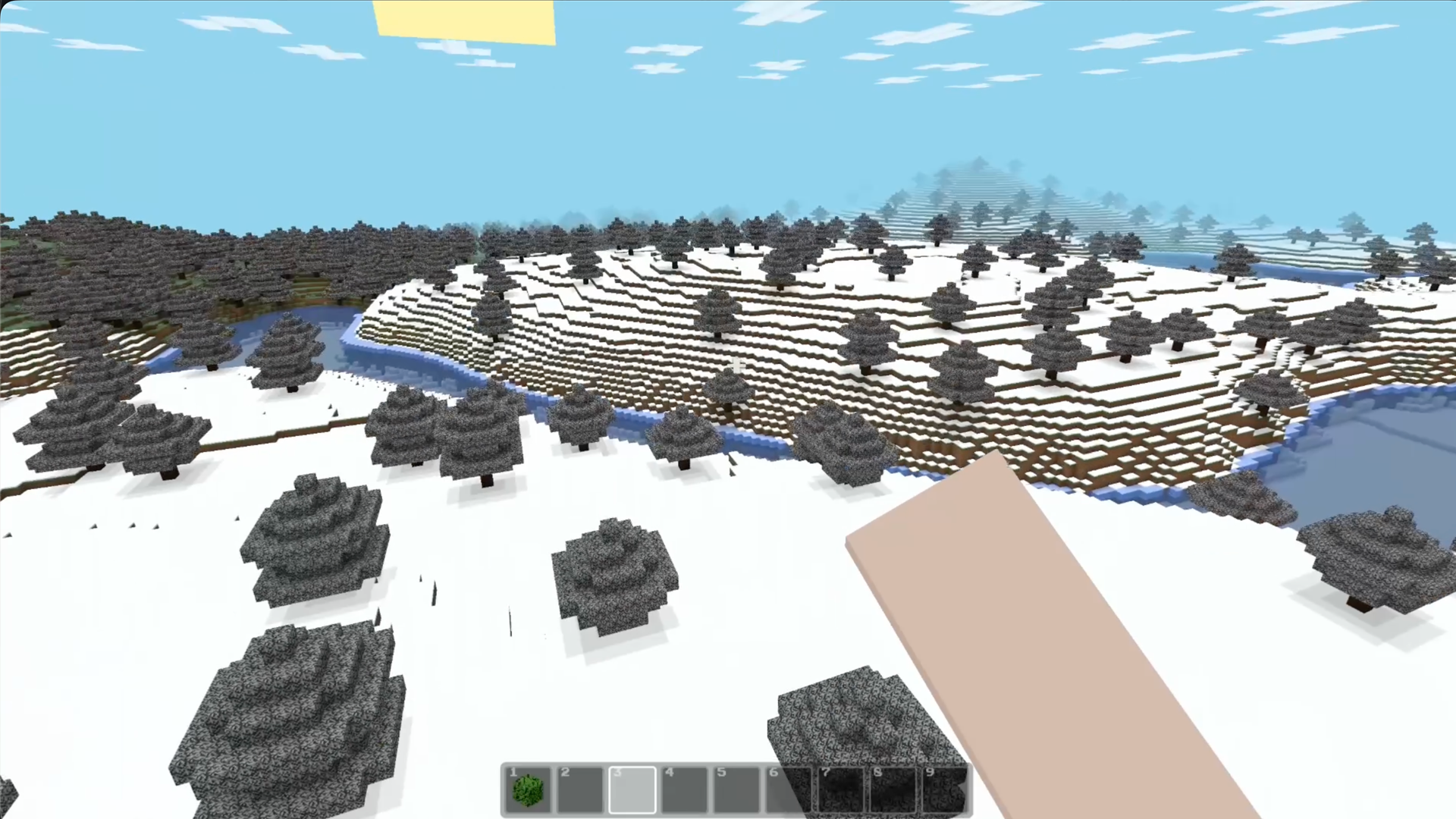
Block building games tap into a primal human desire to reshape environments from scratch. Mine - Survival and Creative lets you transform a blank landscape into a thriving base through resource gathering and careful planning. You start by punching trees to collect wood before crafting essential tools to speed up your progress. Once you have a pickaxe, digging into deep caves reveals precious ores needed for stronger armor and better gear. Nighttime survival requires quick thinking because monsters emerge from the shadows to challenge your progress. Creative mode removes these threats, granting you flight and an unlimited supply of materials to construct massive castles or sprawling towns. Your saved worlds ensure that every brick you place remains right where you left it for your next session. Jump into this sandbox browser game right now with no downloads or registration required.
How to play
🖥️ On desktop: WASD to move, Space to jump, Ctrl or double-tap W to sprint, Shift to sneak. Left mouse breaks blocks or attacks; right mouse places blocks, uses items or eats. Press 1–9 to choose a hotbar slot, E for inventory, Q to drop an item and Esc to pause.
📱 On mobile, use the on-screen stick and action buttons. Turn your device to landscape if the controls cover the view.
⛏️ In survival, collect wood and stone first, then craft tools, a crafting table and torches. Watch your health and hunger, explore caves carefully, mine ores and improve your gear. Sleep somewhere safe or build a shelter before night.
🎨 In creative, enable flight and choose blocks from the palette to build large projects quickly. Create multiple worlds, rename them and return to your saved builds later. Start with a small house — then decide what your block world becomes.
Features
- Dynamic Day-Night Cycle: Shadows lengthen and hostile creatures emerge as the sun sets, forcing you to find shelter or fight for your life.
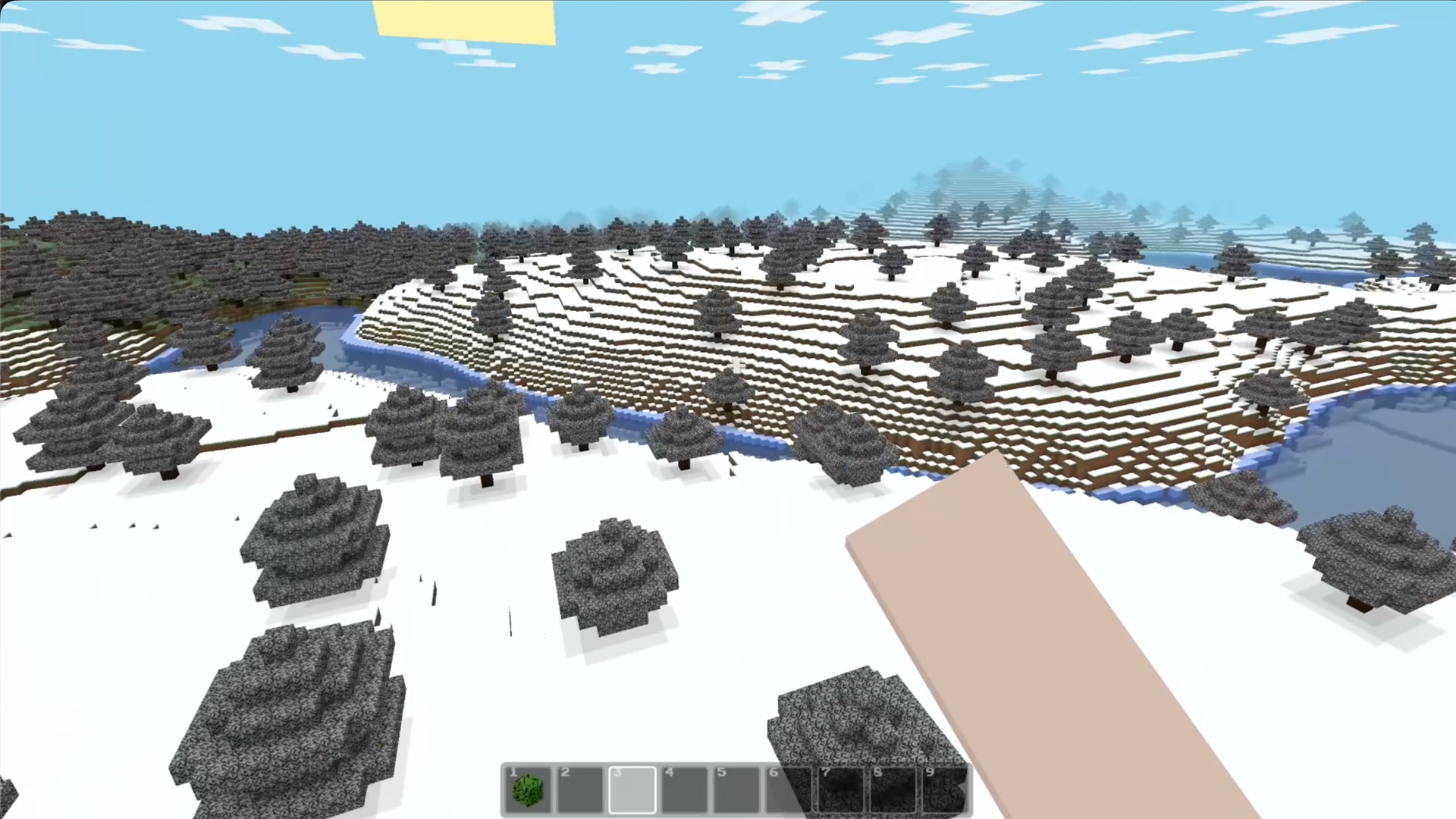
- Procedural Terrain Generation: Every new map creates unique mountains, sprawling forests, and hidden cave systems waiting for your exploration.
- Hunger and Health Mechanics: Monitor your vitals constantly to ensure you stay energized while exploring or performing heavy construction tasks.
- Unlimited Creative Mode: Unlock flight and access every block type in the game to focus entirely on architectural designs and large-scale projects.
- Inventory Management: Organize your gathered resources into a hotbar for quick access to tools, food, and building materials during intense moments.
Who is it for
Sandbox enthusiasts who love building block worlds will find their new obsession here. Those seeking a browser-based minecraft alternative or a creative outlet for digital construction will appreciate the freedom. Casual players looking for a quick session of survival or complex structure design will enjoy the simple accessibility.
Controls
Movement and Sprint
Use WASD keys or the on-screen left stick, and double-tap W or use the sprint button to move faster.
Interact and Mine
Click the left mouse button or tap the screen to break blocks, and use the right button or action icon to place items.
Inventory Access
Press the E key on your keyboard or the inventory icon on your mobile screen to manage your gathered materials.
Jump and Sneak
Press the Space bar or jump button to climb obstacles, while the Shift key or sneak icon helps you navigate narrow edges safely.
FAQ
Can I save my progress in Mine - Survival and Creative?
›
Yes, the game automatically stores your worlds in your browser so you can return to your constructions at any time.
Is Mine - Survival and Creative free to play on mobile devices?
›
Absolutely, you can enjoy the full block-based experience on your phone or tablet without needing to download any files.
How do I switch between game modes in Mine - Survival and Creative?
›
You choose your preferred mode when creating a new world, allowing you to switch between challenging survival or unlimited creative building.