About game
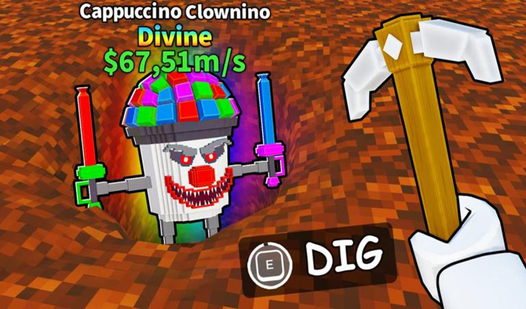
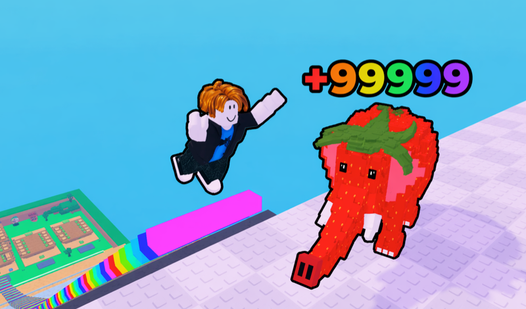
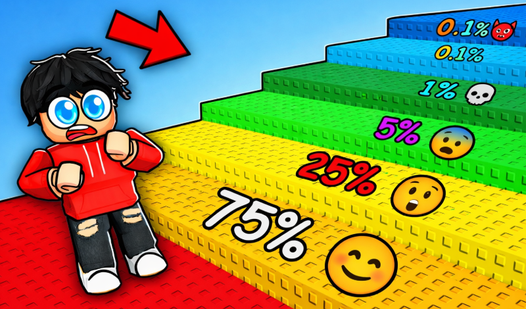
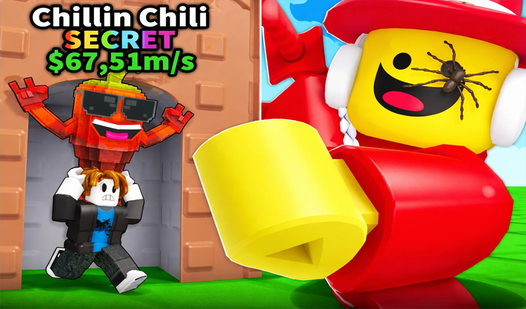
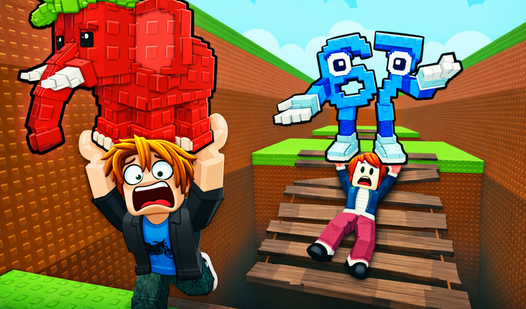
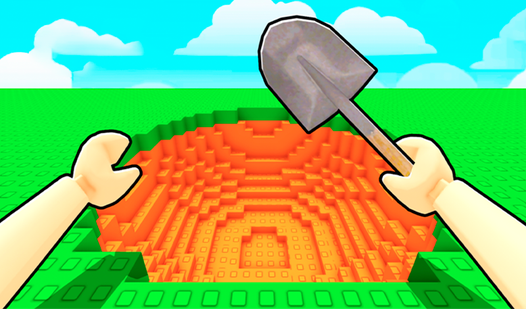
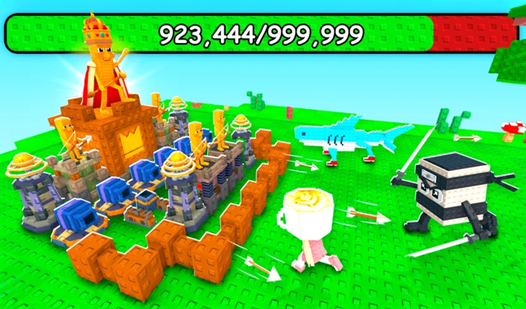
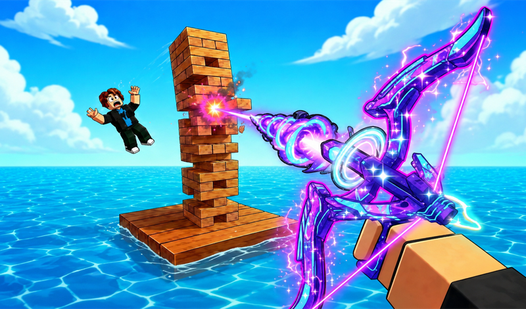
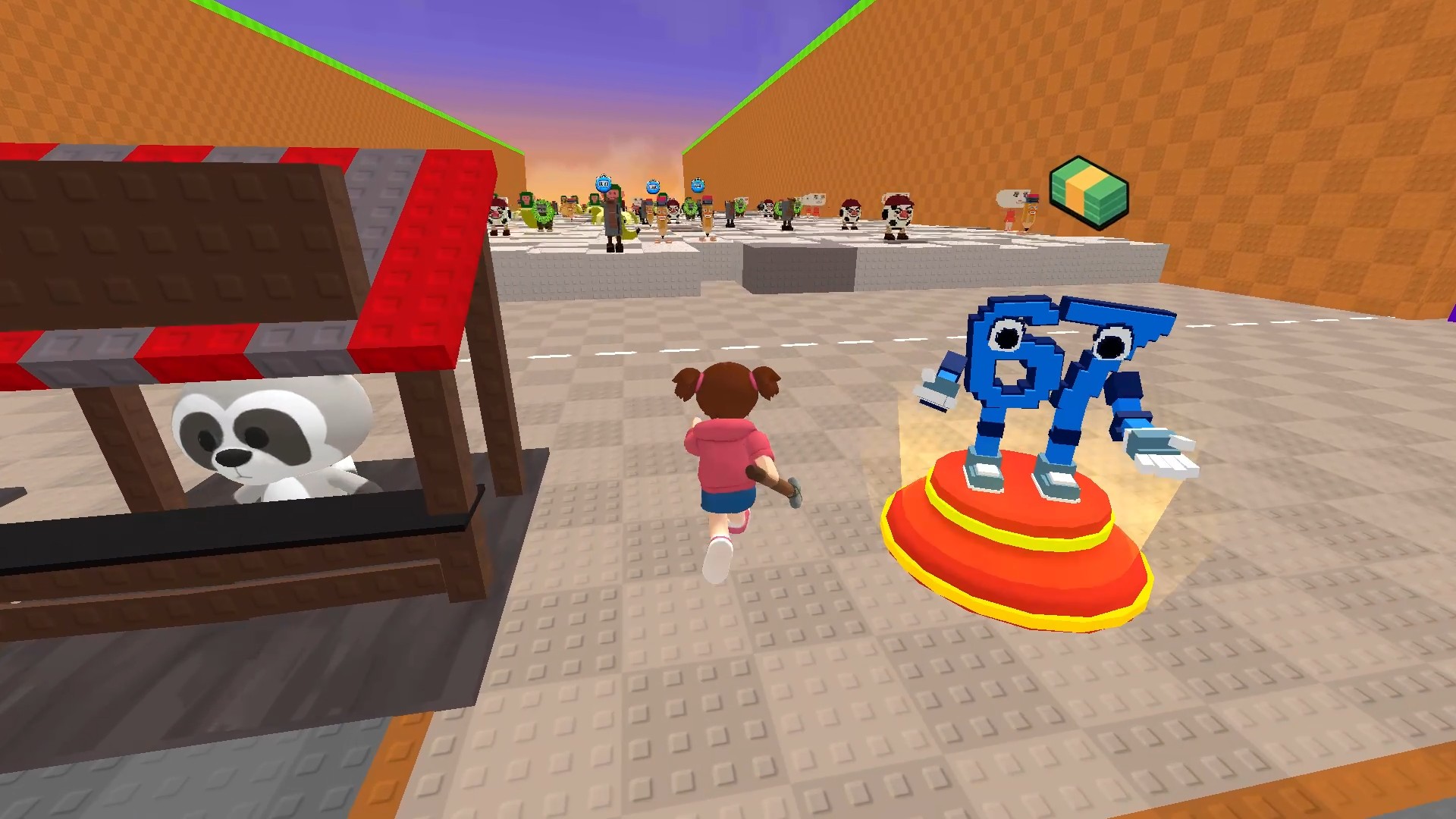
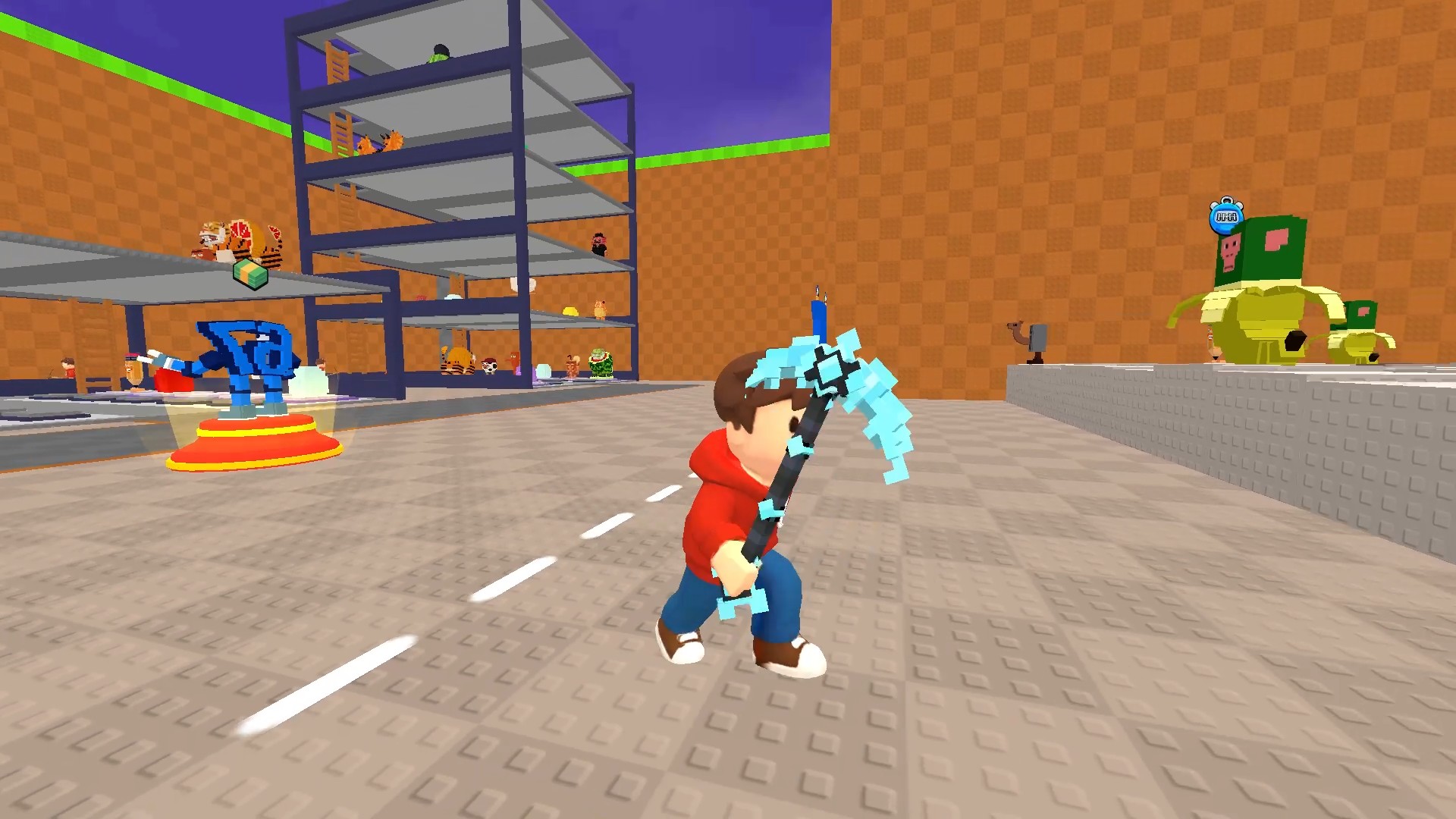
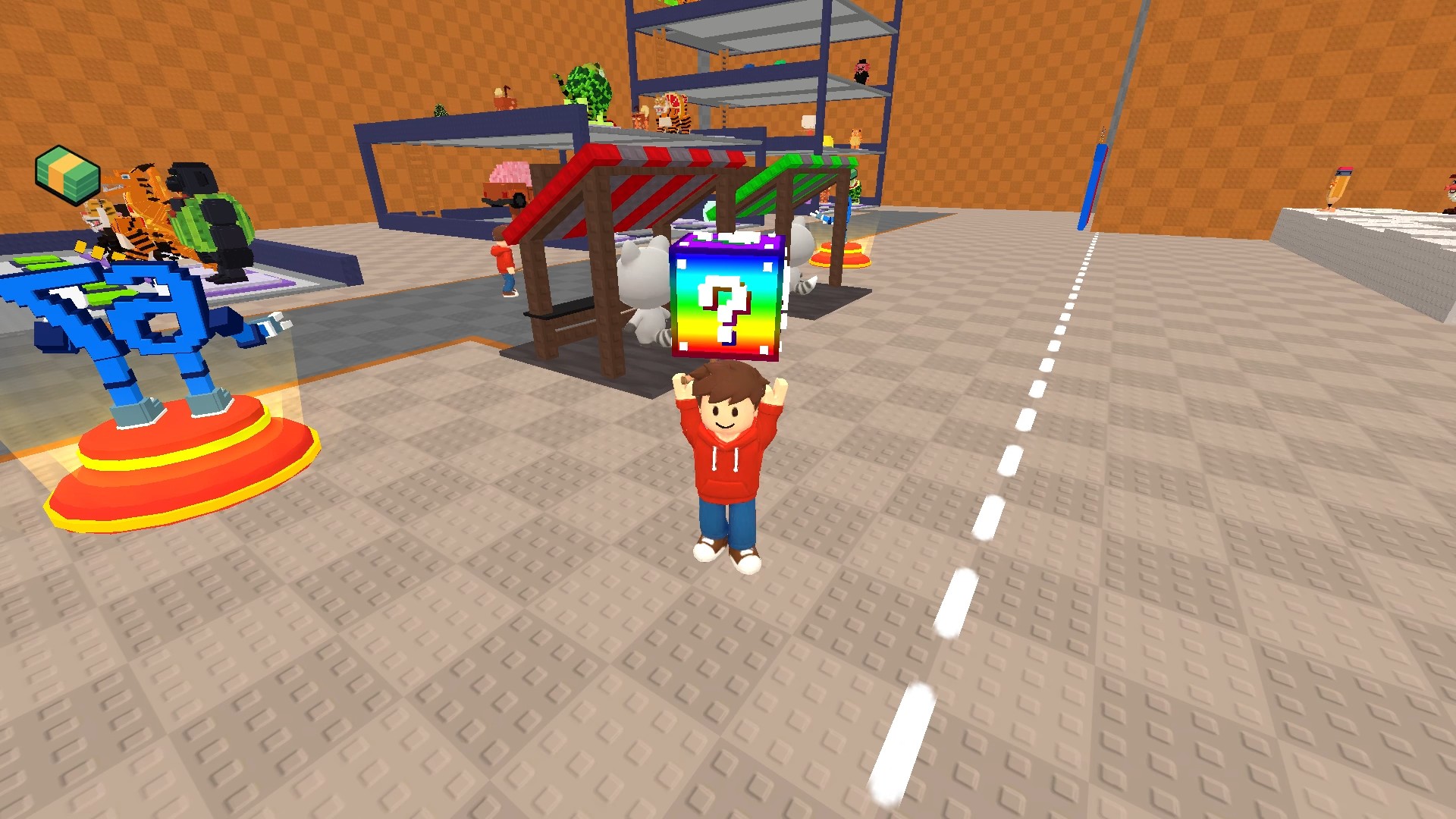
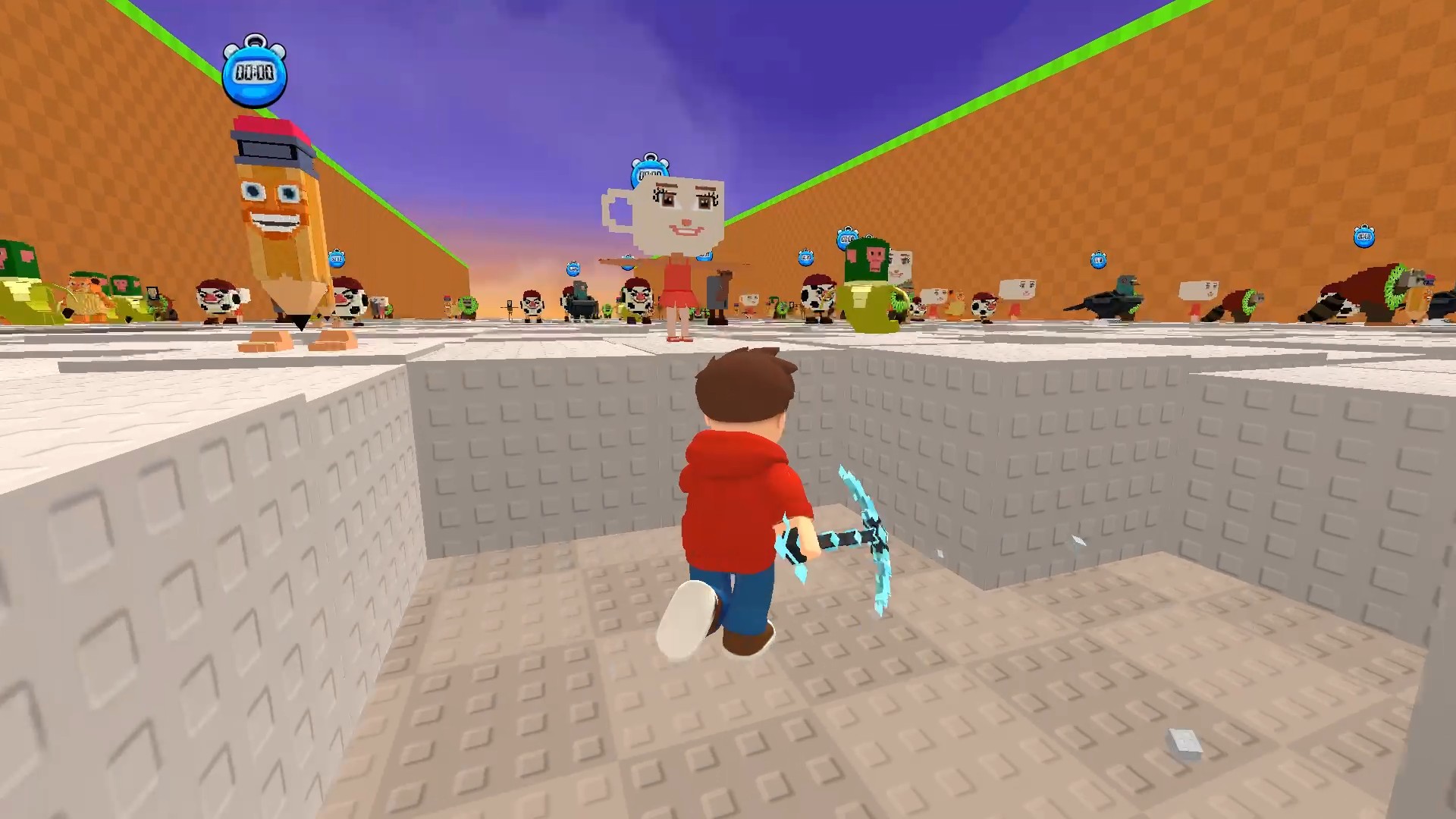
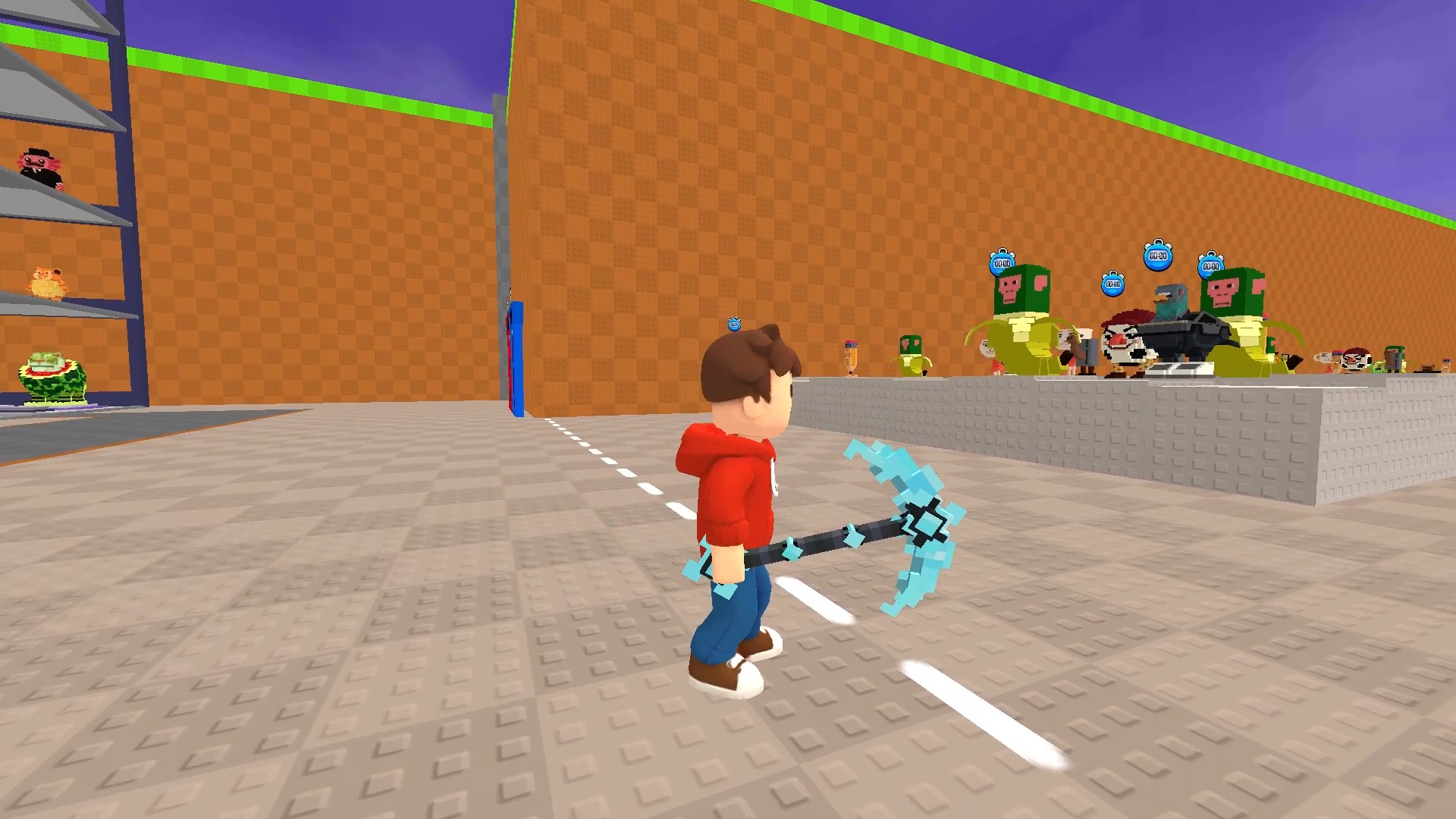
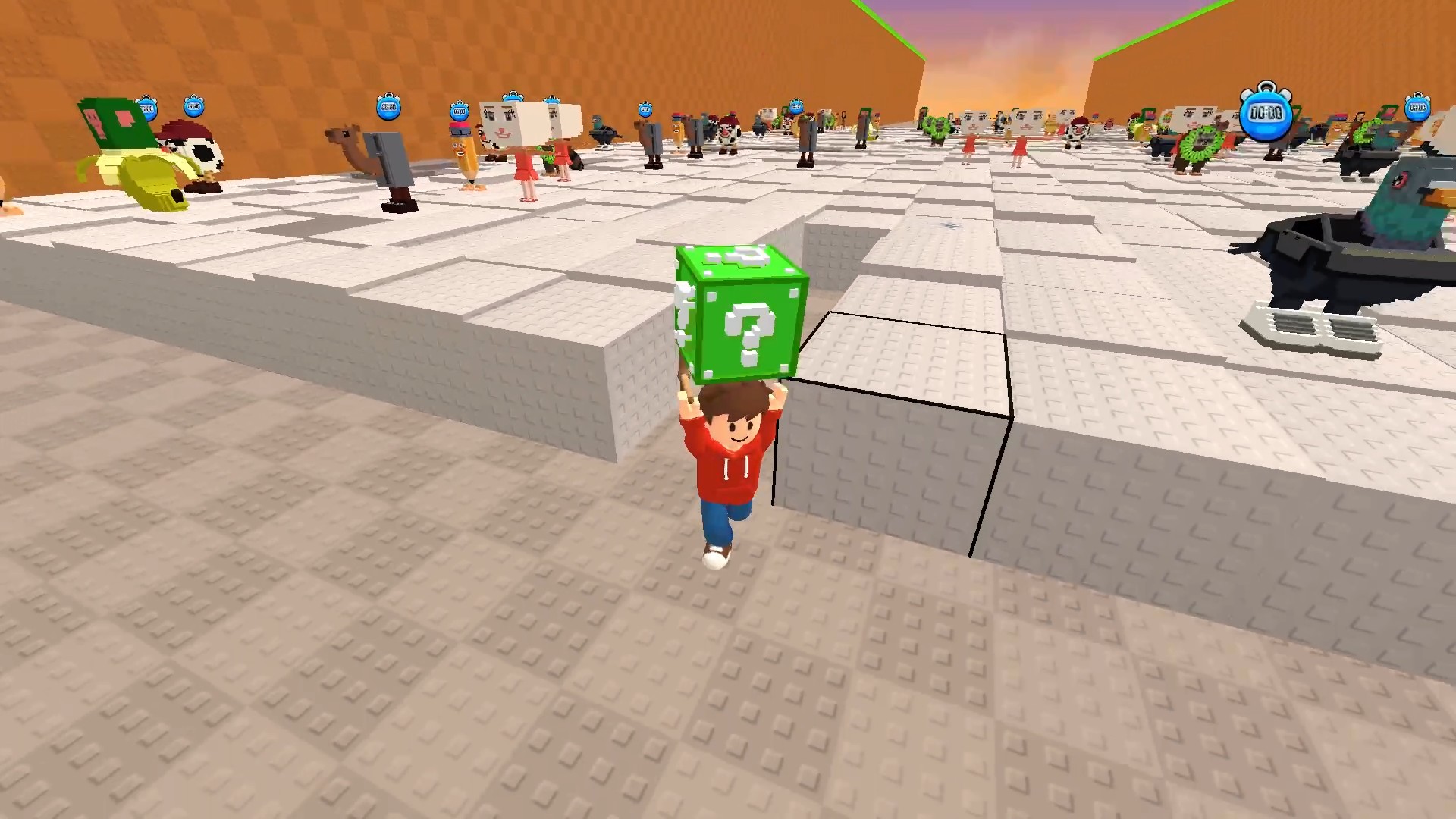
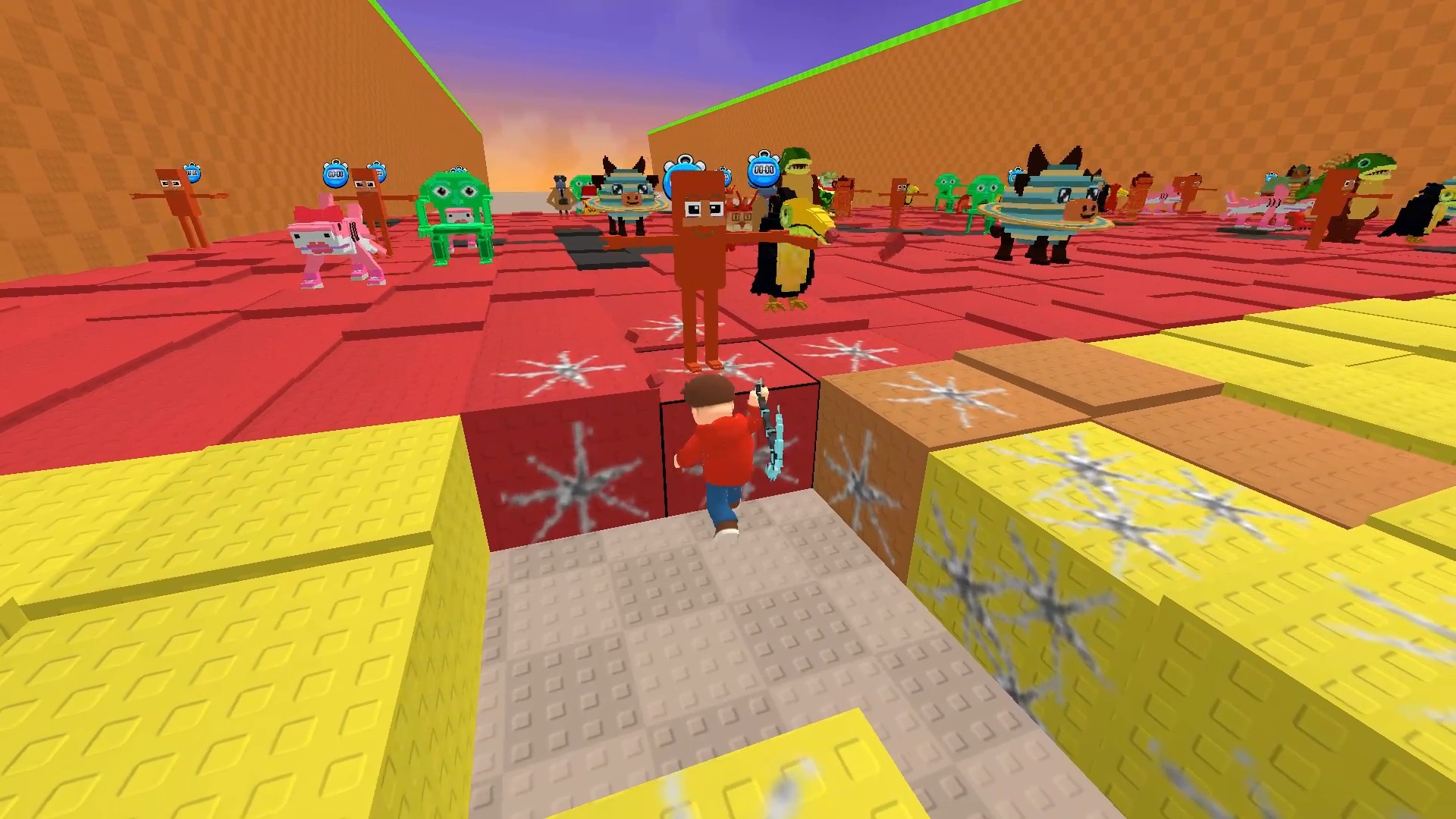
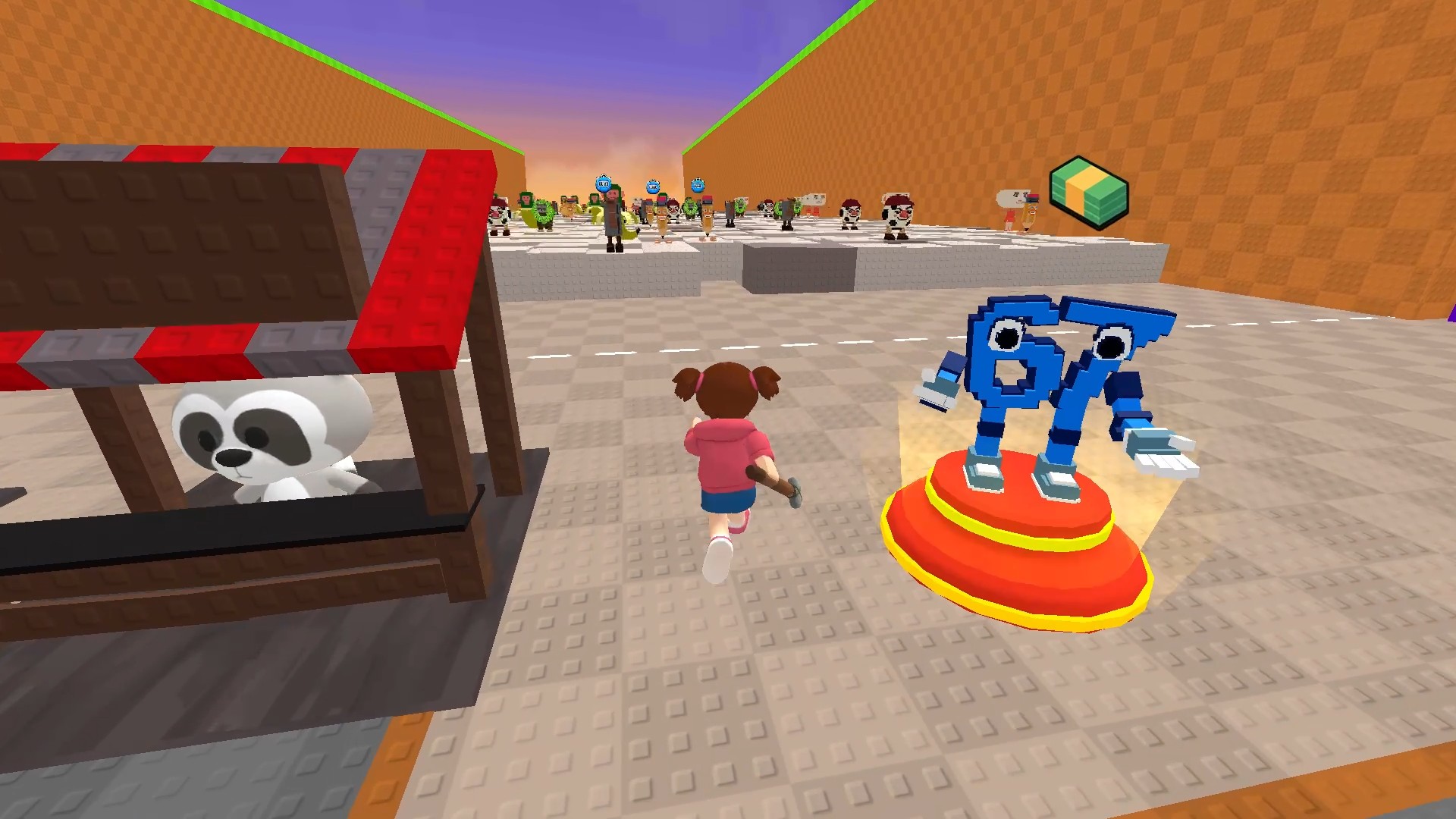
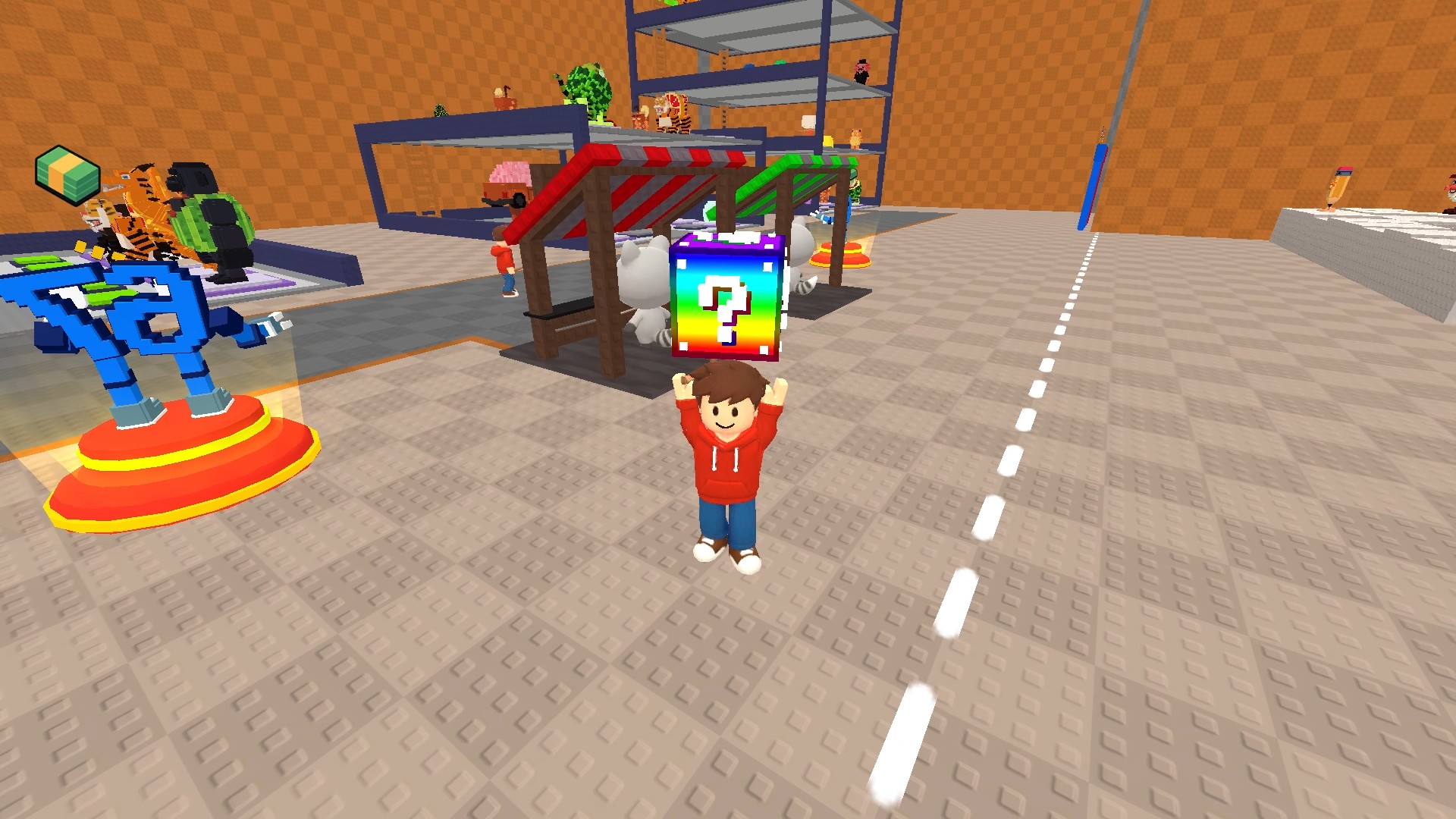
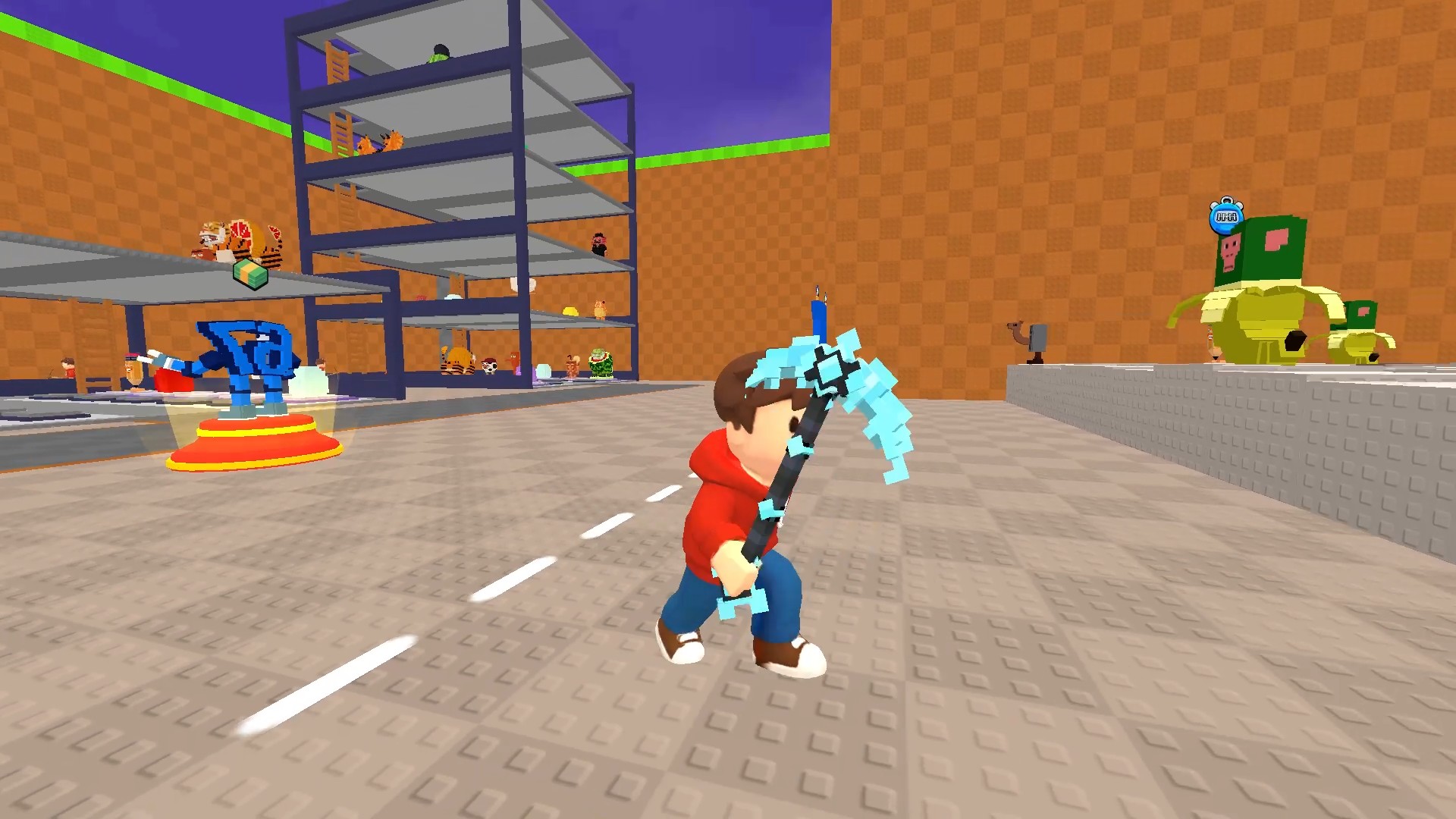
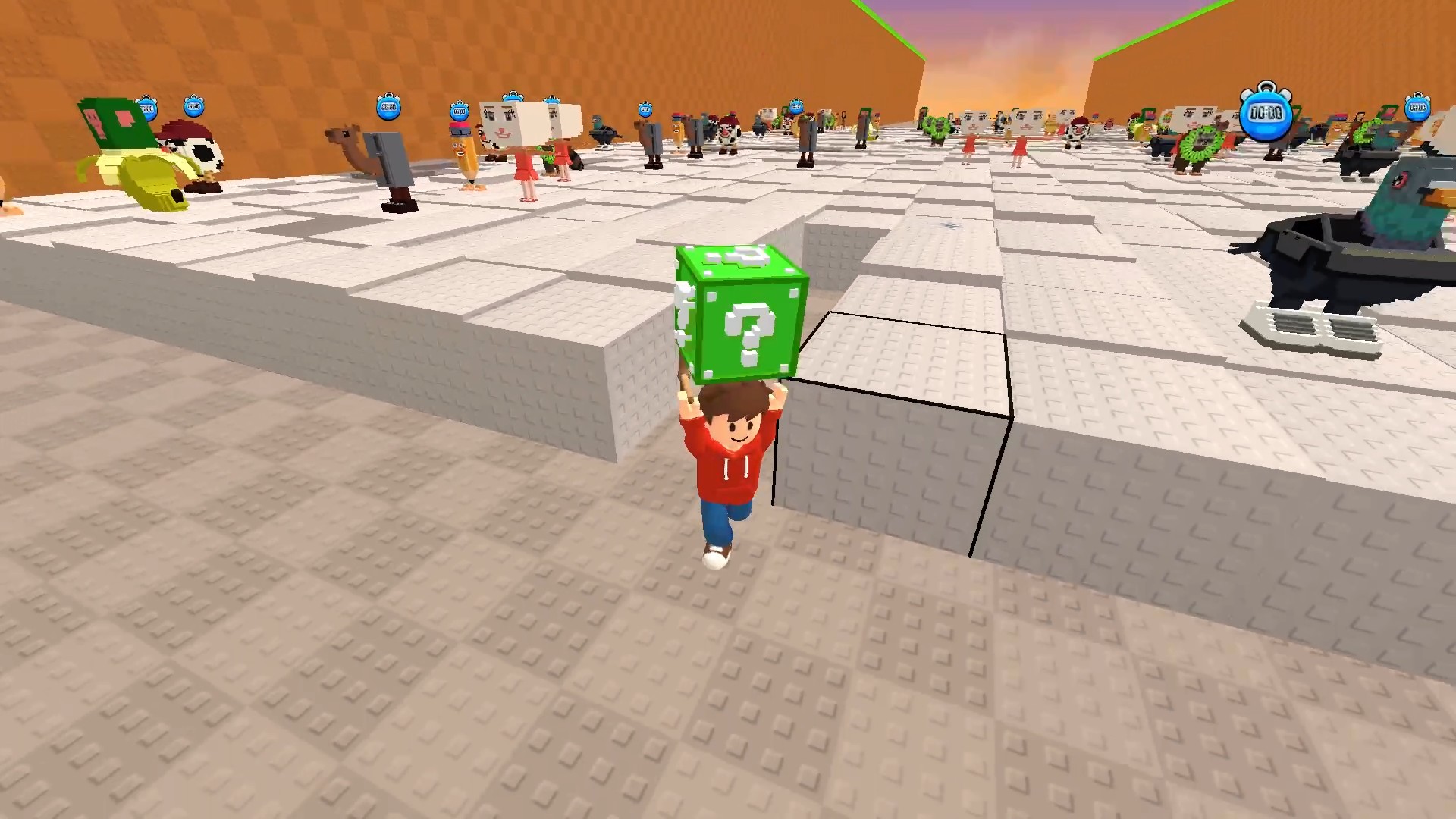
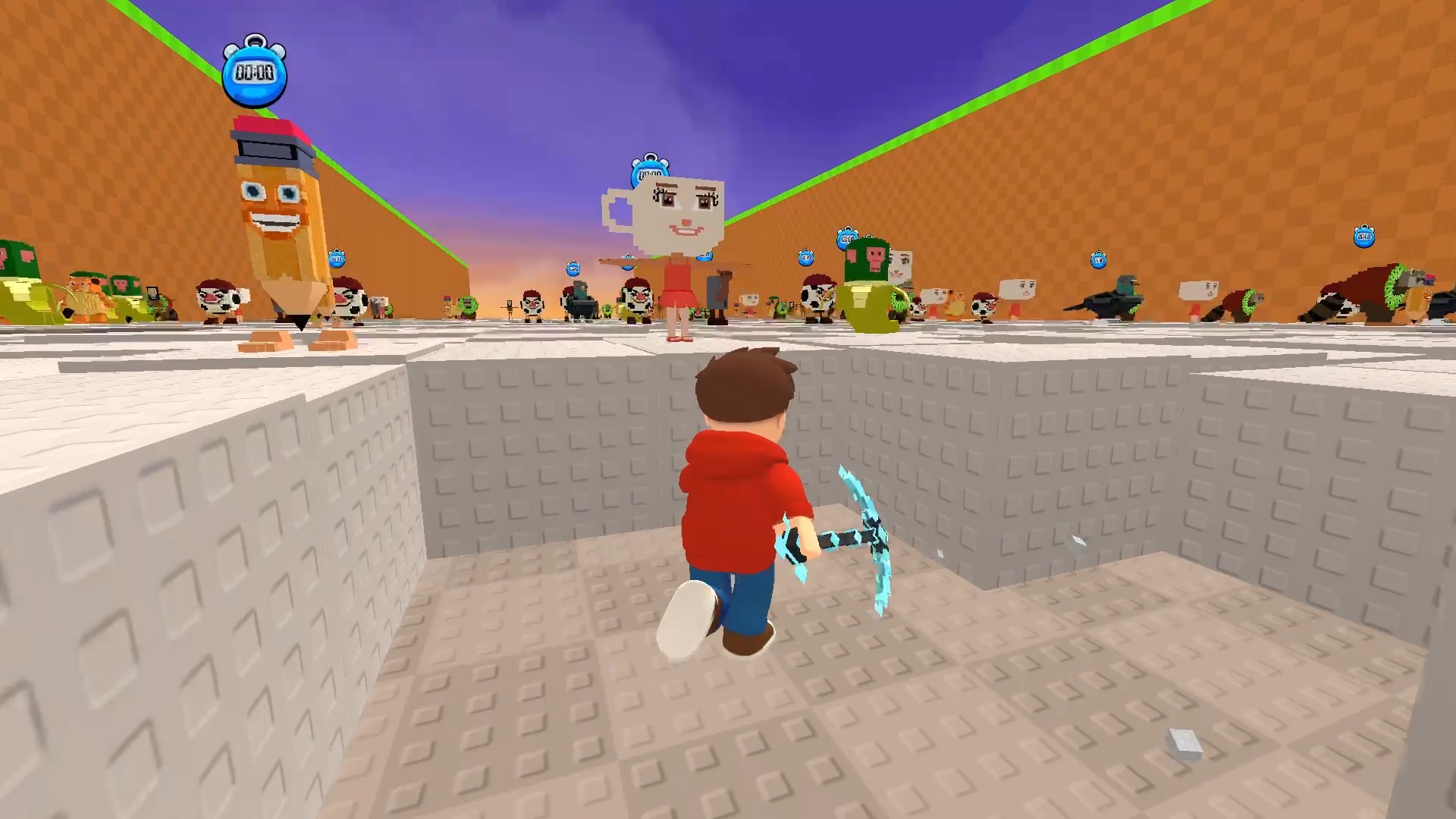
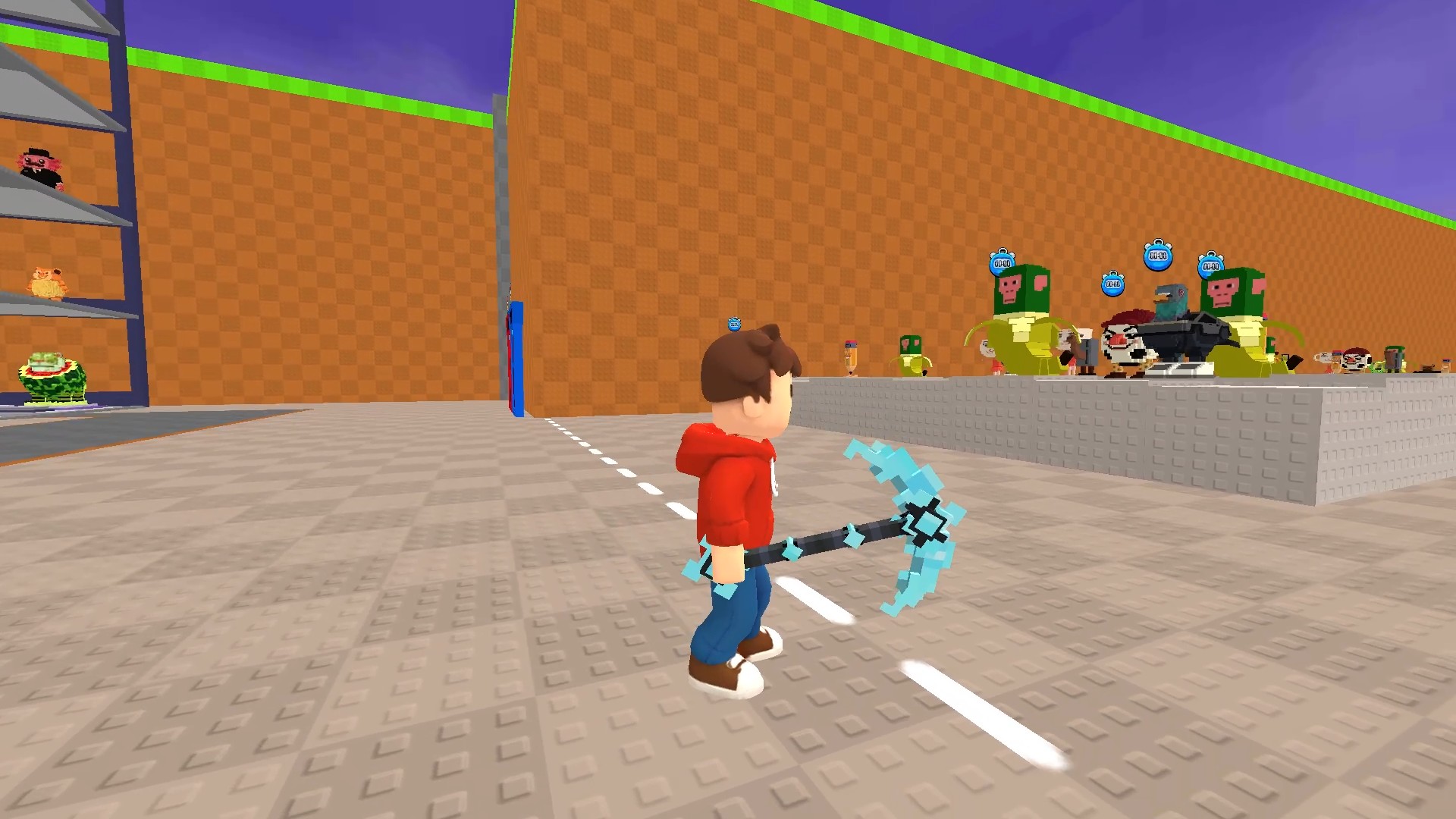
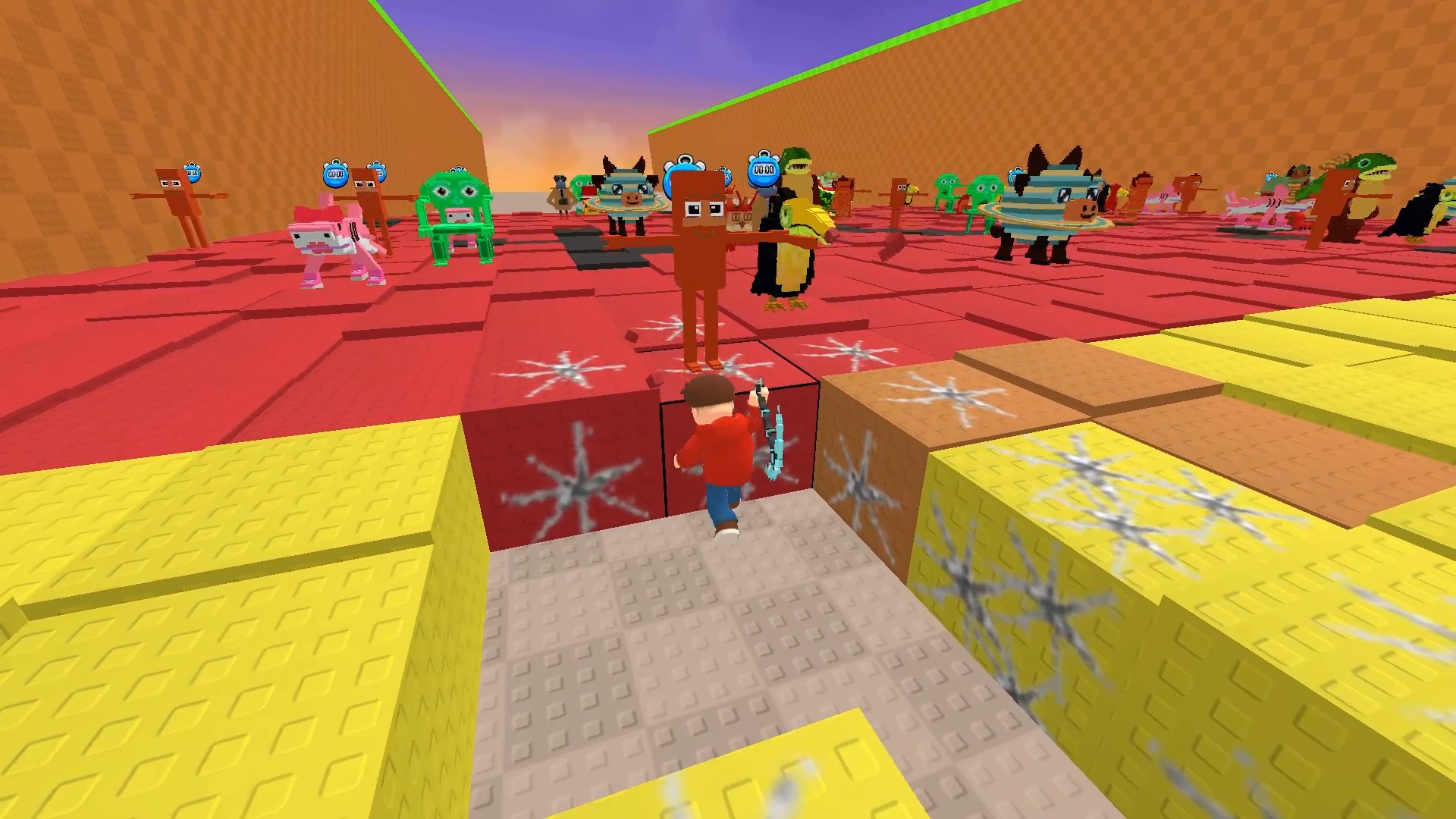
Mining pixels for rare loot might sound simple until you get hooked on finding the rarest hidden treasures. Break Rocks For Brainrots turns manual labor into a frantic hunt for elusive collectibles buried deep underground. You start with a basic tool, chipping away at blocks to gather resources that fund your next big upgrade. Deeper layers yield better materials, allowing you to boost your pickaxe strength and reach uncharted zones. Rebirth mechanics help you reset for permanent speed multipliers, ensuring your efficiency grows alongside your growing collection. Building up your base becomes essential as you tackle tougher terrain and harder rock types. Every session pushes you to optimize your path and uncover the weirdest specimens hidden beneath the surface. Playing Break Rocks For Brainrots is completely free in your browser right now without downloading a single file.
How to play
💻 On PC:
• WASD / Arrow Keys — Move
• Mouse — Look around
• Left Mouse Button (hold) — Dig
• Spacebar — Jump
• Mouse Wheel — Zoom
• Keys 1–0 — Select tool in hotbar
⸻
📱 On Mobile:
• Joystick — Move
• Drill Button — Dig
• Jump Button — Jump
• Zoom Buttons — Zoom in / out
Features
- Collection Log: Track every Brainrot you find to complete your massive digital museum.
- Rebirth System: Sacrifice your progress to earn prestige points that permanently accelerate your mining speed.
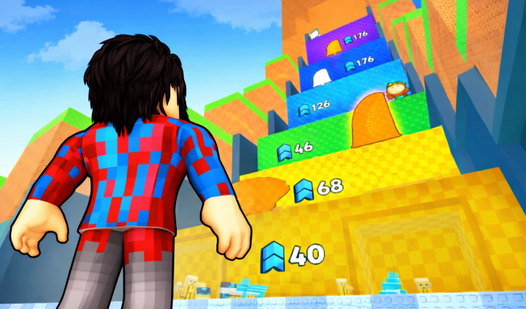
- Dynamic Biomes: Travel through changing environments that hide specific loot and unique block patterns.
- Tool Customization: Swap between various pickaxes and gear pieces to suit your current mining goals.
Who is it for
Casual players who enjoy relaxing idle clicker mechanics and satisfying resource gathering loops. Fans of blocky aesthetics and collection-based progression will find plenty to keep them busy during short breaks or long sessions. Those who love unlocking rare characters or items will spend hours digging for the best loot.
Controls
Movement
Use WASD keys or the on-screen joystick to navigate the map.
Mining
Hold the left mouse button or tap the dedicated drill button to break blocks.
Jumping
Press Spacebar or the jump button on your mobile interface.
Tool Selection
Use number keys 1 through 0 on your keyboard to quick-switch your active mining equipment.
FAQ
How do I increase my mining speed in Break Rocks For Brainrots?
›
You can upgrade your pickaxe using the resources you collect or trigger the rebirth system for permanent speed boosts.
Can I play Break Rocks For Brainrots on my smartphone?
›
Yes, the game is fully optimized for mobile browsers with intuitive touch controls for digging and movement.
Is it possible to save my progress in Break Rocks For Brainrots?
›
Your progress is saved automatically within your browser cache, allowing you to return to your base anytime.