About game
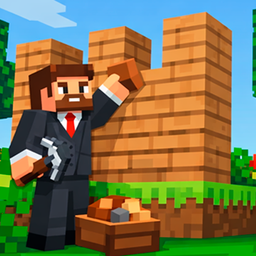
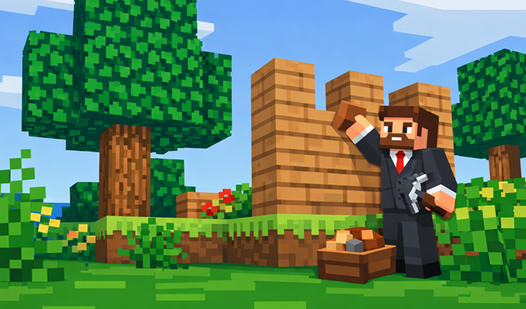
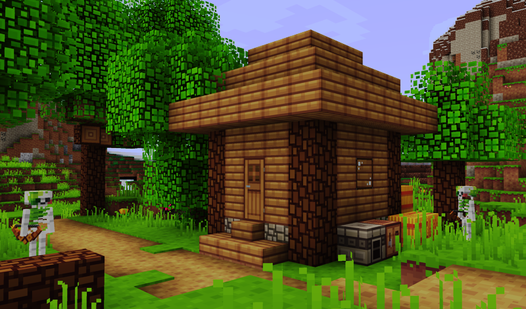
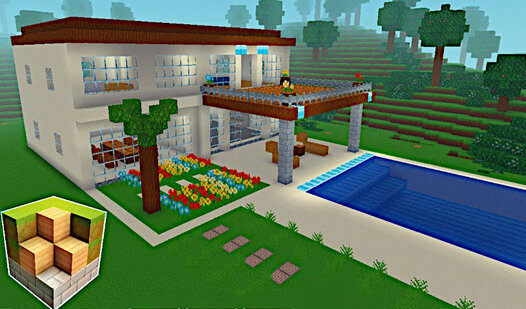
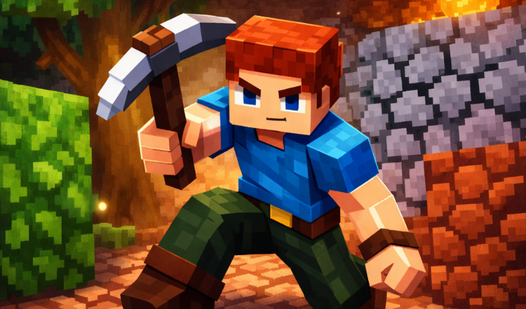
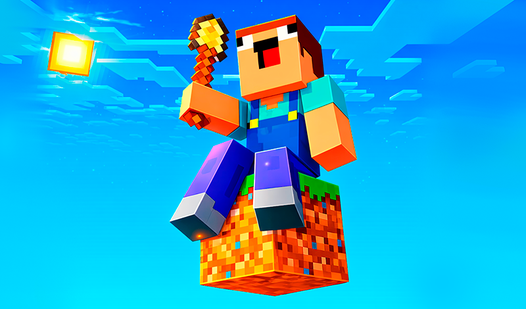
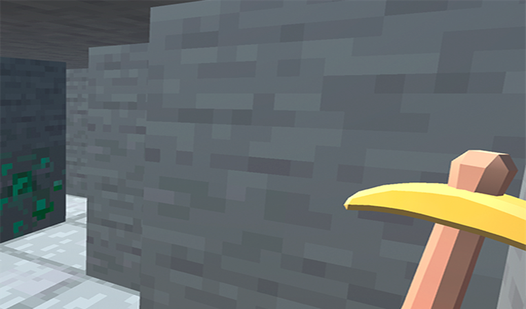
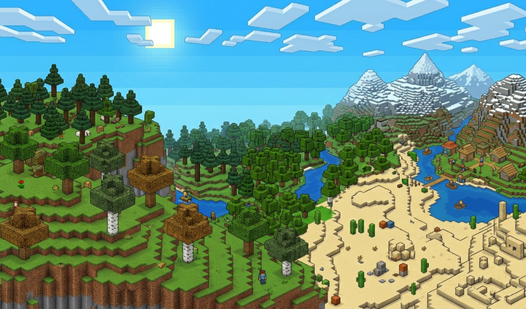
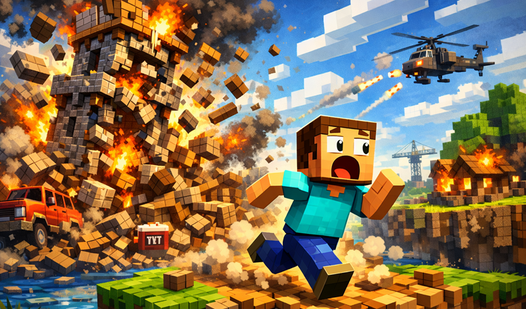
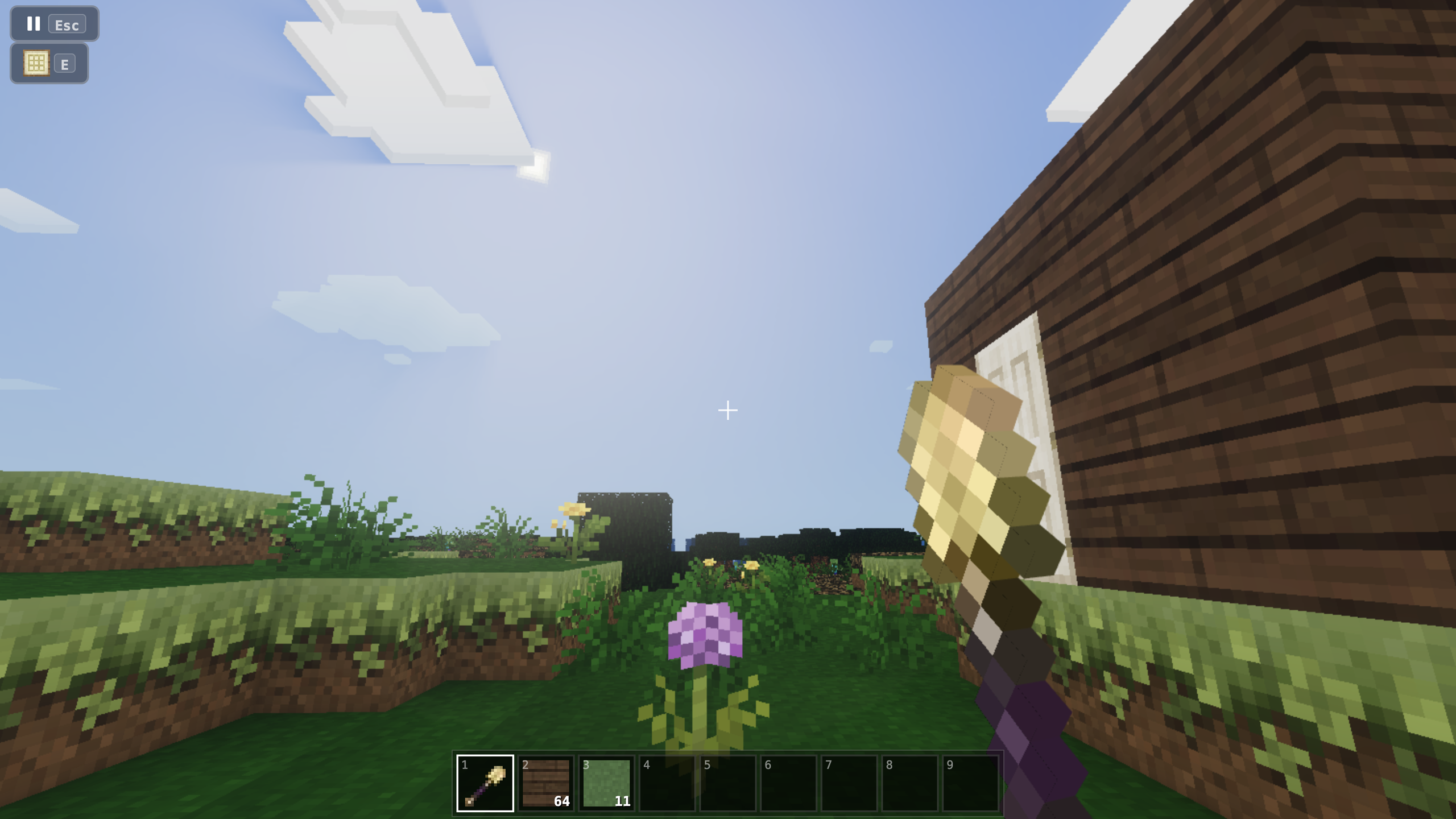
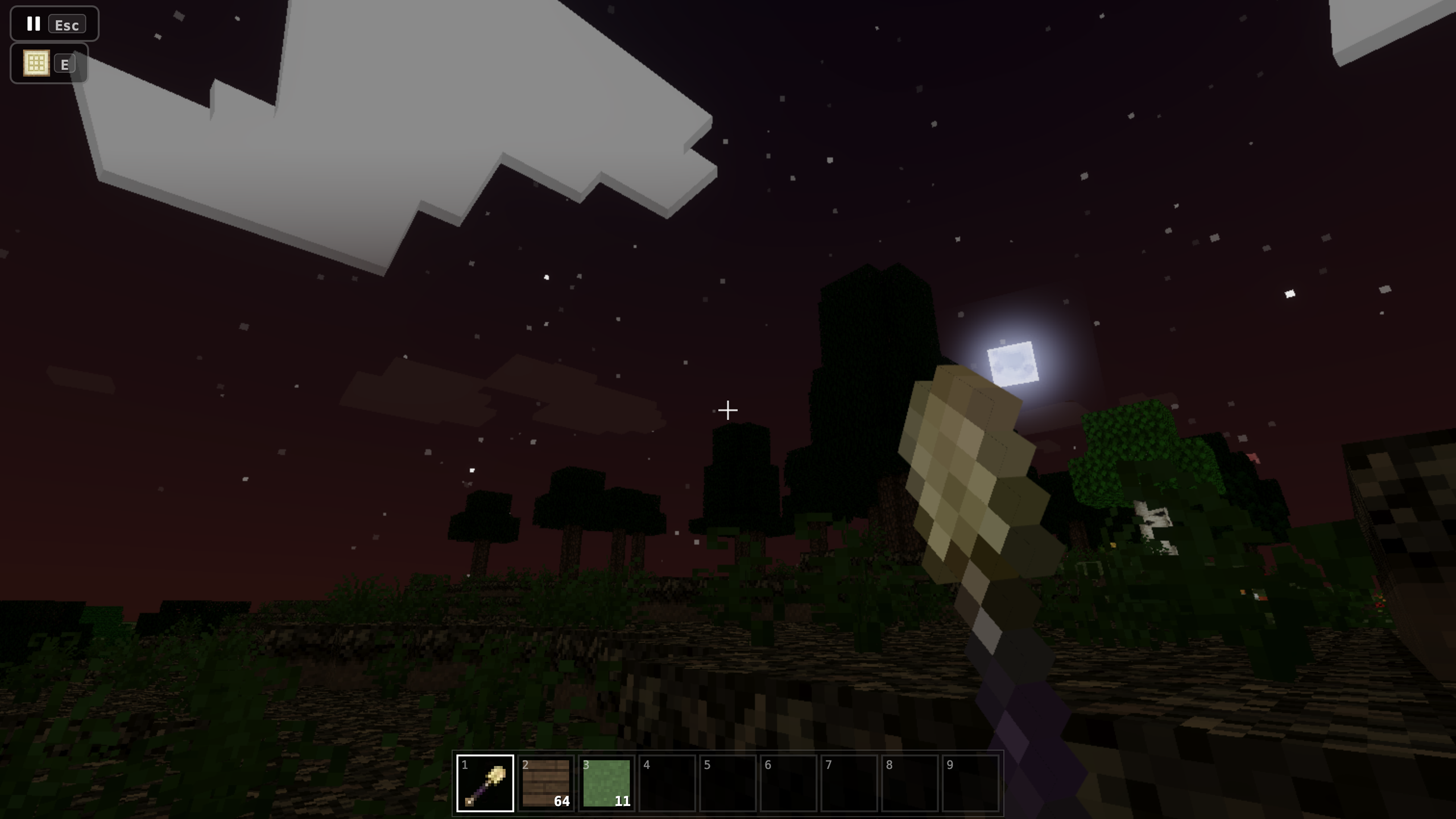
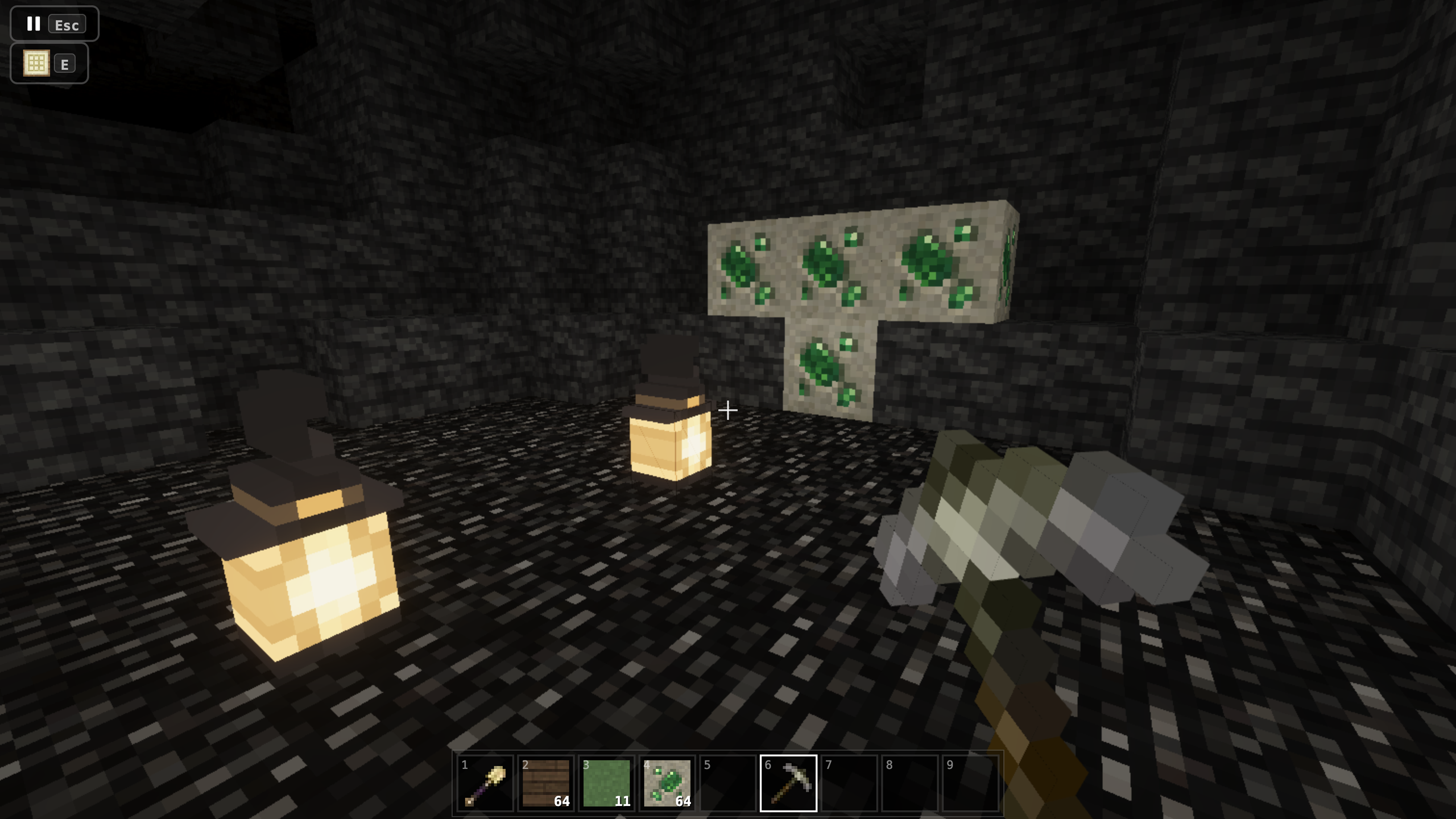
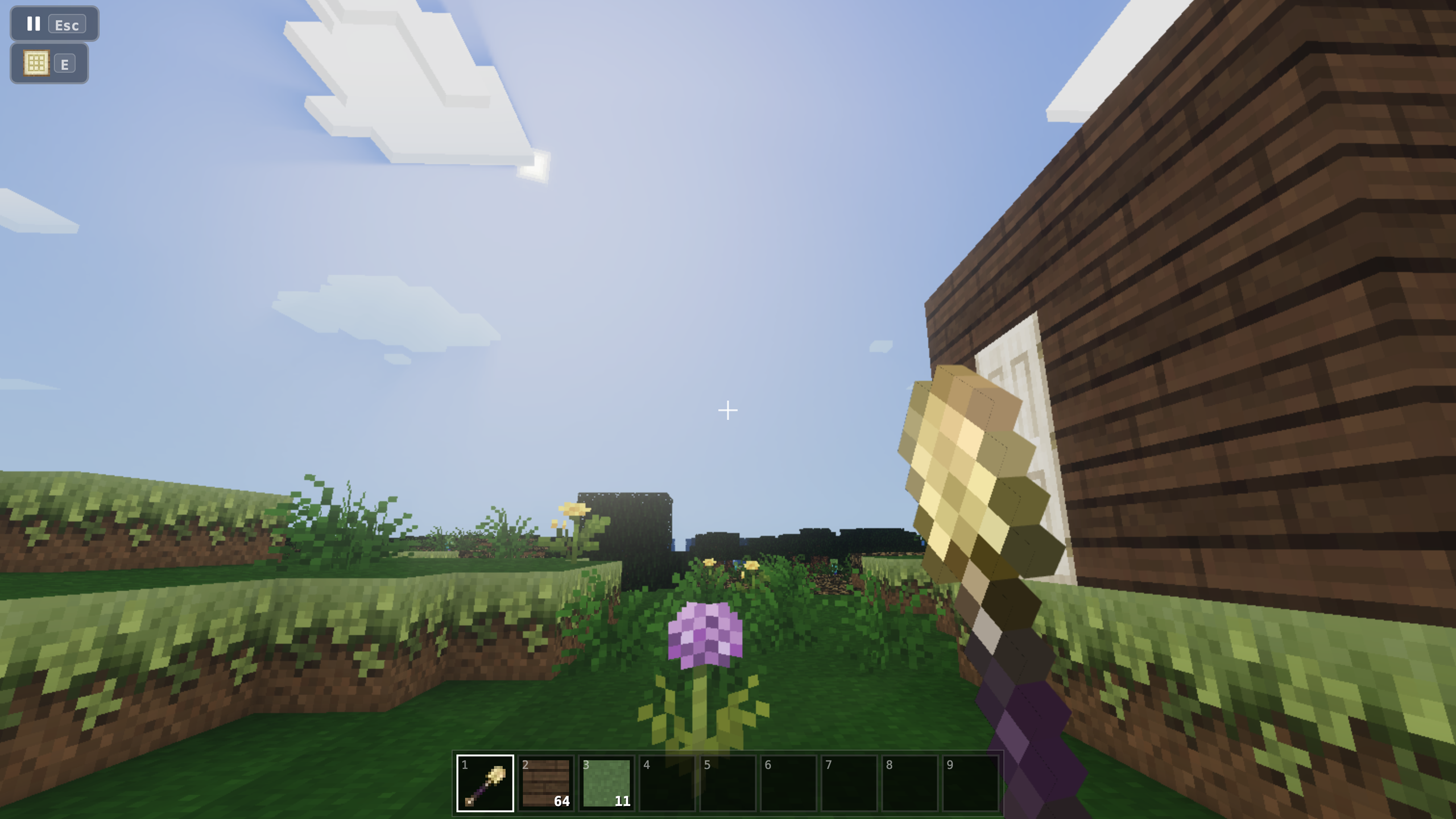
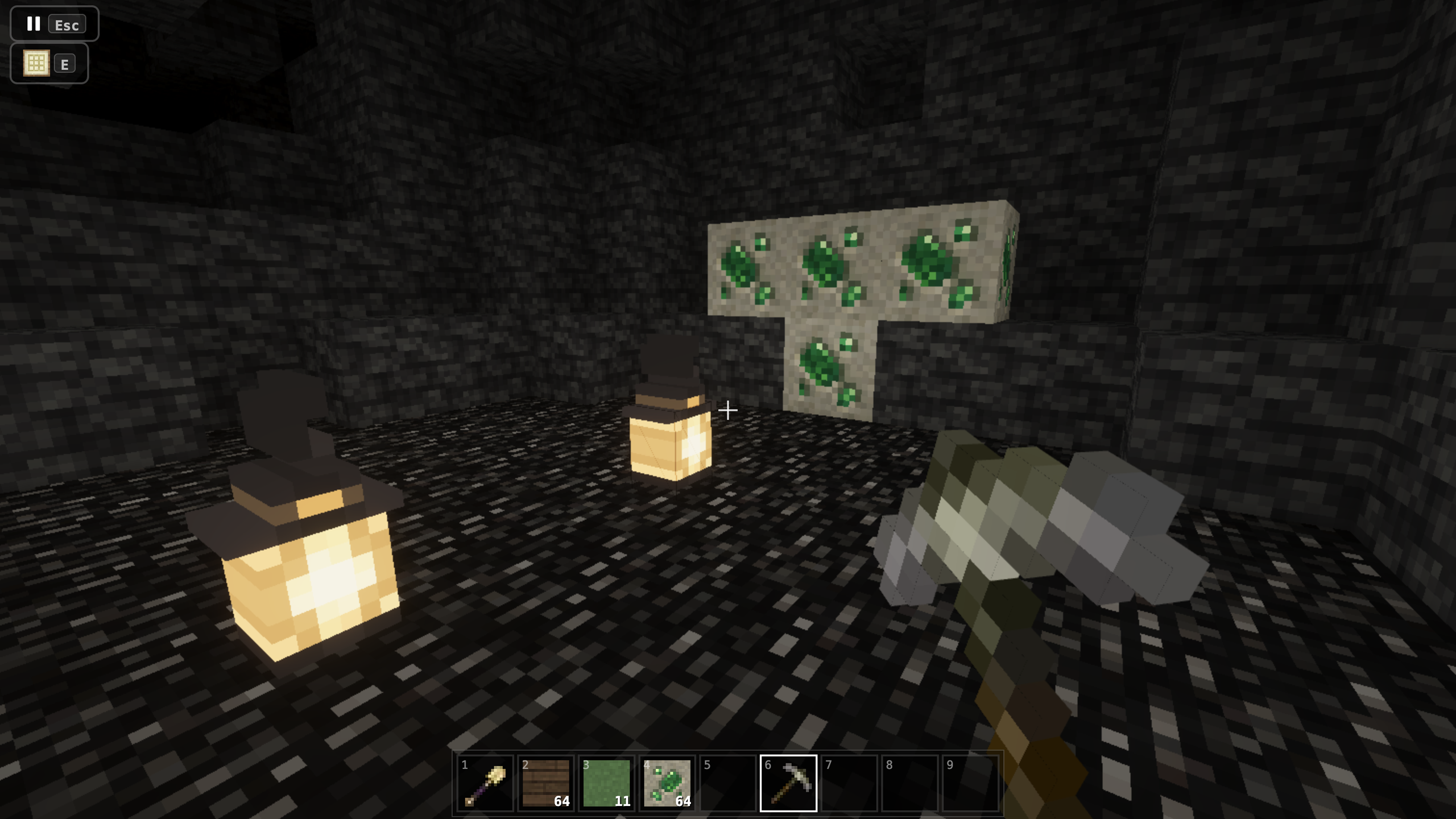
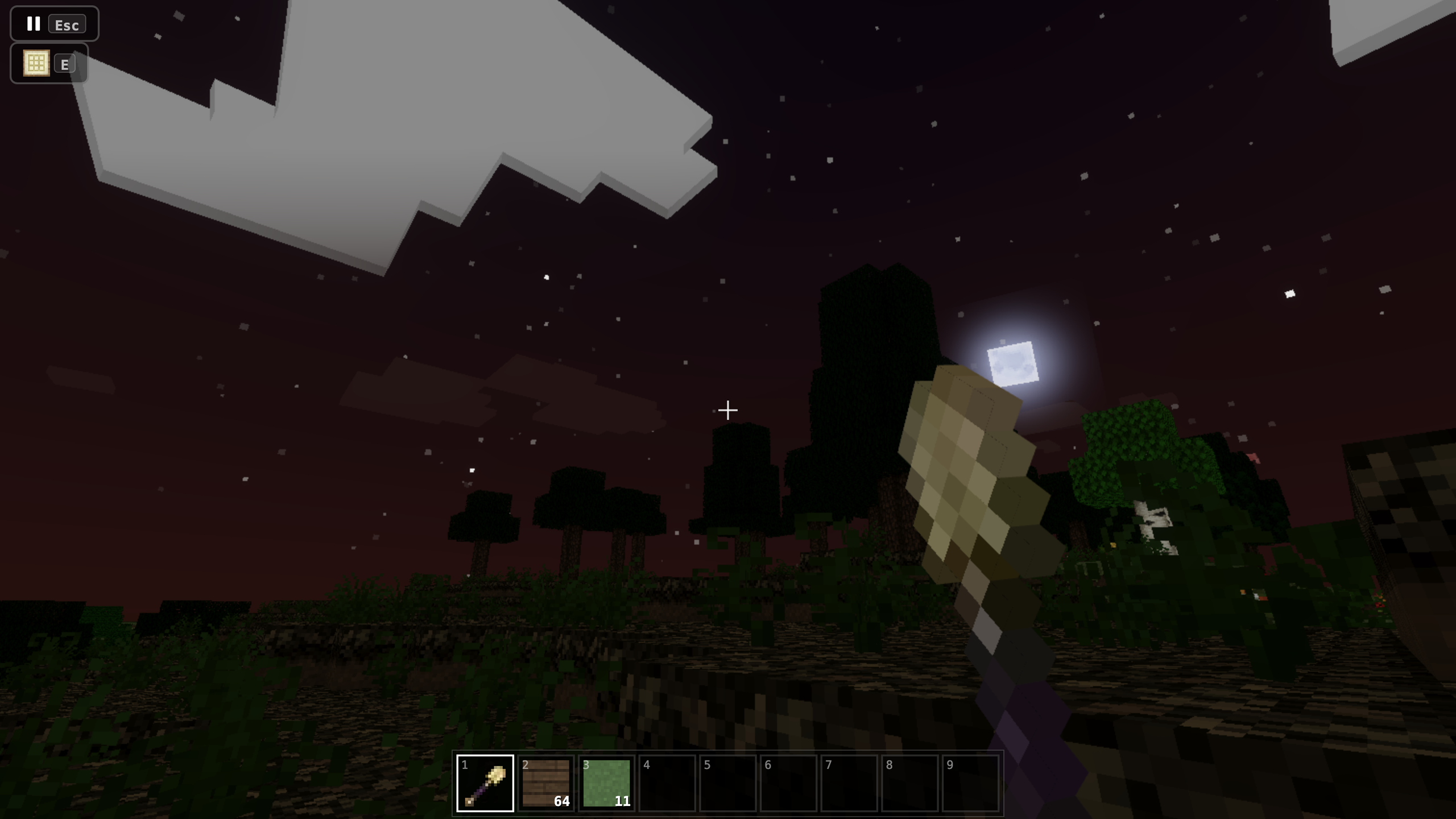
Fans of 3d sandbox titles will find their new obsession with Mine: Creative Mode Online right here. You have the total freedom to reshape entire landscapes or construct massive monuments without any limits on your imagination. Breaking blocks gathers materials while placing them allows you to forge houses, castles, or complex machines from scratch. Mining deep underground reveals hidden resources to expand your base while you navigate through forests and rivers. Flying through the air makes building skyscrapers simple as you hover above your creations. Servers allow you to team up with friends for massive cooperative construction projects in real time. Dynamic lighting and changing weather patterns bring your world to life during every session. You can play Mine: Creative Mode Online for free directly in your browser without dealing with annoying downloads or installs.
How to play
Press "Play" to create a local game, or connect to one of the servers to build with other players.
Use WASD to move and the mouse to look around.
Left mouse button — primary action, right — secondary. Place blocks using the right mouse button.
Press E to open the creative inventory and get unlimited blocks.
Use Space to jump, double-tap to fly, Shift to descend.
Press Esc (or the pause menu) to leave the local world — your progress will be saved.
Features
- Unlimited Block Access: Open your inventory at any moment to grab every texture and material needed for your projects.
- Server Connectivity: Join public multiplayer worlds to see what other builders are crafting beside you.
- Physics Interaction: Watch out for falling gravel and sand blocks that react realistically to your terrain changes.
- Flight Mechanic: Toggle your flight mode to reach tall peaks or inspect your construction from a bird-eye perspective.
- Saved Progress: Keep your local worlds stored securely so you can pick up exactly where you stopped.
Who is it for
Creative builders who enjoy sandbox construction and open-ended exploration will feel right at home. If you enjoy social gaming, the multiplayer servers provide a space to collaborate on massive structures with friends. Players seeking a relaxing way to spend time crafting will find plenty to do here.
Controls
Movement
Use WASD keys to walk and Space to jump.
Building and Mining
Left click to destroy blocks and right click to place them.
Flight
Double-tap the Space key to fly and hold Shift to descend.
Inventory
Tap the E key on your keyboard to open the creative menu.
FAQ
Can I play Mine: Creative Mode Online with my friends?
›
Yes, jump into the multiplayer server list to join or host worlds where you can build together.
Does Mine: Creative Mode Online require a download?
›
No, this game runs entirely within your web browser so you can start playing immediately.
Is my progress saved in Mine: Creative Mode Online?
›
Your local worlds are saved automatically, allowing you to return to your creations whenever you want.