About game
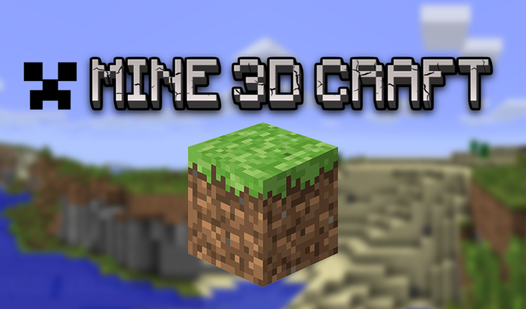
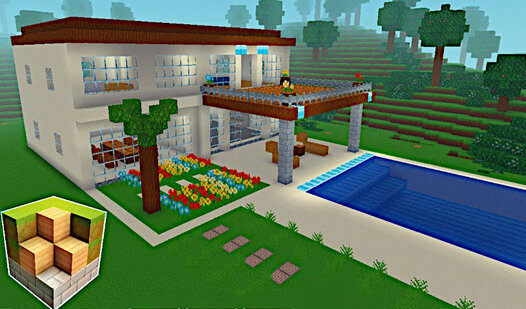
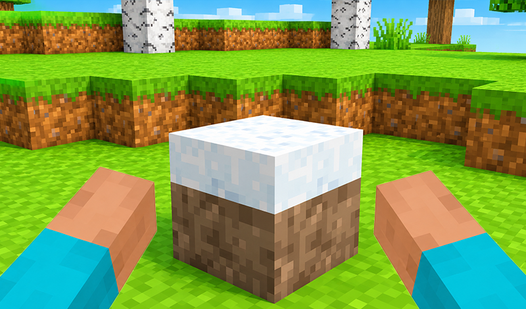
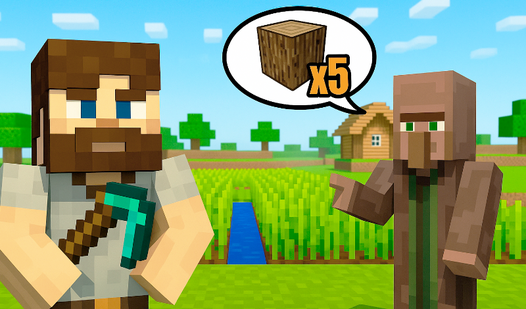
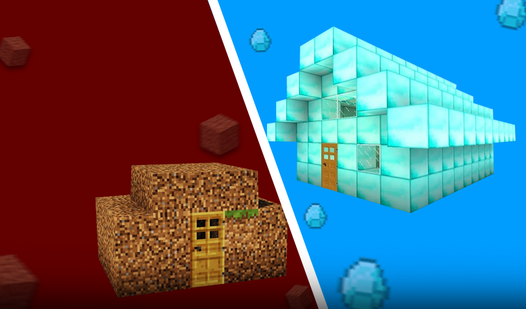
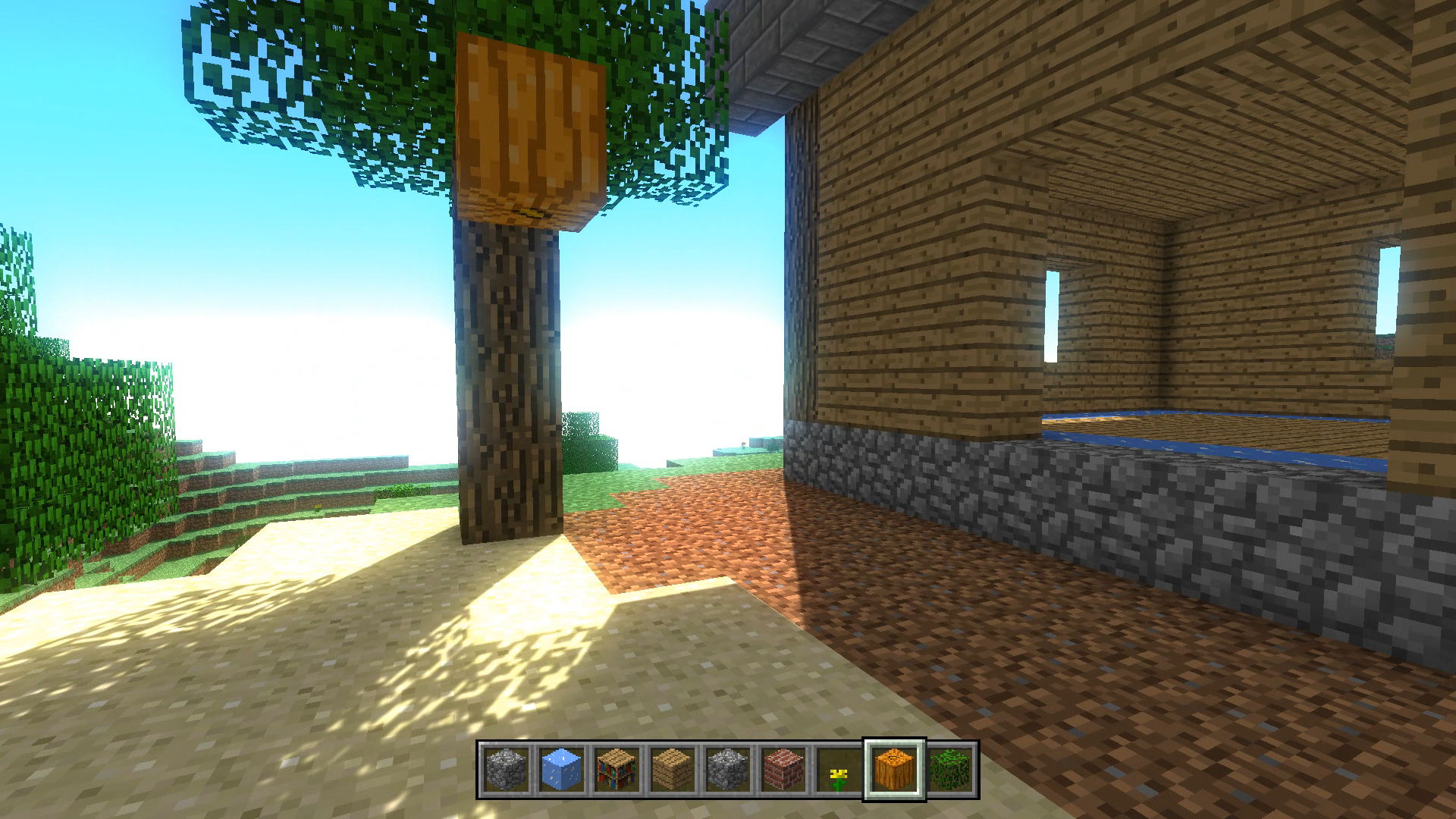
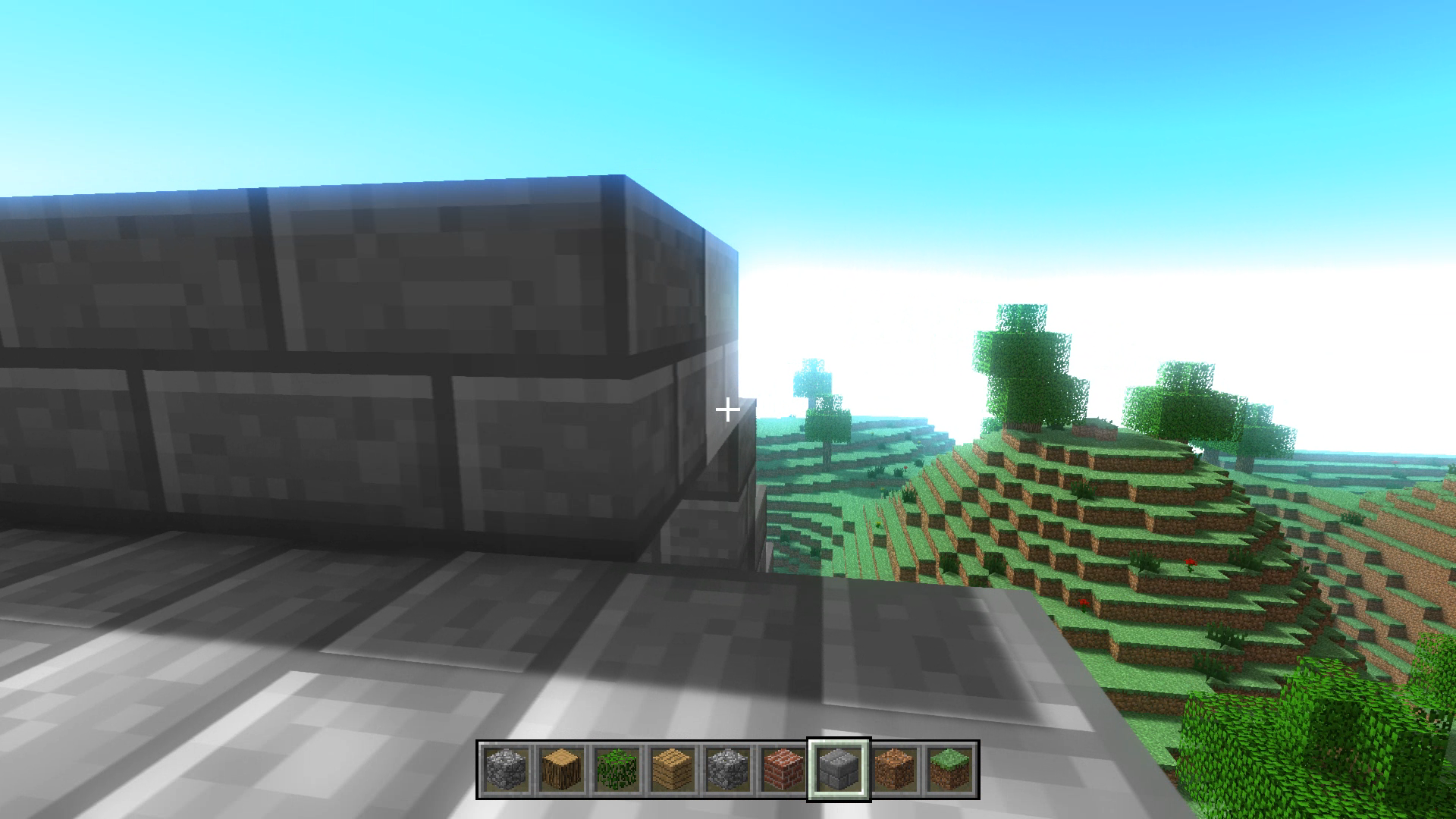
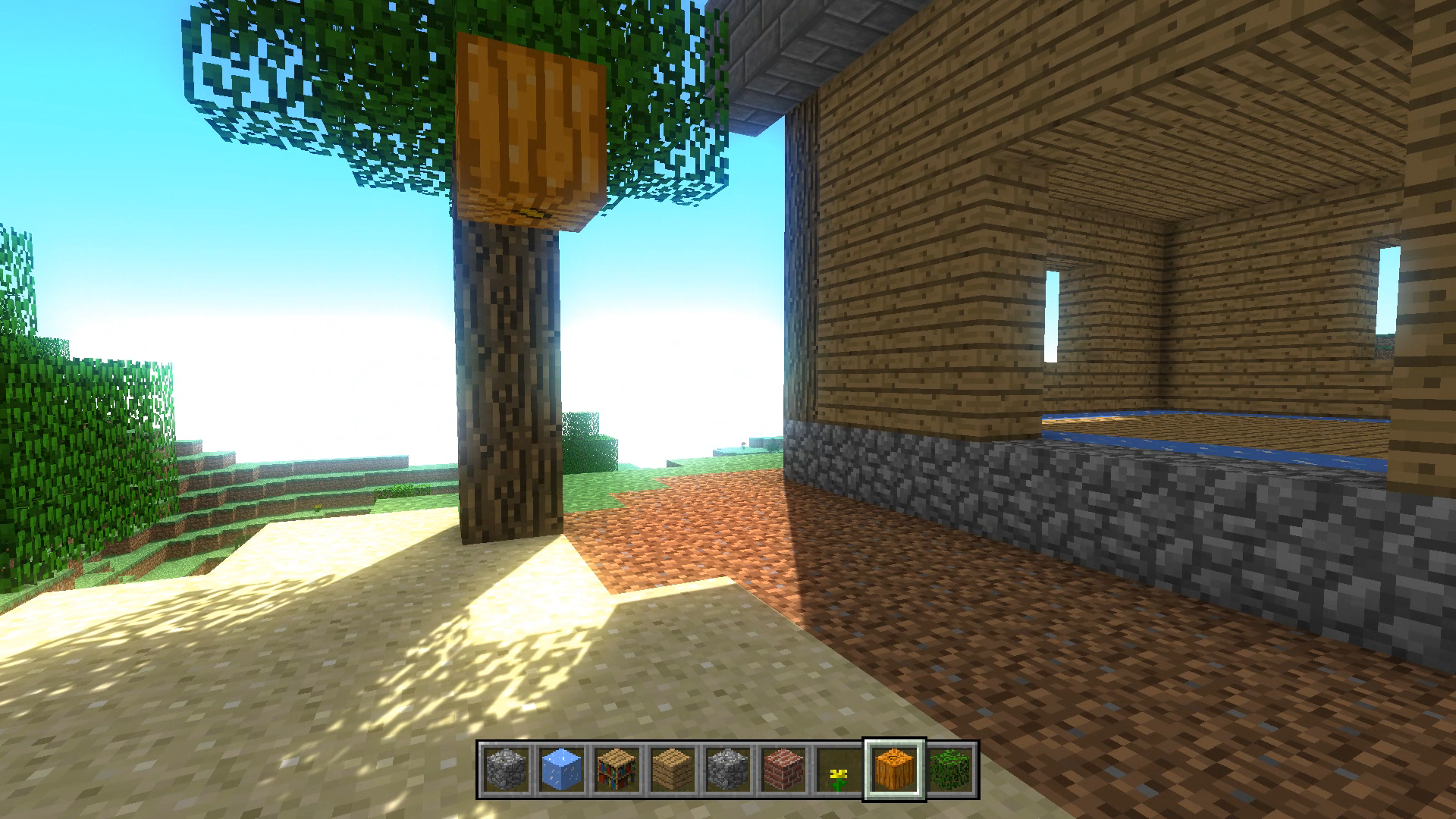
Staring at a blank screen during a midday slump is the worst, but finding the right creative outlet can turn a boring break into an epic session of digital construction. Mine 3D Craft is the ultimate browser sandbox that lets you transform simple cubes into massive architectural wonders without any lag or installation headaches. You start in an open world where the only limitation is your own imagination as you mine resources and lay foundations for your dream structures. Using precise mouse clicks, you can break terrain blocks to gather materials or place them strategically to erect intricate towers and cozy cottages. The intuitive menu allows you to swap between various building blocks instantly while you navigate the landscape with smooth WASD movement. Whether you want to build a sprawling city or experiment with blocky design, the flexible graphics settings ensure the game runs perfectly on any machine. You can save your progress and return to your creations anytime, making this free build experience a staple for your daily downtime. Play Mine 3D Craft right in your browser for free and start shaping your own unique world today.
How to play
Keyboard and mouse controls
W A S D - walking Shift - running
Space - jump
Left mouse button - to break the block
Right mouse button - build a block
E - block selection menu
Mouse wheel - change the block in
the ESC panel - pause menu
You can change the quality of the graphics at your discretion.
Available:
- Fast (minimal detail)
- Wonderful (maximum detail)
- Crazy (beautiful and detailed shaders)
Features
- Graphics tiers: Switch between Fast, Wonderful, and Crazy modes to optimize performance or enjoy high-end shaders.
- Inventory management: Access the block selection menu via the E key to browse a wide variety of materials and textures.
- Persistent world: The built-in auto-save feature ensures your hard work remains intact whenever you return to your session.
- Fluid movement: Utilize the shift key for running and the space bar for jumping to navigate your custom environments quickly.
- Destructive creativity: Master the art of mining by using the left mouse button to clear space and the right button to place blocks.
Who is it for
Creative minds and sandbox enthusiasts who enjoy open world building games will find endless enjoyment here. It attracts players who appreciate non-linear gameplay, fans of voxel-based construction, and anyone needing a quick, relaxing escape that requires zero installation or registration to start building their own digital masterpieces.
Controls
Movement
Use WASD keys to walk and Shift to run
Interaction
Left click to break blocks and Right click to build
Navigation
Tap the E key to open the block selection menu
Jump
Press the Space bar to jump over obstacles
Mobile Interaction
Tap on the screen to place blocks and swipe to look around
FAQ
Is Mine 3D Craft free to play in my browser?
›
Yes, you can play Mine 3D Craft directly in your web browser for free without needing to download anything.
Does Mine 3D Craft allow me to save my progress?
›
Absolutely, Mine 3D Craft includes an auto-save feature so you can continue building your world whenever you return.
Can I adjust the graphics in Mine 3D Craft?
›
Yes, the game offers adjustable graphics settings ranging from Fast for performance to Crazy for high-quality shaders.