About game
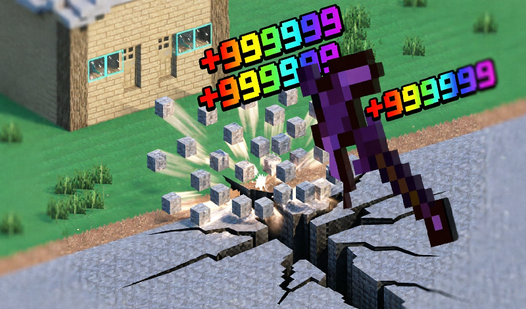
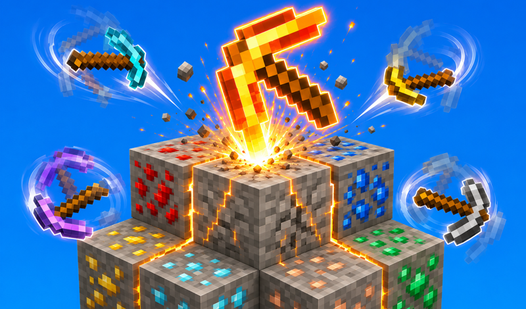
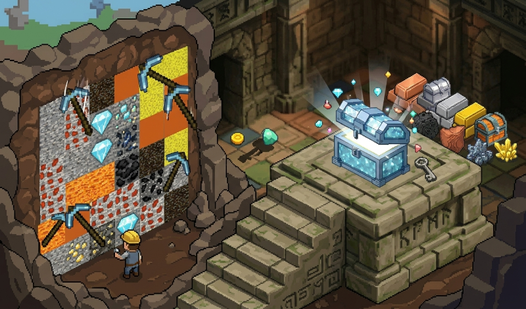
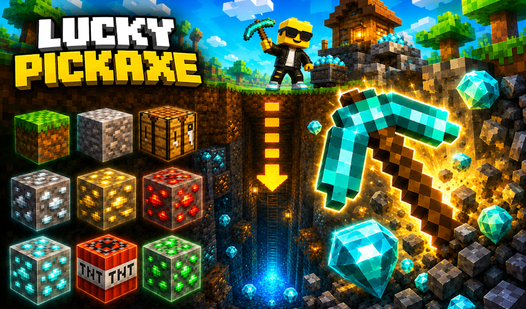
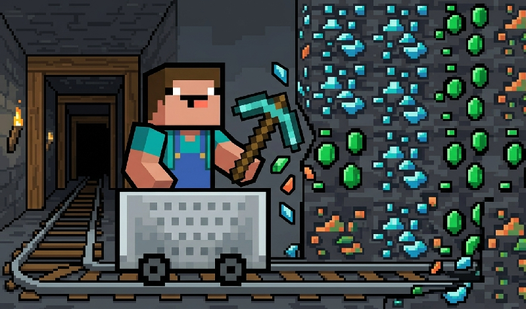
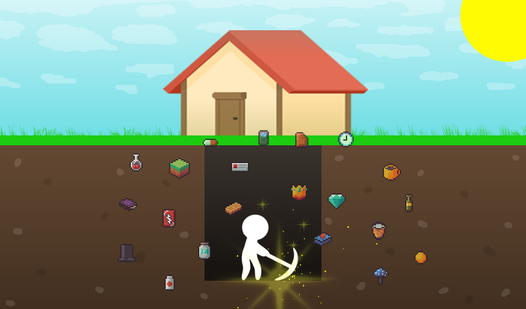
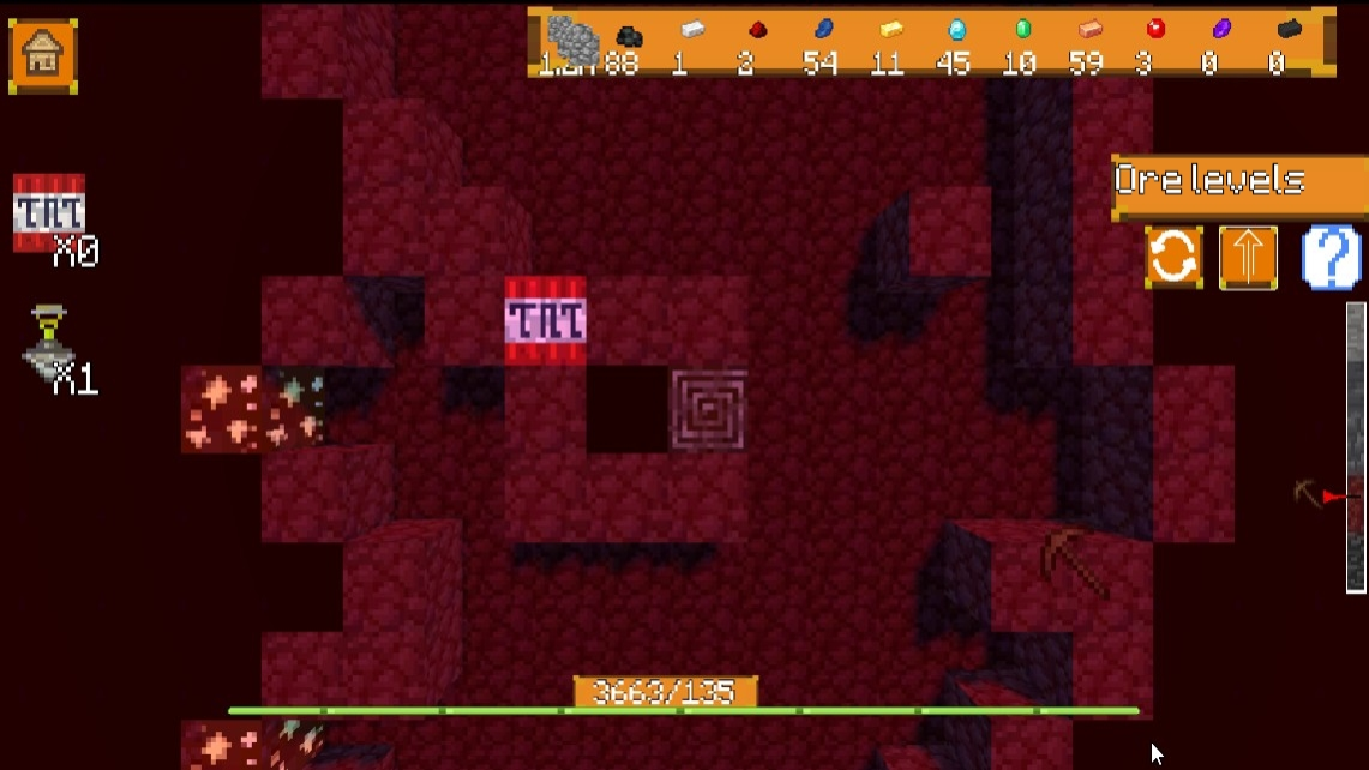
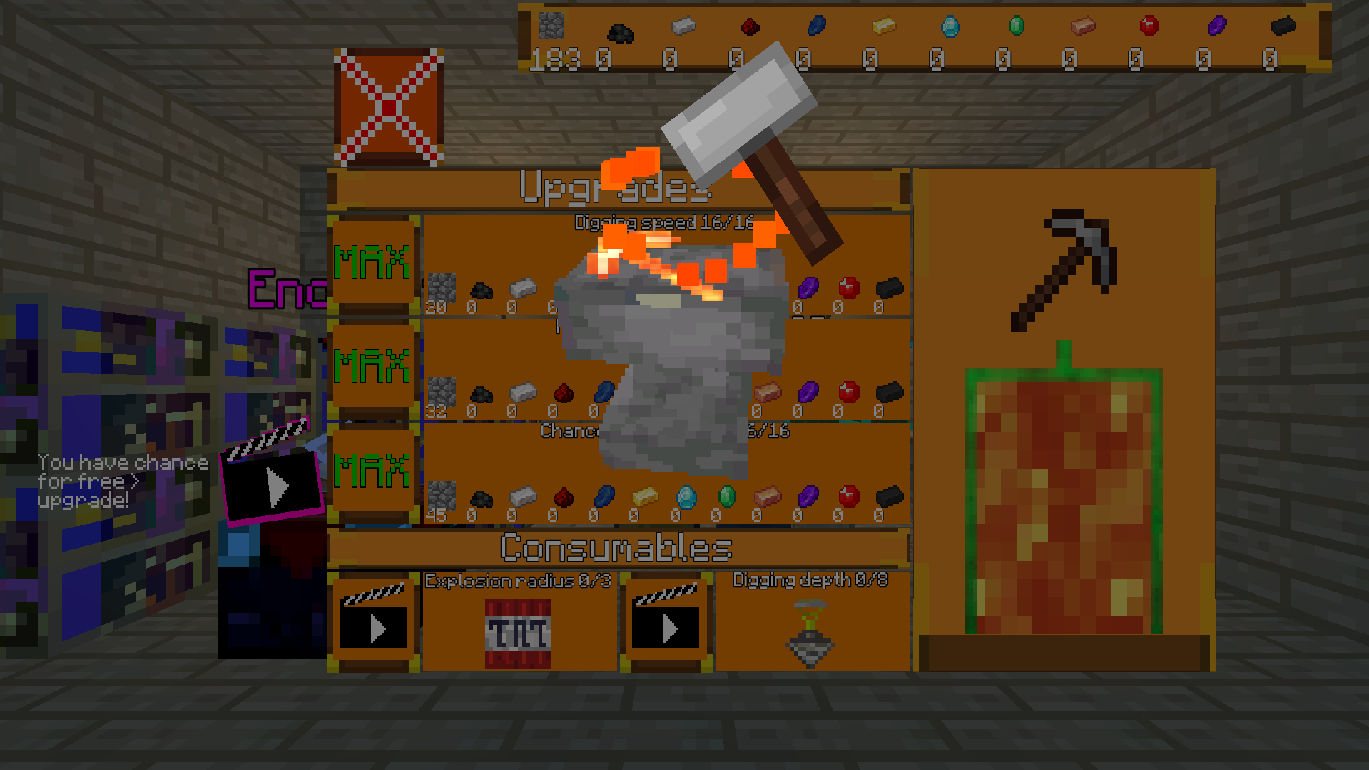
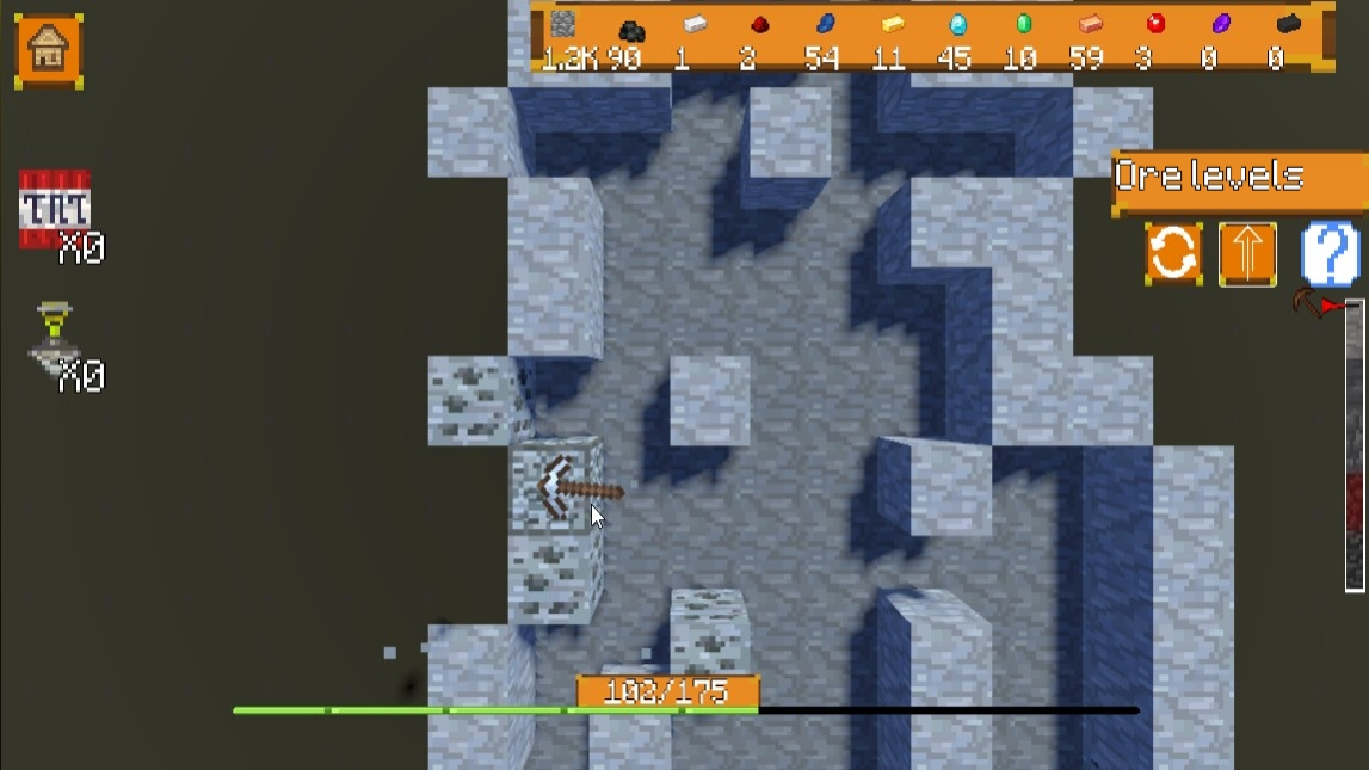
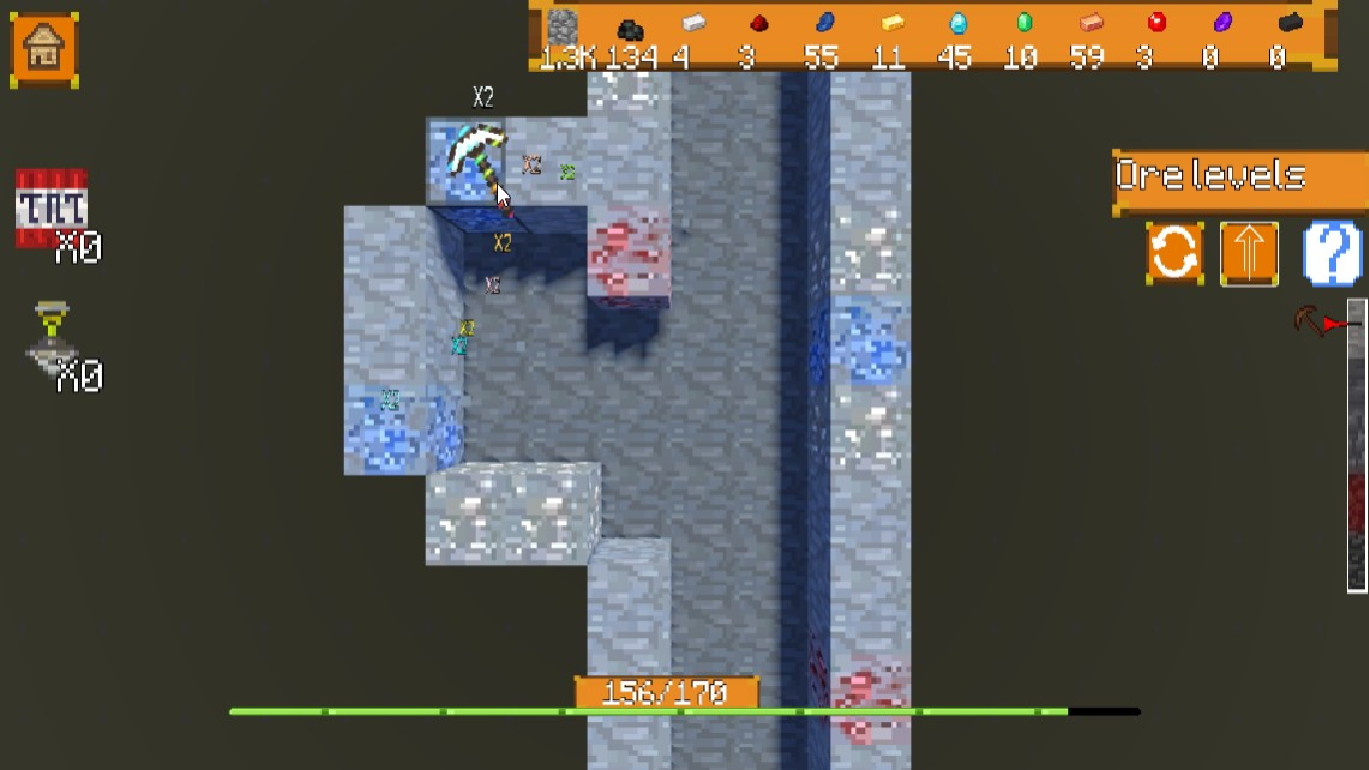
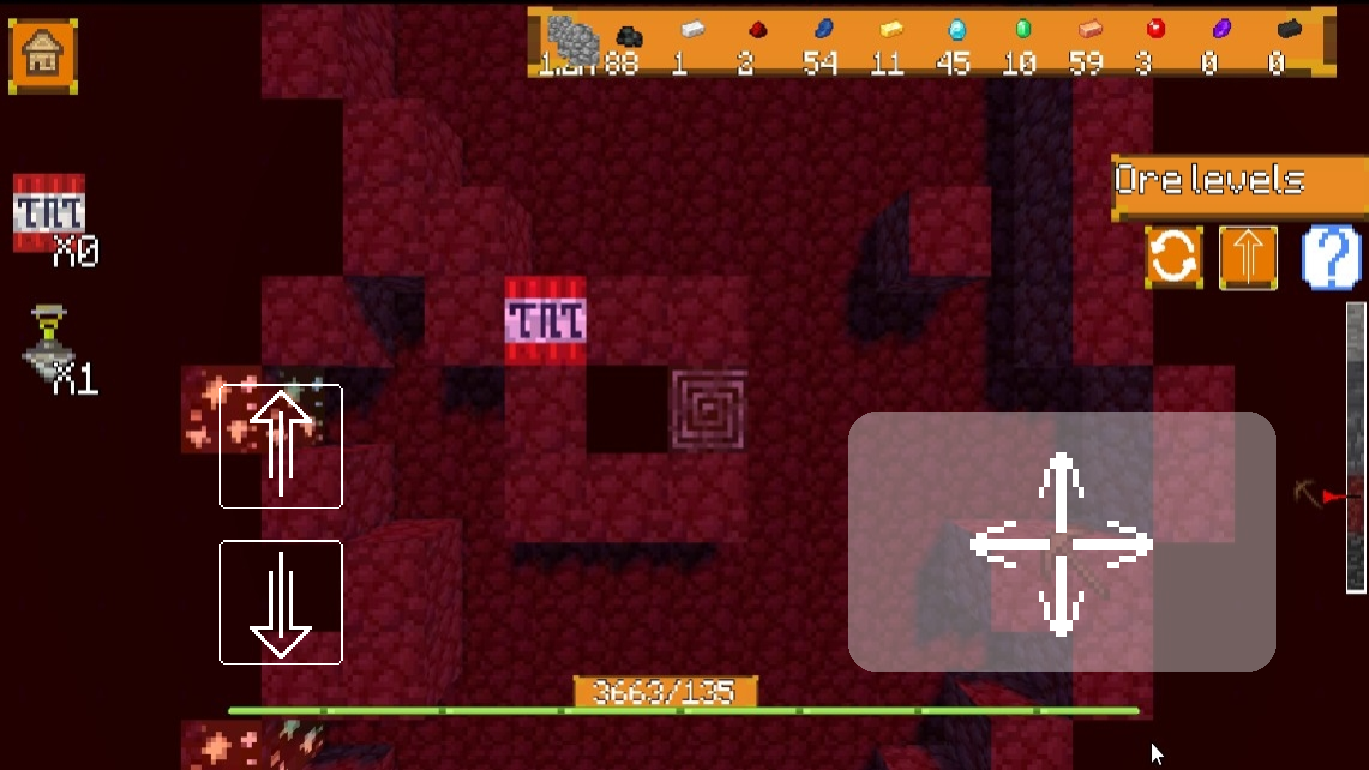
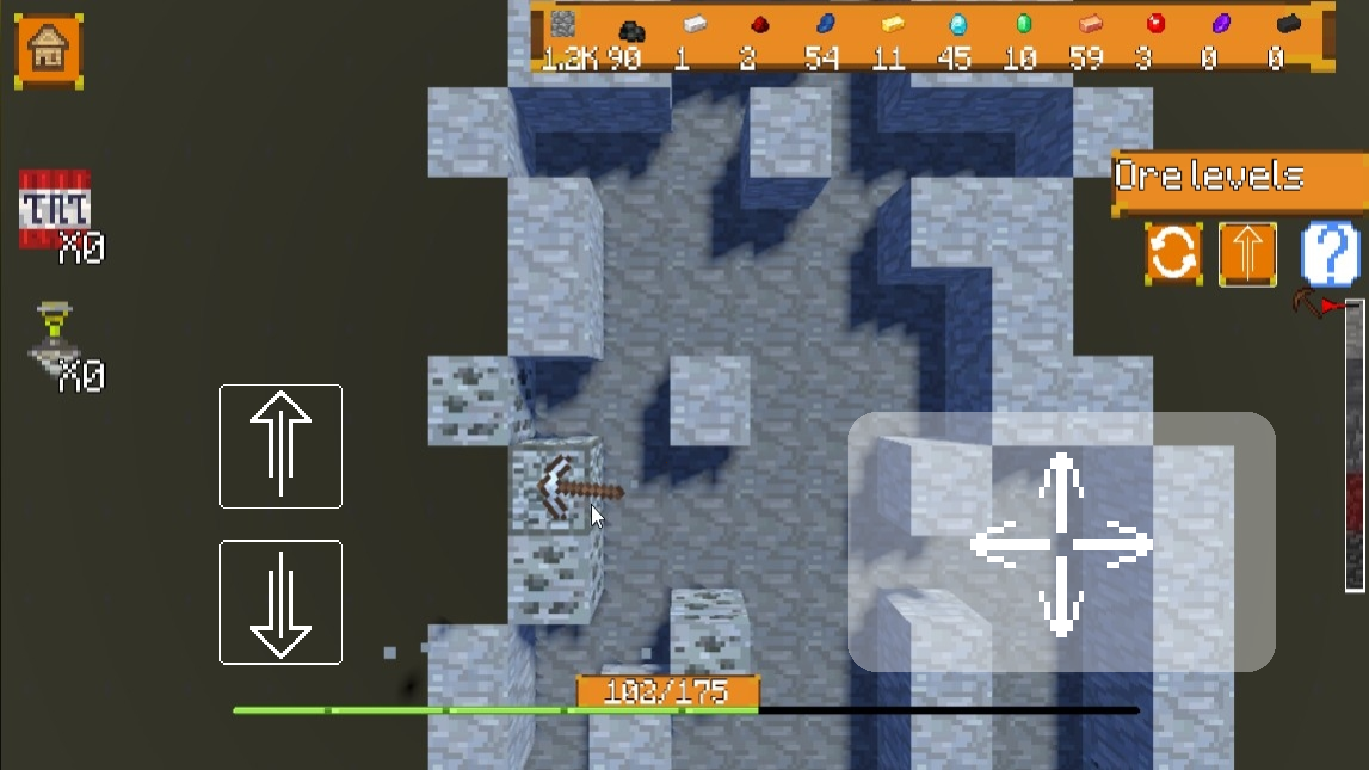
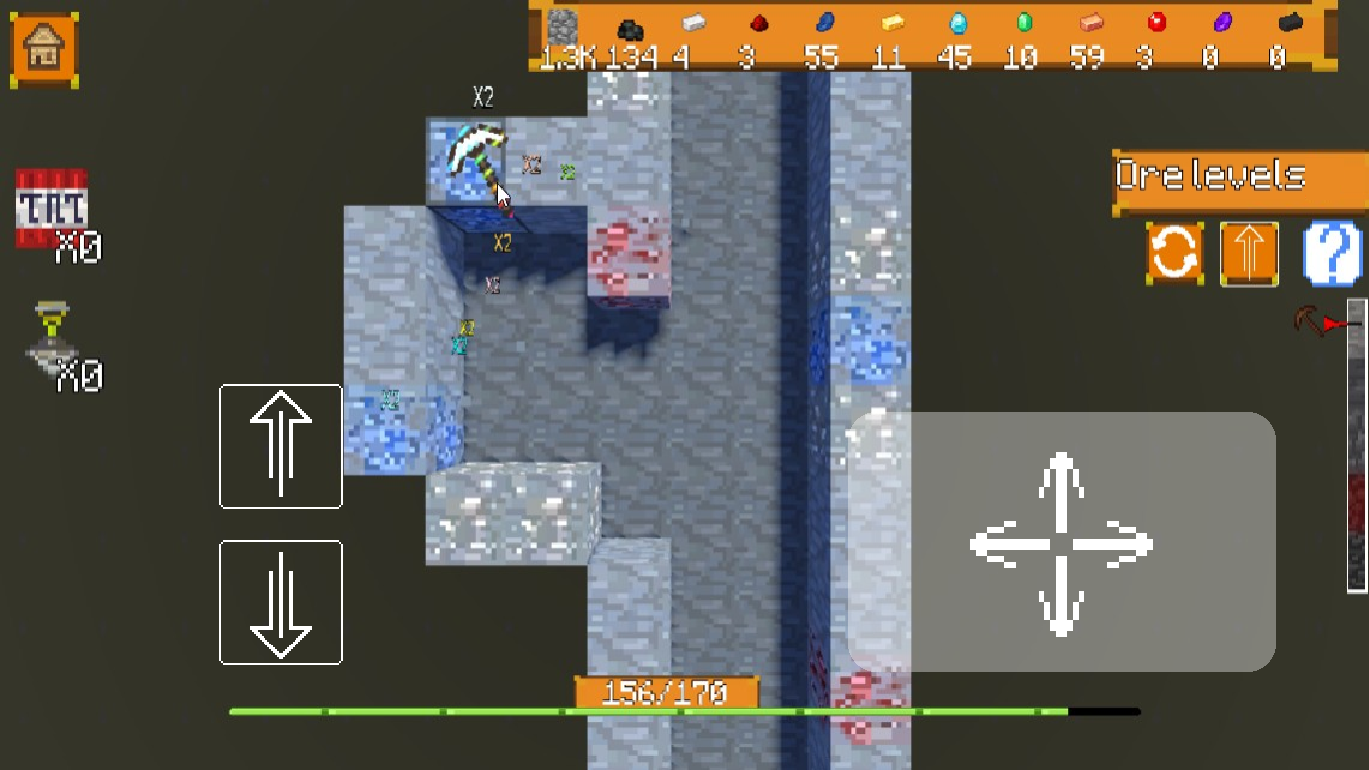
Swing your pickaxe through dense layers of rock to strike gold in Mega-mine: Get to Bedrock!. You control the pace of this deep digging expedition by clicking your way through soil, stone, and rare ores. Crushing blocks reveals hidden treasures that help you improve your gear. Each deeper layer brings tougher materials, so you need better equipment to keep your momentum going. This addictive idle mining experience keeps your progress moving even when you take a short break. Upgrading your tools allows for faster collection of precious resources like diamonds and obsidian. You can challenge your friends to see who reaches the center of the earth first. Play Mega-mine: Get to Bedrock! For free in your browser right now without downloading a single file.
How to play
-----FOR COMPUTERS-----
To break a block, move the mouse pointer over it and hold down the left mouse button.
Q – Move down
E – Move up
Left Shift - speed up
To place consumables, aim at the block and press right mouse button.
----FOR SMARTPHONES-----
To start mining a block, aim your pickaxe at it using the panel on the right; mining will begin automatically.
Arrows on the left side of the screen - ascend and descend.
To place consumables, aim your pickaxe at the block using the panel on the right, then click the place button that appears.
Features
- Resource collection: Gather various ores and minerals to fund your equipment upgrades.
- Depth progression: Navigate through increasingly difficult geological layers to reach the core.
- Consumable system: Utilize special items to boost your mining speed or bypass hard stone.
- Dynamic movement: Switch between ascending and descending levels to maximize your efficiency.
Who is it for
Casual gamers who enjoy satisfying clicking mechanics and progression loops will love this mining challenge. Fans of block-based adventures who want a simple way to pass time will find plenty to keep them busy as they dig toward the bottom of the world one layer at a time.
Controls
Mine blocks
Hold left mouse button on PC or aim at block on mobile.
Move vertically
Press Q and E on keyboard or use arrow buttons on screen.
Place items
Right click on PC or tap the place button on mobile interface.
Sprint
Hold Left Shift while moving.
FAQ
How do I upgrade tools in Mega-mine: Get to Bedrock!?
›
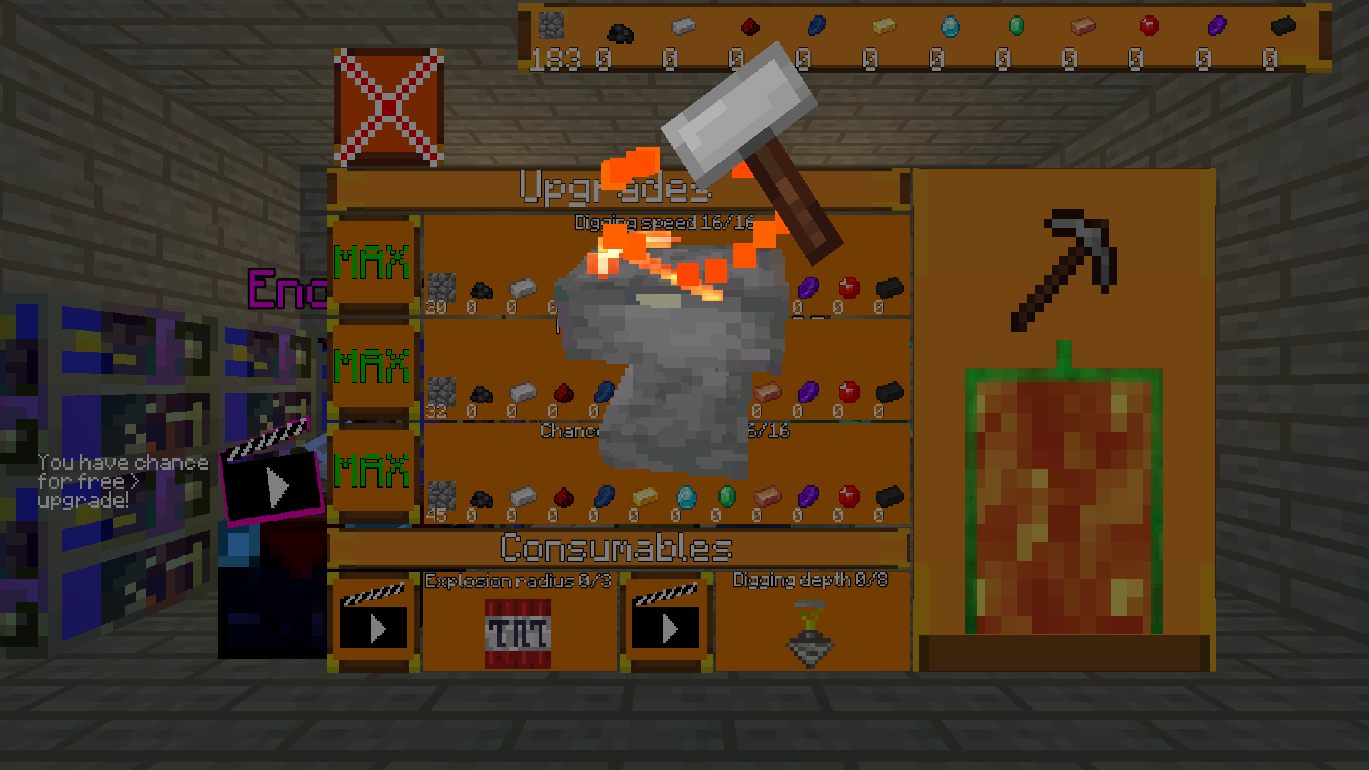
You collect resources by mining blocks and use them in the shop menu to buy stronger equipment.
Does Mega-mine: Get to Bedrock! save my progress?
›
Yes, the game automatically tracks your depth and collected inventory as you play in your browser.
Can I play Mega-mine: Get to Bedrock! on my phone?
›
Absolutely, the interface is fully optimized for mobile touch controls and navigation.