About game
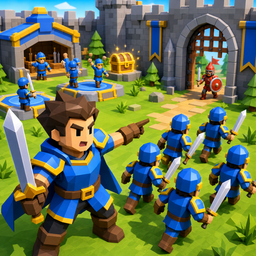
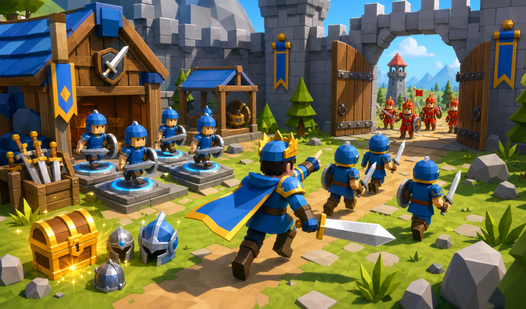
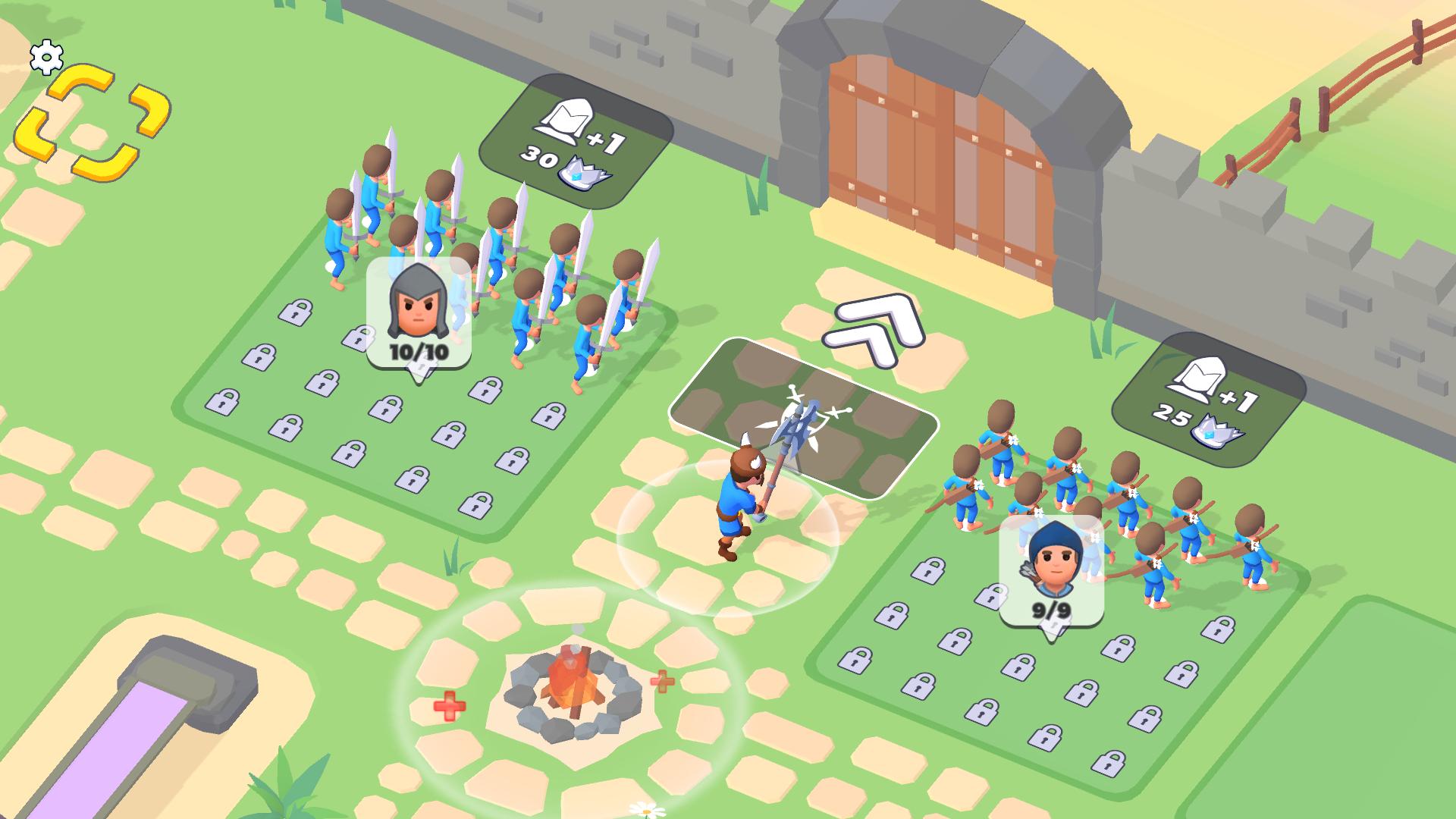
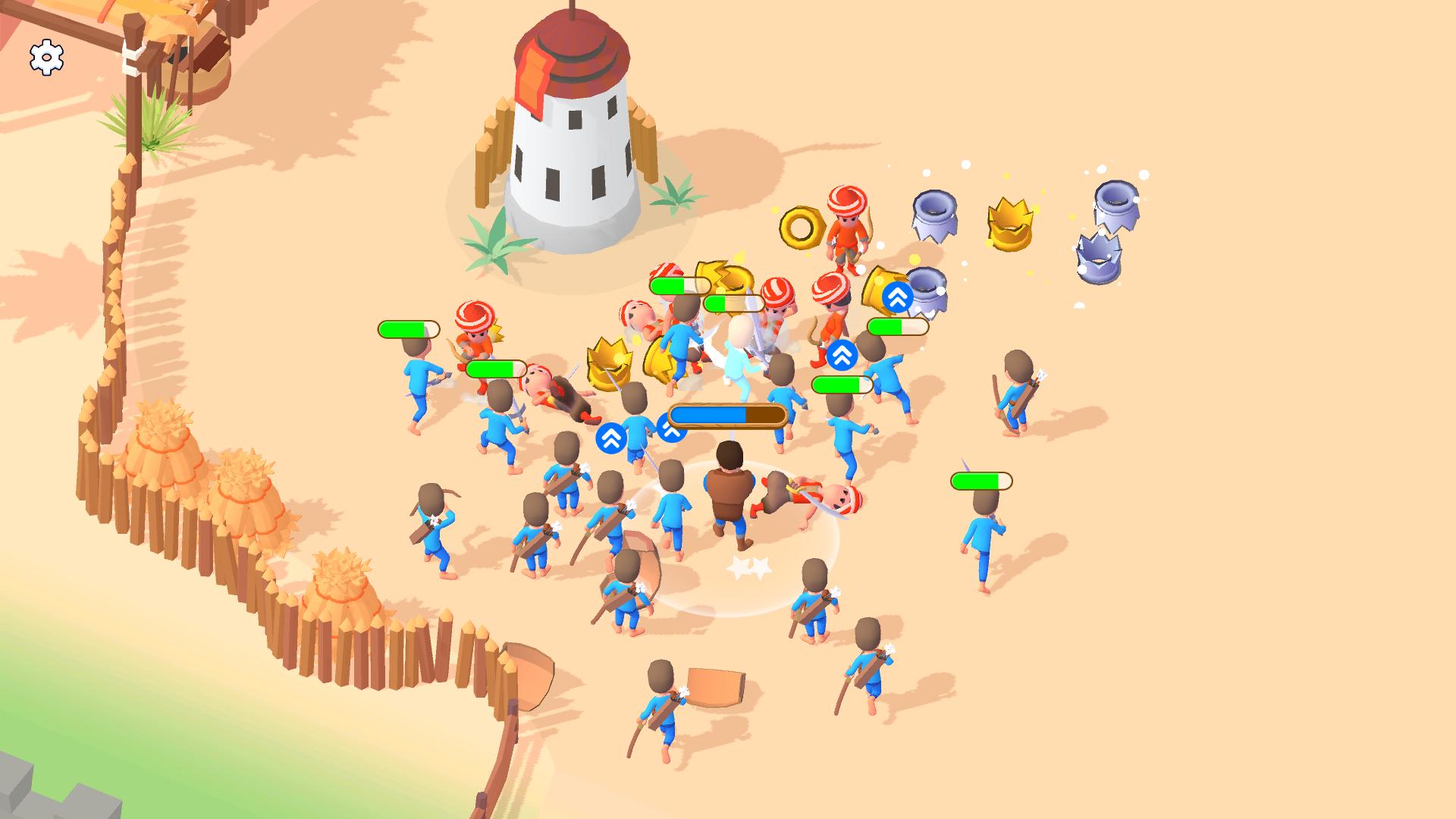
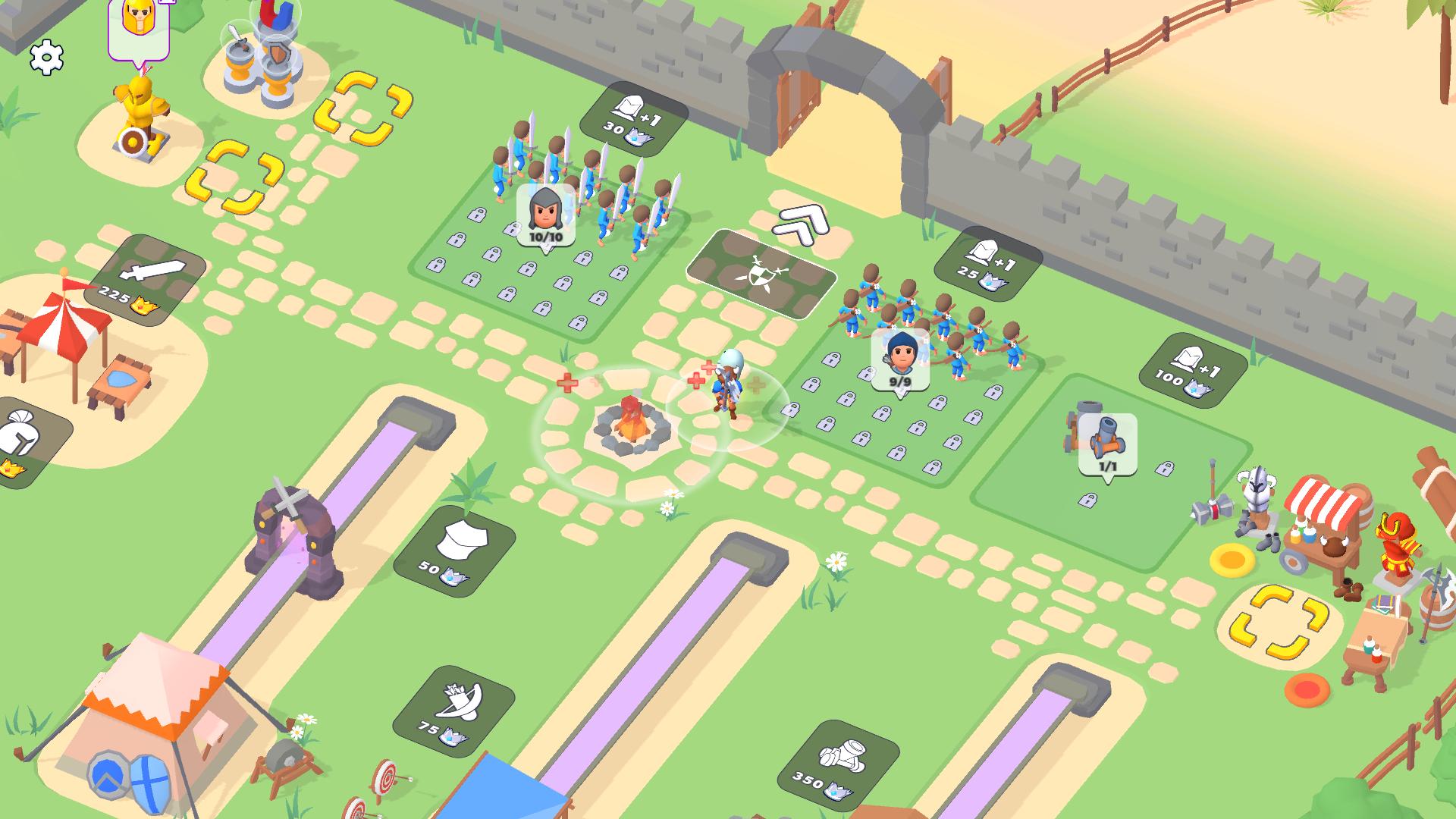
Historical strategy games have a way of testing your tactical limits while letting you build a legacy from the ground up. Medieval Battle: Warriors places you directly in the shoes of a commander tasked with turning a humble stronghold into a legendary fortress. You will manage your castle layout by constructing barracks for swordsmen and specialized training grounds for archers to bolster your defensive capabilities. Balancing your resources is key as you upgrade workshops to deploy a massive catapult for siege warfare. Once your forces are ready, you must lead your knights into a fierce сражение against rival armies that threaten your borders. Strategic placement of traps and fortifications ensures that any incoming war is met with a wall of steel, while offensive campaigns require careful timing to capture the enemy flag. Every decision impacts the prosperity of your kingdom and the survival of your crown. Experience the intensity of Medieval Battle: Warriors directly in your browser without any downloads required. Play for free today and see if you have the tactical mastery to dominate the map.
How to play
To send troops into battle, you need to press the "BATTLE" button in front of the gate. Allied troops will automatically move out to search for enemies.
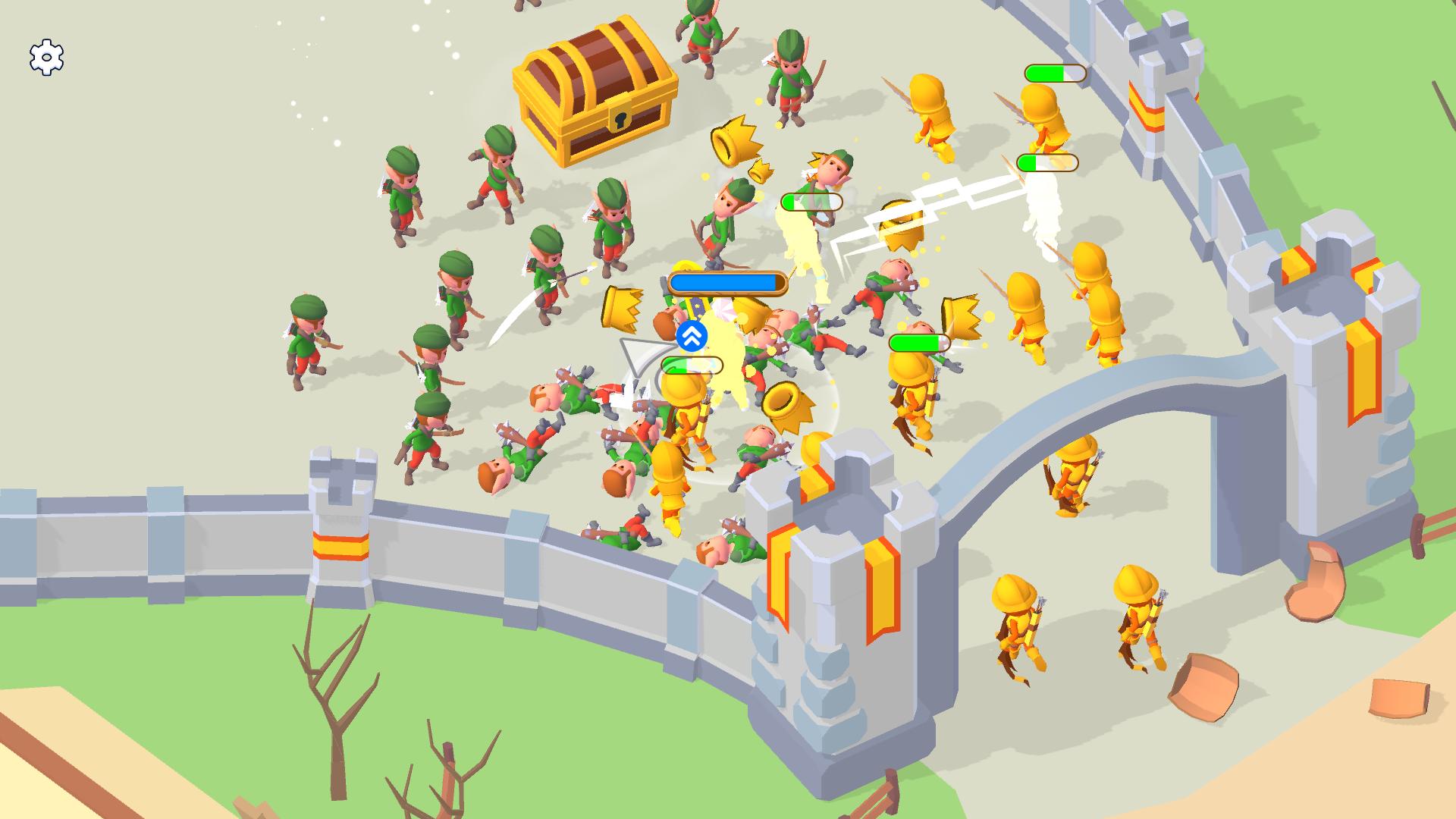
To win, you need to destroy all enemies on the level and capture the enemy flag.
Controls:
For PC.
Character control - "WASD", Arrows or hold the left mouse button and drag the mouse in the desired direction.
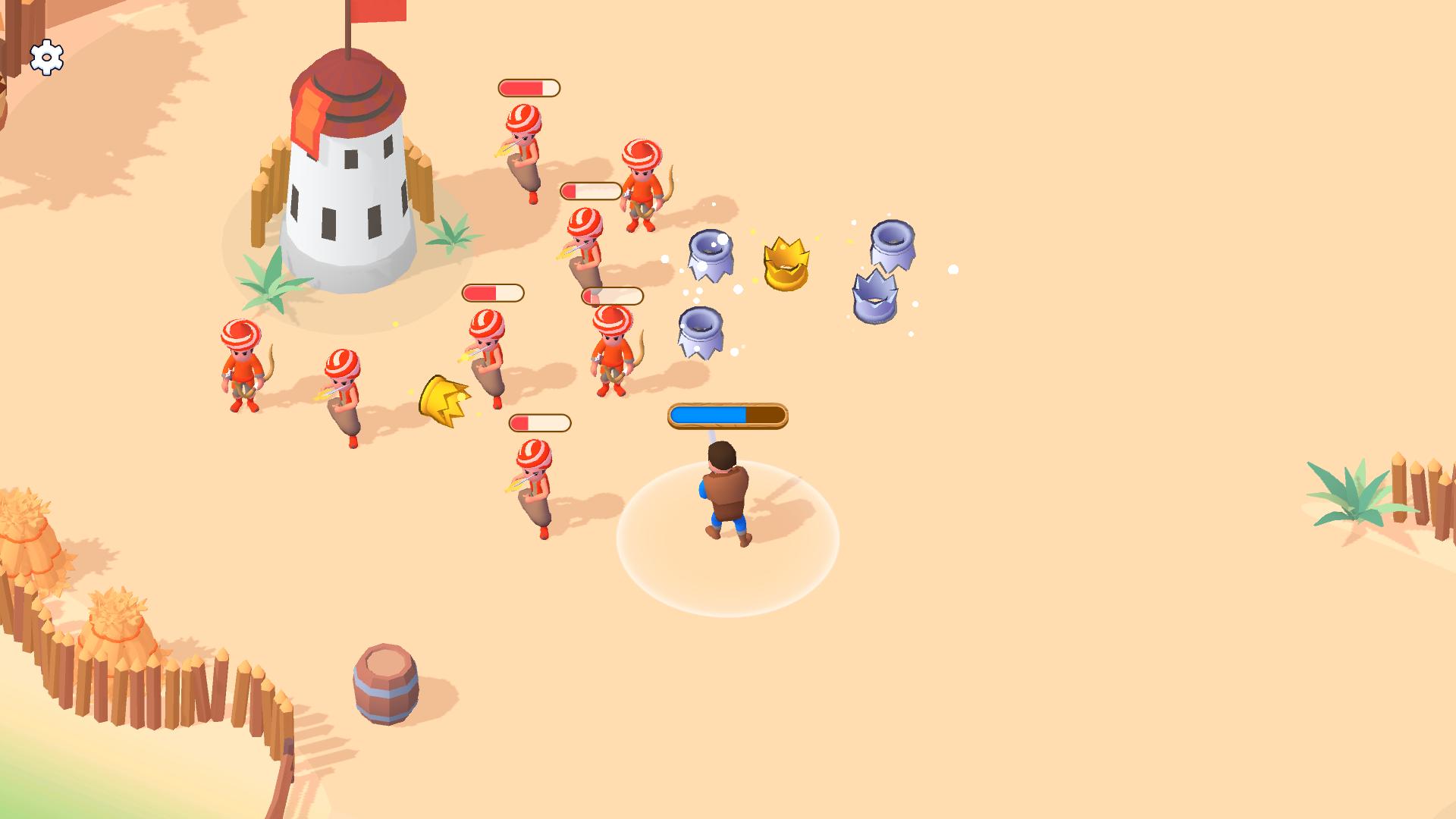
Attack - the hero attacks automatically.
For Mobile devices.
Character control - press your finger on the screen and drag your finger in the desired direction.
Attack - the hero attacks automatically.
Features
- Dynamic Unit Synergy: Combine the frontline resilience of infantry with the precision of archers to create an unstoppable tactical force.
- Siege Engineering: Utilize powerful catapults to dismantle enemy fortifications from a distance before sending your troops to secure the victory.
- Strategic Base Building: Expand your castle infrastructure to unlock advanced tiers of soldiers and improve your overall combat effectiveness.
- Automated Combat Flow: Focus on grand strategy as your troops engage enemies automatically once you initiate the battle sequence.
- Flag Capture Mechanics: Prioritize capturing the enemy flag to secure total dominance and progress through increasingly difficult levels.
Who is it for
Strategy enthusiasts who enjoy castle management and real-time combat will find this title engaging. Casual players seeking a quick yet rewarding tactical experience will appreciate the intuitive controls, while fans of medieval warfare will love building their own invincible kingdom and testing their defensive skills against relentless enemy waves.
Controls
Movement (PC)
Use WASD keys, arrow keys, or hold the left mouse button and drag in the desired direction.
Movement (Mobile)
Press your finger on the screen and drag in the direction you want to move.
Combat
The hero attacks automatically when enemies are in range.
Deploy Army
Press the BATTLE button located in front of the castle gate to launch your units.
FAQ
How do I win a level in Medieval Battle: Warriors?
›
To win, you must defeat all enemy units on the map and successfully capture the enemy flag.
Can I play Medieval Battle: Warriors on mobile devices?
›
Yes, Medieval Battle: Warriors is fully optimized for mobile browsers and requires no app installation.
Do I need to pay to unlock units in Medieval Battle: Warriors?
›
Medieval Battle: Warriors is a free-to-play game where you unlock and upgrade your army by managing your castle resources.