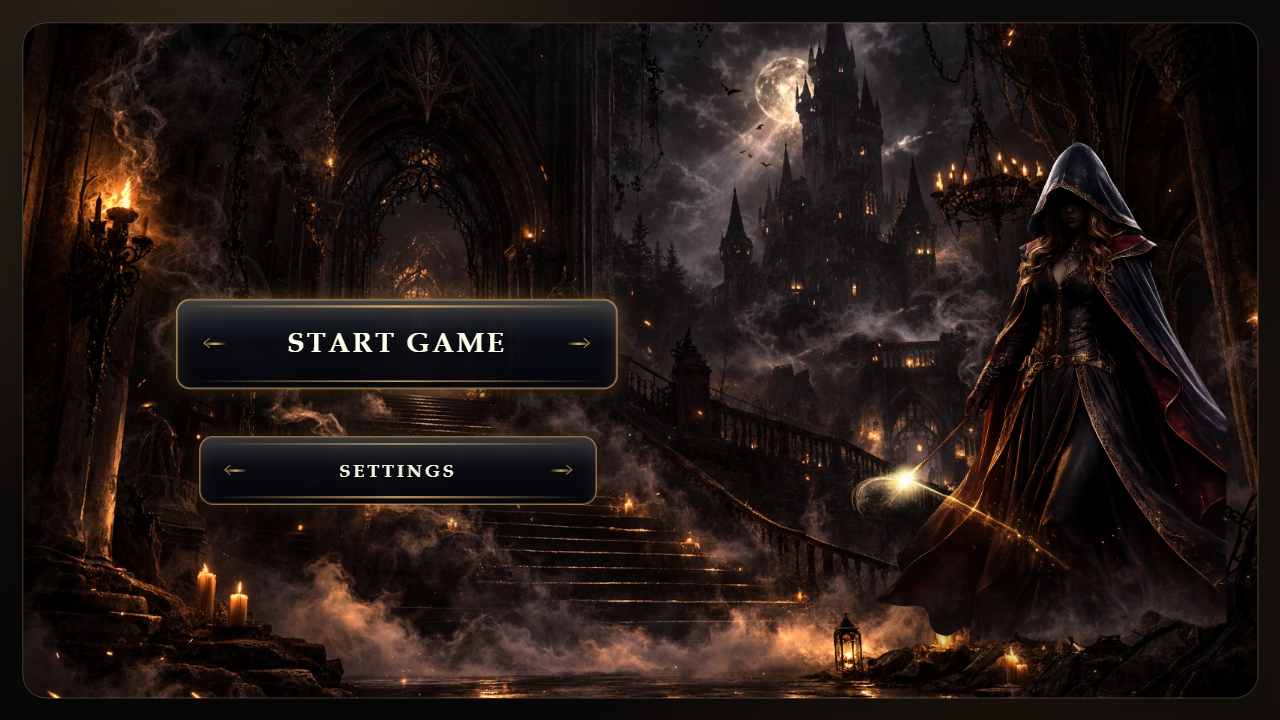
About game
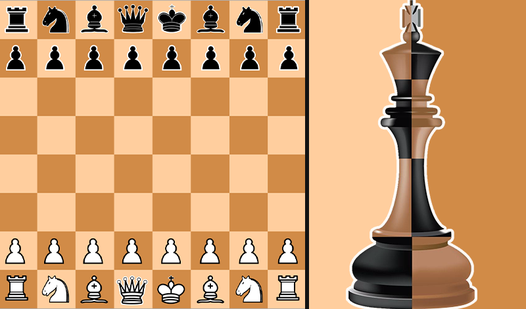
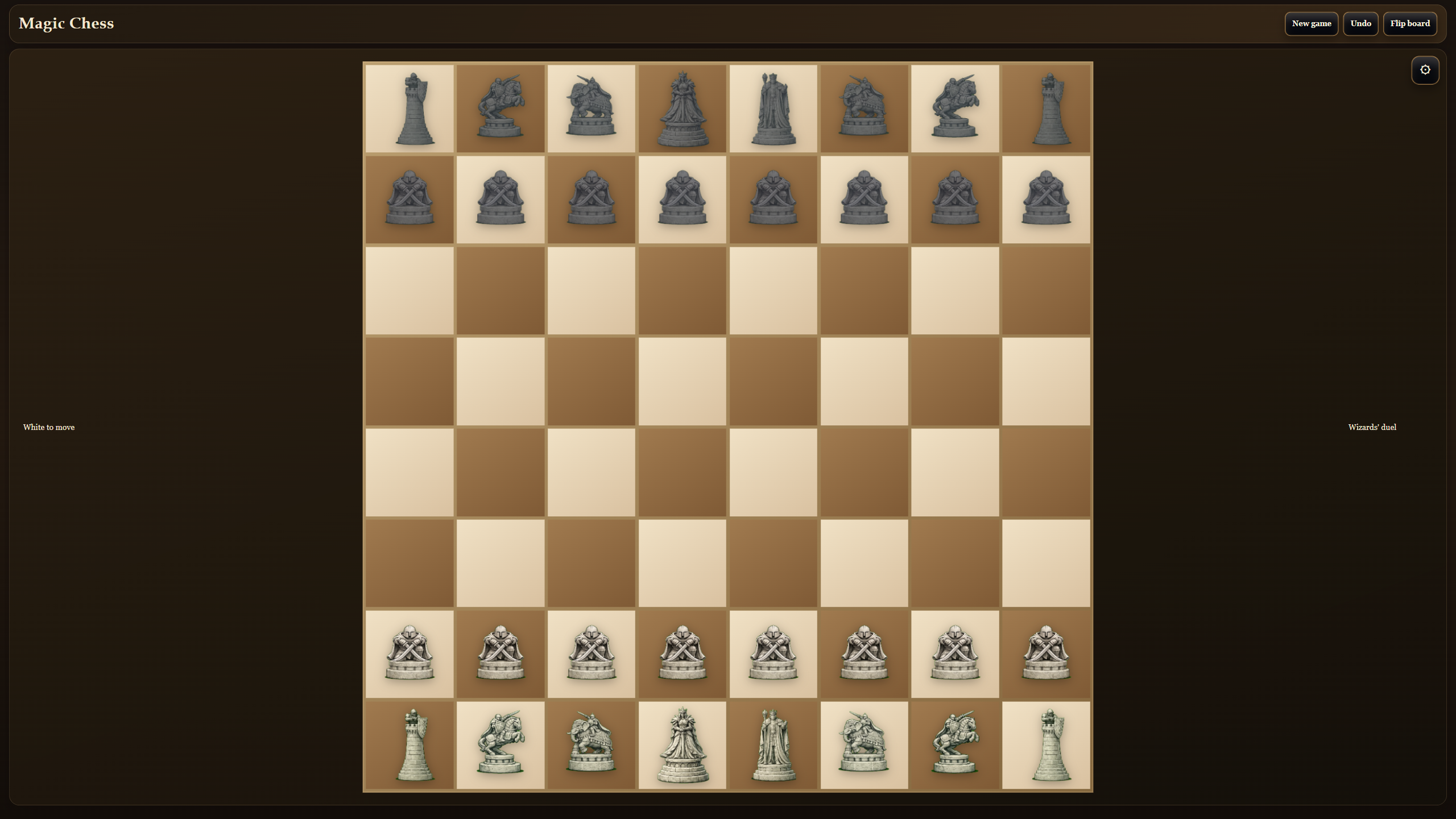
Staring at a blank screen during your coffee break usually means wasting time on mindless scrolling. Magic chess turns that downtime into a tactical showdown where board games meet fantasy visuals. You command your army across the grid while weaving a touch of волшебство into every strategic maneuver. Selecting your favorite piece to move feels satisfying as you plot to trap the enemy king. Challenge an AI opponent on various difficulty levels or invite a friend for a local match to see who holds the better endgame vision. Enabling the battle mode triggers flashy animations that make every capture feel like a wizard duel. Keeping track of your history via the move log helps you refine your approach for the next round. You can play this modern take on шахматы right in your browser without any downloads required.
How to play
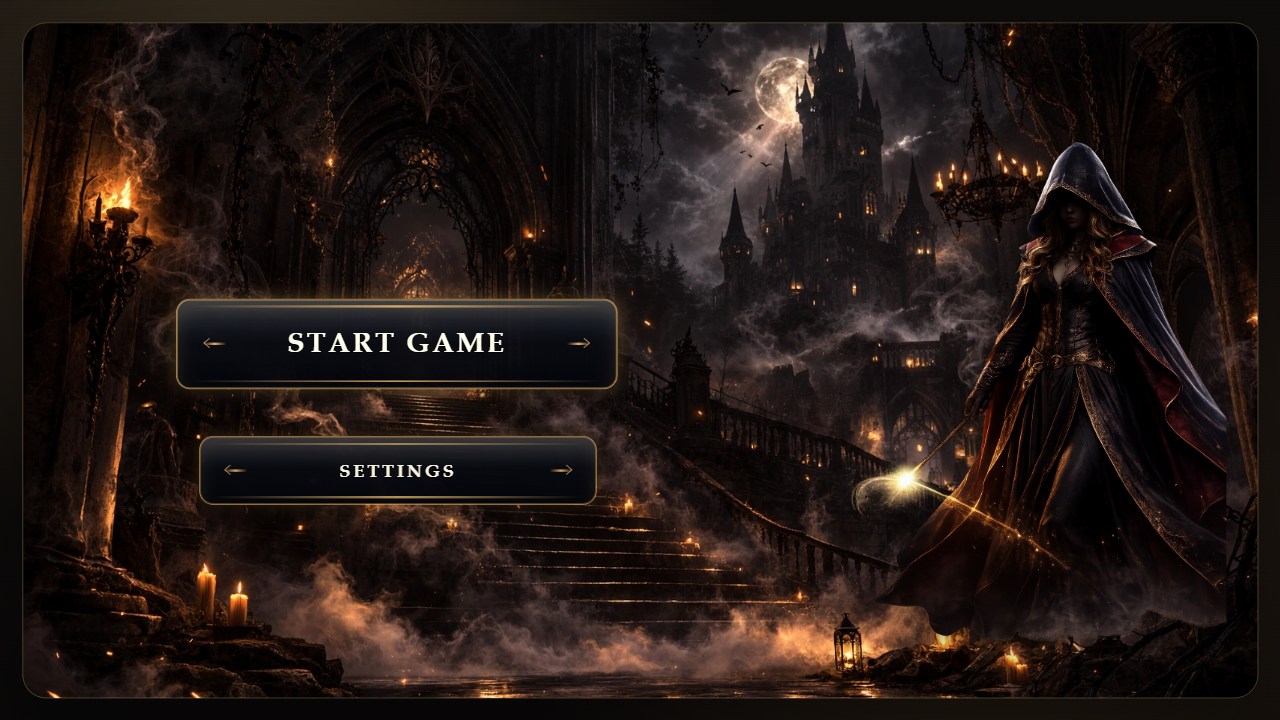
1. Tap or click “Start game” on the intro screen.
2. Choose a mode: 1v1 or vs AI.
3. If you play vs AI, pick easy, medium, or hard difficulty.
4. Select your side and an extra match variant.
5. Turn “Battles” on if you want magical piece duels.
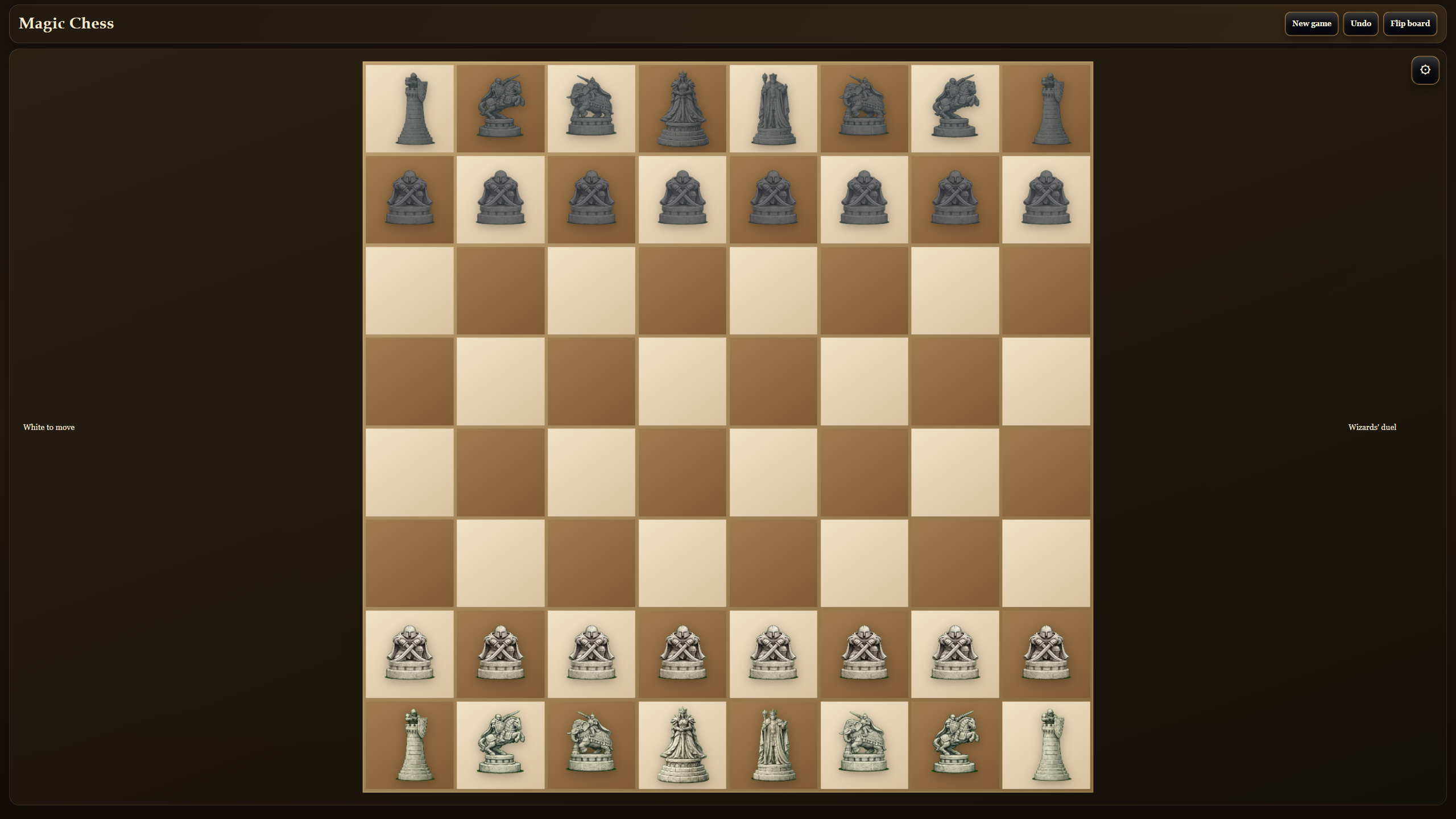
6. On the board, select a piece and then tap or click the target square. Use mouse on desktop or touch on mobile.
7. Watch the match status and move log, and use undo or board flip when needed.
8. Your goal is to checkmate the opponent or gain a winning position.
Features
- Battle Animations: Toggle magical combat visuals to turn standard captures into intense wizard showdowns.
- Flexible Setups: Start matches with unique configurations like king and pawns or lighter armies to change standard opening theory.
- Utility Tools: Utilize board flip and undo functions to correct mistakes or analyze the position from the perspective of your opponent.
- Difficulty Scaling: Adjust the AI strength to match your current skill level and improve your tactical awareness over time.
- Game Log: Review every turn made during the session to study your mistakes and improve your long-term success.
Who is it for
Strategy enthusiasts who enjoy classic настольные games with a twist will find plenty to love here. Fans of tactical thinking or those wanting to sharpen their endgame skills in a lighthearted setting can jump into a match immediately without needing to register or wait.
Controls
Select piece
Click or tap on the chess piece you wish to move.
Execute move
Click or tap on the destination square after selecting your piece.
Navigate menus
Use your mouse pointer or touch your screen to select game modes and settings options.
FAQ
Can I play Magic chess against my friends?
›
Yes, you can choose the 1v1 mode to challenge a friend on the same device.
Is Magic chess free to play?
›
The game is completely free and runs directly in your browser without any installations.
How do I change the difficulty in Magic chess?
›
Select the vs AI mode and choose between easy, medium, or hard settings before starting your match.