About game
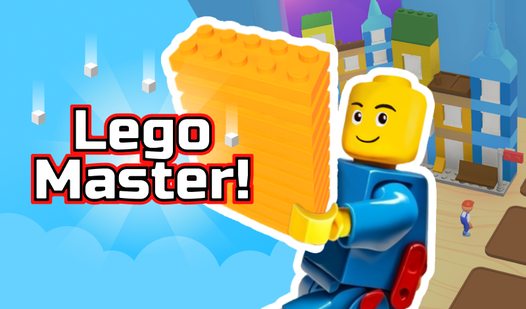
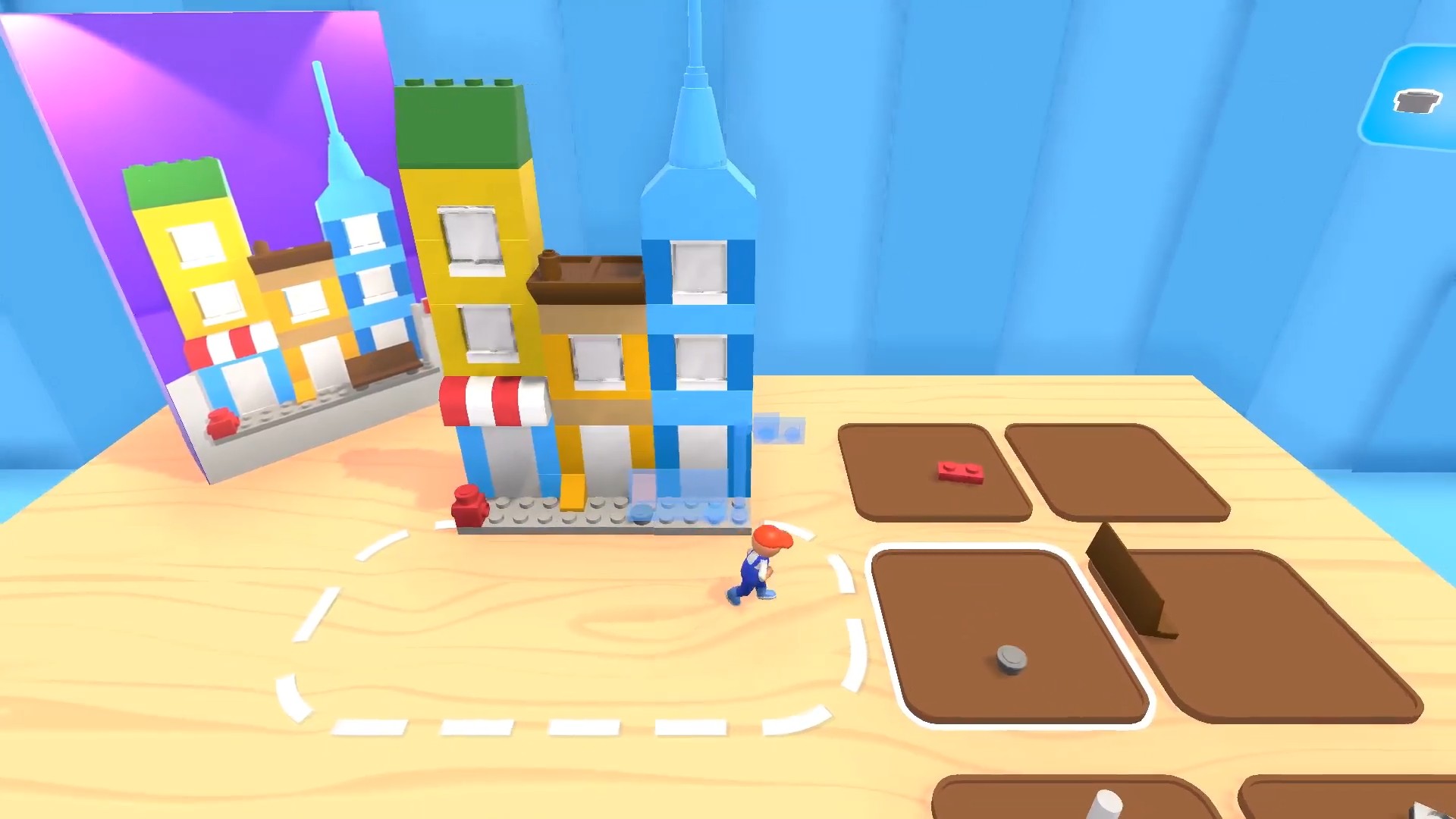
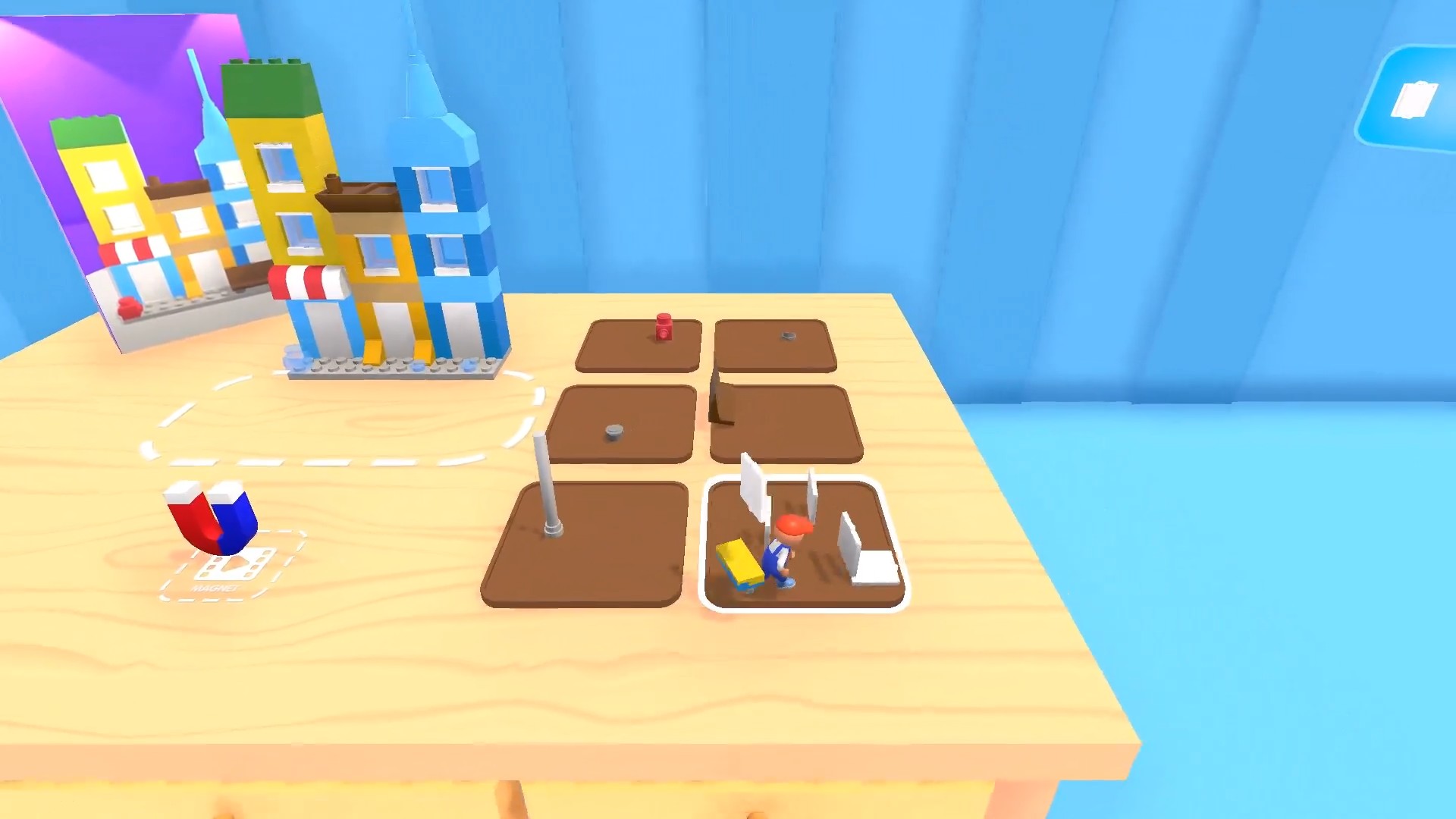
Snap colorful bricks together to build intricate structures in Lego Master! and unleash your inner architect. You navigate a virtual workshop where every brick placement brings your vision to life with satisfying precision. As you gather various parts from the assembly area, you transform simple stacks into complex creations that rival any epic minecraft project. This construction simulator challenges your spatial awareness while letting you experiment with endless design possibilities. Whether you are building tiny cottages or towering skyscrapers, the intuitive mechanics keep the creative flow steady and engaging. You will love how each completed set adds to your personal collection of masterpieces. The vibrant color palette and relaxing rhythm make it the ultimate digital constructor experience for players of all ages. Jump into the action right now for free in your browser with no download required.
How to play
- Swipe your finger or mouse across the screen to move.
- Resort to the area with different parts to take them.
- Have fun and relax while playing this game.
Features
- Brick library: Access a massive stockpile of specialized pieces that allow for architectural detail beyond standard blocks.
- Dynamic perspective: Rotate your view at any time to ensure every block is perfectly aligned for structural integrity.
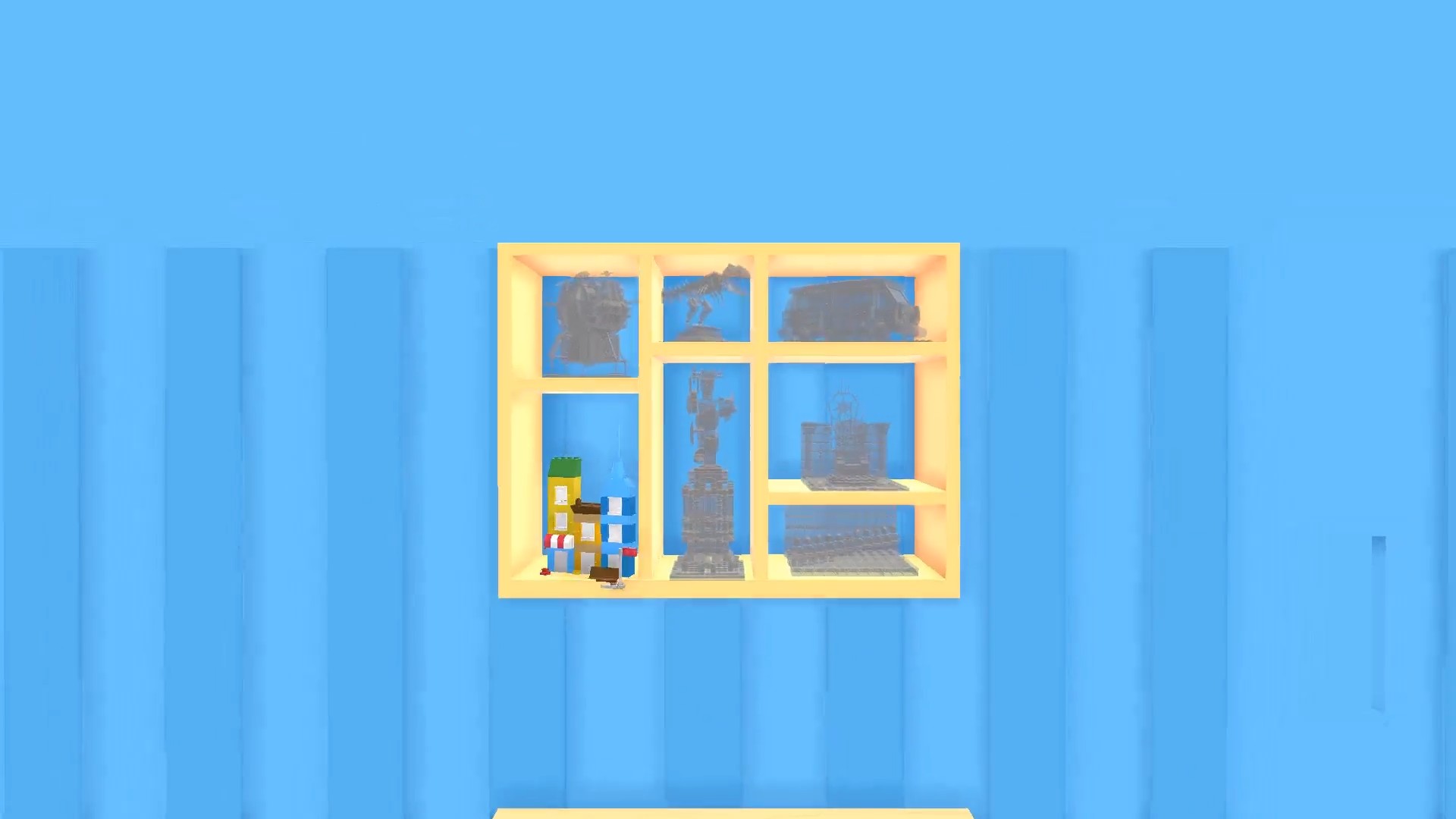
- Progressive unlocking: Earn rewards by finishing specific builds to gain access to rare themes and advanced building parts.
- Creative sandbox: Enjoy total freedom to experiment with non-traditional layouts that defy conventional building rules.
- Zen mode: Experience a stress-free environment where there are no time limits or failure states to interrupt your flow.
Who is it for
Creative builders and fans of sandbox simulators will find endless joy in this experience. Casual gamers seeking a relaxing way to unwind after a long day will appreciate the soothing pace, while detail-oriented players can spend hours perfecting every single connection in their custom sets.
Controls
Move camera
Swipe or drag across the screen to rotate your view.
Select parts
Tap on the desired building component to pick it up.
Place bricks
Tap on the target area to snap the piece into place.
FAQ
Is it possible to save my progress in Lego Master!?
›
Yes, the game saves your building progress automatically so you can continue your projects at any time.
Does Lego Master! require any payment to unlock all bricks?
›
All core building features are completely free to access, allowing you to build without any hidden costs.
Can I play Lego Master! on my mobile phone?
›
Absolutely, the game is fully optimized for mobile browsers so you can build on the go using touch controls.