About game
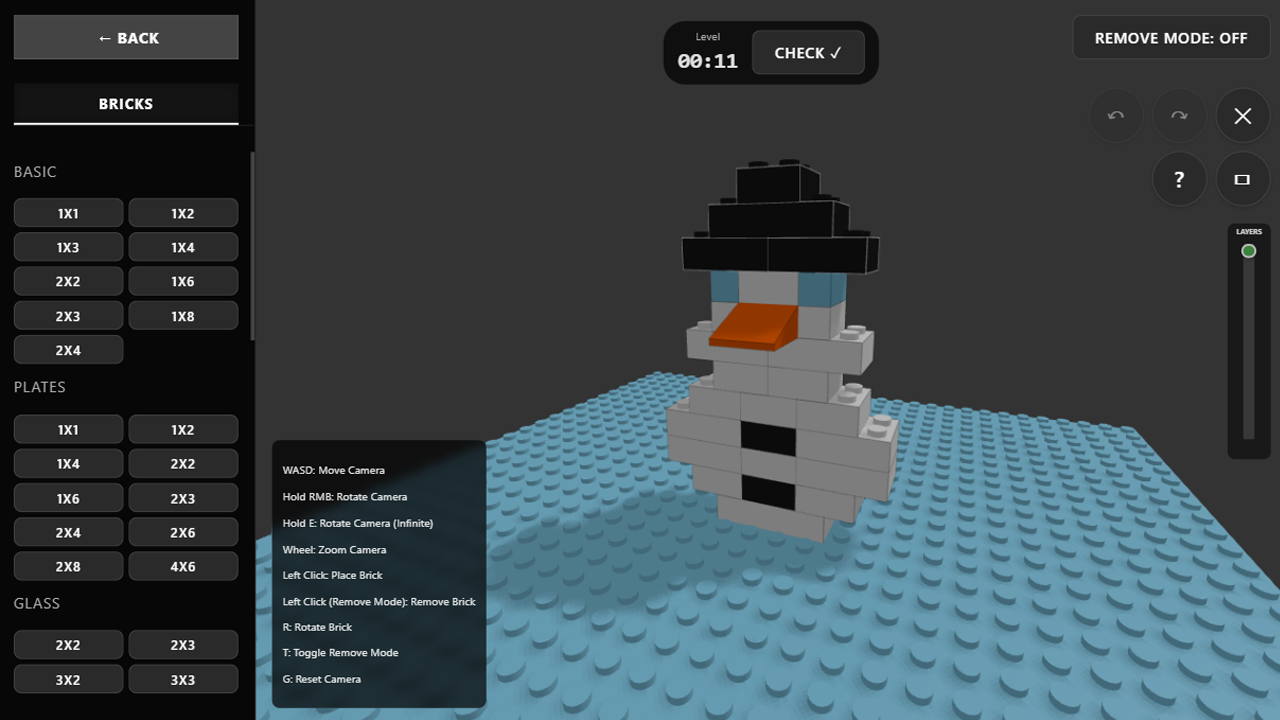
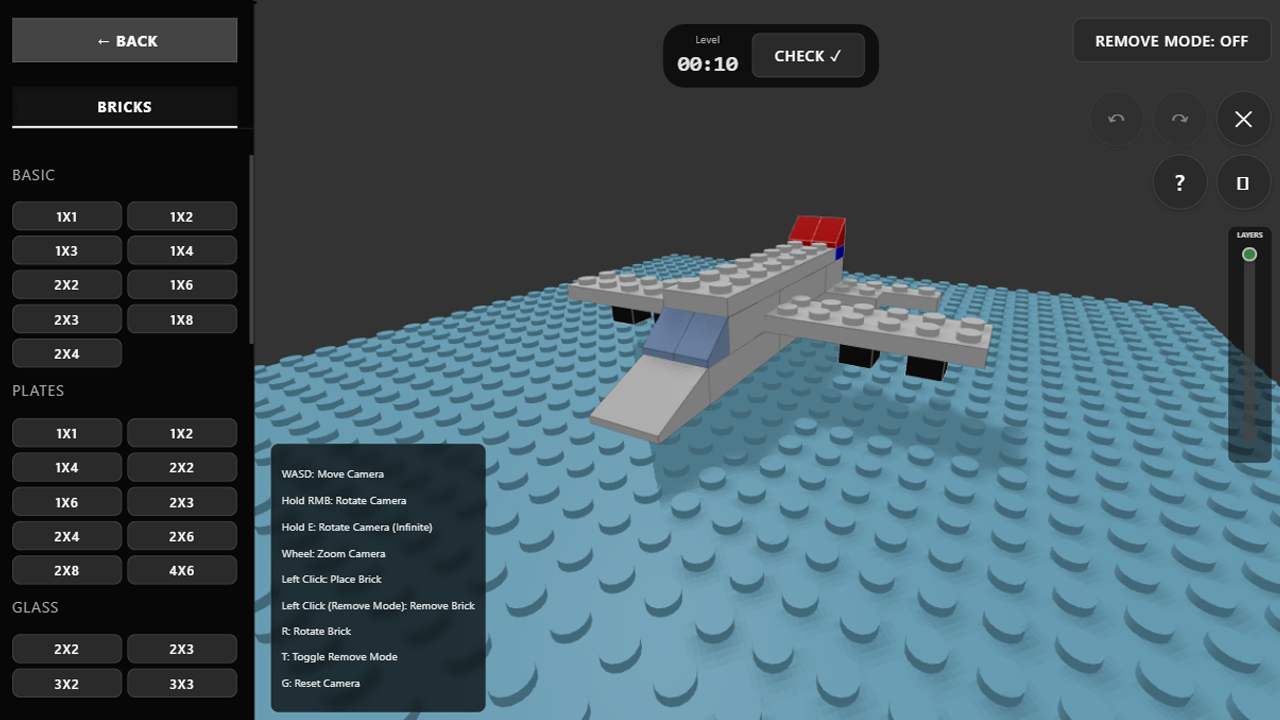
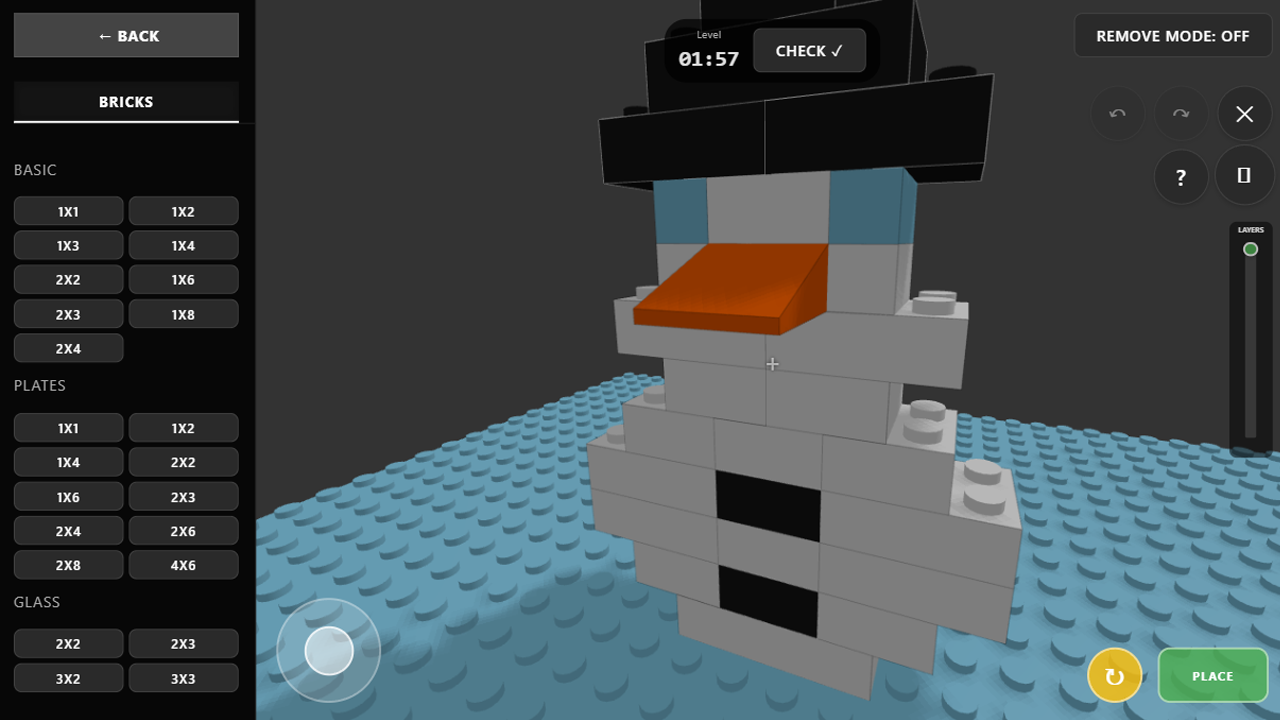
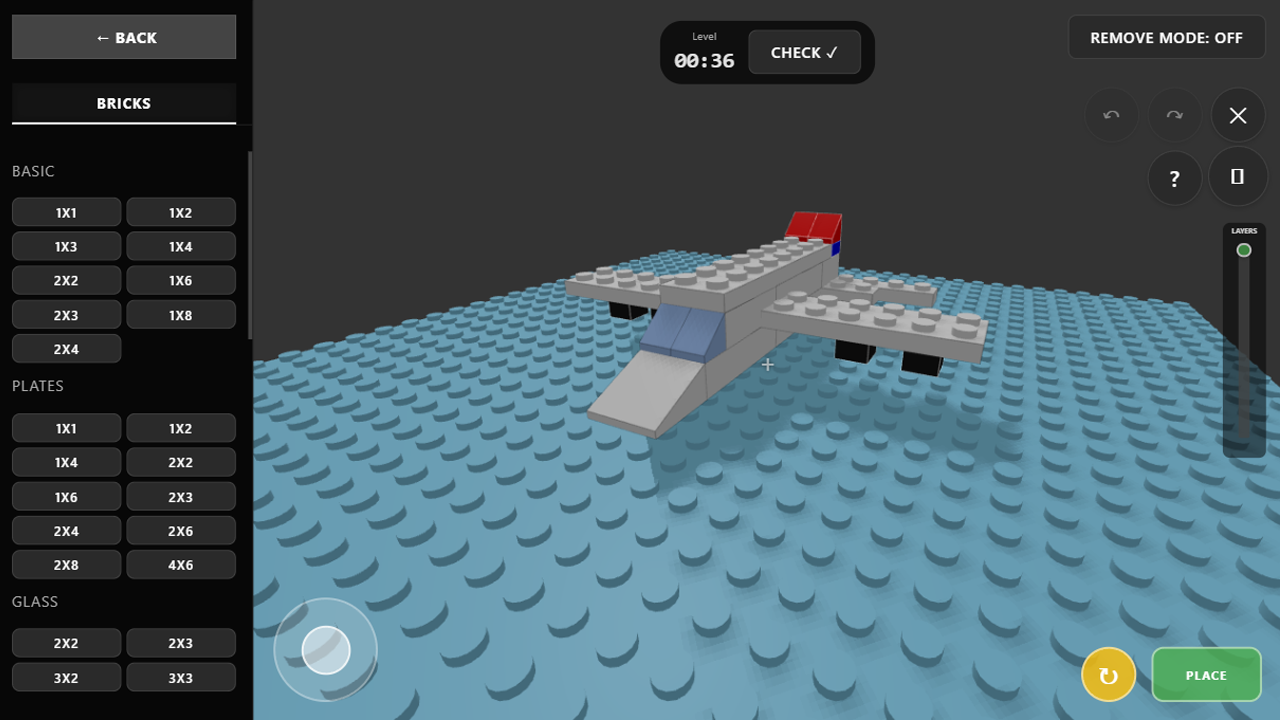
Staring at a blank screen while your brain feels like mush is a universal struggle during work or study hours. Lego Constructor 3D offers the perfect mental reset by letting you snap virtual blocks together in a vibrant digital workshop. You start by selecting from a vast library of pieces to craft whatever your imagination dreams up, from tiny vehicles to massive skyscrapers. The mechanics feel intuitive, allowing you to rotate, stack, and remove blocks with absolute precision for a satisfying experience. If you prefer a challenge, the speedbuild mode pushes your spatial awareness by forcing you to assemble structures against a ticking clock. Beyond simple building, you can engage with the community by guessing creations from other designers or climbing the leaderboards with your own abstract masterpieces. This 3d sandbox turns your browser into a creative powerhouse where the only limit is your supply of virtual bricks. You can start your first project right now in your browser without any downloads required.
How to play
On PC:
• WASD — move camera.
• Hold Mouse Wheel (or E) — rotate camera around a point.
• Scroll Wheel — zoom in/out.
• LMB (Left Mouse Button) — place brick.
• R — rotate brick 90 degrees.
• T — toggle remove mode.
• G — reset camera to default.
On Mobile:
• One finger — rotate camera.
• Two fingers (pinch) — zoom in and out.
• Virtual Joystick — move camera.
• On-screen buttons — place, remove, and rotate bricks.
Tips:
• In "Speedbuild" mode, use the "Layers" slider on the right to hide upper rows and see what needs to be built inside.
• If you have a touchscreen laptop, you can enable the mobile interface using the special button (rectangle icon) in the tutorial menu.
• In "Guess the Build" mode, watch an ad to double your vote when rating!
Features
- Layered Blueprint View: Use the dedicated slider in Speedbuild mode to peel away upper layers and master complex internal structures.
- Community Voting System: Participate in the Guess the Build mode to rate creations and push your favorites into the weekly top ten charts.
- Intuitive Rotation Tools: Precise control allows you to spin individual bricks or the entire camera view to ensure every piece fits perfectly.
- Persistent Gallery: Save your most impressive architectural feats to an online portfolio where friends can view and appreciate your progress.
- Adaptive Interface: Toggle between desktop and mobile layouts seamlessly to optimize your construction flow on any device screen size.
Who is it for
Creative builders, casual gamers, and fans of sandbox titles will find hours of relaxation here. Students needing a quick mental break and children interested in digital arts can sharpen their spatial reasoning skills while experimenting with colorful bricks in a high-quality 3d environment that runs smoothly in browsers.
Controls
Place Bricks
Click LMB on PC or tap the on-screen placement button on mobile devices.
Rotate Camera
Hold the mouse wheel on PC or drag one finger across the screen on mobile.
Zoom View
Use the mouse scroll wheel on PC or pinch with two fingers on mobile.
Brick Manipulation
Press R to rotate the selected brick or T to toggle the removal tool for quick corrections.
FAQ
Is Lego Constructor 3D free to play?
›
Yes, Lego Constructor 3D is completely free to play directly in your web browser with no downloads or installations required.
Can I save my progress in Lego Constructor 3D?
›
Absolutely, you can save your best builds to the in-game gallery and publish them for other players to rate and enjoy.
Is Lego Constructor 3D compatible with mobile devices?
›
The game is fully optimized for mobile, featuring a touch-friendly interface that allows you to build and rotate structures easily.