About game
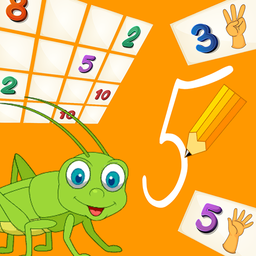
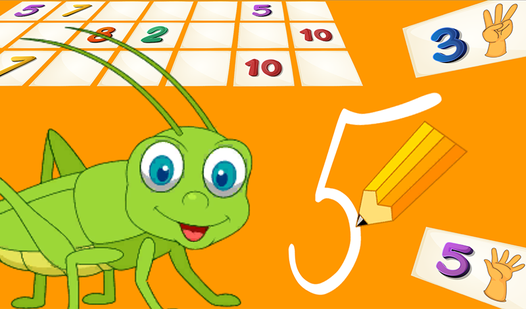
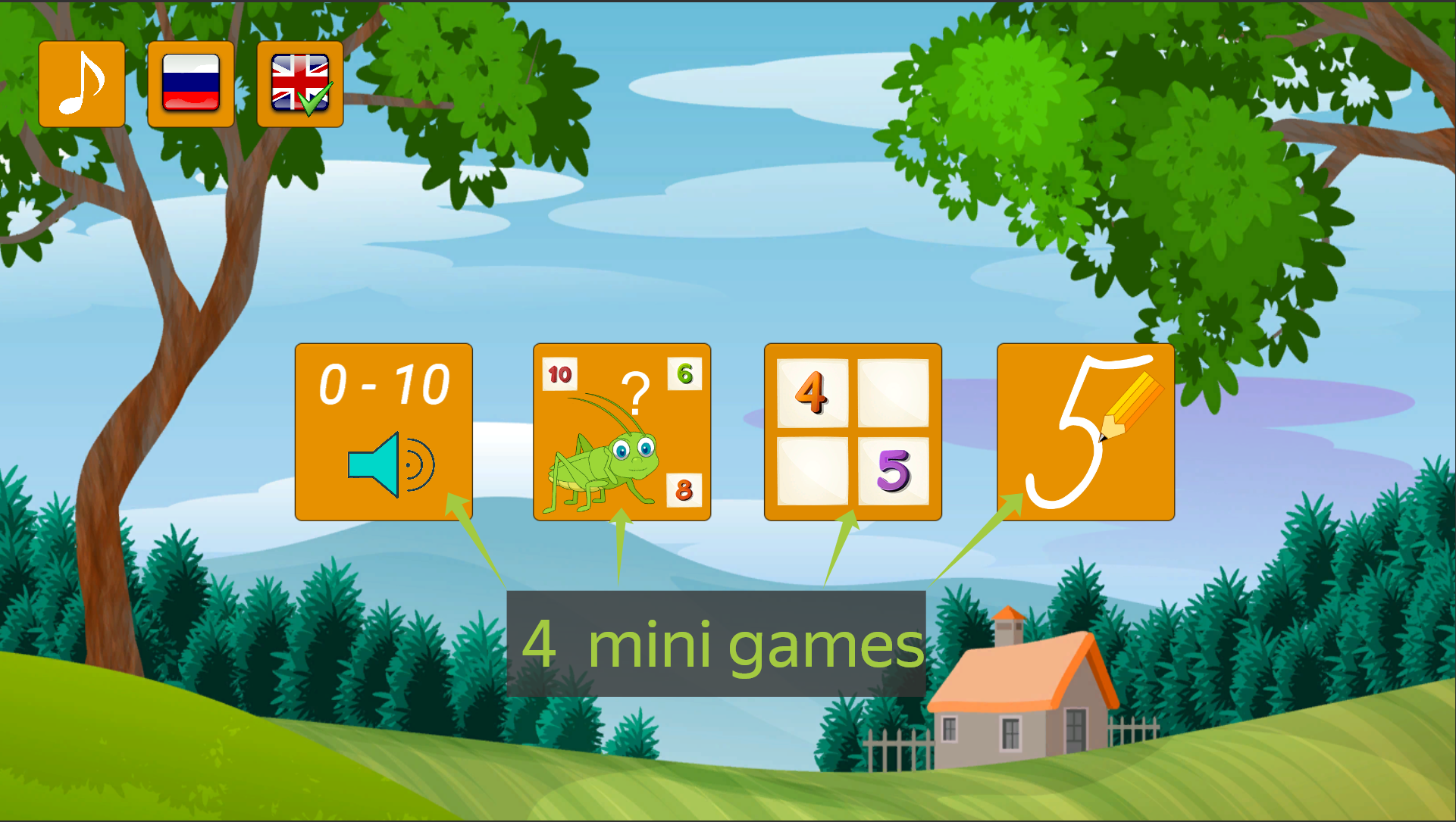
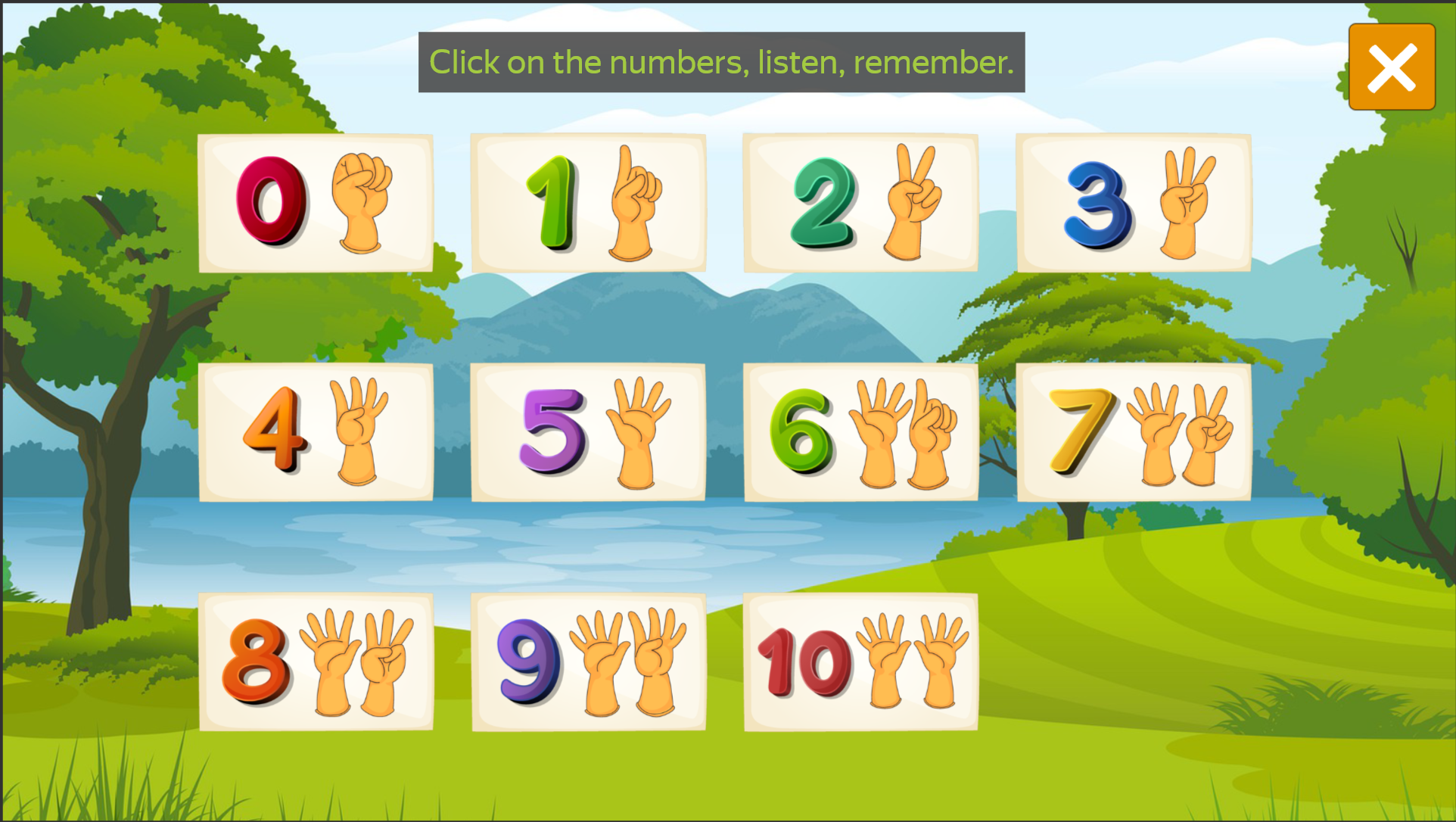
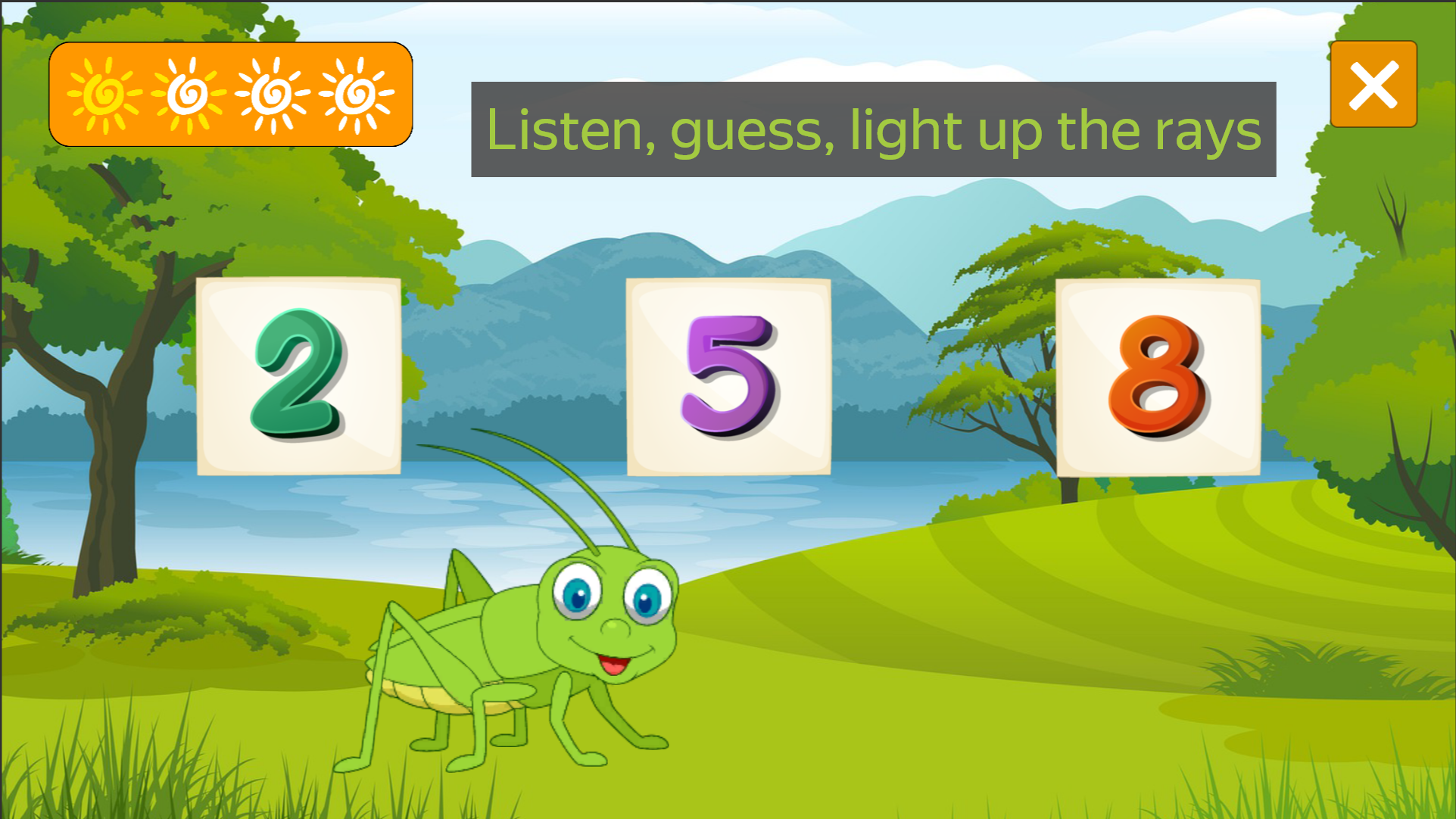
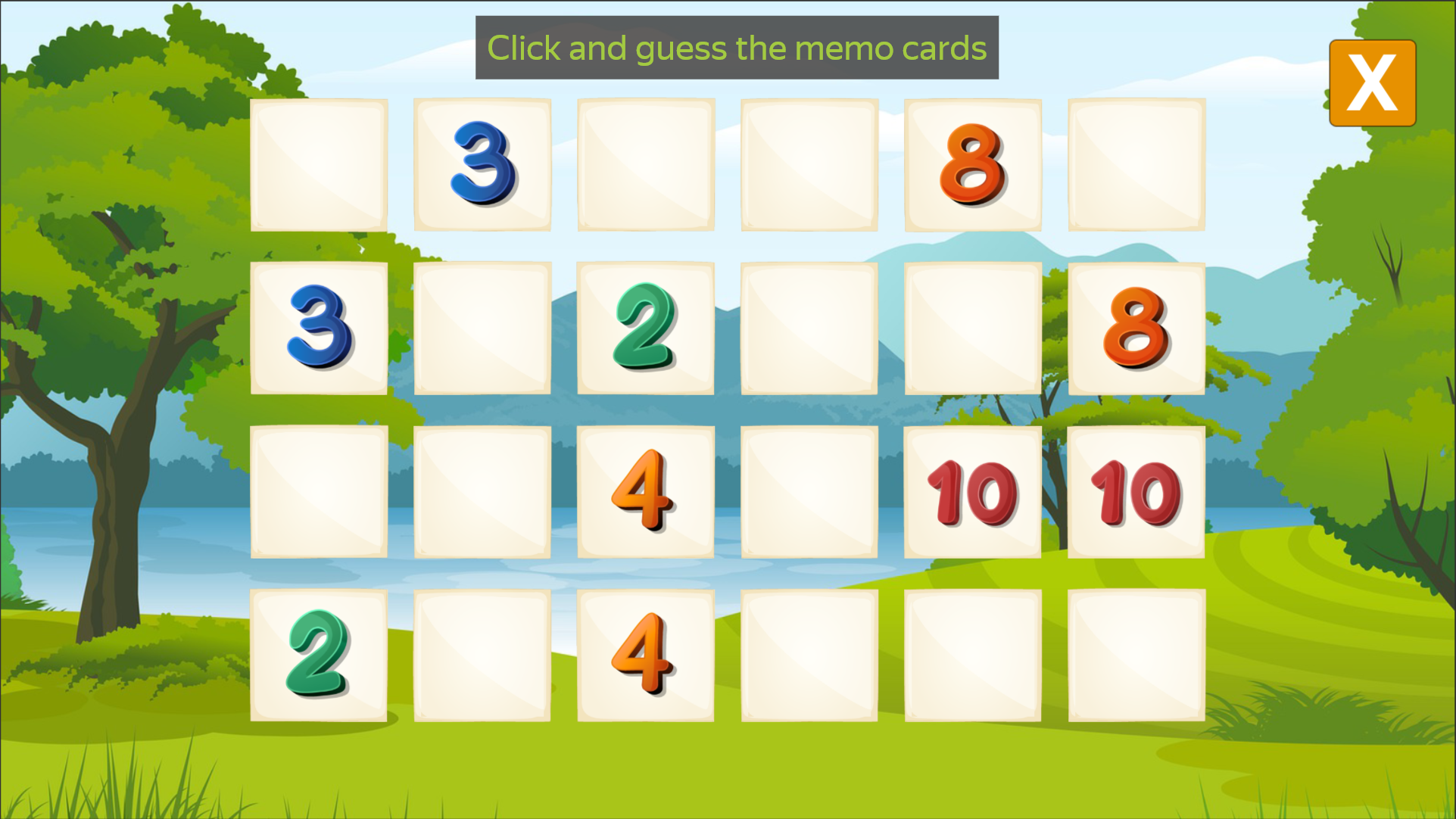
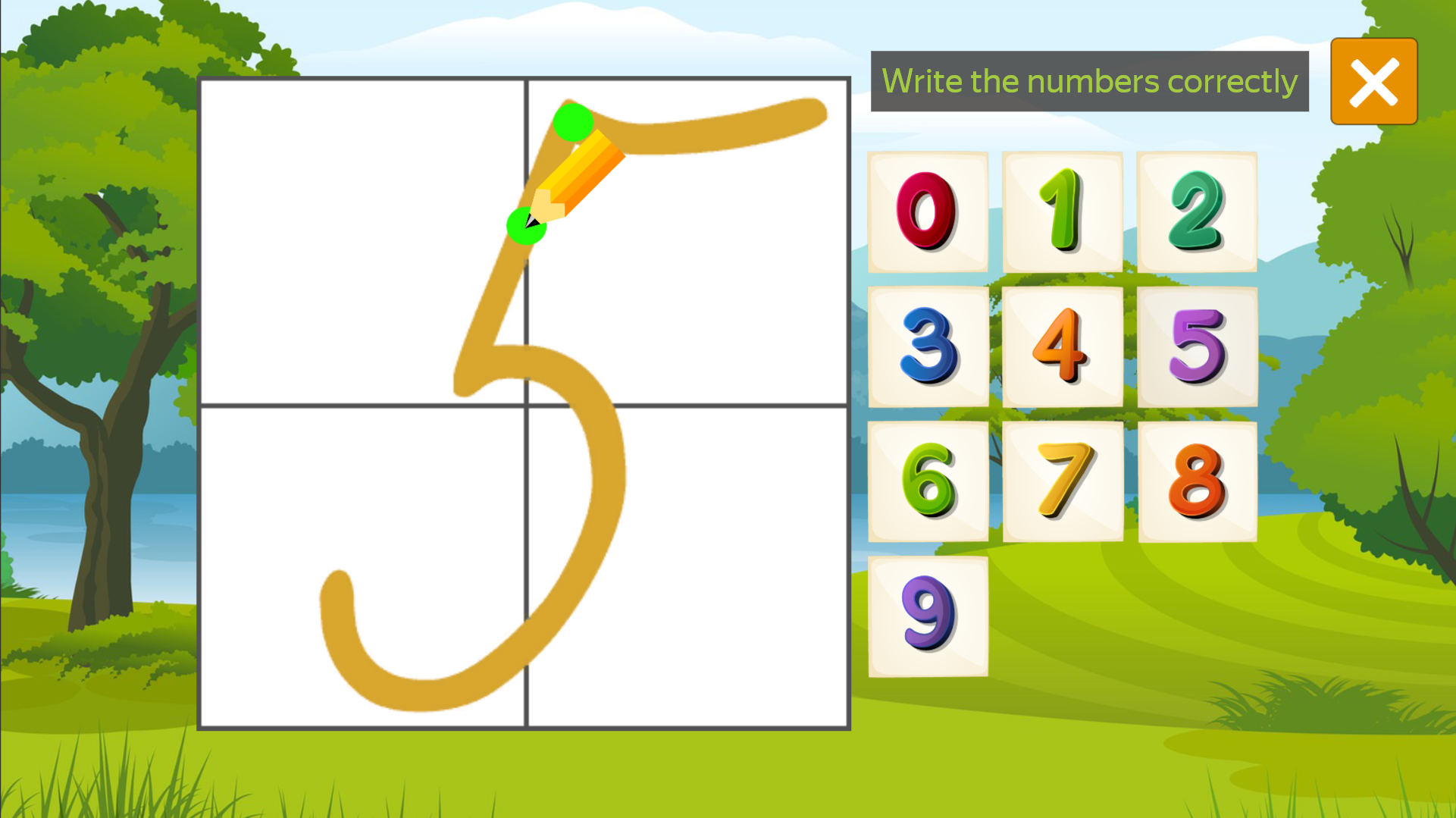
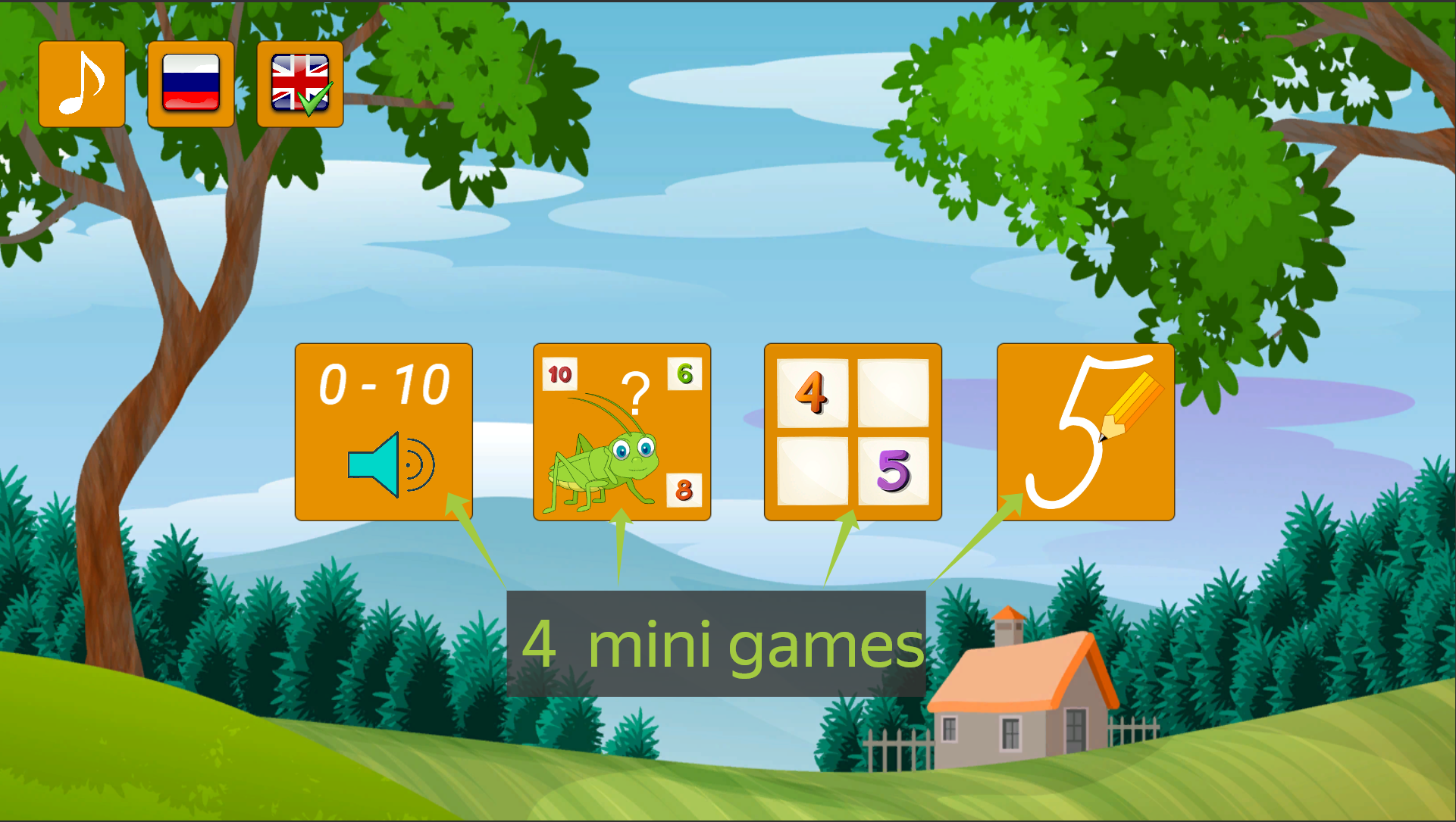
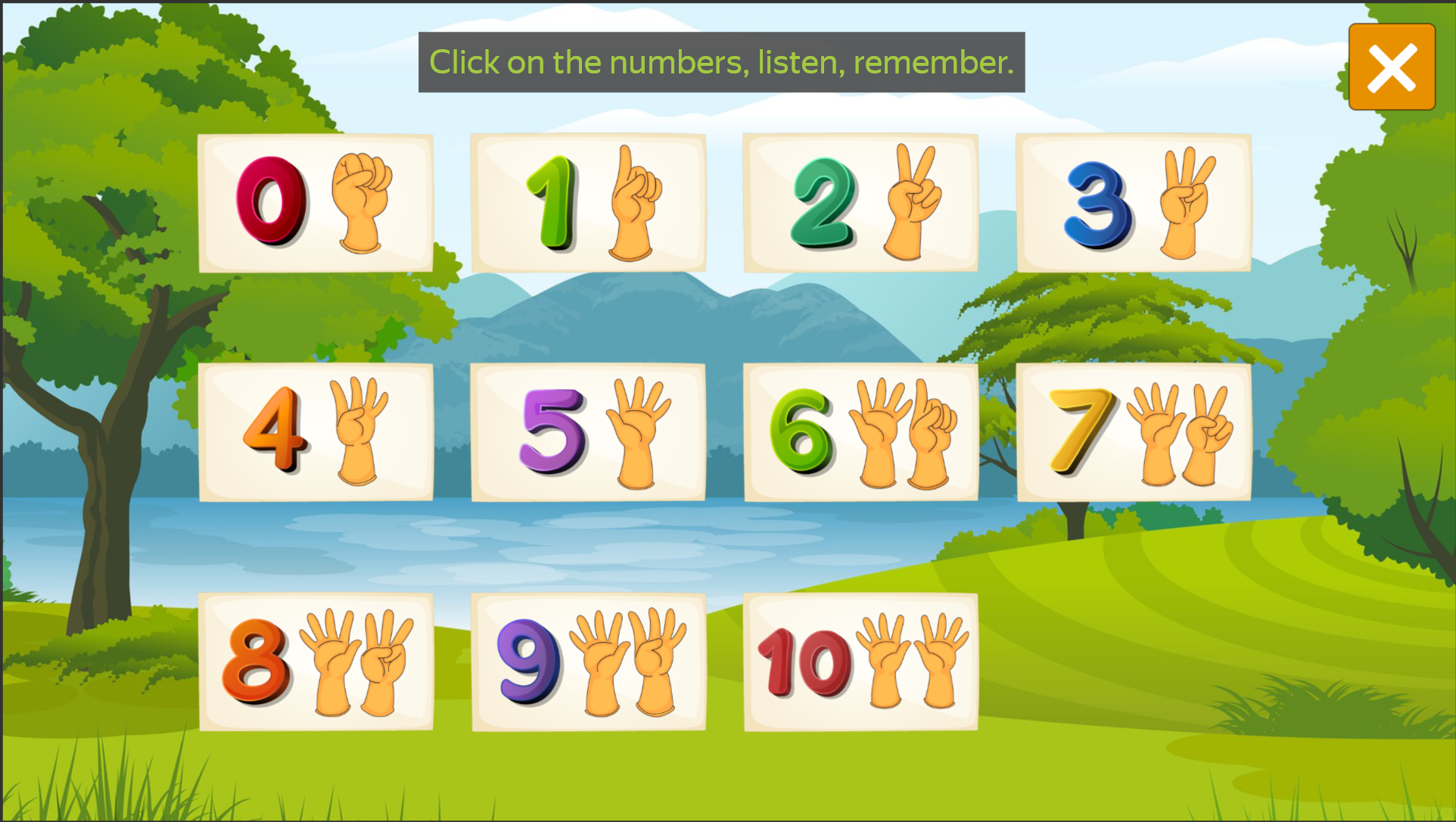
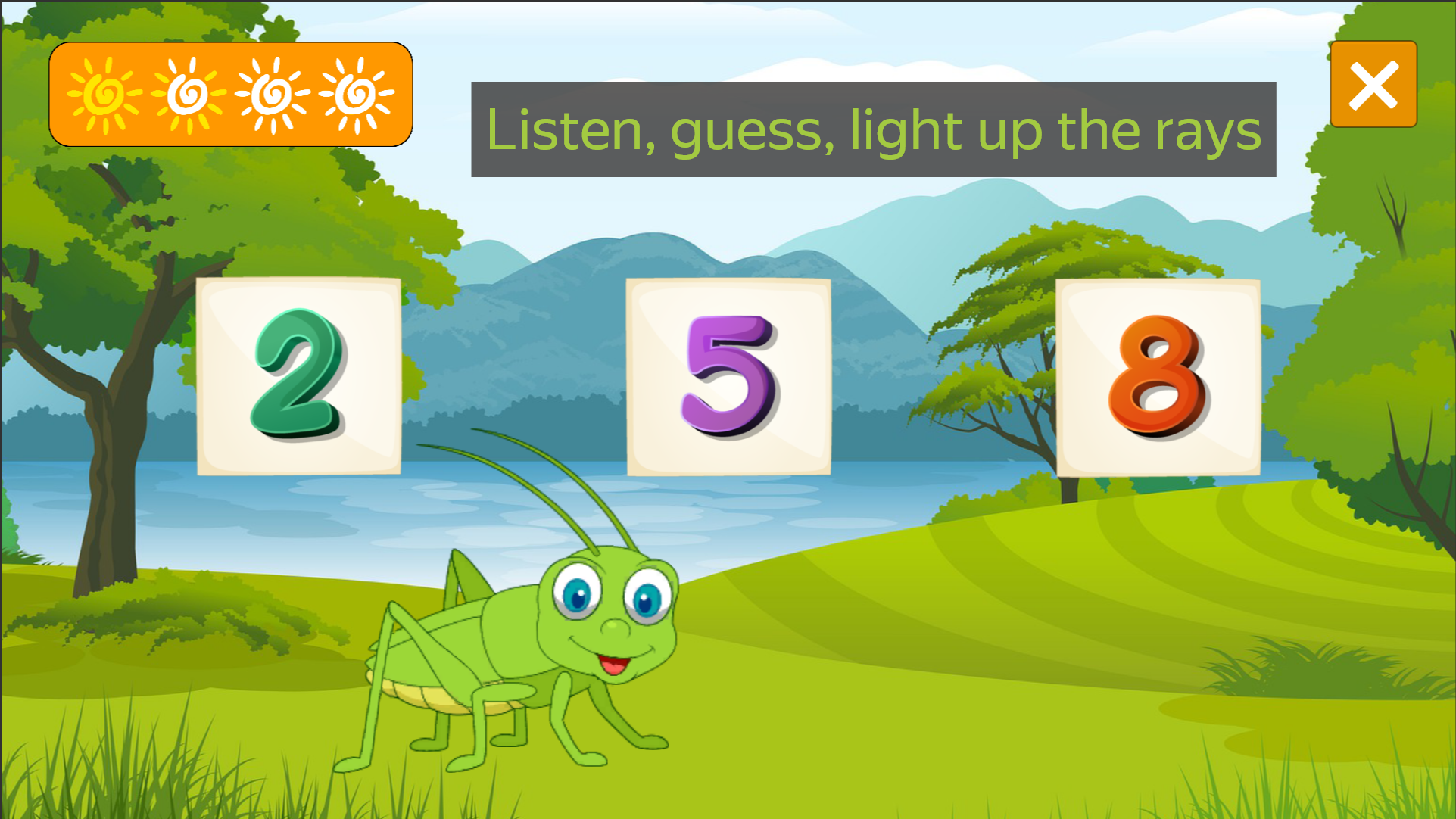
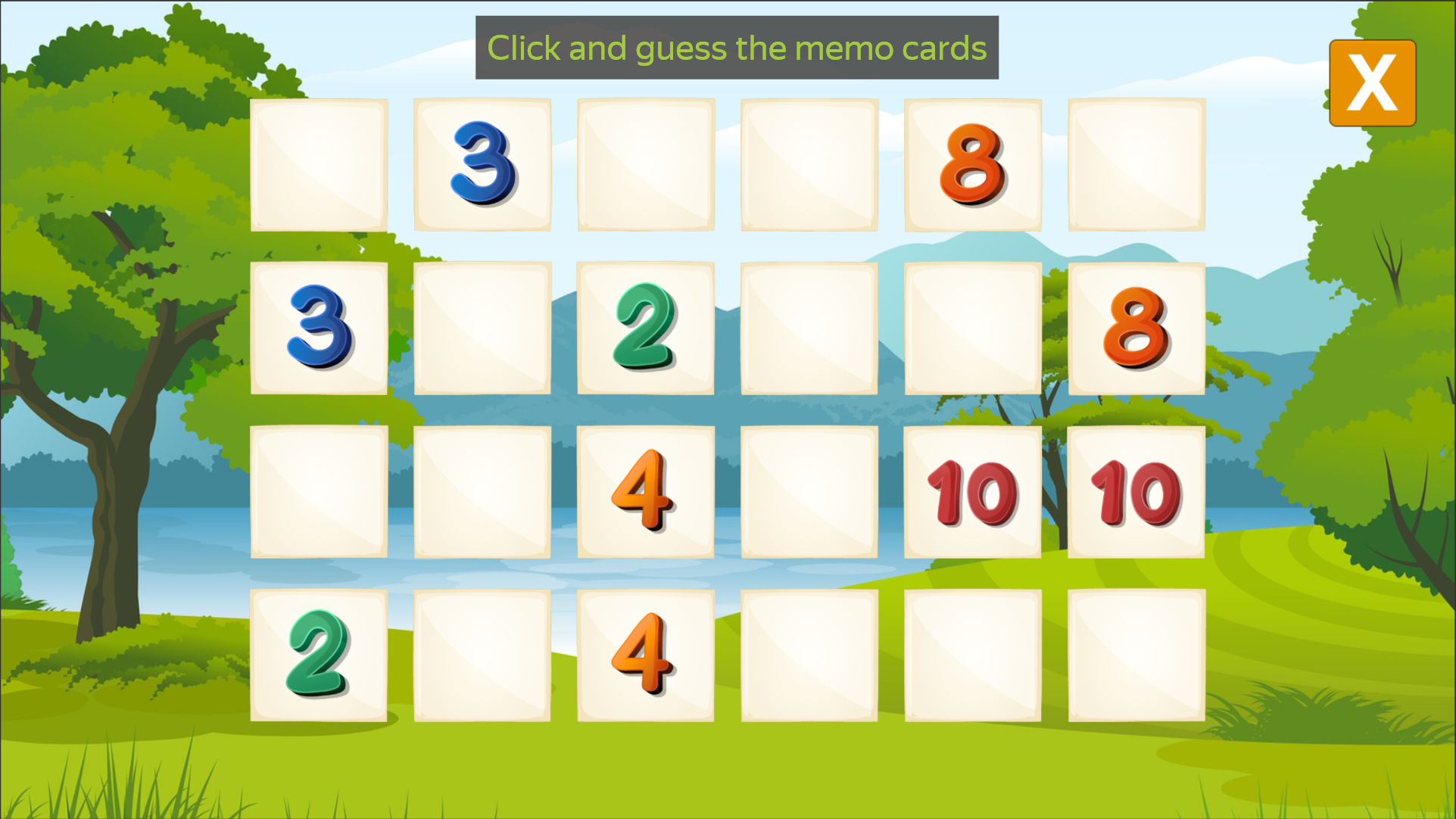
Staring at the screen during a dull afternoon break often leaves you craving something productive yet fun. Learning Numbers 0 to 10 arrives as the perfect digital companion to turn idle time into an engaging educational session for young minds. This vibrant browser title transforms basic math into a playful adventure through four distinct mini-games designed to keep players focused. You can explore large, colorful digits to hear their names pronounced clearly or test your memory by flipping matching cards. When you feel ready for a challenge, the cheerful grasshopper hosts an exciting mode for guessing numbers from a list of options. The experience even includes a dedicated section for practicing the actual strokes of writing digits on your screen. Mastering these basics becomes a seamless process thanks to the intuitive interface and friendly atmosphere. Whether you want to brush up on early math or track progress with a fun learning trainer, this collection has you covered. Play Learning Numbers 0 to 10 for free directly in your browser without any downloads or registration required.
How to play
On the PC, mouse control.
On a mobile device, touch.
In the main menu, you need to select the desired mini-game.
Features
- Interactive Audio: Every digit is voiced clearly to help children master the pronunciation of numbers from 0 to 10.
- Grasshopper Guide: A lively mascot provides positive reinforcement that makes the guessing game mode feel rewarding.
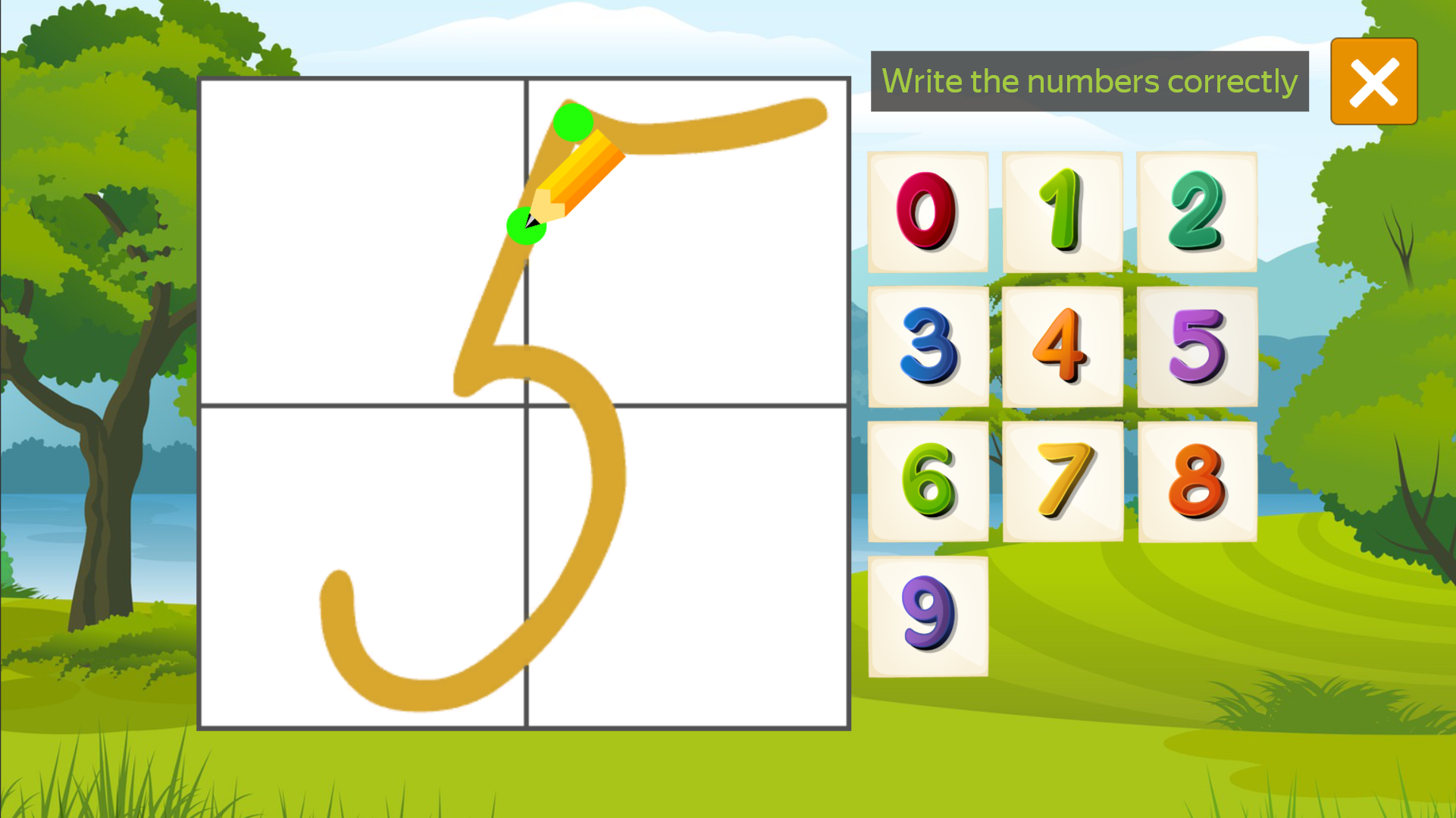
- Creative Tracing: The final mini-game uses a digital canvas to help players develop fine motor skills while learning the shape of each number.
- Card Memory: A classic memo game tests visual recognition and improves short-term concentration through matching pairs.
- Progression Tracking: Each completed mini-game builds confidence, making it easier to progress through the full set of challenges.
Who is it for
Preschoolers and early elementary school students looking for a fun way to practice math basics. Parents seeking educational screen time that builds foundational skills, and teachers needing a simple, browser-based tool to reinforce counting and writing digits for young learners in the classroom or at home.
Controls
Navigate menu
Click or tap on the desired mini-game icon.
Select numbers
Click with your mouse or tap the screen to identify the correct digit.
Write numbers
Hold the mouse button or use your finger to draw the digit on the screen.
Flip cards
Click or tap on the memo cards to reveal their hidden values.
FAQ
Is Learning Numbers 0 to 10 suitable for toddlers?
›
Yes, the game is designed with a simple interface and clear audio that makes Learning Numbers 0 to 10 accessible and helpful for young children.
Can I play Learning Numbers 0 to 10 on my tablet?
›
Absolutely, Learning Numbers 0 to 10 is fully optimized for mobile browsers and responds perfectly to touch controls.
Does Learning Numbers 0 to 10 require an account?
›
No, you can jump straight into the action of Learning Numbers 0 to 10 immediately without creating any account or registering.