About game
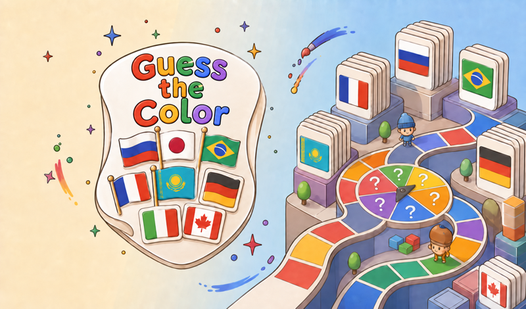
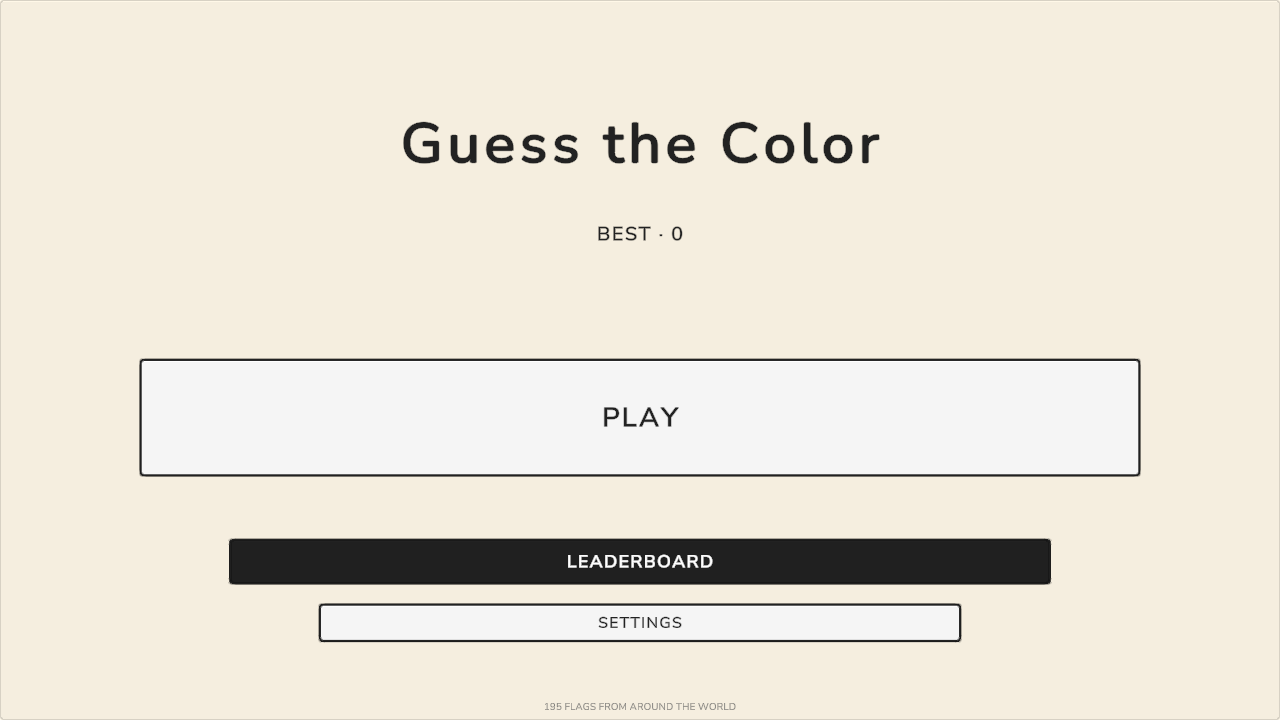
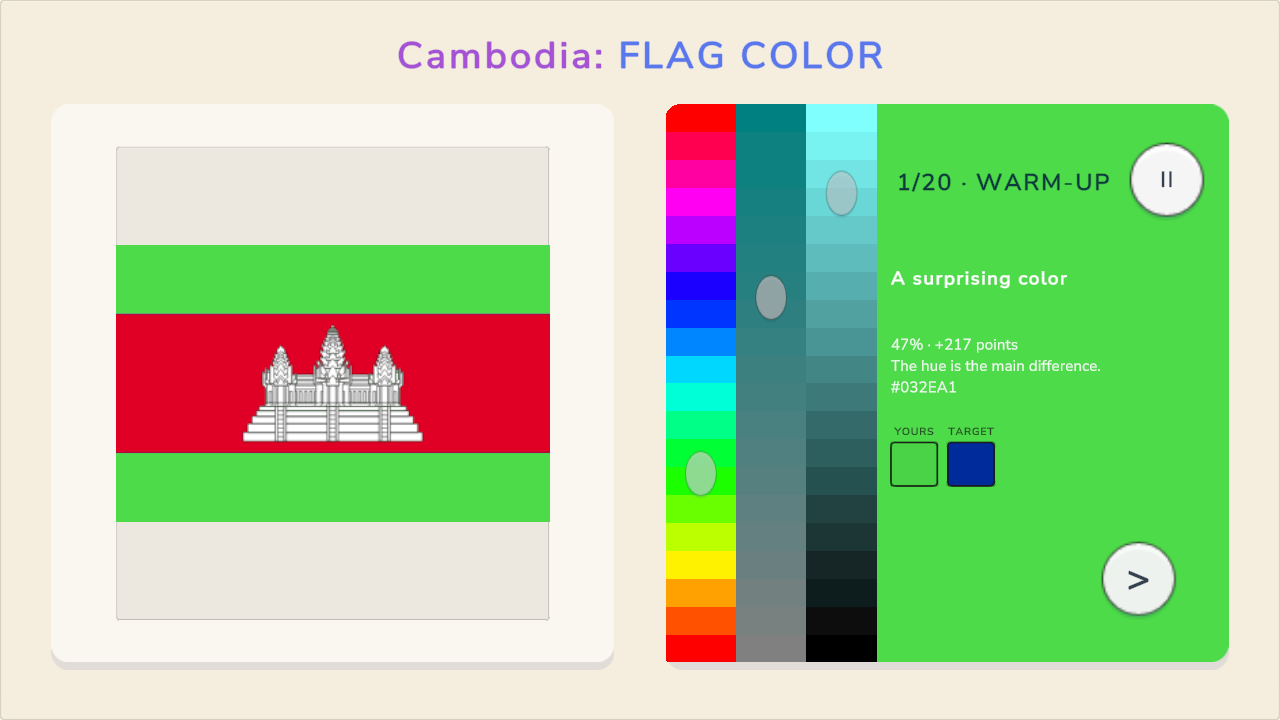
Adjusting three sliders to perfectly match the precise shade of national flags tests your visual memory like nothing else. You control the hue, saturation, and brightness for every challenge until the color on your screen perfectly aligns with the target. Guess the Color challenges you to identify the correct tones for flags from countries around the world without any multiple-choice crutches. Each round reveals your percentage of accuracy and the points earned based on your precision. Long streaks multiply your final score if you keep your focus sharp during all 20 rounds. Customizing your experience remains simple through the settings menu where you toggle music, vibration, or sound effects. Geography buffs usually find this brain training session addictive because it forces you to think about visual data differently. You can play this browser-based quiz for free right now without downloading a single file.
How to play
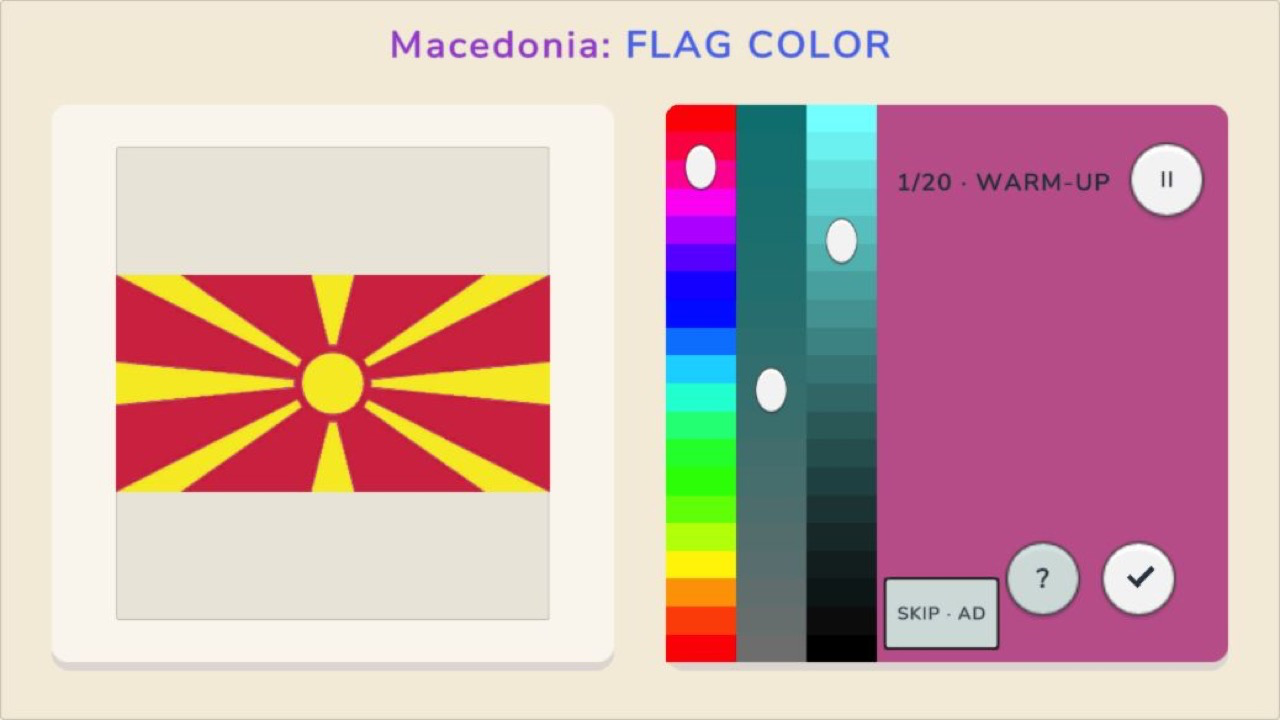
Start a 20-round game. A national flag will appear, and one of its main colors will change as you adjust the controls.
Move the three sliders for hue, saturation, and brightness. When the shade looks right, press the checkmark. The game will reveal the original color, your accuracy, and the points earned.
A hint brings you closer to the answer but reduces the reward. Accurate answers in a row build a streak. Once per game, you can skip a difficult round after watching an ad.
Features
- Precision sliders: Fine-tune the hue, saturation, and brightness settings to recreate exact shades rather than selecting from a list.
- Streak multiplier: Maintain a consistent record of high-accuracy guesses to boost your total point tally significantly.
- Strategic hints: Use a hint to narrow down the color spectrum when you feel stuck, though this choice lowers your potential rewards.
- Skip option: Bypass a particularly difficult round once per session by watching a short advertisement.
- Customization menu: Modify the audio feedback, vibration intensity, and display labels to suit your personal preferences.
Who is it for
Geography enthusiasts and memory game fans enjoy testing their knowledge of world flags in this brain-teasing challenge. Casual gamers looking for a quick mental workout find the color-matching mechanics satisfying. If you love precision puzzles, this browser game provides a fun way to sharpen your observation skills.
Controls
Adjust sliders
Drag the hue, saturation, and brightness sliders left or right with your mouse or finger.
Submit answer
Tap or click the checkmark button to finalize your color selection.
Use hint
Tap the hint icon to receive a nudge toward the correct color values.
Skip round
Select the skip button to move past a flag after watching the required ad.
FAQ
How do I earn the highest score in Guess the Color?
›
You must match the colors with extreme precision and maintain a long streak of correct guesses to maximize your points.
Does Guess the Color require any registration?
›
No, you can play Guess the Color directly in your browser without creating an account or downloading software.
Can I change the settings in Guess the Color?
›
Yes, you can adjust sound effects, music, and vibration settings within the main menu of the game.