About game
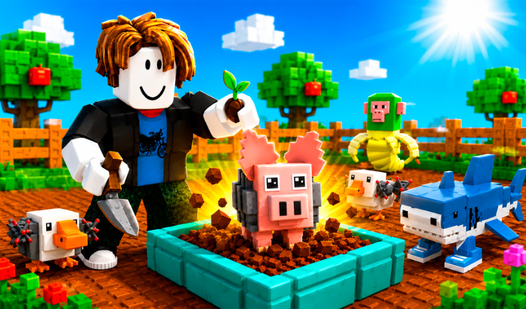
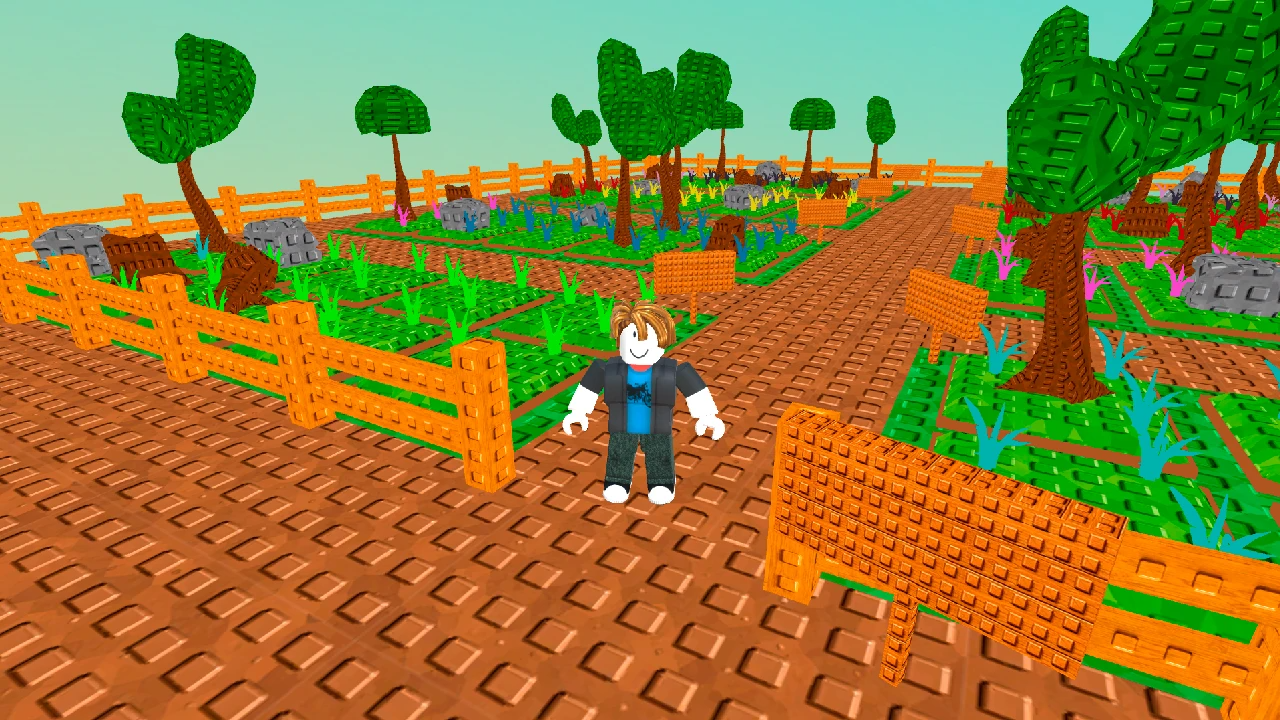
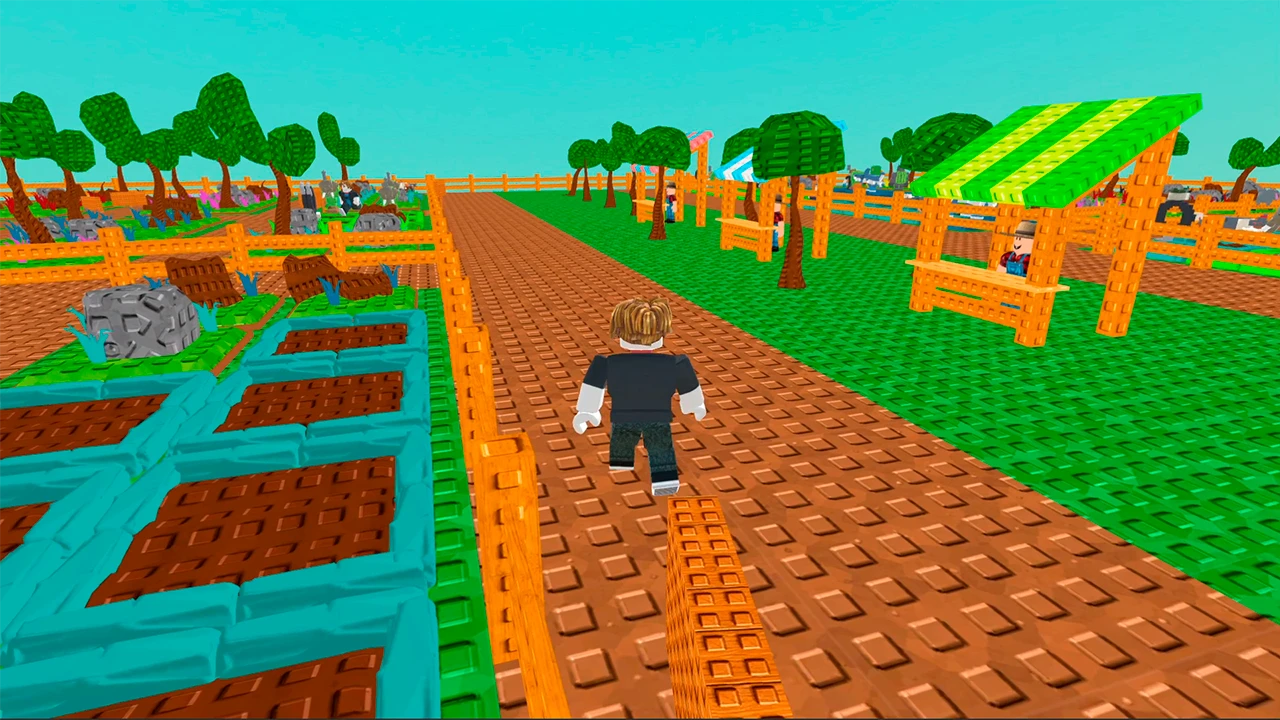
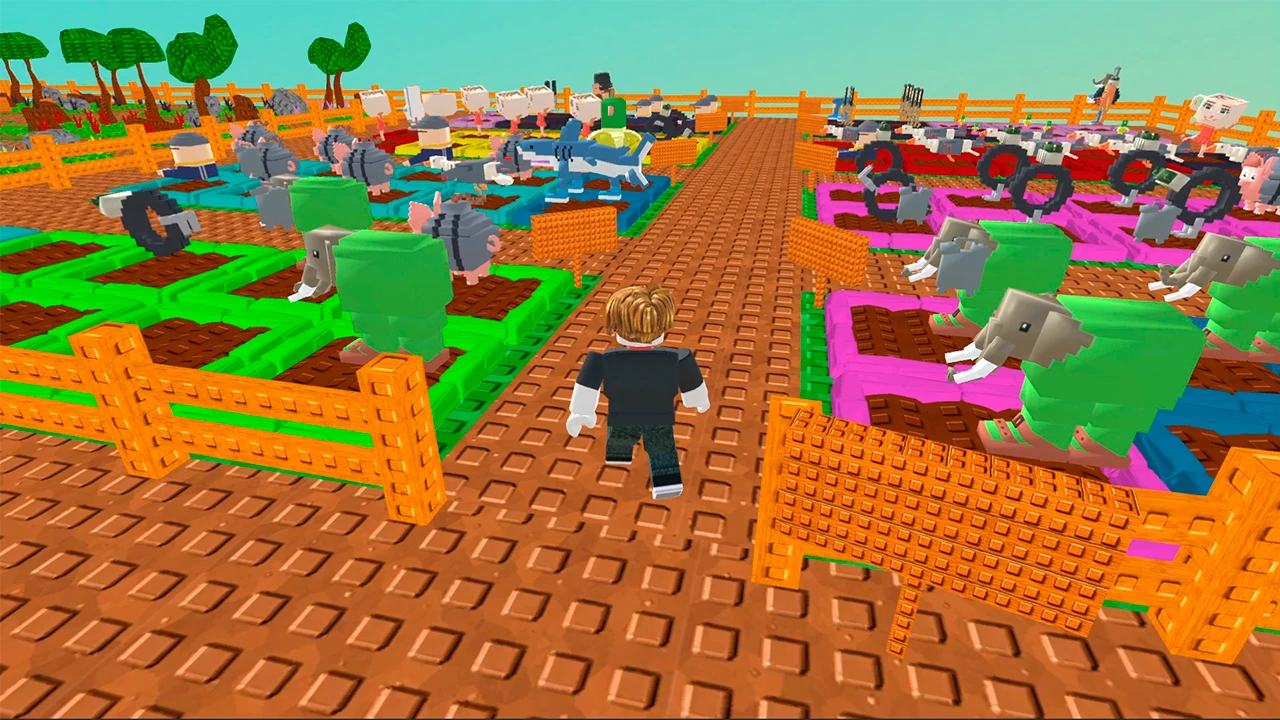
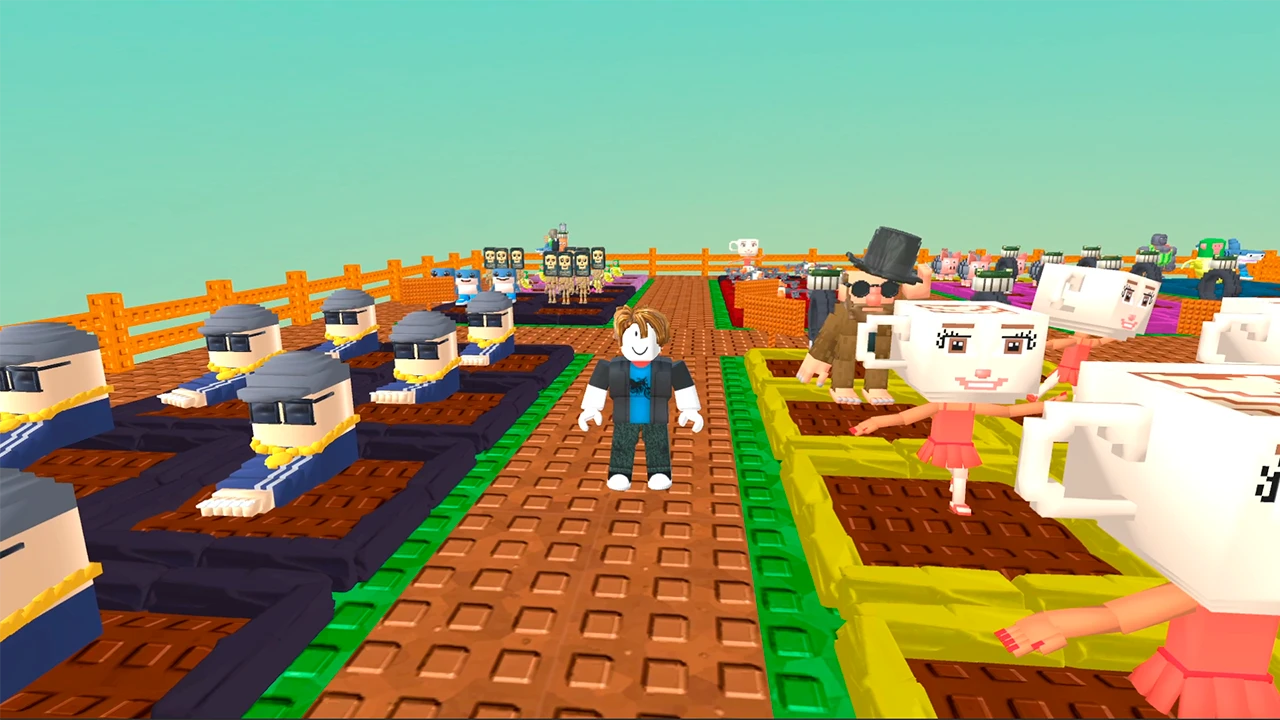
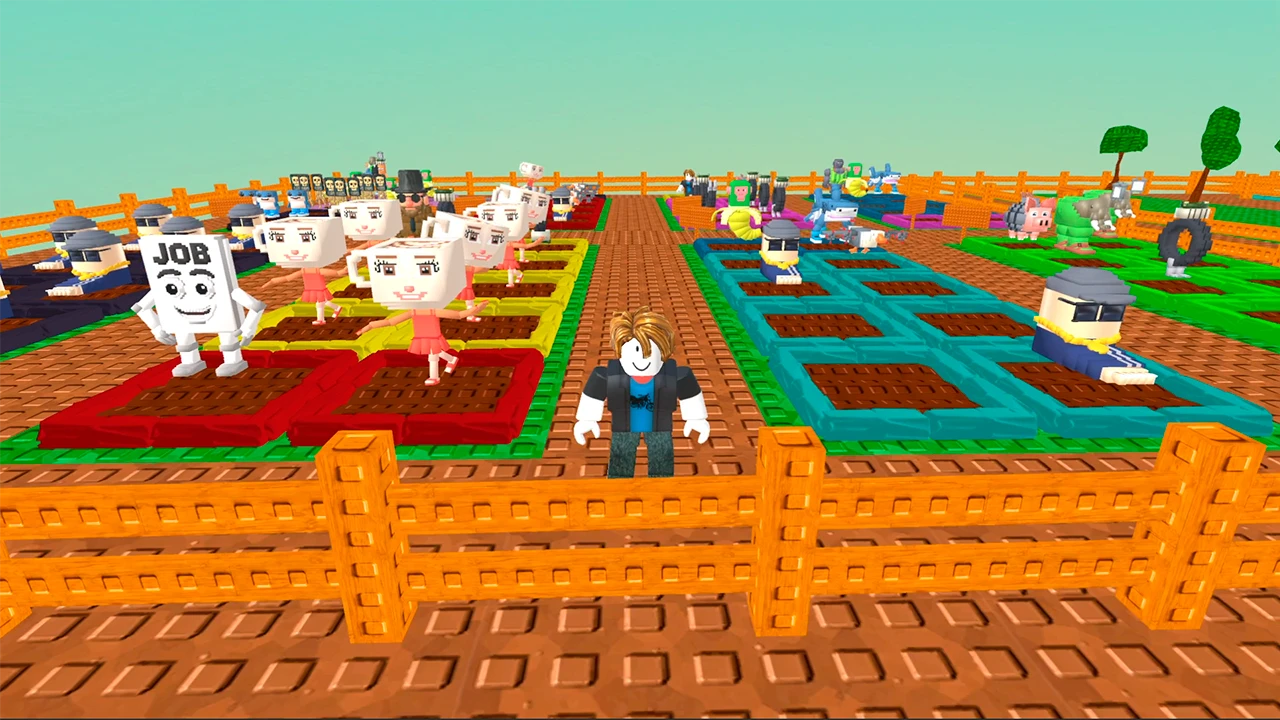
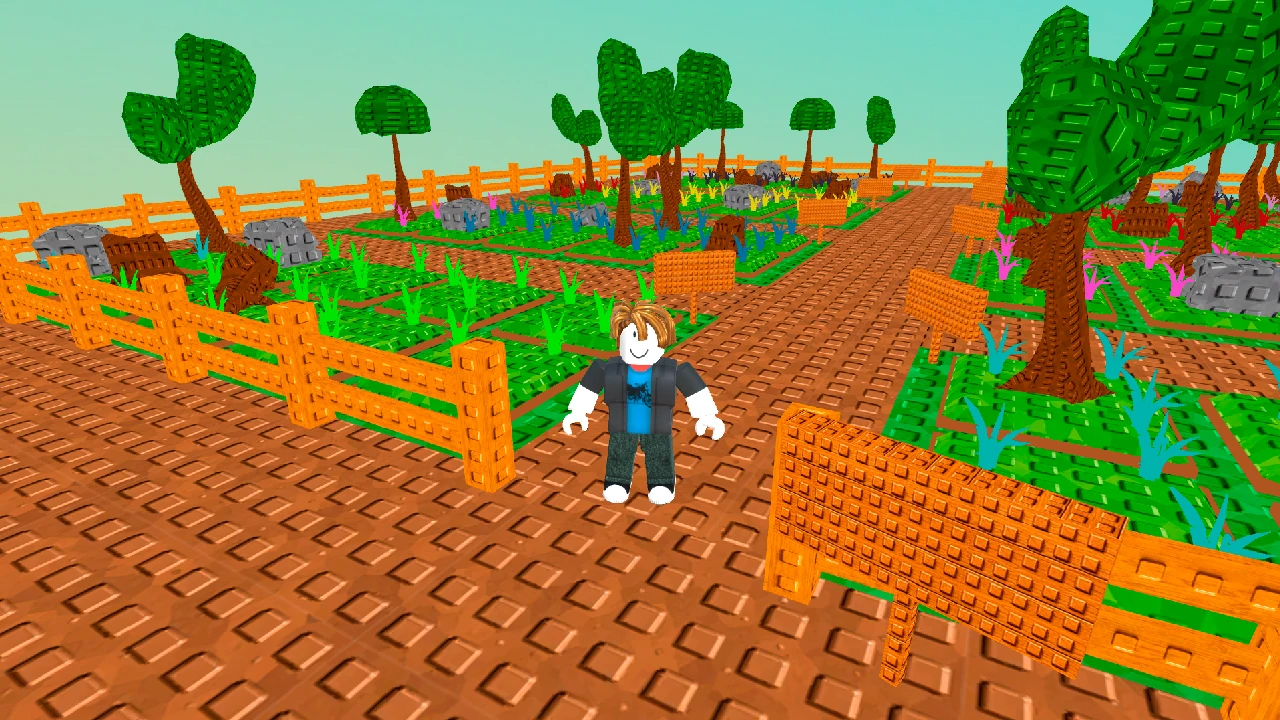
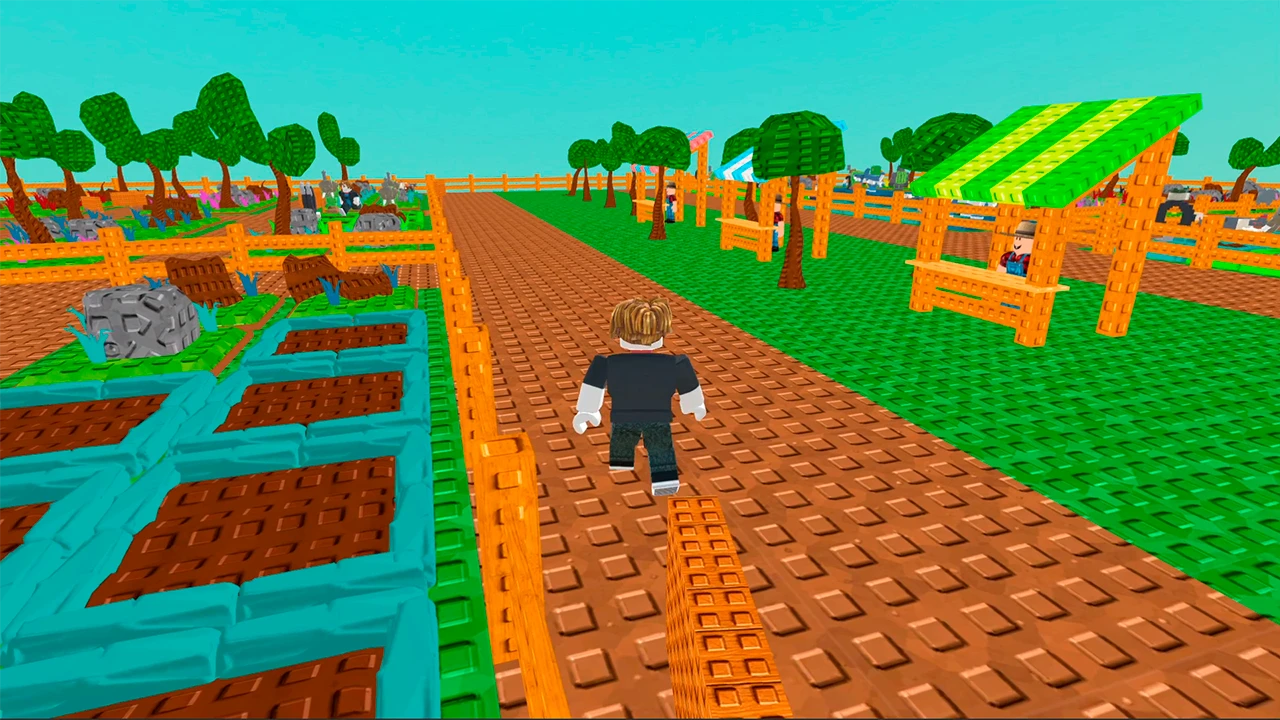
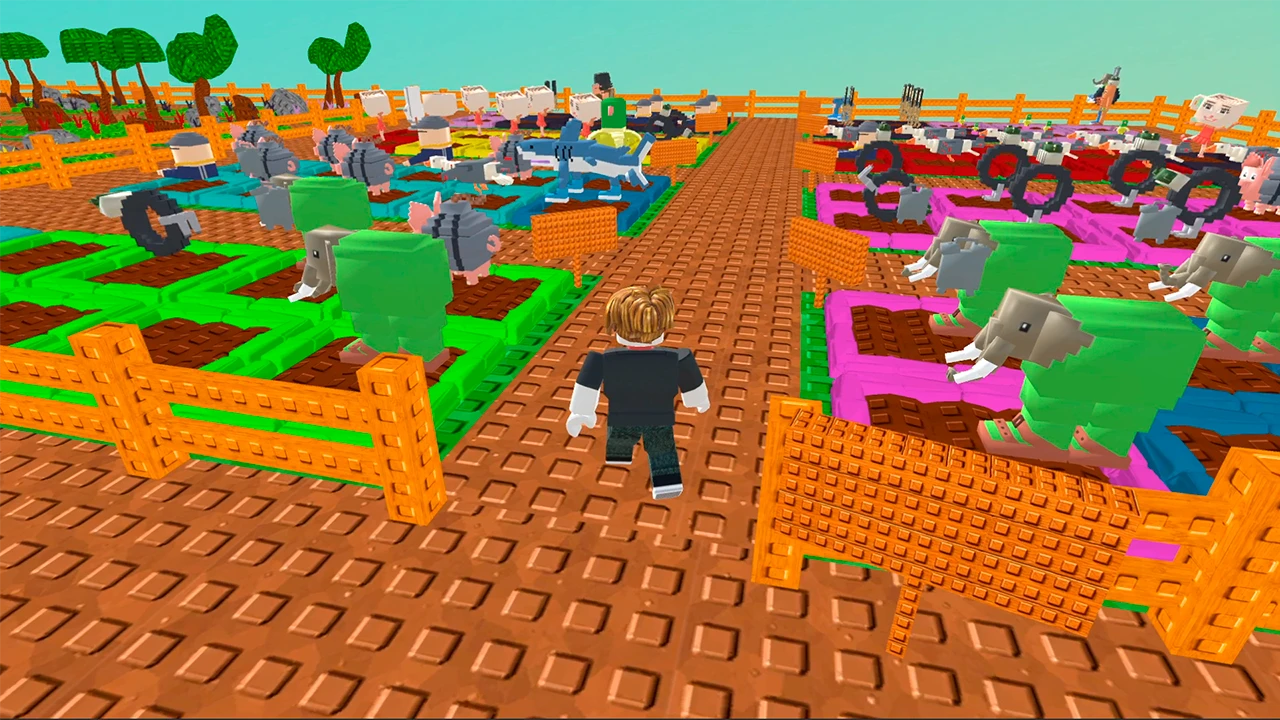
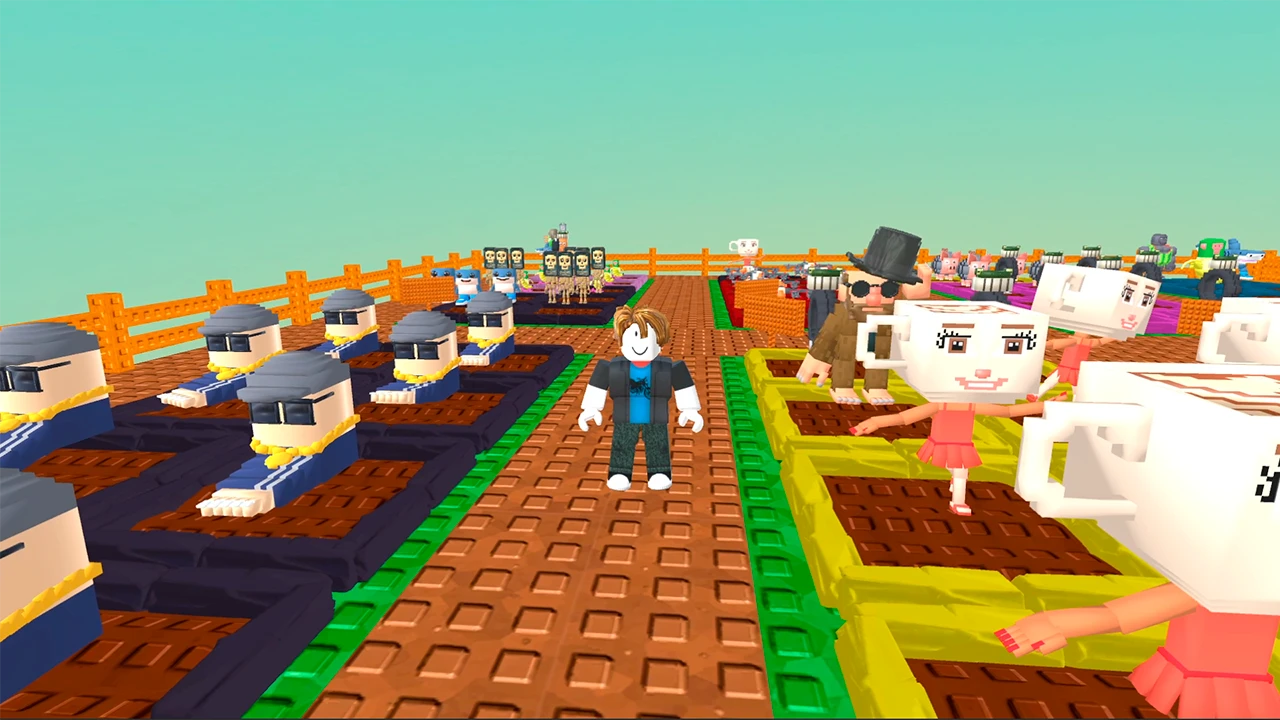
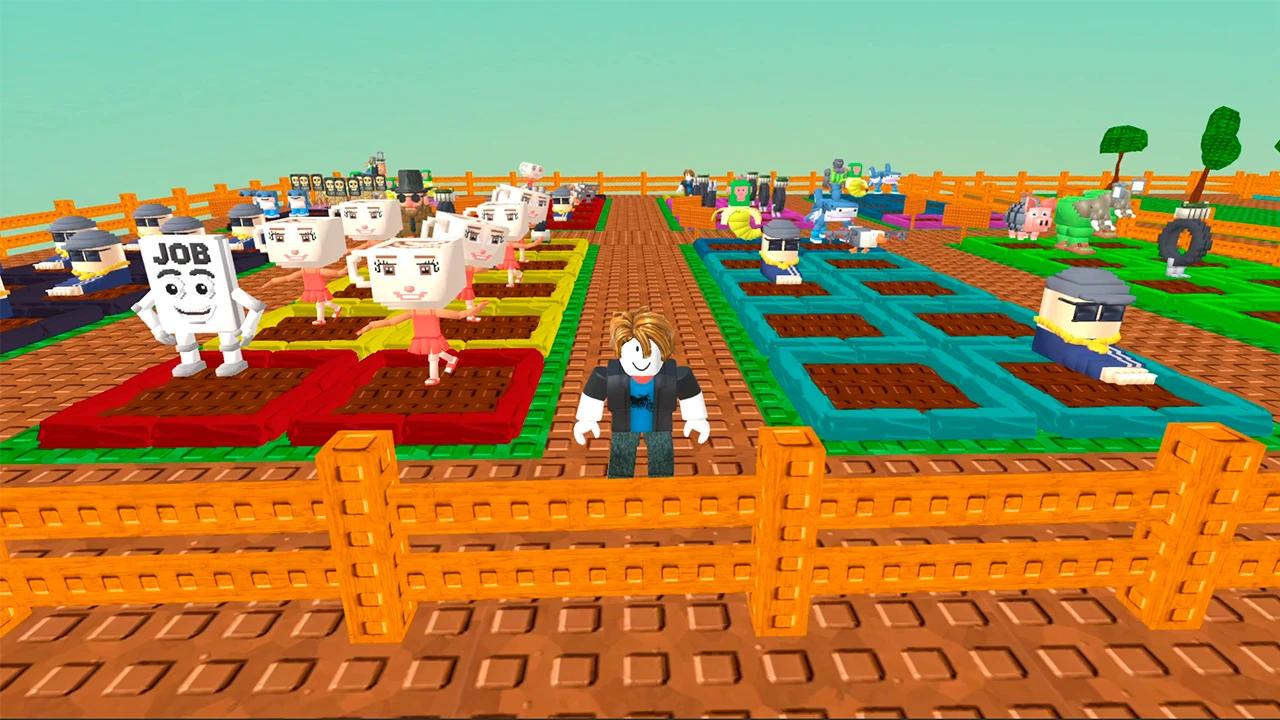
Planting strange seeds in Grow a garden for Brainrots turns your screen into a chaotic agricultural hub. You spend your time managing plots and gathering digital crops to maximize your profit margins. Each session involves careful planning as you decide which expensive seeds to buy before waiting for them to sprout. Selling your harvest generates the coins required for expanding your land into new, vibrant zones. Upgrading basic beds allows you to cultivate rarer species that fetch higher prices at the market. Mastering this funny roblox farm requires constant attention to your inventory and growth cycles. You can build the ultimate collection by focusing on high-value items throughout every zone. Start your farming journey right here in your browser without any annoying downloads.
How to play
PC Controls:
• WASD — move. ⌨️
• Right mouse button (hold) — rotate camera. 🖱️
• E — interact with beds: plant, harvest, sell, or clear.
• Q — upgrade a bed.
Mobile Controls:
• Left side of the screen — move. 📱
• Right side — rotate camera.
• On-screen buttons — interact with beds and upgrade them.
The Goal:
Buy seeds and plant them. Once they grow, collect and sell them for profit. Use your earnings to buy rarer seeds and dig new beds. Level up to open new zones and upgrade your existing beds to support higher-rarity brainrots! 🏆
Features
- Seed rarity system: Different seed grades determine your potential profit and grow speed.
- Zone expansion: Unlock additional land segments as you reach specific wealth milestones.
- Bed maintenance: Keep your plots cleared and upgraded to handle advanced crop types.
- Collection tracking: Fill your personal almanac by successfully growing every single brainrot variant.
Who is it for
Casual players who enjoy relaxing idle management games will appreciate the loop of planting and selling. Fans of quirky farming simulators who want a funny twist on traditional agriculture should check this out. Anyone seeking a quick browser escape to build a digital empire will have a blast here.
Controls
Movement
Use WASD on PC or the left side of your mobile screen to navigate the field.
Camera control
Hold the right mouse button on PC or swipe the right side of your mobile screen.
Interact
Press E on your keyboard or use on-screen buttons to plant, harvest, and sell.
Upgrade
Tap Q on your keyboard or select the upgrade button on your mobile device.
FAQ
Is Grow a garden for Brainrots free to play?
›
Yes, you can play Grow a garden for Brainrots directly in your browser without any registration or hidden fees.
Can I run Grow a garden for Brainrots on my mobile device?
›
Absolutely, Grow a garden for Brainrots is fully optimized for mobile touch controls and works in modern mobile browsers.
How do I increase my earnings in Grow a garden for Brainrots?
›
Focus on upgrading your garden beds to support rarer species, which sell for significantly more coins than common ones.