About game
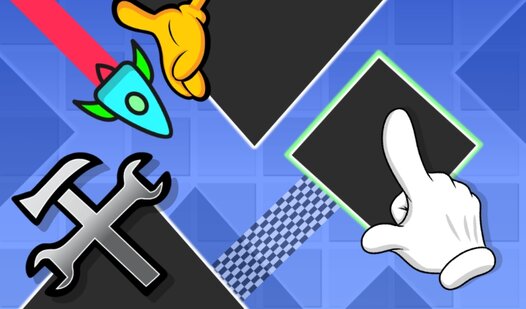
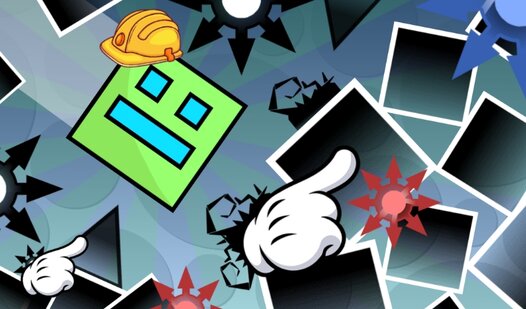
Staring at a blank screen during a midday slump is the worst, but a quick burst of creative energy is just a click away. Geometry Dash: Make your level with a wave is the ultimate creative outlet for players who want to test their reflexes and design skills. You can build complex obstacle courses using an intuitive editor, placing blocks and triggers to craft the perfect challenge. As you manipulate the wave movement, you will discover how small changes in speed or background colors completely transform the atmosphere. Mastering the level editor allows you to experiment with gravity and flow to create something truly unique. The mechanics are simple enough to pick up immediately, yet deep enough to keep you busy for hours. It is the perfect way to build a personal challenge that tests your timing and precision. Jump into your browser to start creating and playing Geometry Dash: Make your level with a wave for free with no download required.
How to play
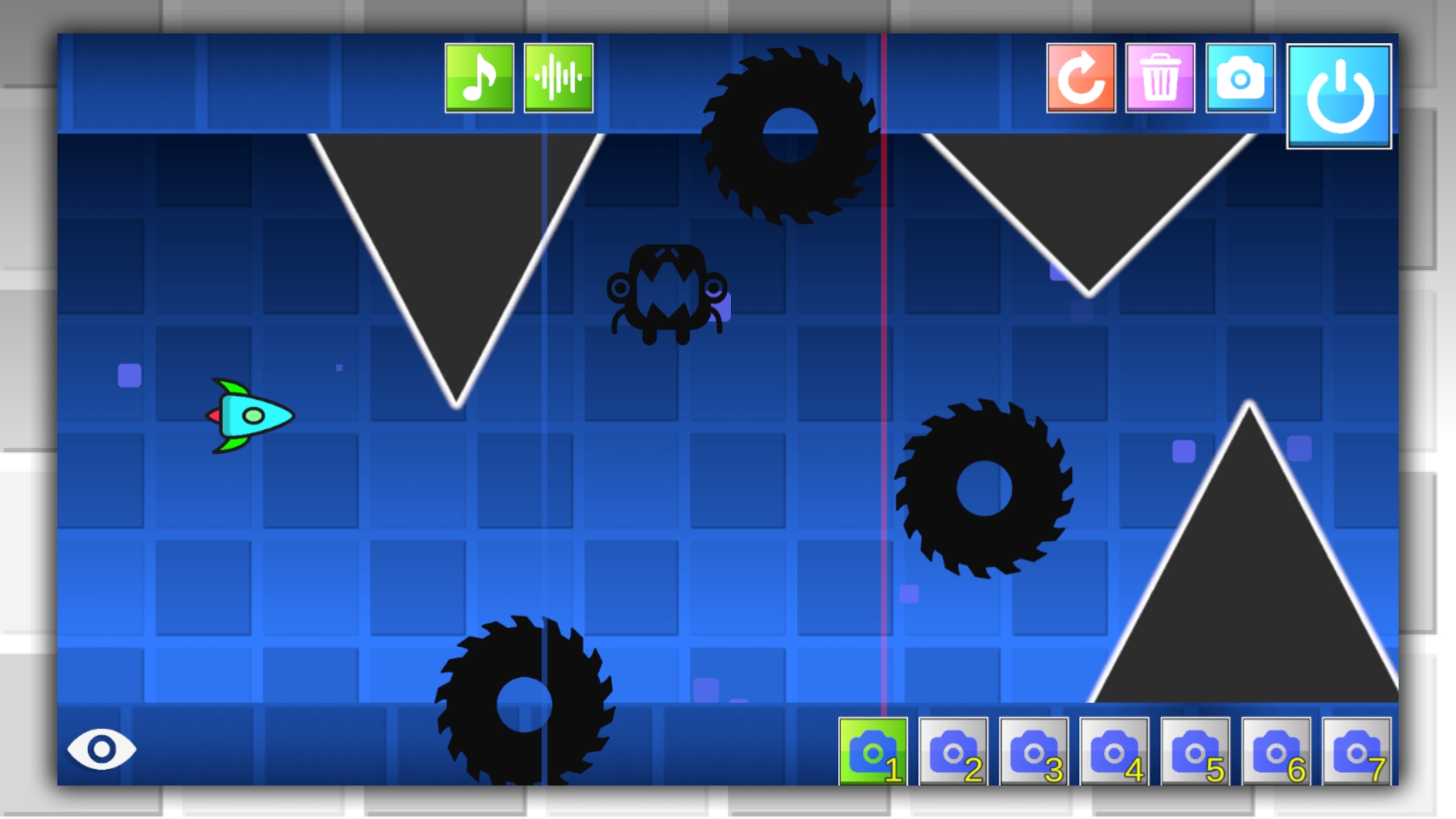
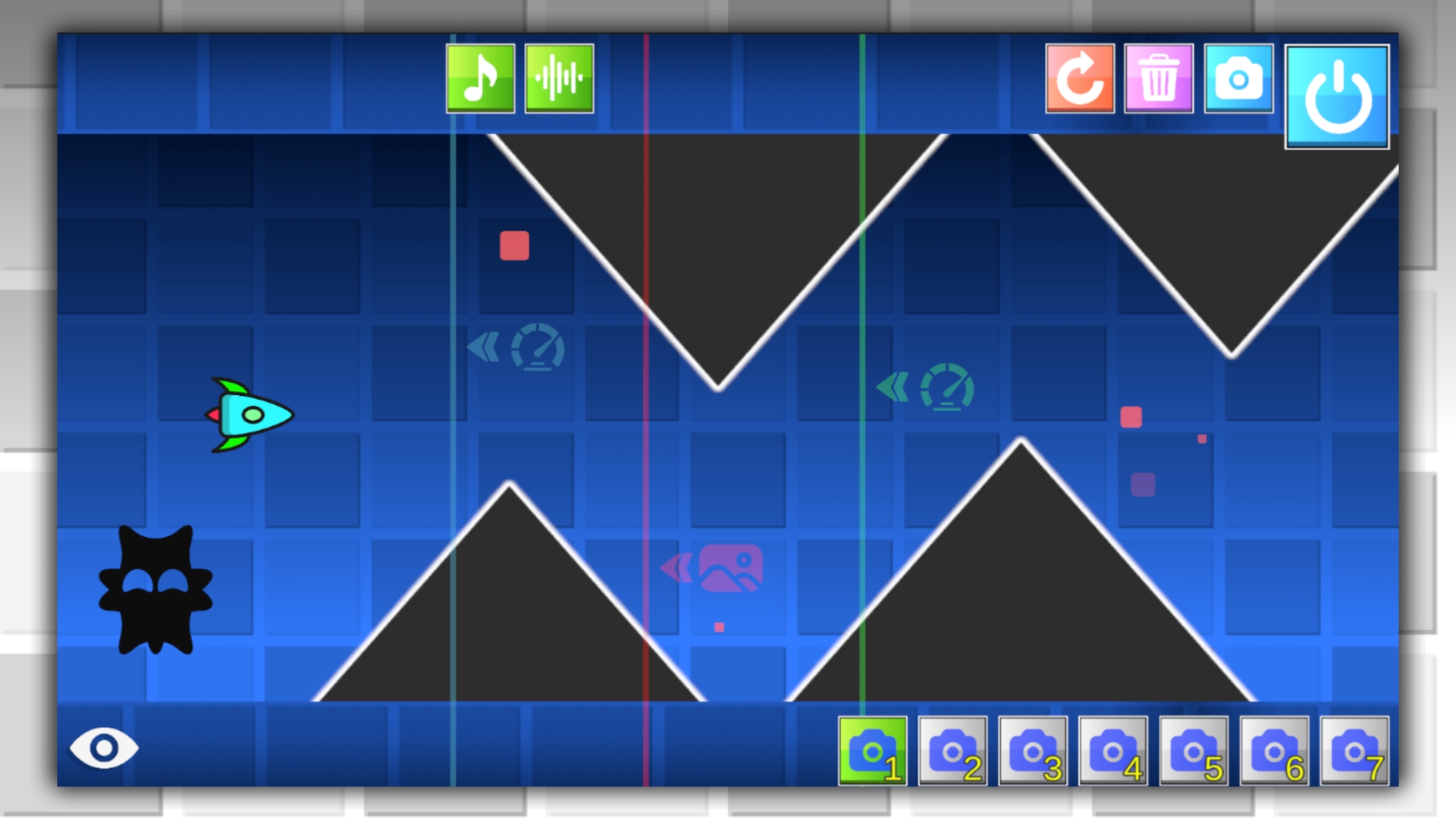
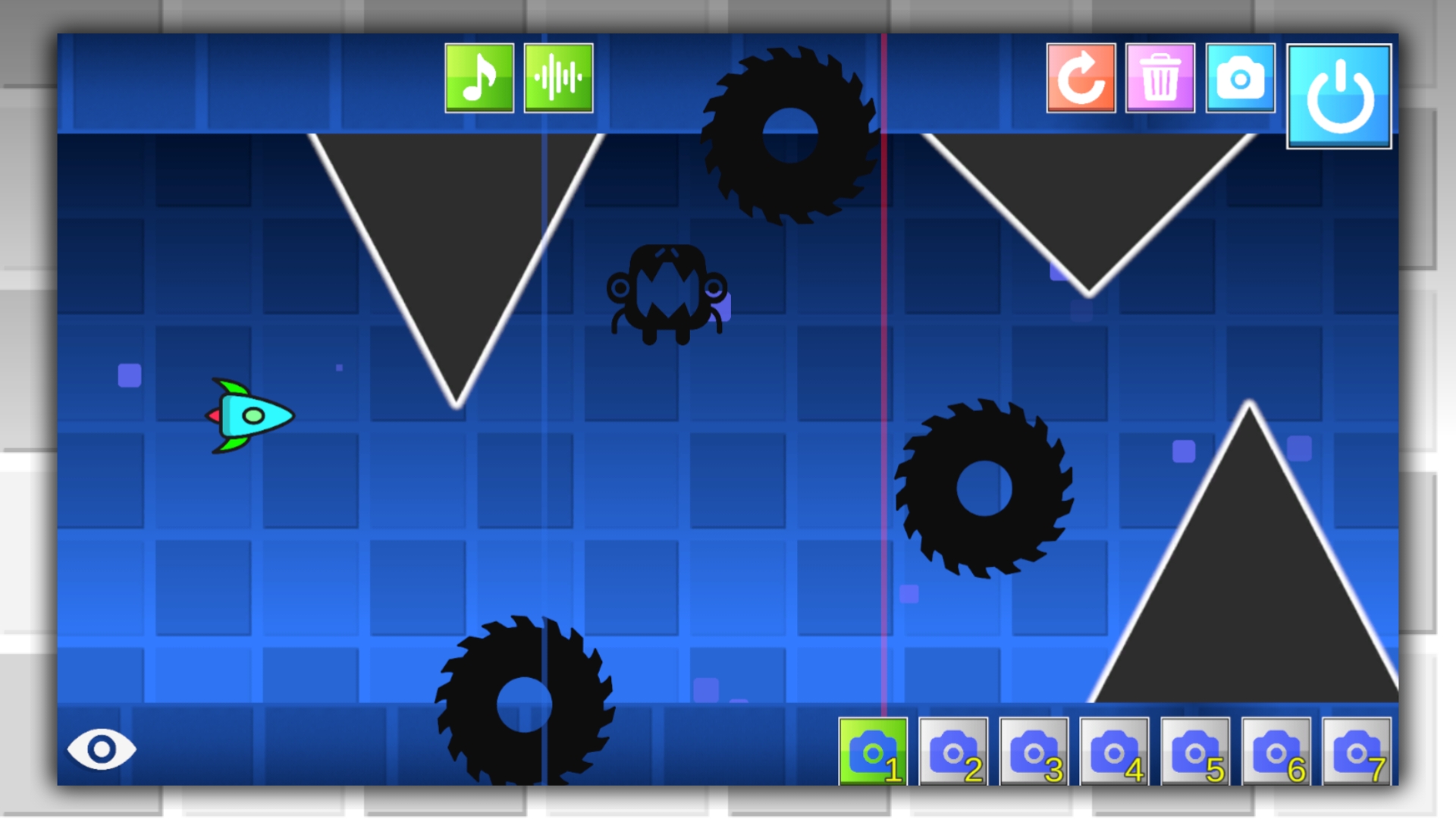
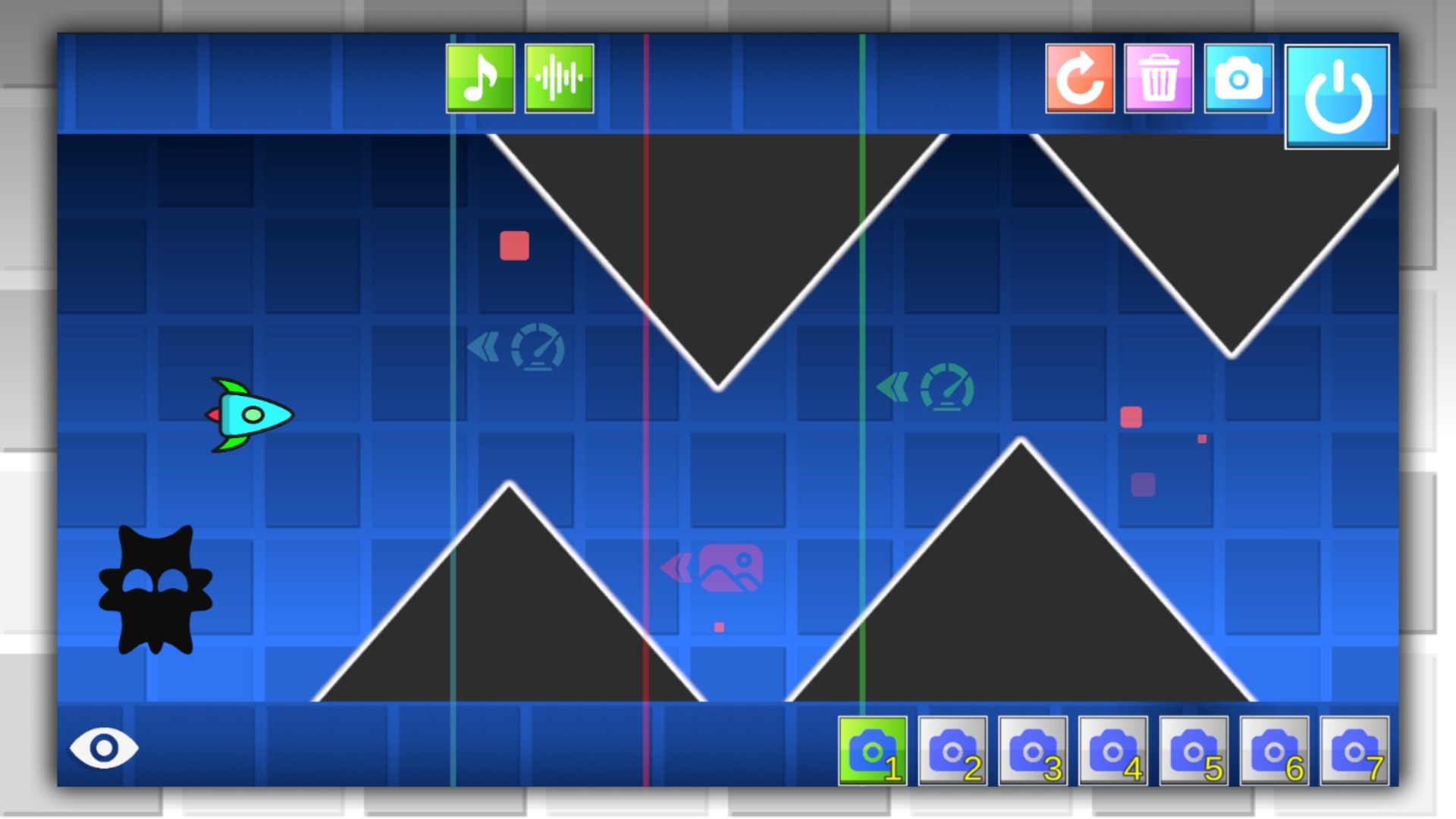
A full-fledged level editor is open to you. Select the block, object, effect, or trigger you want to link, then move it with your cursor or mouse. To delete an item, click on the trash can icon and then on the item you want to delete.
To switch the camera, use the special buttons located at the bottom of the screen.
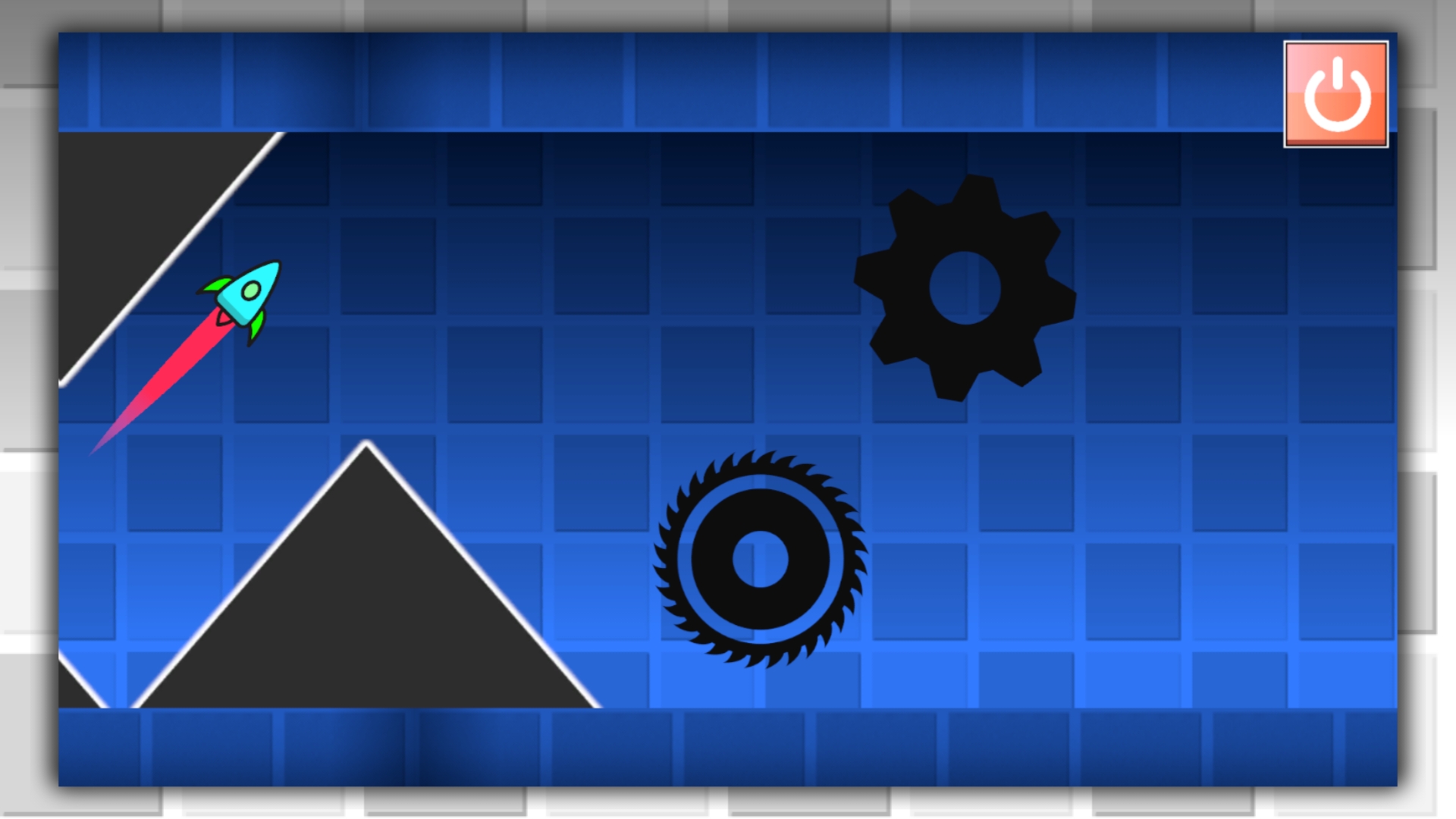
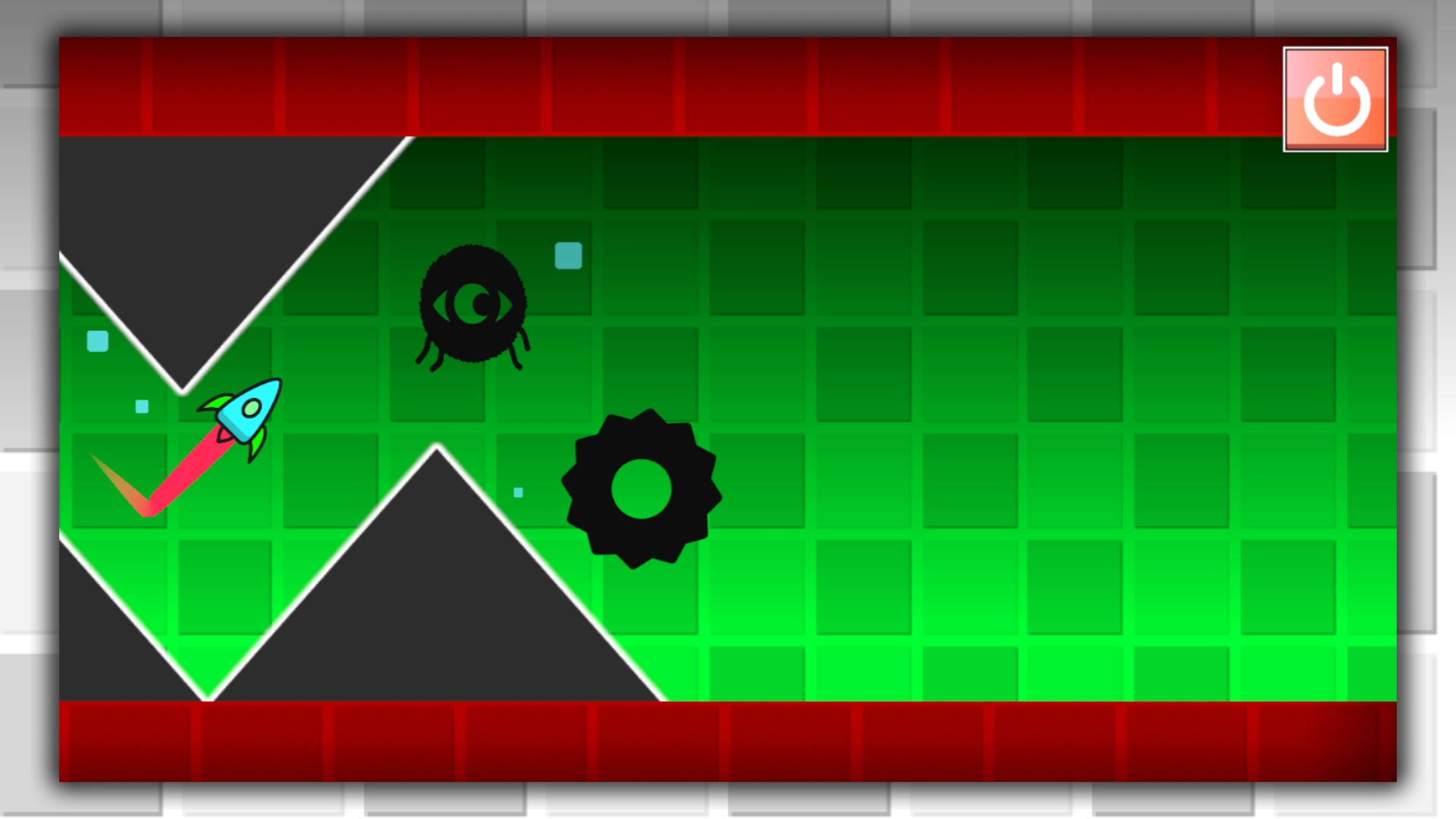
To start the game, press the "Start" button, to stop the level, just press the "Start" button again. If you lose, you will return to level creation mode.
The game does not have a save level feature, so if you quit the game, the level will not be saved.
Features
- Dynamic Triggers: Utilize specialized triggers to manipulate wave speed and background aesthetics instantly.
- Layered Editing: Switch between camera angles using dedicated bottom-screen buttons for precise object placement.
- Obstacle Variety: Access a vast library of blocks and hazards to build increasingly difficult navigation paths.
- Instant Testing: Toggle the Start button to switch from editor mode to gameplay mode seamlessly for quick iteration.
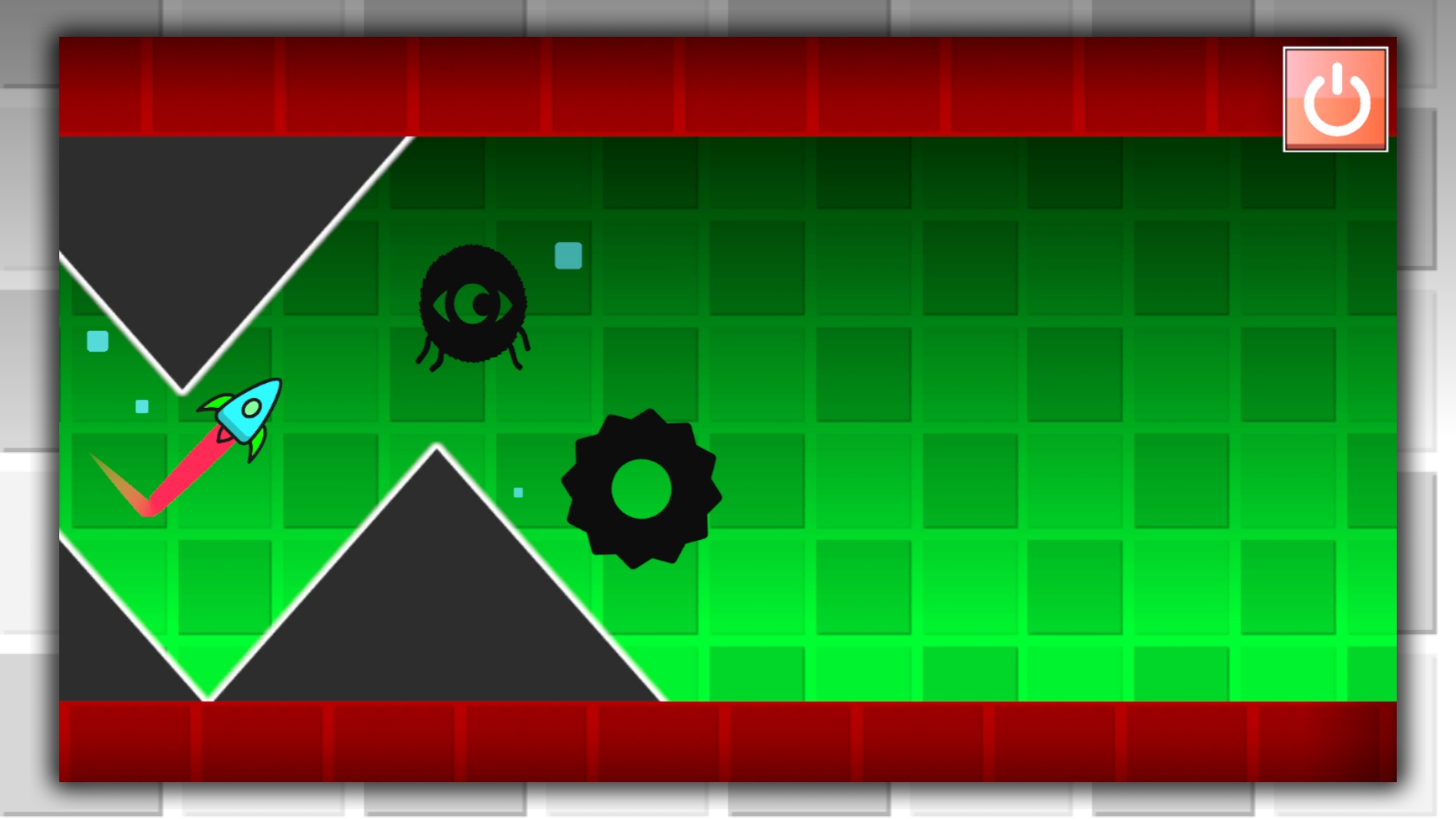
- Visual Customization: Apply diverse color effects to the top and bottom borders to give your level a distinct look.
Who is it for
Creative gamers who enjoy level editors and high-speed platformers. Those who love the iconic гд style will appreciate the freedom to design their own challenges. It appeals to casual players looking for a quick distraction as well as dedicated fans seeking to master the mechanics of wave navigation.
Controls
Place objects
Select item from menu and tap or click on the grid to position it
Delete objects
Select the trash can icon then tap or click on the target item
Navigate menu
Tap or click the UI buttons at the bottom of the screen to switch tools
Test level
Press the Start button to run the wave and tap again to stop
FAQ
Can I save my progress in Geometry Dash: Make your level with a wave?
›
The current version of Geometry Dash: Make your level with a wave does not support saving, so your level will reset if you close the game.
How do I remove mistakes in Geometry Dash: Make your level with a wave?
›
To delete any object in Geometry Dash: Make your level with a wave, simply select the trash can icon and then click on the piece you want to remove.
Is Geometry Dash: Make your level with a wave free to play?
›
Yes, you can play this game directly in your browser without any registration or downloads whenever you want.