About game
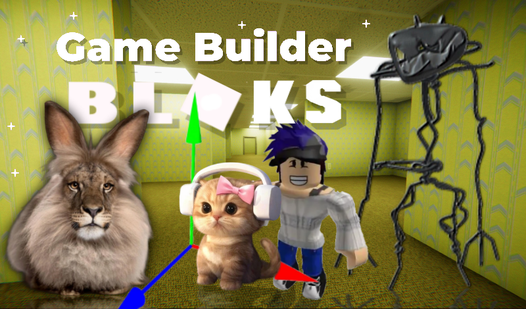
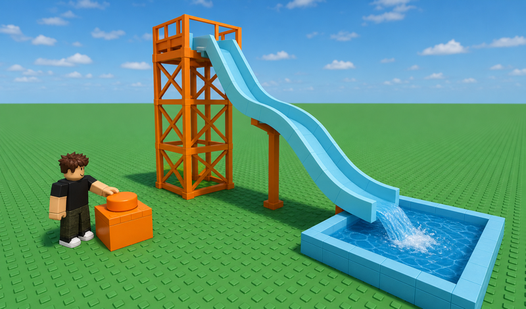
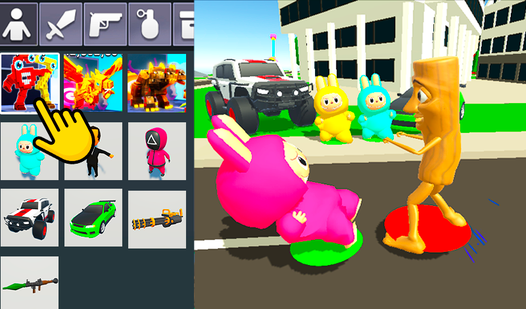
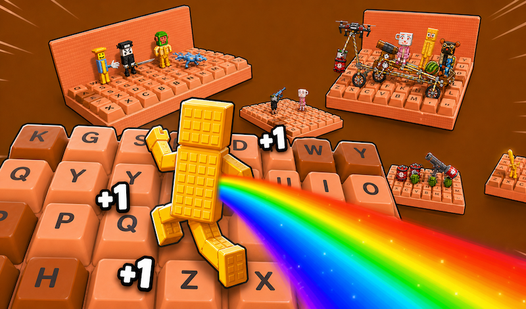
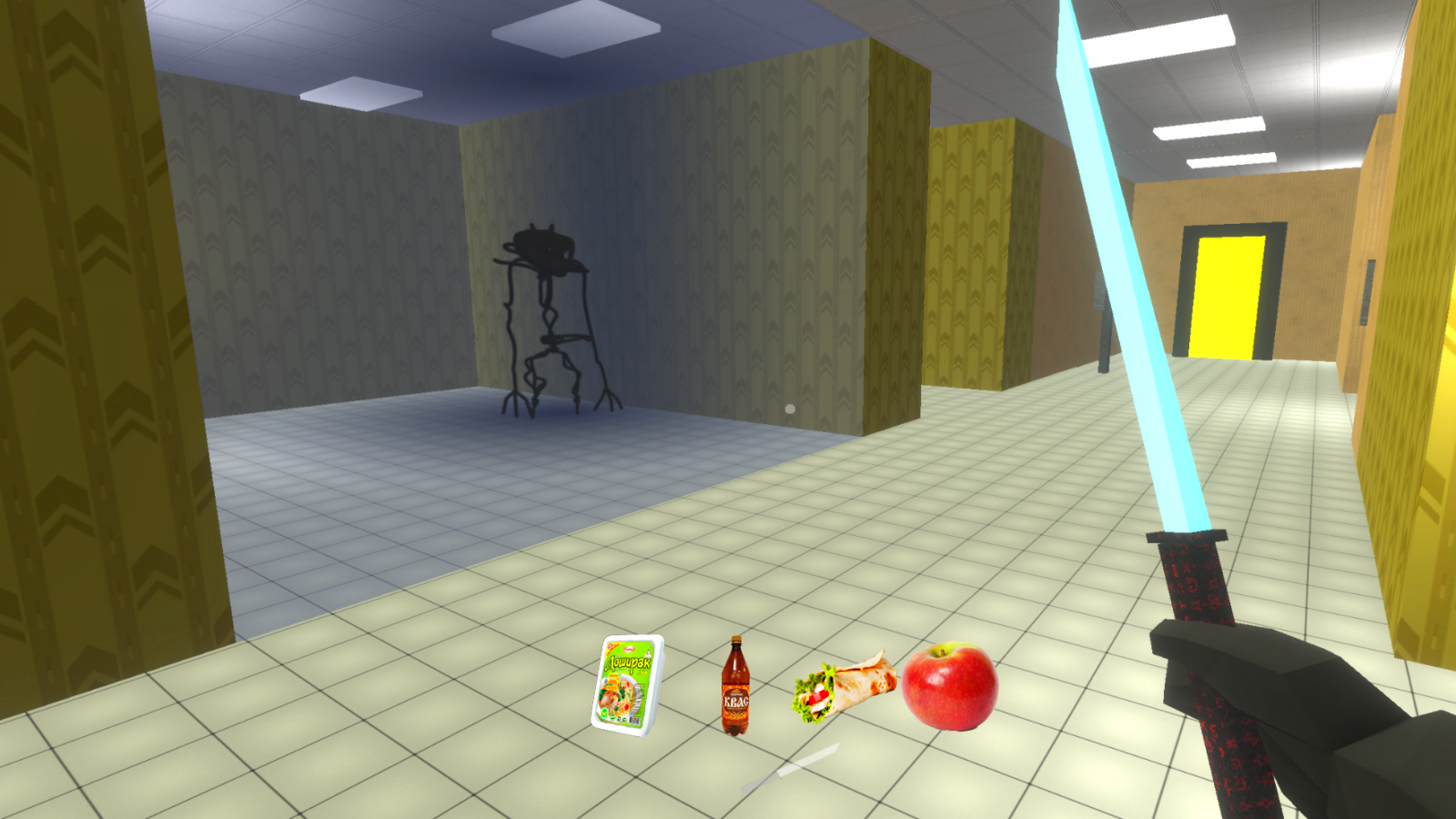
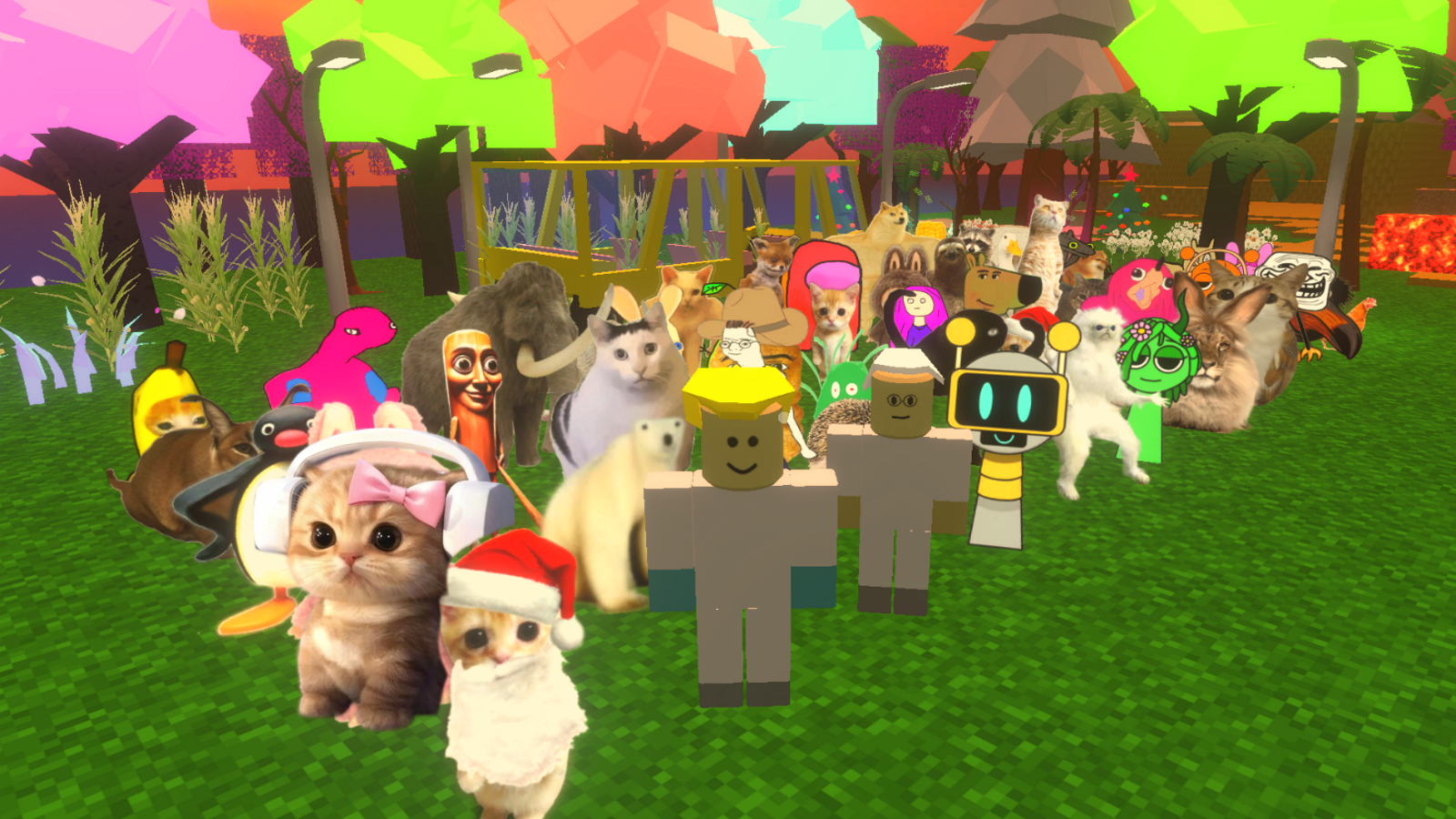
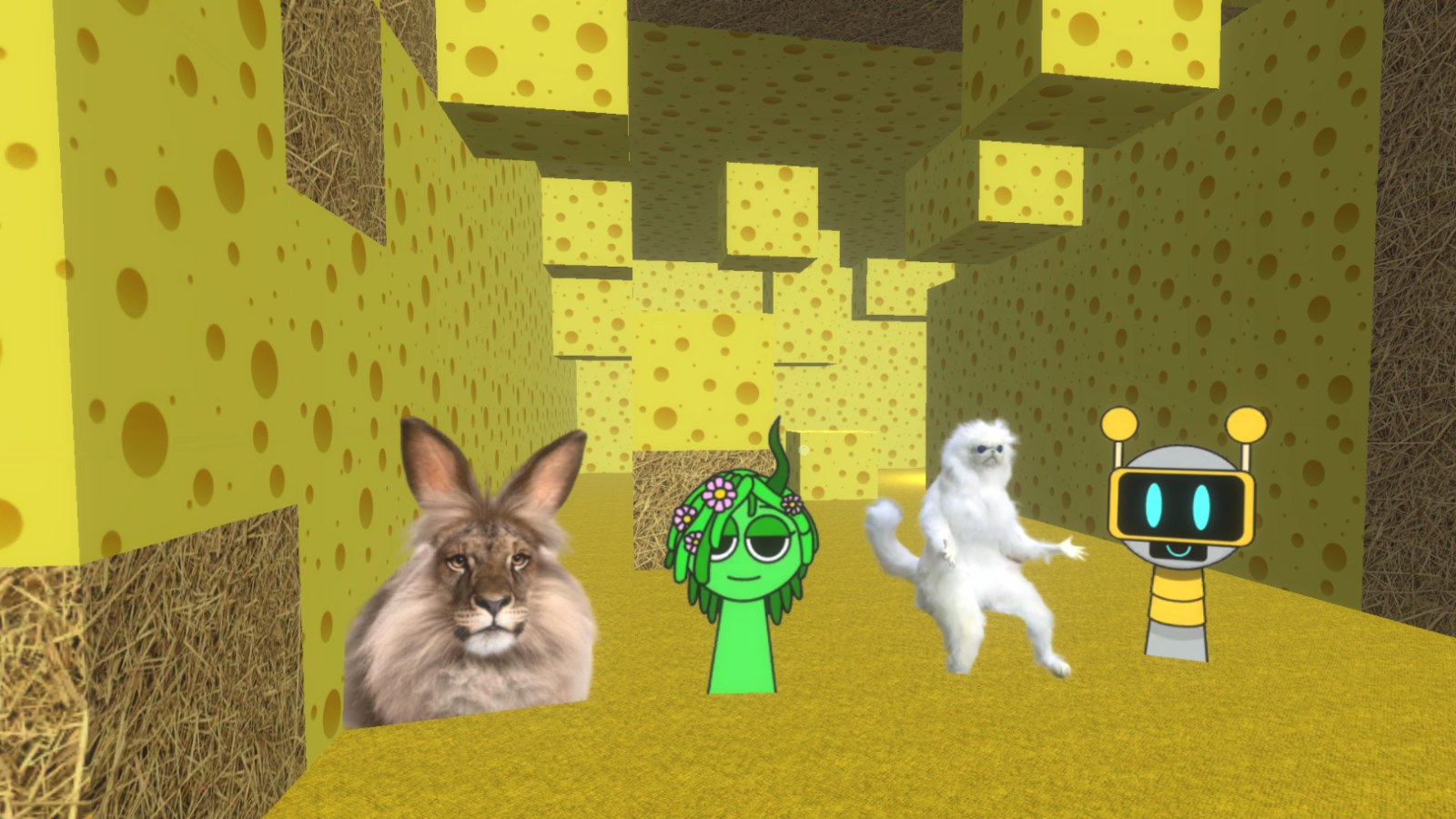
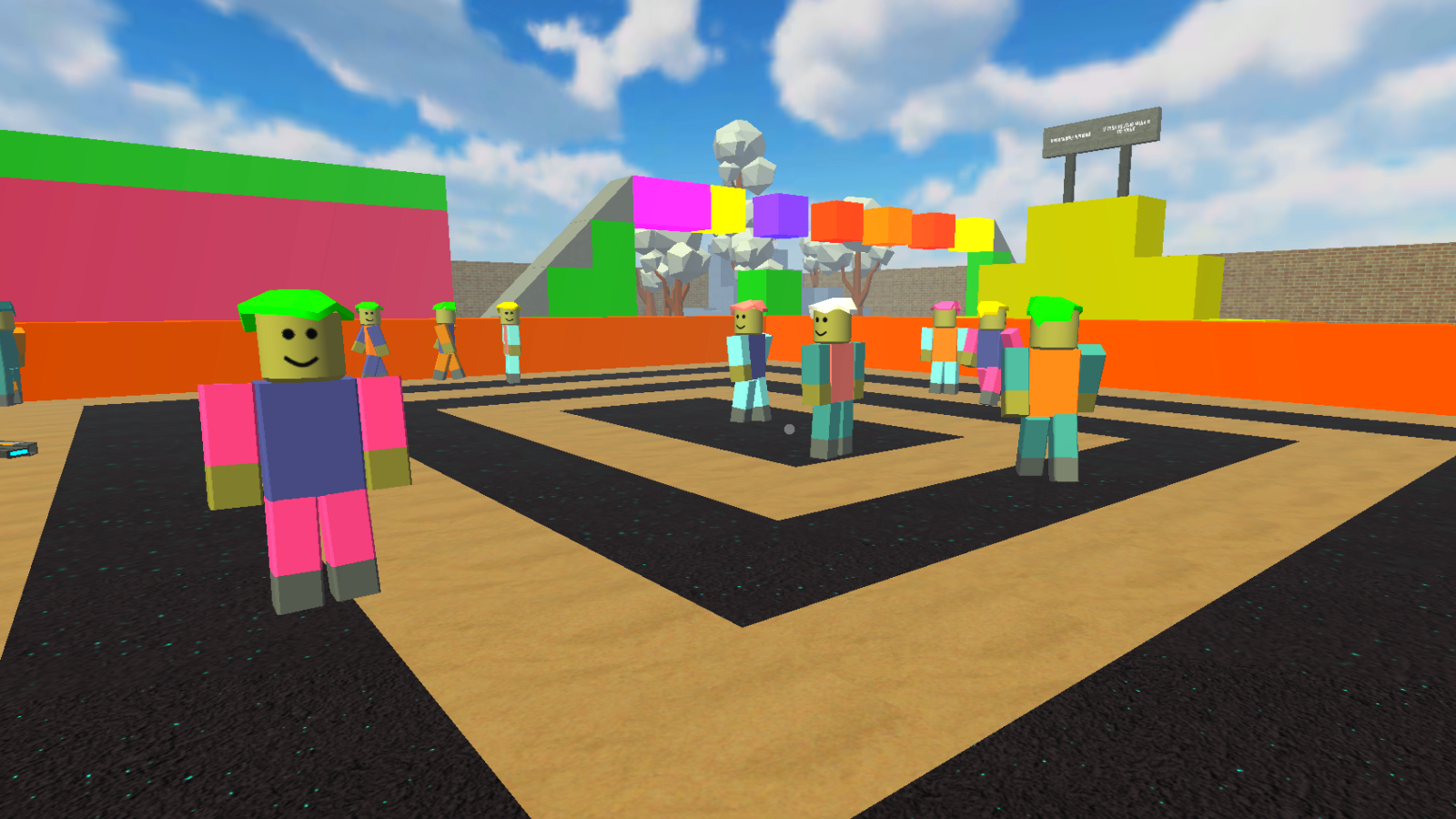
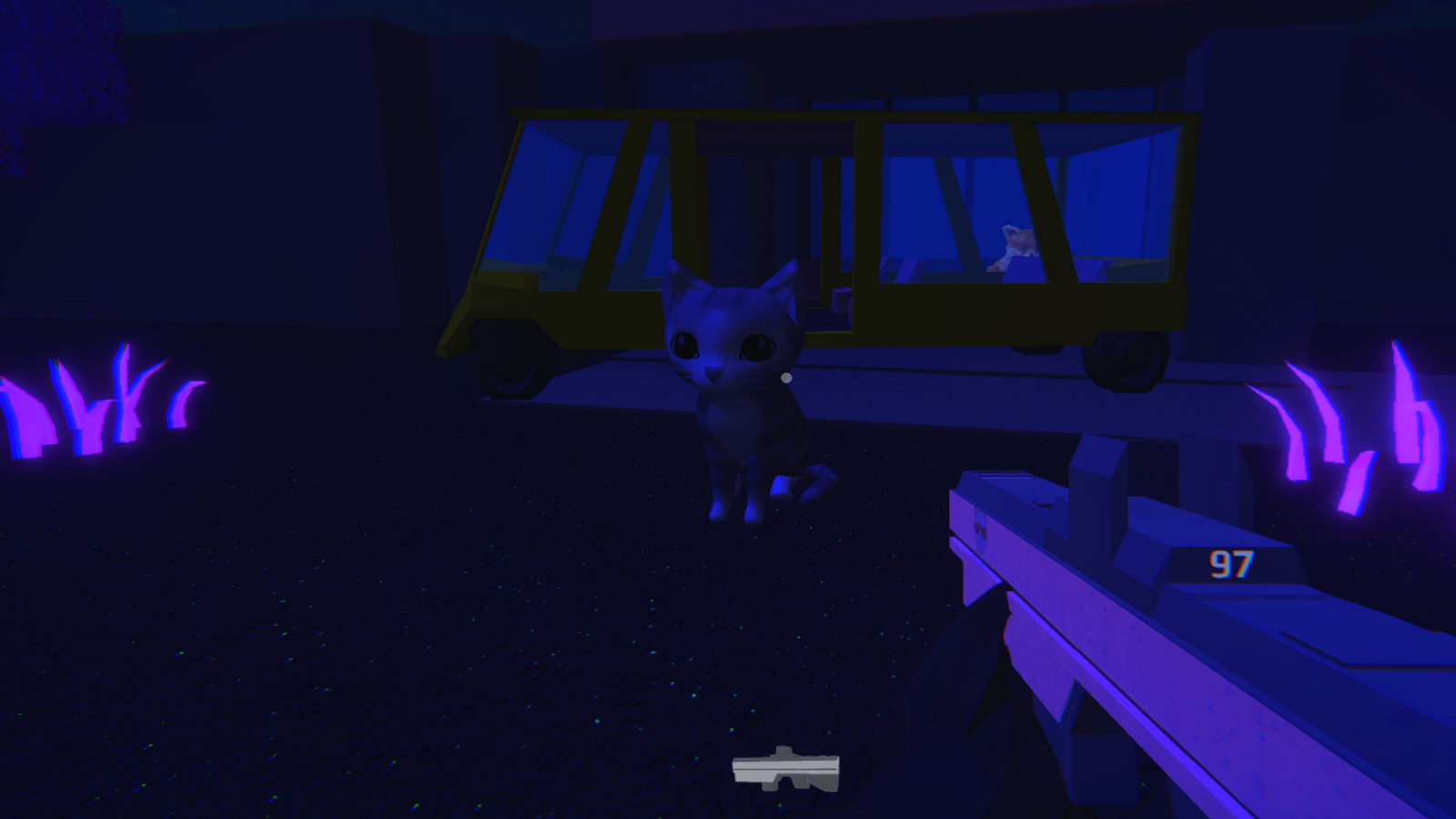
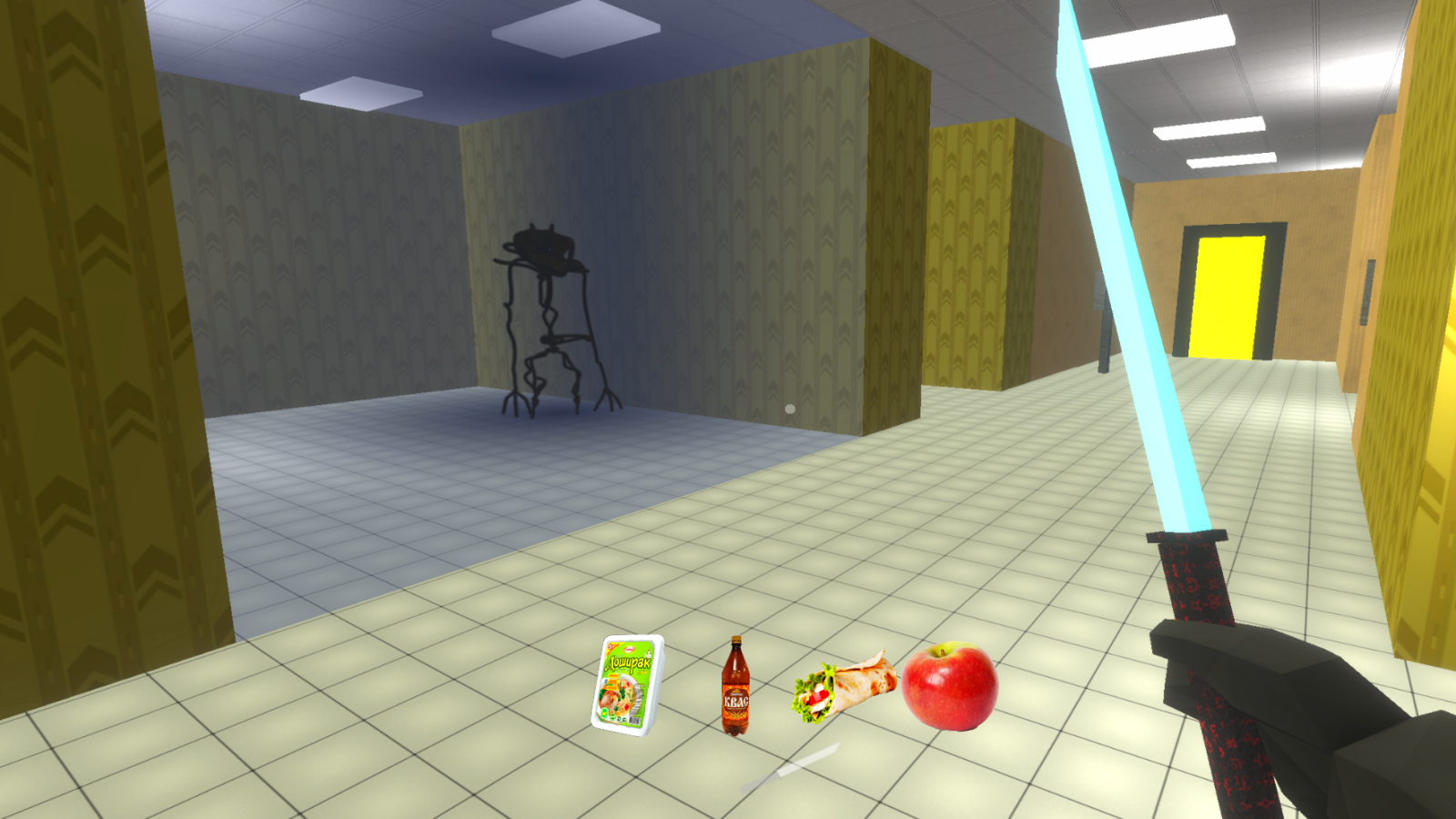
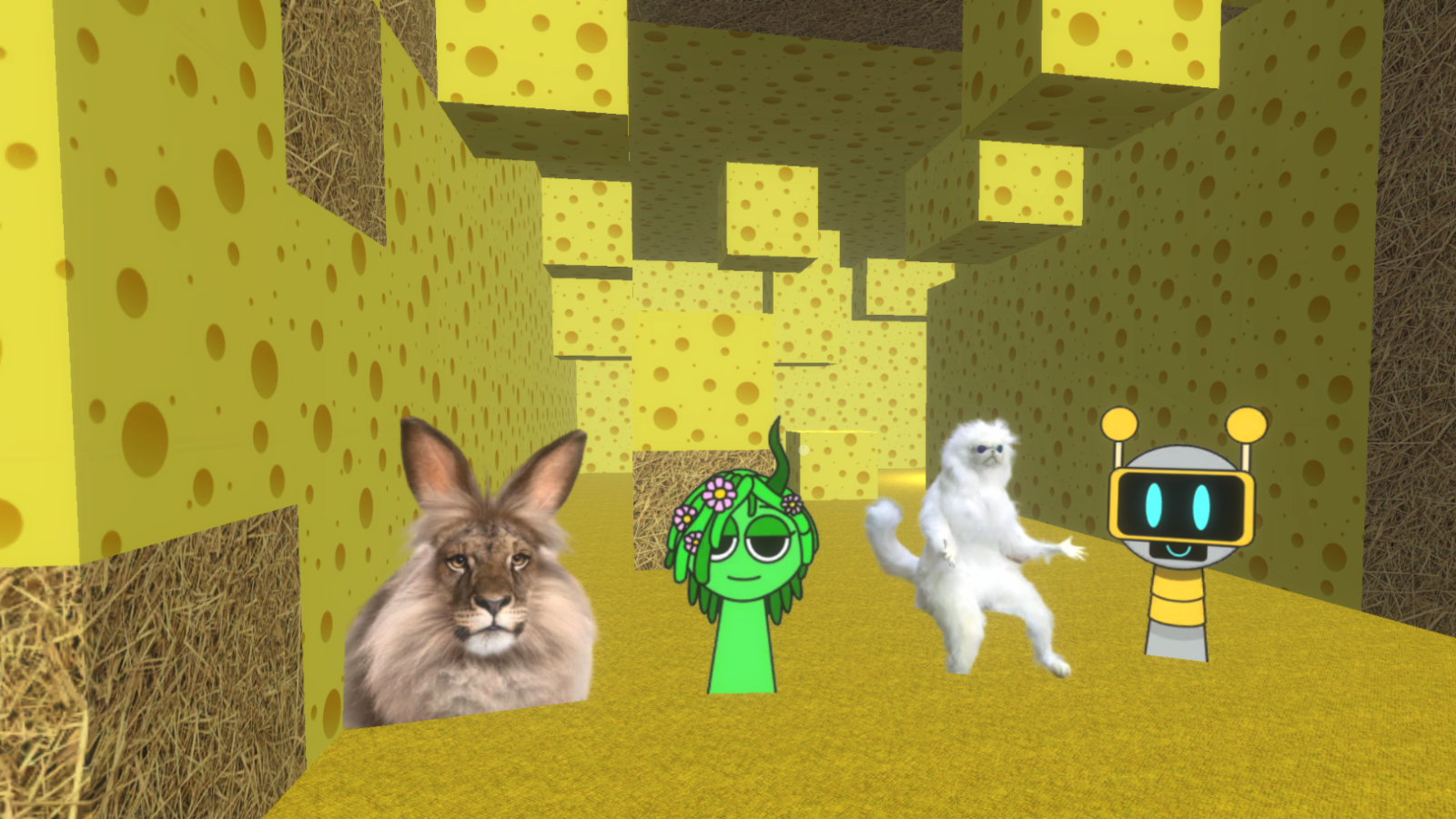
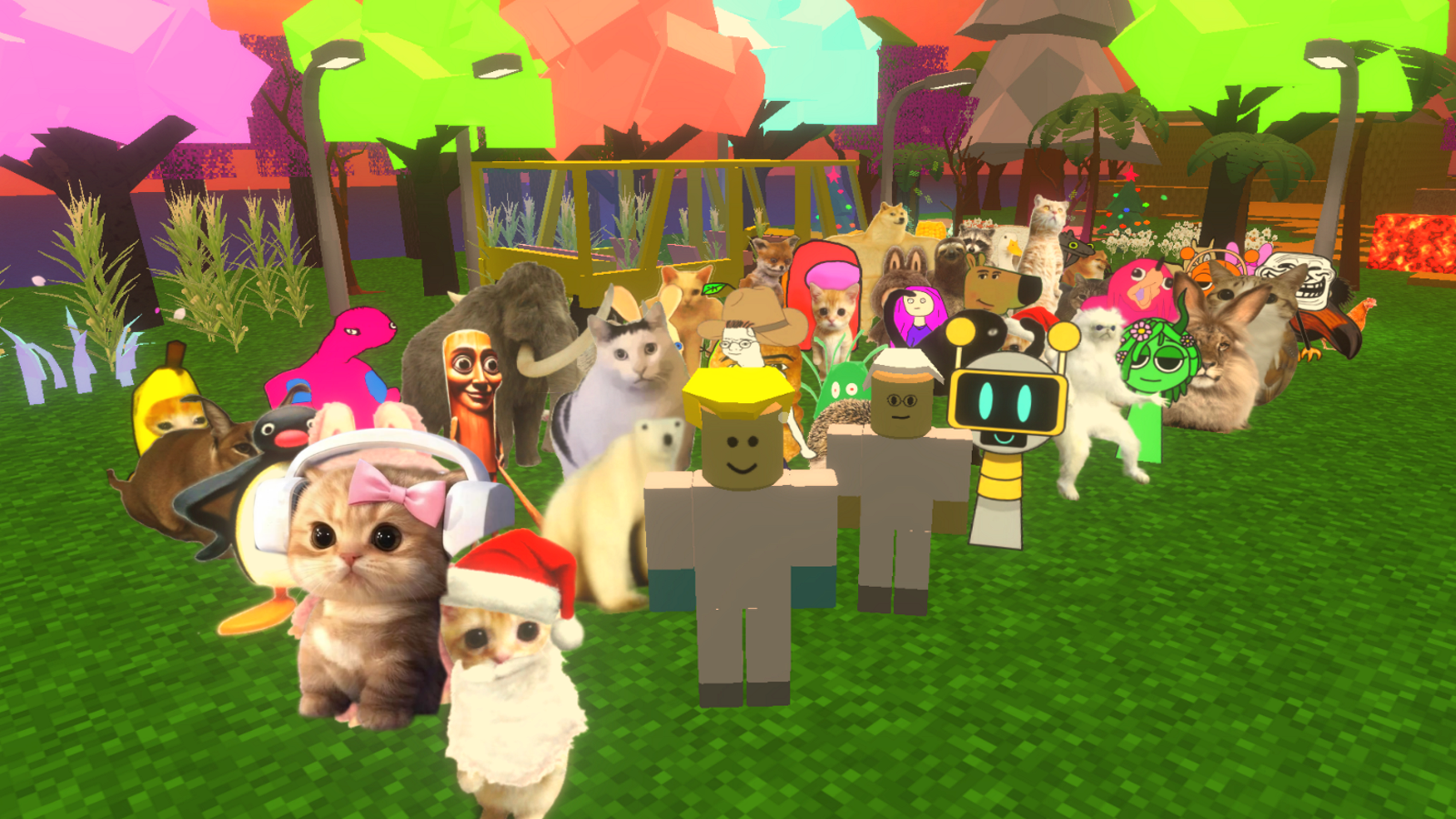
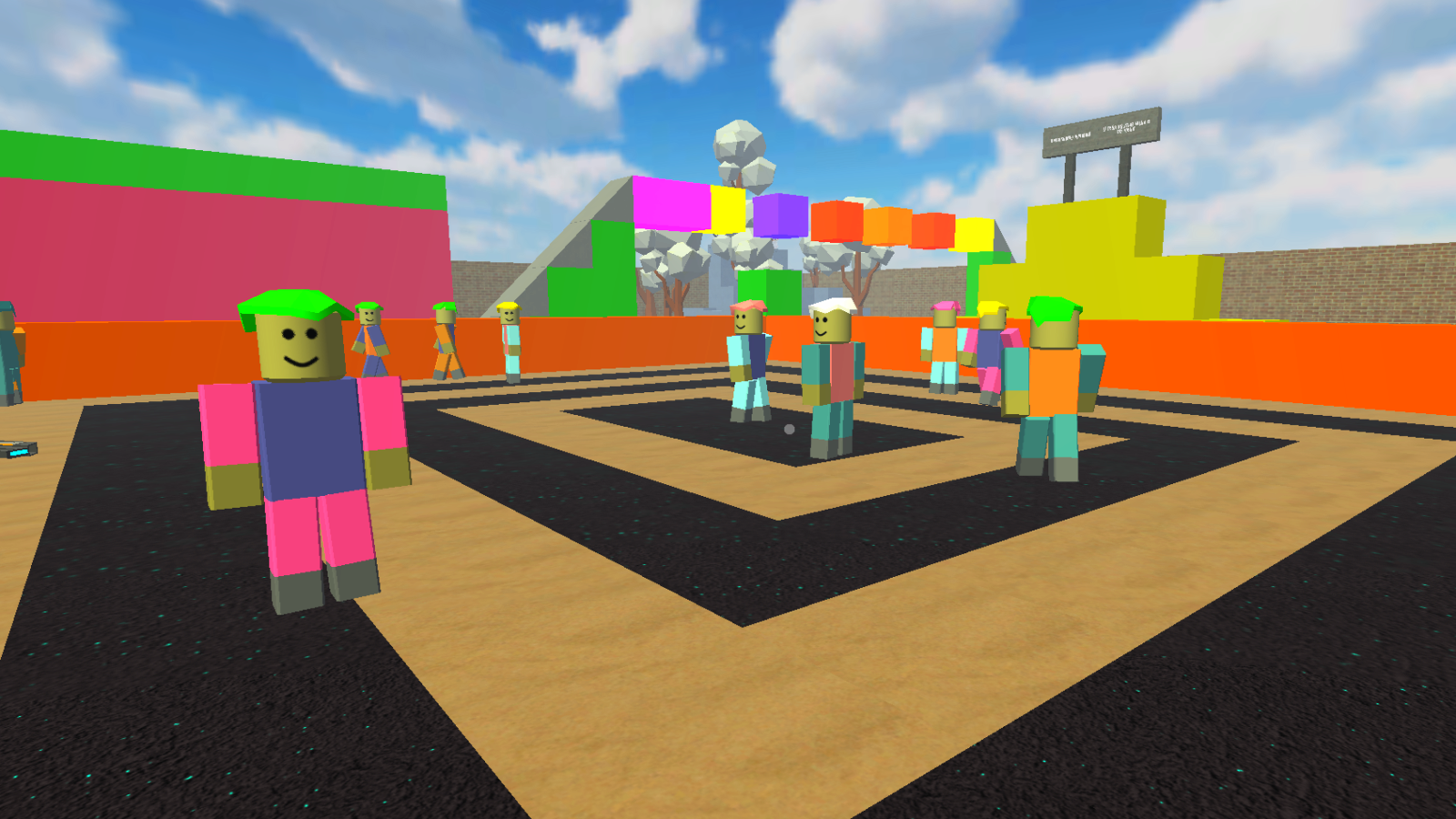
Construct your own virtual worlds and challenge your creative limits with Game Builder. You act as both the architect and the player, bringing custom environments to life before testing them out yourself. This versatile platform functions like a sandbox where you can build complex structures or design unique gameplay loops from the ground up. If you have ever wondered how to make a game without complex coding, this title provides all the tools you need in one accessible interface. Browse through countless community-made projects or share your own creations to see how others navigate your levels. The endless variety of user-generated content ensures that every session feels fresh and unpredictable. Whether you are aiming to design a masterpiece or just want to blow off steam in a wacky environment, the possibilities are vast. Experience the ultimate creative freedom and see if you can build something truly legendary today. Play it instantly in your browser with no download required.
How to play
In the game mode, the controls are as follows:
Walk - the WASD keys.
Jump - press the Space bar.
Shoot with the left mouse button.
Aim with the right mouse button.
To change weapons, use the mouse wheel or the Q, E keys.
TAB - pause/the settings window.
The mobile control is carried out by intuitive virtual buttons.
In creation mode:
Move the camera using the WASD keys.
Build - left mouse button
The rest is controlled by intuitive virtual buttons.
Features
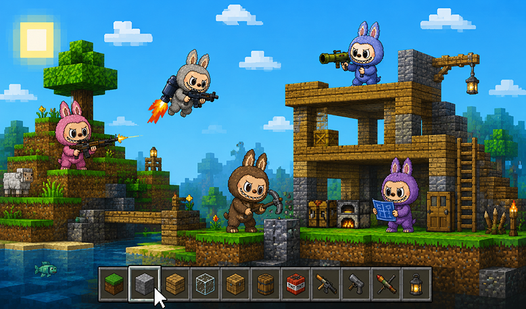
- Integrated Editor: Access a robust set of design tools to place objects, define logic, and style your custom levels.
- Community Hub: Browse through thousands of levels created by other players to find inspiration or tackle difficult challenges.
- Versatile Genre Support: Create anything from high-speed sports arenas to intricate RPG quests within a single engine.
- Social Multiplayer: Invite your friends to test your latest designs or join forces to build massive structures together.
- Real-time Testing: Switch seamlessly between the creation mode and active gameplay to fine-tune your mechanics on the fly.
Who is it for
Creative minds who love building games similar to Roblox will find endless inspiration here. Aspiring designers and sandbox fans who enjoy crafting unique experiences from scratch will thrive. It is a fantastic playground for buddies looking to collaborate on funny, high-energy levels together in a browser-based environment.
Controls
Movement and Camera
Use WASD keys on PC or intuitive virtual sticks on mobile screens.
Build and Interact
Left mouse button on PC or tap screen icons to place objects and assets.
Combat and Aiming
Right mouse button to aim and left mouse button to fire your equipped weapon.
Weapon Selection
Rotate the mouse wheel or use keys Q and E to swap items quickly.
FAQ
Can I play Game Builder for free?
›
Yes, Game Builder is completely free to play directly in your web browser with no downloads or installations needed.
Is it possible to share my creations in Game Builder?
›
Absolutely, the platform is designed for sharing, allowing you to publish your levels for the community to play, rate, and enjoy.
Does Game Builder support multiplayer modes?
›
Yes, you can easily play with friends or join matches created by other developers within the Game Builder online hub.