About game
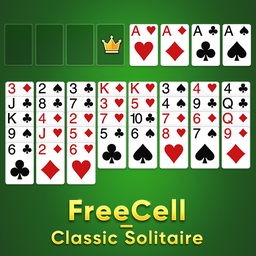
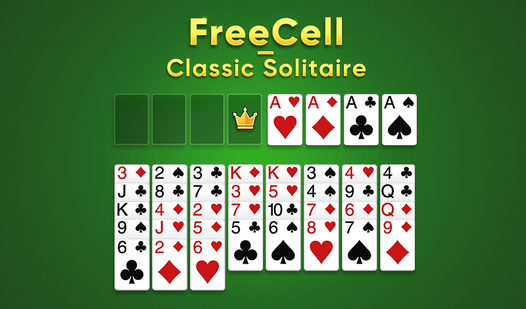
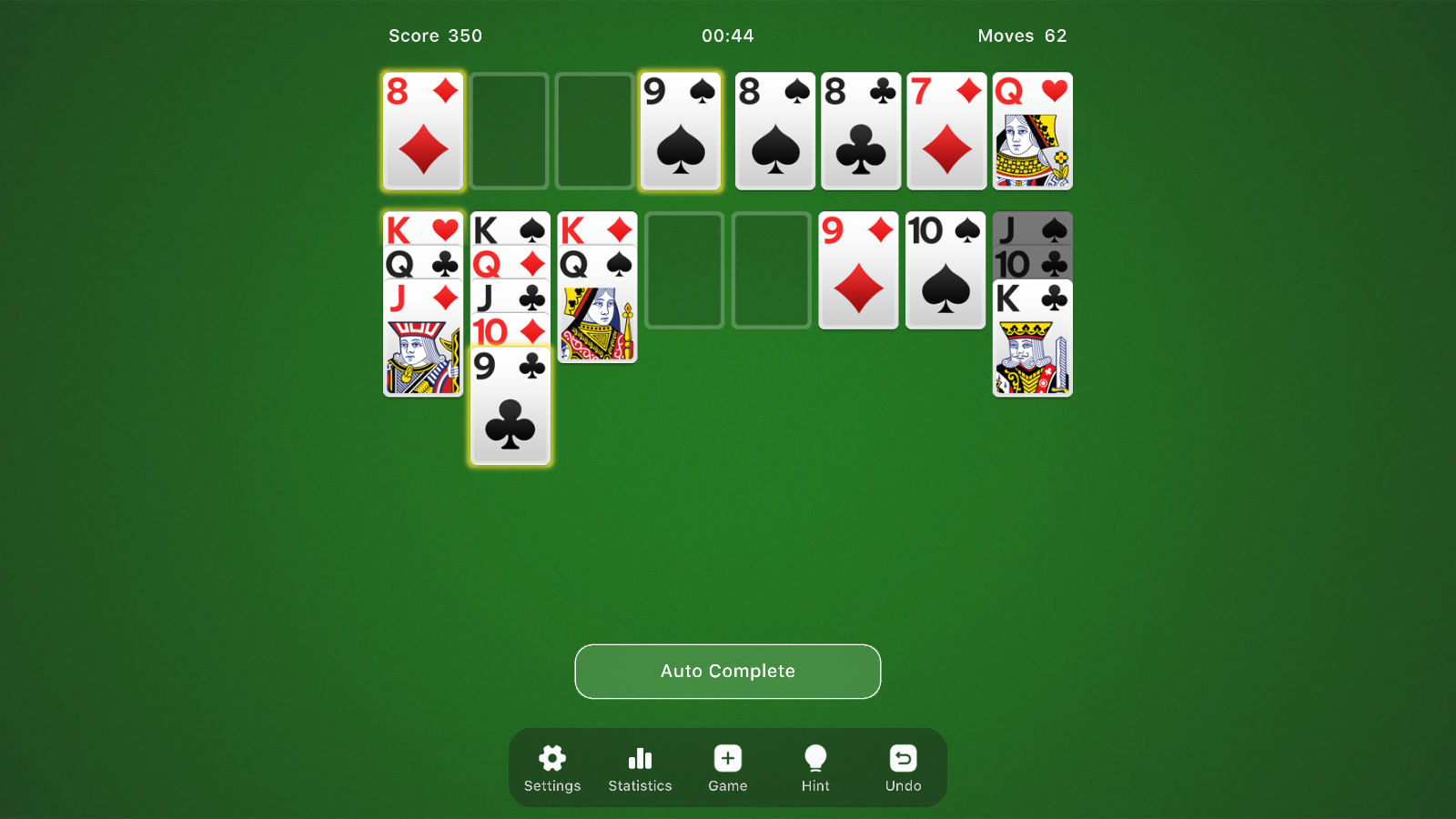
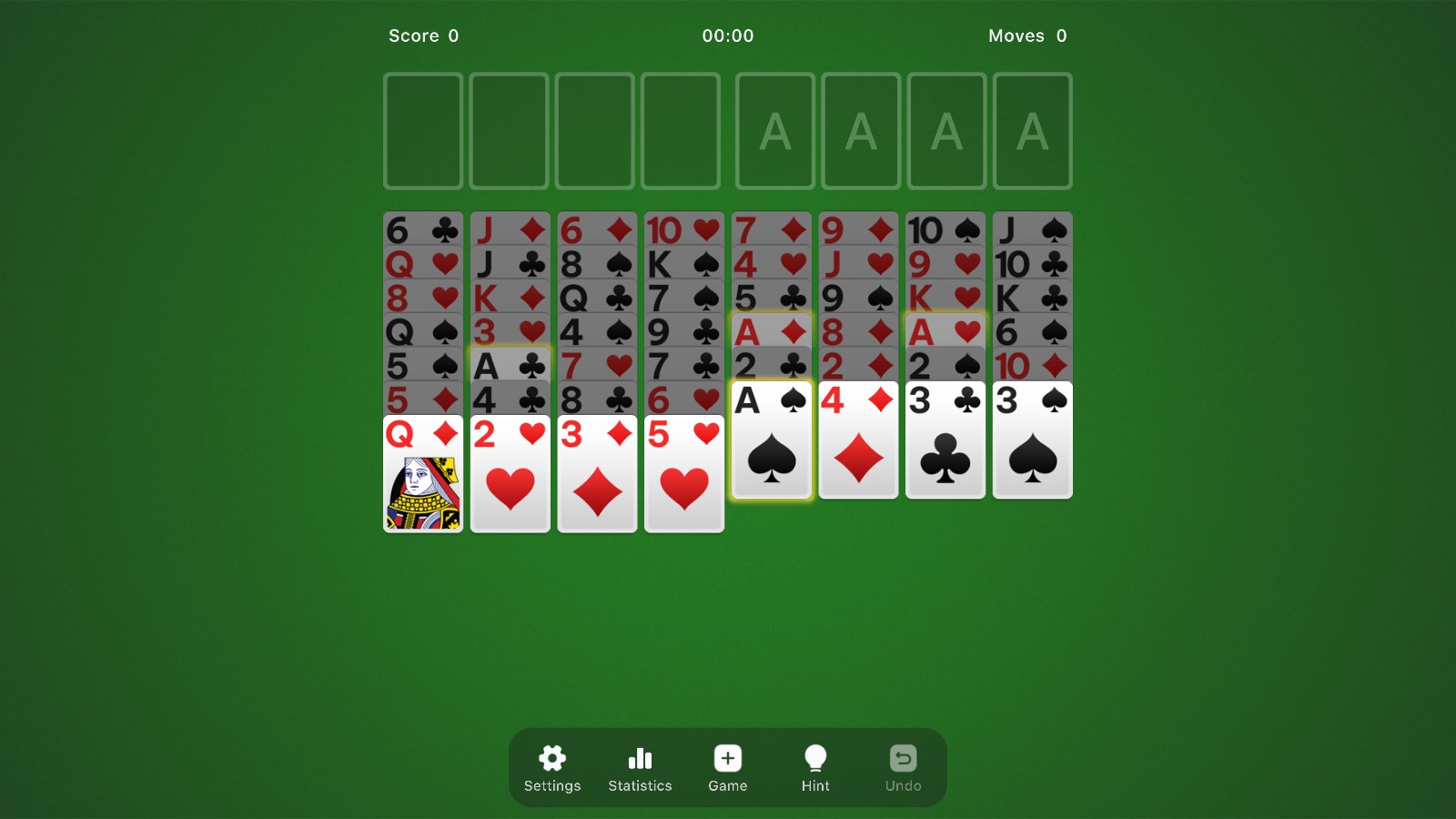
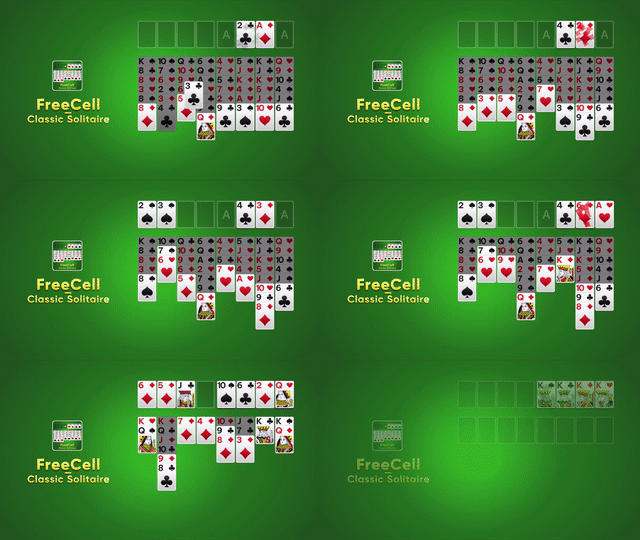
Solitaire remains the ultimate mental workout for millions because it transforms a simple deck of cards into a complex test of patience and logic. FreeCell - Classic Solitaire elevates this timeless experience with crisp visuals and fluid animations that make every move feel deliberate and satisfying. Players organize cards into sequences by suit and rank, utilizing the four empty cells at the top to stash cards and clear the main tableau. You must strategically move cards in descending order while alternating colors to reveal those hidden gems buried deep in the stacks. As you build foundation piles from ace to king, the challenge intensifies and rewards your foresight with a clean, modern interface. Whether you are aiming to beat your personal best time or simply want to unwind with a classic puzzle, the game keeps you engaged through every shuffled deck. This version offers a seamless experience across all your devices without any annoying installations. Visit FreeJoy.games to play FreeCell - Classic Solitaire in your browser for free right now.
How to play
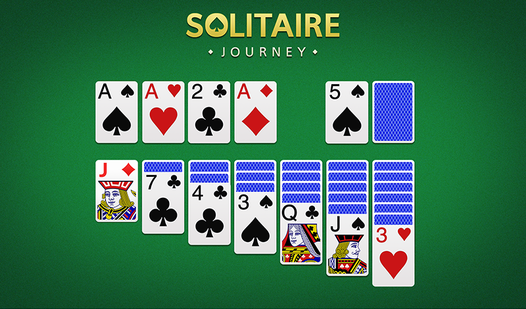
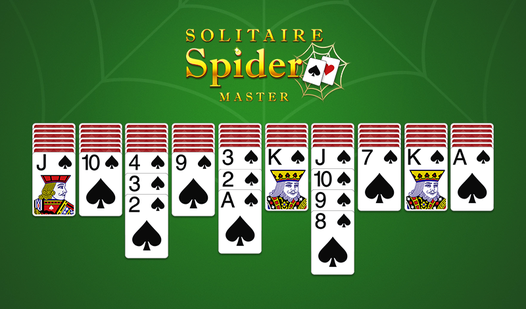
- Drag cards in the tableau (seven piles that make up the main table) to build sequences in descending order and alternating color.
- If you uncover an ace, place it first in one of the foundation piles (four piles at the top of the board).
- Start building sequences of the same suit in each foundation pile, chronologically, from ace to king.
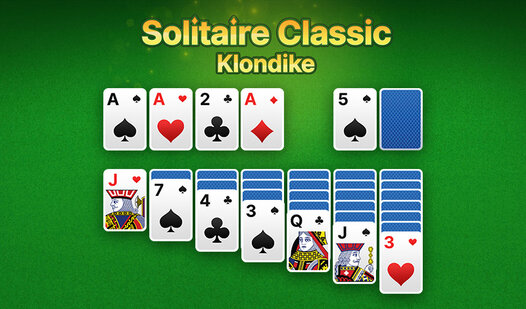
- If you can no longer move any of the face-up cards, you can always tap the stockpile to see if it has any good cards for you to play.
- Keep moving cards from the tableau to the foundation piles, and stacking them up until you reach the highest possible card in each pile.
- Got no more cards to play? Submit your score and enjoy a bonus for finishing early.
Features
- Undo Functionality: Correct accidental mistakes instantly by using the unlimited undo button to refine your winning strategy.
- Performance Tracking: Monitor your personal progress by keeping an eye on the built-in move counter and elapsed time clock.
- Polished Presentation: Experience a premium atmosphere with carefully crafted sound effects and smooth visual transitions between card stacks.
- Dynamic Challenges: Encounter special surprises and varied board layouts that push your problem-solving skills to the limit.
- Cross-Platform Compatibility: Transition seamlessly between desktop, tablet, and mobile devices without losing your current session status.
Who is it for
Puzzle lovers and casual card game enthusiasts who appreciate a clean interface and deep strategic gameplay. Fans of classic brain teasers will enjoy the logic-based requirements, while serious players can compete for high scores and faster completion times in this mobile-friendly digital adaptation of the beloved card classic.
Controls
Select card
Tap or click on a card to highlight it for movement.
Move cards
Drag and drop cards or sequences to the desired column or foundation pile.
Undo move
Tap the back arrow icon to revert your last card placement.
FAQ
Can I play FreeCell - Classic Solitaire on my smartphone?
›
Yes, FreeCell - Classic Solitaire is fully optimized for mobile browsers so you can enjoy smooth gameplay on any phone or tablet.
Does FreeCell - Classic Solitaire require a login?
›
No, you can jump straight into the action of FreeCell - Classic Solitaire without any registration or account creation requirements.
How do I win at FreeCell - Classic Solitaire?
›
You win by successfully moving all cards to the four foundation piles in ascending order by suit, starting from the ace.