About game
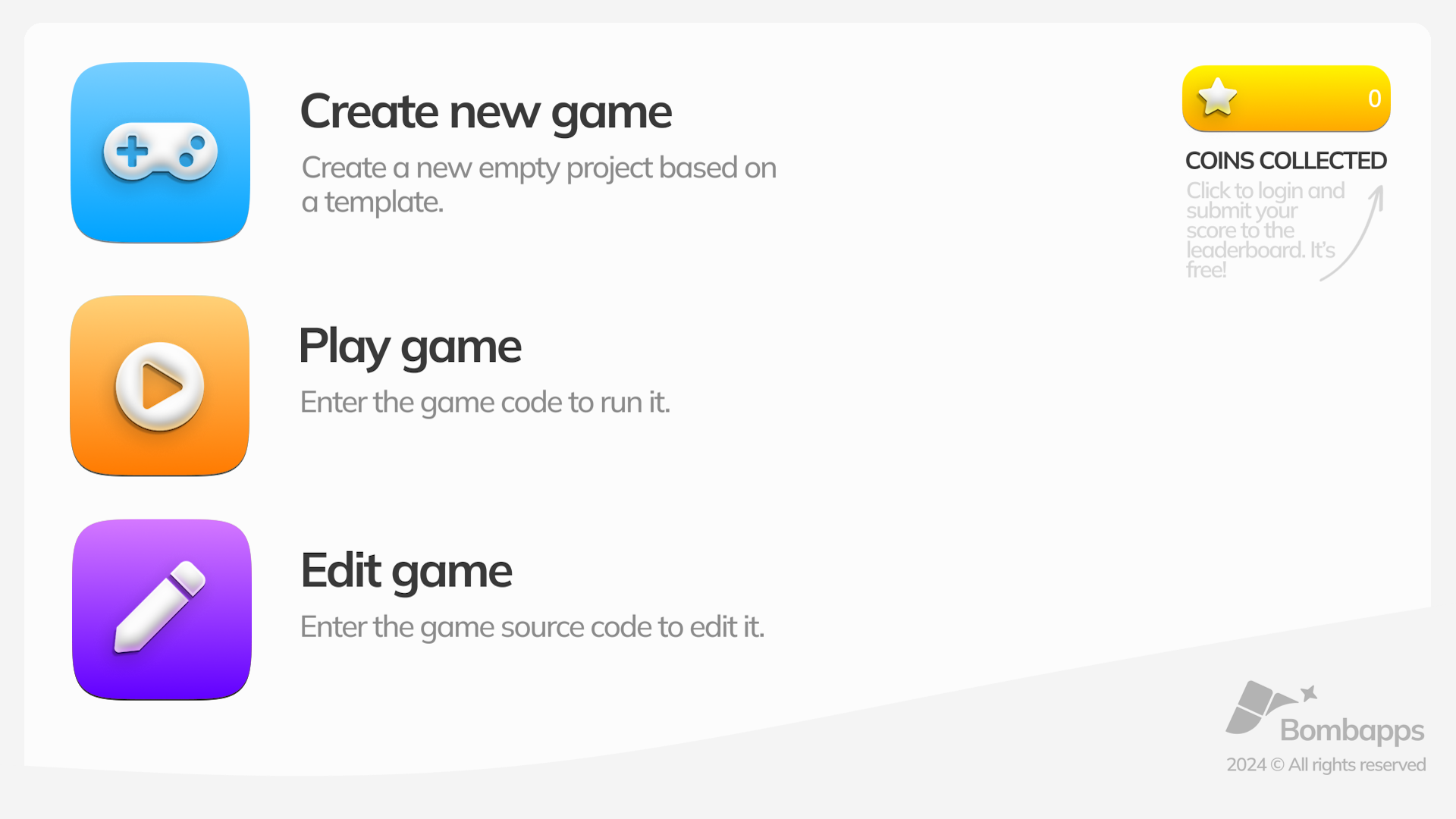
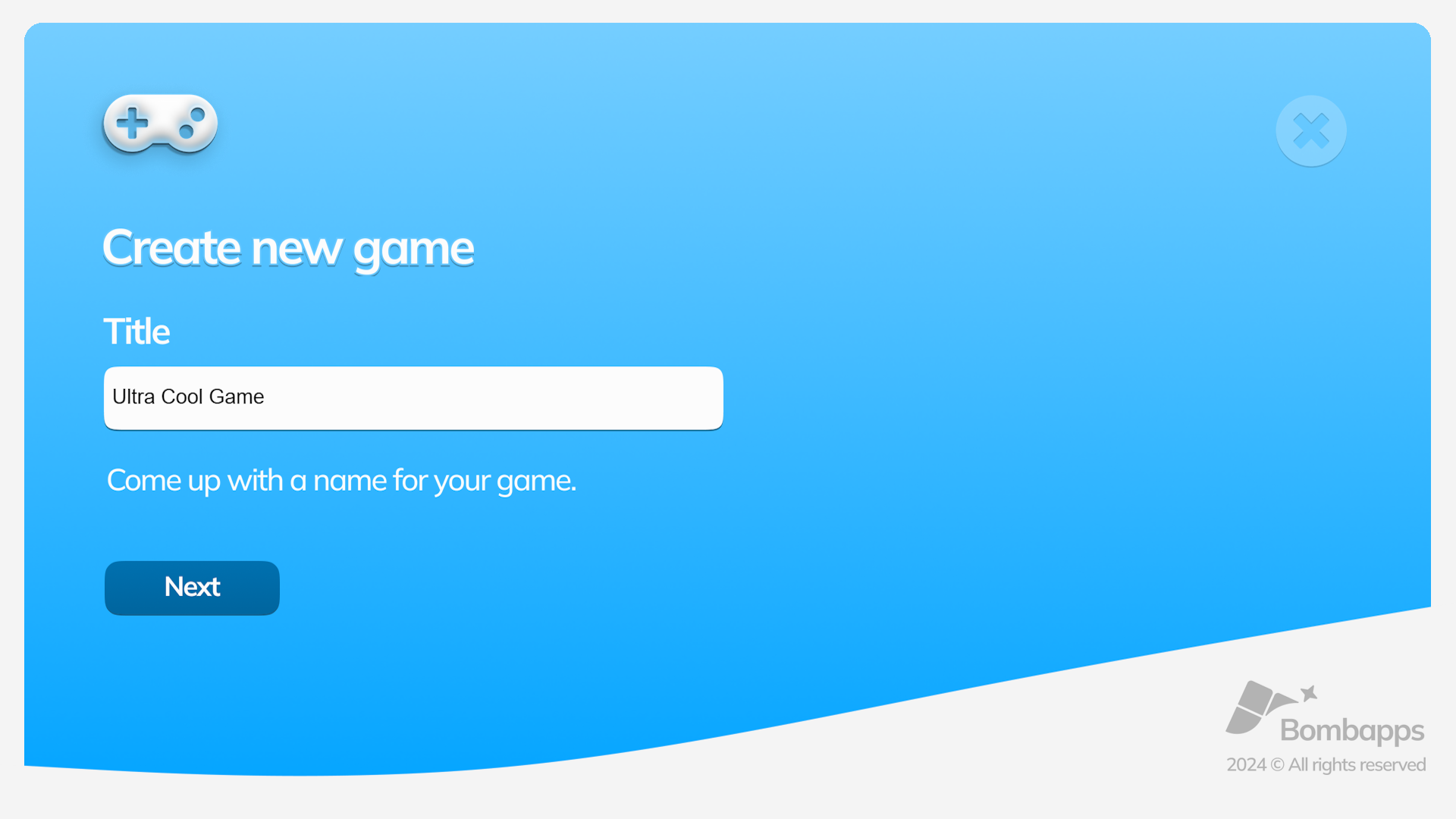
Building a unique interactive world used to require years of coding knowledge, but those days are officially behind us. The Free Mobile Game Maker App: Create Your Games platform removes every barrier by letting you craft digital adventures directly inside your web browser. You can drag and drop assets, customize layouts, and define mechanics without writing a single line of complex syntax. The interface simplifies the game engine experience so beginners can focus entirely on level design and creative expression. Whether you want to build a challenging platformer or a casual puzzle project, the intuitive toolset handles all the technical heavy lifting for you. This game maker empowers you to experiment with mechanics and refine your vision until it feels just right. You can even transfer your progress across devices by saving and importing your unique source code. Unleash your inner indie developer and play Free Mobile Game Maker App: Create Your Games for free in your browser today without any downloads.
How to play
⚠️ SAVING AND PLAYING:
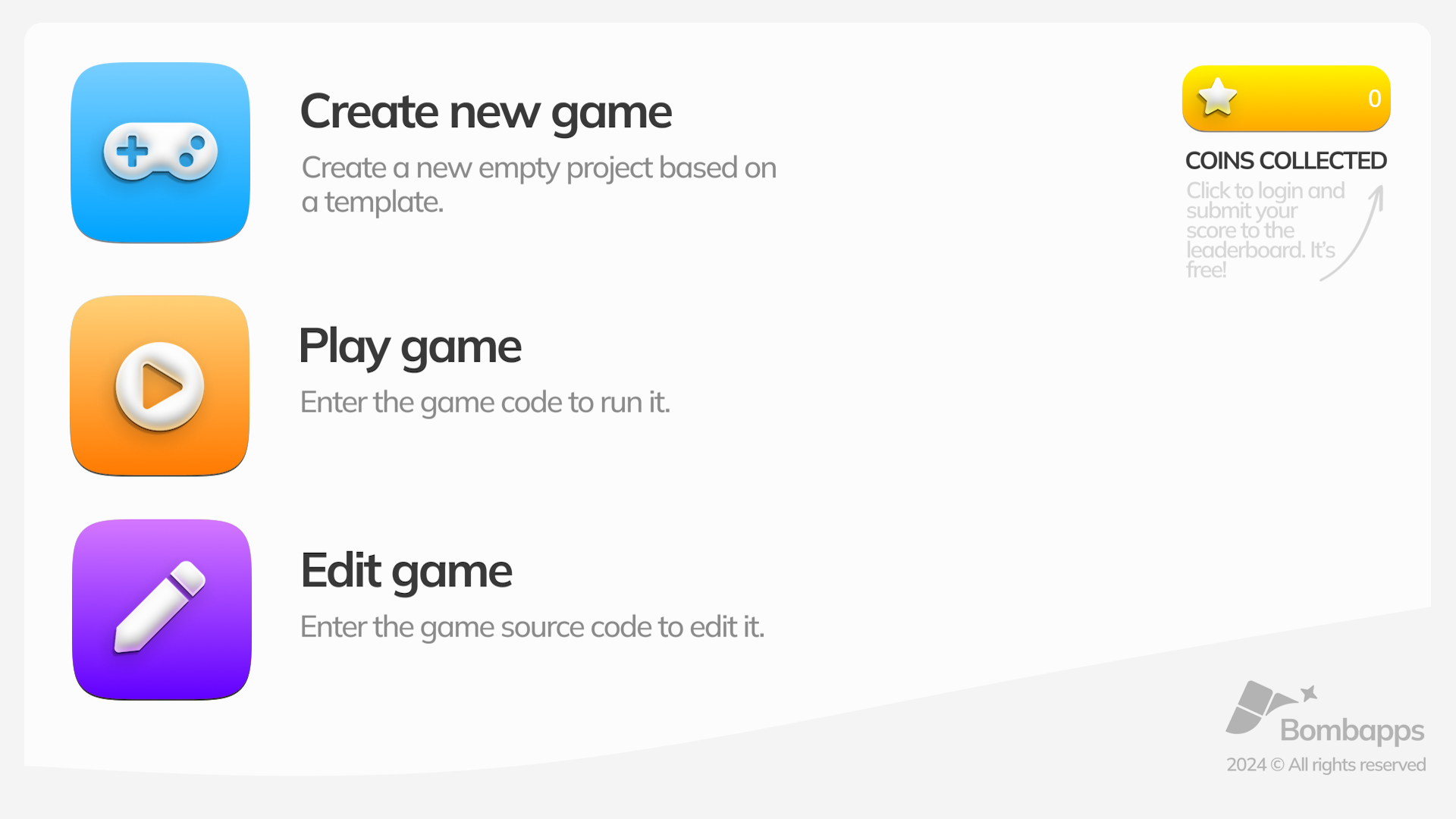
Always export your project as often as possible. To do this, click on the floppy disc icon in the editor and copy the source code of the game and the game launch code into a separate text document or notes app on your phone. This will allow you to return to editing it later even on another device. This way, you can transfer the game between devices (for example, create the game on a computer and enter its launch code on a phone).
✏️ EDITING MODE:
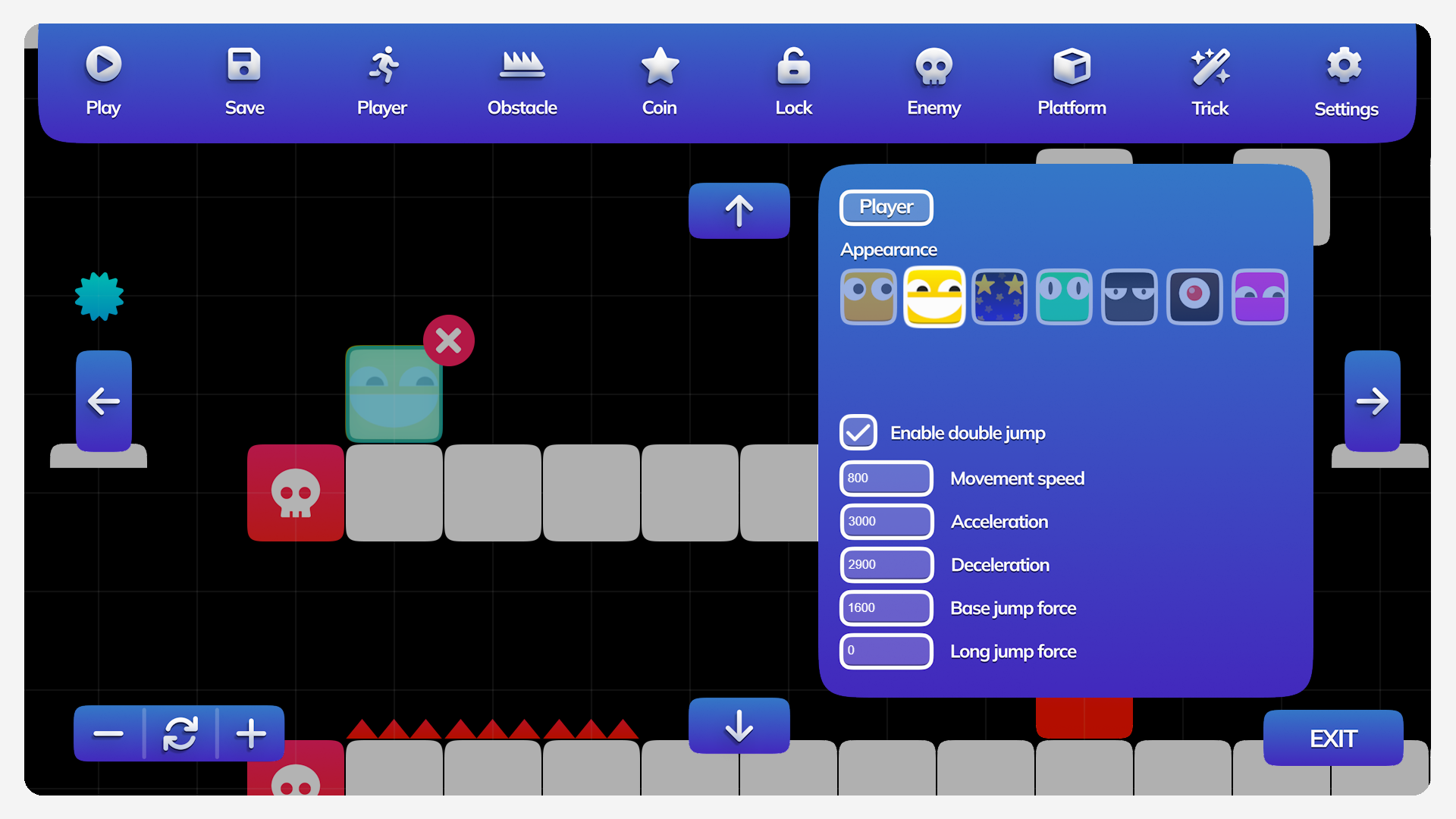
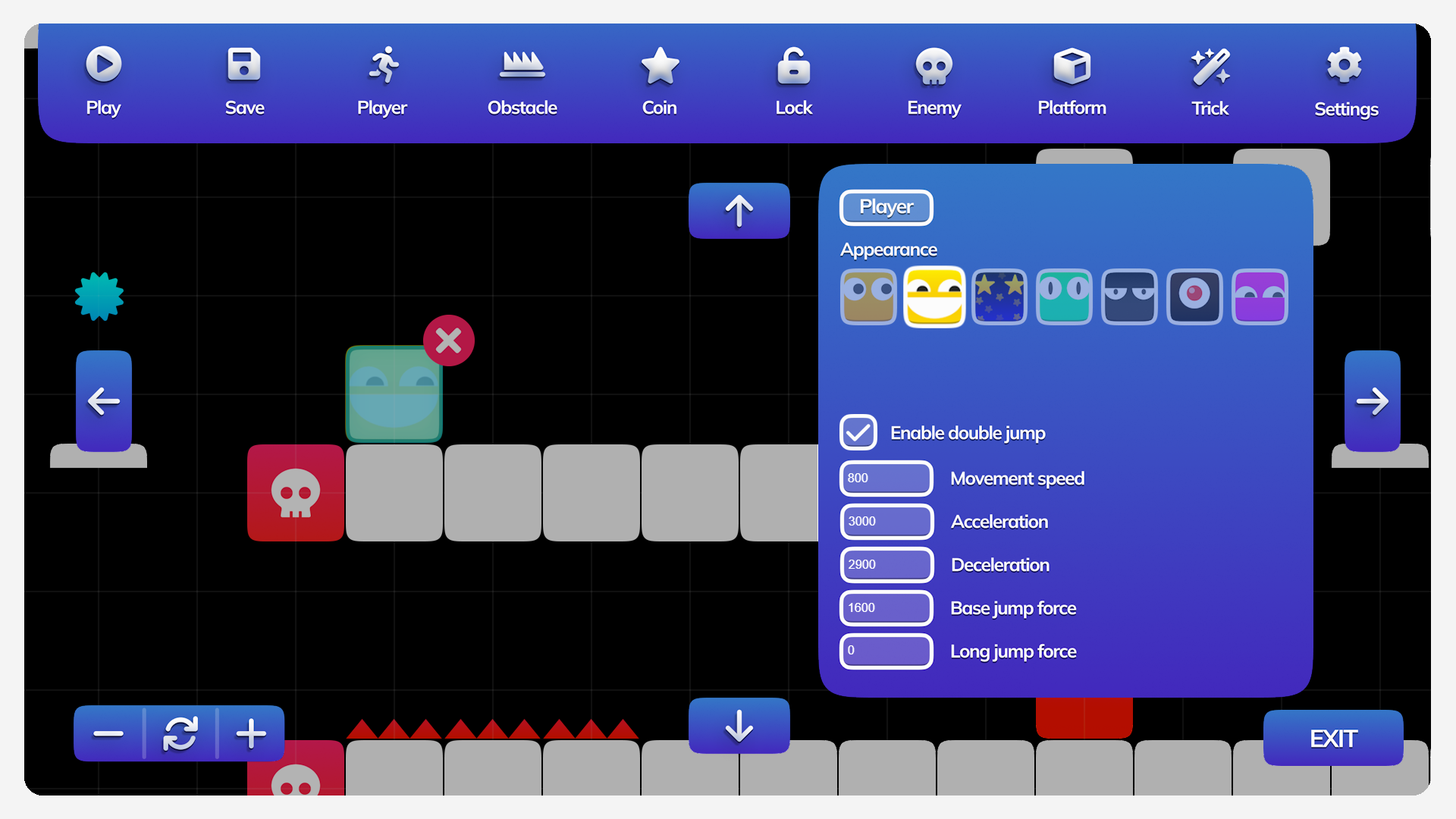
To select a menu item, click on it. Drag created objects by touch or by holding the mouse button. Select an object by clicking on it.
👾 PLAY MODE:
Movement: WASD / Arrow keys
Jumping: Spacebar
Mobile controls: Use the virtual on-screen gamepad. Use the left stick to move. Use the button on your right to jump.
Play mode supports gamepad input. Gamepad controls: use the left stick / directional pad to move. Press the A button to jump.
Features
- Asset Library: Access a library of premium pre-made game assets to build your levels quickly without needing original art.
- Cross-Device Sync: Use the manual export feature to copy your project source code and resume development on any computer or mobile device.
- Drag and Drop Editor: Move objects and customize game parameters using simple touch gestures or mouse clicks for a seamless design process.
- Gamepad Support: Test your creations with full controller compatibility to ensure smooth movement and jump physics for your players.
- Flexible Templates: Start with base templates to learn the flow of game engine logic before branching out into custom configurations.
Who is it for
Aspiring indie developers, students interested in game design, and casual players who want to experiment with logic and level creation. Anyone who enjoys creative sandbox environments and wants to learn the fundamentals of gamedev without the steep learning curve of professional software will find this tool highly engaging.
Controls
Move objects
Click and drag objects with a mouse or tap and drag on your touchscreen.
Character movement
Use WASD or arrow keys on PC, or the virtual on-screen gamepad on mobile.
Jump
Press the Spacebar on your keyboard, the A button on a gamepad, or the jump button on your mobile screen.
Save project
Click the floppy disc icon to export your game source code for later use.
FAQ
Is it really possible to create a game with Free Mobile Game Maker App: Create Your Games without coding?
›
Yes, the engine is designed specifically for non-programmers to create their own games using a drag-and-drop interface.
Can I save my work in Free Mobile Game Maker App: Create Your Games?
›
You can save your project by exporting the source code and storing it in a text document, allowing you to reload it whenever you want to continue editing.
Does Free Mobile Game Maker App: Create Your Games require any downloads?
›
No, everything runs directly in your web browser, meaning you can start designing immediately without installing any software.