About game
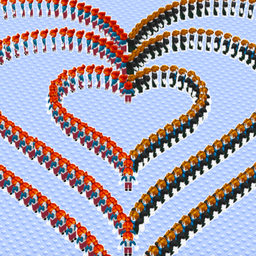
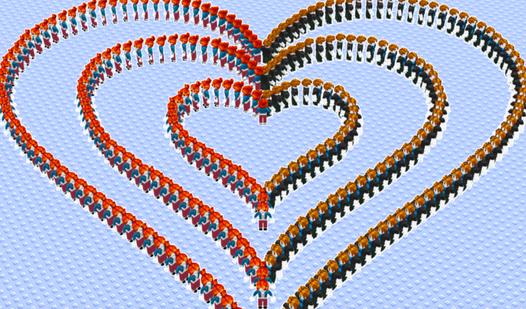
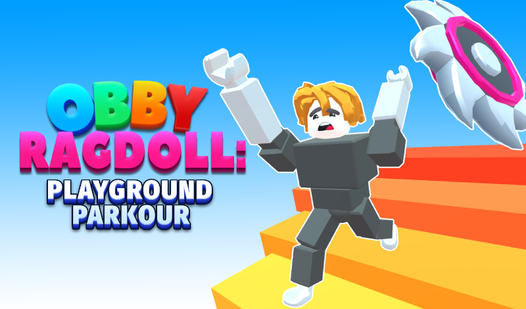
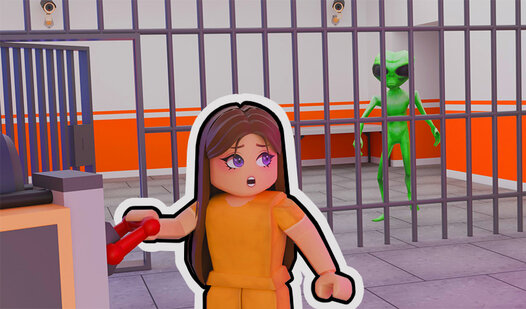
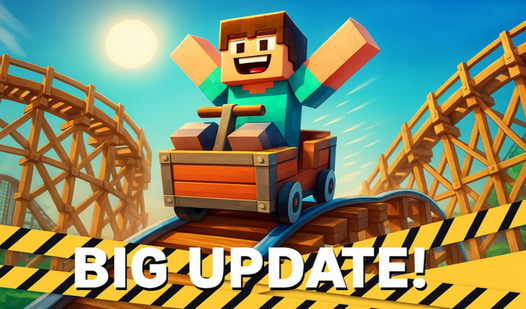
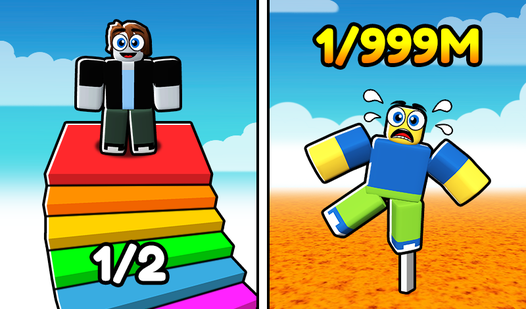
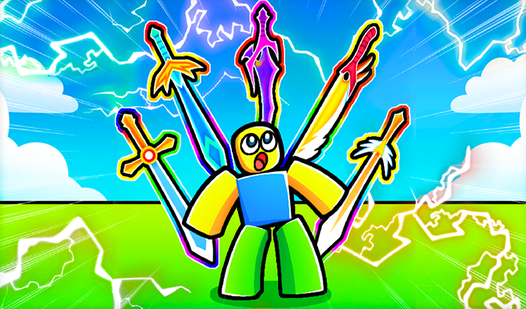
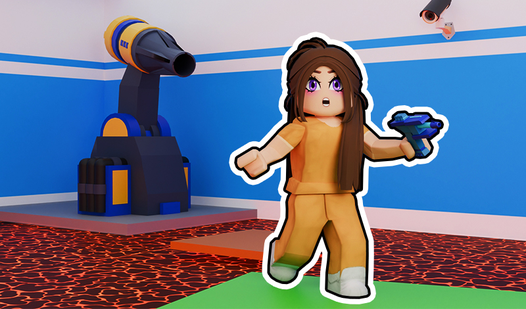
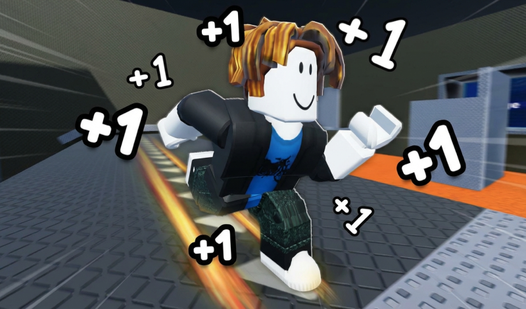
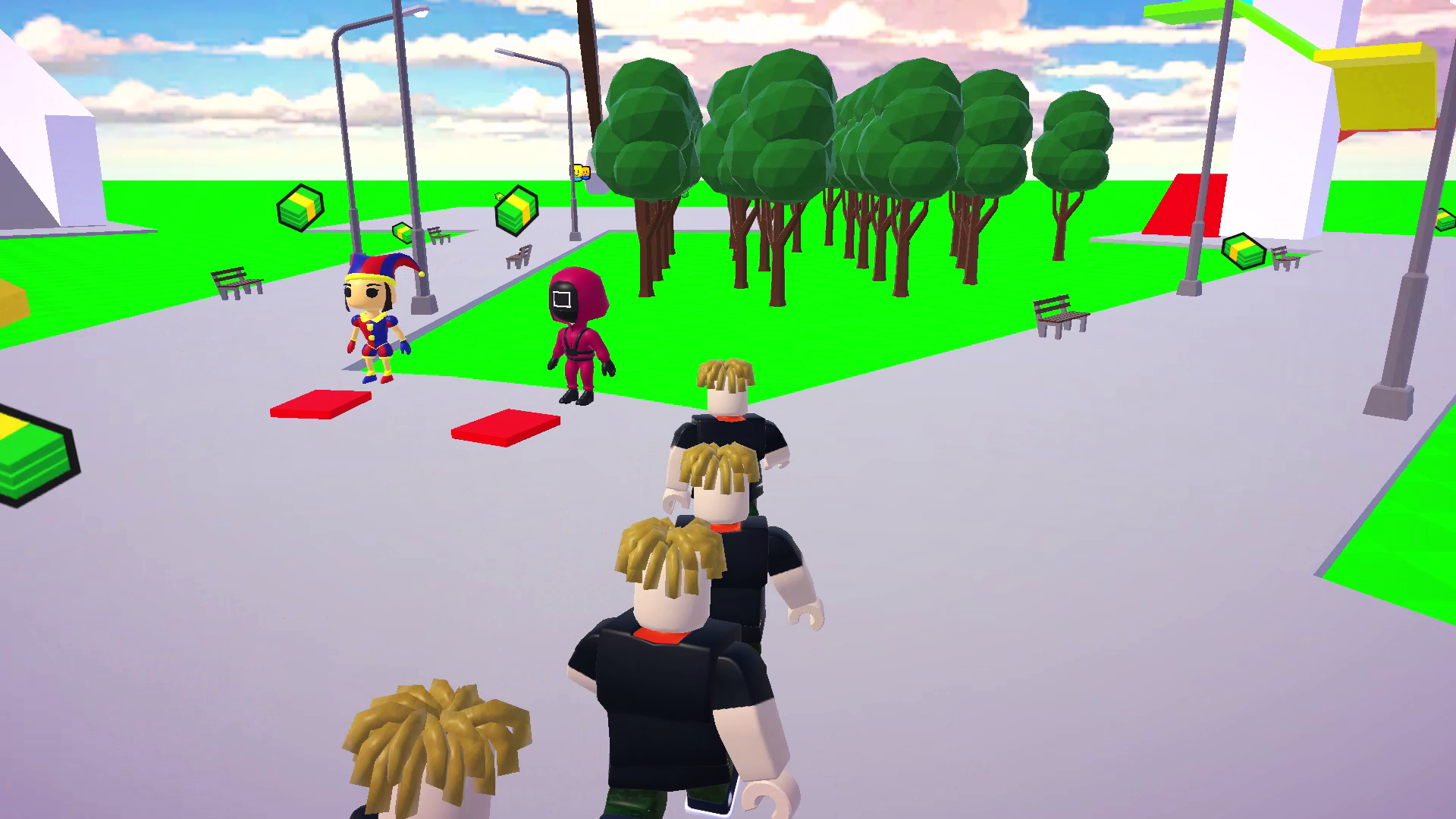
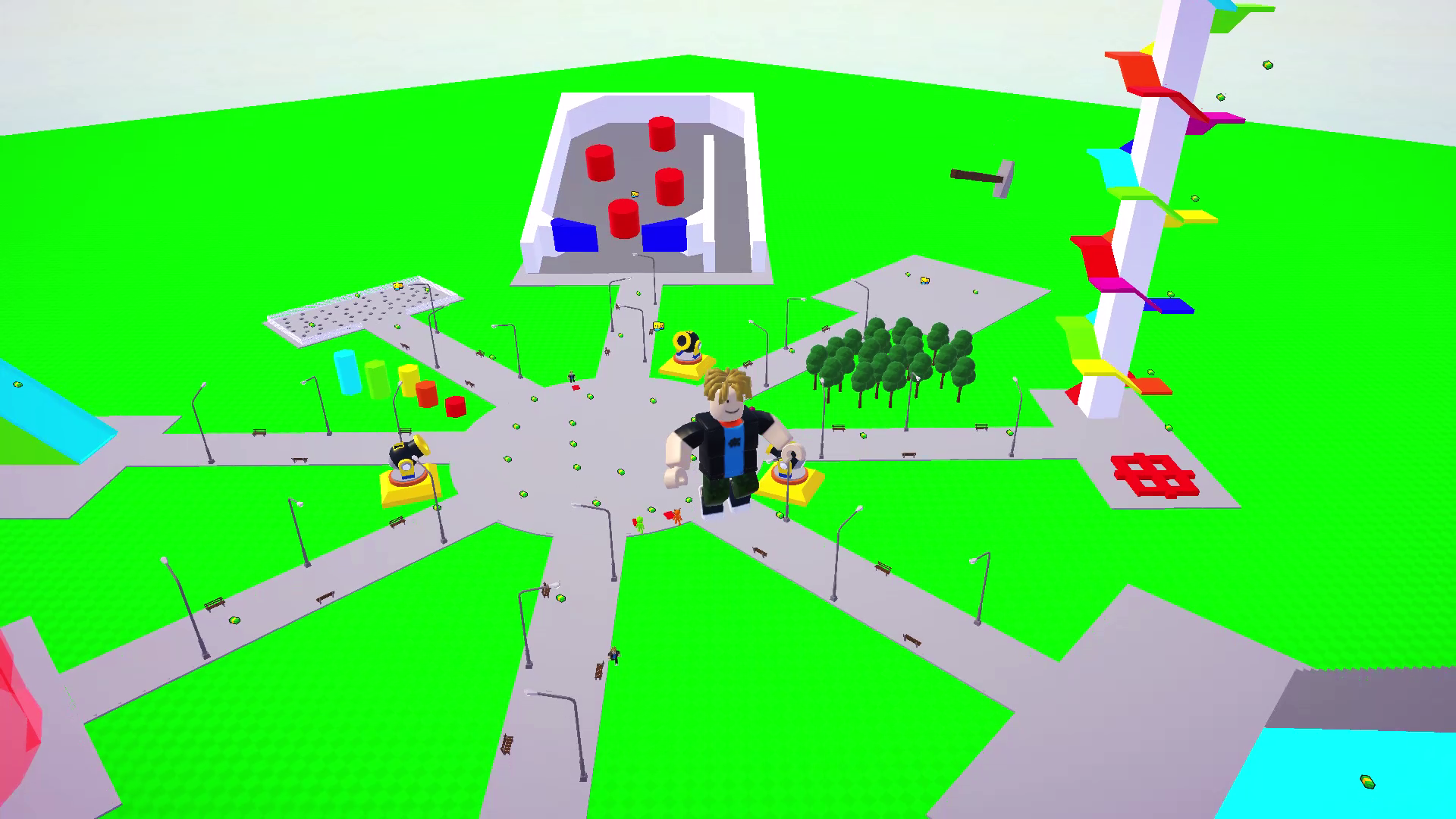
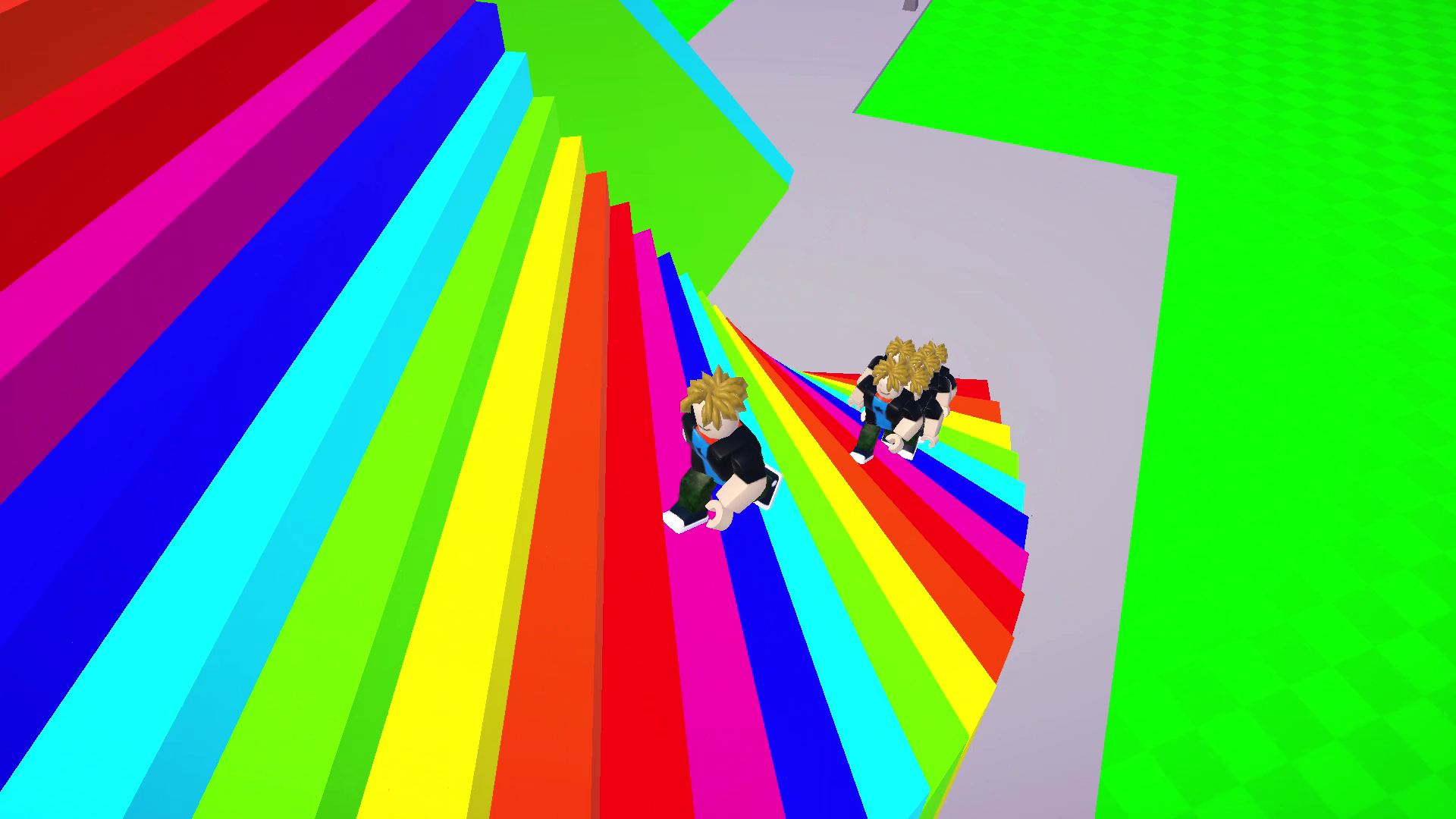
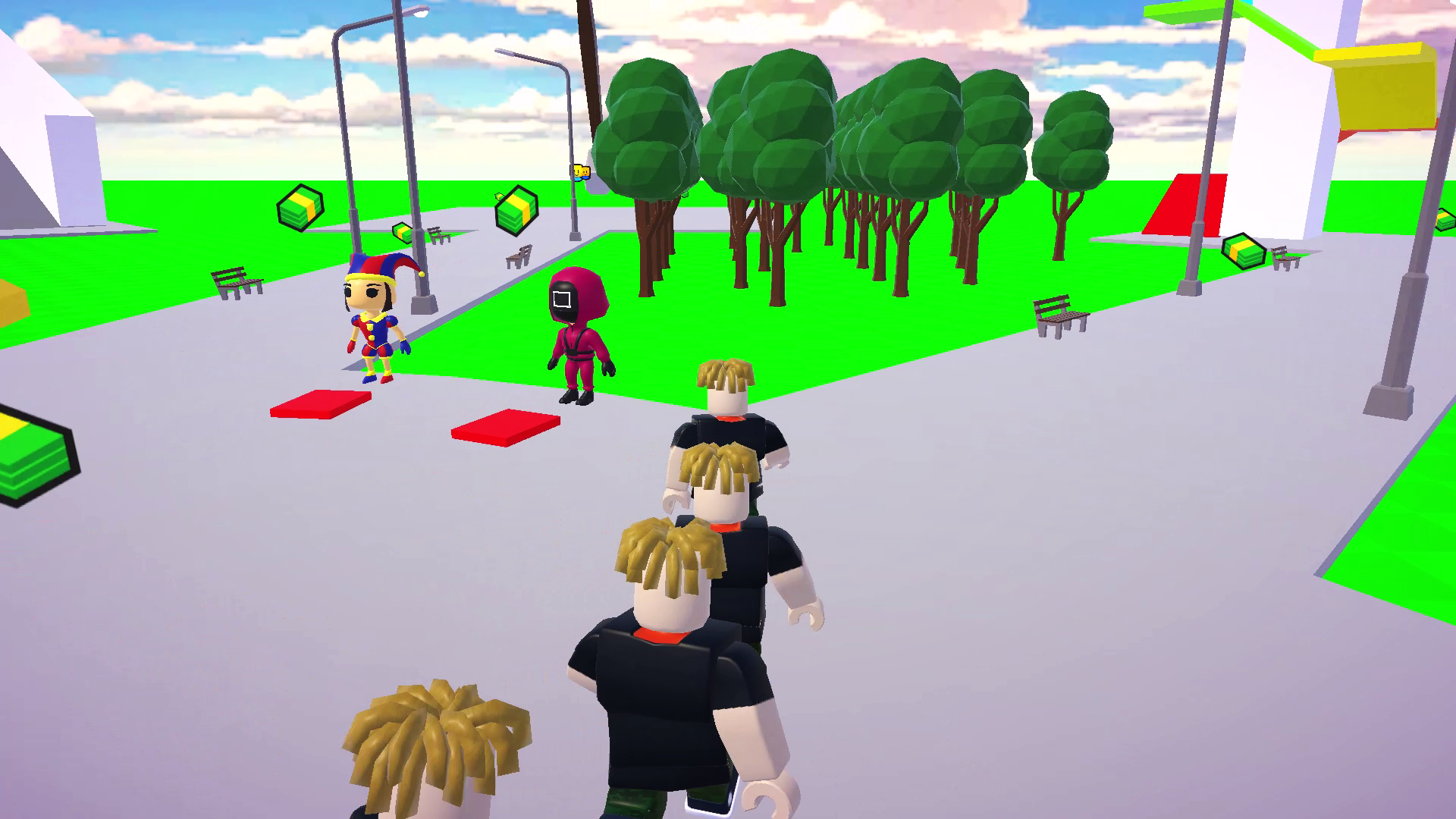
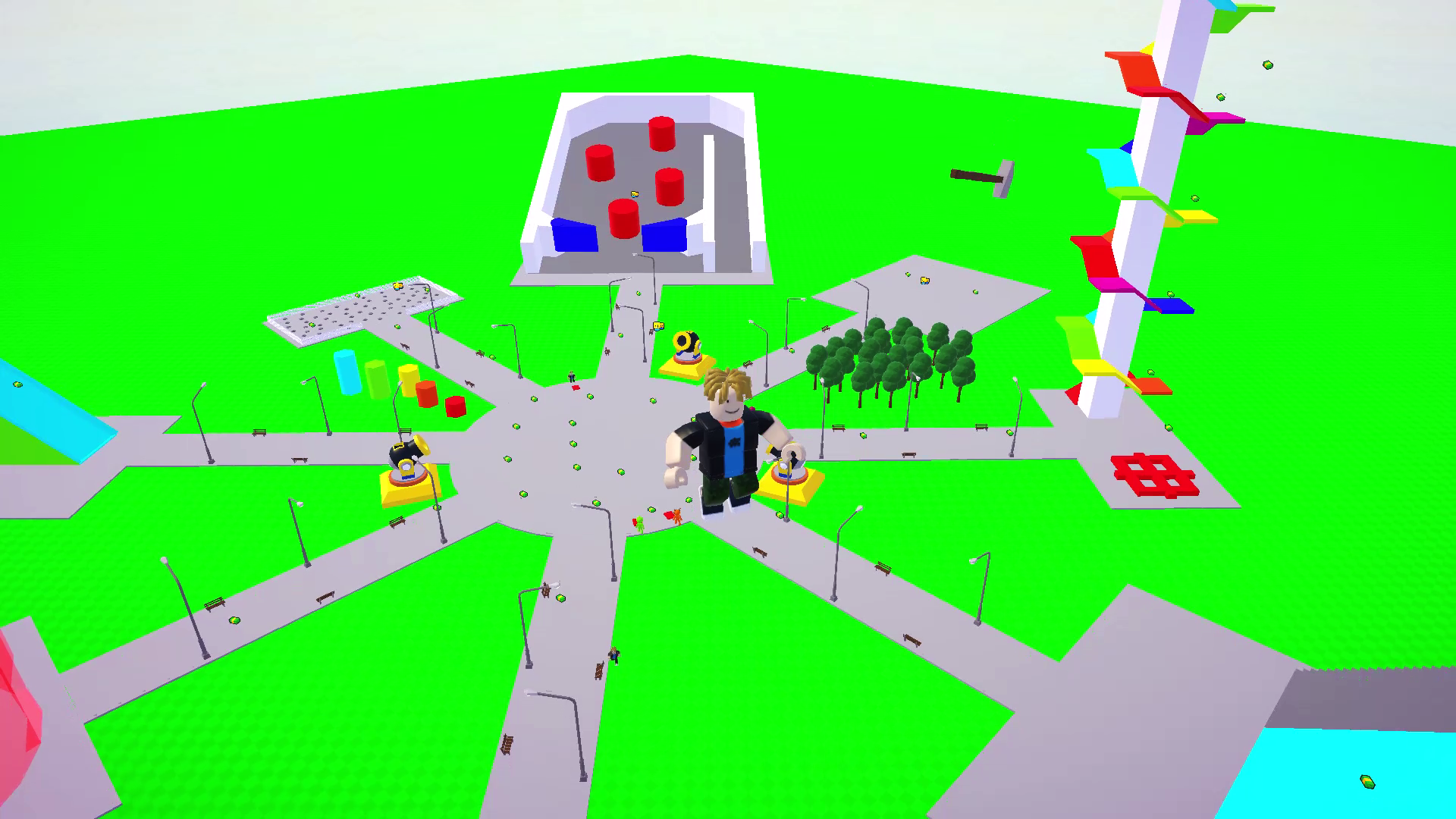
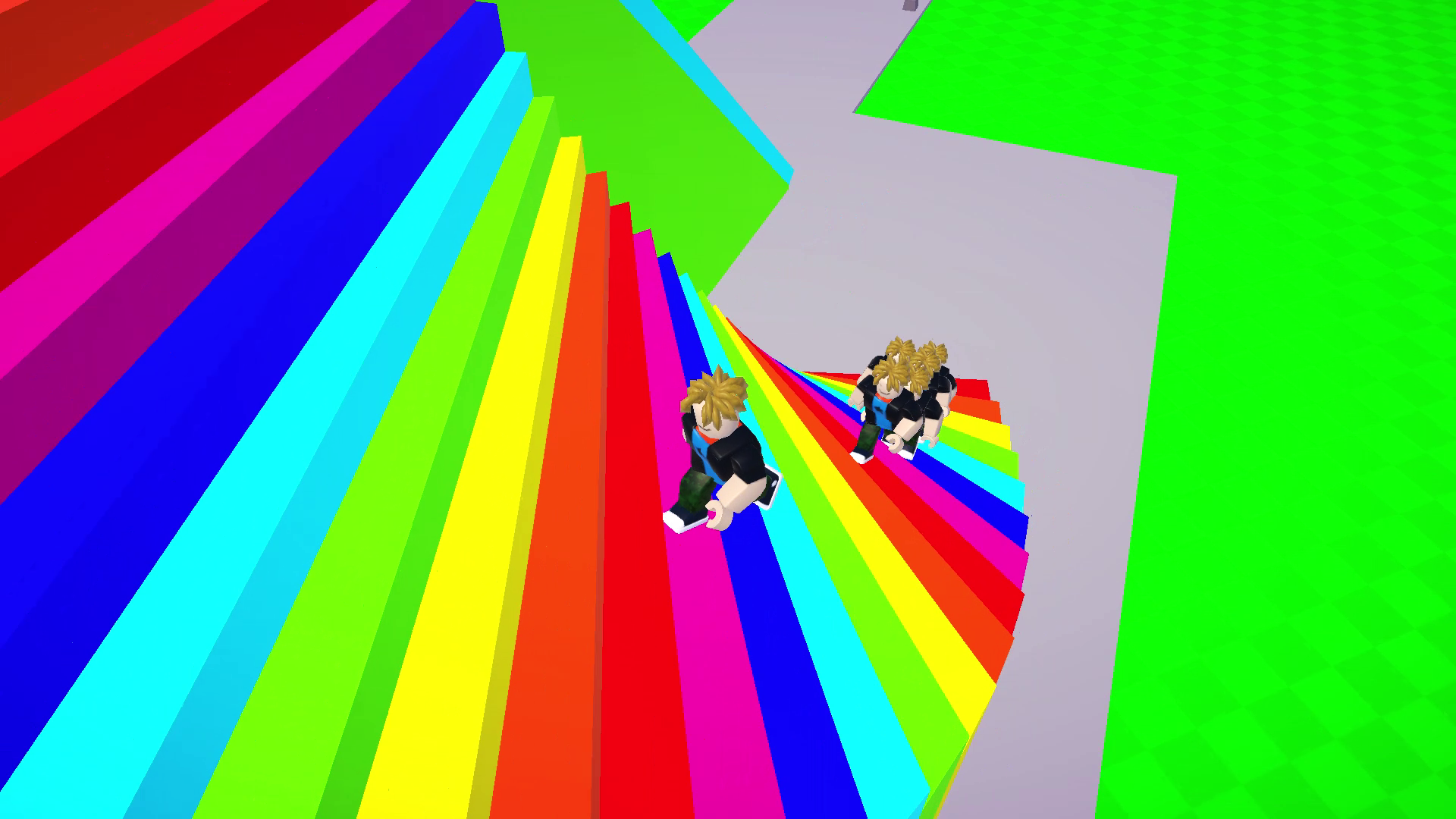
Create an entire army of duplicates to navigate through chaotic obstacle courses in Obby: Clone Madness. This unique physics playground lets you experiment with ragdoll mechanics by launching your characters into mines or sliding them down massive ramps for hilarious results. You will master the art of platforming as you coordinate your clones to tackle increasingly difficult stages. Each level offers a fresh chance to test the limits of the game engine while watching your creations tumble and bounce across the screen. The vibrant graphics and endless replayability make every session feel like a new comedic adventure. You can easily trigger ragdoll mode to transform intense jumps into side-splitting moments of pure mayhem. Mastering the complex physics of this obby experience requires both timing and a sense of mischief. Experience the full scope of this simulation directly in your browser without any downloads or registration required.
How to play
Computer controls:
W, A, S, D - control the character
Space - jump
LMB and Mouse - camera control
Mobile control:
Left joystick - character control
Button on the screen - jump
Right joystick - camera control
Features
- Clone Army System: Spawn multiple copies of your character simultaneously to trigger massive physics interactions.
- Ragdoll Physics Engine: Toggle realistic character collapsing to create funny stunts and unintended accidents.
- Interactive Environment: Navigate through dynamic obstacle courses filled with explosive mines and high-speed slides.
- Sandbox Exploration: Experiment with gravity and movement in a liberated 3D space designed for creative gameplay.
- Customizable Camera: Adjust your perspective with precision controls to capture the best moments of your clone army.
Who is it for
Casual gamers and physics enthusiasts who enjoy sandbox adventures will love the chaotic energy here. Fans of platformer challenges who appreciate a good laugh and experimental movement mechanics will find endless entertainment in coordinating their clones to overcome various traps and obstacles throughout every single level.
Controls
Movement
Use WASD on PC or the left joystick on mobile screens.
Jump
Press the Space bar on your keyboard or the jump button on your mobile interface.
Camera Control
Use the mouse with LMB on desktop or the right joystick on touchscreens.
FAQ
How do I spawn more characters in Obby: Clone Madness?
›
You can generate additional units using the in-game clone menu, allowing you to build an army to test the physics of each level.
Is Obby: Clone Madness available to play on mobile devices without an app?
›
Yes, the game is fully optimized for mobile browsers so you can enjoy the full experience without downloading anything.
Does Obby: Clone Madness require a high-end computer to run?
›
Not at all, as the game is built for web browsers and runs smoothly on most modern desktops and smartphones.