About game
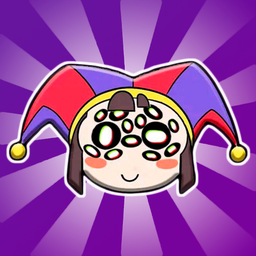
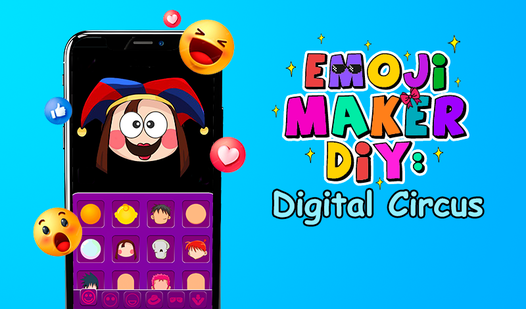
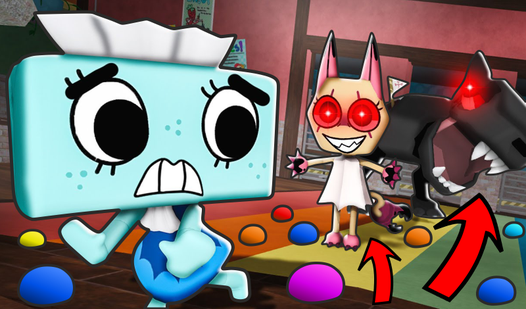
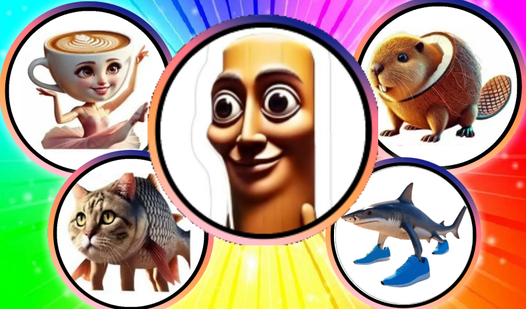
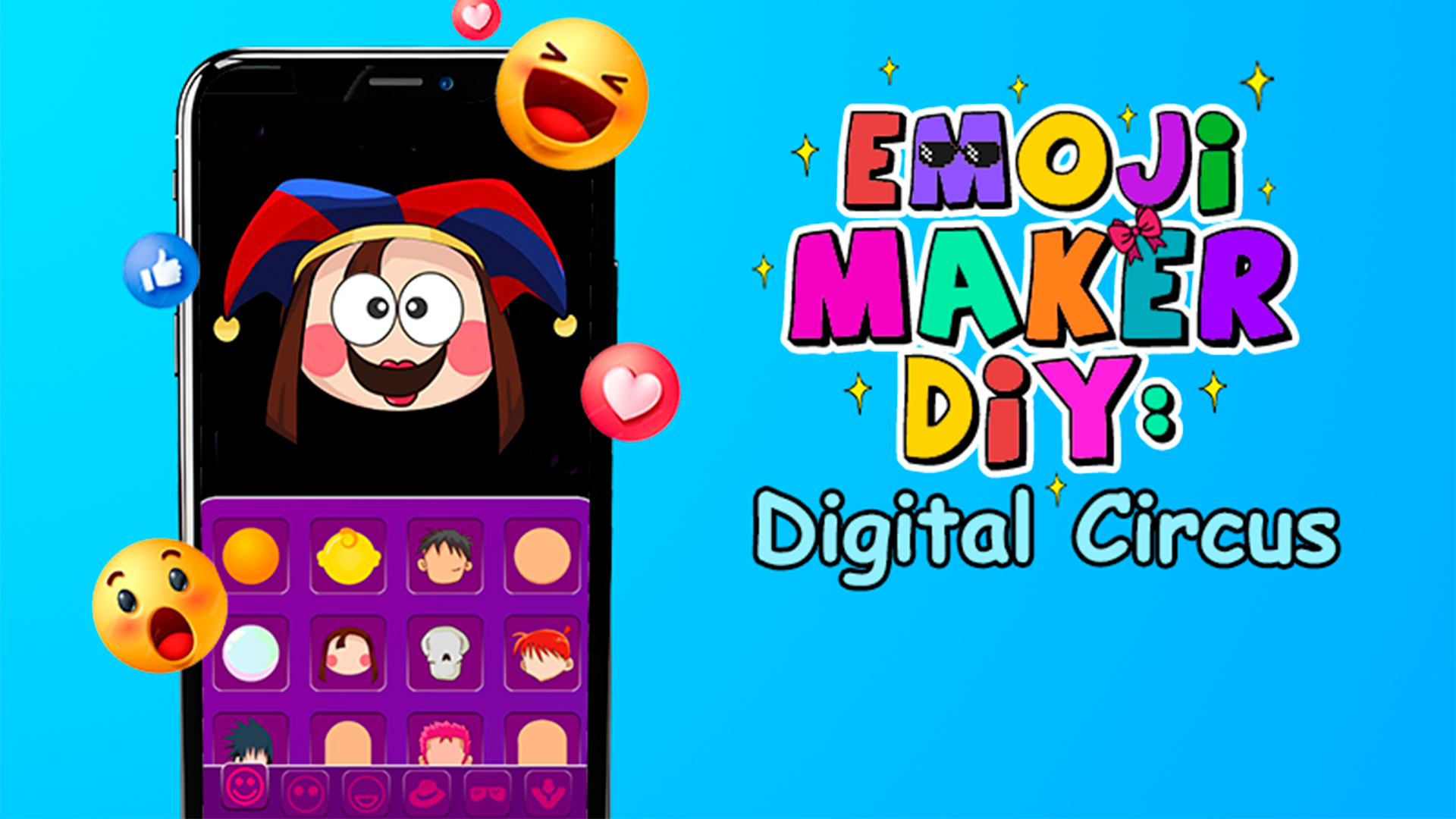
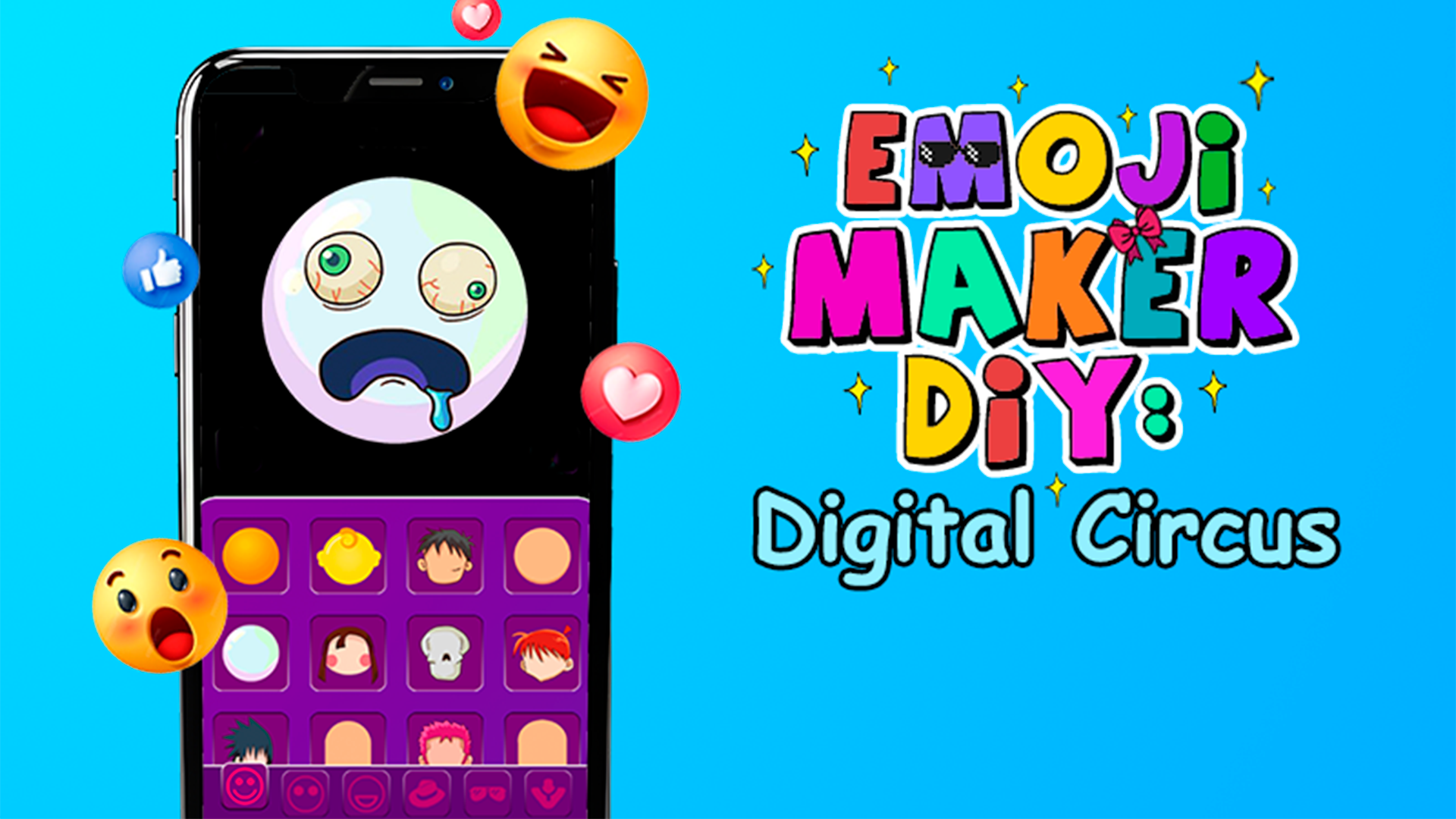
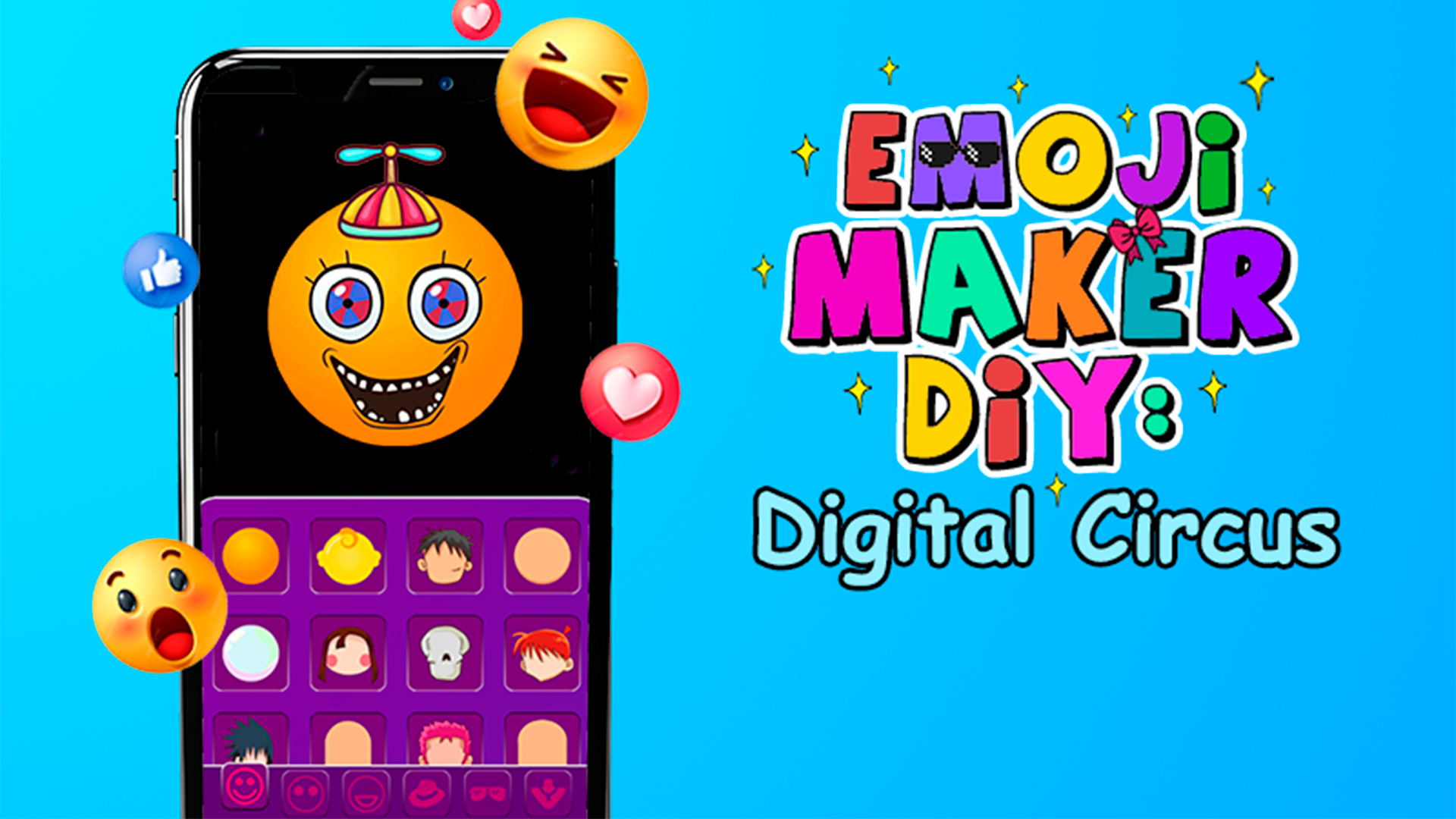
Staring at a blank screen during a midday slump is the worst way to spend your precious free time. Emoji Maker DIY: Digital Circus turns that boredom into a creative outlet where you can design hilarious custom icons in seconds. You pick a base template and start layering on chaotic accessories, zany hairstyles, and expressive features to build something truly one of a kind. The mechanics are simple drag and drop, allowing you to mix and match elements inspired by the amazing digital circus vibe. Whether you want to recreate the iconic look of pomni or experiment with weird combinations, the interface makes it effortless. This diy experience offers endless combinations that keep your brain engaged without the stress of complex levels. You can iterate on your designs as many times as you like, making it a perfect quick distraction. Play Emoji Maker DIY: Digital Circus right in your browser for free with no download required to start your creative journey today.
How to play
⭐ Left mouse button or click on an item - interact with objects (select an item, move)
⭐️ Mix and match different elements to create your own unique emoji.
⭐️ Once you have your emoji, click the checkmark and enjoy the result. (The check mark does not save the resulting emoji).
Features
- Creative customization: Mix and match hundreds of unique facial expressions, hats, and glasses to build your masterpiece.
- Character inspiration: Experiment with elements themed after the amazing digital circus to give your creations a familiar pop culture flair.
- Intuitive interface: Simple point and click mechanics ensure that users of all ages can navigate the design menu without frustration.
- Instant feedback: See your changes happen in real time as you layer items, allowing for rapid experimentation and fun design choices.
- Unlimited variety: With a massive library of assets, no two emojis you create will ever have to look the same.
Who is it for
Creative minds who love casual design games will find this title highly addictive. Fans of digital art and pop culture characters will enjoy the freedom to customize icons. It is a fantastic choice for anyone needing a quick, stress-free creative break during a busy day of work or school.
Controls
Select items
Left click or tap on any accessory or facial feature in the menu.
Position elements
Drag and drop selected items onto your base emoji using your mouse or finger.
Confirm design
Click the checkmark button to finalize your current emoji composition.
FAQ
Is Emoji Maker DIY: Digital Circus free to play?
›
Yes, Emoji Maker DIY: Digital Circus is completely free to play directly in your web browser with no registration needed.
Can I save my creations in Emoji Maker DIY: Digital Circus?
›
The game focuses on the creative process; clicking the checkmark shows you the result, but Emoji Maker DIY: Digital Circus does not include a local storage feature for images.
Does Emoji Maker DIY: Digital Circus work on mobile devices?
›
Absolutely, Emoji Maker DIY: Digital Circus is fully optimized for touchscreens, so you can easily drag and drop elements on your phone or tablet.