About game
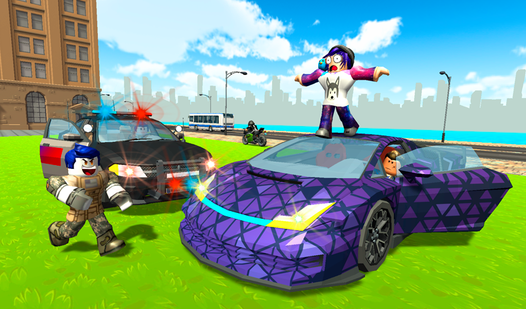
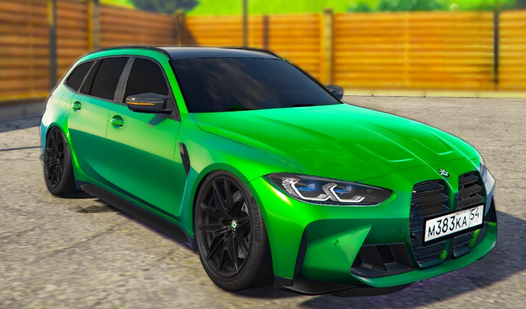
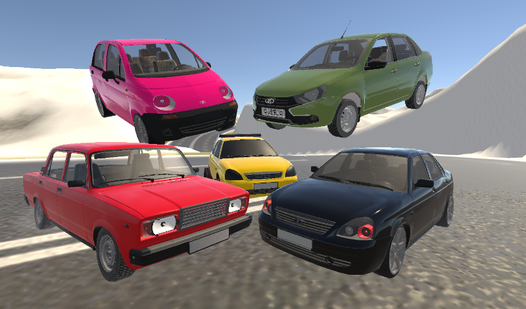
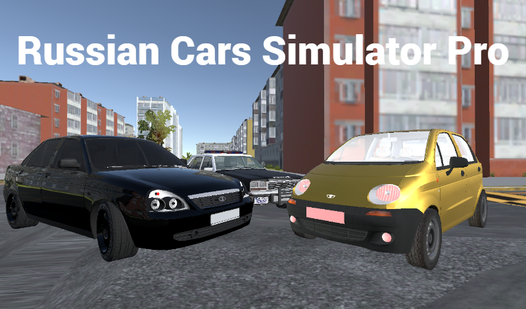
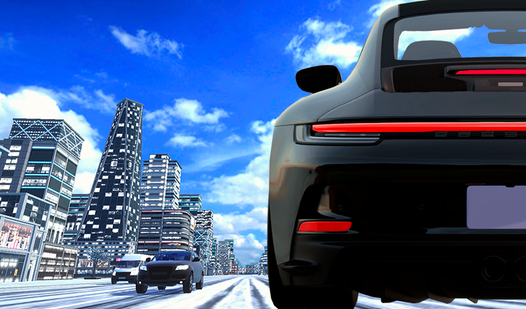
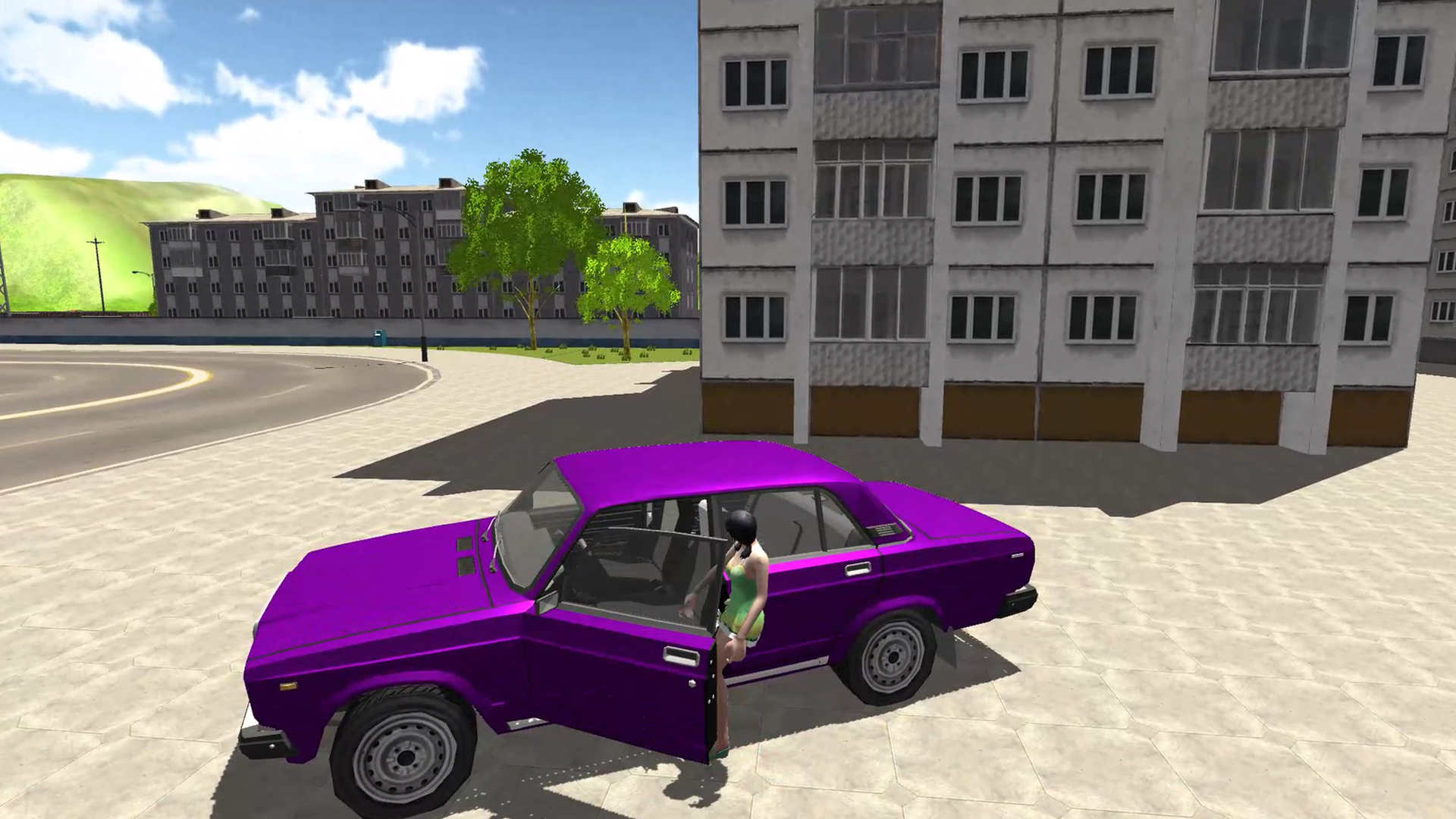
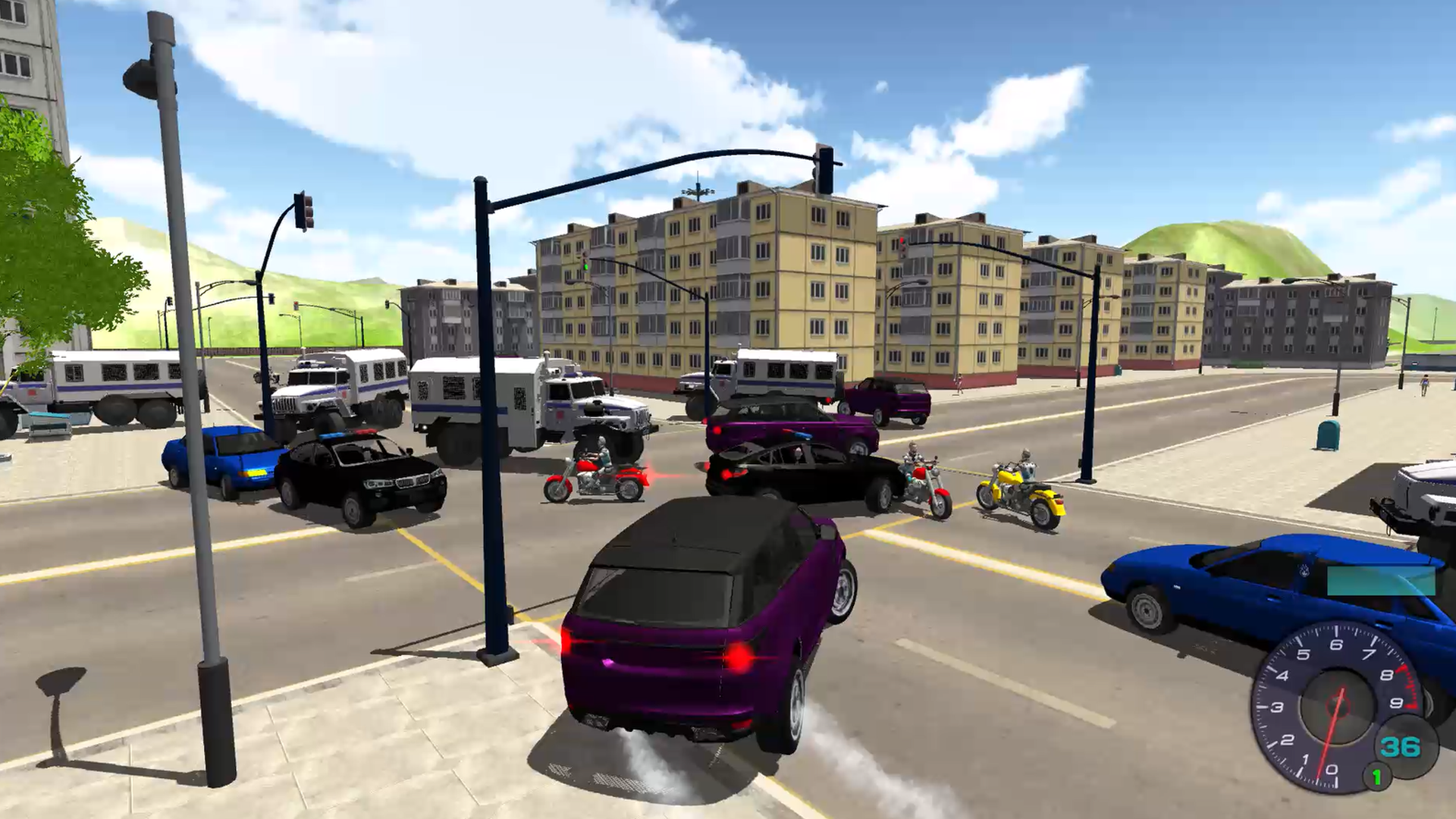
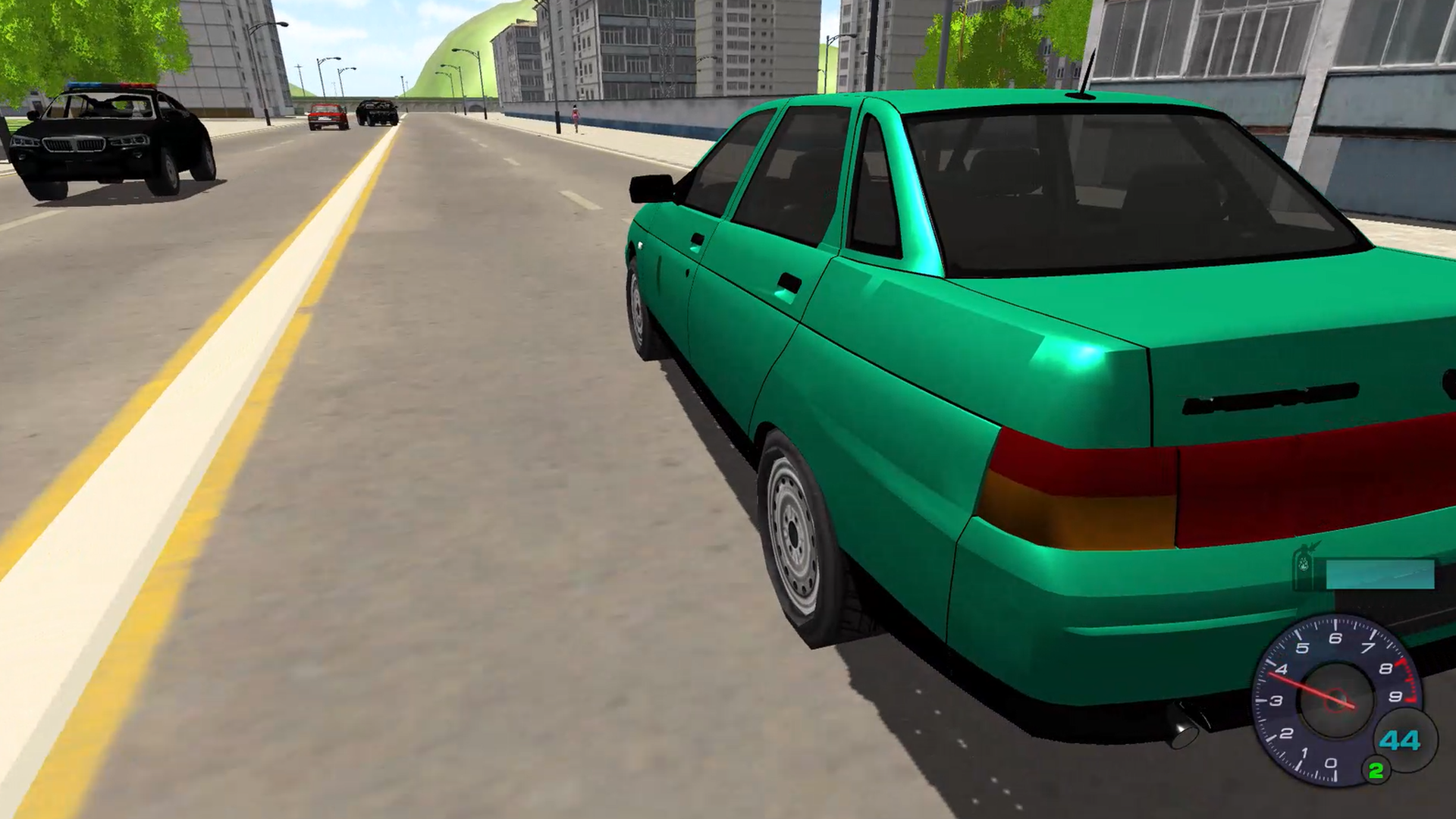
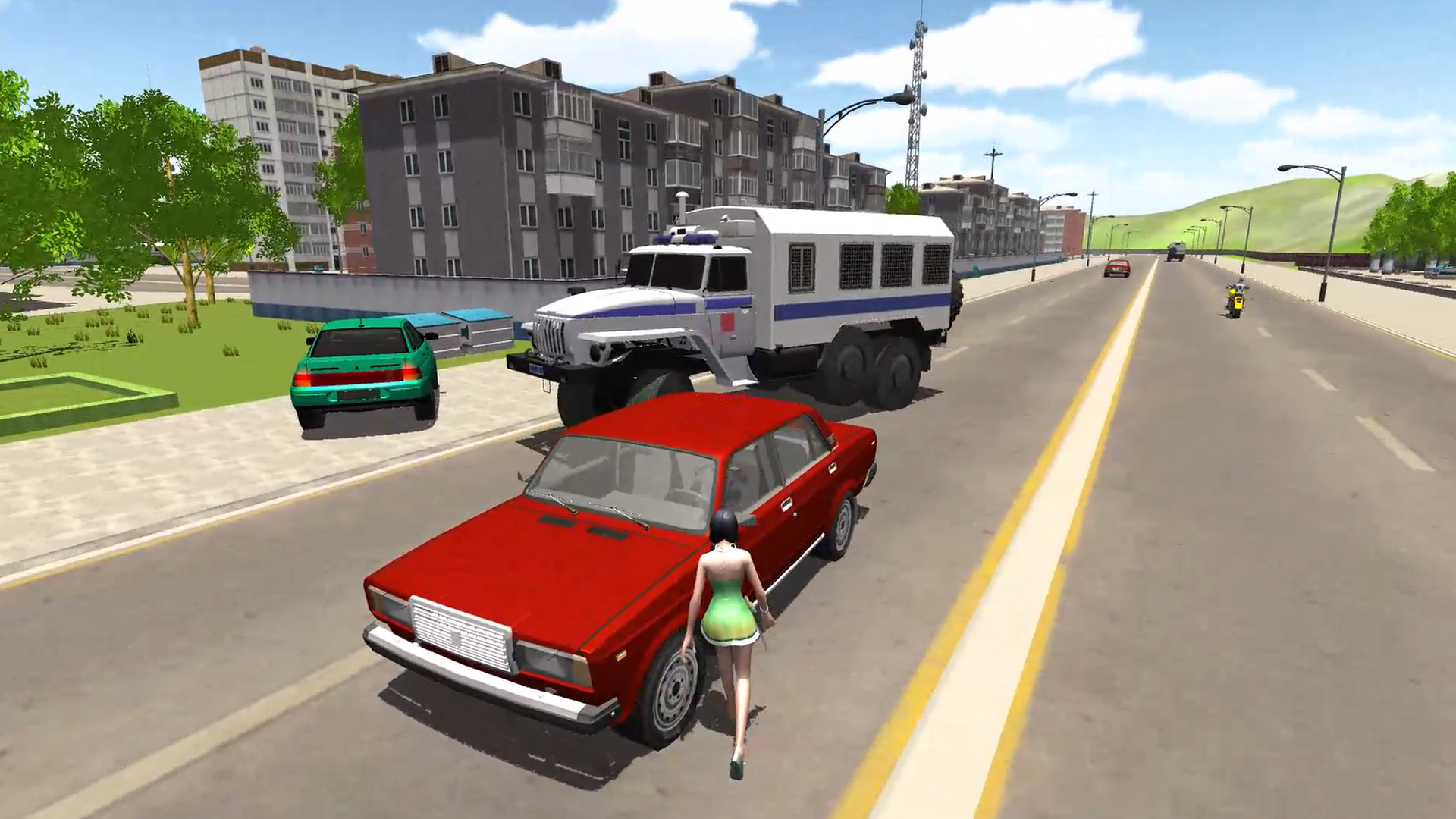
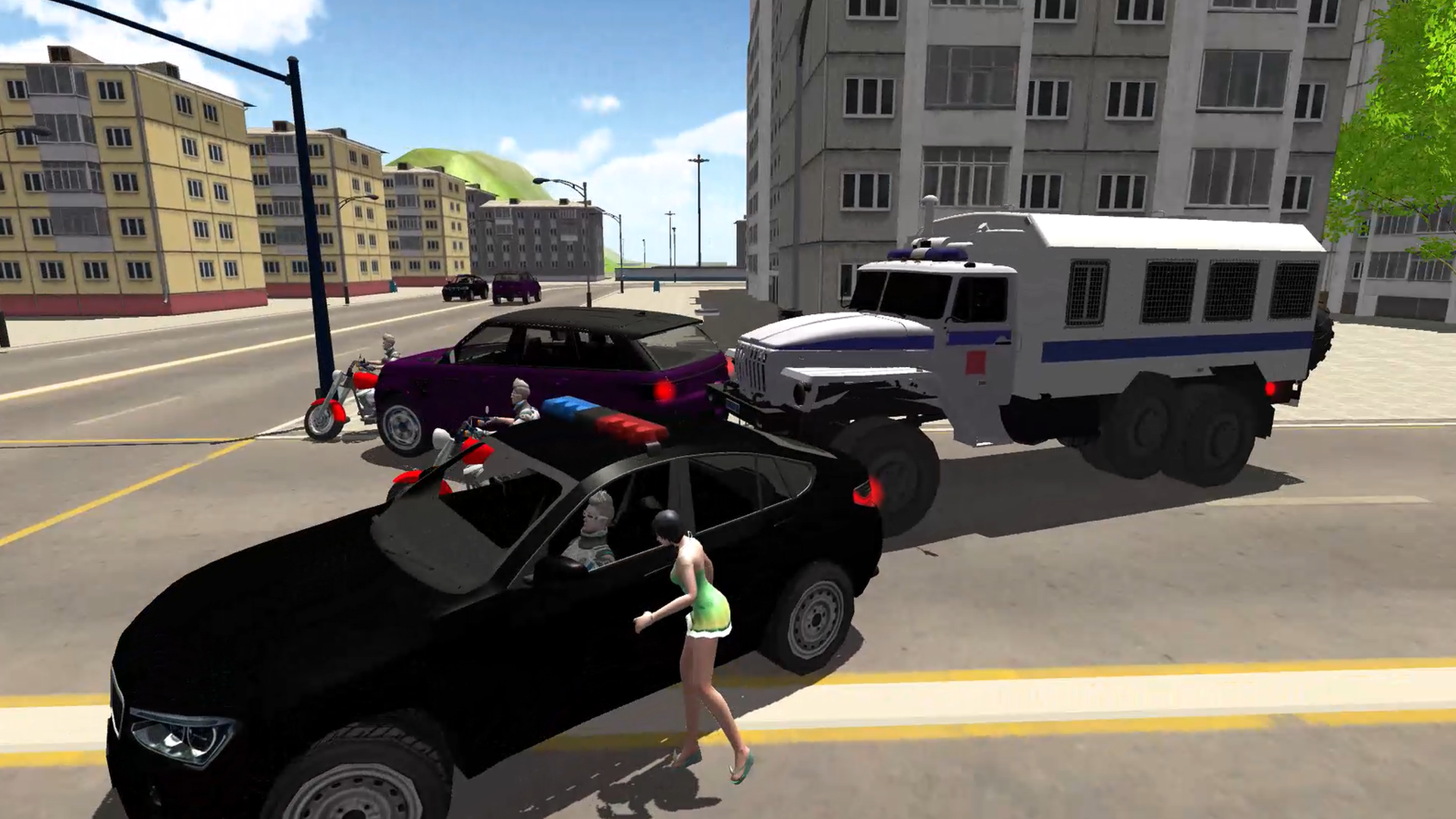
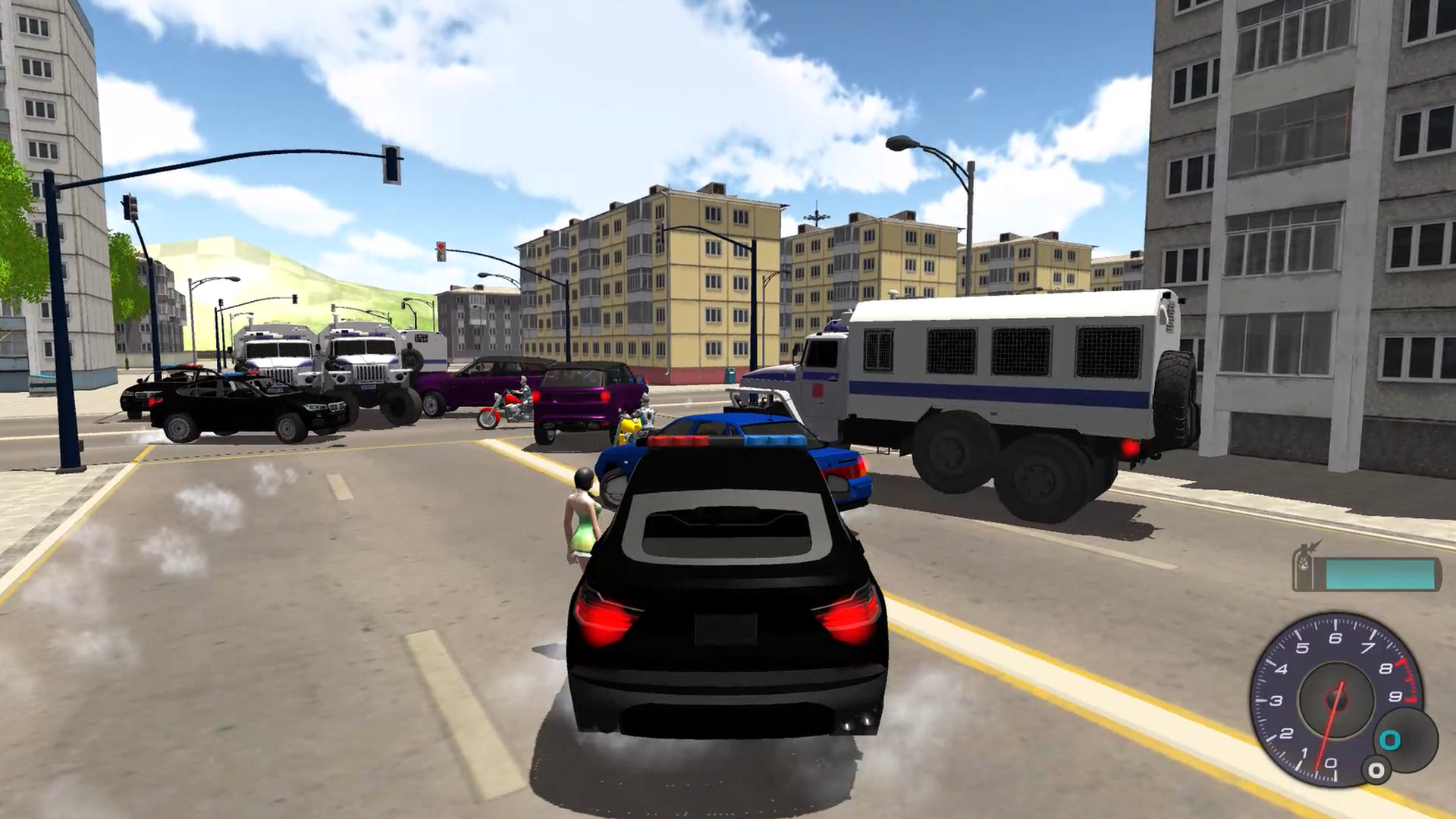
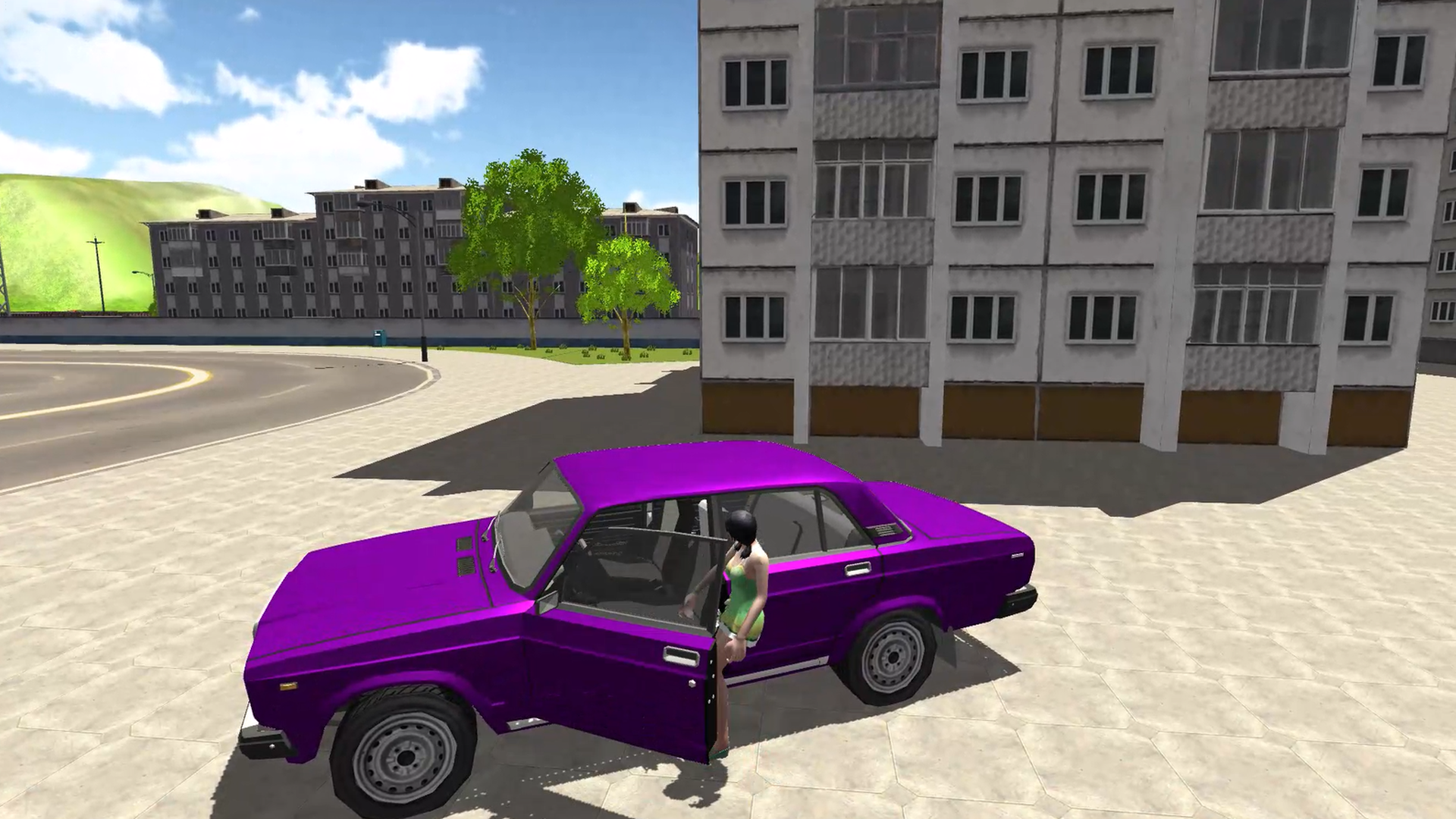
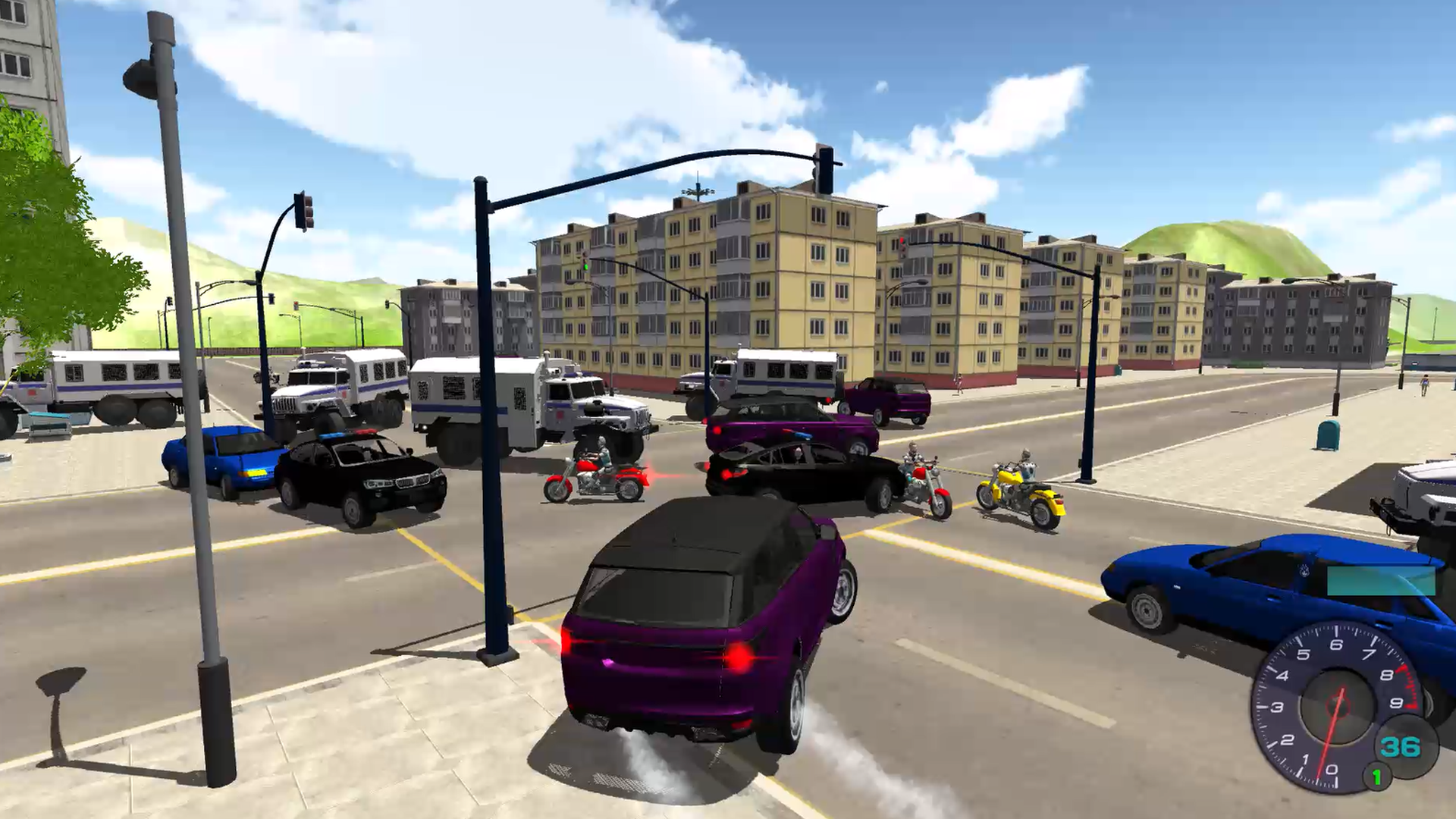
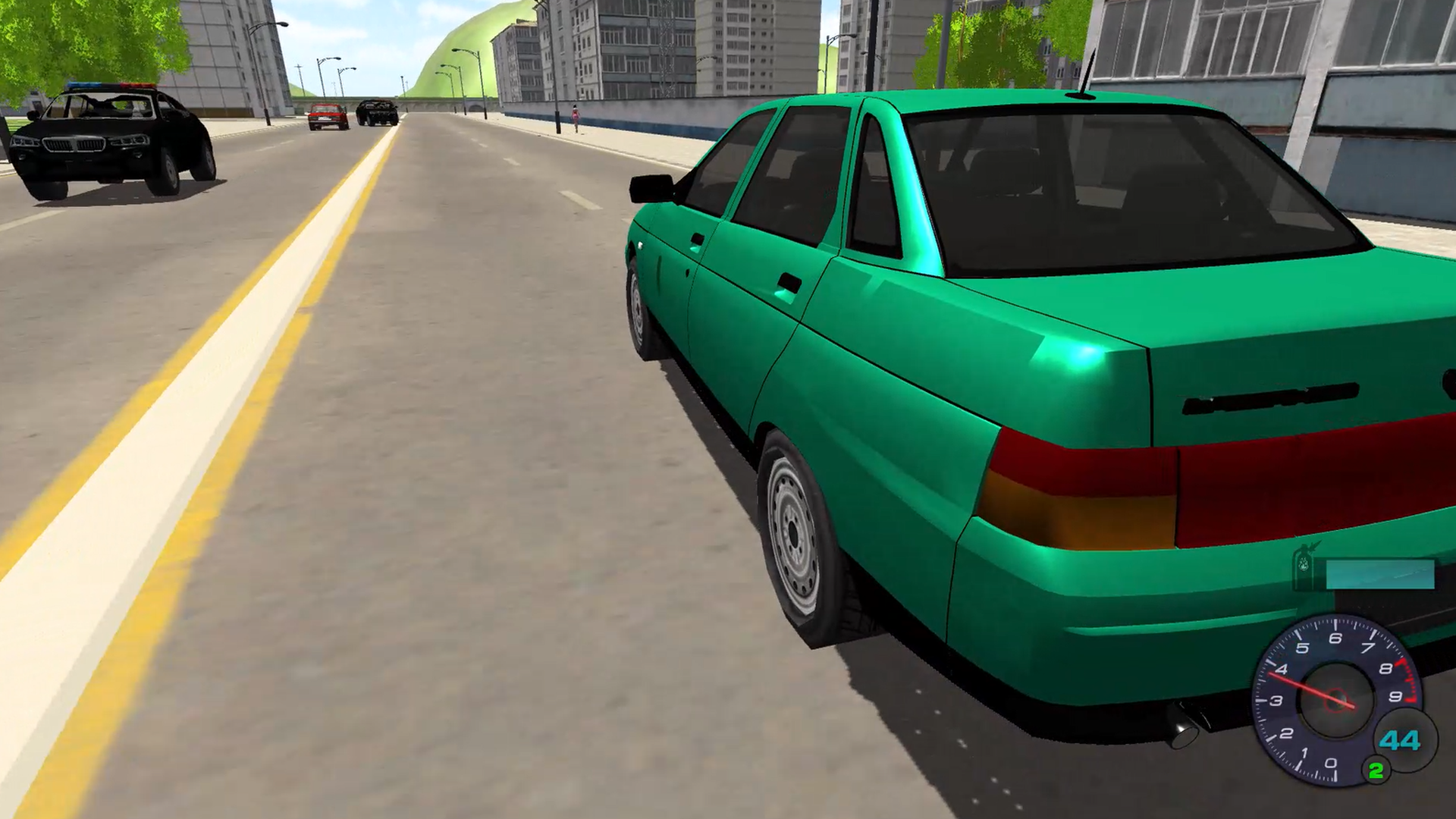
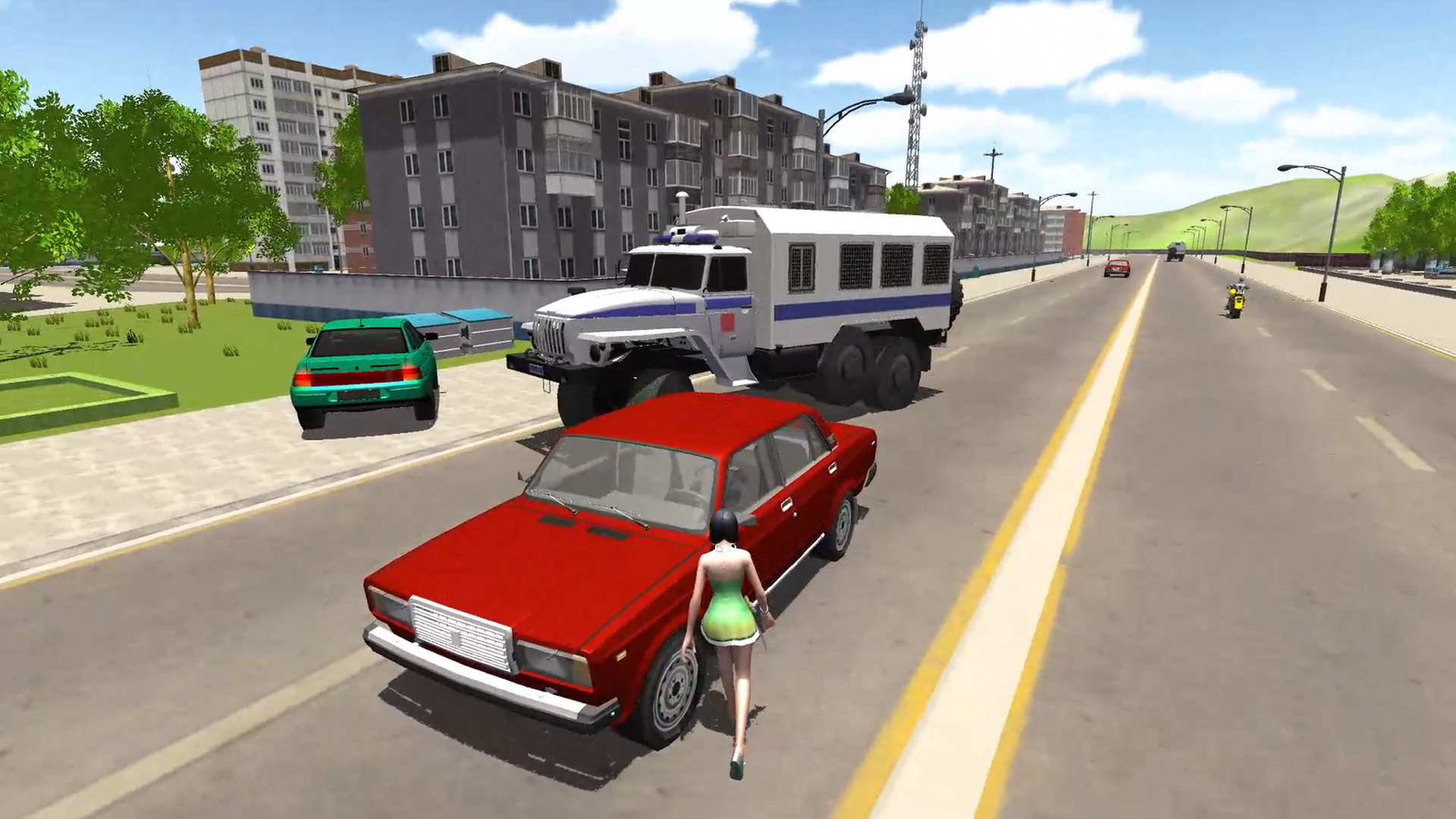
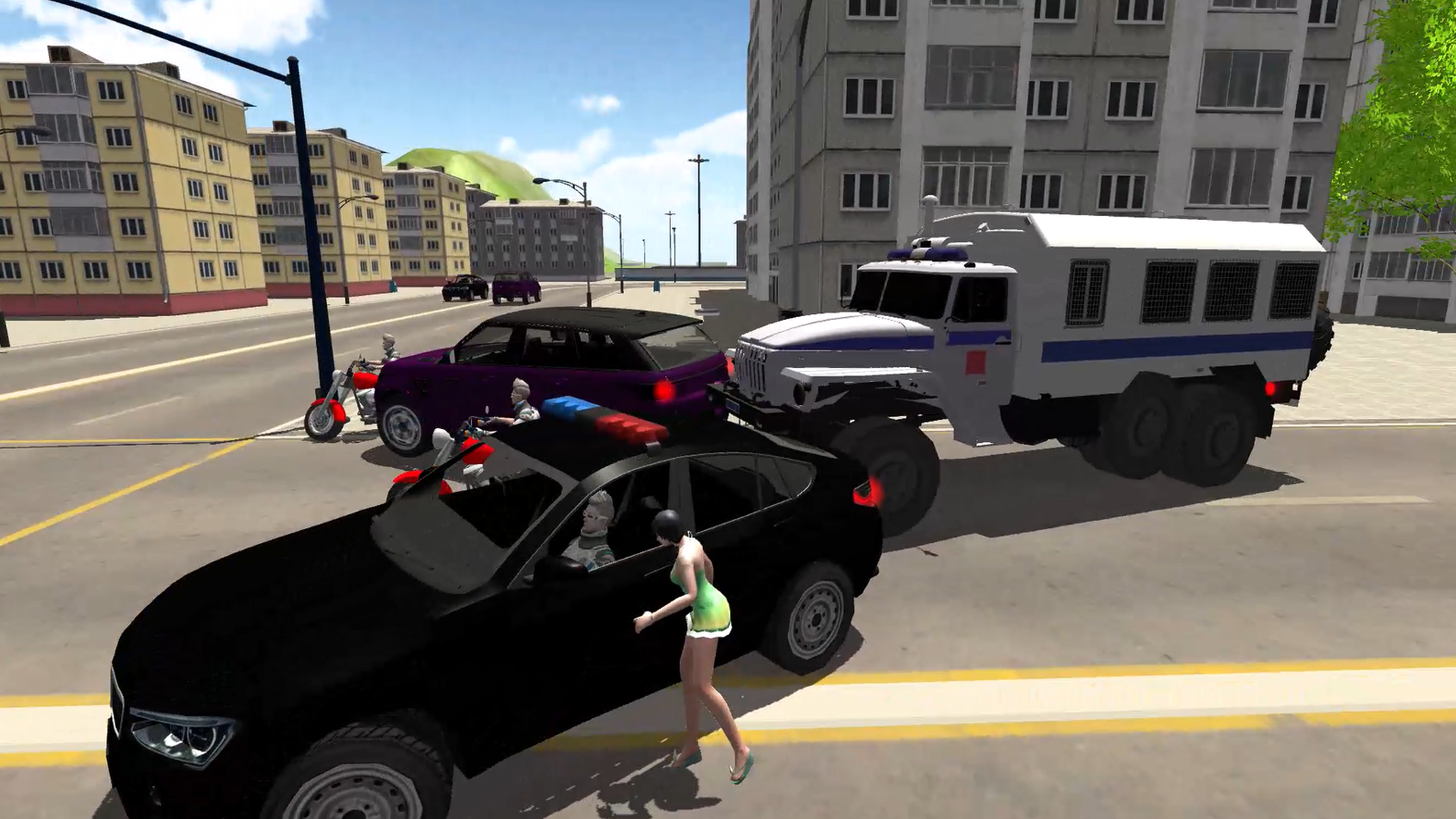
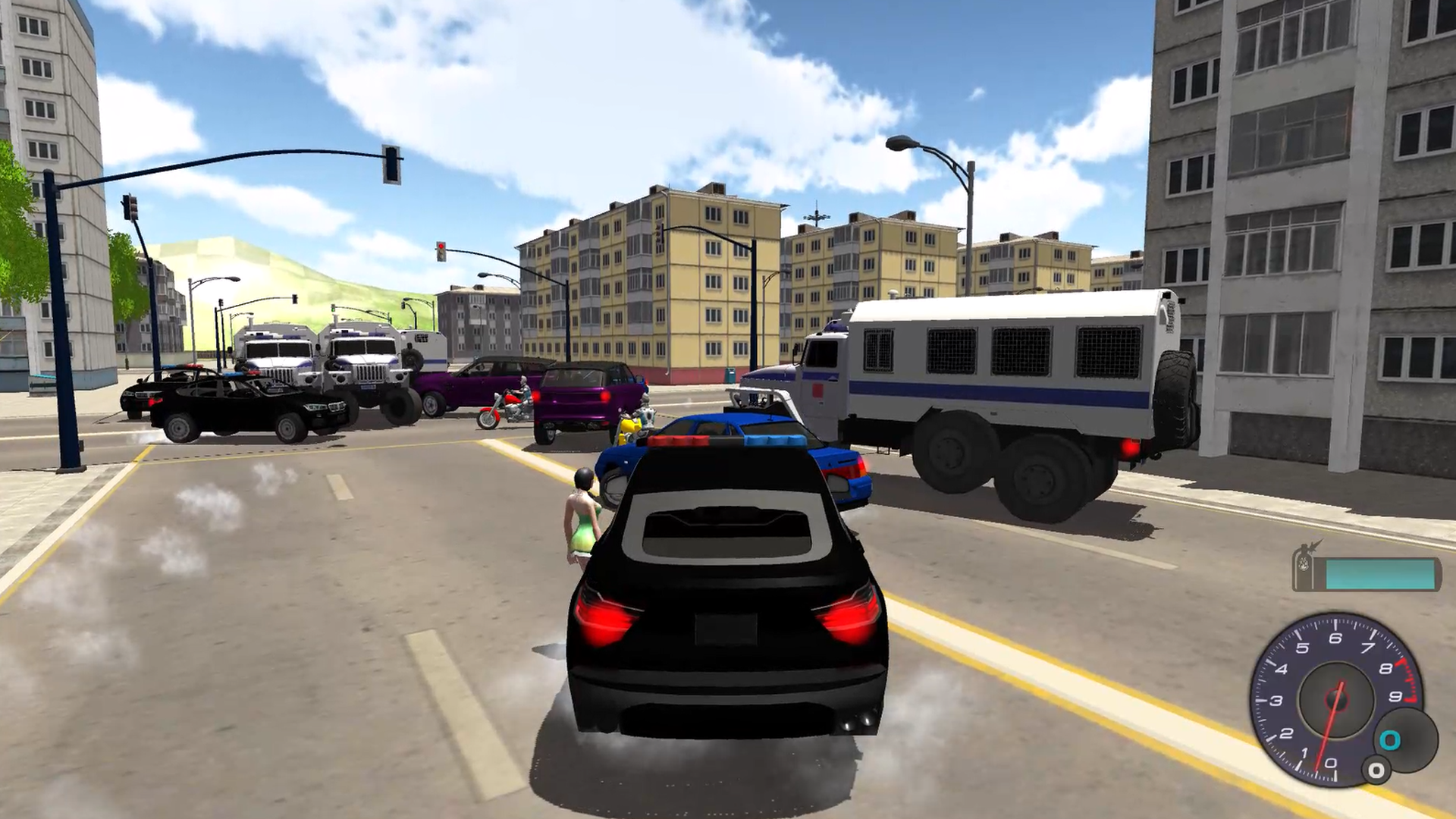
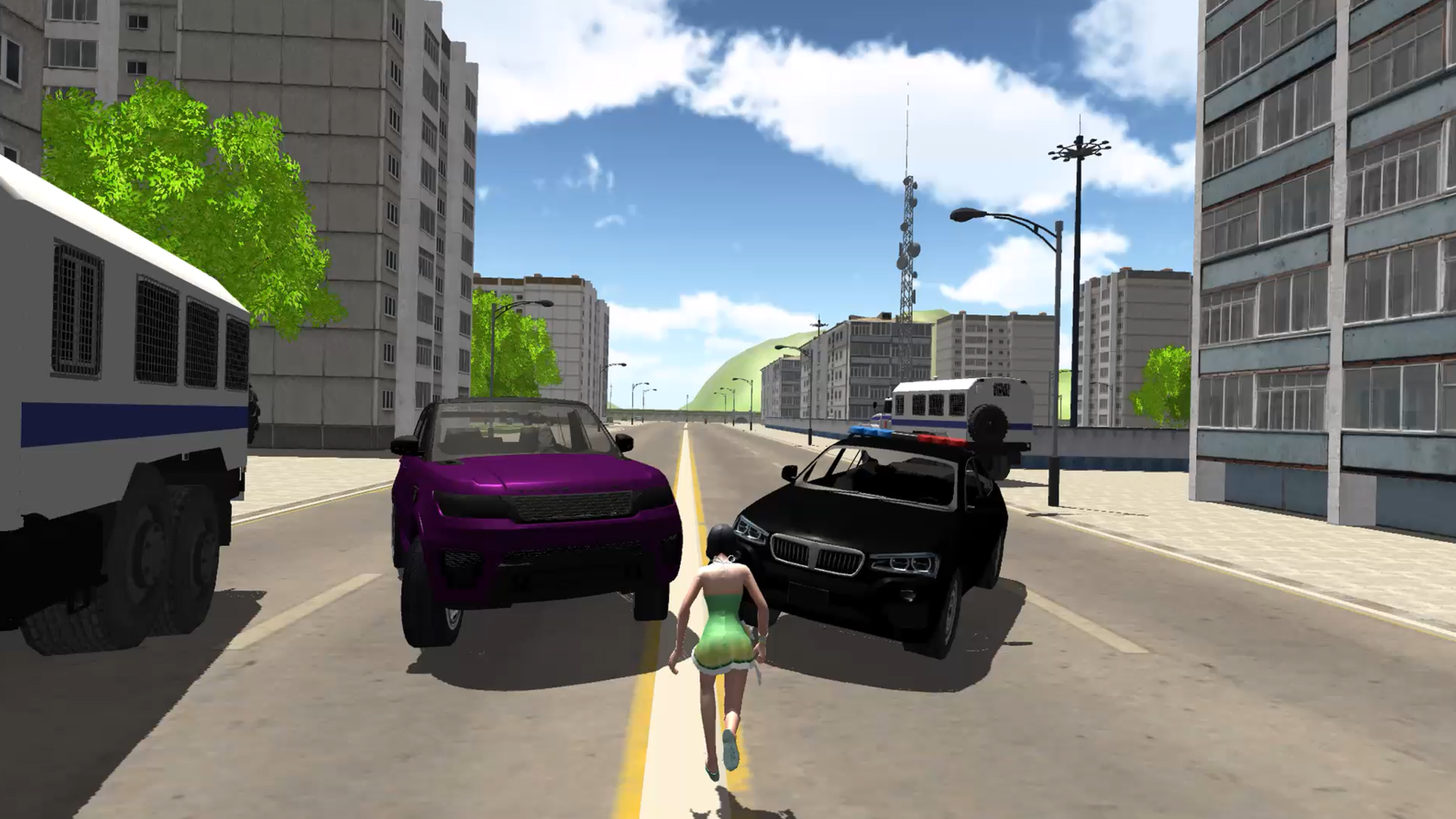
Fans of authentic city driving simulators will find endless entertainment in the sprawling urban playground of Driving in the City. This open-world experience lets you jump behind the wheel of iconic models like the classic Zhiguli or a rugged police cruiser to roam freely without any restrictive timers. You start by selecting your preferred vehicle, ranging from compact cars to massive buses, then immediately hit the streets to navigate complex intersections and traffic lights. The gameplay revolves around exploring every corner of a summer-themed map where you can test your speed using nitrous oxide to boost past local scenery. You can step out of your vehicle at any time to traverse the neighborhood on foot, adding a layer of freedom that makes every session unique. Whether you choose to complete professional missions or simply cruise through the streets, the lack of rigid rules keeps the experience fresh. A standout feature is the ability to swap between diverse vehicles like the Ikarus bus or high-speed sports models, ensuring variety in every ride. You can start your journey right now for free in your browser with no download required.
How to play
On the computer:
- In the car:
"ARROWS" or "WASD" keys to control the car.
"SPACE" handbrake.
"C" change the view (camera).
"SHIFT" nitrous oxide.
"ENTER" or "F" get out of the car.
- On foot:
"ARROWS" or "WASD" keys to control the character.
"SPACE" jump.
"C" sit down.
"SHIFT" move slowly.
"ENTER" or "F" get in the car.
- General:
"R" restarts the game.
"TAB" pause.
Features
- Vehicle Variety: Switch seamlessly between classic models like the VAZ 2105 and heavy-duty vehicles like the articulated Ikarus bus.
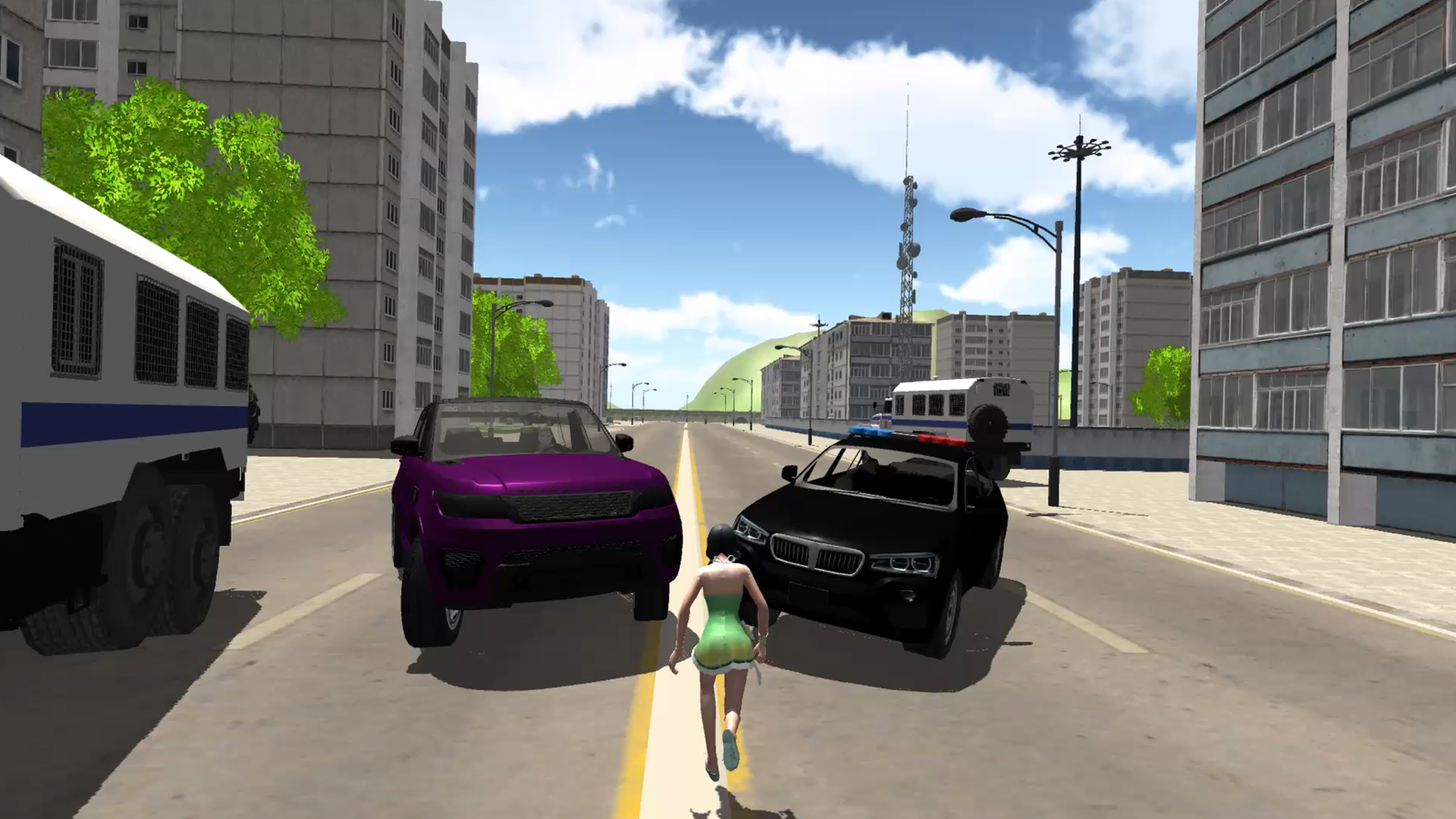
- On-Foot Exploration: Exit your car at any moment to walk or run through the environment, allowing for a more immersive urban experience.
- Mission System: Engage in specialized tasks such as police patrols or public transit duties to earn unique rewards and progression.
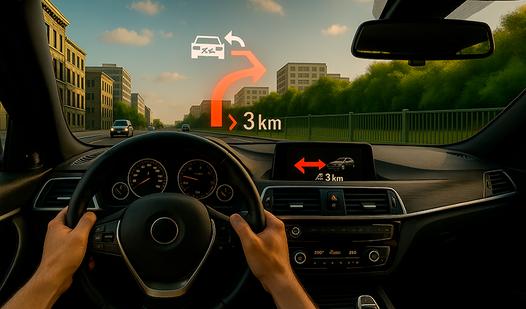
- Dynamic Camera: Toggle between different driving perspectives to find the perfect view for navigating tight city streets.
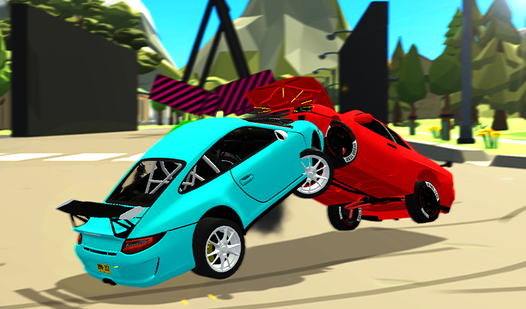
- Physics-Based Handling: Master the unique driving characteristics of each vehicle, from the drift-heavy Zhiguli to the massive bus.
Who is it for
Simulation enthusiasts and casual gamers who enjoy open-world exploration will appreciate the freedom found here. Those who love retro car culture and urban driving challenges will find plenty of content to keep them busy for hours while navigating through traffic or playing as the local law enforcement.
Controls
Drive Car
Use WASD or Arrow keys to steer, Space for handbrake, and Shift for nitrous boost.
Control Character
Use WASD or Arrow keys to walk, Space to jump, and Shift to walk slowly.
Change Camera
Tap the C key or the on-screen camera button to cycle through views.
Enter Exit Vehicle
Press F or Enter to leave your current car or jump into a new one.
Mobile Interaction
Use the touch-based joystick on the screen to steer and icons to accelerate or exit vehicles.
FAQ
Is Driving in the City available on mobile devices?
›
Yes, Driving in the City is fully compatible with mobile browsers, allowing you to play on the go without any downloads.
Do I need to sign up to play Driving in the City?
›
Driving in the City is entirely free to play with no registration or account creation required to access the full game.
Can I change the camera angle in Driving in the City?
›
Absolutely, you can press the C key or the designated camera icon to switch between different interior and exterior views while driving.