About game
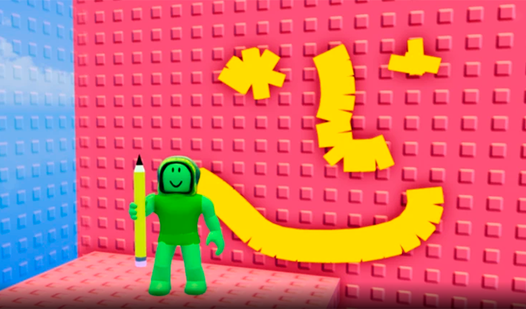
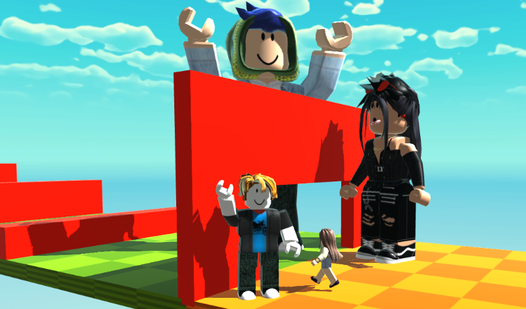
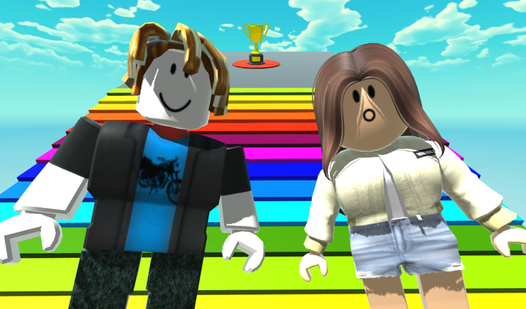
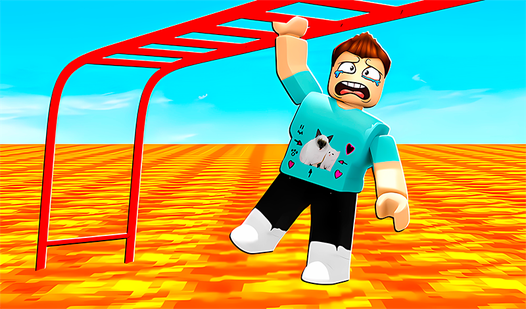
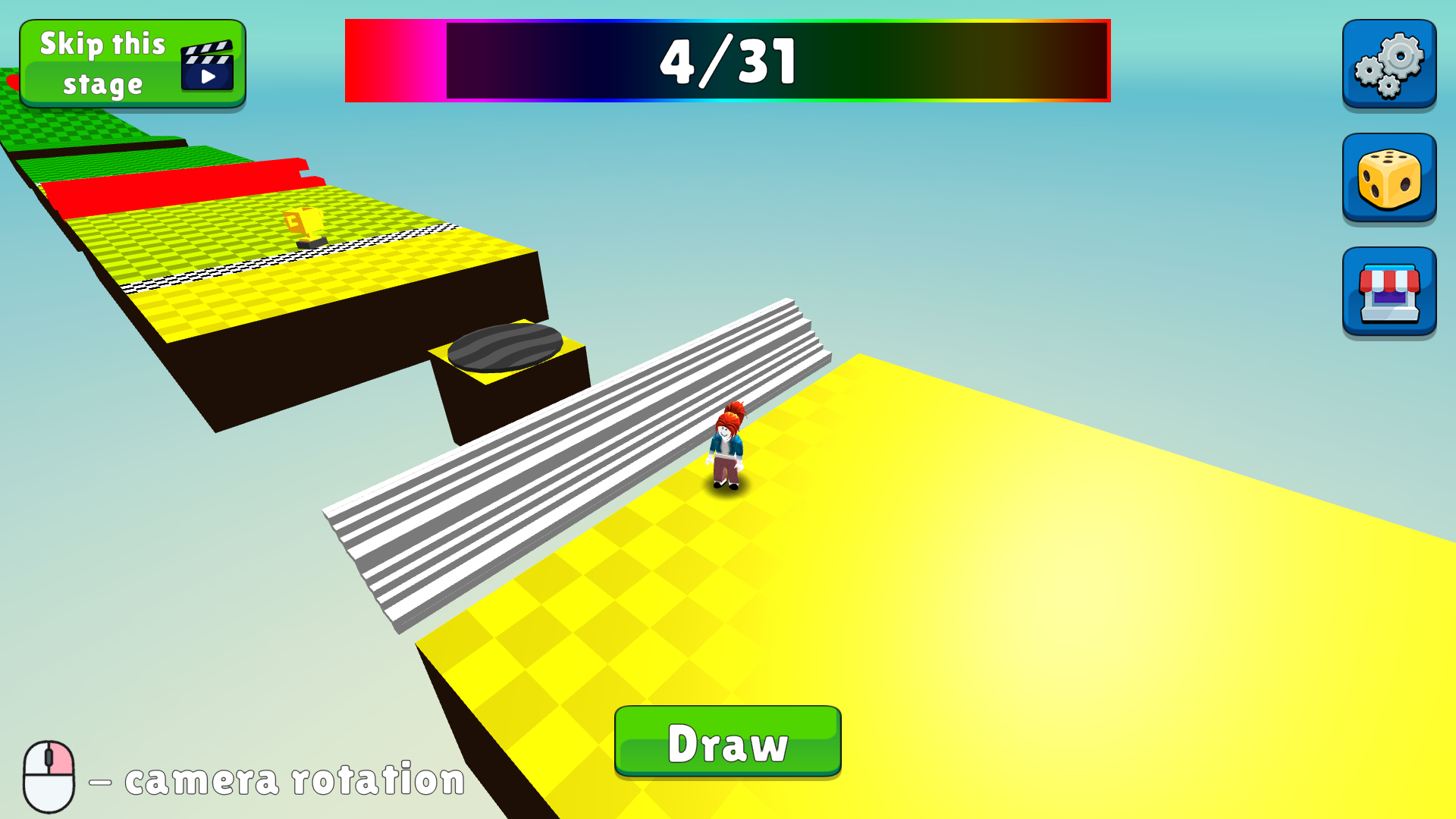
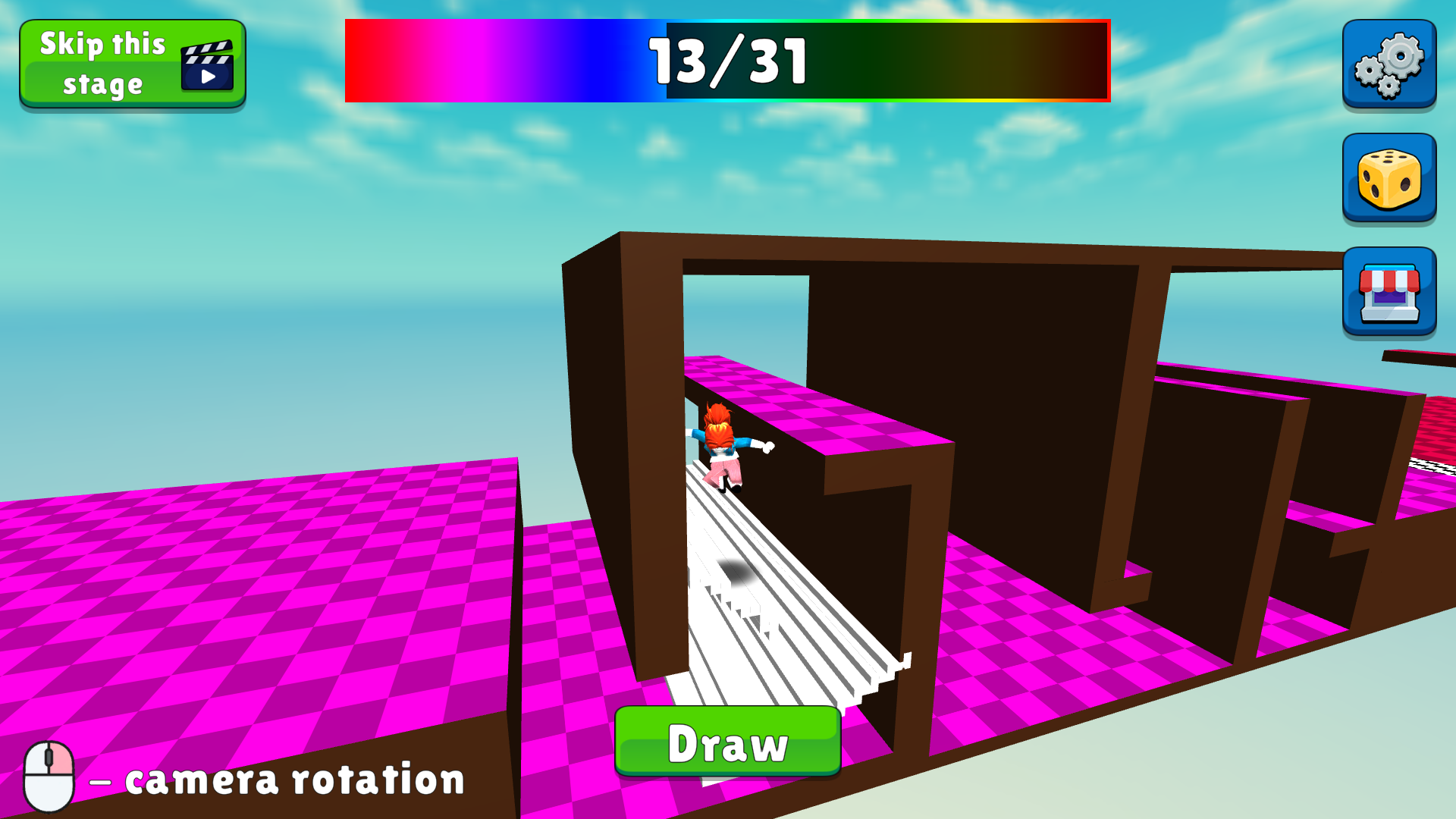
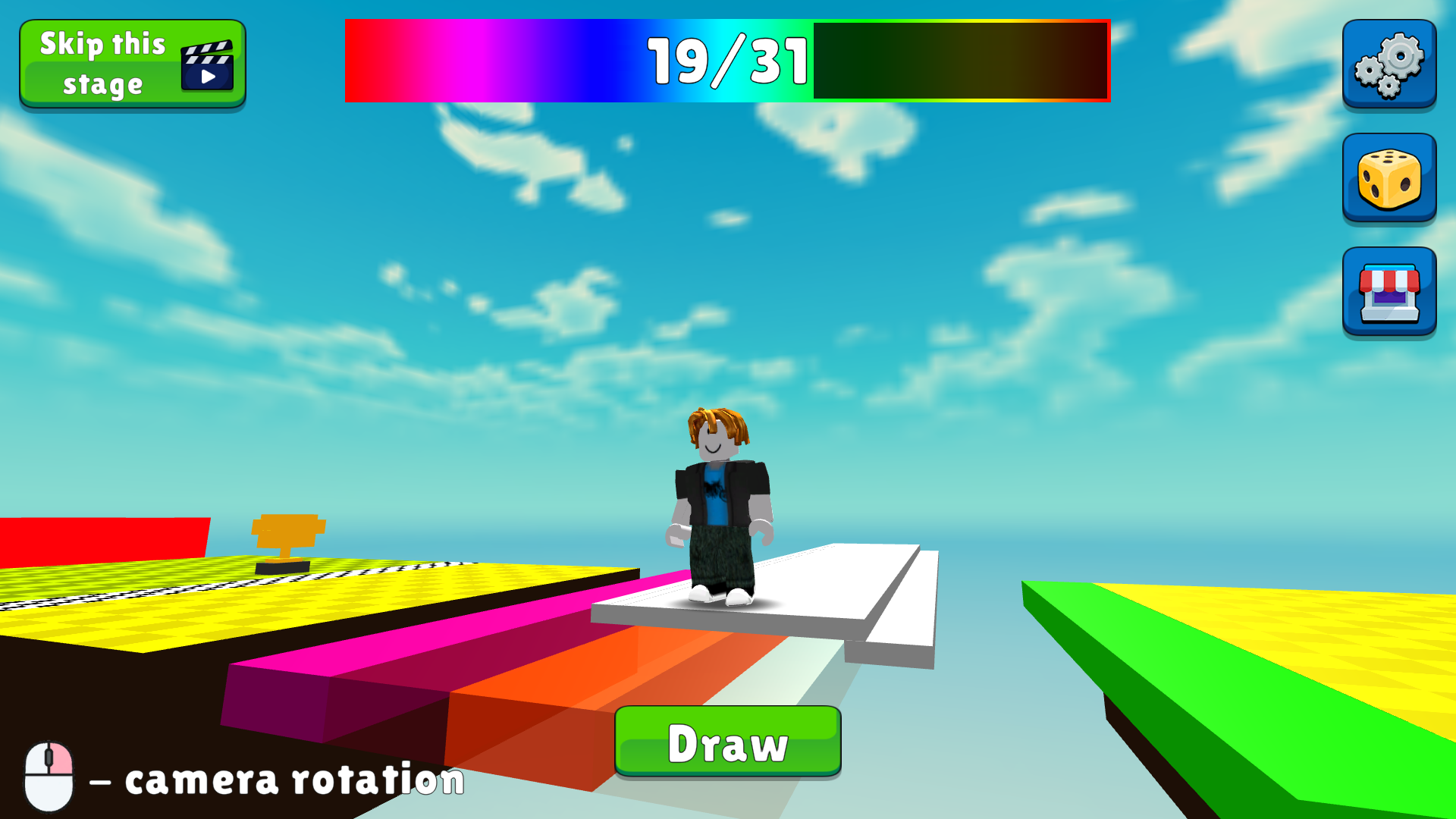
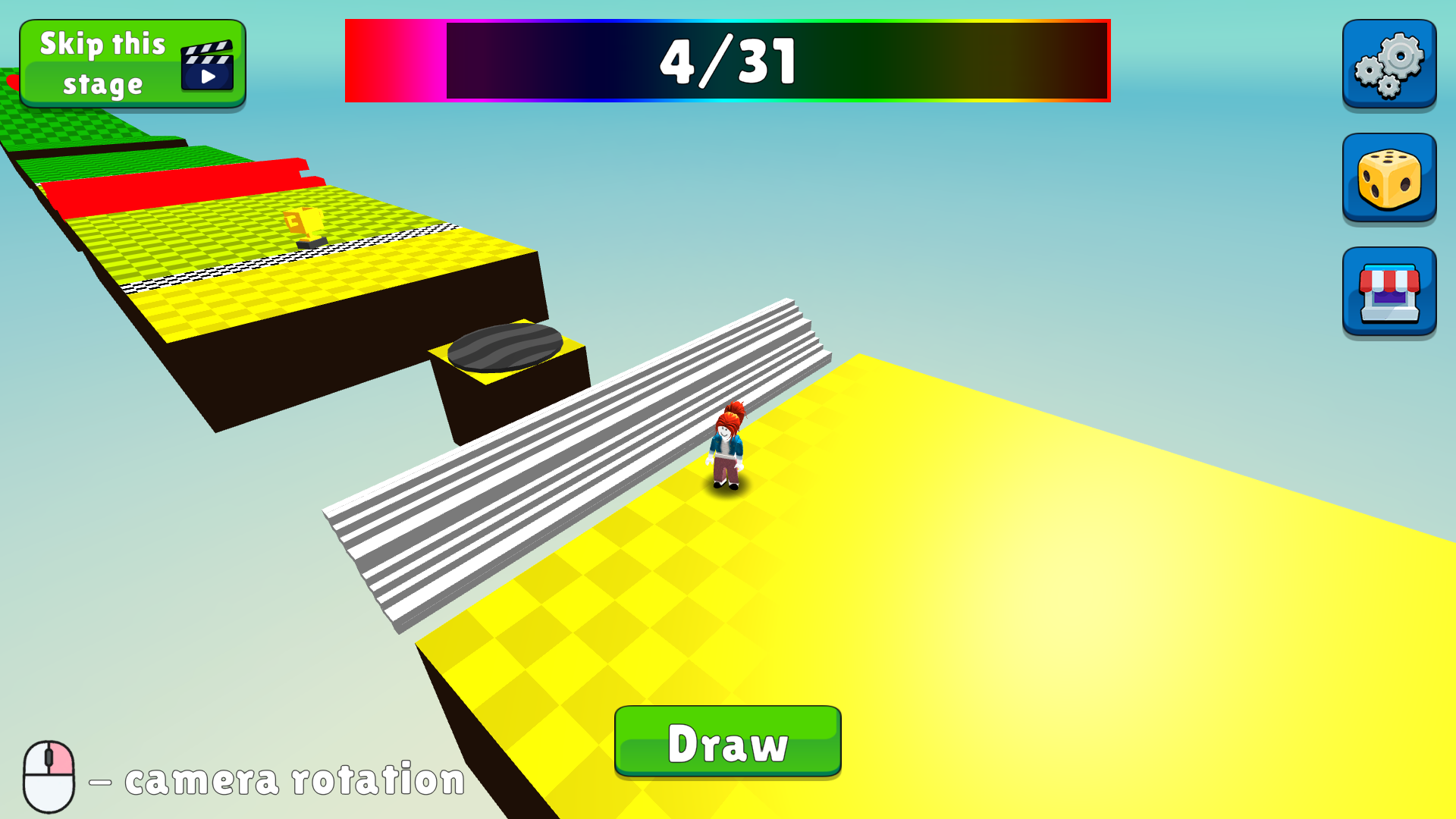
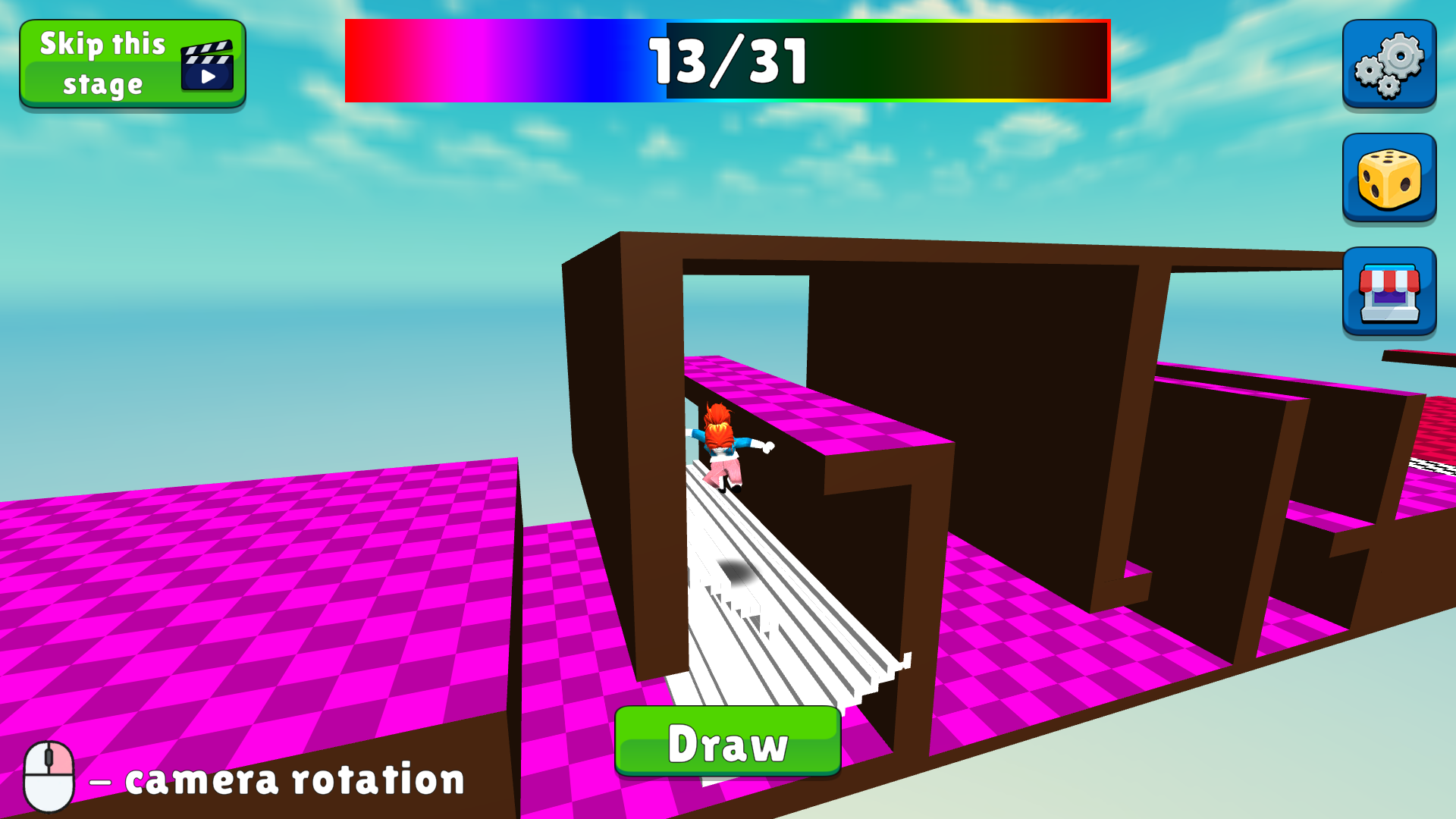
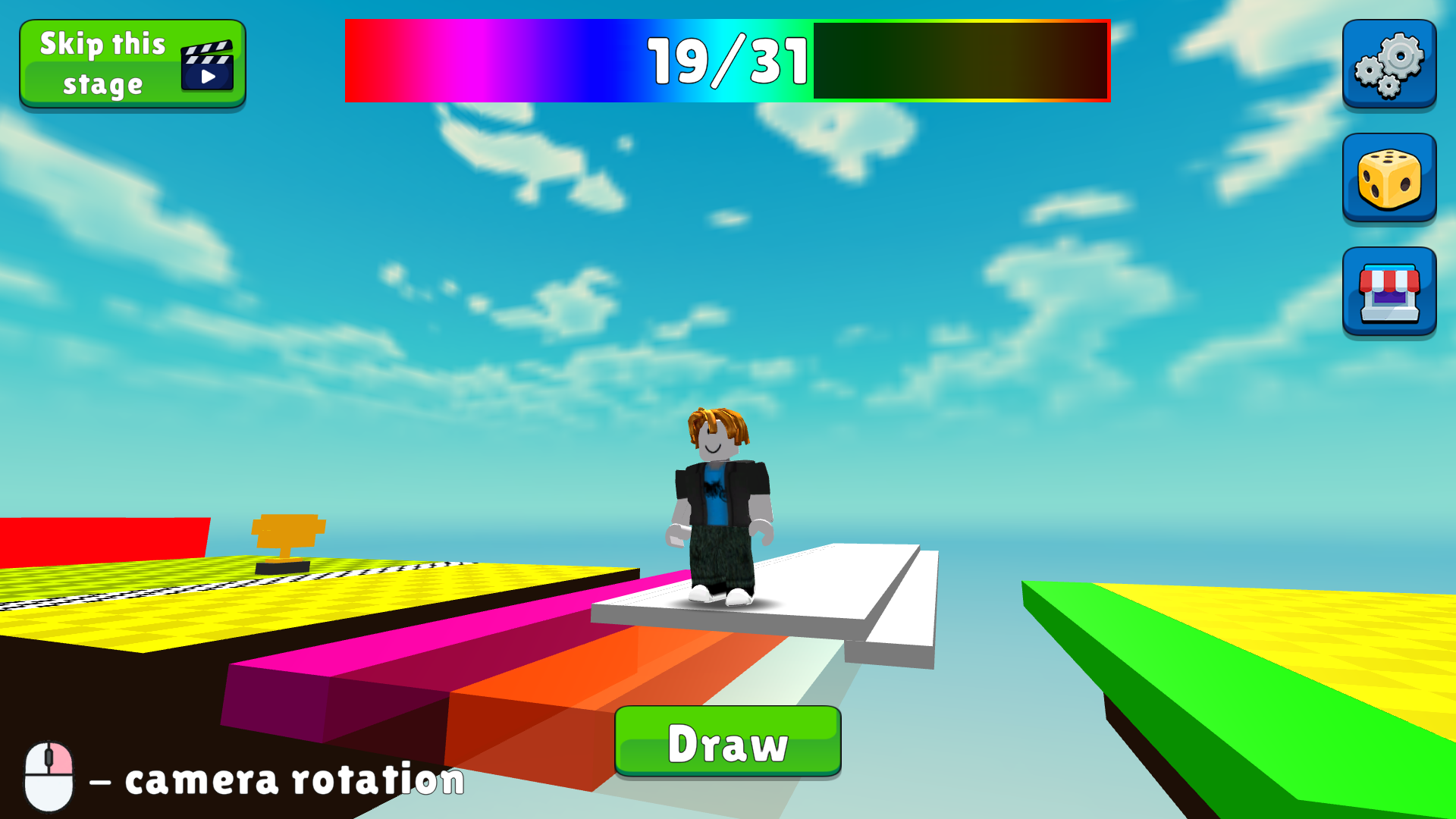
Sketch your own path to victory by creating custom platforms in Draw an Obby, the ultimate creative challenge for platformer fans. You navigate tricky obstacle courses by using your mouse or touchscreen to draw shapes that bridge gaps and bypass deadly hazards. Every level demands precision, as you must avoid bright red obstacles while timing your jumps perfectly to stay on track. This unique drawing mechanic turns a standard speedrun into a tactical puzzle where your artistic choices dictate your survival. Competitive players can test their limits against global records, pushing for the fastest completion times across all thirty levels. Mastery requires balancing your movement with clever sketches to outsmart the game design. Whether you are a fan of roblox style challenges or just love testing your reflexes, this title offers endless replayability. Experience this innovative obby experience for free directly in your browser with no download required.
How to play
The goal of the game is to reach the end. Draw shapes that will help you overcome the levels. Do not touch the bright red obstacles. Don't fall out of the way.
Control (computer):
● WASD Movement
● Right mouse button - Camera view
● Space Bar - Jump
Control (phone):
● Using the game interface
● Move to any location - Camera view
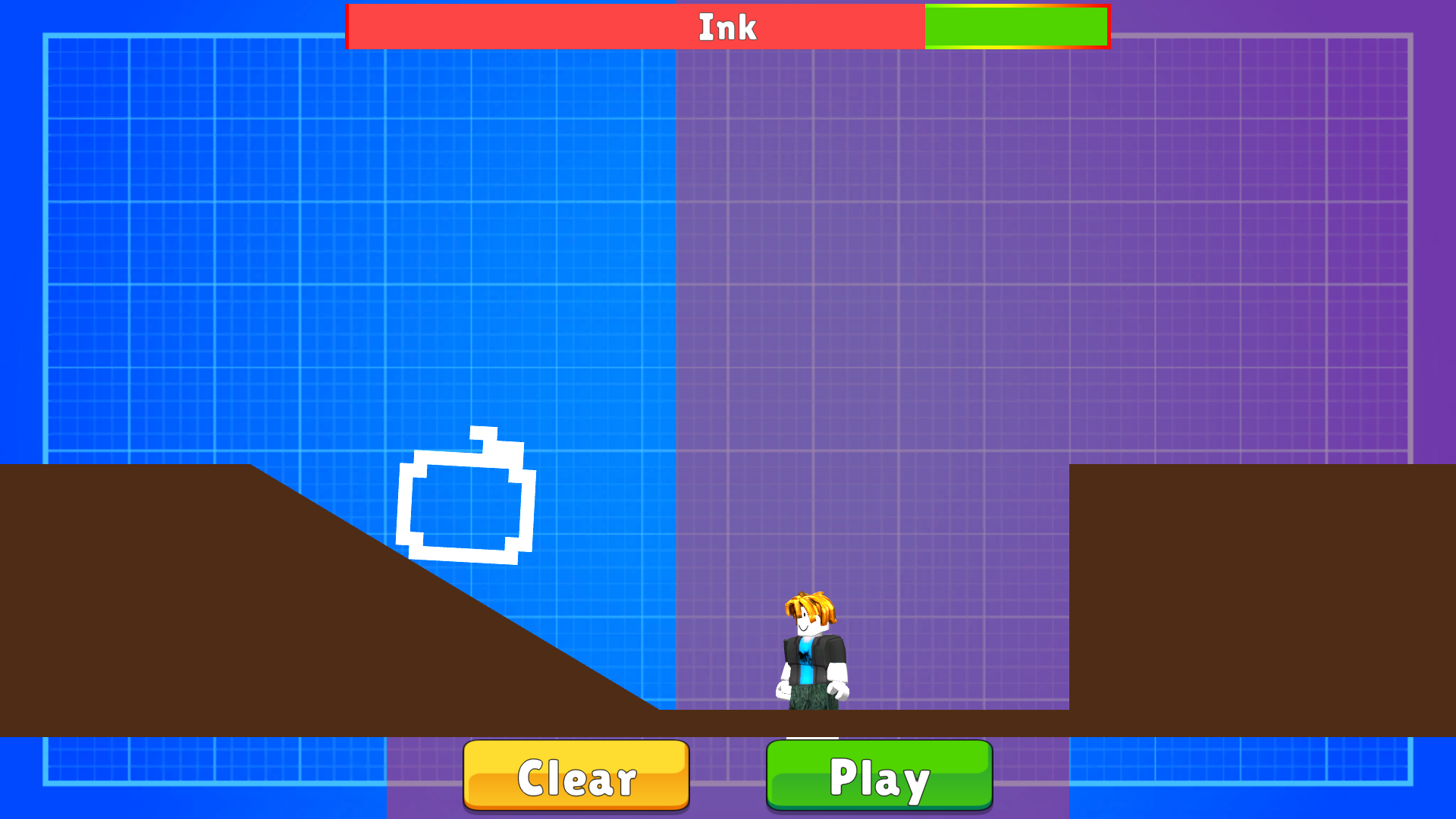
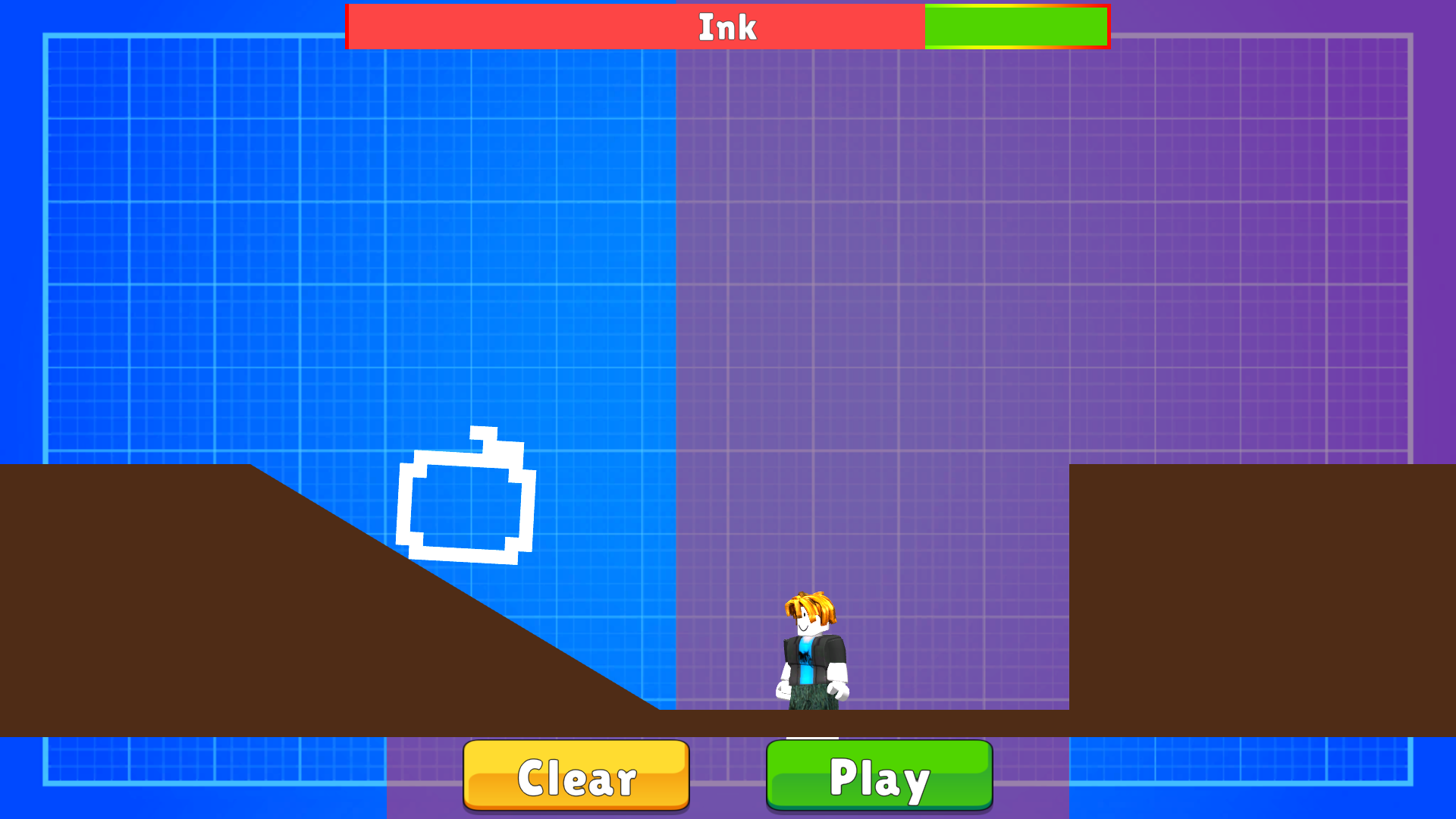
In drawing mode, control with the mouse or finger. If you didn't like what you drew, feel free to discard, all the paint will be replenished.
Features
- Custom Platform Creation: Use the drawing tool to craft unique bridges and ramps that solve environmental puzzles in real time.
- Infinite Ink Supply: Feel free to experiment with your sketches because your paint supply replenishes automatically whenever you discard a drawing.
- Speedrun Leaderboards: Track your performance and refine your routes to climb the ranks against other players worldwide.
- Hazard Avoidance: Navigate complex layouts where touching red zones results in an instant reset to the nearest checkpoint.
- Level Progression: Progress through thirty increasingly difficult stages that introduce new mechanics and tighter platforming requirements.
Who is it for
Obby enthusiasts looking for a creative twist on classic platforming mechanics will find this title highly engaging. Fans of roblox style challenges who enjoy testing their reflexes against speedrun timers and puzzle solvers who prefer drawing their own solutions to obstacles will feel right at home here.
Controls
Movement
Use WASD keys on desktop or the on-screen joystick on mobile devices.
Jump
Press the space bar on your keyboard or use the jump button on your touch screen.
Drawing
Click and hold the mouse or drag your finger across the screen to sketch your custom platforms.
Camera View
Hold the right mouse button on PC or swipe across the screen on mobile to rotate your perspective.
FAQ
Is Draw an Obby free to play in my browser?
›
Yes, Draw an Obby is completely free and requires no downloads or registration to start playing immediately.
Can I play Draw an Obby on my phone?
›
Absolutely, Draw an Obby is fully optimized for mobile browsers so you can use touch controls to draw and move.
What is the main goal in Draw an Obby?
›
The goal in Draw an Obby is to reach the finish line of each level by drawing custom shapes to bypass obstacles and avoiding red zones.