About game
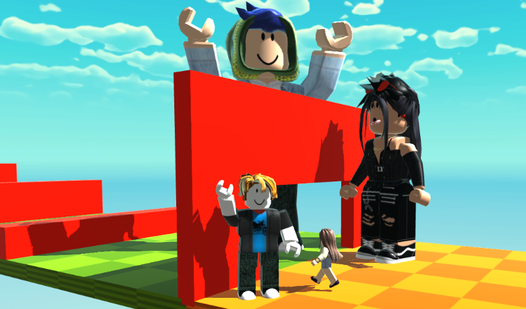
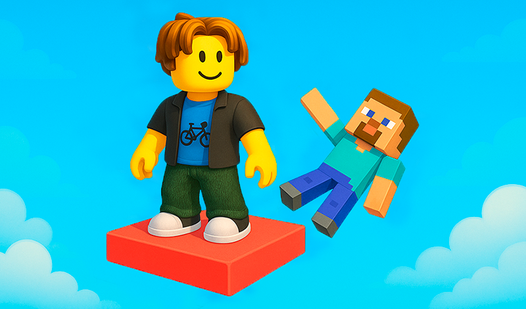
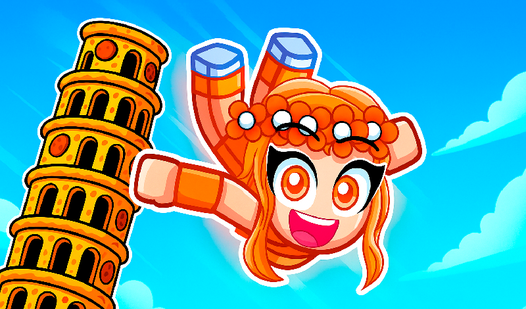
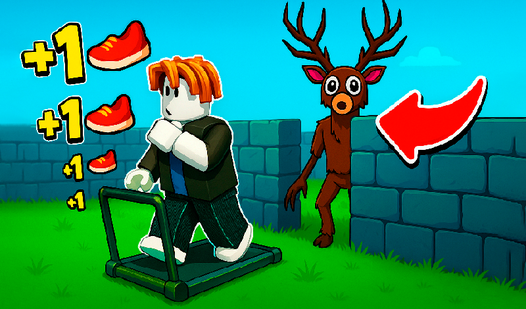
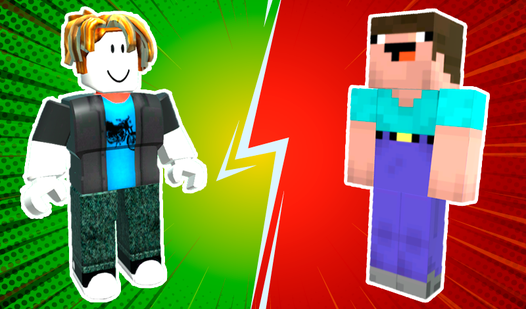
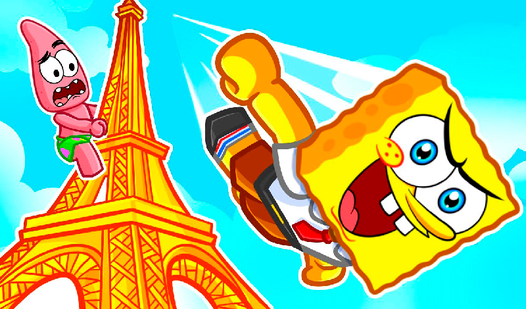
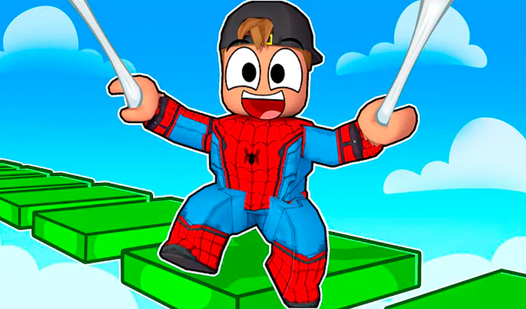
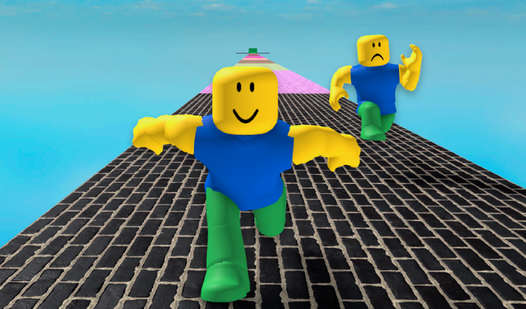
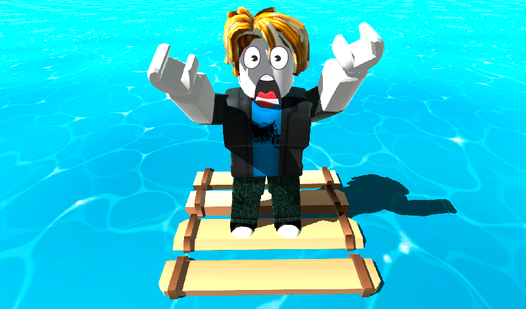
Mastering a tricky obstacle course usually requires perfect timing, but Roblox Obby: Change The Size adds a clever twist by letting you manipulate your physical scale on the fly. Navigating tight gaps or jumping over massive barriers becomes a test of physics rather than just pure jumping skill. You will navigate through 27 challenging checkpoints, constantly adjusting your height to squeeze through narrow tunnels or boost your reach for those impossible leaps. The core mechanic relies on a simple slider that lets you scale your character from tiny to giant in seconds, completely changing how you interact with the environment. Whether you are shrinking to fit through a door or growing to cross a hazard, the game keeps you thinking about your dimensions at every turn. Choosing between four unique characters adds a personal touch to your speedrunning journey as you climb the global leaderboard. You can prove your parkour mastery by clearing every stage with maximum efficiency and precision. Experience this innovative roblox obby challenge for free directly in your browser without any downloads required.
How to play
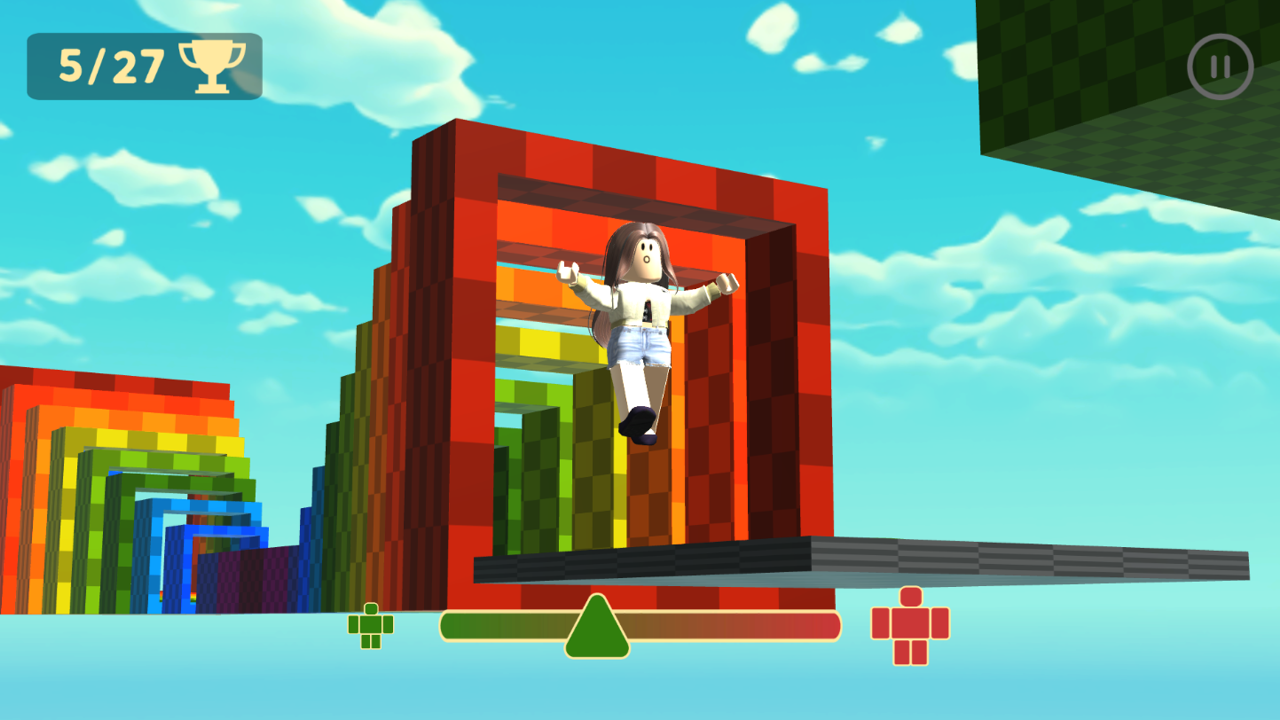
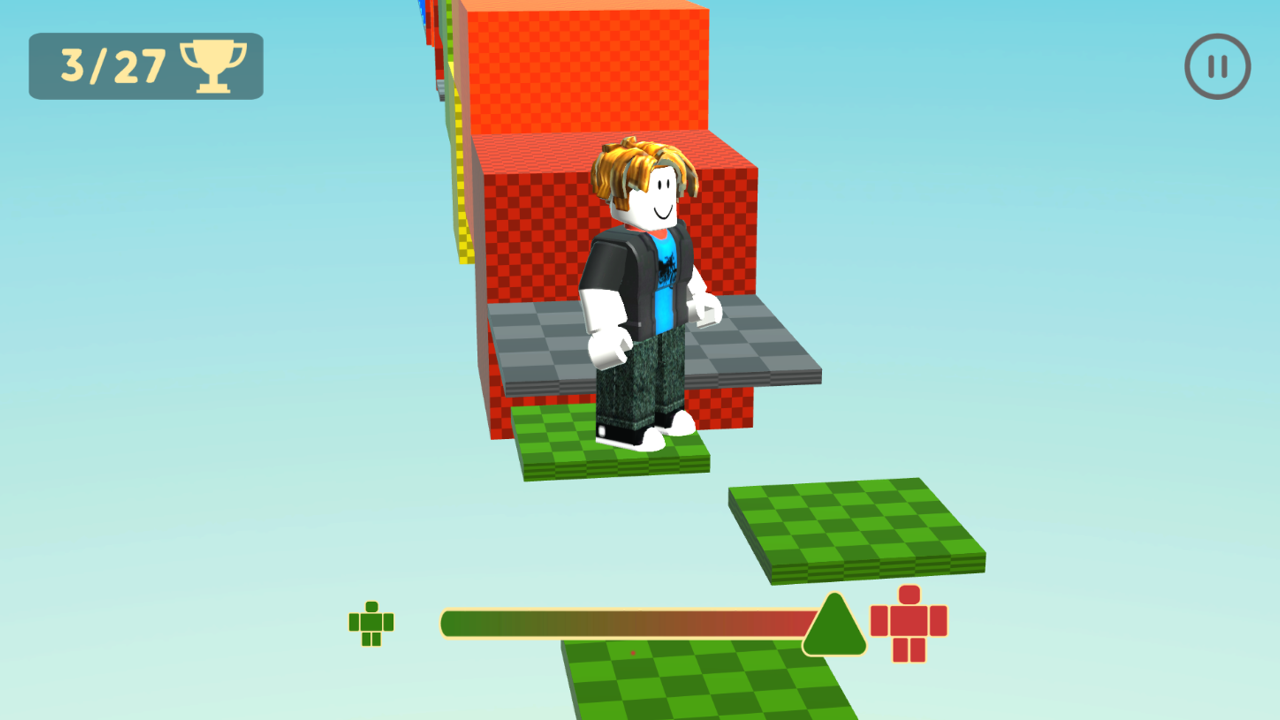
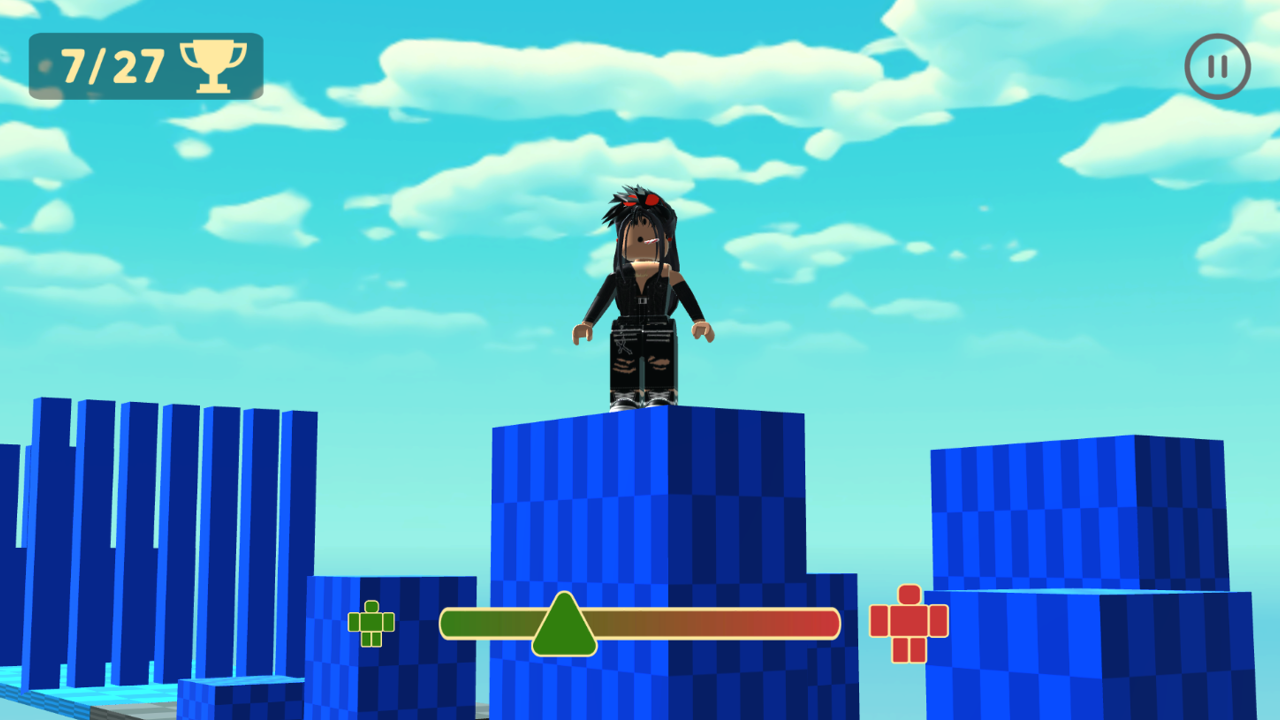
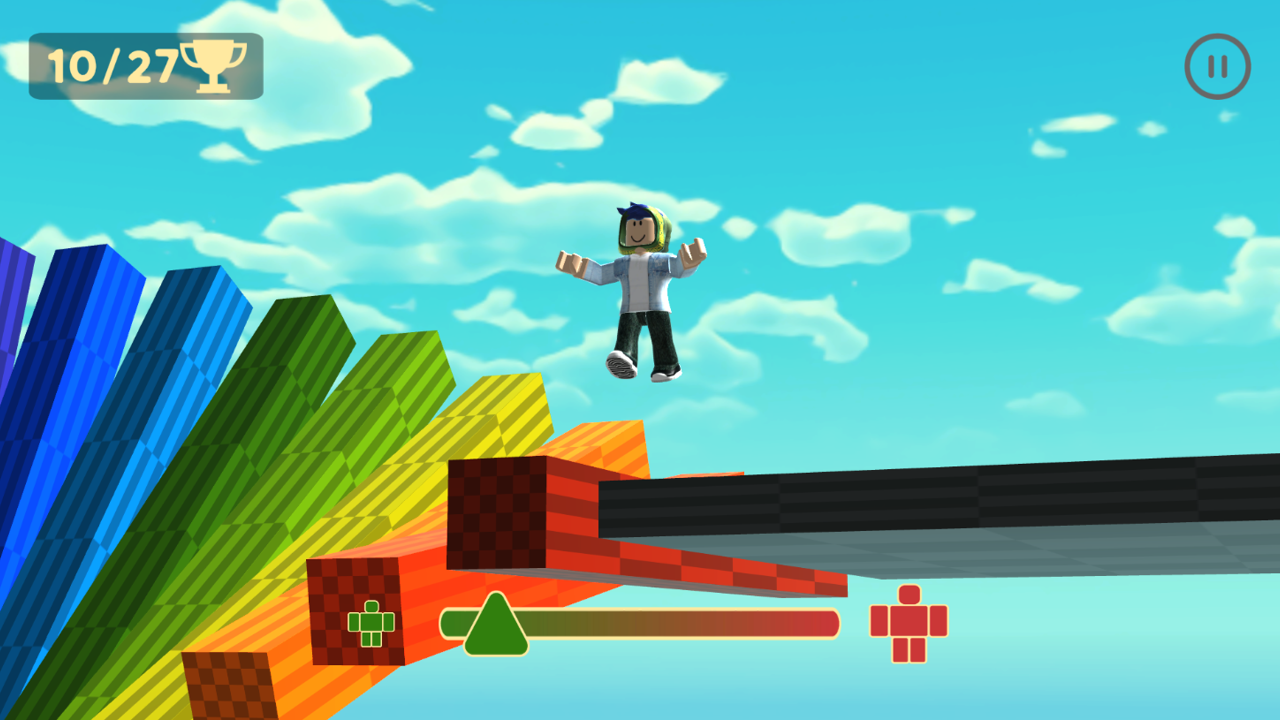
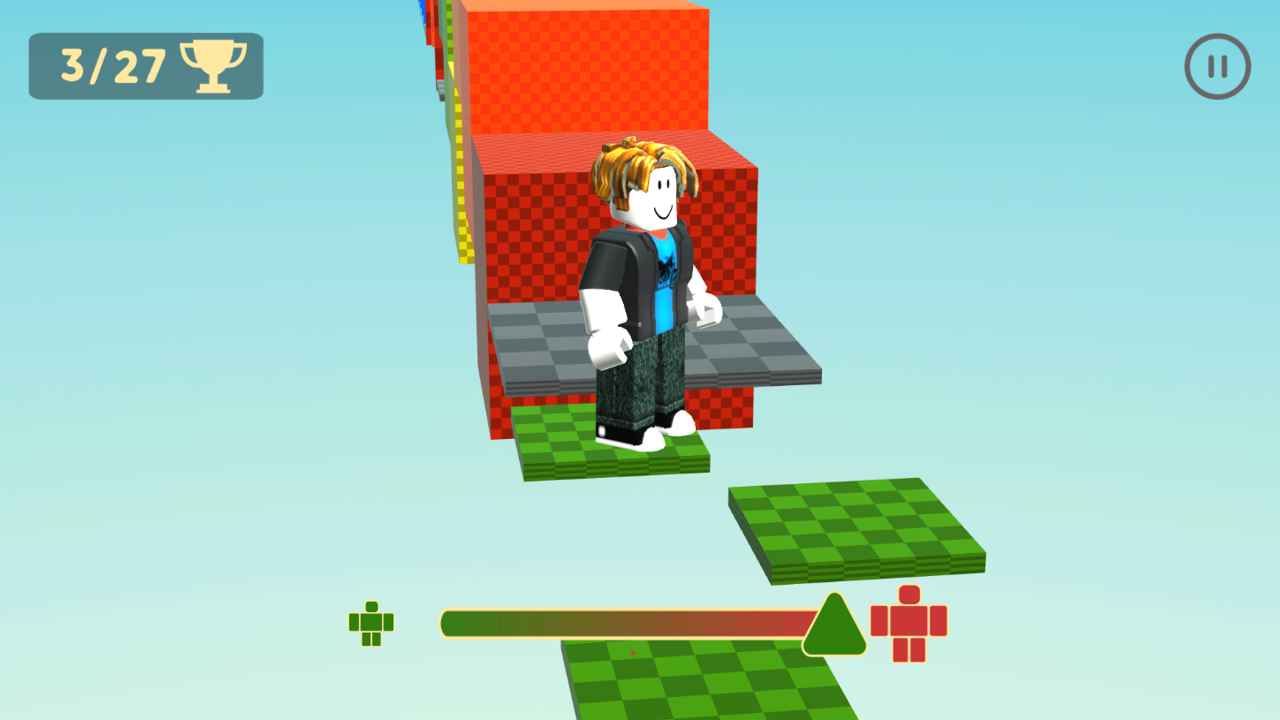
The goal of the game is to reach the finish line. To do this, you need to pass an obstacle course. To complete some segments of the path, you need to change the size of your character. To do this, use the slider from the bottom to the center of the screen. The character will get bigger on the right side, smaller on the left.
Control (computer):
● WASD - Movement
● Mouse - Camera view (to make a full turn around, hold down the right mouse button)
● Space - Jump
Control (phone):
● Using the game interface
● Pinch and move in any place - Camera overview
Features
- Dynamic Scaling Mechanic: Use the bottom slider to instantly adjust your character size to overcome physical obstacles.
- Speedrun Leaderboard: Compete against other players to finish all 27 checkpoints in the shortest possible time.
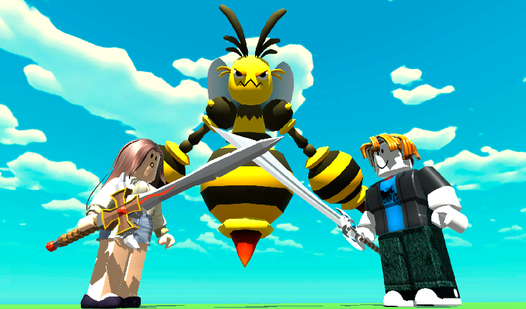
- Character Variety: Unlock and switch between four distinct characters to find the one that best fits your playstyle.
- Environmental Puzzles: Solve navigation challenges that require specific size adjustments to cross traps and barriers.
- Precision Platforming: Test your parkour skills with high-stakes jumps that demand perfect timing and scale management.
Who is it for
Fans of competitive platformers and parkour challenges will enjoy the strategic depth of resizing mechanics. Players who frequent the roblox obby ecosystem will find the familiar style refreshing, while speedrunners will appreciate the tight controls and the drive to climb the global rankings through efficient movement and smart decision-making.
Controls
Movement
Use WASD keys on PC or the on-screen joystick on mobile
Jump
Press Spacebar on PC or the jump button on mobile
Change Size
Drag the slider at the bottom of the screen to the left or right
Camera Control
Move your mouse or use pinch and drag gestures on your touchscreen
FAQ
How do I change my character size in Roblox Obby: Change The Size?
›
You can change your size by using the slider located at the bottom of your screen, sliding left to shrink and right to grow.
Can I play Roblox Obby: Change The Size on a mobile device?
›
Yes, the game is fully optimized for mobile browsers and supports touch gestures for movement and size scaling.
Are there save points in Roblox Obby: Change The Size?
›
The game features 27 checkpoints that act as save points, allowing you to respawn at the start of your current section if you fail.