About game
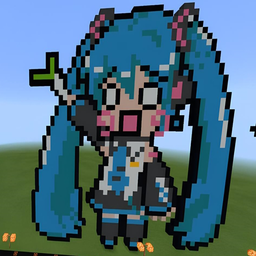
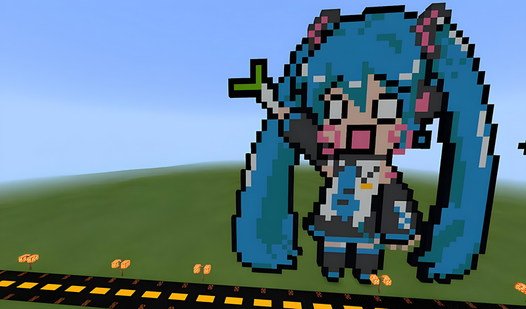
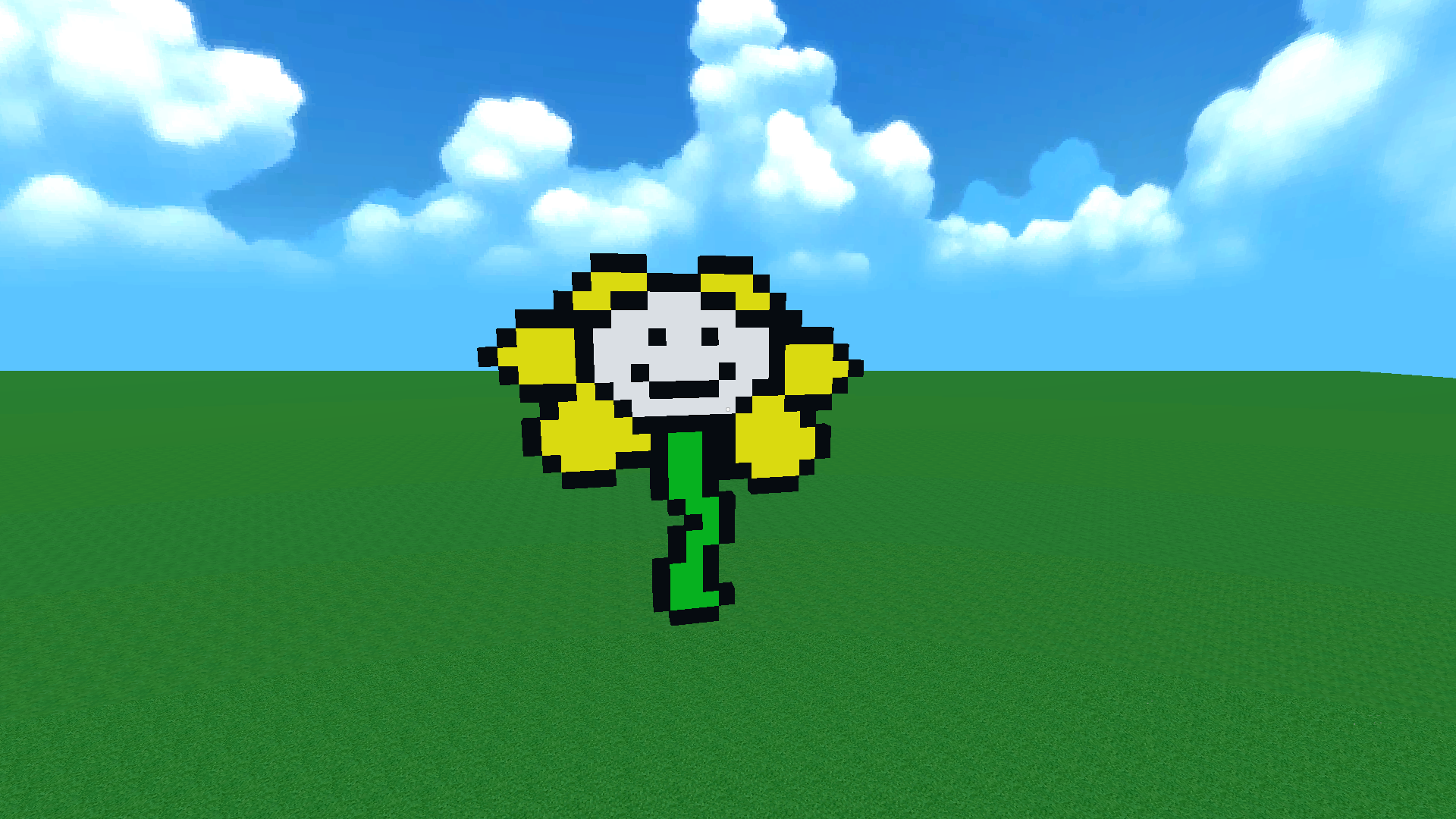
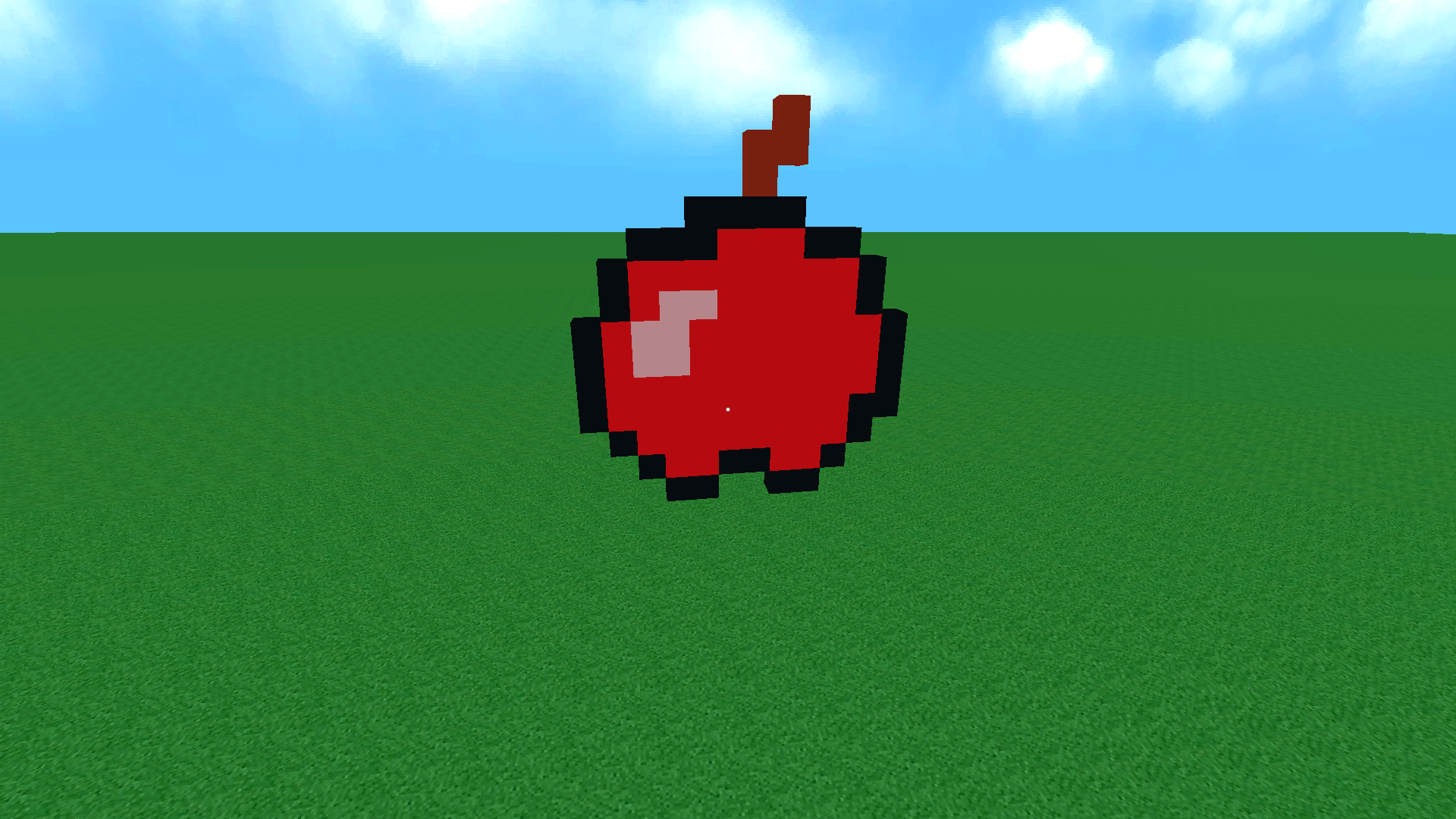
Rotate and place vibrant blocks to build intricate structures in this immersive sandbox experience. You will manipulate your perspective to bring complex designs to life, reminiscent of your favorite block-based construction games. Cubic Art 3D challenges your spatial awareness as you break and stack voxels to craft unique environments. Whether you are aiming for a minimalist masterpiece or a sprawling pixel art city, the creative freedom remains entirely in your hands. The intuitive interface ensures that building massive projects feels smooth and satisfying for creators of all skill levels. You can switch between colors effortlessly to add depth and detail to your voxel landscapes. This platform provides a seamless experience for those who enjoy the creative spirit of minecraft without the need for complex survival mechanics. Play Cubic Art 3D for free directly in your browser without any annoying downloads or registrations.
How to play
Right Mouse Button - to place a block.
Middle Mouse Button - to copy the block's color.
Left Mouse Button - to break a block.
"Escape" ("Esc") key - menu.
Hold down the "Space" key to move up.
Hold down the "Left Shift" key to move down.
"E" key - block color selection menu.
Features
- Color Picker: Access a dedicated menu to select from a vast palette of hues for your block creations.
- Vertical Movement: Navigate through your three-dimensional world easily using dedicated keys to ascend or descend.
- Block Sampling: Copy existing colors from placed blocks instantly to maintain consistency throughout your build.
- Destructive Editing: Remove any misplaced blocks with a single click to refine your architectural vision perfectly.
- Sandbox Freedom: Enjoy an endless canvas where you can experiment with geometry and design without constraints.
Who is it for
Creative builders who enjoy sandbox construction experiences, pixel art enthusiasts looking for a digital canvas, and fans of block-based world building. Players who appreciate relaxing voxel games and fast, browser-based creative tools will find endless hours of entertainment while constructing their own unique 3D digital environments.
Controls
Place block
Right mouse button or tap on mobile
Break block
Left mouse button or long tap on mobile
Select color
Press E key or use the on-screen menu button
Move vertically
Hold Space to ascend or Left Shift to descend
Pick color
Middle mouse button or swipe to select from palette
FAQ
Is Cubic Art 3D free to play?
›
Yes, Cubic Art 3D is completely free to play directly in your web browser with no download required.
Can I save my creations in Cubic Art 3D?
›
Cubic Art 3D is designed for quick, creative sessions in your browser, perfect for building unique pixel art projects on the go.
Does Cubic Art 3D require a powerful computer?
›
Cubic Art 3D is optimized for most modern browsers, allowing you to build your voxel worlds smoothly on both desktop and mobile devices.