About game
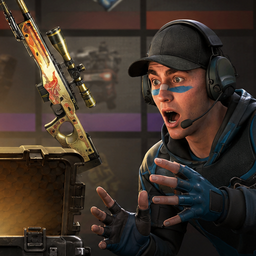
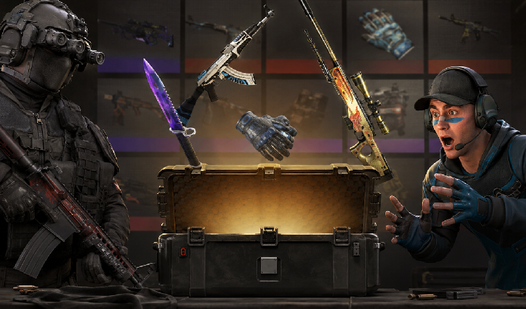
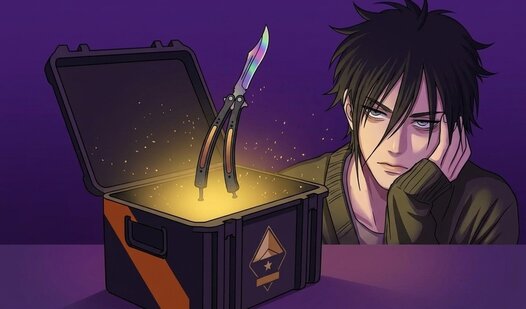
Stuck in a long meeting or just waiting for your coffee to brew, you probably need a quick distraction that packs a punch. CS 2 Case Simulator Clicker is the perfect way to satisfy that urge for digital loot without spending real money. You start by tapping a money crate to stack cash and filling a meter to earn free cases for your collection. Once you have enough funds, head to the store to pick from dozens of containers and test your luck on the roulette wheel. Every spin might land you rare knives or high-value gloves to show off in your inventory. Managing your budget is key as you decide which items to keep and which to sell for profit. You can even boost your clicking power and upgrade your odds for better pulls over time. This browser-based симулятор кейсов lets you experience the thrill of the hunt right from your tab. Stop worrying about actual costs and try this addictive кейс кликер for free without any downloads.
How to play
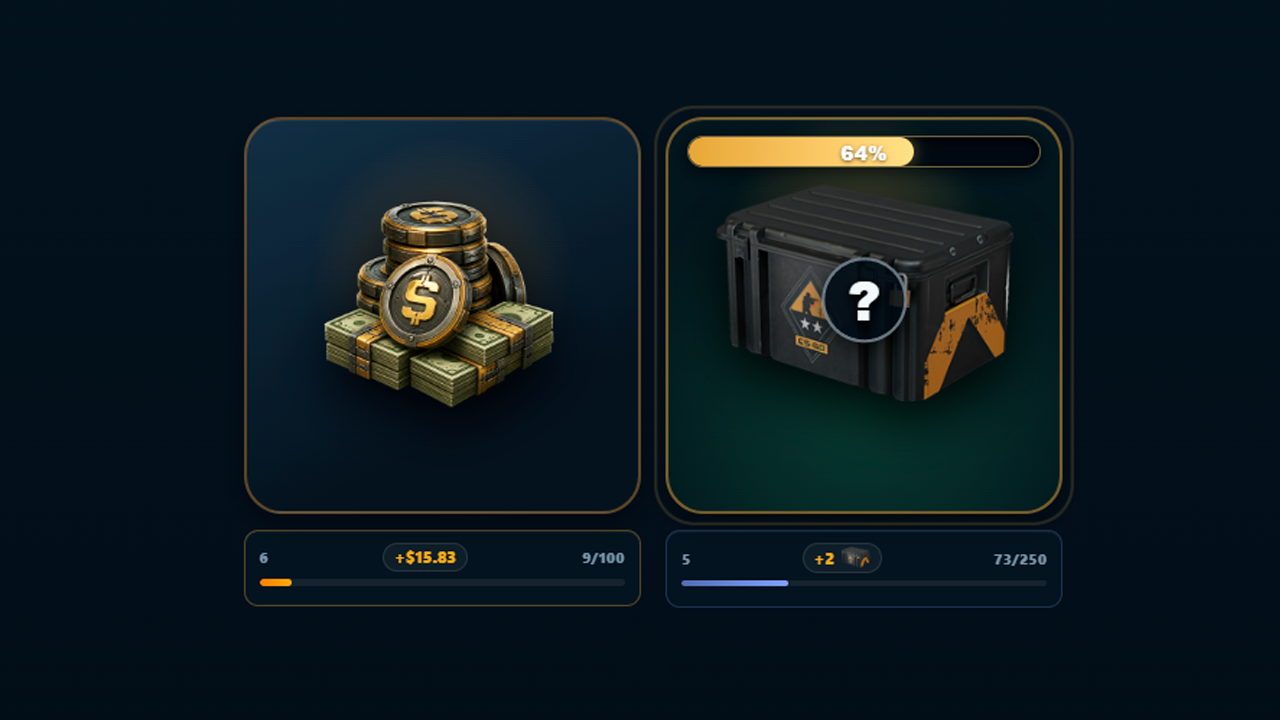
1. Open Farm. Tap the money crate to earn cash. Tap the separate chest to fill its meter; every full meter sends a random case to storage.
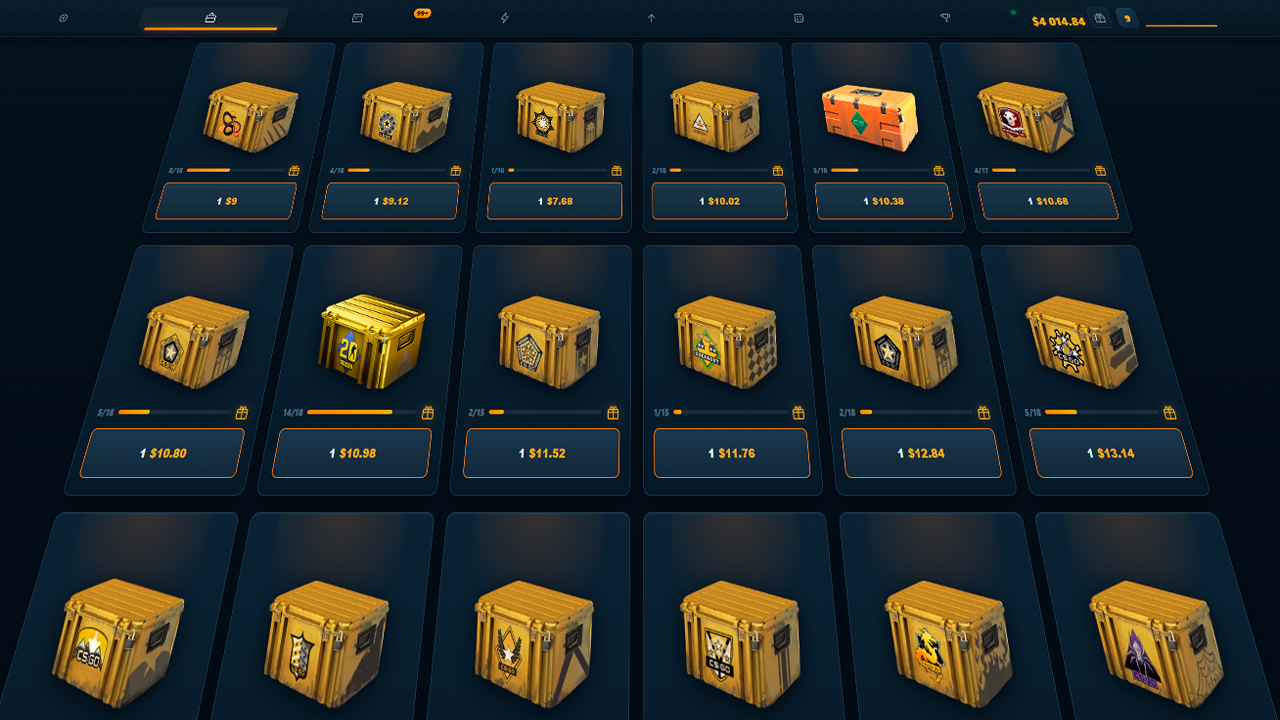
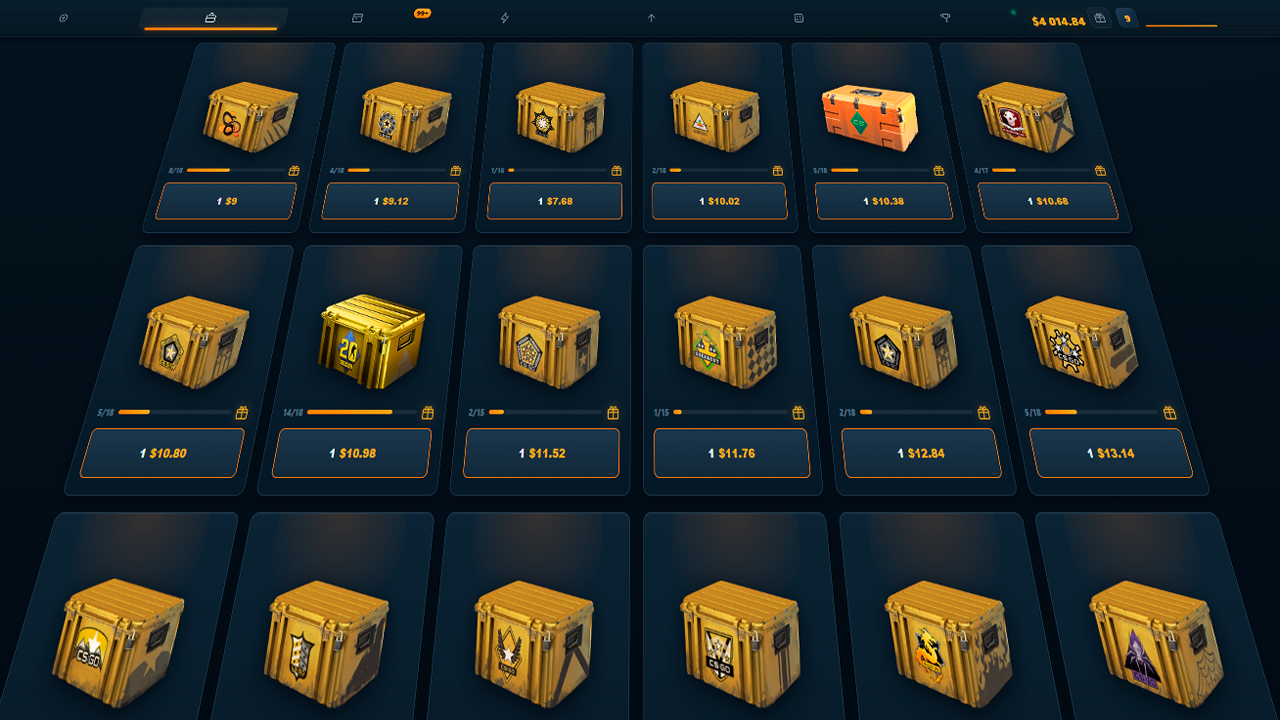
2. Go to Cases. Unlock a container, buy a copy, or use one from storage. Pay for the key, choose an opening amount, and wait for the roulette to stop. Keep the result or sell it immediately.
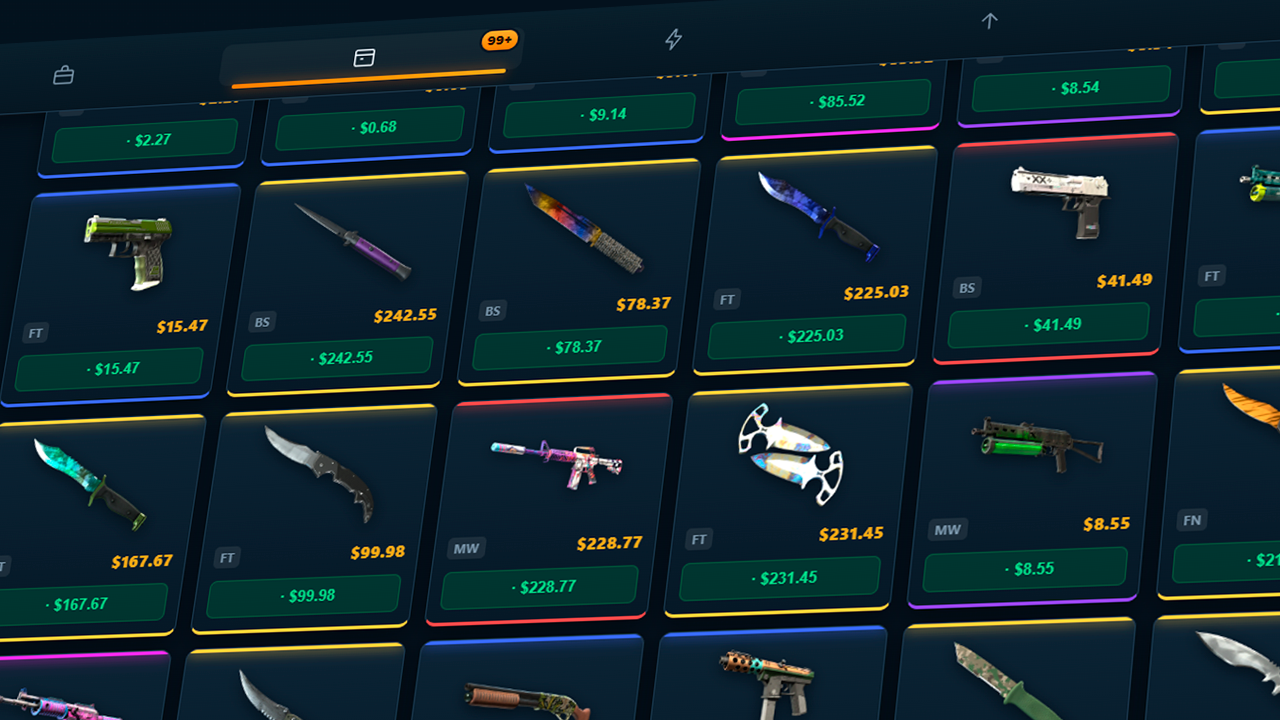
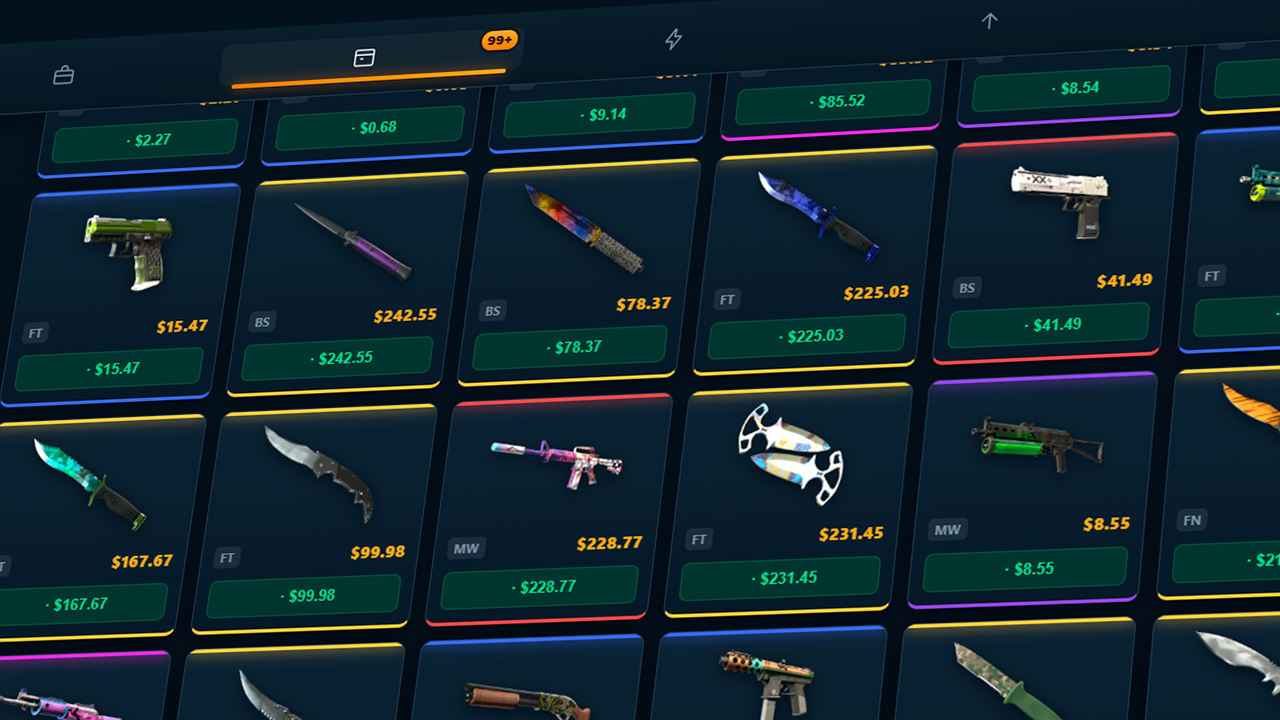
3. In Inventory, sort skins by price and rarity, sell single finds, or clear out cheaper items. Track two collection goals: regular weapon skins first, then knives and gloves.
4. In Upgrades, improve click strength, passive income, high-rarity odds, sale value, and case discounts. In the Workshop, select a skin and multiplier for an upgrade, or build a contract from items of the same tier.
5. Coin Flip, Boost Run, and Arena are available under Mini-Games. Set your stake, watch the risk, and cash out at the right moment. Progress saves automatically. Music, sound effects, drop details, and rarity odds can be changed in Settings.
Features
- Economic Progression: Reinvest your profits into passive income generators and click power upgrades to open more crates per minute.
- Skin Rarity System: Collect over 1300 items ranging from common finishes to elusive StatTrak knives and glove sets.
- Workshop Mechanics: Use trade-up contracts to combine lower-tier items into something better or risk your inventory in upgrade challenges.
- Mini-Game Variety: Step away from basic opening loops to play Coin Flip, Boost Run, or Arena modes for high-stakes excitement.
- Collection Tracking: Monitor your progress toward completing the full weapon catalog and hunting down rare cosmetic gear.
Who is it for
Fans of idle games and inventory management will love this experience. If you enjoy chasing rare virtual items or testing your luck on digital roulette wheels, this is your go-to pastime. Casual players seeking a quick, satisfying loop during breaks will find plenty of depth here.
Controls
Interact
Tap or click on the screen to farm cash and open crates.
Navigate
Tap menu buttons to switch between the store, inventory, and mini-game screens.
Menu selection
Swipe or tap to confirm purchases and upgrade your click strength.
FAQ
Can I save my progress in CS 2 Case Simulator Clicker?
›
Yes, all your skins, cash, and upgrades in CS 2 Case Simulator Clicker save automatically in your browser.
How do I get better items in CS 2 Case Simulator Clicker?
›
You should focus on buying upgrades that increase your rarity odds and participate in trade-up contracts within CS 2 Case Simulator Clicker.