About game
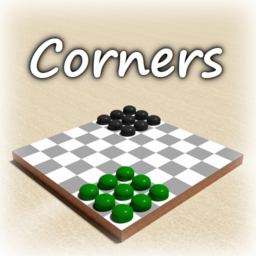
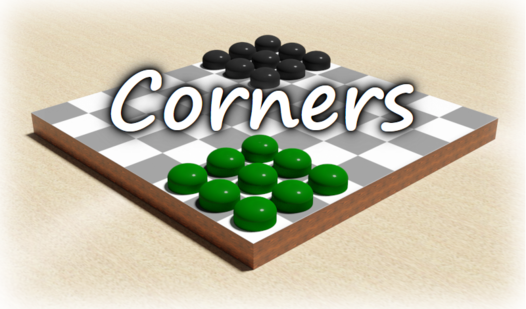
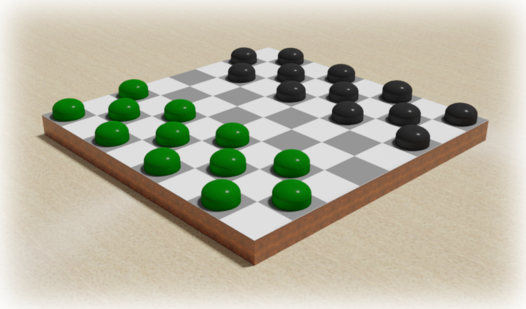
Board game enthusiasts will appreciate the strategic challenge found in Corners, a modern digital adaptation of the classic checkers concept. Your primary goal is to maneuver all your pieces to the opponent’s starting corner before the computer does, making every turn count. Simply select a checker and tap your desired destination to execute a move through complex chains of jumps. If both players occupy their target corners simultaneously, the round concludes in a strategic draw. You can toggle between 3x3 and 4x3 layouts to adjust the complexity of this engaging board game to your preference. Switching sides using the arrow icons allows you to experience the tactical struggle from new perspectives. This refined version of checkers keeps the action fast and the logic puzzles demanding. Experience this polished online board game for free right in your browser with absolutely no download required.
How to play
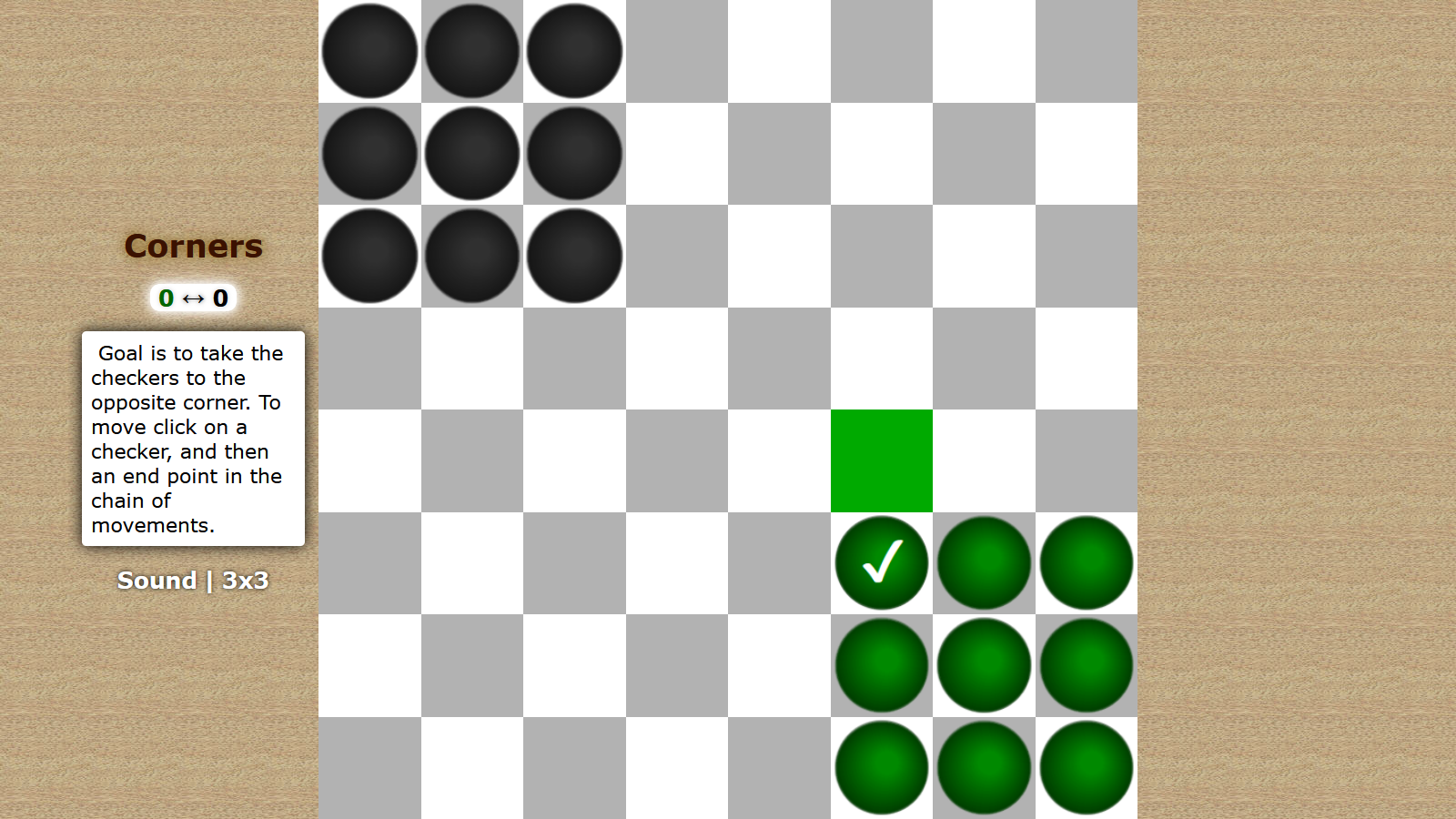
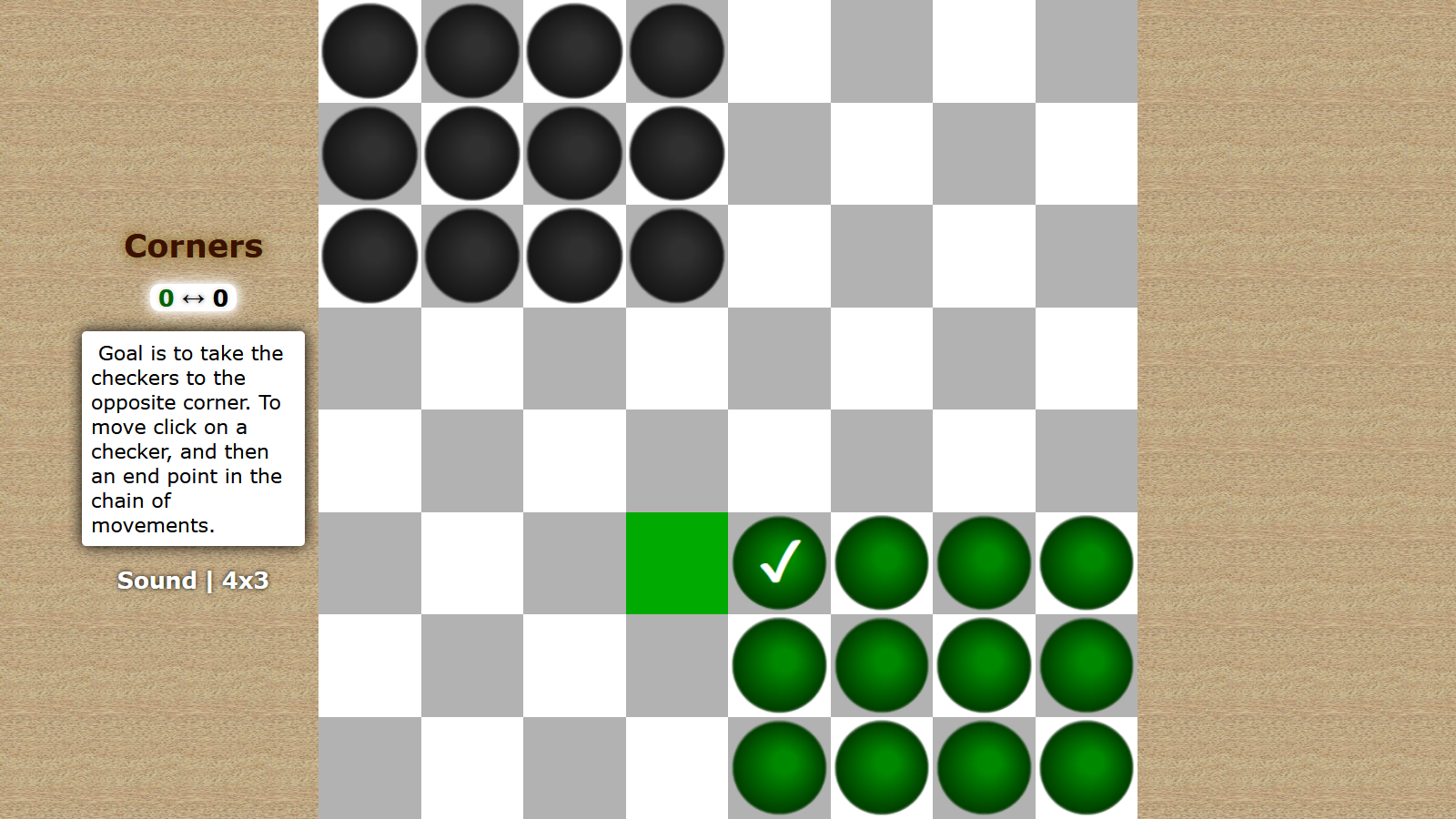
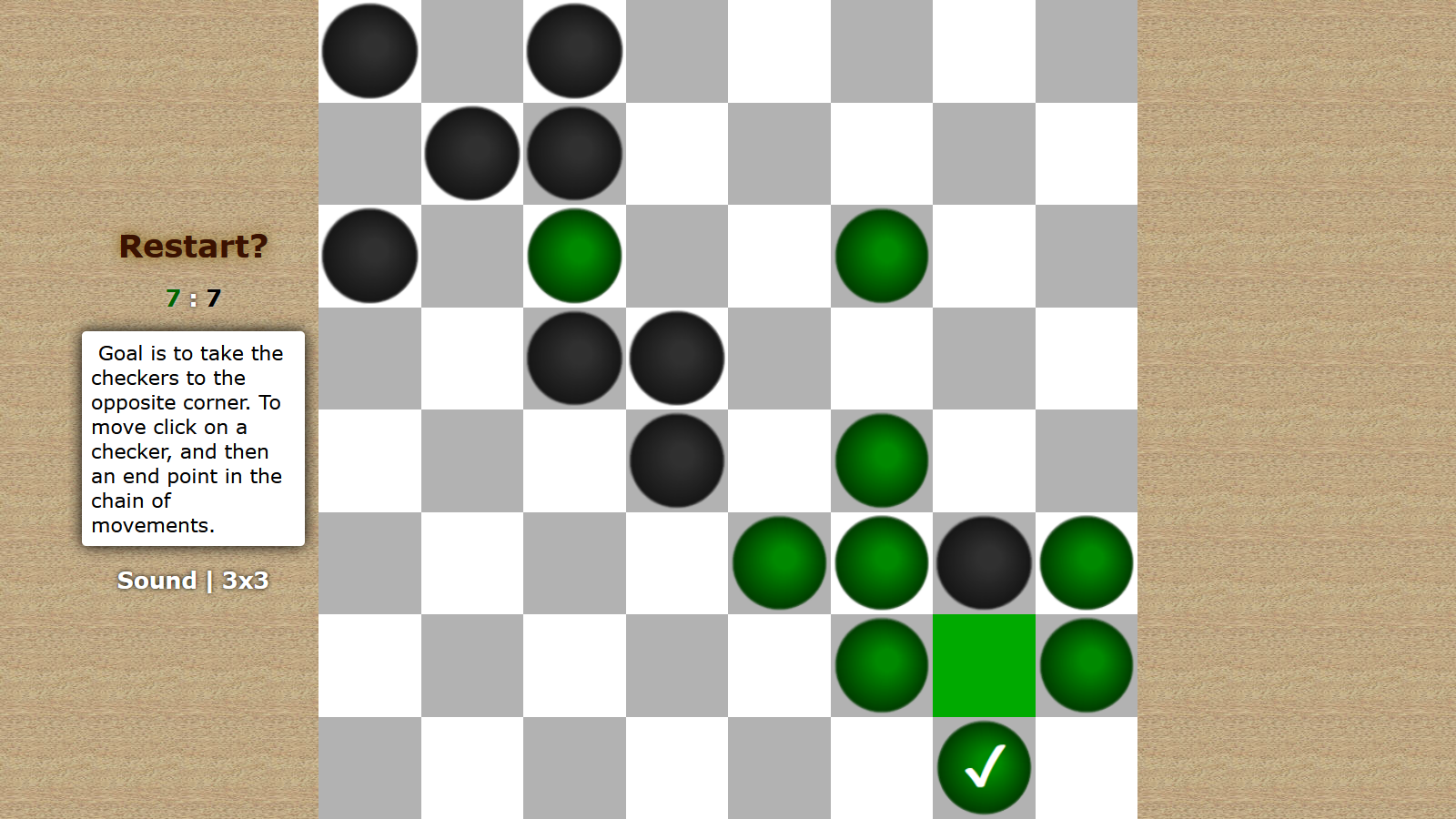
Point is to take the opposite corner, ahead of a computer. Both sides have the same number of moves. If the player occupies the opposite corner, and on the next move the computer does the same, the game ends in a draw. To make a move, you need to click on a checker, and then on an endpoint in the chain of movements. At any time you can start the game again by clicking on "Restart?" (appears after the first move). "Sound" is turning off at the bottom left. There you can also choose the game type: 3x3 (corners of 9 checkers) or 4x3 (12 checkers). At very beginning of a game, before a first move, you can choose the other side by clicking on the arrows icon (between a moves counters, under the caption "Corners").
Features
- Dynamic grid layouts: Choose between 9-checker or 12-checker configurations to match your preferred level of difficulty.
- Side selection: Swap your starting position using the arrow icons to master the board from different starting corners.
- Draw condition mechanics: The game intelligently handles endgame scenarios where both players reach their targets on consecutive turns.
- Streamlined interface: Access sound settings and restart options instantly from the bottom menu to keep your flow uninterrupted.
- Visual tracking: Keep an eye on the move counter to ensure you stay ahead of the computer opponent throughout the match.
Who is it for
Strategy fans and logic puzzle enthusiasts who enjoy testing their wits against an automated opponent. Players who prefer minimalist brain teasers over complex graphics will find this classic challenge satisfying. Anyone looking for a quick, mobile-friendly mental workout during a break will love the pacing of this title.
Controls
Select piece
Tap a checker on your screen to highlight it.
Move piece
Tap on the target endpoint in the chain of movement to relocate the piece.
Restart game
Tap the Restart link that appears after your first move to reset the board.
FAQ
How do I win in Corners?
›
You must be the first to move all your checkers into the opponent's starting corner before the computer achieves the same goal.
Can I play Corners on my phone?
›
Yes, the game is fully optimized for mobile devices and can be played directly in your mobile browser without any software installation.
Is there a way to pick my side in Corners?
›
Yes, you can click the arrow icons located between the move counters at the top of the screen before making your first move.