About game
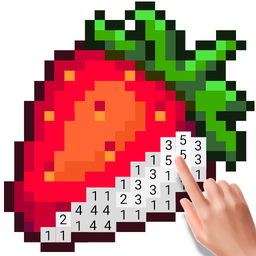
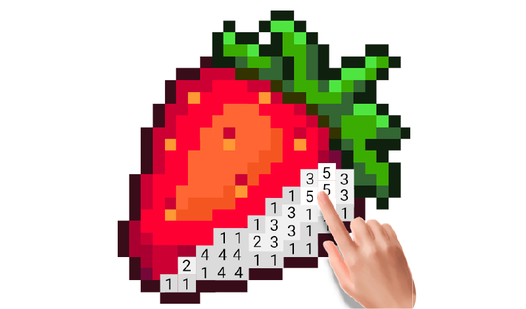
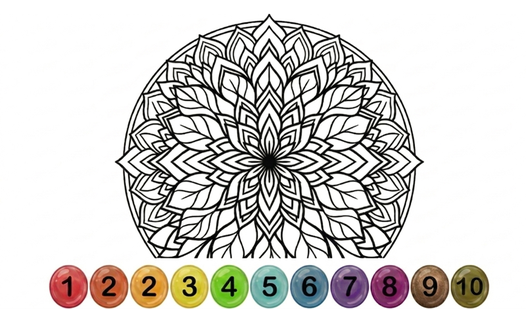
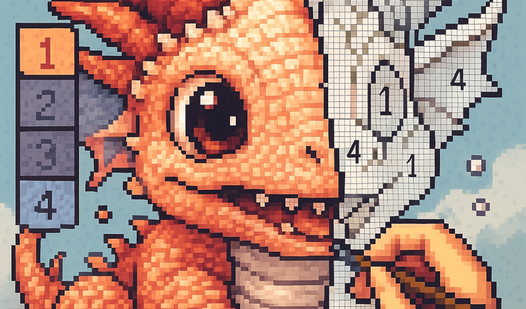
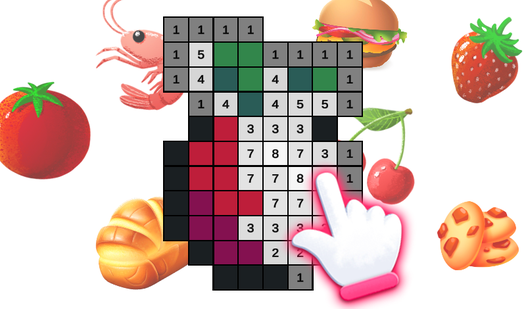
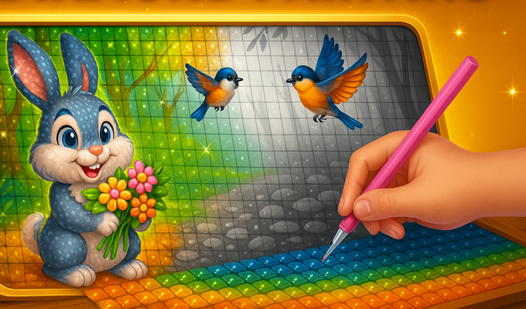
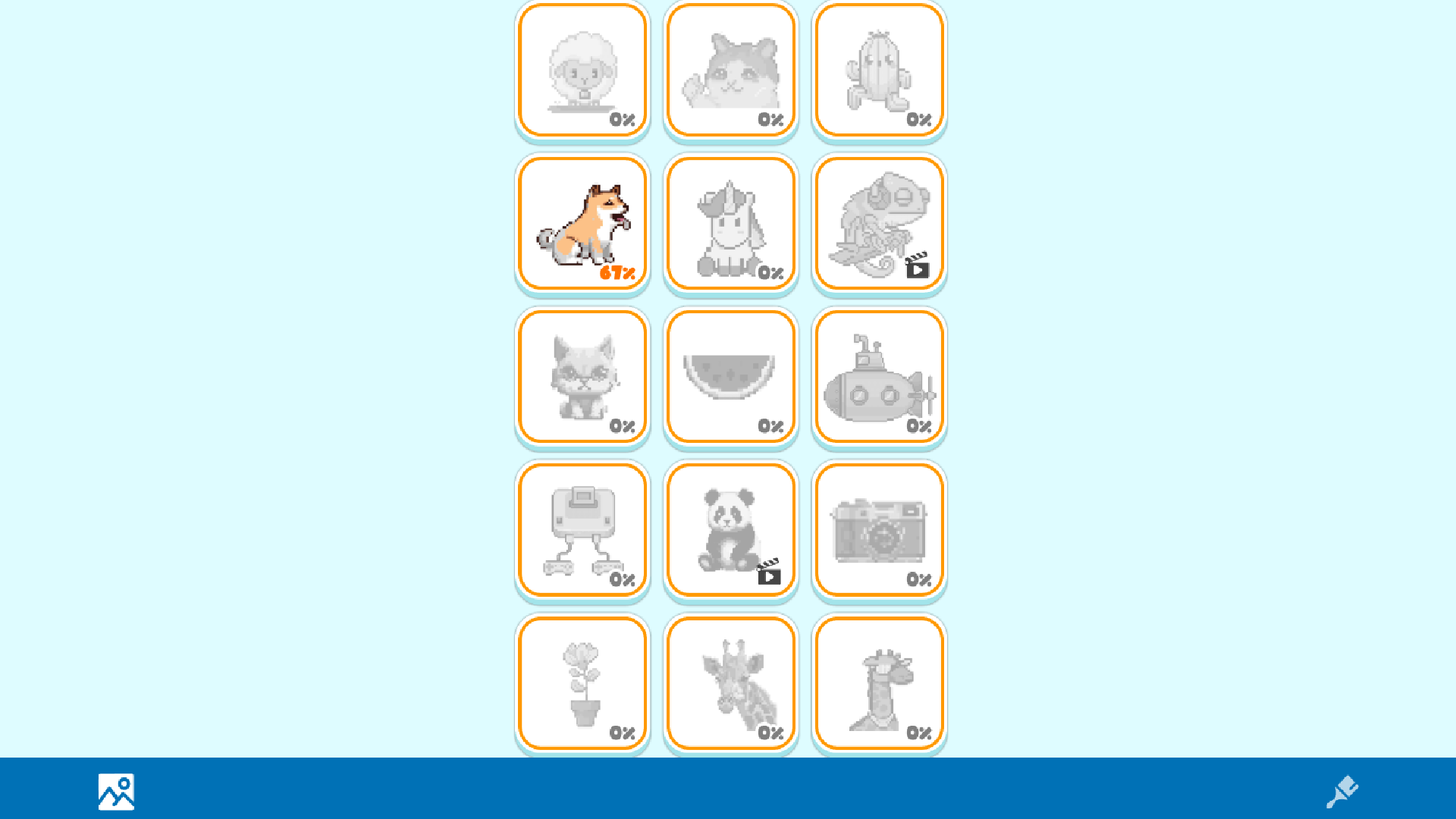
Transform blank canvases into vibrant pixel art masterpieces by matching hues to their corresponding digits. Color Pixels offers a satisfying way to unwind as you tap to fill segments and watch stunning illustrations come to life on your screen. You navigate through a vast library of templates, ranging from simple icons to complex, multi-layered sprawling landscapes. Precision is key, but the intuitive interface makes it easy to zoom in and out for those finer details. Beyond just filling in spaces, the title provides a relaxing digital sanctuary that rewards your patience with a completed gallery of work. The meditative flow ensures that every session feels like a genuine creative escape from your busy schedule. Whether you are a casual hobbyist or a dedicated pixel art enthusiast, this experience keeps your mind focused and calm for hours. You can play Color Pixels directly in your browser without any downloads or registration required.
How to play
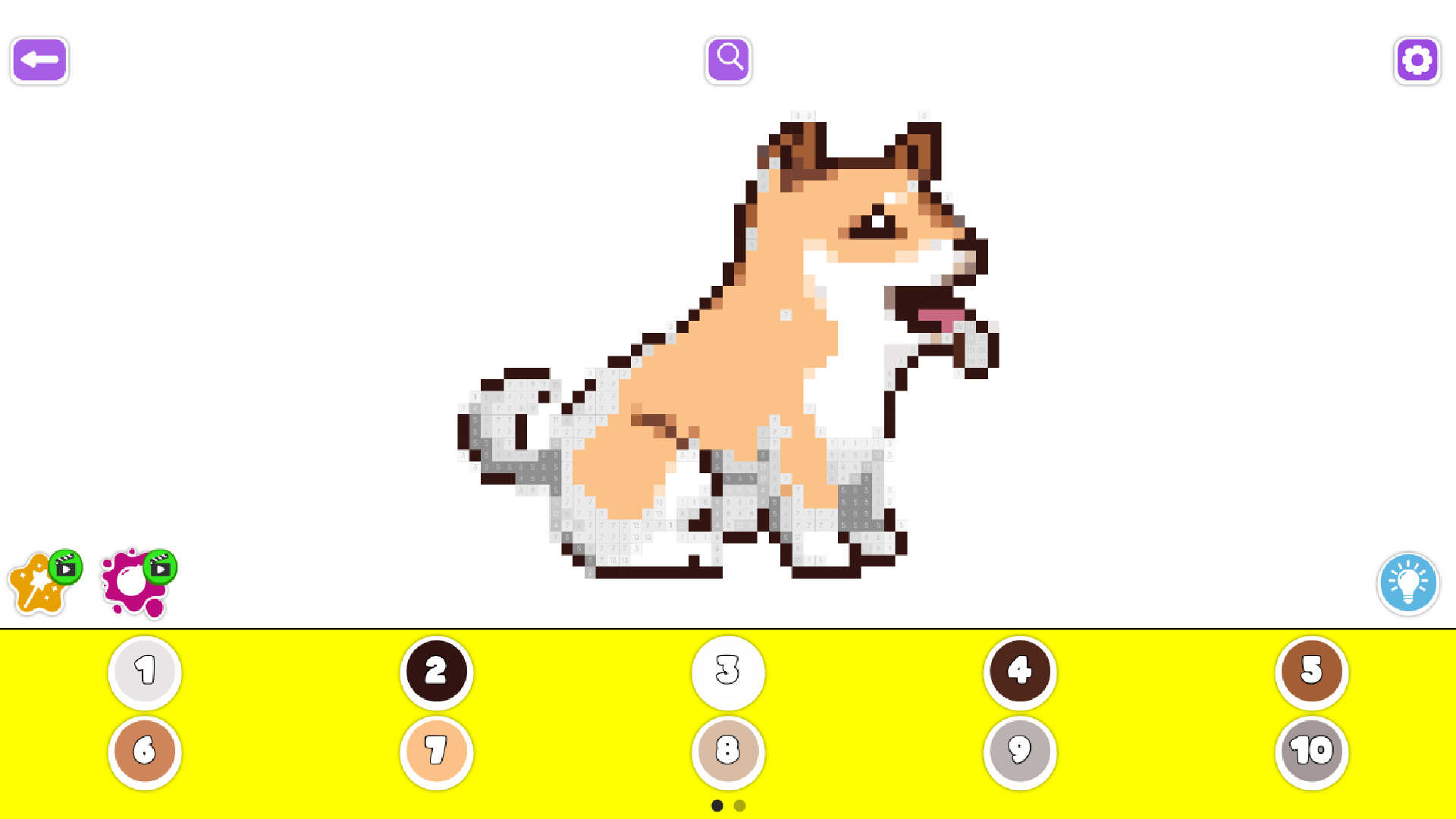
1. Choose the picture you want to color
2. Choose the color you want to add
3. Drag your finger on the picture
4. Use bonuses for quick coloring
Features
- Diverse Complexity: Choose from over 70 unique paintings that cater to both quick sessions and long-form creative projects.
- Completion Gallery: Store all your finished projects in a private digital space to track your artistic journey and progress.
- Power-Up System: Utilize special bonuses to speed up the coloring process when tackling large, high-density pixel areas.
- Stress Relief: Enjoy a calm, low-pressure environment designed to promote relaxation and mindfulness through creative repetition.
Who is it for
Casual players and pixel art enthusiasts who enjoy relaxing, creative activities will find this title perfect for chilling out. It is also an excellent choice for children and teens seeking a straightforward, rewarding artistic outlet that helps improve focus and color recognition while providing a sense of accomplishment.
Controls
Select color
Tap the desired color swatch from the palette at the bottom of the screen.
Apply pixel color
Tap a specific pixel or drag your finger across the screen to fill multiple cells.
Navigate canvas
Pinch to zoom in or out and drag to pan across the painting.
Use bonuses
Tap the boost icon to automatically fill a pre-selected area of the artwork.
FAQ
Can I play Color Pixels on my smartphone?
›
Yes, Color Pixels is fully optimized for touch controls on mobile devices, tablets, and desktops.
Do I need to create an account to save my progress in Color Pixels?
›
You do not need to register to enjoy Color Pixels, as everything is accessible instantly in your browser.
Is Color Pixels free to play?
›
Absolutely, Color Pixels is completely free to play with no hidden fees or required downloads.