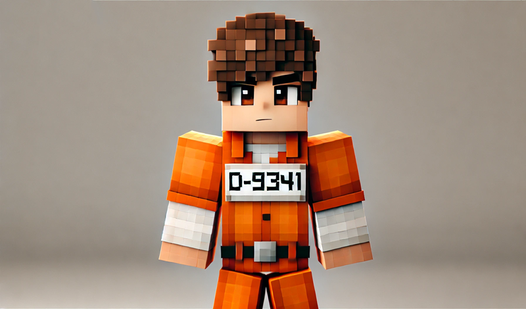
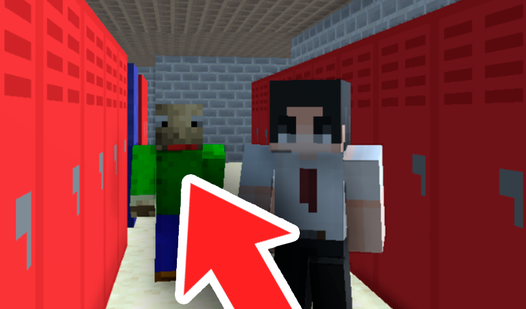
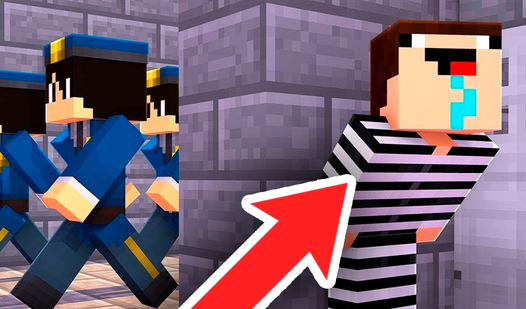
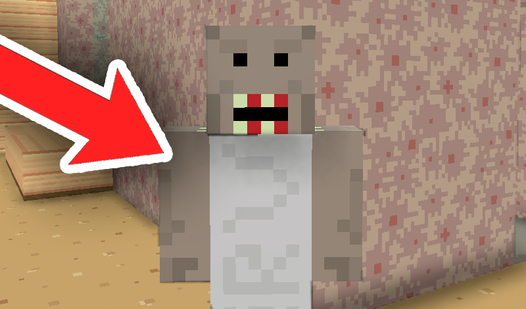
About game
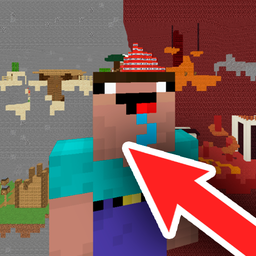
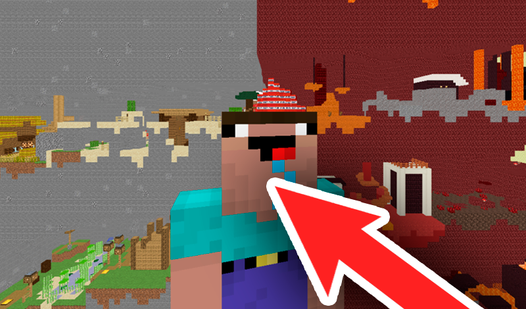
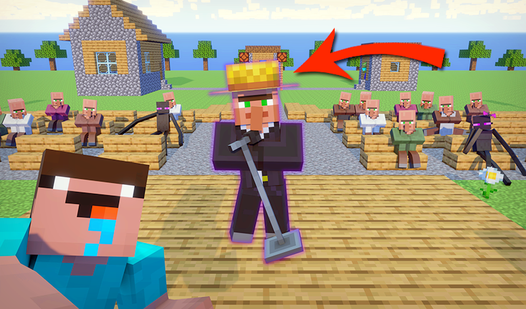
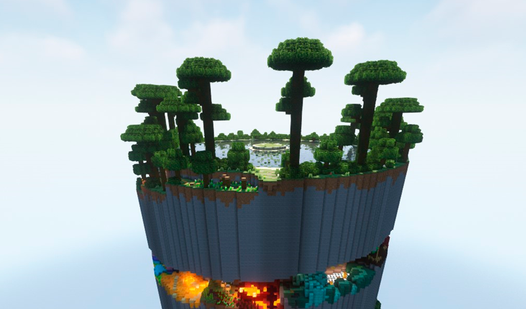
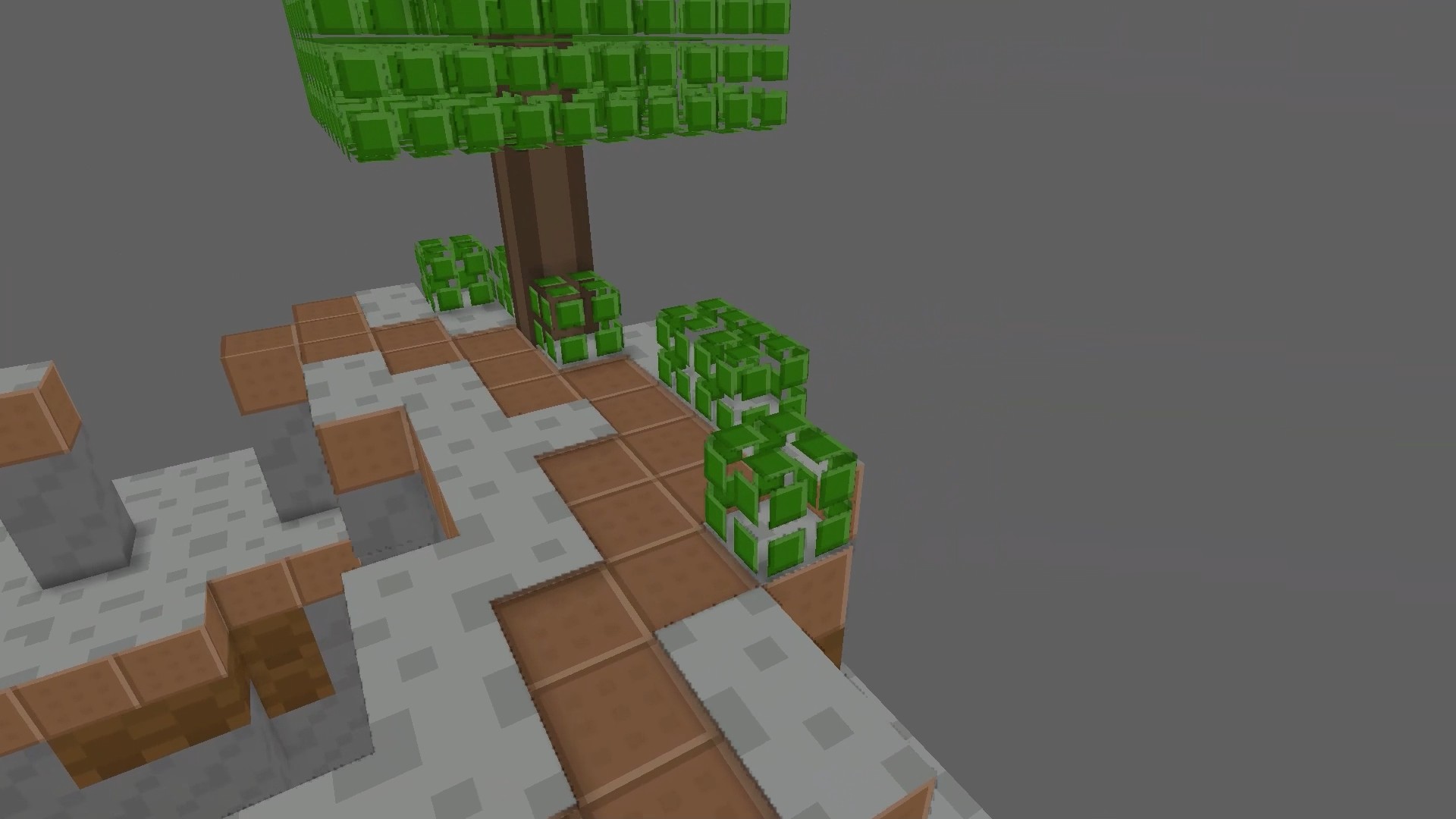
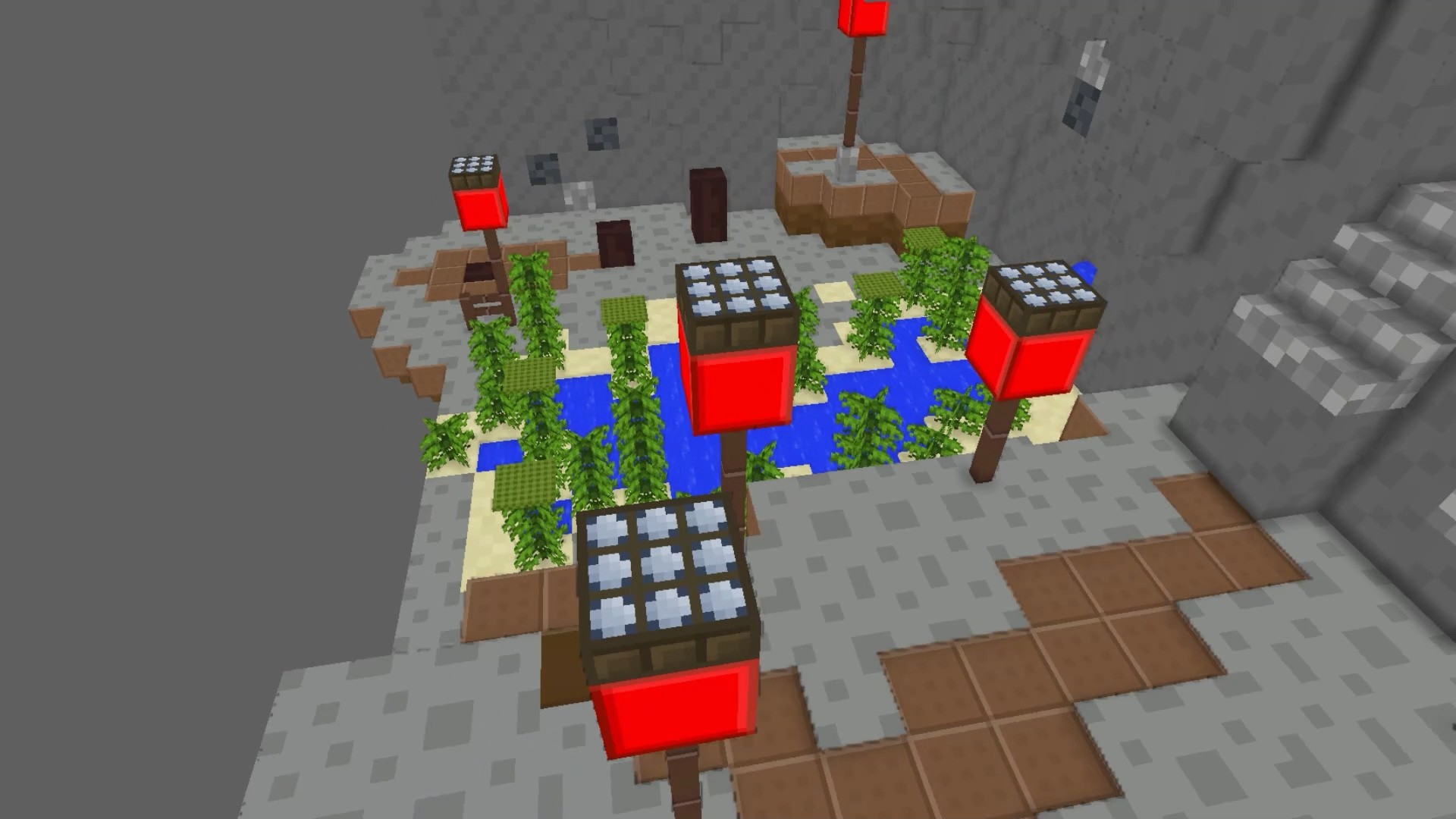
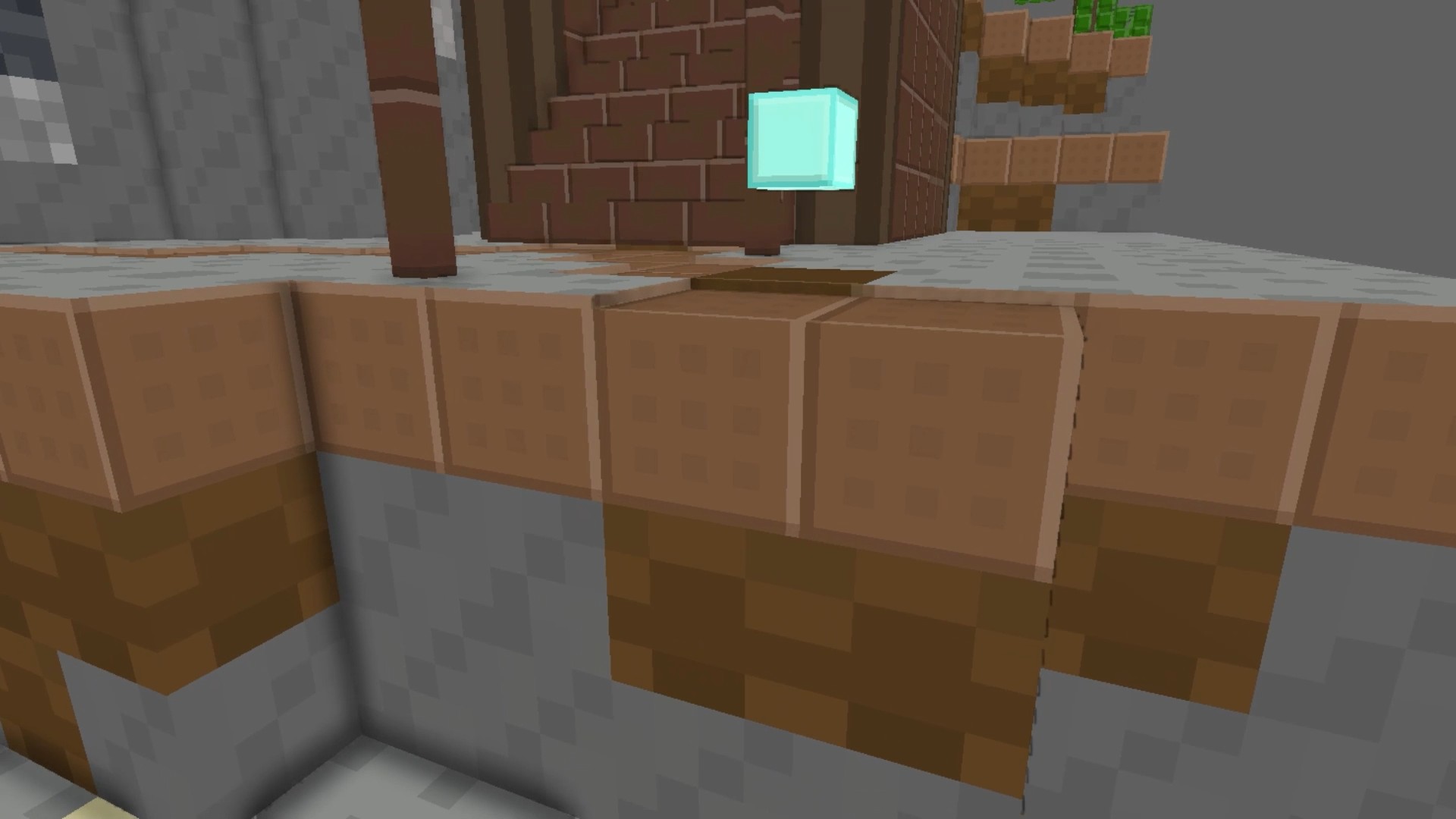
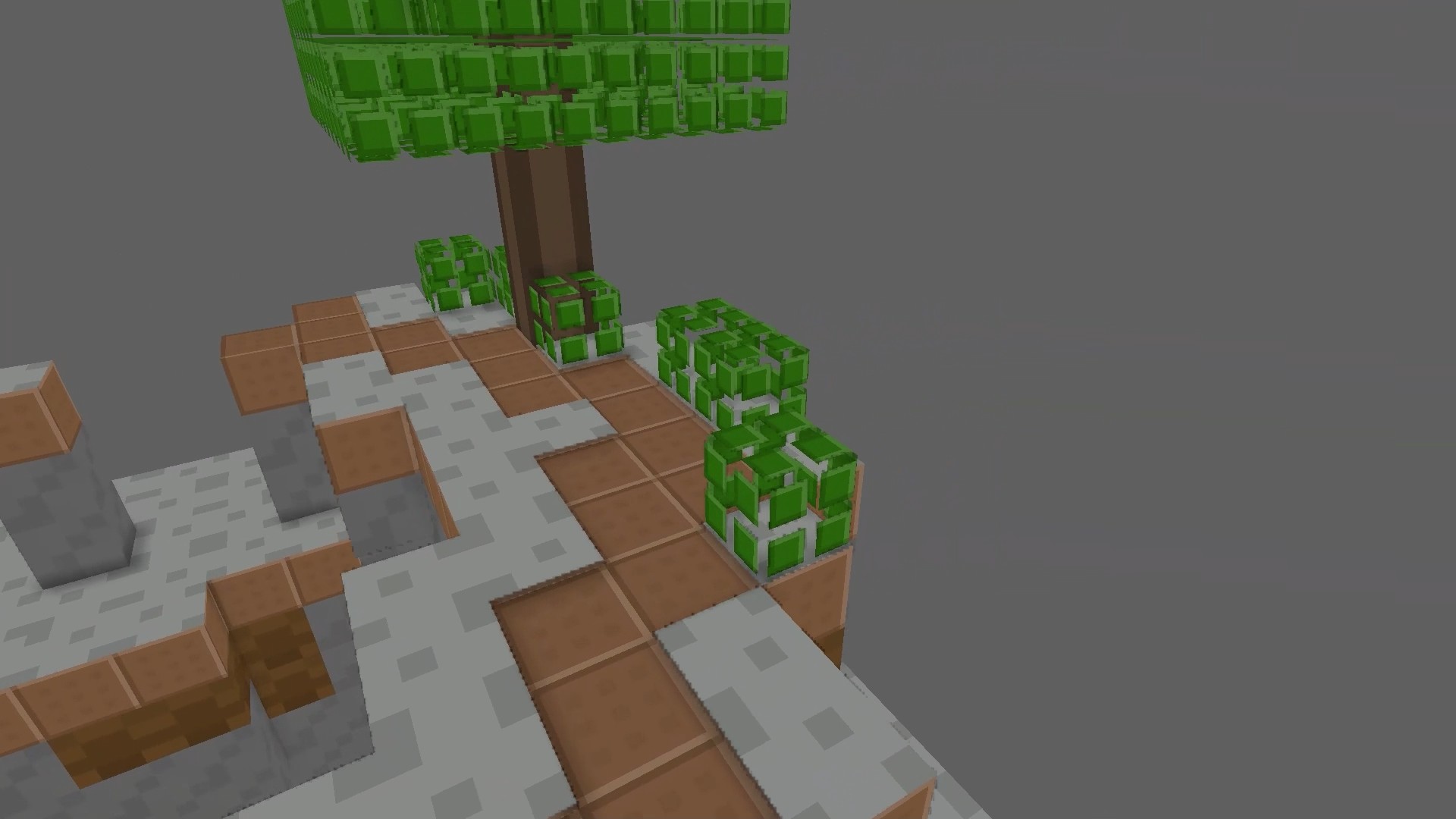
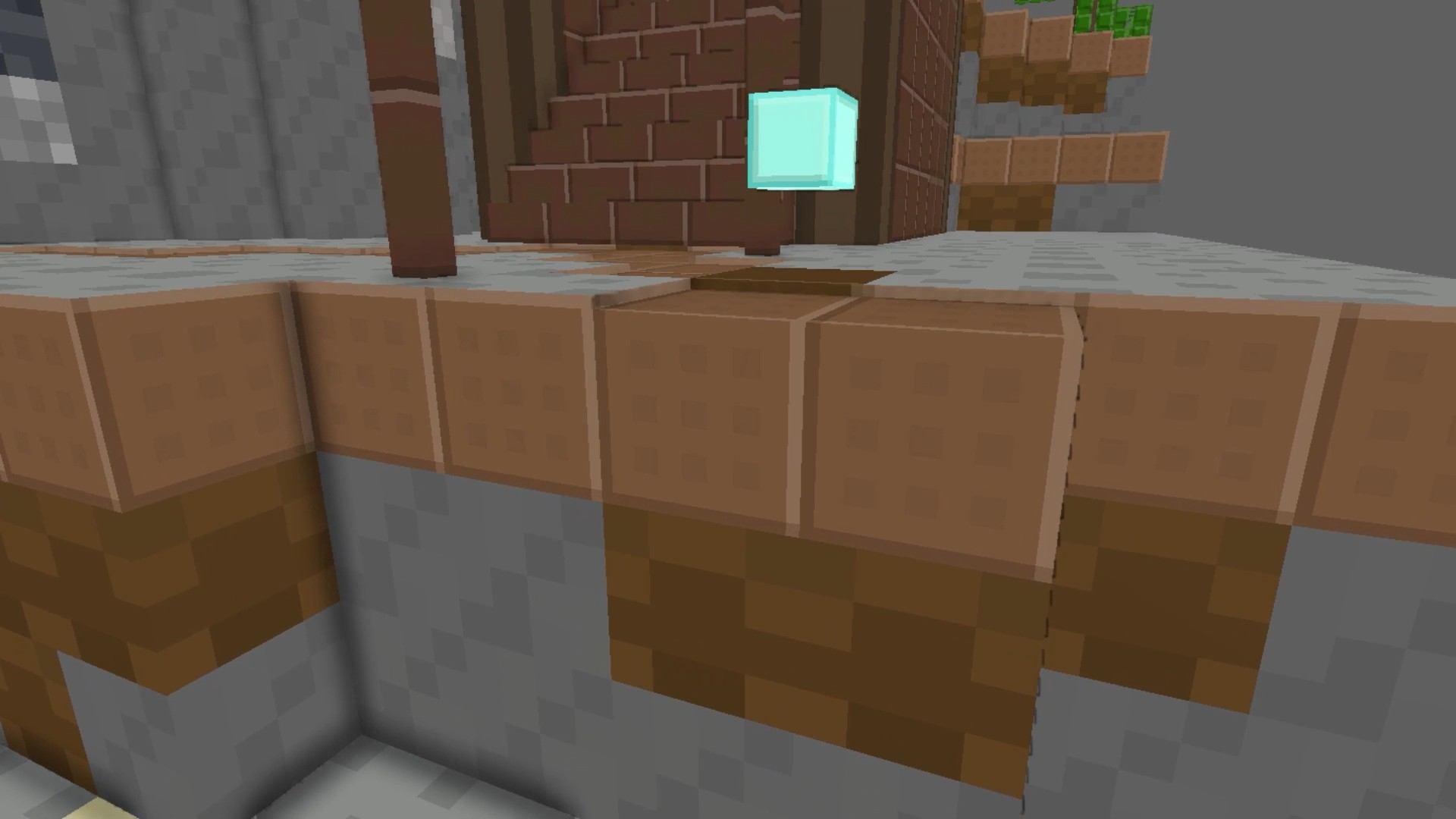
Navigating tricky platforms while scavenging for treasures is the ultimate test of precision and nerves. Collecting 3D items turns every level into a high-stakes scavenger hunt where one wrong step leads to a fiery downfall. Players must carefully traverse treacherous maps, gathering scattered objects while avoiding deadly lava pits and precarious edges that send you straight back to the last checkpoint. Whether you are sprinting to beat a timer or carefully maneuvering around obstacles, the physics-based movement keeps the tension high. Fans of building block games like майнкрафт will feel right at home with the blocky aesthetic and smooth platforming mechanics. If you find yourself stuck, the menu offers handy tools to skip difficult sections or reset your position instantly. With its vibrant environments and challenging layouts, Collecting 3D items provides a refreshing twist on classic obstacle courses. You can play this addictive challenge for free directly in your browser with no download required.
How to play
Computer Management:
WASD: Walking
Space Bar: Jump
Left Shift: Running
The rotation of the character's camera is played with the mouse
Management for mobile devices:
Use the joystick on the left side of the screen. He is responsible for walking.
Use the right side of the screen to rotate the character's camera.
Buttons on the screen: jump.
Features
- Checkpoint system: Progress is automatically saved at specific milestones to ensure you never lose too much ground after a fall.
- Dynamic obstacles: Navigate around hazardous lava flows that occupy the map surface and demand careful timing to cross.
- Camera control: Utilize full 360-degree rotation to scout your surroundings and plan your next jump with perfect accuracy.
- Skip functionality: Access the menu to bypass particularly frustrating segments if you want to push forward to new areas.
- Platforming physics: Master the momentum of your character, utilizing the sprint mechanic to clear wide gaps between floating platforms.
Who is it for
Casual players who enjoy relaxing obstacle courses will find this experience very rewarding. Fans of blocky aesthetics and platforming challenges will appreciate the simple but demanding gameplay. It is a great choice for mobile gamers and desktop users alike who want a quick session without any complex registration processes.
Controls
Movement
Use WASD keys on PC or the left-side joystick on mobile devices.
Jumping
Press the Space bar on a keyboard or tap the designated jump button on touchscreen devices.
Running
Hold the Left Shift key to increase movement speed and jump further.
Camera Rotation
Move the mouse cursor or swipe across the right side of the screen.
FAQ
How do I save my progress in Collecting 3D items?
›
The game automatically saves your progress at checkpoints, so if you fall into the lava, Collecting 3D items restores you to the last safe spot.
Can I skip a level if I am stuck in Collecting 3D items?
›
Yes, you can use the menu in Collecting 3D items to skip specific parts of a level if you are having trouble passing them.
Do I need to install anything to play Collecting 3D items?
›
No, Collecting 3D items is browser-based and requires no downloads or registration to start playing immediately.