About game
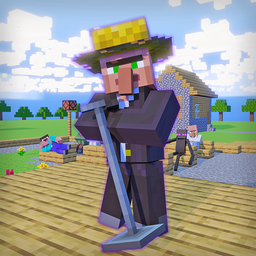
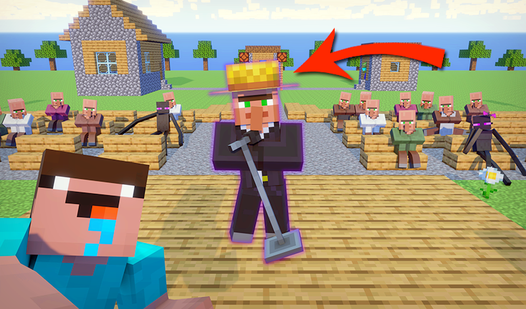
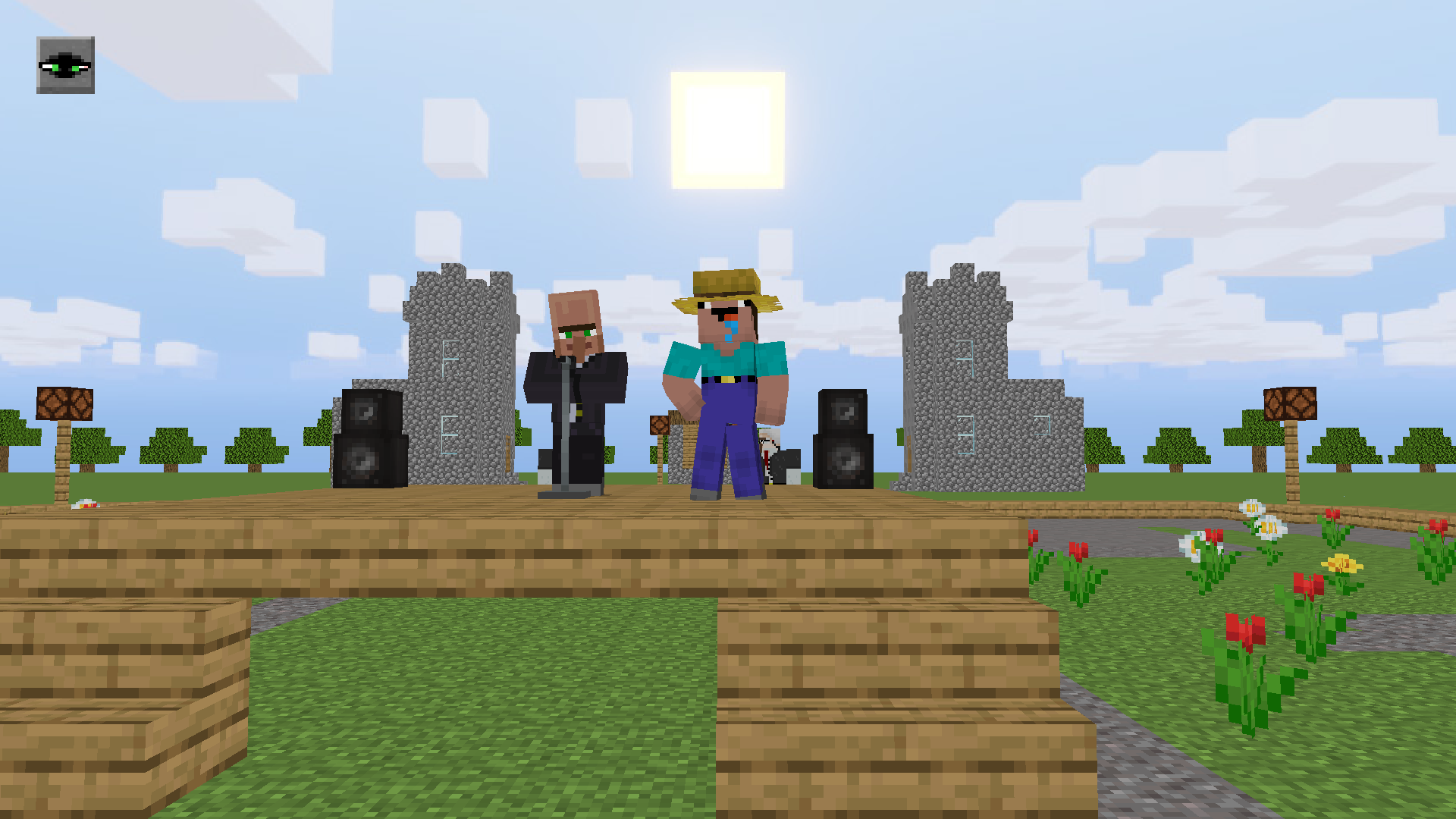
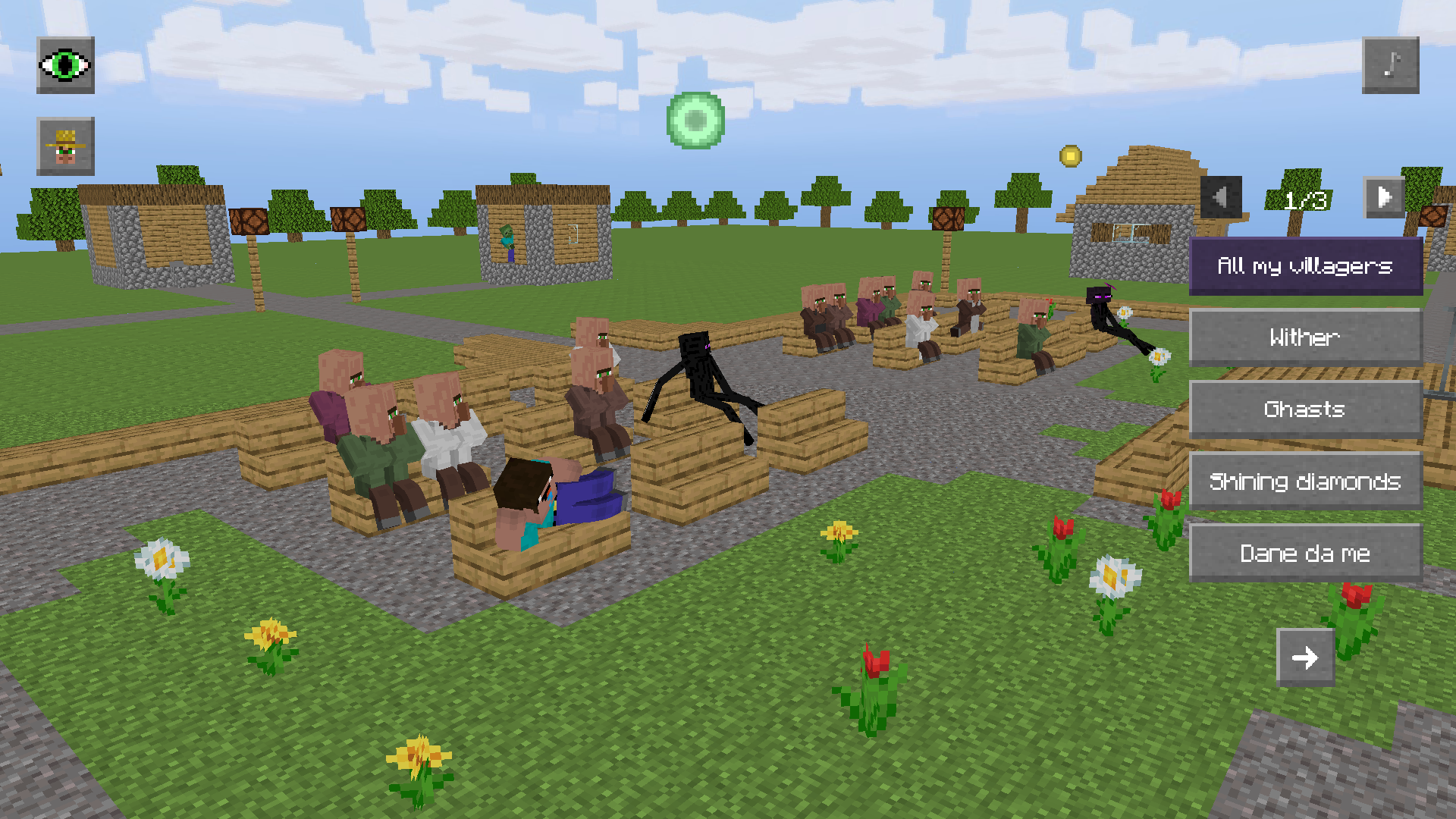
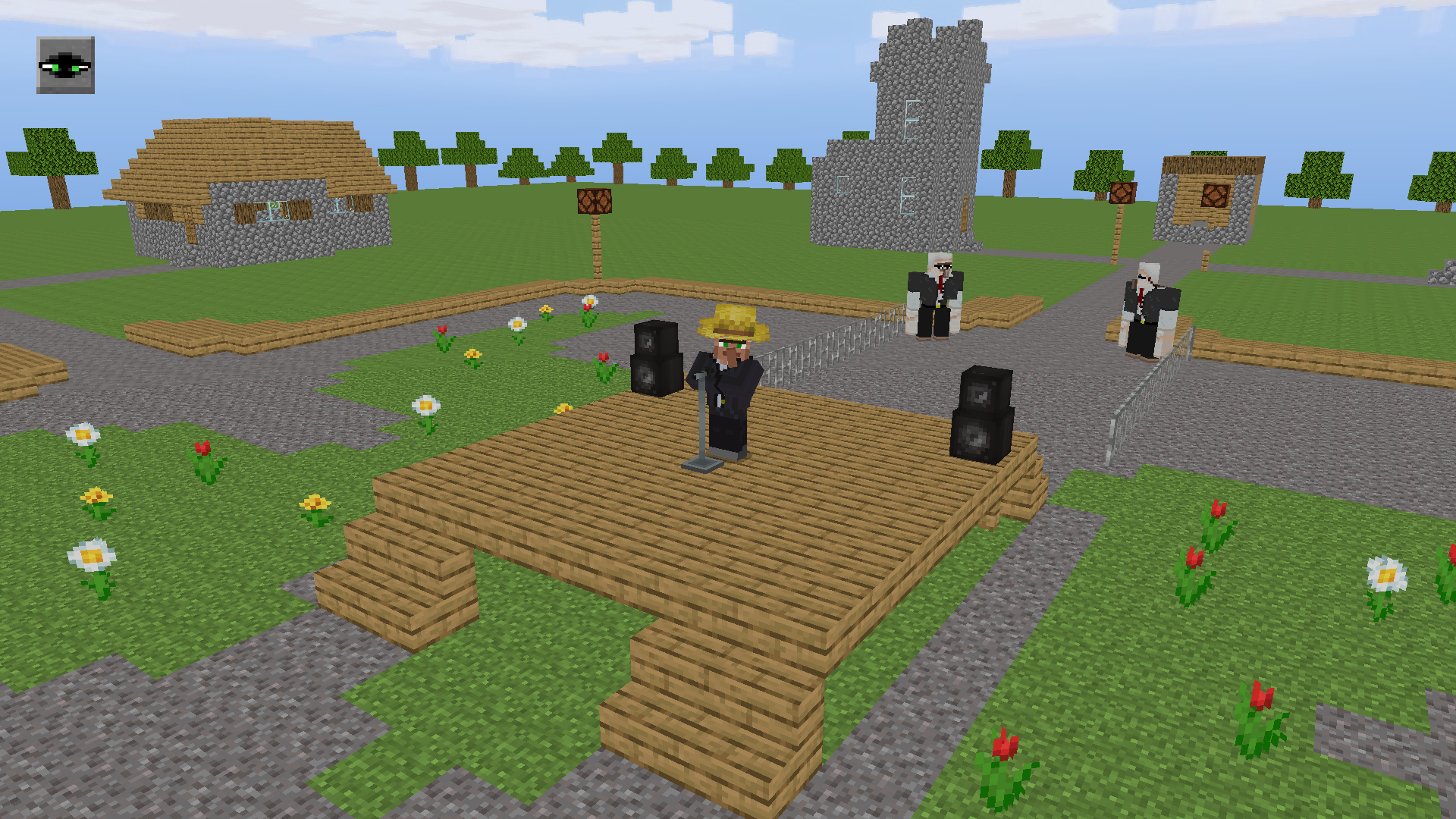
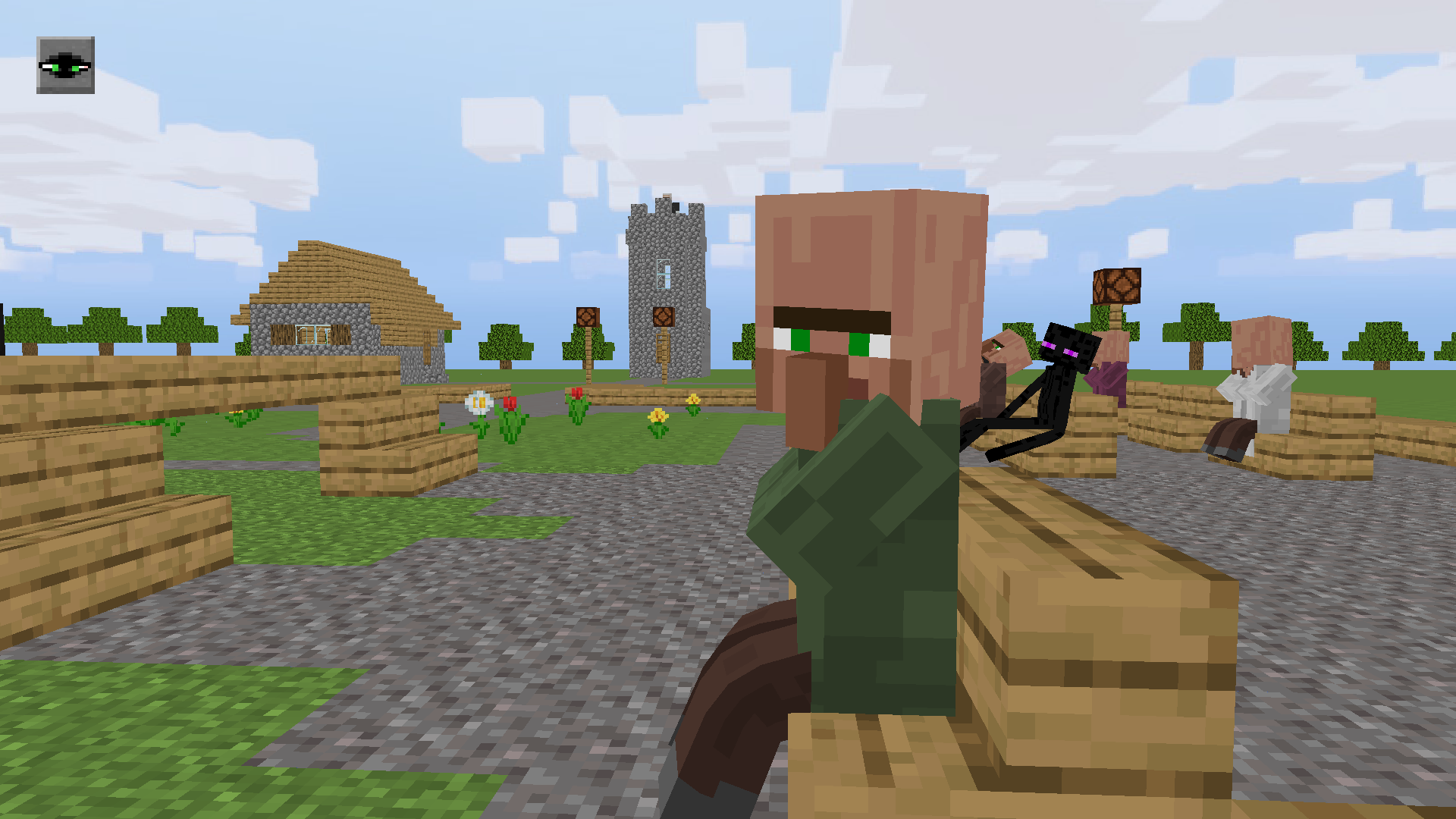
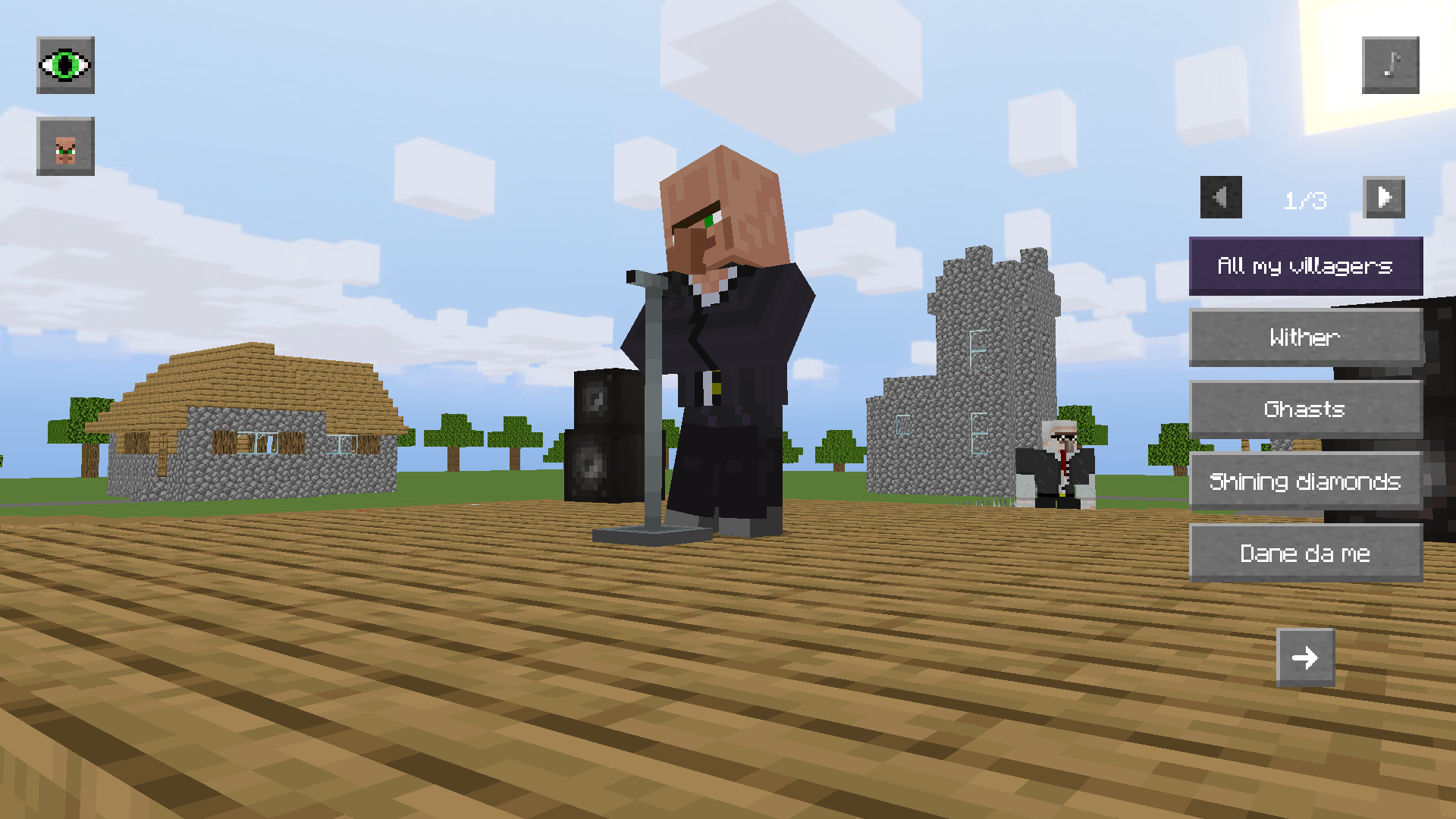
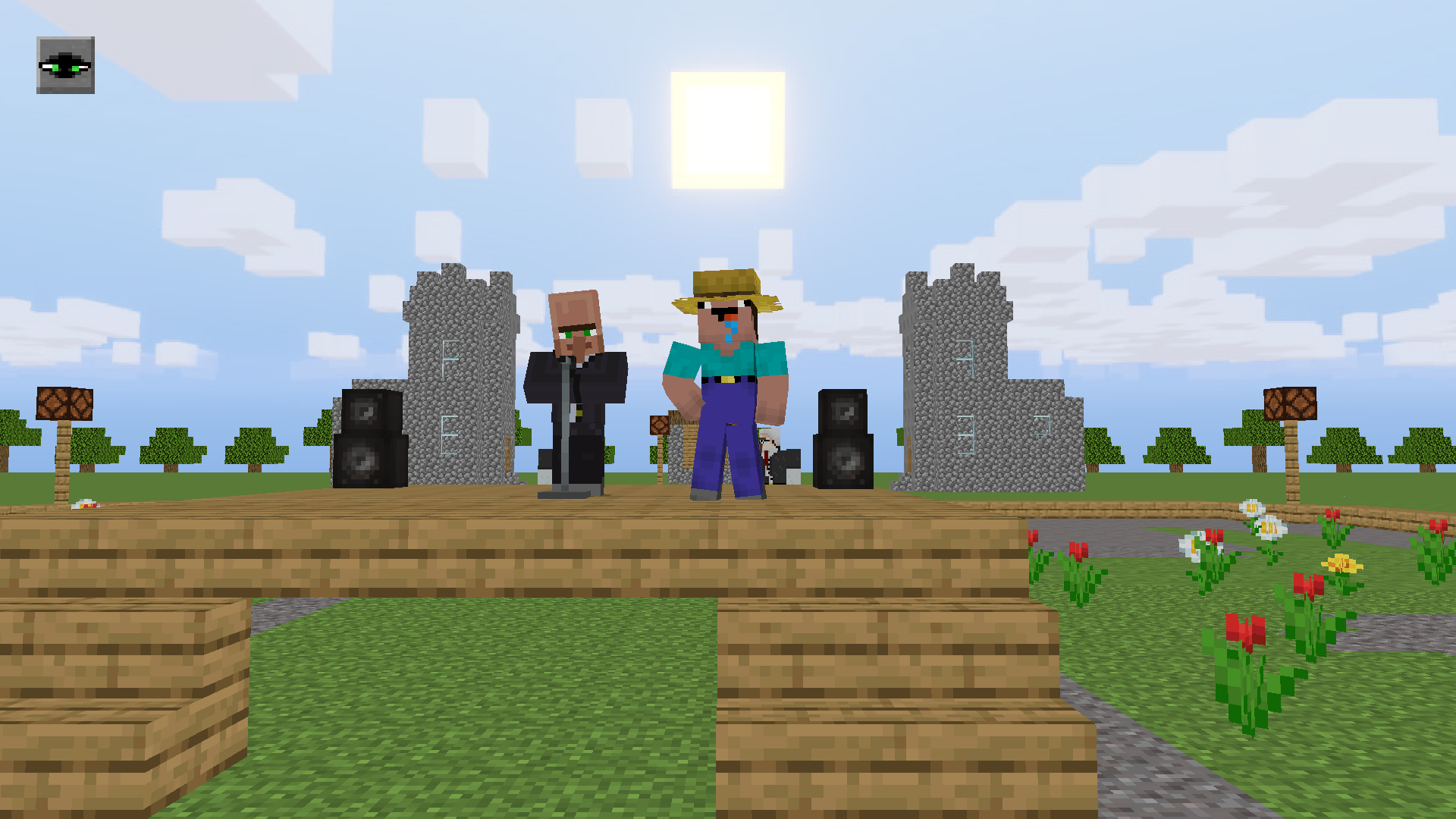
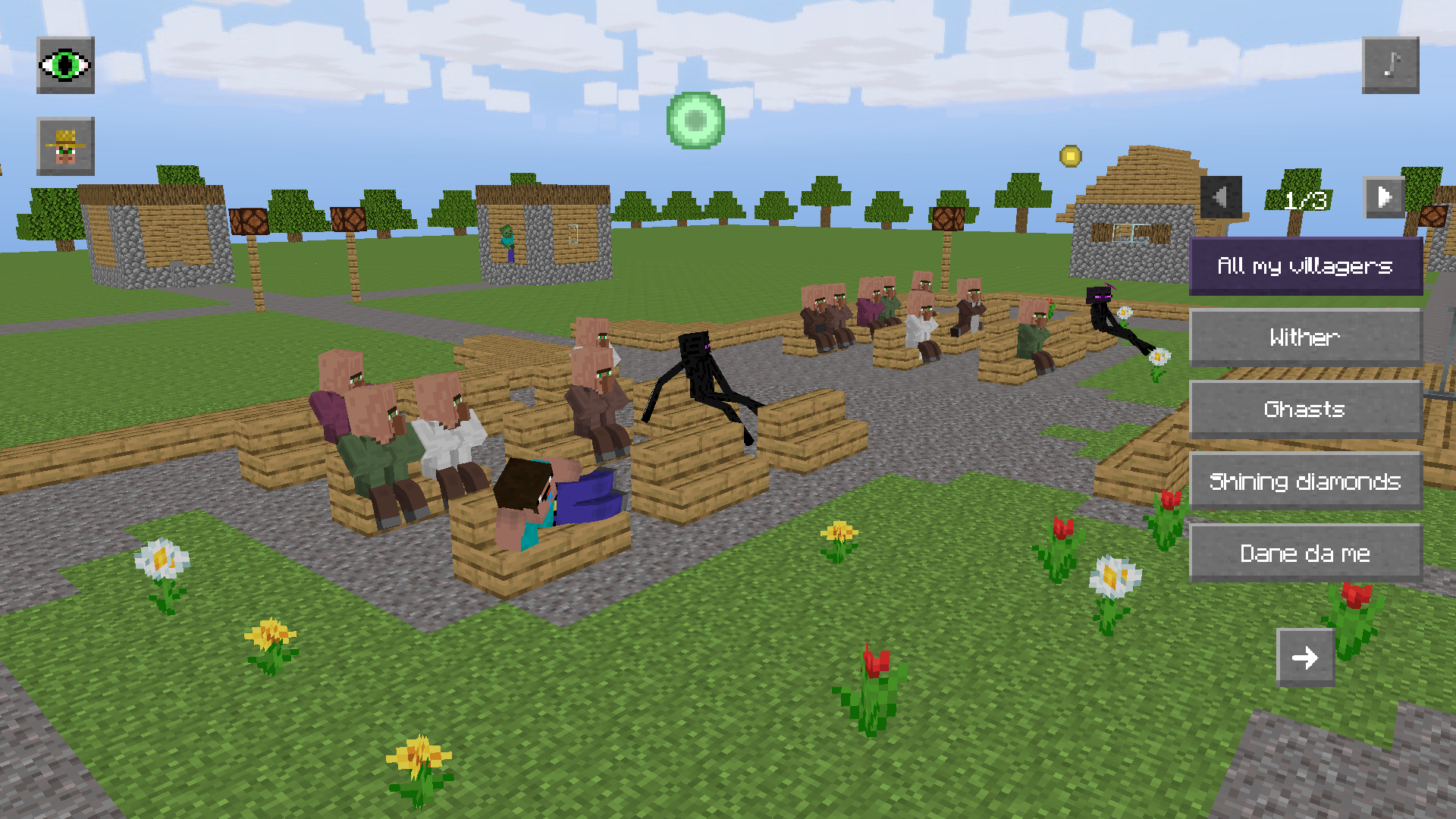
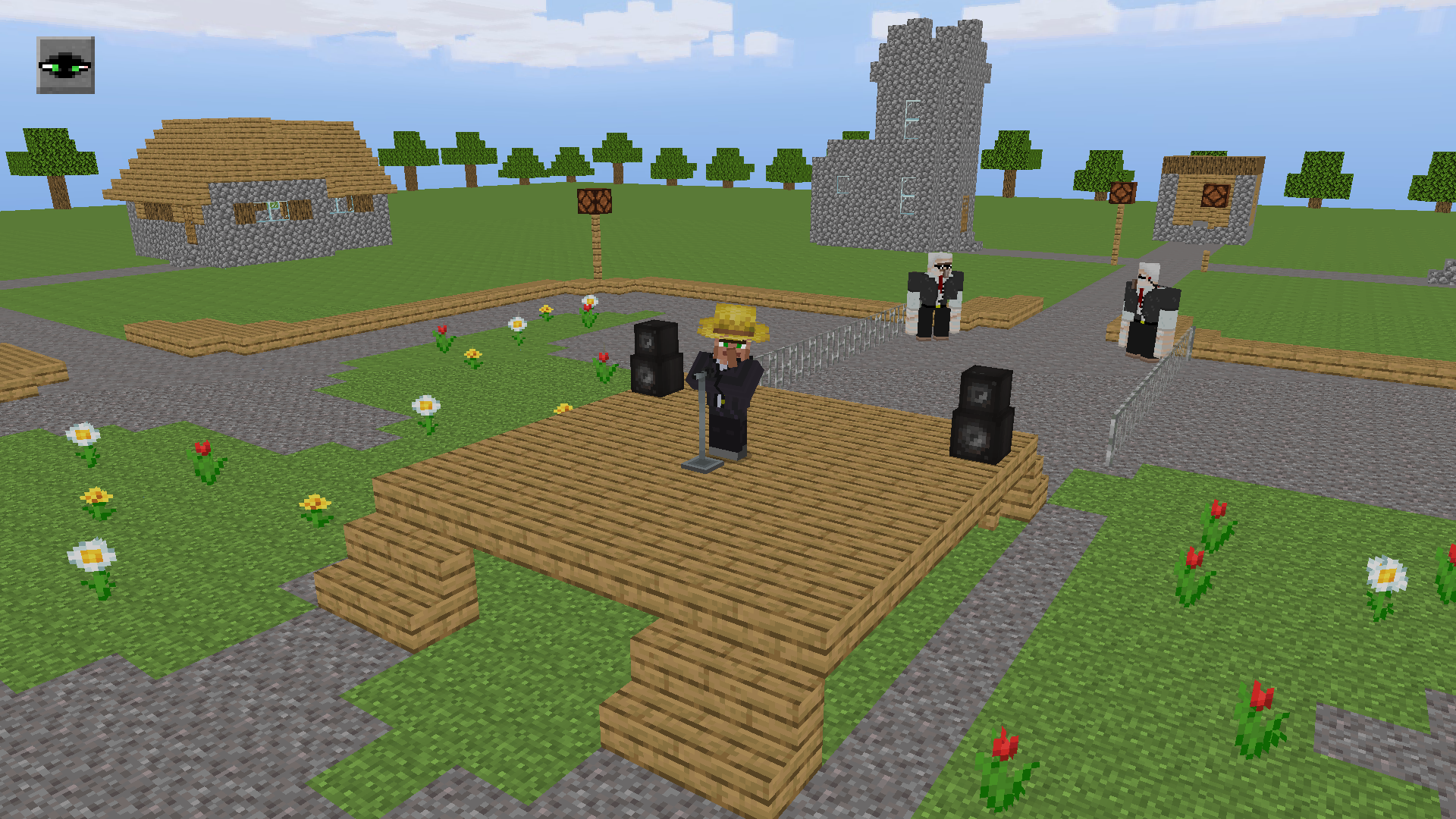
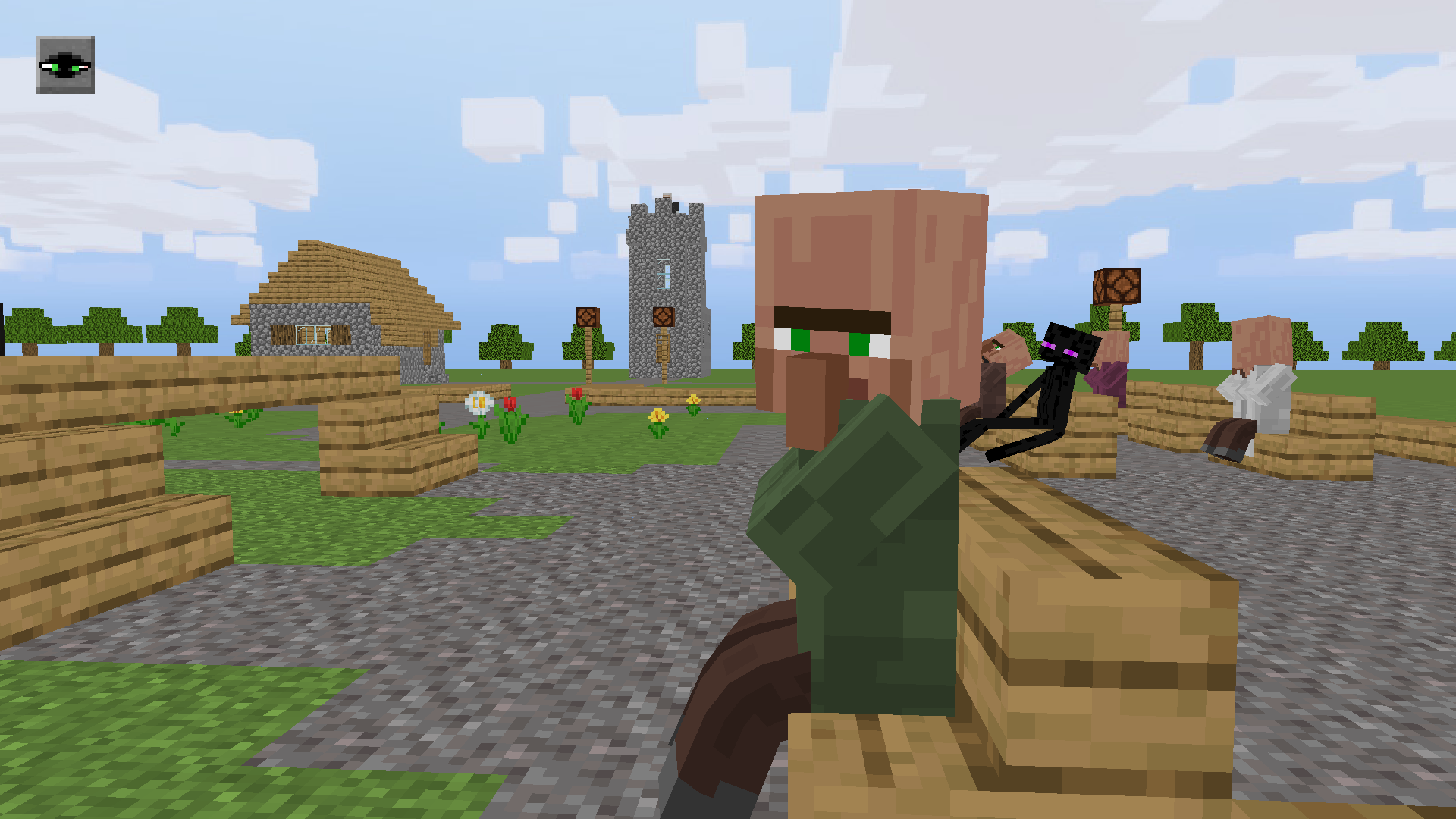
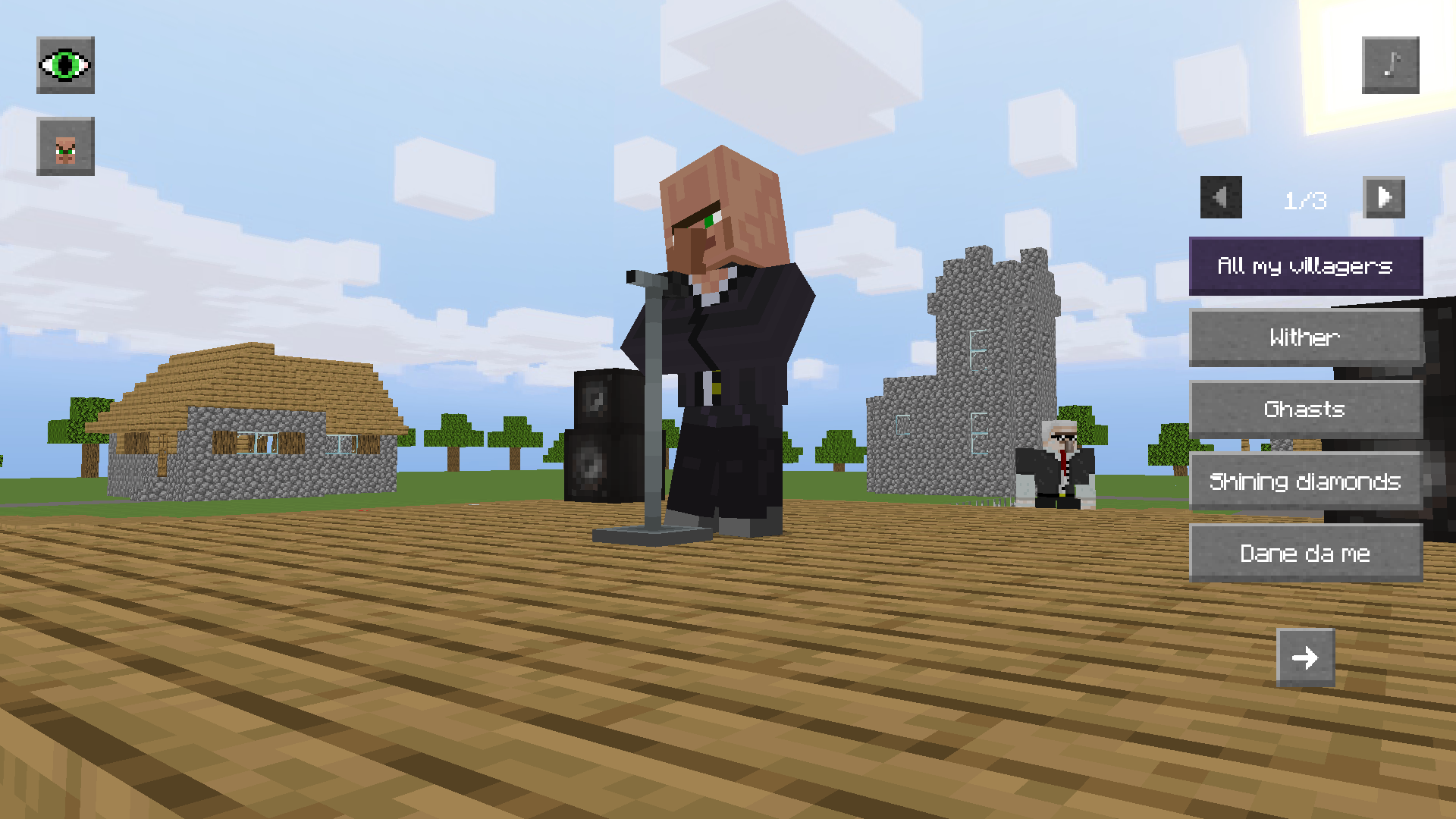
Music festivals in the world of minecraft offer a unique rhythm-based experience that keeps players coming back for more. In Singing villager, you join Noob at an exclusive concert where the star performer is ready to belt out any track you desire. You can select iconic meme tracks and famous minecraft hits from a dynamic list to hear them in a hilarious villager voice. Feel free to roam the concert hall, dance alongside endermen, or simply grab a front-row seat to enjoy the show. Manage your view by switching camera angles between the stage and your character to capture the best moments of the performance. If you feel bold, you might even attempt the cheeky challenge of stealing the hat right off the performer. This interactive sandbox experience brings a fresh layer of humor to your favorite blocky universe. Experience this musical extravaganza for free right in your browser without any downloads required.
How to play
🎵 Songs:
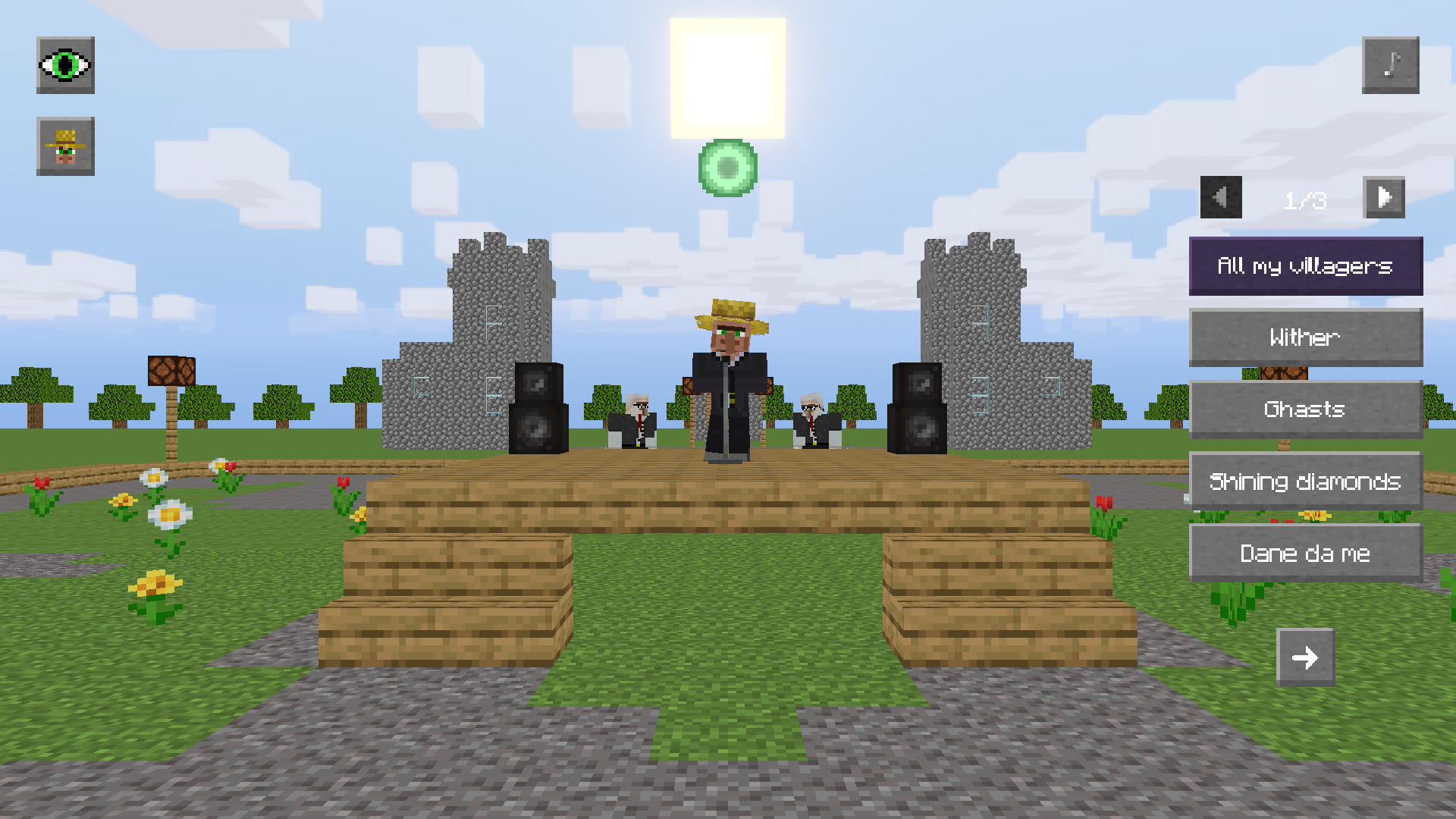
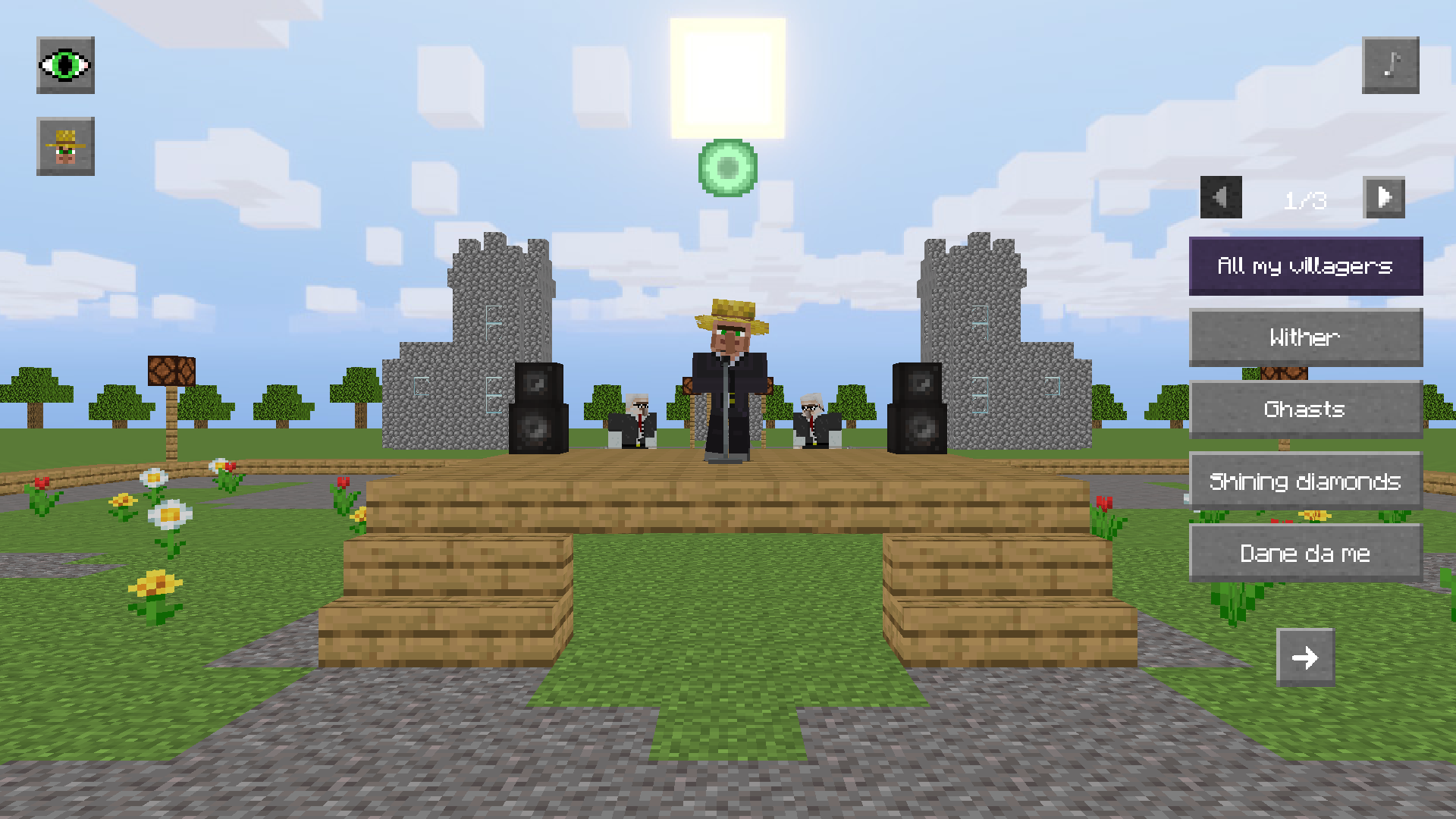
Click the buttons with the song titles on the right to make the Villager sing. Clicking on the song again will turn it off. The arrows at the top of the list turn the pages of songs.
❗To listen songs, you need an Internet connection.❗
💻Interface:
To hide/show the interface, click on the eye icon in the upper left corner.
🎥 Camera focus:
To change the camera focus, click on the icon of one of the available focuses (yellow circle). You can switch between the scene or Noob.
🎮 Controls:
PC: [W] [A] [S] [D] - walk; hold [Shift] while walking - run; hold [LMB] in a free area of the screen to look around; [Mouse wheel] - camera zoom.
Mobile devices: [Joystick] - walk; [Hold and tap on the right side of the screen] - look around; [Pinch] gesture - camera zoom.
To sit on a bench, tap on the yellow circle. To get up from it, just make a Noob walking.
Features
- Dynamic Setlist: Browse through multiple pages of trending songs and community-favorite memes to customize the concert playlist.
- Interactive Environment: Sit on benches to relax or explore the 3D venue while interacting with various mob NPCs.
- Camera Customization: Switch between cinematic stage views or third-person perspective to fully immerse yourself in the concert atmosphere.
- UI Control: Toggle the interface visibility at any time to take clean screenshots or focus purely on the musical performance.
- Hats and Secrets: Test your agility by navigating the stage to see if you can snag the villager's signature headgear.
- Performance Toggle: Easily start or stop any musical track with a single click to curate your own private show.
Who is it for
Casual players who enjoy blocky 3D aesthetics and music-themed sandbox games will find this interactive show highly entertaining. Fans of funny meme culture and those who love exploring virtual worlds with lighthearted mechanics will spend hours discovering every track and secret hidden within this eccentric concert hall.
Controls
Movement
Use WASD keys on PC or the on-screen joystick on mobile devices to navigate the concert hall.
Camera Control
Hold LMB or tap and drag on the right side of the screen to rotate your view and look around.
Zoom
Scroll the mouse wheel on desktop or use the pinch gesture on mobile touchscreens.
Interaction
Tap the yellow circle icons to sit on benches or toggle specific song buttons to trigger the performance.
FAQ
Can I listen to any song in Singing villager?
›
Singing villager features a curated list of famous meme songs and community hits available via the interactive song menu.
Do I need to download Singing villager to play?
›
No, Singing villager runs directly in your web browser with no installation or registration required.
Is Singing villager free to play?
›
Yes, you can access all the features and songs in Singing villager completely for free on our portal.