About game
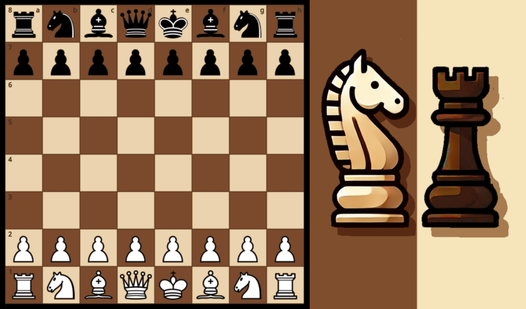
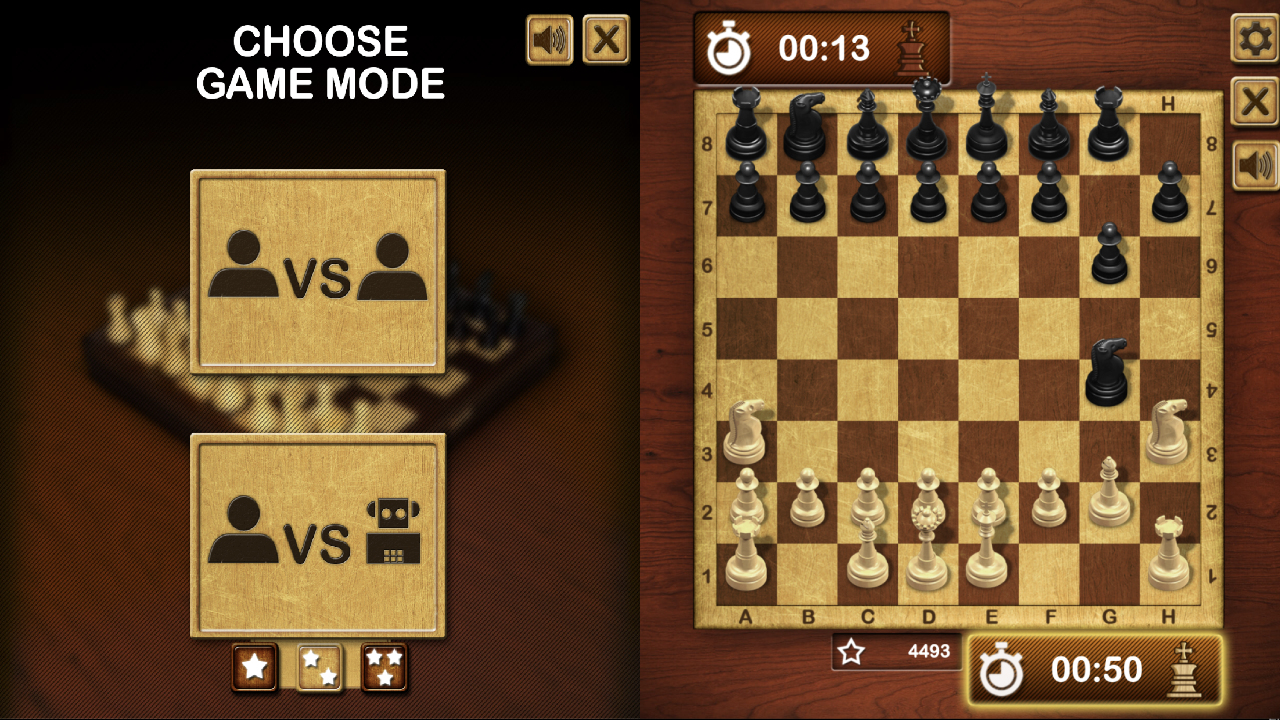
Mastering the ancient art of strategy takes a lifetime, but playing a quick match is the perfect way to sharpen your mind today. Chess Pro brings the classic board experience to your screen with a sleek interface and intuitive mechanics that keep every match engaging. You control the white pieces and take the first move, carefully plotting your path toward a decisive checkmate. The game highlights valid moves for every piece you select, making it accessible for beginners while still presenting a real challenge for veterans. Choose between easy, medium, or hard difficulty levels to test your skills against the computer AI. If you prefer a more social experience, challenge a friend to a match on the same device to prove who is the true grandmaster. Track your progress with the built-in score system and keep an eye on the timer as you navigate the complexities of this timeless chessgame. Experience this premium strategy challenge for free right in your browser without any downloads required.
How to play
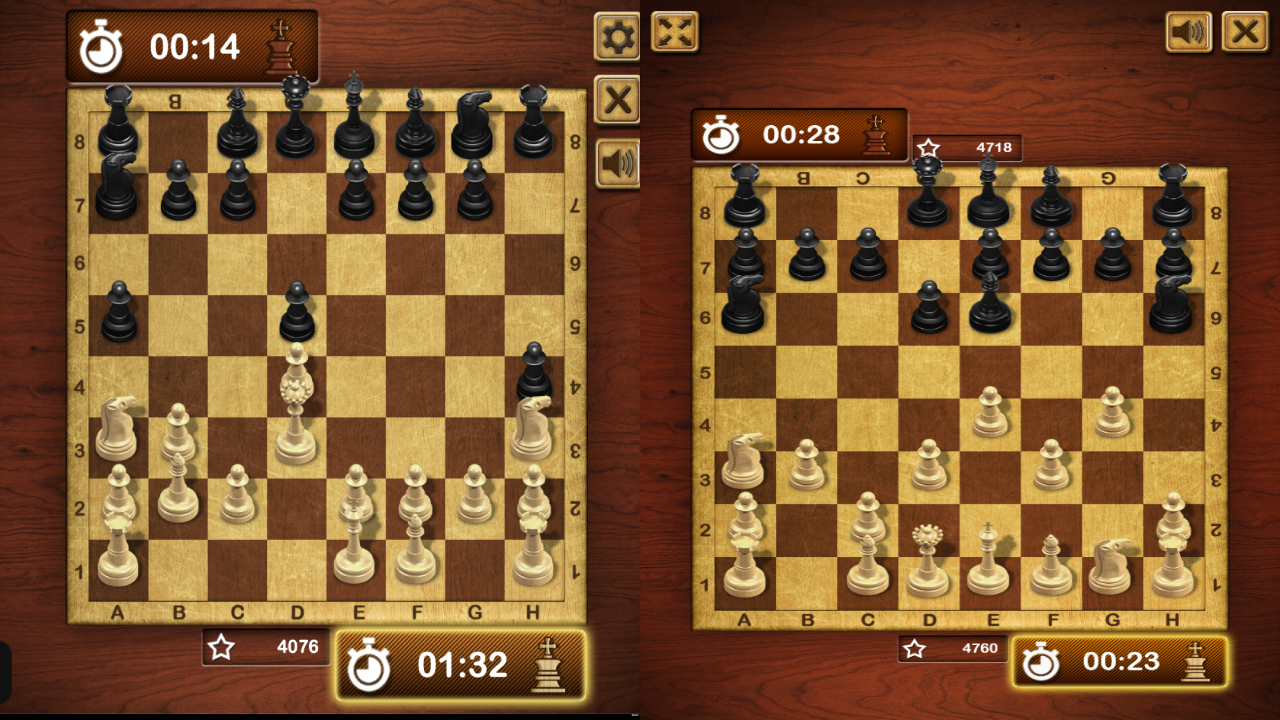
You control the white chess pieces and make the first move. The score displayed at the bottom indicates the points you have gained against your opponent based on the difficulty level selected (easy, medium, or hard). Your opponent’s score can be viewed at the top of the screen. The timer tracks the duration of your moves and the time it takes to achieve checkmate. Upon selecting a chess piece, the board will highlight squares that indicate where you are allowed to move it. Utilize the settings located at the top right of the screen to toggle the sound on or off and to conclude the game.
Move pieces—tap or Left mouse button
Features
- Difficulty progression: Select between easy, medium, and hard modes to match your current skill level and improve over time.
- Visual indicators: The board automatically highlights legal squares for your selected piece to ensure smooth and error-free gameplay.
- Integrated timer: Keep track of your decision-making speed and the total duration of your match to improve your efficiency.
- Local multiplayer: Challenge friends or family members on the same screen for a competitive experience.
- Performance tracking: Monitor your points against the opponent at the bottom of the screen to see how well you are performing.
Who is it for
Strategy enthusiasts and casual players looking for a quick mental workout will find this platform perfect. It attracts those who enjoy classic board games and want to practice their analytical thinking skills without the need for a physical set or complex installations on their desktop devices.
Controls
Select and move
Tap the desired piece on mobile or click it with the Left mouse button on desktop.
Toggle settings
Tap or click the gear icon located at the top right of the screen.
FAQ
Can I play Chess Pro against a friend?
›
Yes, Chess Pro allows you to compete against a friend using the same device for local multiplayer matches.
How do I know where my pieces can go in Chess Pro?
›
When you select a piece in Chess Pro, the board will automatically highlight all valid squares where that piece can legally move.
Is Chess Pro free to play?
›
Absolutely, you can play Chess Pro directly in your browser for free with no downloads or installations necessary.