About game
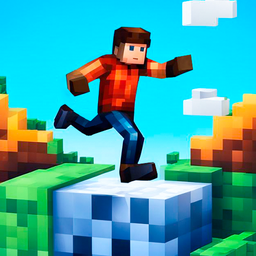
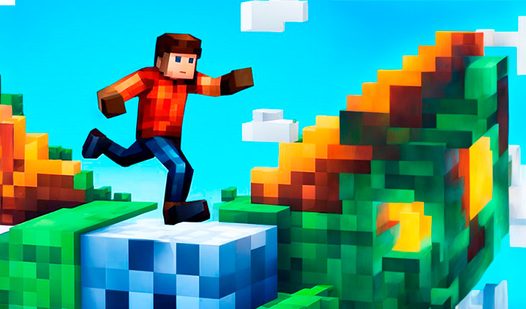
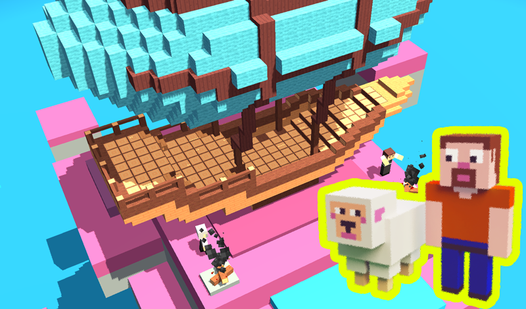
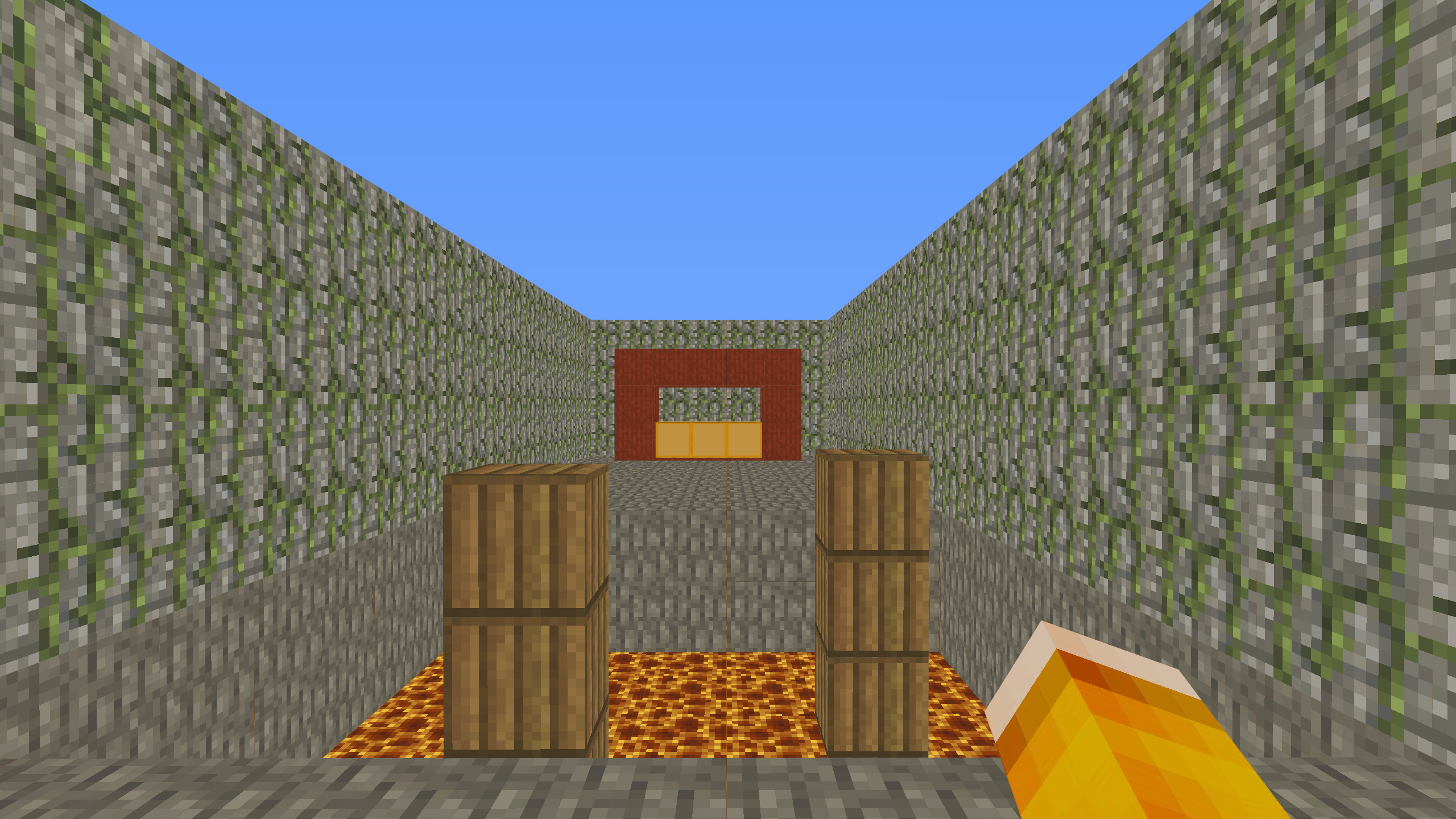
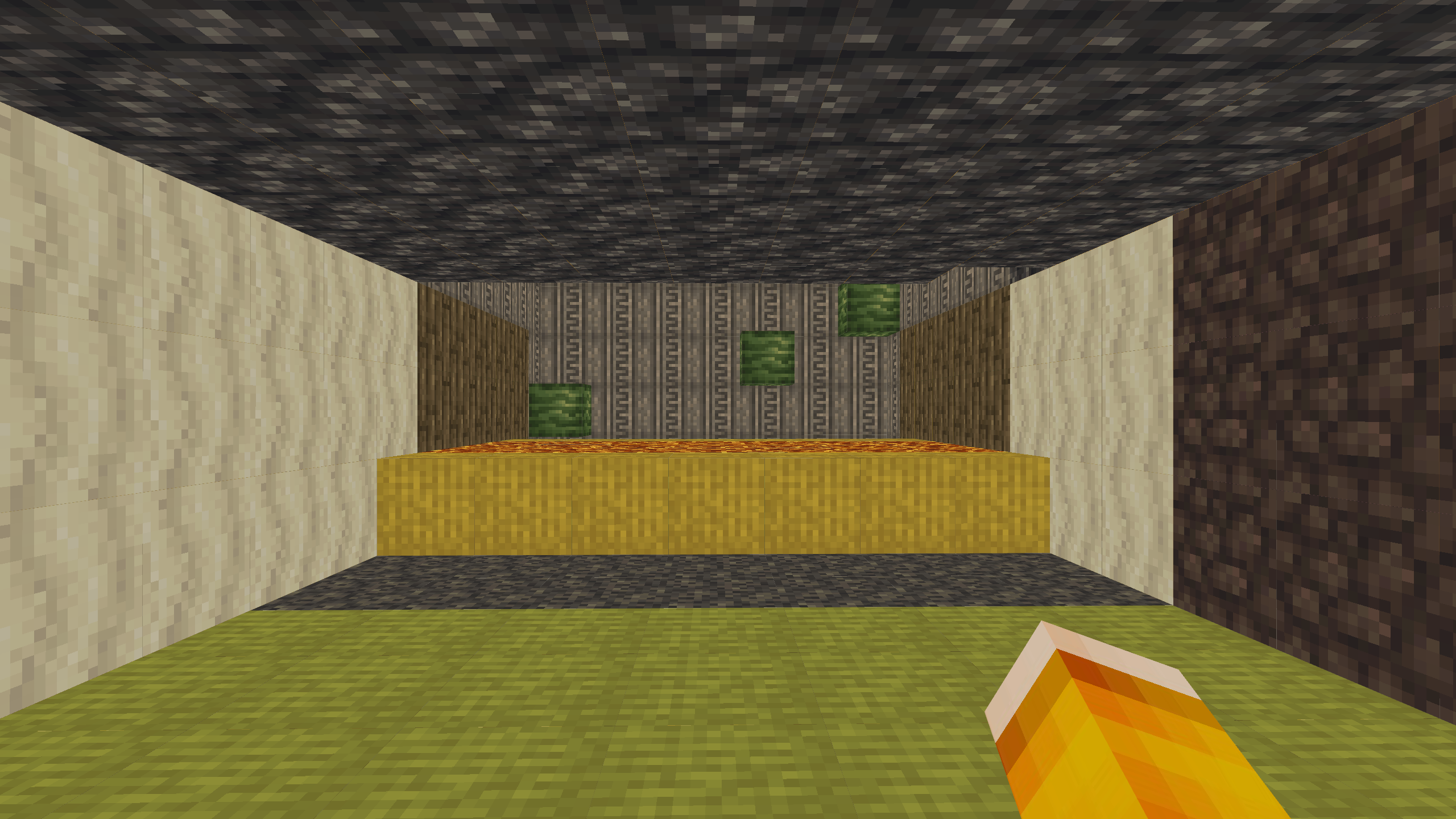
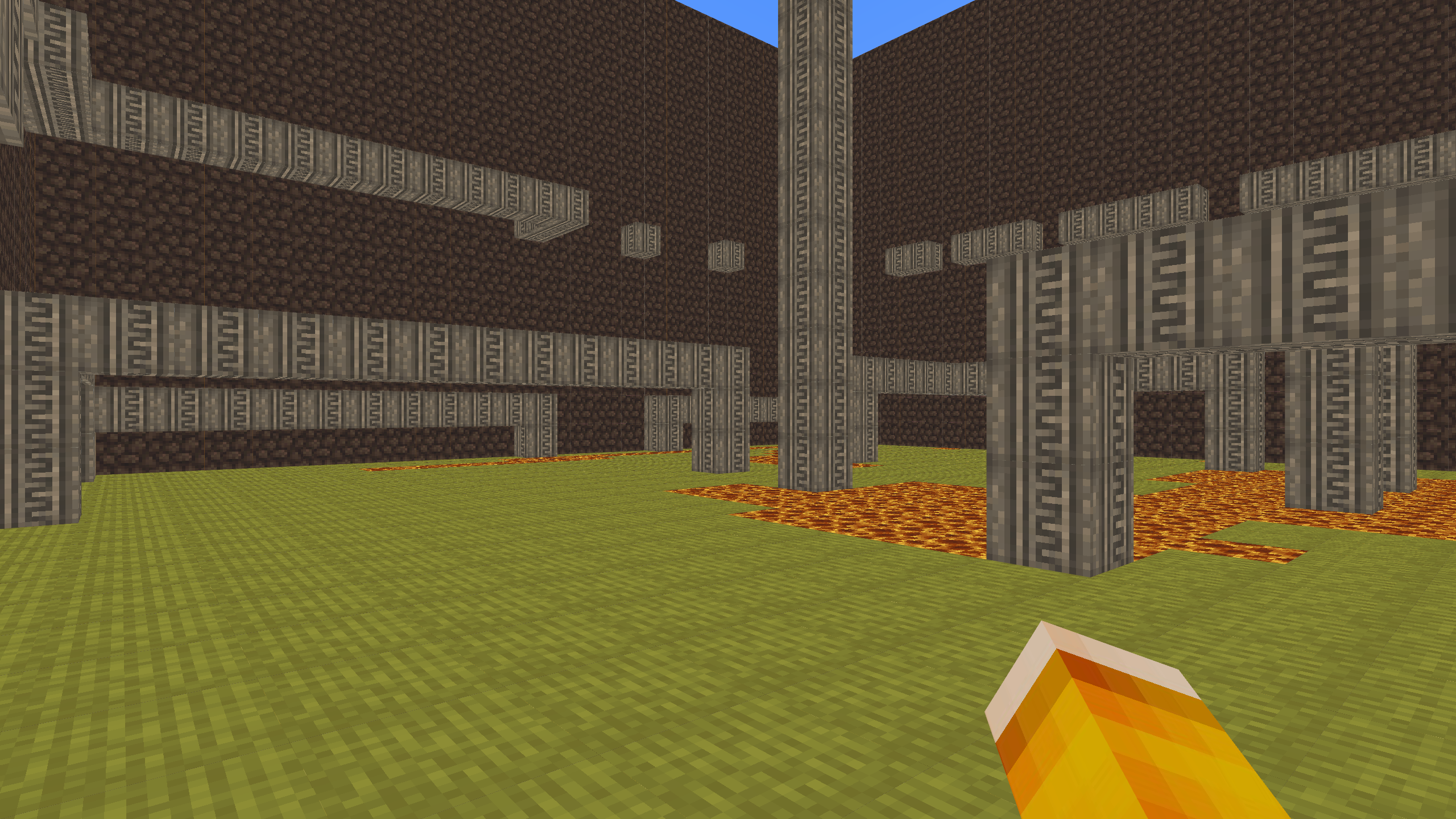
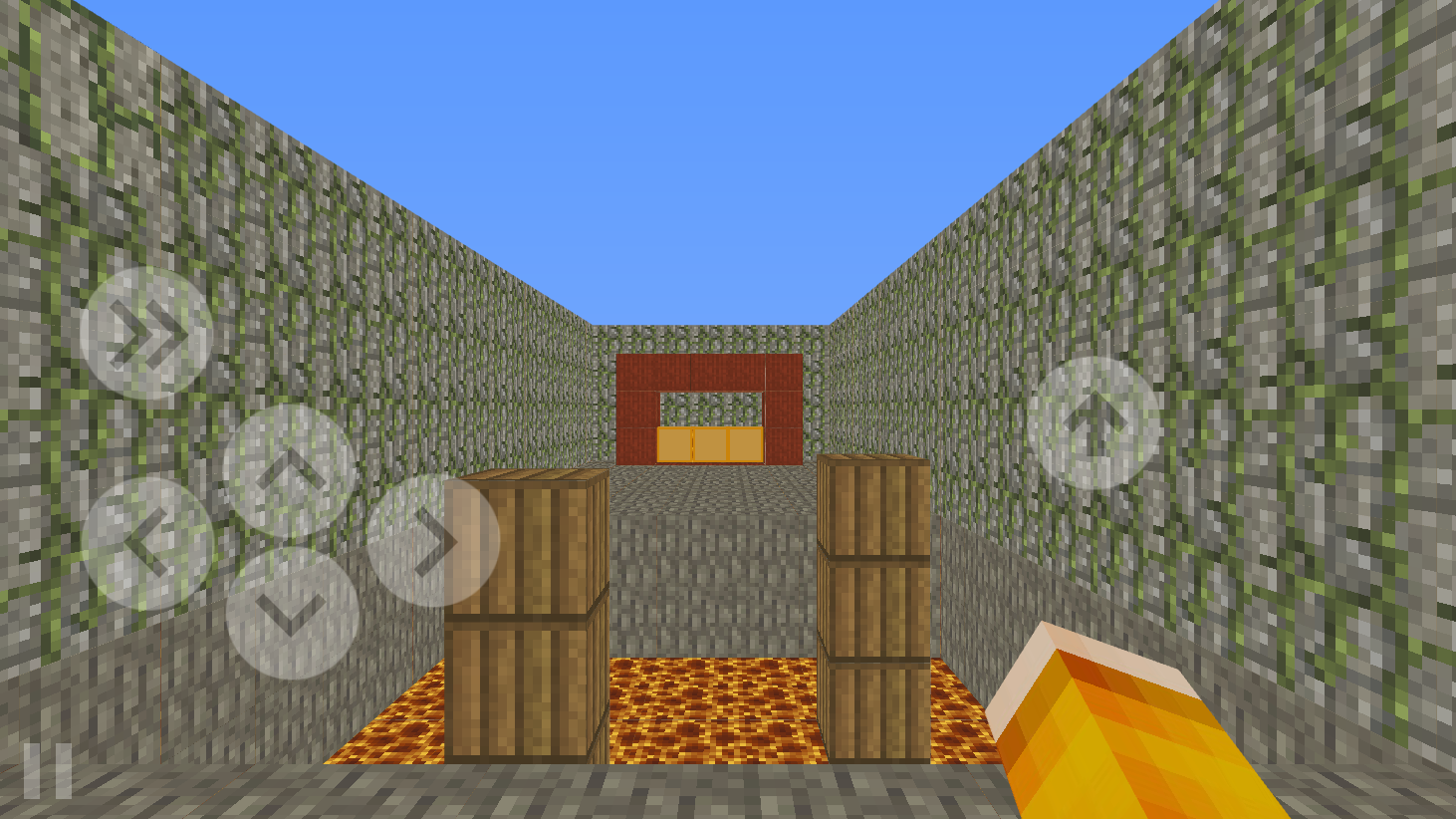
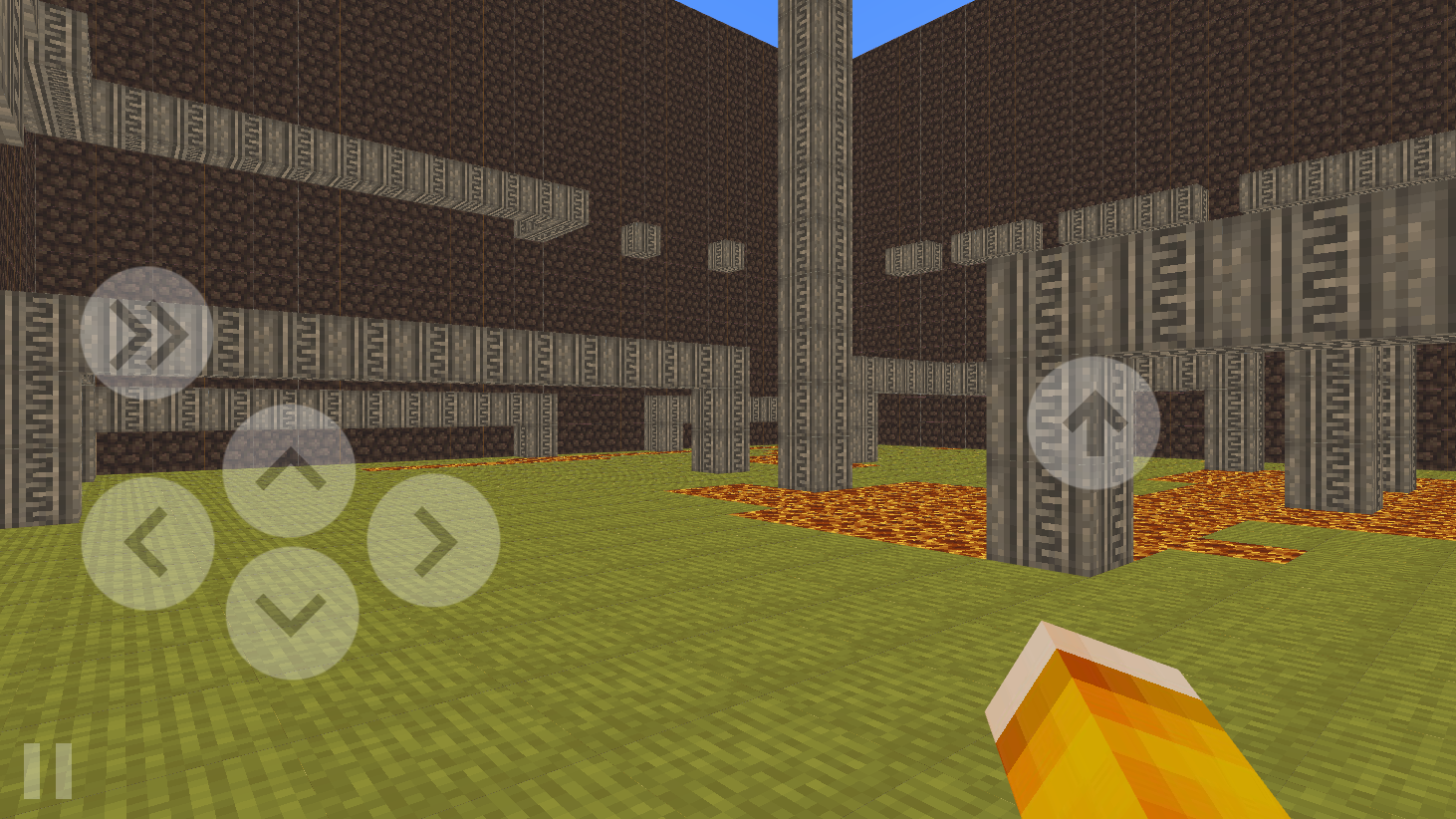
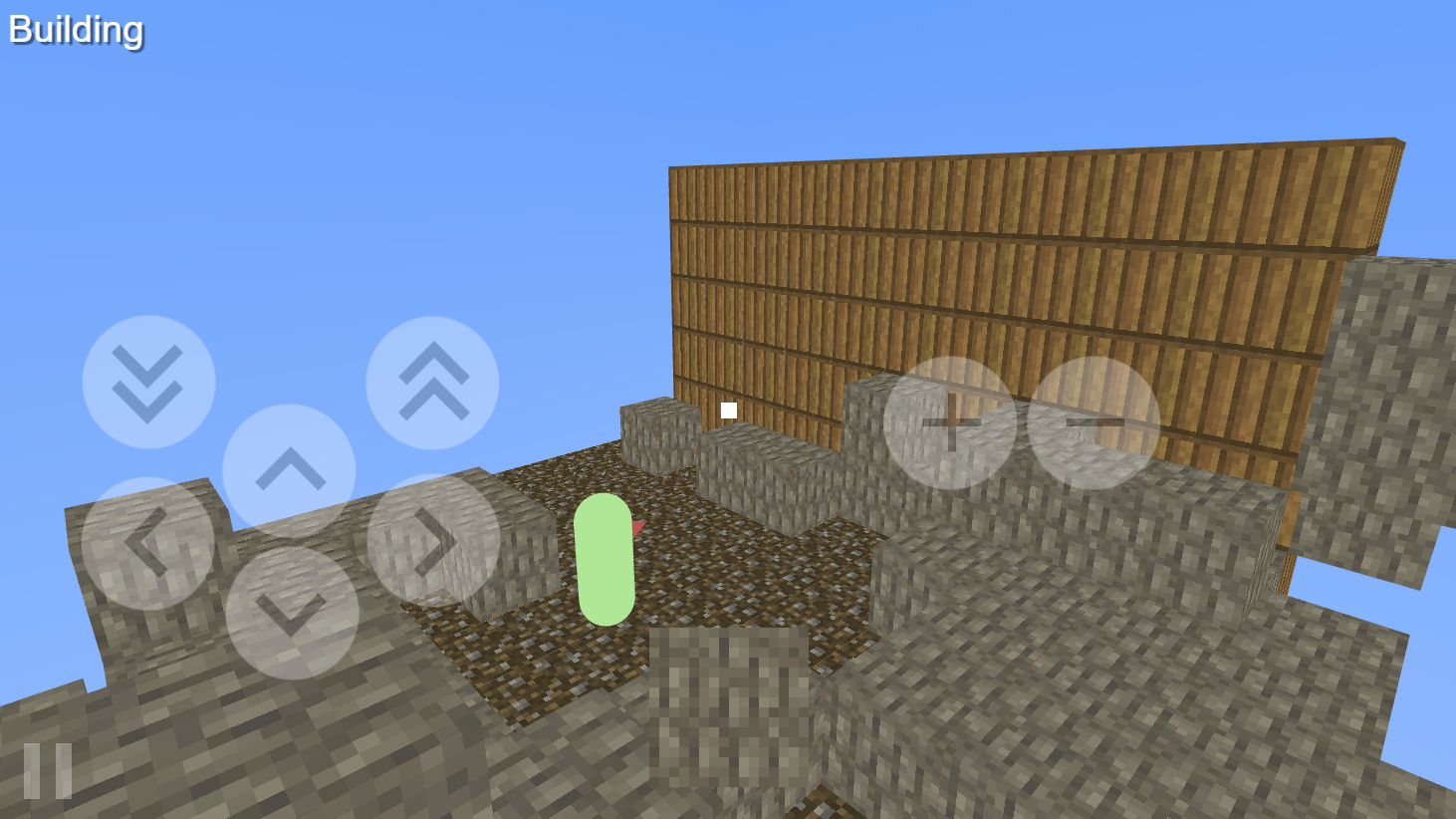
Master complex jumps and precise movements as you navigate treacherous terrain in Block parkour - build your level. Every stage presents a unique паркур challenge that tests your timing and reflexes against deadly lava blocks. You must reach the glowing orange portal to conquer each stage and prove your skill. If a particular obstacle feels impossible, you can always skip ahead by watching a quick ad. Beyond the platforming action, the game features a creative mode where you can enjoy construction of your own custom stages. Design intricate tracks using the built-in level editor and share your creations for other players to conquer. This blend of classic platforming and creative building keeps the gameplay fresh and engaging for hours on end. Experience this exciting parkour adventure directly in your browser without any downloads required.
How to play
Controls on the computer when passing levels:
Character control - WASD, jump - Space, acceleration - Shift, Pause - Esc. Camera sensitivity can be adjusted in the settings on the main screen.
Controls on a mobile device when passing levels:
The camera is controlled by touching the screen on the right side. Character control buttons on the screen. The position of the buttons and camera sensitivity can be adjusted in the settings on the main screen.
Computer controls in the level editor:
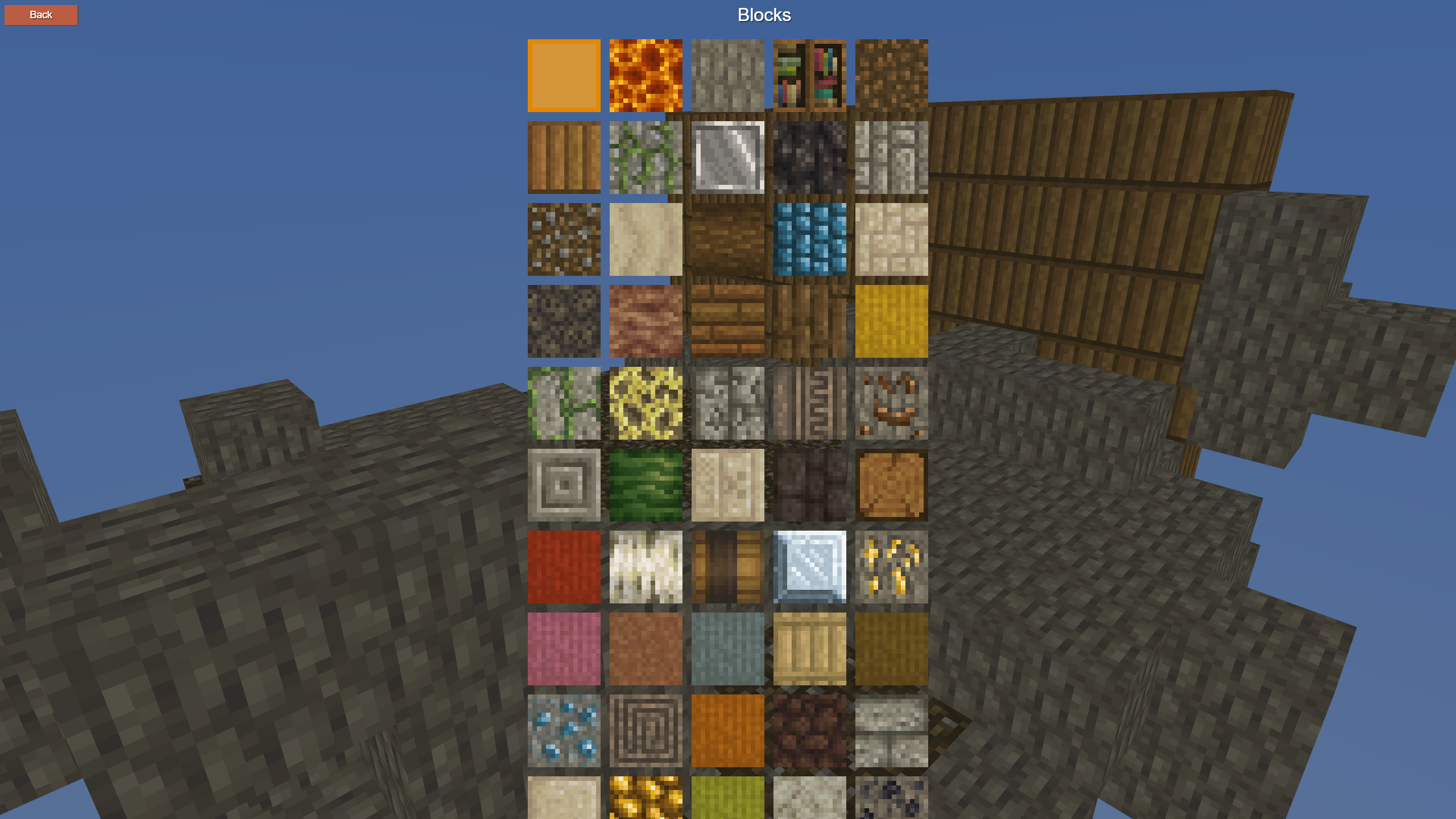
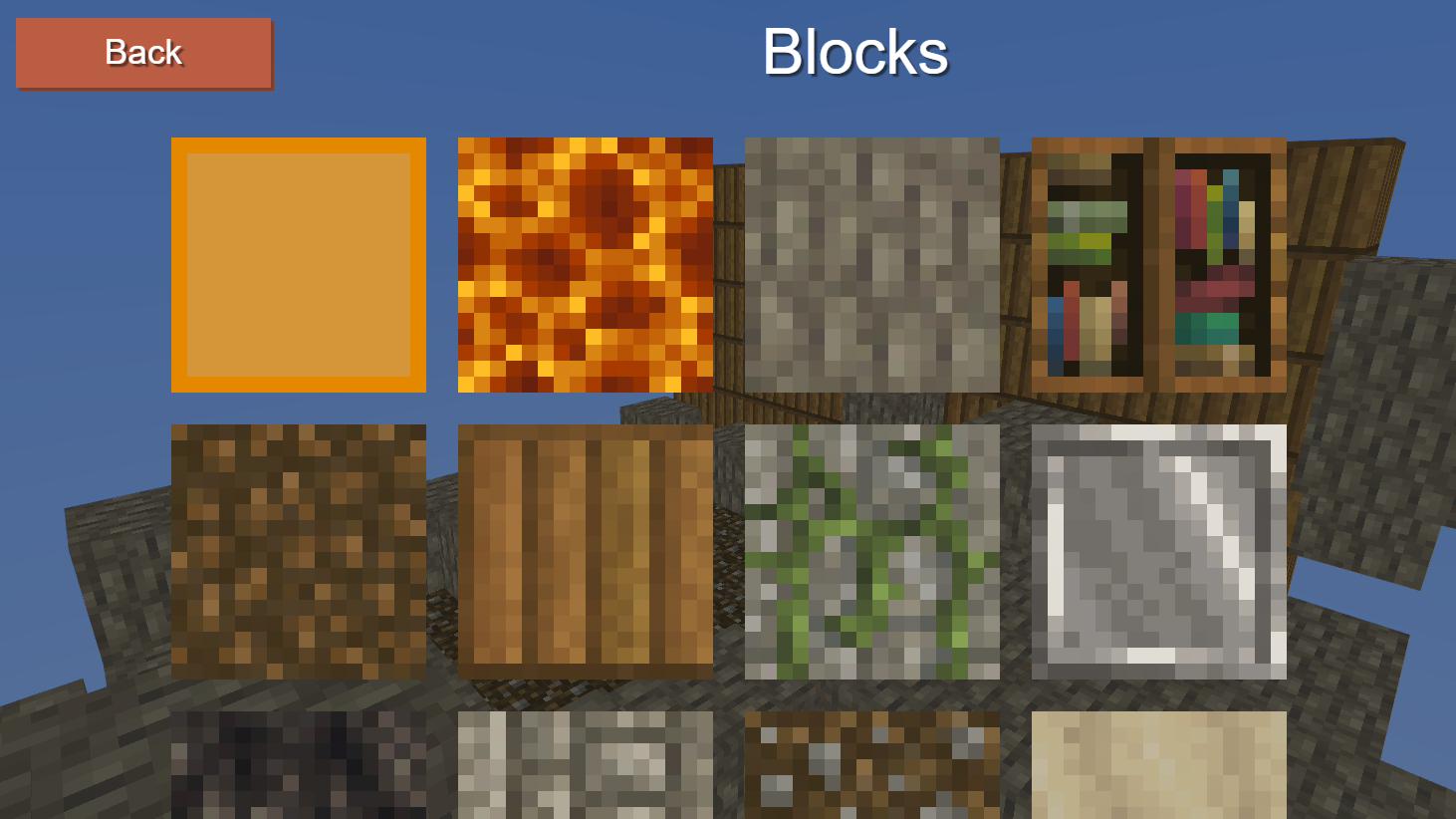
B - open the screen with blocks.
WASD - move.
Shift - go down.
Spacebar - go up.
Esc - pause menu.
Left mouse button - place a block.
Right mouse button - remove block.
Controls on a mobile device in the level editor:
Control buttons on the screen.
Features
- Death-defying obstacles: Avoid contact with lethal lava blocks that instantly reset your progress to the starting point.
- Creative level editor: Design your own maps from scratch using a variety of blocks and share them with the community.
- Customizable movement: Adjust camera sensitivity and button layouts in the settings menu to suit your personal playstyle.
- Dynamic platforming: Utilize acceleration mechanics to clear wider gaps and reach difficult platforms during intense speed runs.
- Progress tracking: Conquer levels of varying difficulty and test your limits against player-made designs.
Who is it for
Platformer enthusiasts seeking a mix of skill-based movement and creative design will find this experience deeply rewarding. Casual gamers who enjoy sandbox building tools will love the level editor, while speedrunners can test their precision skills against the most difficult community-made tracks in this versatile browser experience.
Controls
Movement
Use WASD keys or on-screen buttons to navigate your character through the 3D environment.
Jump and Sprint
Press Spacebar or the jump button to leap and use Shift for acceleration.
Camera control
Move your mouse or swipe the right side of the screen to change your viewing angle.
Building mode
Use B or the on-screen menu to select blocks, then click or tap to place or remove them.
FAQ
Can I create my own levels in Block parkour - build your level?
›
Yes, the game features a comprehensive level editor that allows you to design and publish your own maps for others to play.
Is Block parkour - build your level free to play?
›
Absolutely, you can play all levels and use the building tools directly in your browser without any downloads or fees.
What should I do if I get stuck on a hard stage in Block parkour - build your level?
›
If a level feels too difficult, you have the option to skip it by watching a short advertisement to proceed to the next challenge.