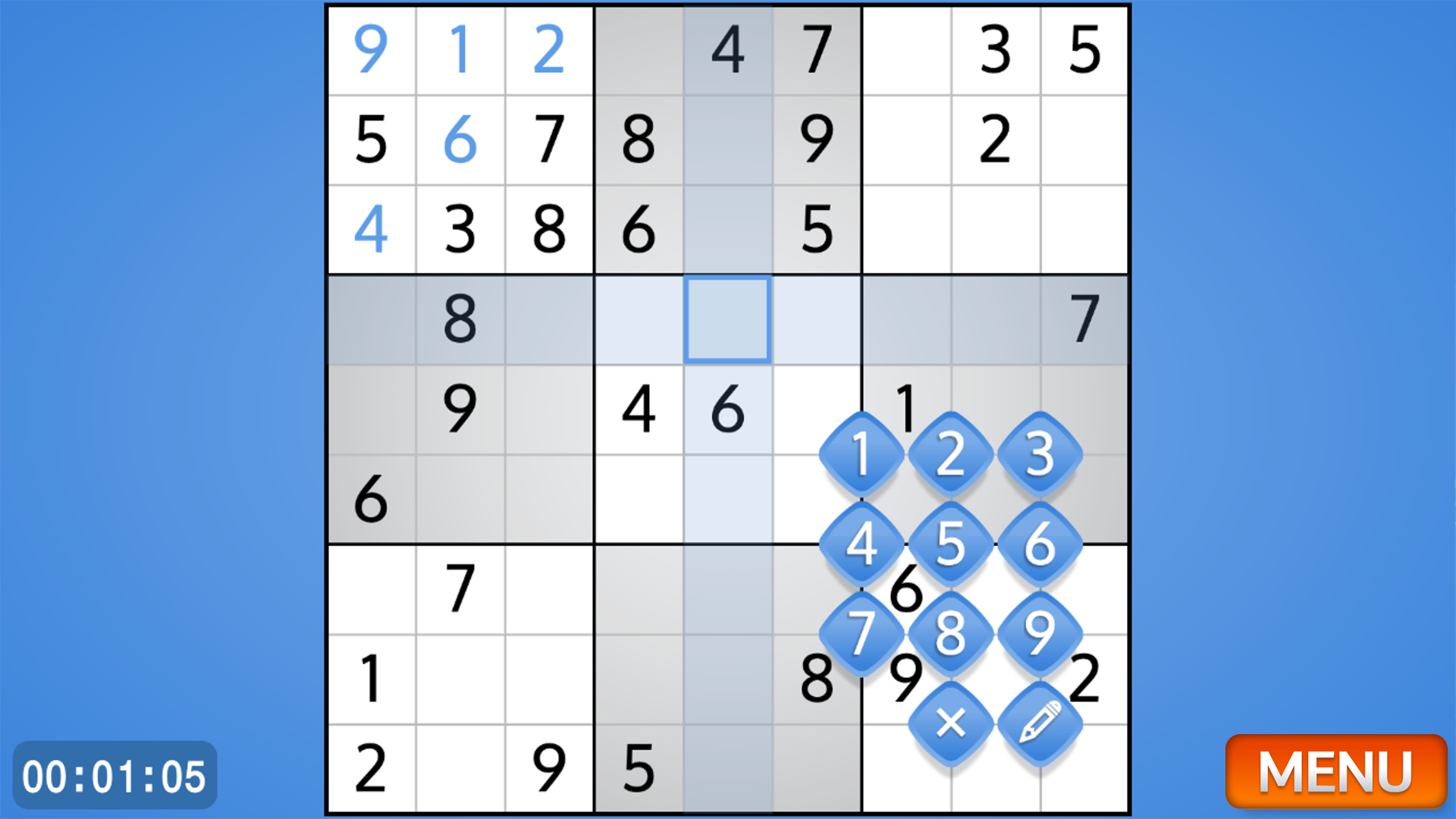
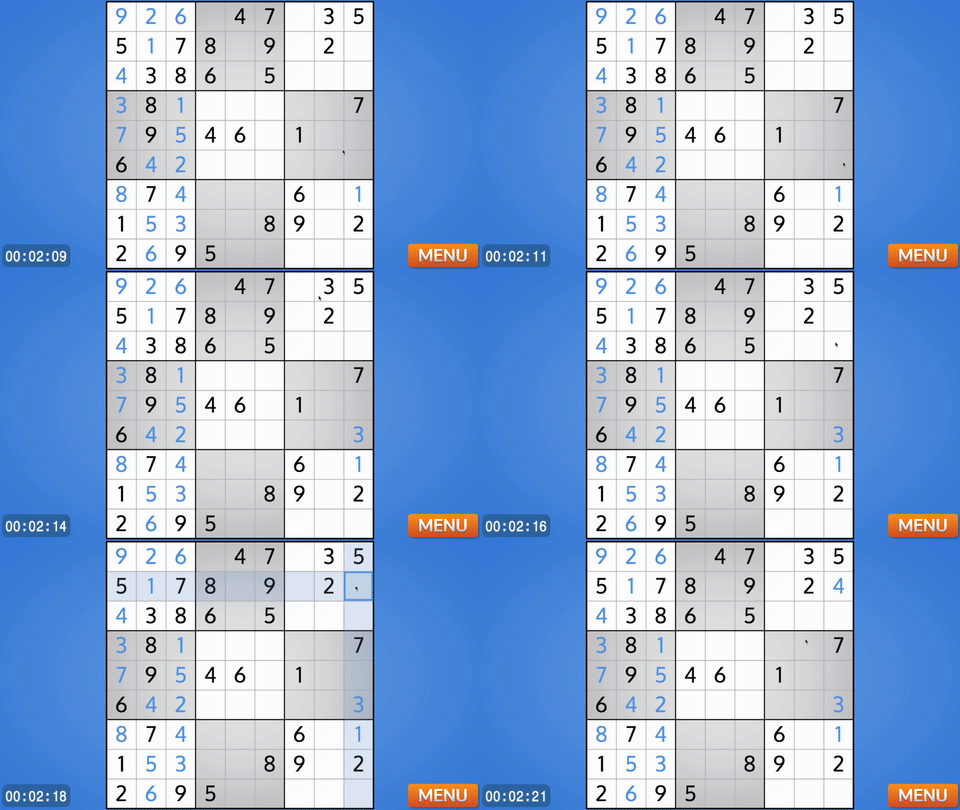
About game
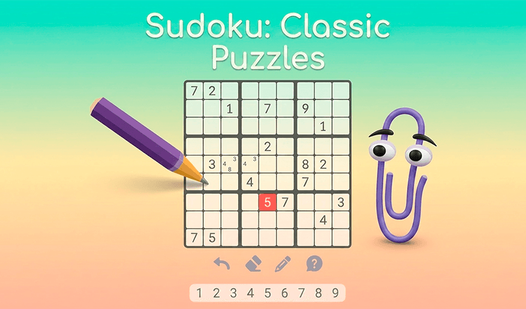
Logic puzzles have remained a timeless way to sharpen the mind and distract from the daily grind. Best Classic Sudoku brings that authentic paper-and-pencil experience directly to your screen with a clean and minimalist design. You fill the grid by placing digits from one to nine while ensuring no number repeats in any row, column, or three-by-three square. For those tricky moments, you can toggle a note-taking mode to jot down potential candidates in each cell before committing to a final answer. Whether you are a beginner looking for a simple challenge or a veteran player seeking a complex logic test, the game adapts to your pace. This puzzle staple keeps your brain active as you deduce the correct placement for every digit on the board. You can jump into Best Classic Sudoku right now in your browser without any downloads or registration. Elevate your cognitive skills with this satisfying digital sudoku experience today.
How to play
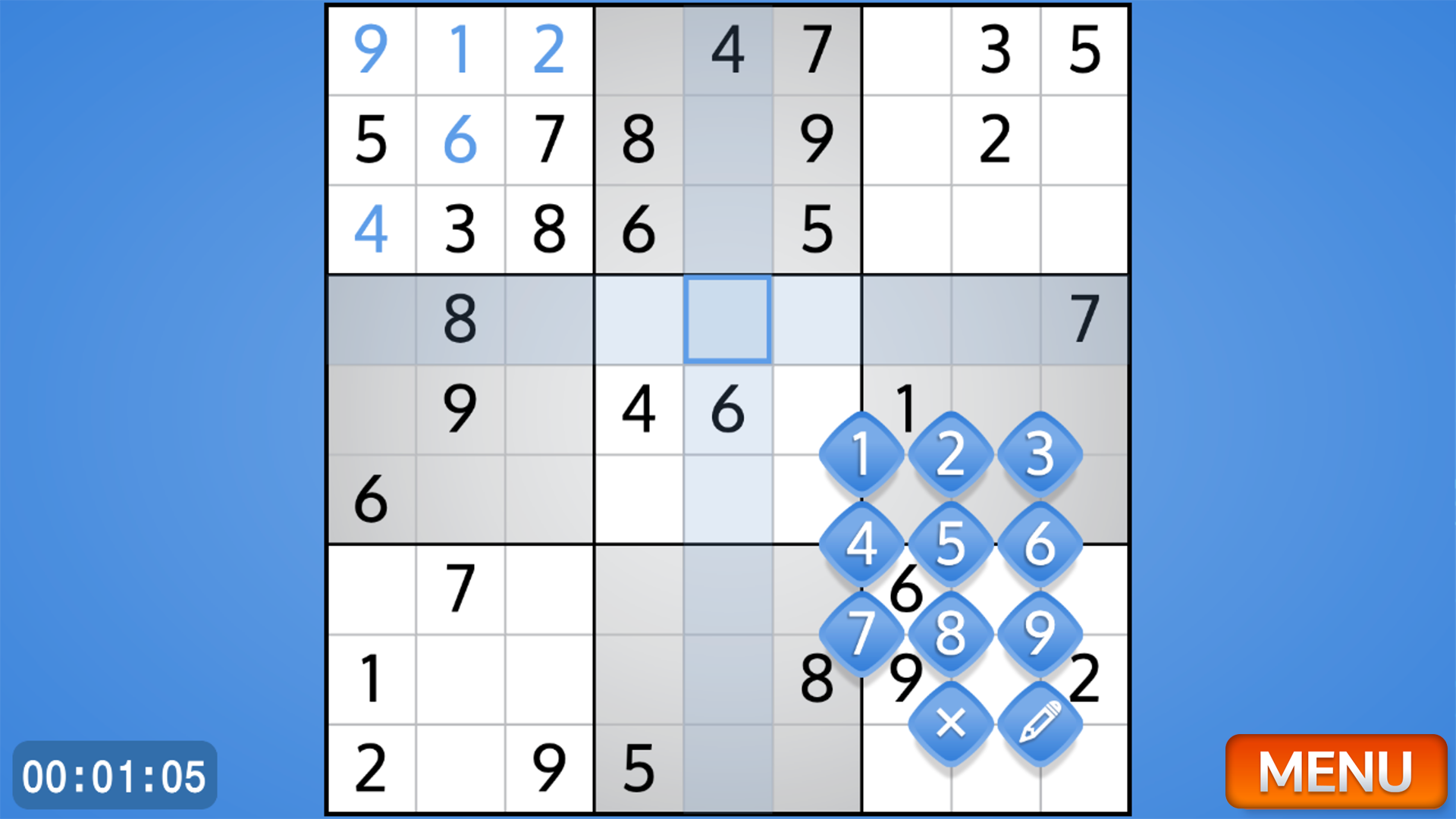
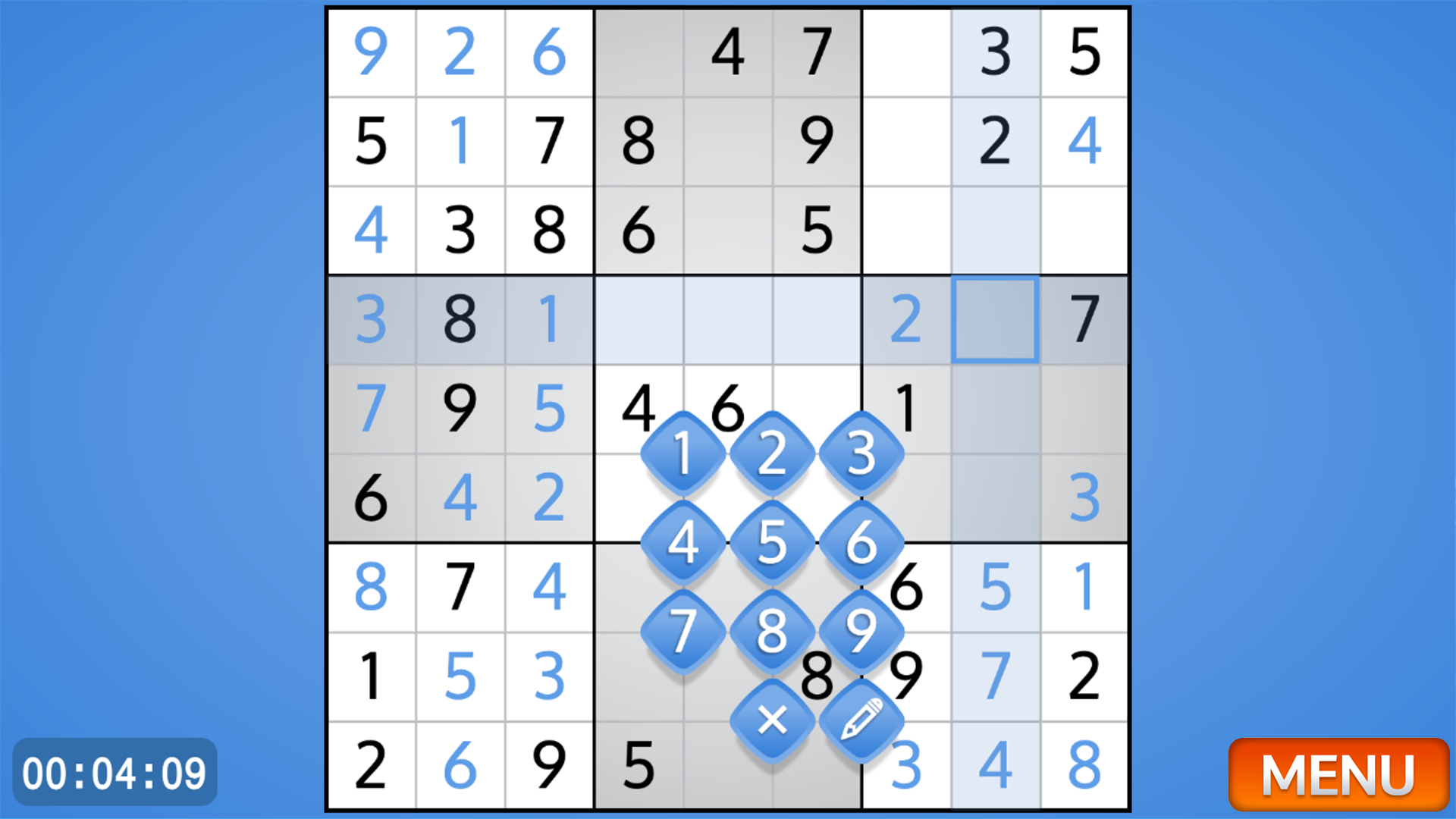
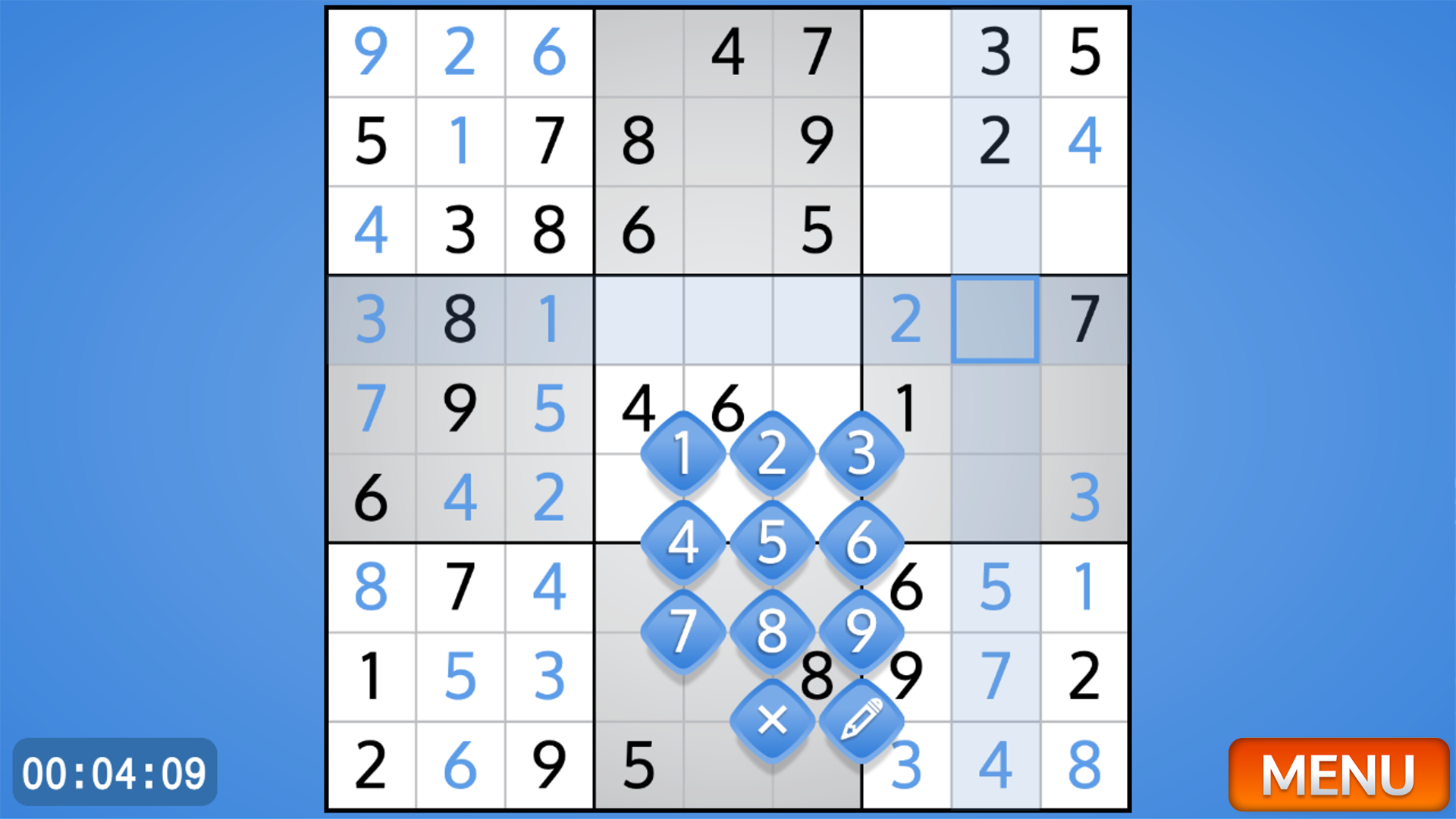
Use your computer mouse or your finger on touch devices to select the desired cell. By clicking on a cell you can put a blue full number, or by switching the mode on the keyboard (by clicking on the pencil) put a temporary small number. Your goal is to fill the playing field so that the numbers from 1 to 9 are not repeated vertically and horizontally across the entire field, and also are not repeated in square sections of 9 cells.
Features
- Difficulty selection: Choose between simple and complex modes to match your current skill level and mental endurance.
- Note mode: Utilize the pencil tool to track multiple possibilities within a single cell before confirming your choice.
- Visual clarity: The interface features a distraction-free board that mimics the classic look of traditional newspaper grids.
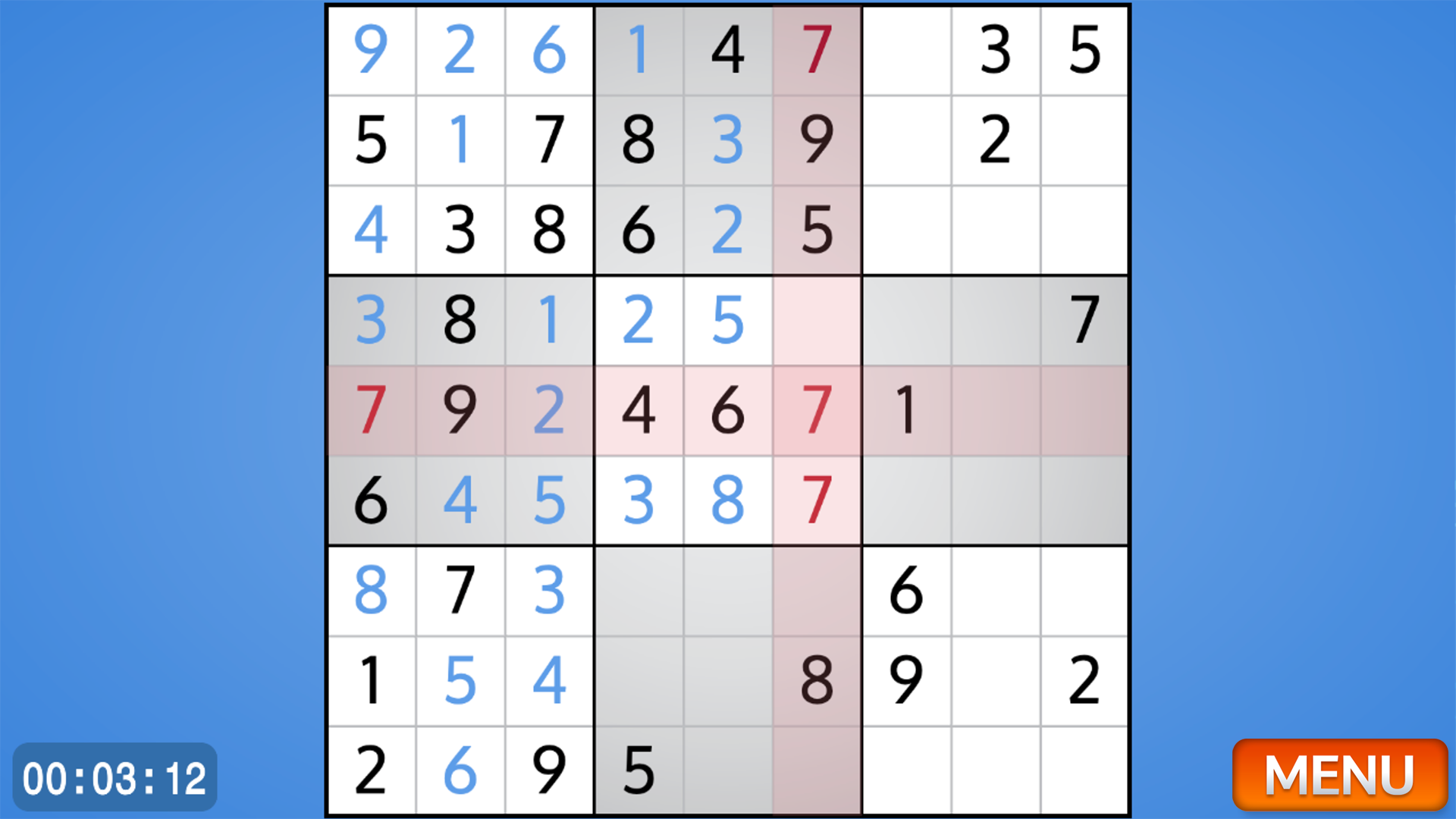
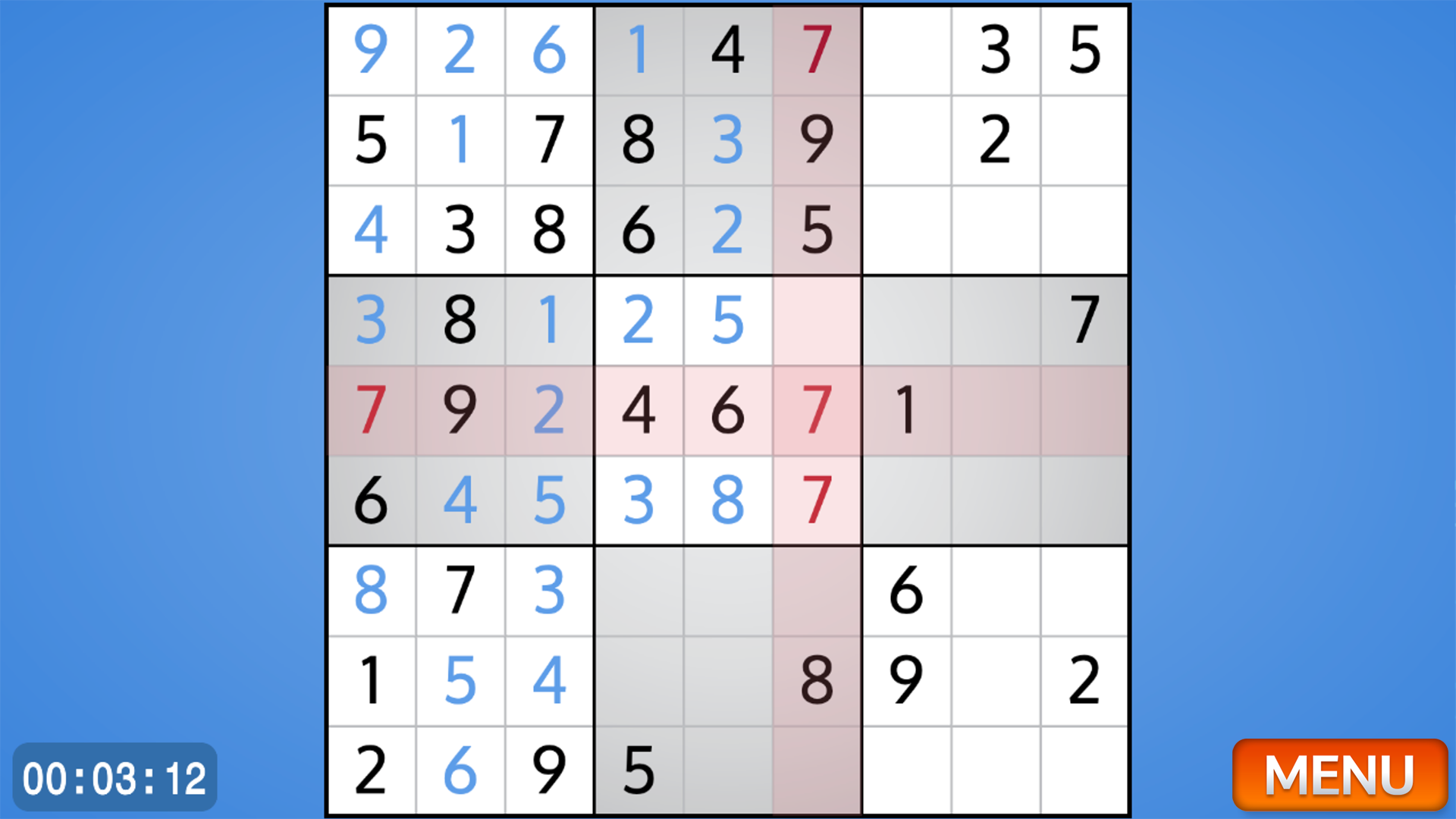
- Error tracking: Benefit from smart highlighting that helps spot duplicates and potential logic conflicts instantly.
- Cross-platform support: Seamlessly transition between your desktop mouse and mobile touch controls for comfort.
Who is it for
Puzzle lovers and fans of classic brain training exercises will find this game a go-to daily habit. It serves busy professionals needing a quick logic break and students looking for a mental warm-up. Anyone who enjoys relaxing yet challenging analytical grids will appreciate the intuitive and clean gameplay design.
Controls
Select cell
Click with mouse or tap the screen directly on the desired cell.
Enter number
Type the digit on your keyboard or use the on-screen number pad.
Toggle notes
Click the pencil icon or press the designated shortcut key to switch between regular and small marker numbers.
Clear cell
Select the cell and tap the backspace key or the delete button on the UI.
FAQ
Is Best Classic Sudoku free to play?
›
Yes, Best Classic Sudoku is completely free to play directly in your web browser with no hidden costs.
Do I need to download Best Classic Sudoku to play?
›
No, you do not need to download or install anything to enjoy Best Classic Sudoku on your device.
Can I play Best Classic Sudoku on my mobile phone?
›
Absolutely, Best Classic Sudoku is fully optimized for touch controls on both smartphones and tablets.